



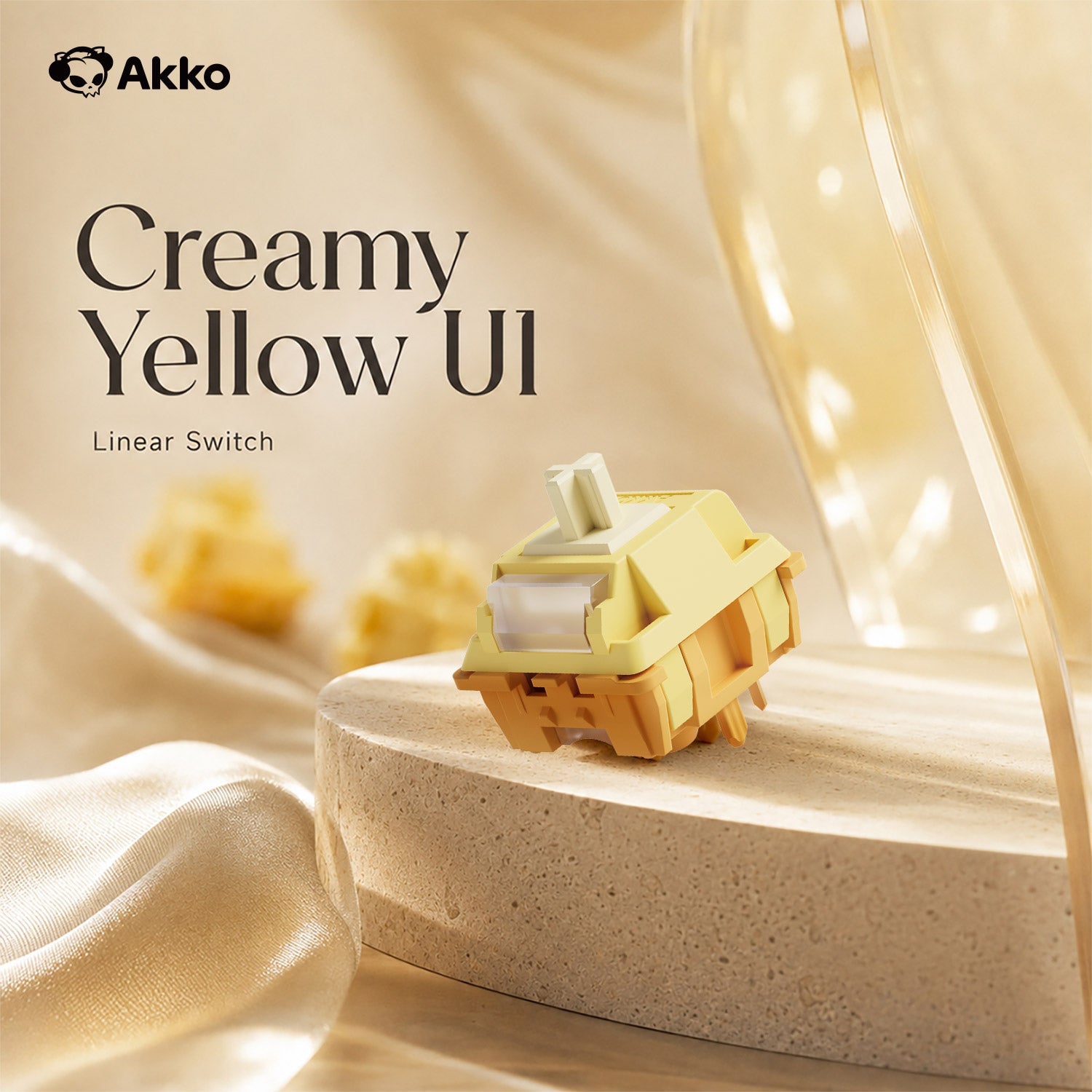
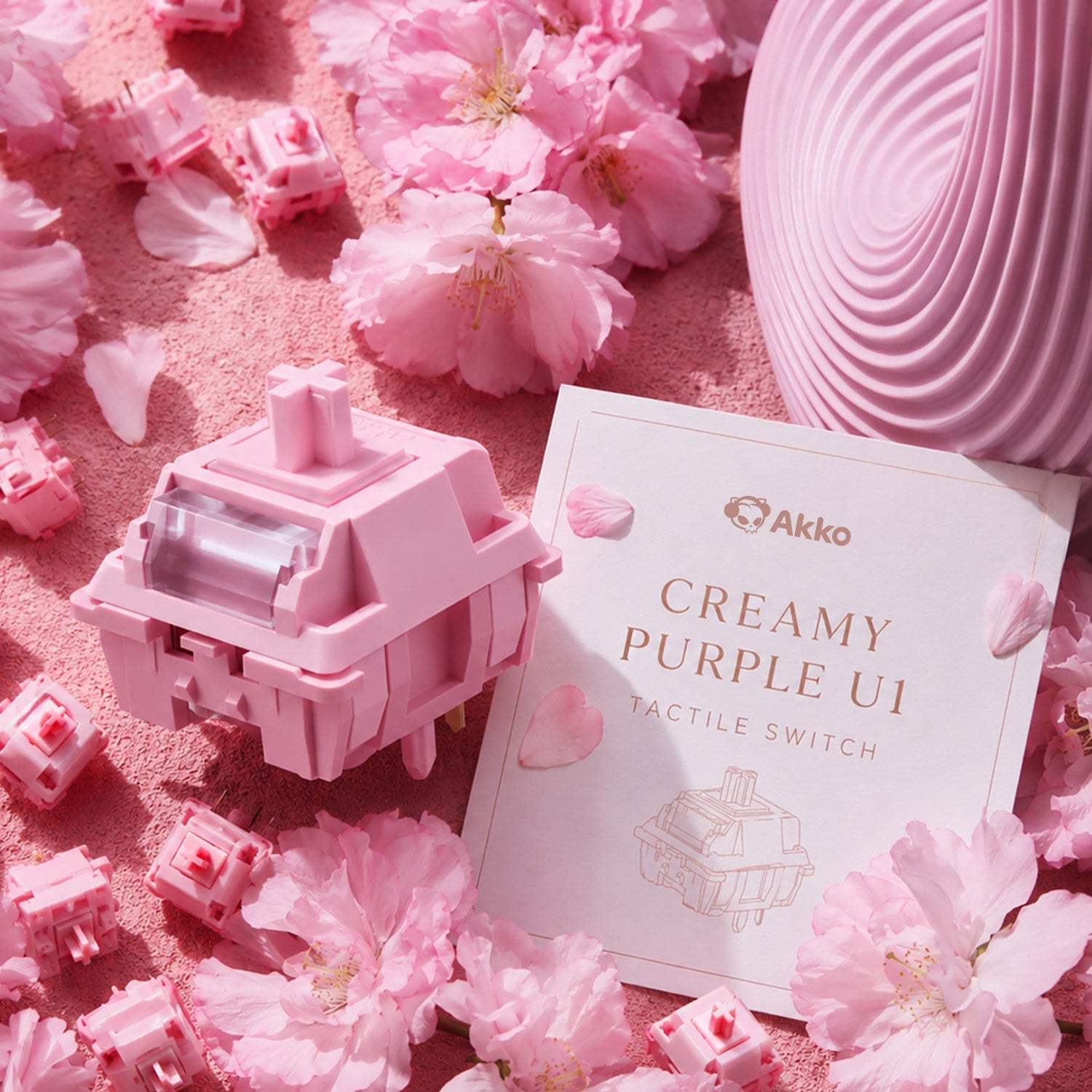
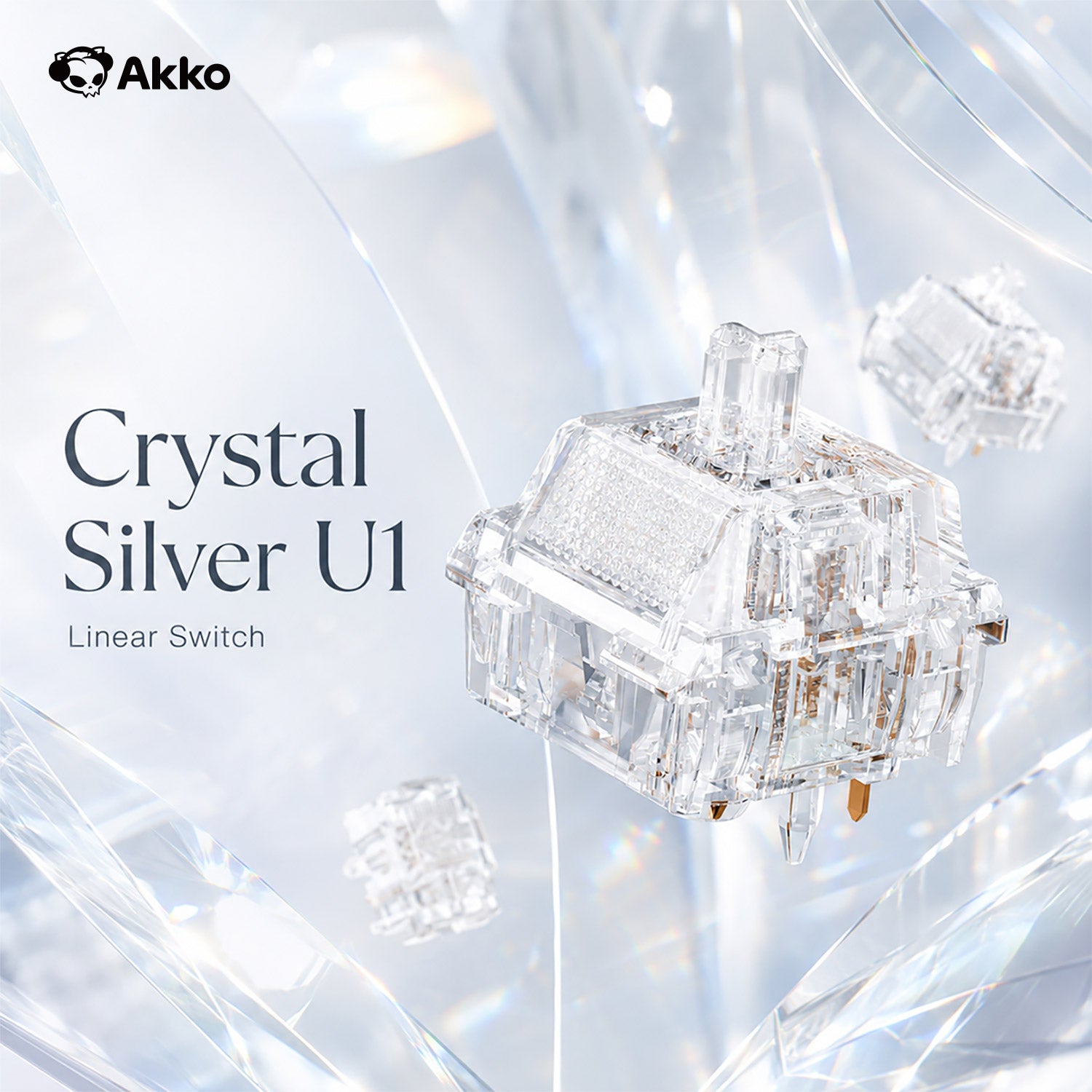

When describing keyboard sound profiles, enthusiasts often use terms like creamy, thocky, and clacky. Previously, we explored thocky keyboards, which produce a deep, rich, and bassy sound. Today, let’s dive into creamy keyboards—a sound profile known for its smooth, soft, and muted acoustics that provide a buttery typing experience. We’ll also explore what makes a keyboard sound creamy and highlight some of the best creamy keyboards to consider.
What Makes a Keyboard Sound Creamy?
A creamy keyboard delivers a smooth, buttery keystroke with a soft and refined sound profile. Creamy is mainly used to describe the sound of mechanical keyboards.
Characteristics of Creamy Sound
- The sound is gentle and dampened, without sharp or high-pitched clicks.
- No "scratchy" or "rattly" noises, ensuring a fluid typing rhythm.
- The sound is usually low to mid-frequency, avoiding sharp or metallic pings.
Switches
Linear switches are commonly used for a creamy sound, offering a smooth keystroke with minimal operating force and no tactile feedback. These switches produce low-pitched, smooth, and refined sound without sharp or high-pitched clacks. Of course, there are some tactile switches that can give creamy sound.
Some switches achieve a creamy sound by optimizing spring elasticity, stem materials, and manufacturing techniques.
Keycaps
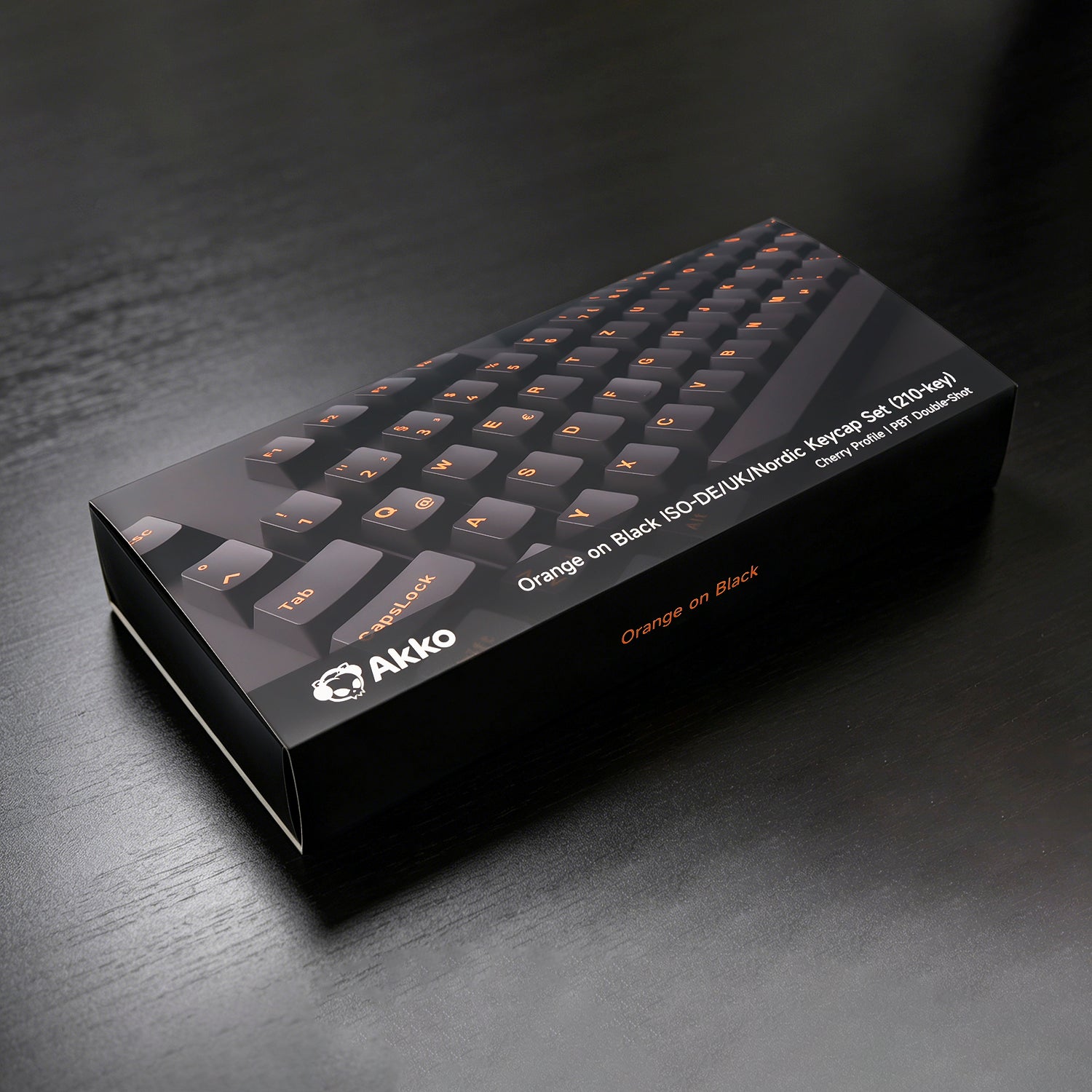
The material of the keycap directly affects the propagation and resonance of the sound. ABS keycaps are relatively hard and low in density and can produce a brighter and crisper sound when pressed. PBT keycaps are more solid and dense, and the sound they produce is relatively dull, but thicker.
Different keycap profiles can affect the keyboard sound. Cherry keycaps have a longer stroke, extending the switch's trigger and rebound process, resulting in a deeper, more stable sound.
Case and Mounting
The case material and mounting style influence both typing feel and sound. A soft and bouncy mounting system enhances the creamy sensation.
For the mechanical keyboard case, the PC case is soft and flexible, which enhances smoothness. And the aluminum case can provide the deeper sound.
About mounting, the best choice is the gasket mount, which uses foam or silicone gaskets to create a cushioned typing experience.
Lubing and Stabilizers
Lubricating your switches is the best way to achieve a creamy sound by reducing friction and eliminating scratchiness.
Stabilizers play a crucial role in reducing rattle and improving keystroke consistency, especially for larger keys like the spacebar and shift keys. Poorly tuned stabilizers create noise and scratchiness, disrupting the creamy experience.
Related Article: How to Lube Mechanical Keyboard Switches
Sound Dampening
Internal sound-absorbing materials help reduce noise and cavity sound in keyboards. Adding silicone pads or sponges in gaps and corners absorbs excess energy from keystrokes, preventing echoes and resonance.
In addition, sound-absorbing cotton further refines the sound by filtering various frequencies, resulting in a purer and clearer typing experience.
To create a creamier typing experience, look for a combination of smooth linear switches, PBT keycaps, a suitable mounting system, well-tuned stabilizers, and effective sound dampening. No single component determines the sound on its own—the overall combination is what creates the final acoustic profile.
Creamy vs. Thocky vs. Clacky
Keyboard sound is highly subjective, but creamy, thocky, and clacky are three of the most common sound profiles used to describe a keyboard's acoustic character. While they can overlap depending on the switches, keycaps, case, and typing style, each has a distinct overall character.
| Feature | Creamy | Thocky | Clacky |
| Sound | Soft, smooth, refined | Deep, bassy, rich | Sharp, crisp, high-pitched |
| Tone | Warm and rounded | Low and resonant | High-pitched, sharp |
| Impact | Muted, cushioned | Solid, weighty | Snappy, energetic |
| Feel |
Smooth and buttery | Dense and satisfying | Crisp and responsive |
| Best For | Smooth, relaxed typing | Users who enjoy deeper sounds | Users who prefer bright, energetic sounds |
A creamy keyboard is a great choice if you prefer a smooth, soft, and refined typing experience with a more subdued sound.
If you prefer a deeper and more resonant sound with a stronger sense of impact, a thocky keyboard may be a better fit.
For those who enjoy a brighter, sharper, and more energetic sound, a clacky keyboard offers a crisp and pronounced typing experience.
Keep in mind that these sound profiles are not determined by a single component. Switches, keycaps, mounting style, case materials, and sound-dampening materials can all influence how a keyboard ultimately sounds.
Realted Article: Thocky Keyboard: What Makes It So Satisfying?
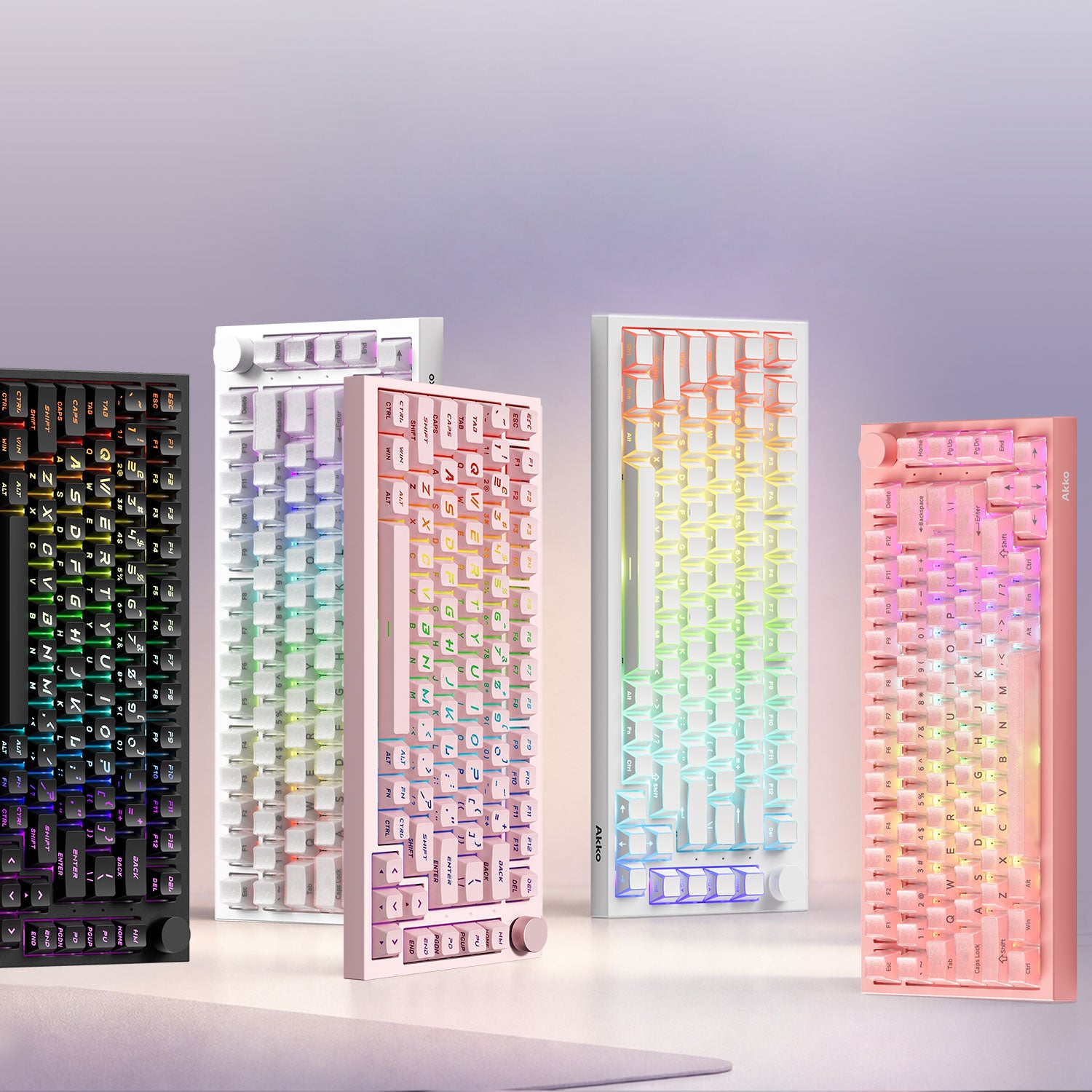
Akko Best Creamy Keyboards in 2026
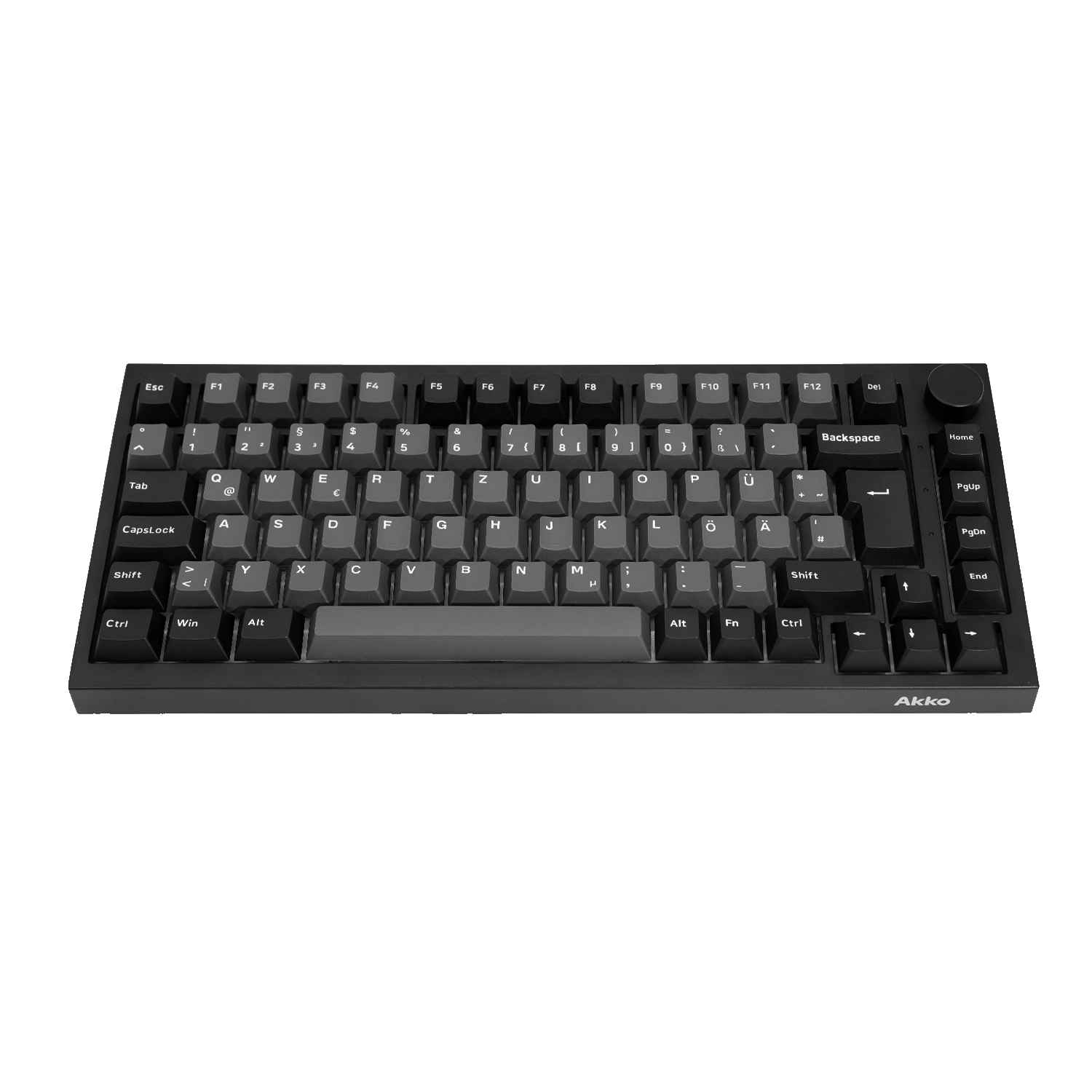
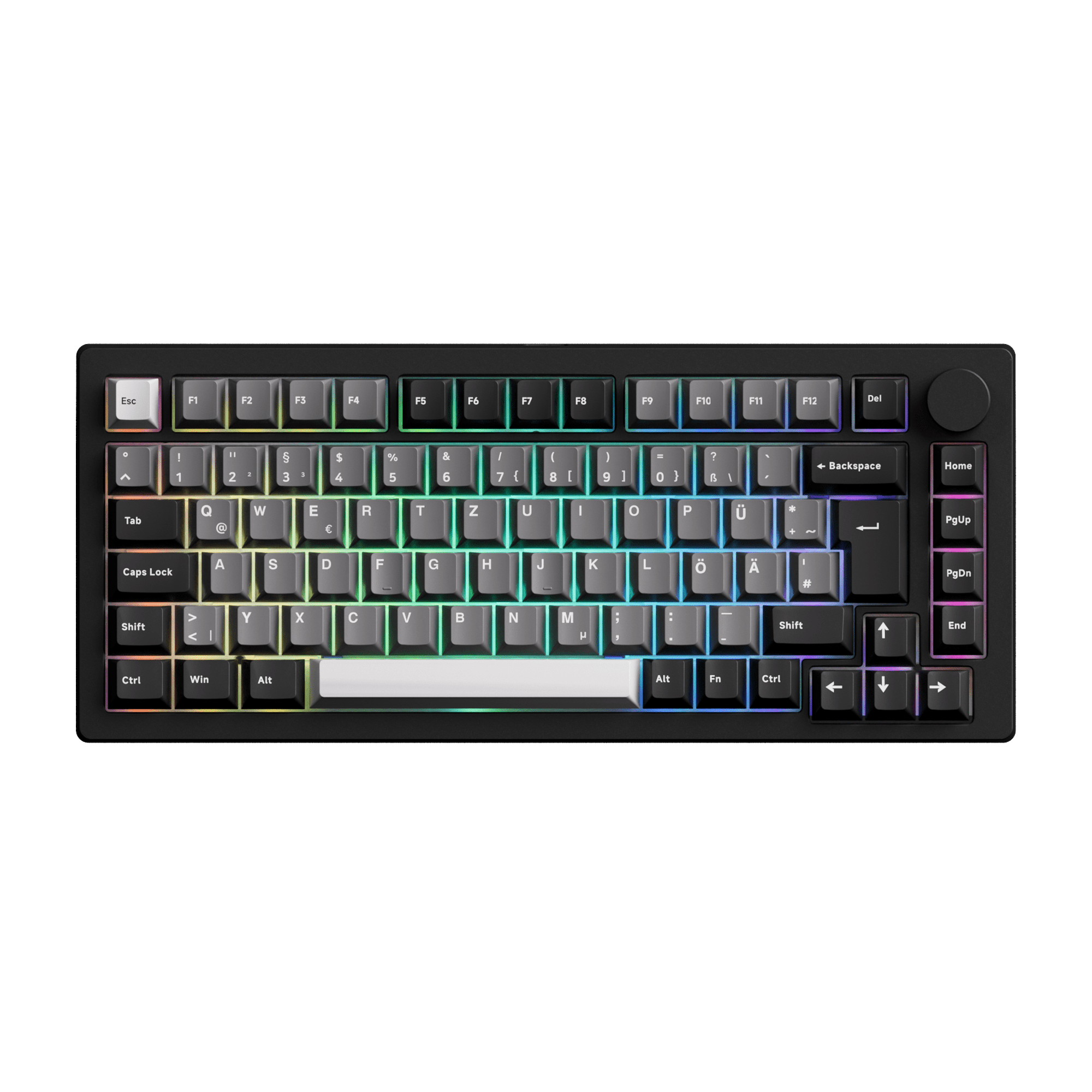
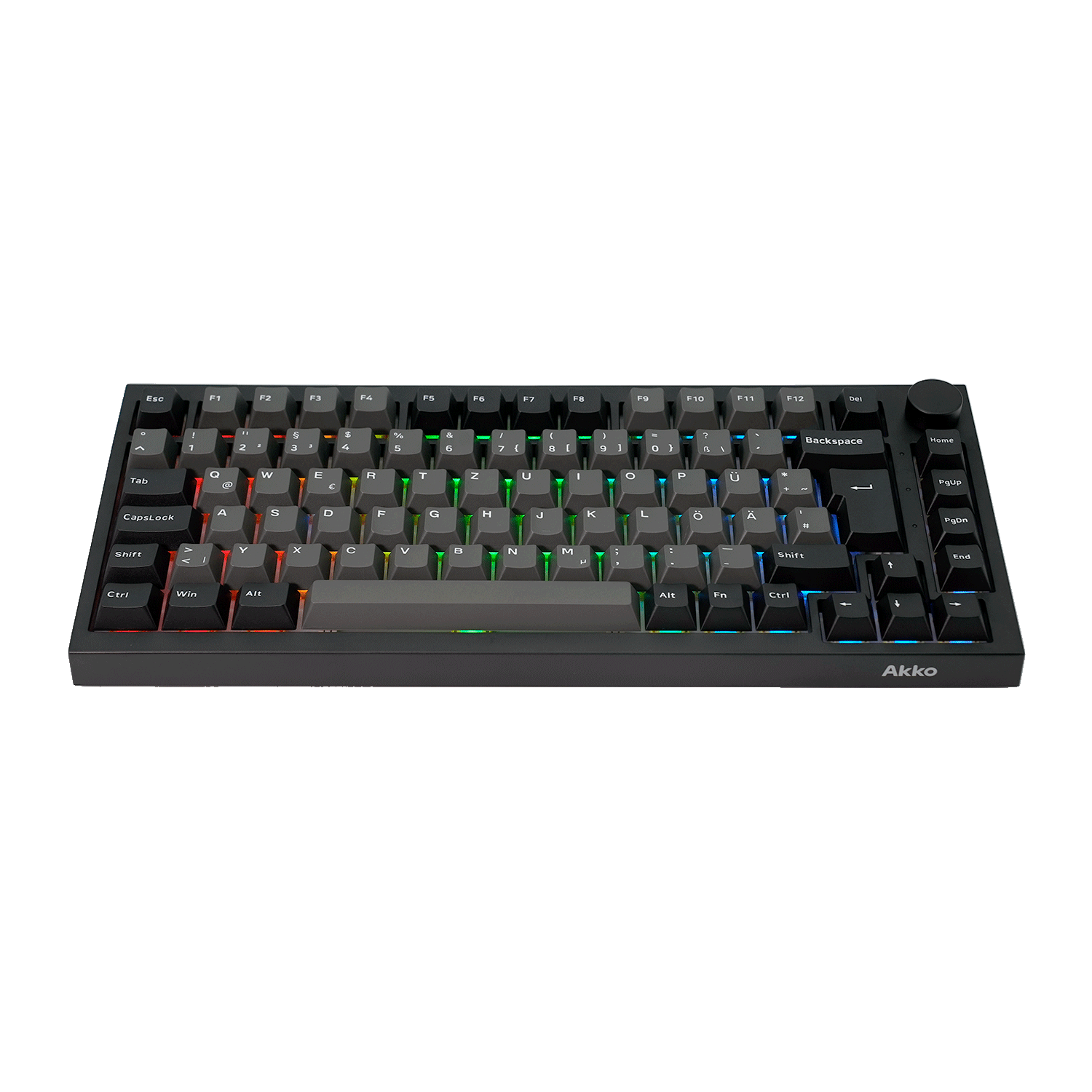
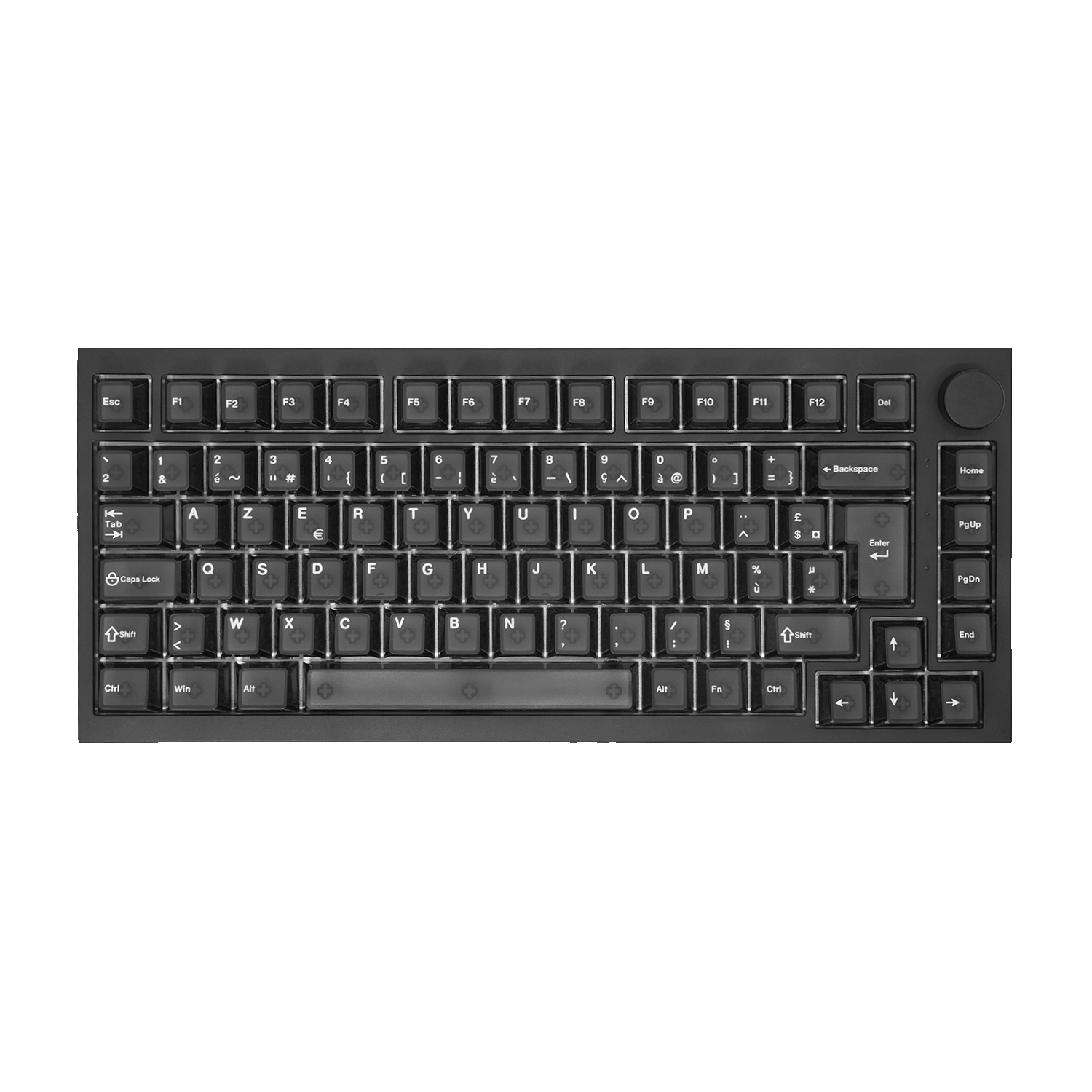
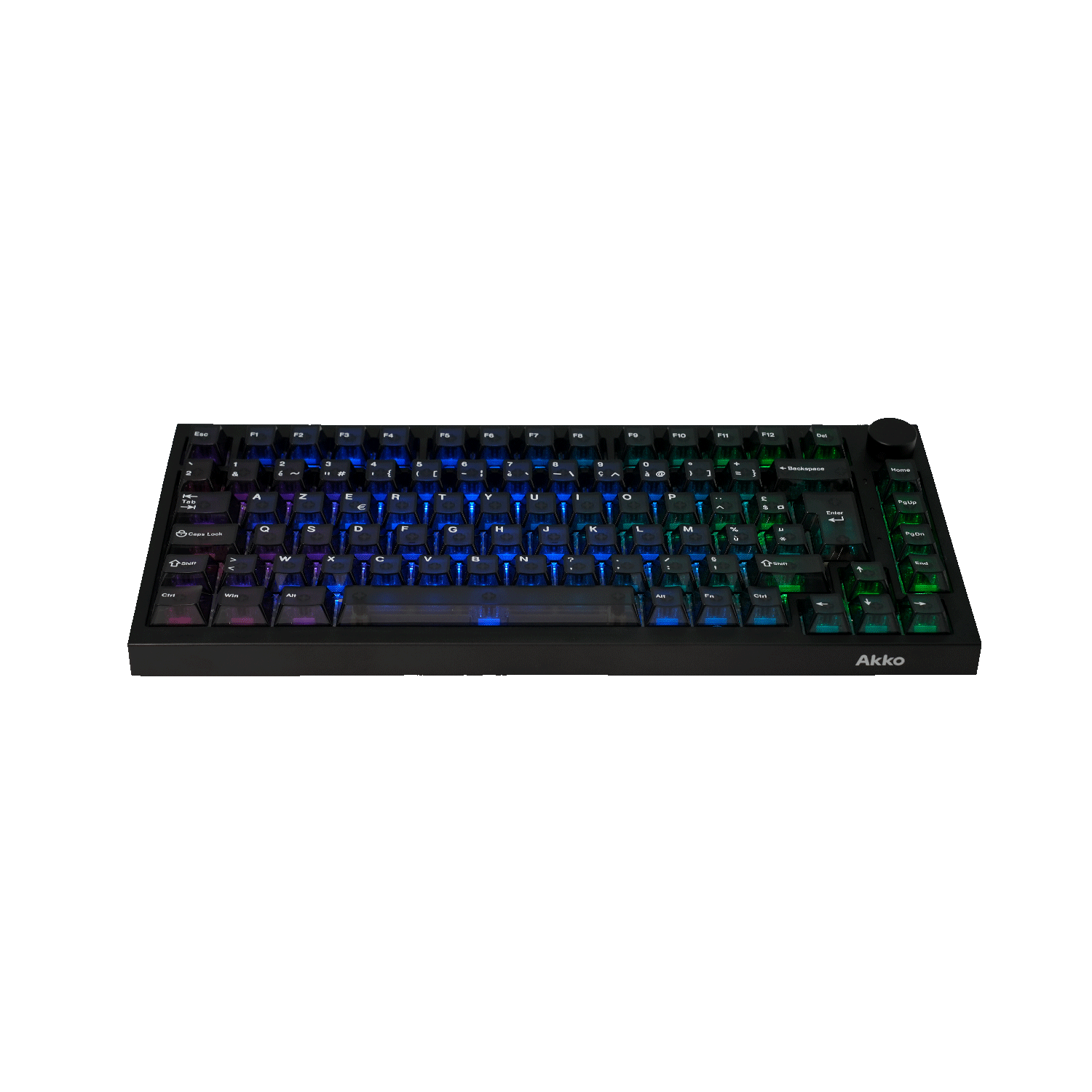
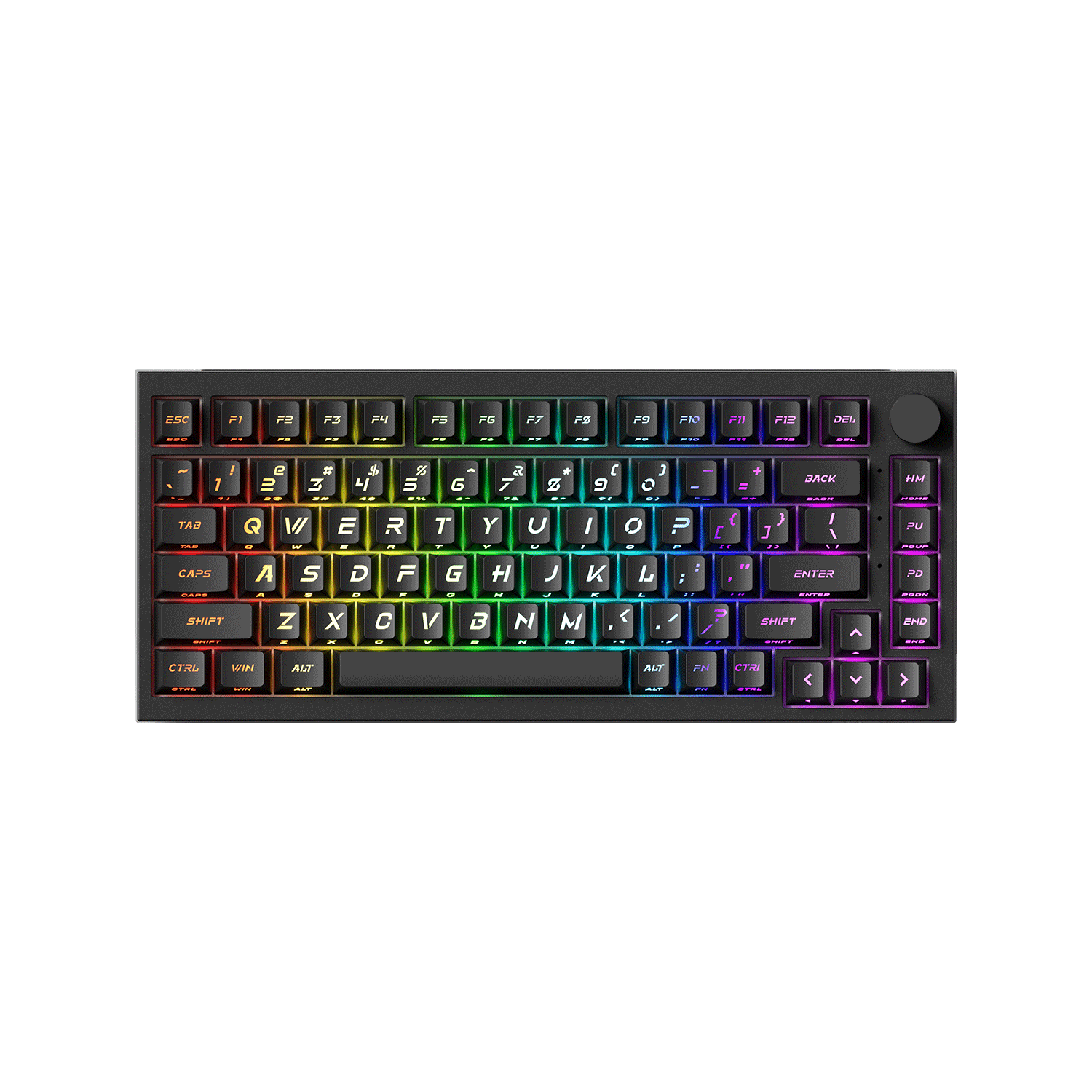
Best Overall - 5075 V5 Black & Silver ISO
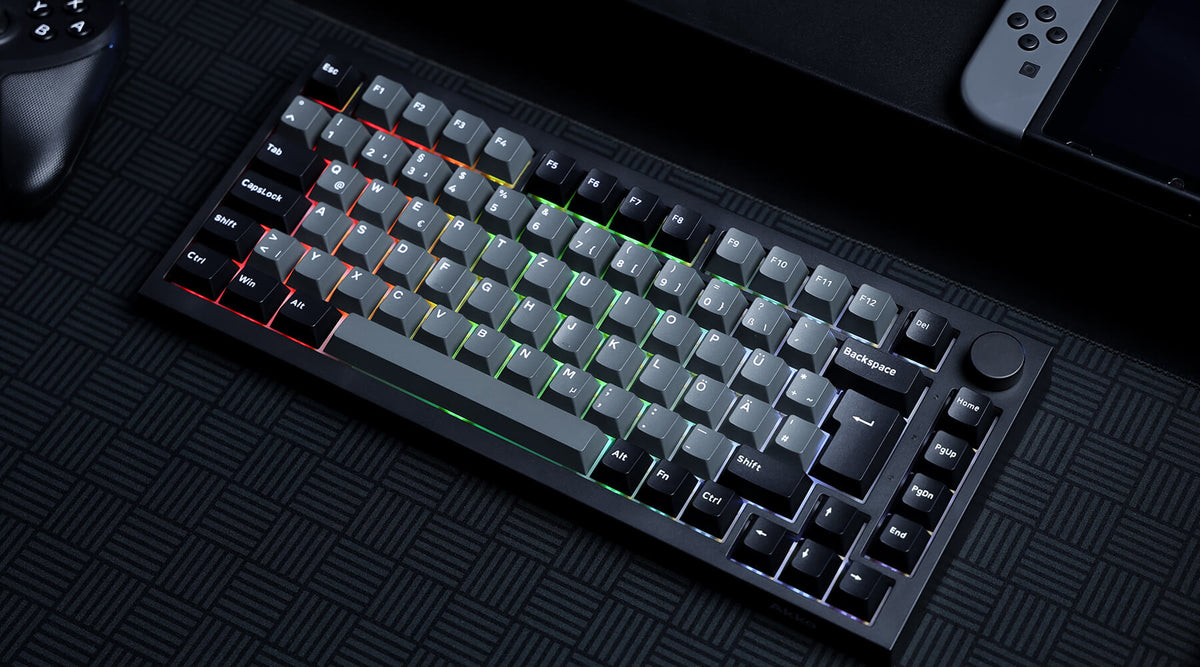
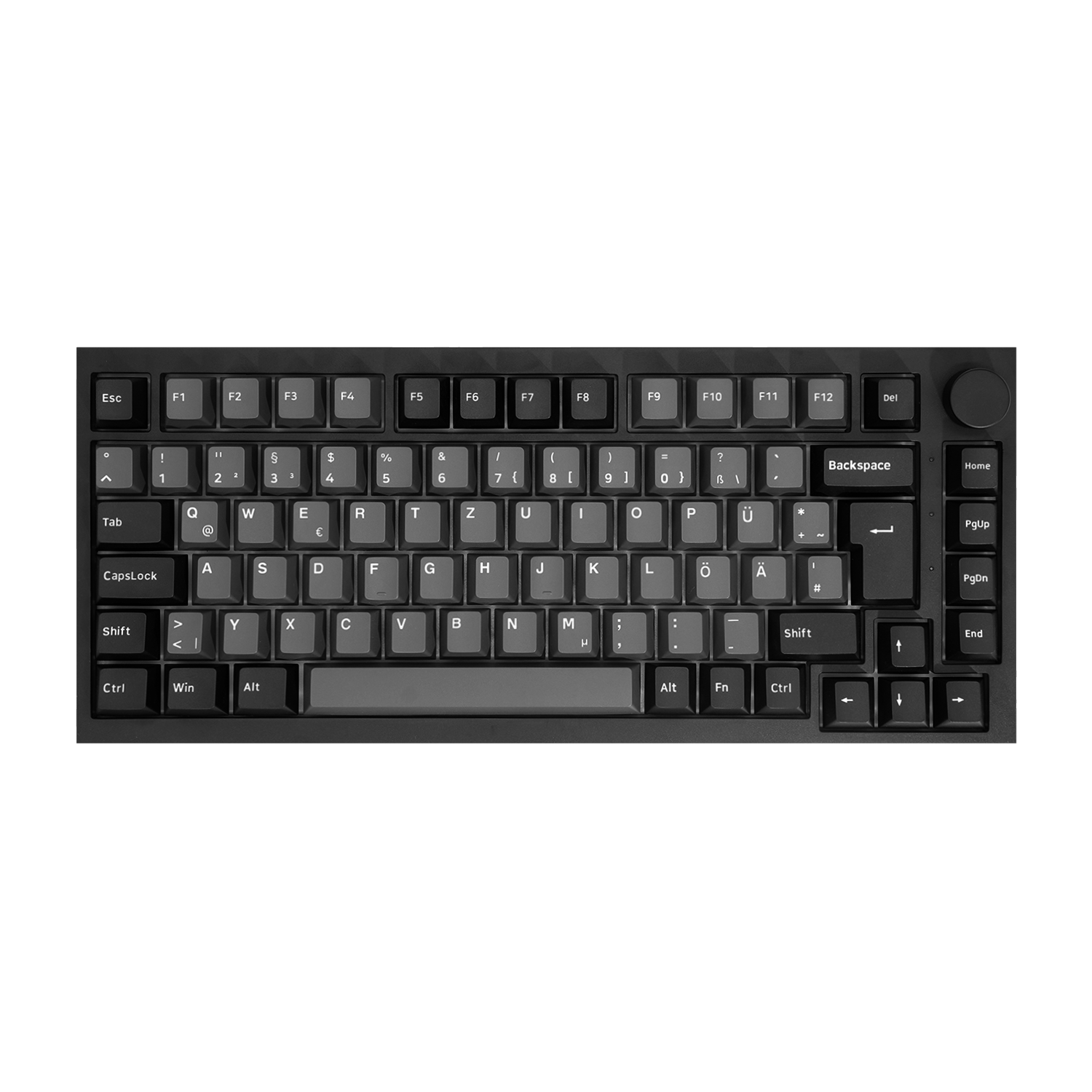
The Akko 5075 V5 ISO offers a well-balanced creamy typing experience with a 75% layout, gasket-mounted design, and Creamy Yellow U1 linear switches. With flexible connectivity and a large battery, it combines smooth, comfortable typing with everyday versatility.
- Creamy Yellow U1 Switches: Delivers smooth, consistent linear keystrokes with a soft and satisfying typing feel.
- Gasket-Mounted Design: Provides a cushioned, flexible typing experience and helps soften bottom-out impact.
- Full-Surface Silicone Pad: Adds another layer of cushioning for a softer, more refined sound and feel.
- PBT Keycaps & ABS Frame: Creates a comfortable, mellow typing sound while keeping the keyboard lightweight and durable.
- Versatile 75% Layout: Keeps essential function keys and navigation keys while maintaining a compact footprint.
- Tri-Mode Connectivity: Supports Bluetooth, 2.4G wireless, and wired USB-C connections for flexible use across devices.

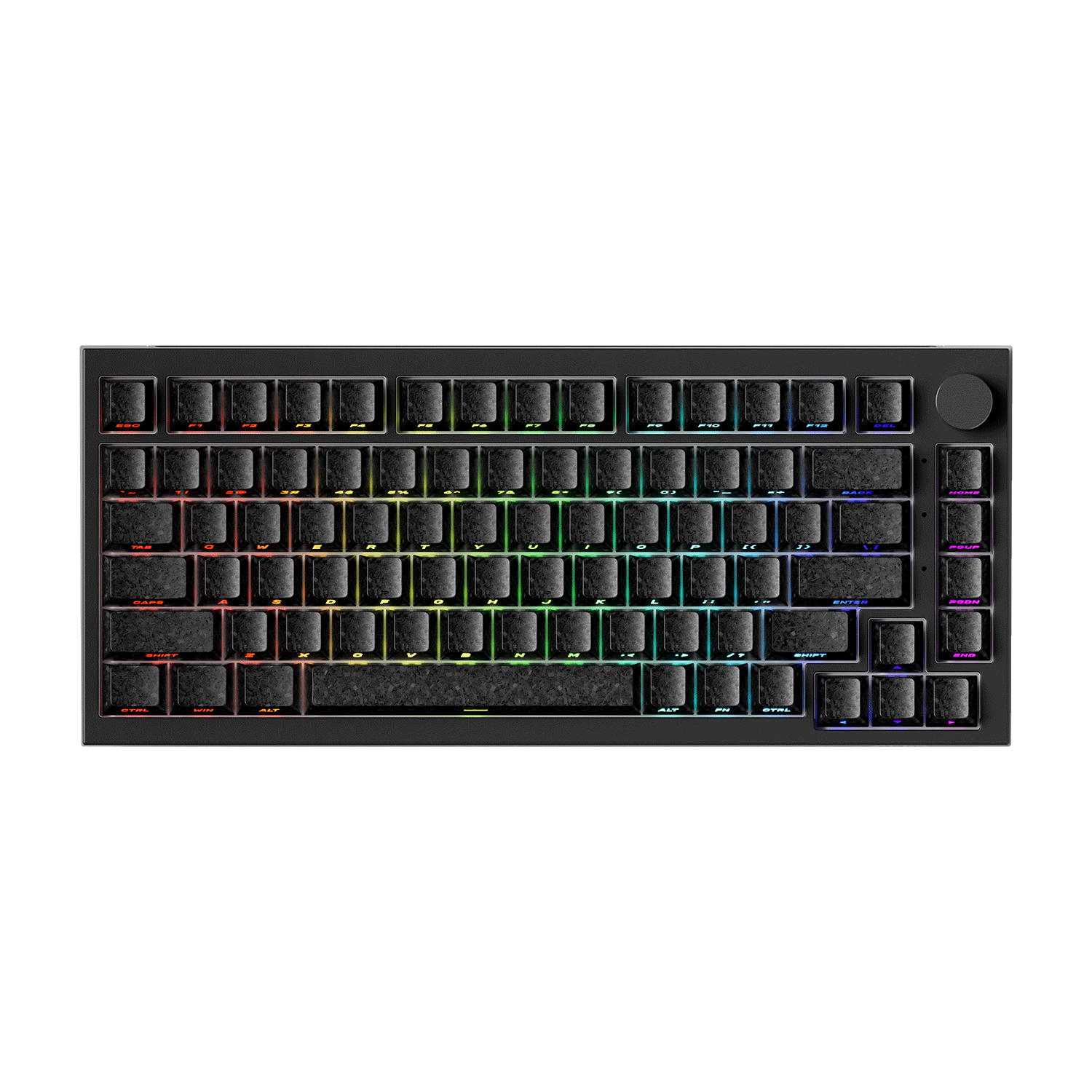
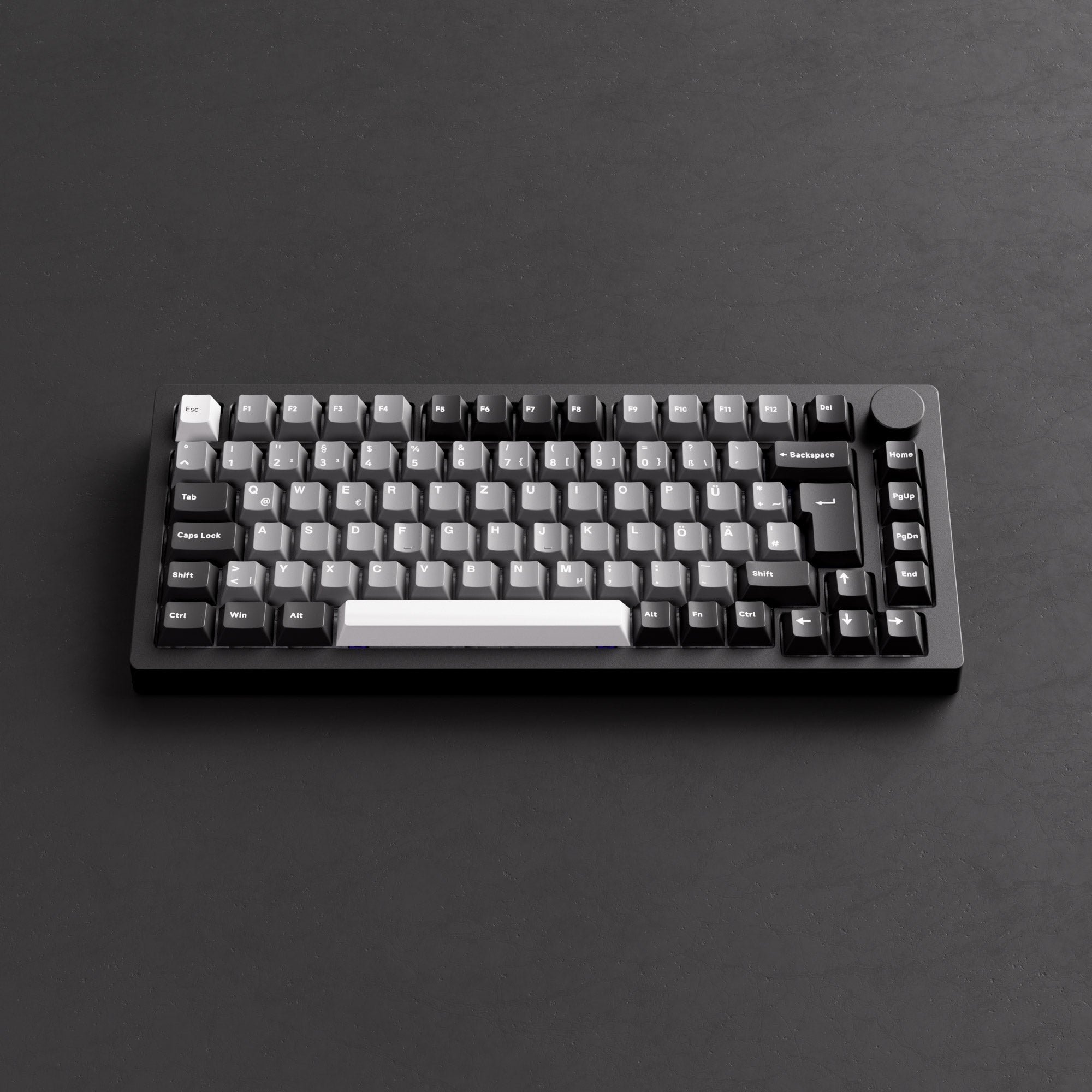
Best for Customization - MonsGeek M1 V5 VIA ISO
Monsgeek M1 V5 VIA custom mechanical keyboard features an aluminum case, VIA compatibility, and a gasket-mounted design, making it ideal for enthusiasts who want a soft, dampened, and satisfying typing experience.
- Gasket-Mounted Design: Provides a flexible, cushioned typing feel with reduced harsh bottom-out.
- Full Aluminum Case: Enhances sound dampening and gives a solid, premium build quality.
- VIA Programmability: Easily customize key mappings, macros, and lighting through VIA.
- Pre-Installed Sound Dampening: Foam layers inside the case help produce a creamy, muted sound.
- Hot-Swappable PCB: Supports 3-pin and 5-pin switches, allowing easy customization.
- Rapid Disassemble Design: Easily disassemble the keyboard without tools, which is convenient for customization and cleaning.
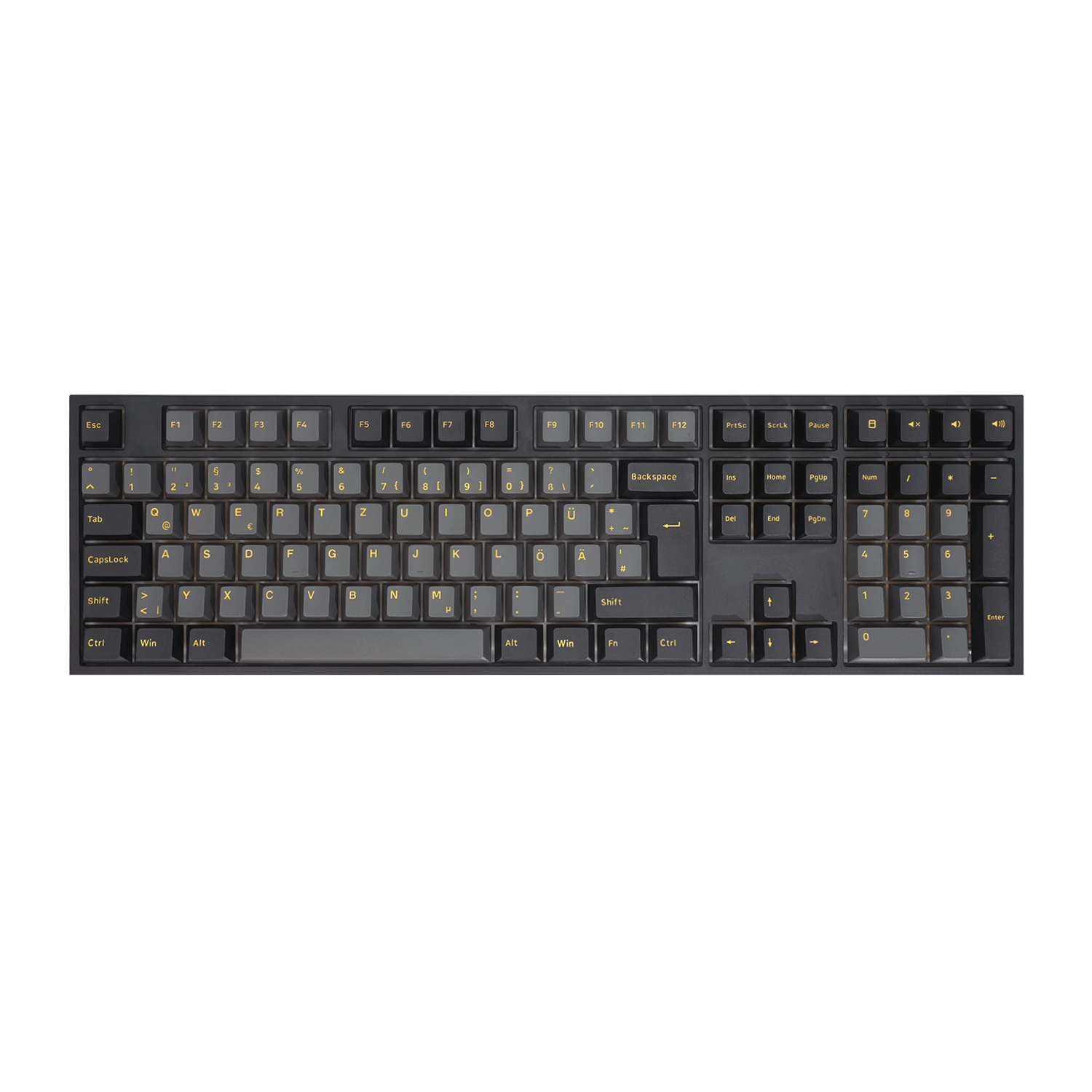
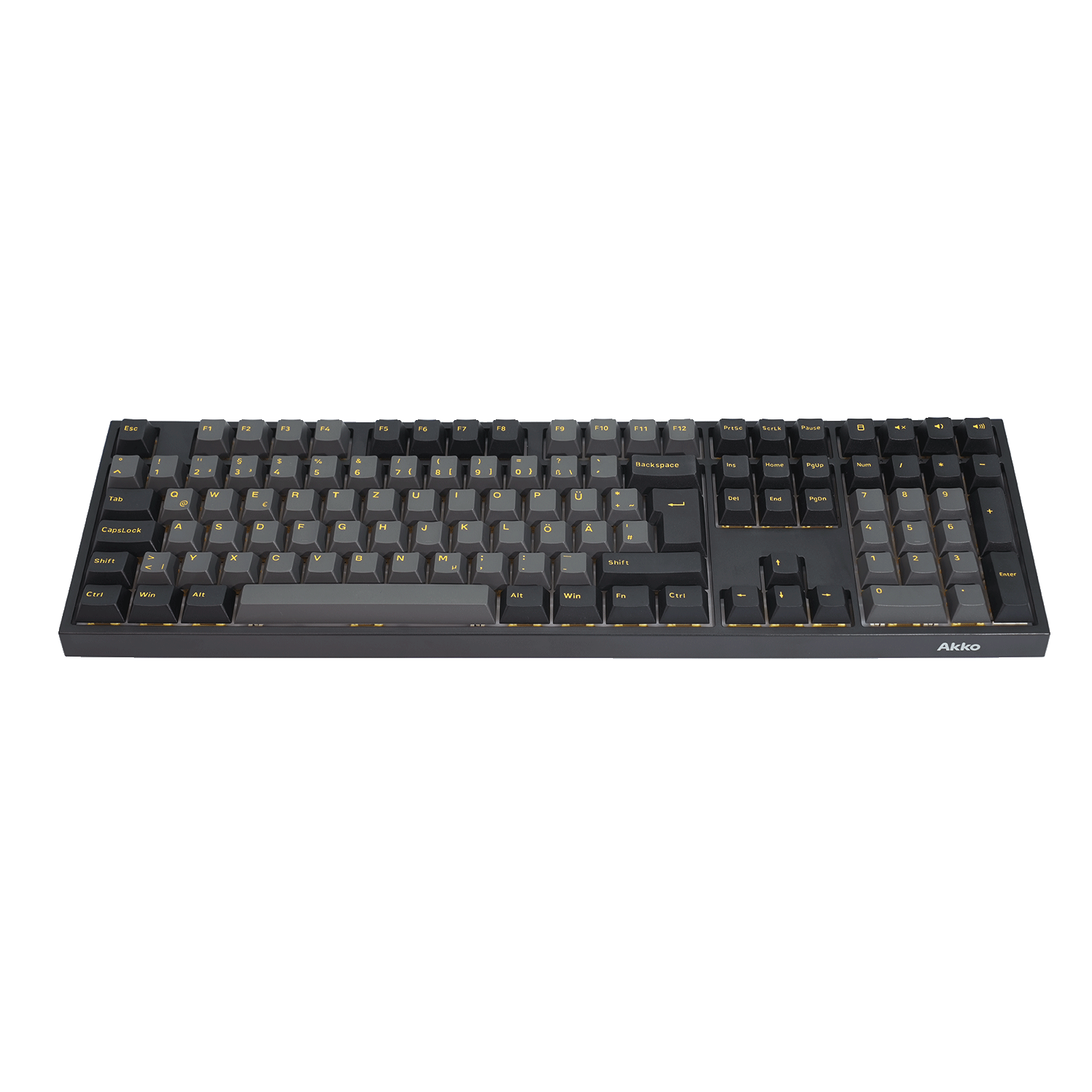
Best Full-Size - Black & Gold 5108 V5 ISO
The Akko 5108 V5 ISO combines a full-size 100% layout with a soft, creamy typing experience, featuring a gasket-mounted design, Creamy Yellow U1 linear switches, and a multi-layer sound-dampening structure. With tri-mode connectivity and an 8000mAh battery, it brings full-size functionality without sacrificing comfort.
- Full-Size 100% Layout: Keeps the full set of alphanumeric, function, navigation, and numpad keys for maximum everyday functionality.
- Gasket-Mounted Design: Provides a soft, flexible typing feel with a more cushioned bottom-out.
- Creamy Yellow U1 Switches: Delivers smooth, consistent linear keystrokes for a soft and satisfying typing experience.
- Multi-Layer Sound Dampening: Poron foam, switch pads, and silicone layers work together to produce a deeper, quieter, and more refined sound.
- PBT Double-Shot Keycaps & ABS Frame: Combines durable keycaps with a lightweight ABS frame for a comfortable, mellow typing experience.
- Tri-Mode Connectivity & 8000mAh Battery: Supports Bluetooth, 2.4GHz wirele

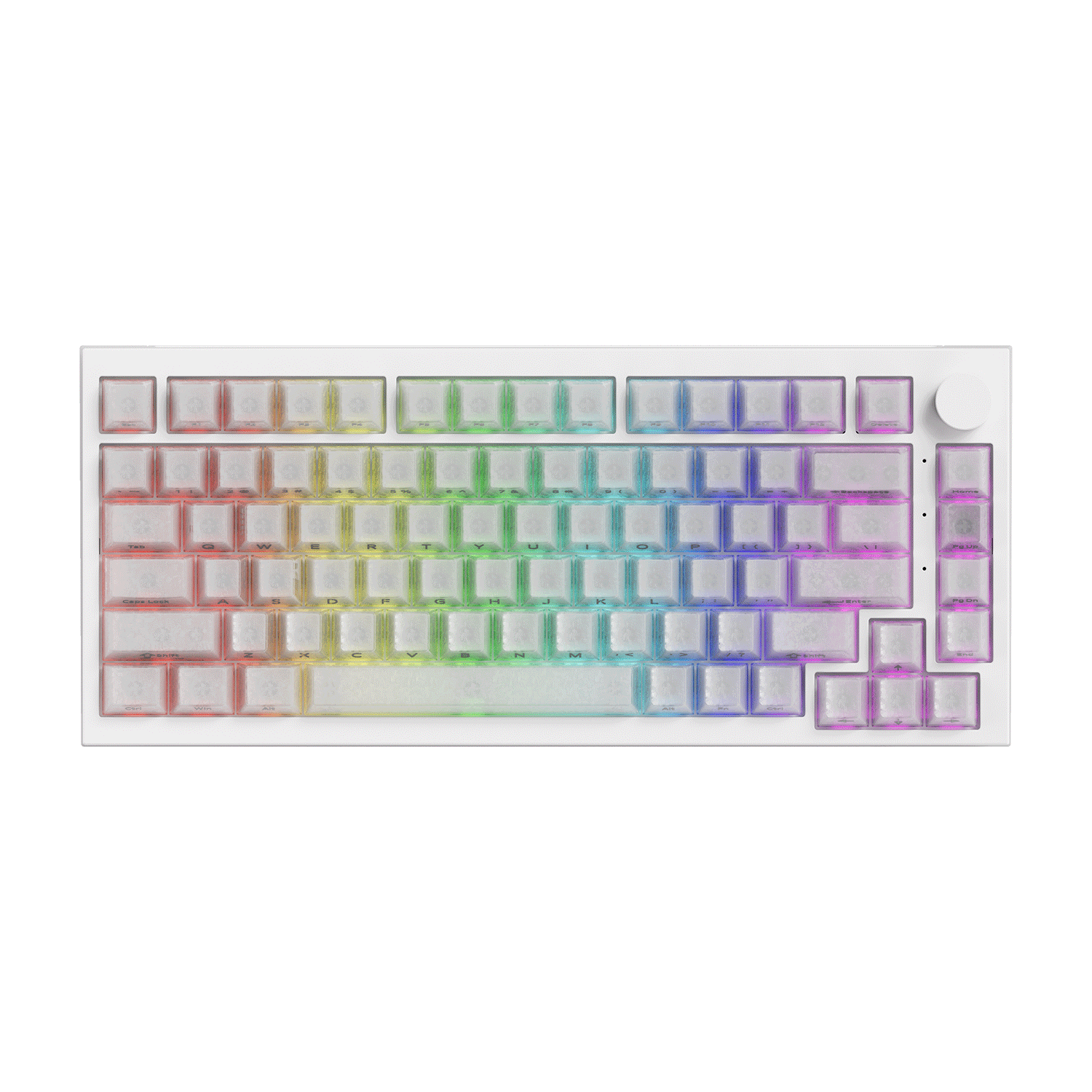
Best for Gaming - 5075 V5 TMR
The Akko 5075 V5 TMR combines a soft, cushioned typing experience with advanced magnetic gaming performance. With 0.005mm Rapid Trigger precision, 8K polling, adjustable actuation, and Snap Key, it delive rs fast, responsive control for competitive gaming without sacrificing creamy feel.
- 0.005mm Rapid Trigger: Enables highly precise and responsive key activation for faster in-game reactions.
- 8K Polling Rate: Delivers up to 8,000Hz polling in wired and 2.4GHz modes for fast, smooth input transmission.
- Adjustable Actuation: Customize actuation points from 0.1mm to 3.4mm to fine-tune each key for gaming or typing.
- Snap Key & Gaming Features: Provides faster directional input and supports DKS, Toggle Key, and Mod-Tap for greater control in games.
- Gasket-Mounted Design: Combines magnetic gaming performance with a soft, flexible typing feel and reduced bottom-out harshness.
- MagMech Compatibility: Supports both magnetic and 5-pin mechanical switches, allowing you to mix and match switches for gaming and everyday typing.

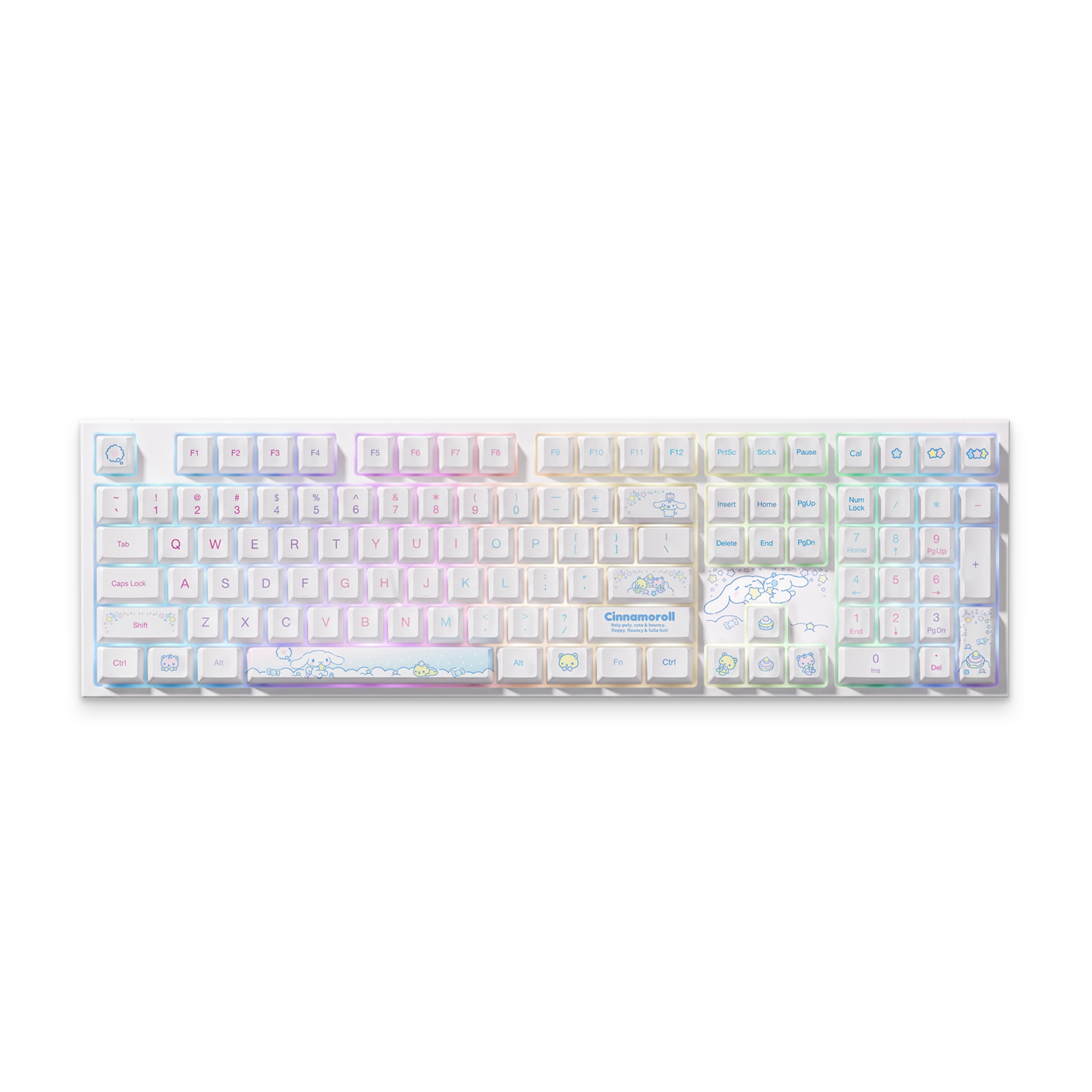
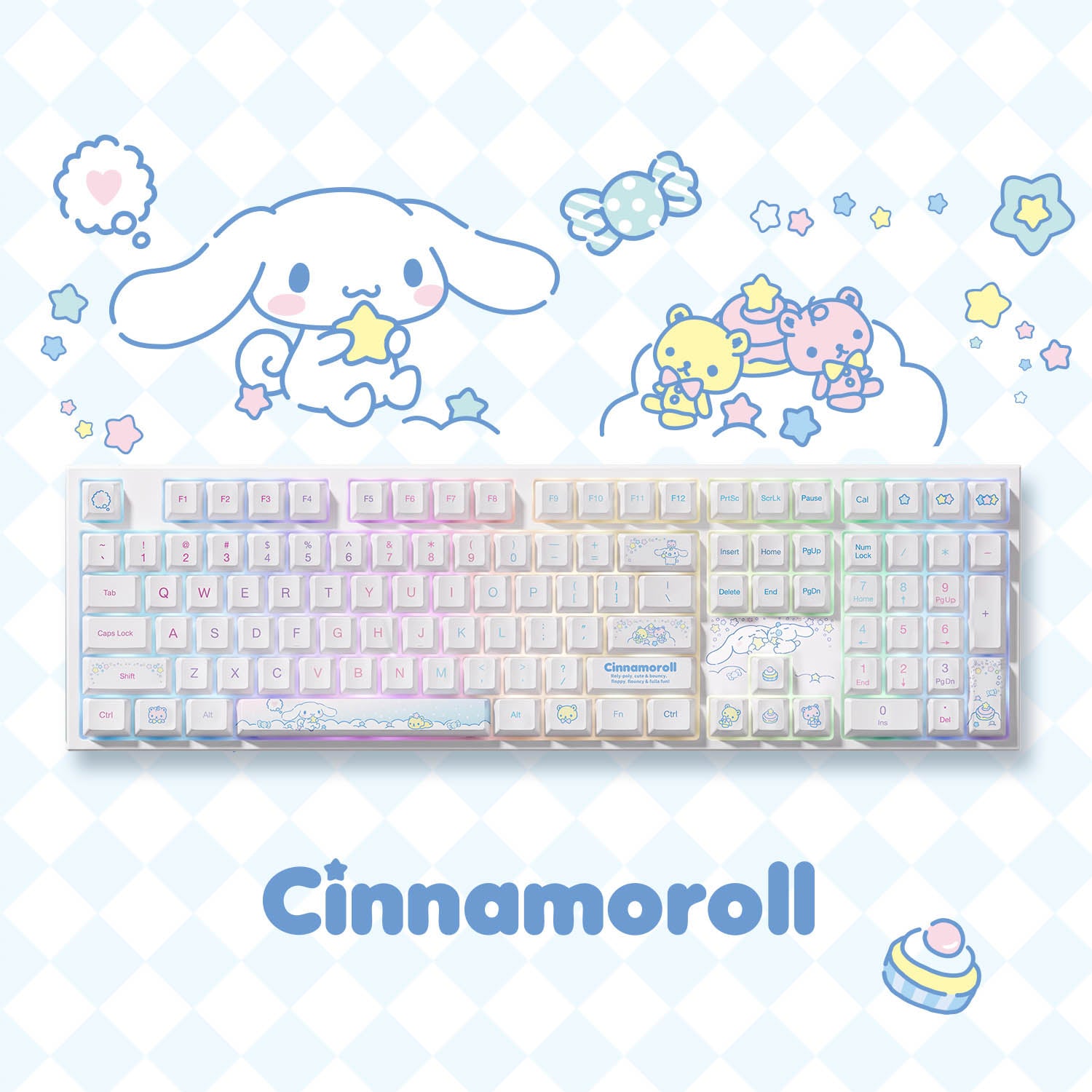
Best for IP Fans - Cinnamoroll 5108 V5
The Akko Cinnamoroll 5108 V5 brings together an adorable character-inspired design and a smooth, comfortable typing experience. With a full-size layout, gasket-mounted design, and creamy typing feel, it is a great choice for fans who want their keyboard to be both functional and collectible.
- Iconic Cinnamoroll Design: Features character-inspired details throughout the keyboard for a playful and distinctive desktop setup.
- Full-Size 100% Layout: Includes a complete number pad and full set of function and navigation keys for everyday productivity.
- Gasket-Mounted Design: Provides a softer, cushioned typing feel with reduced harshness on bottom-out.
- Smooth & Creamy Typing: Delivers a comfortable, mellow typing experience that complements the themed design.
- PBT Keycaps & RGB Backlight: Durable keycaps and customizable RGB lighting bring the design to life while adding a personalized touch.
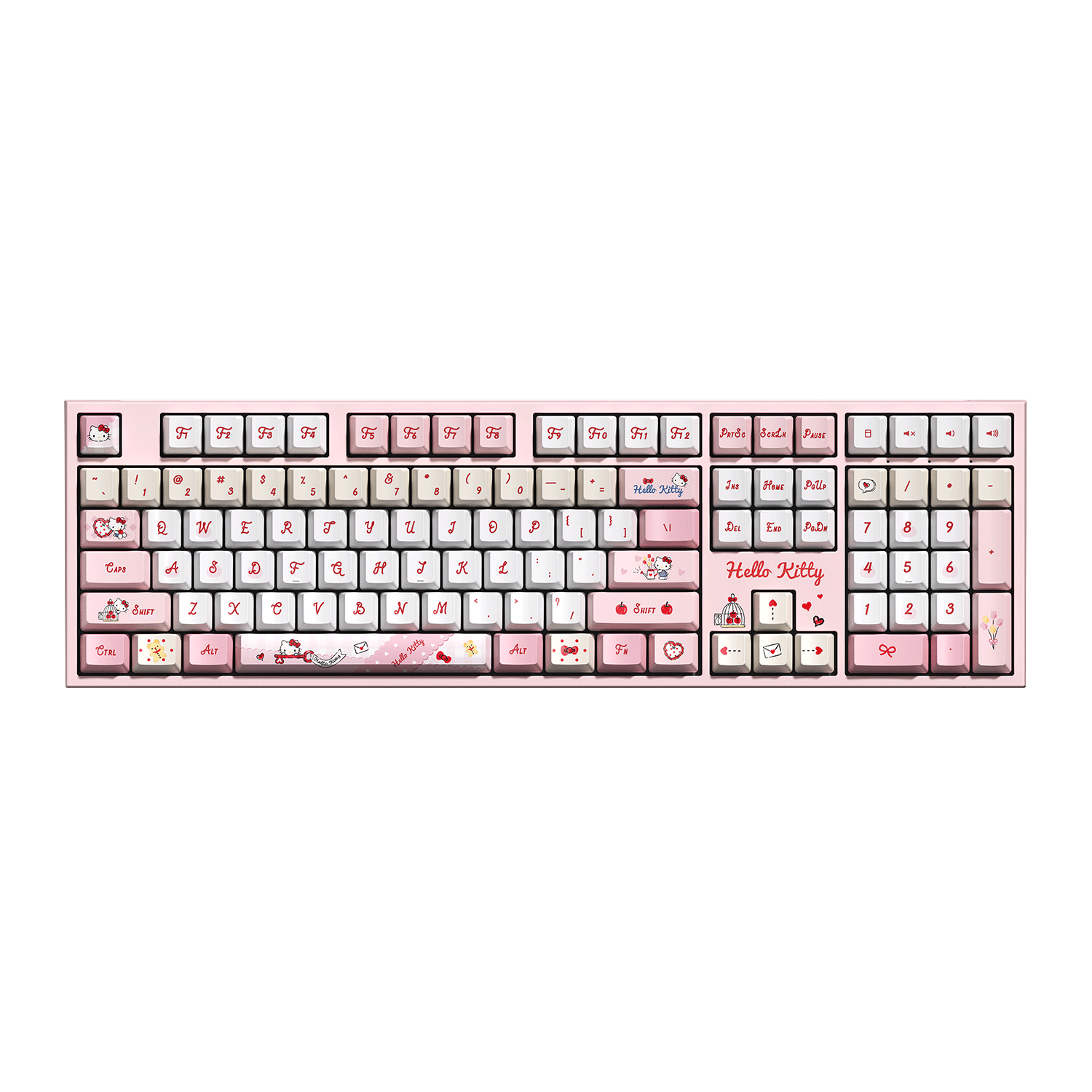
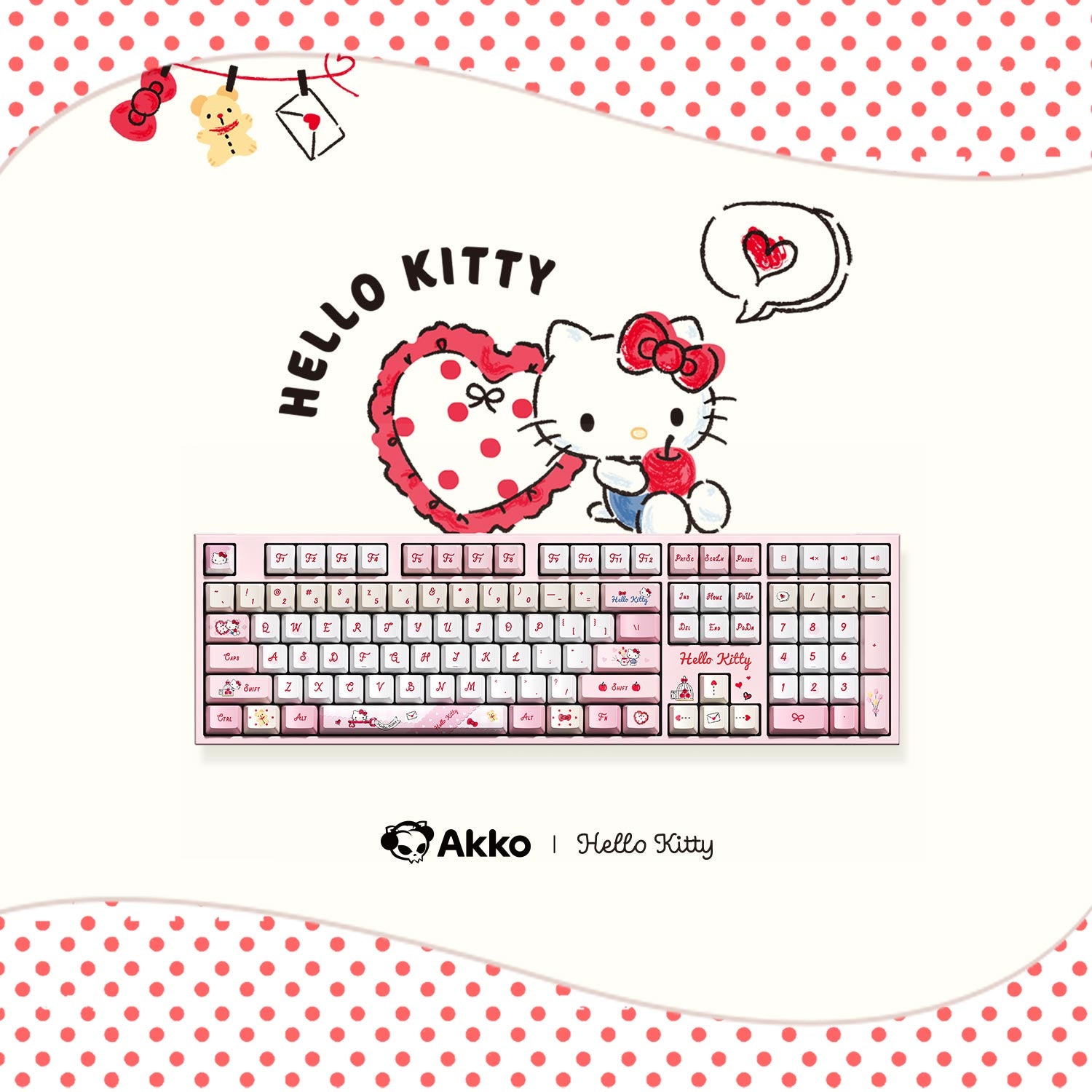
Discover more Akko collaboration keyboards featuring Hello Kitty, Hatsune Miku, Lord of the Mysteries, My Melody, Kuromi, The Legend of Hei, Spy × Family, and more.

How to Choose the Best Creamy Keyboard?
1. Choose the Right Switch
Linear switches are a great choice for a creamy typing feel. Also, pay attention to the actuation force. Lighter switches feel smoother and more effortless, while heavier ones offer more resistance and control.
Not sure where to start? The Creamy Yellow U1 switch is a great choice for beginners. Ultimately, the best switch depends on how you want your keyboard to feel.
2. Consider Keycap Material and Profile
For keycaps, we recommend PBT. PBT keycaps tend to produce a deeper, more muted sound.
For the profile, Cherry profile offers a balanced and comfortable typing feel. If you want a fuller sound, avoid overly thin keycaps, which can sound sharper or more hollow.
3. Mounting Style
For a softer, more cushioned typing experience, choose a gasket-mounted keyboard. The gasket structure adds flex and softens the bottom-out feel.
For the case, PC offers a softer, smoother sound, while aluminum creates a deeper, more solid sound. Both can work well for a creamy build—it simply depends on your preferred sound.
4. Check the Tuning and Stabilizers
Factory-lubed switches and stabilizers are also a plus if you prefer a ready-to-use keyboard. And pay extra attention to the Spacebar, Shift, Enter, and Backspace, as poorly tuned stabilizers can cause ticking or rattling.
5. Pay Attention to Sound Dampening
Internal dampening helps reduce hollow sounds and unwanted resonance. Look for features like case foam or PCB foam to create a more controlled and balanced sound.
6. Match the Layout to Your Needs
A creamy sound can work with any keyboard layout, so choose a size based on how you use your keyboard.
60% and 65% layouts save desk space, while 75% offers more functionality in a compact size. TKL and full-size layouts are ideal if you often use the function row or numpad.
Prebuilt vs. Custom Creamy Keyboards
A creamy keyboard can be either prebuilt or custom-built.
Are Creamy Keyboards Good for Work and Gaming?
Creamy keyboards can work well for both productivity and gaming, especially for users who prefer a smooth, soft, and relatively muted typing experience.
1. Comfortable for Work
A creamy keyboard produces a soft, smooth sound without sharp or harsh noise. This makes it a great choice for quiet environments, while still providing a comfortable typing experience.
Creamy keyboards also offer a smooth, buttery feel that can make long typing sessions more comfortable and reduce finger fatigue.
However, if you prefer strong tactile feedback, a softer sound and feel may feel less pronounced. During fast typing or precise input, some users may prefer more noticeable key feedback.
2. Smooth and Responsive for Gaming
For gaming, creamy keyboards with smooth linear switches can offer consistent and fast key presses without a tactile bump interrupting the movement. This can be particularly suitable for fast-paced games where quick and repeated inputs are important.
However, gamers who prefer a stronger tactile response or a more pronounced keypress may find a creamy keyboard less satisfying. Ultimately, the best choice depends on your preferred typing feel and gaming style.
Conclusion
Everyone has different understandings and preferences for sound. Whether you like soft and smooth creamy or deep thocky, by carefully selecting the right switches, stabilizers, mounting systems, and sound dampening materials, you can get the right keyboard with a satisfying and soft sound.
FAQ
What makes a keyboard sound creamy?
A creamy sound usually comes from a combination of smooth linear switches, thick PBT keycaps, a suitable mounting system, well-tuned stabilizers, and effective sound dampening. No single component determines the final sound.
Which switches are best for a creamy keyboard?
Smooth linear switches are generally a good choice for a creamy typing experience. Switches with a lighter spring weight, such as around 45gf, can also provide a softer and more effortless feel.
Are creamy keyboards good for gaming?
Yes. Creamy keyboards with smooth linear switches can provide consistent and responsive key presses, making them suitable for fast-paced gaming. However, gamers who prefer strong tactile feedback may prefer a different switch feel.
Are creamy keyboards good for work?
Yes. Their soft and mellow sound can be comfortable for long typing sessions and less distracting in shared or quiet workspaces.
Can I make my keyboard sound creamier?
Yes. You can experiment with smoother linear switches, thicker PBT keycaps, gasket mounting, tuned stabilizers, and internal sound-dampening materials to create a softer and more refined sound.
First published: March, 2025
Last updated: September, 2026


Dejar un comentario
Todos los comentarios se revisan antes de su publicación.
Este sitio está protegido por hCaptcha y se aplican la Política de privacidad de hCaptcha y los Términos del servicio.