






Mouse DPI Test
Measure your effective sensitivity — real‑time pixels per inch
DPI = pixels moved ÷ inches dragged.
It reflects real sensitivity after system scaling & acceleration.
How to Use
Calibrate Display
Adjust the slider so the colored bar is exactly 2 inches on a real ruler.
Set Distance
Choose 2–10 inches or enter a custom value, then drag the marker to the target line.
View Results
Real-time DPI updates instantly. Results are saved to history automatically.



What Is a Mouse DPI Test?
Mouse DPI Test is an online tool used to measure the actual DPI (Dots Per Inch) or CPI sensitivity of your gaming mouse. It helps identify whether your mouse is performing at the intended sensitivity setting.
By moving your mouse across a fixed distance, the tool compares your physical movement with cursor travel to estimate your real DPI value. This is especially useful for FPS gamers, designers, and users who want consistent sensitivity across devices.
Unlike manufacturer settings, real-world DPI can vary because of sensor deviation, acceleration settings, screen scaling, or polling inconsistencies.
Why Test Your Mouse DPI?
Accurate Sensitivity
Ensure your mouse sensitivity matches your intended DPI settings.
Consistent Aim
Maintain reliable muscle memory for FPS and competitive gaming.
Sensor Precision
Identify sensor deviation and tracking inconsistencies.
Better Gaming Performance
Improve aiming accuracy and cursor responsiveness.
How Does This DPI Analyzer Work?
This Mouse DPI Test works by comparing the physical distance your mouse travels with the corresponding cursor movement on screen.
After you move your mouse across a measured distance, the tool calculates your effective DPI based on cursor displacement and screen scaling.
Because of factors like sensor variance, surface texture, Windows acceleration, and polling rate, the measured DPI may differ slightly from the advertised value.
The test is designed to help gamers and enthusiasts identify real-world sensitivity performance more accurately.
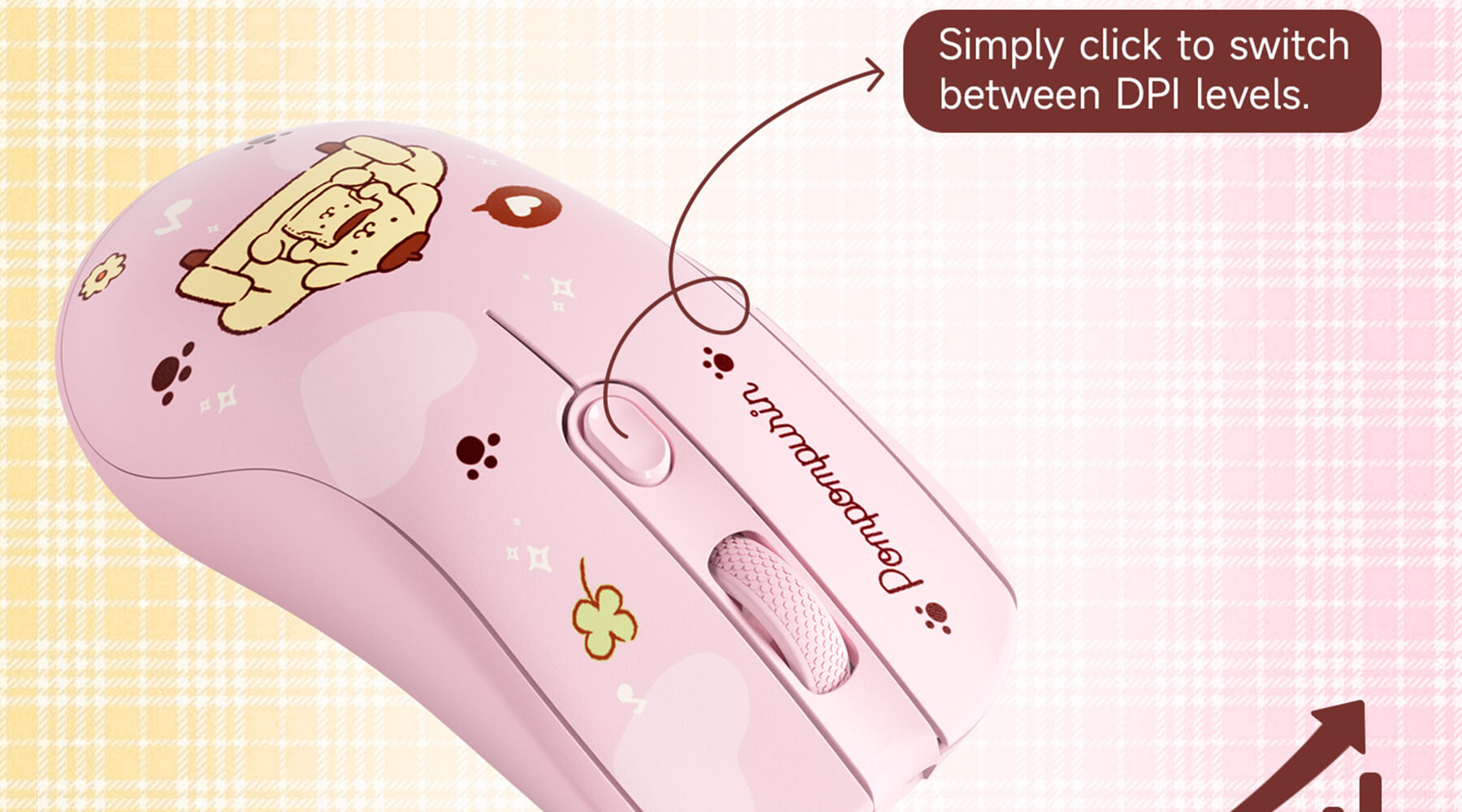
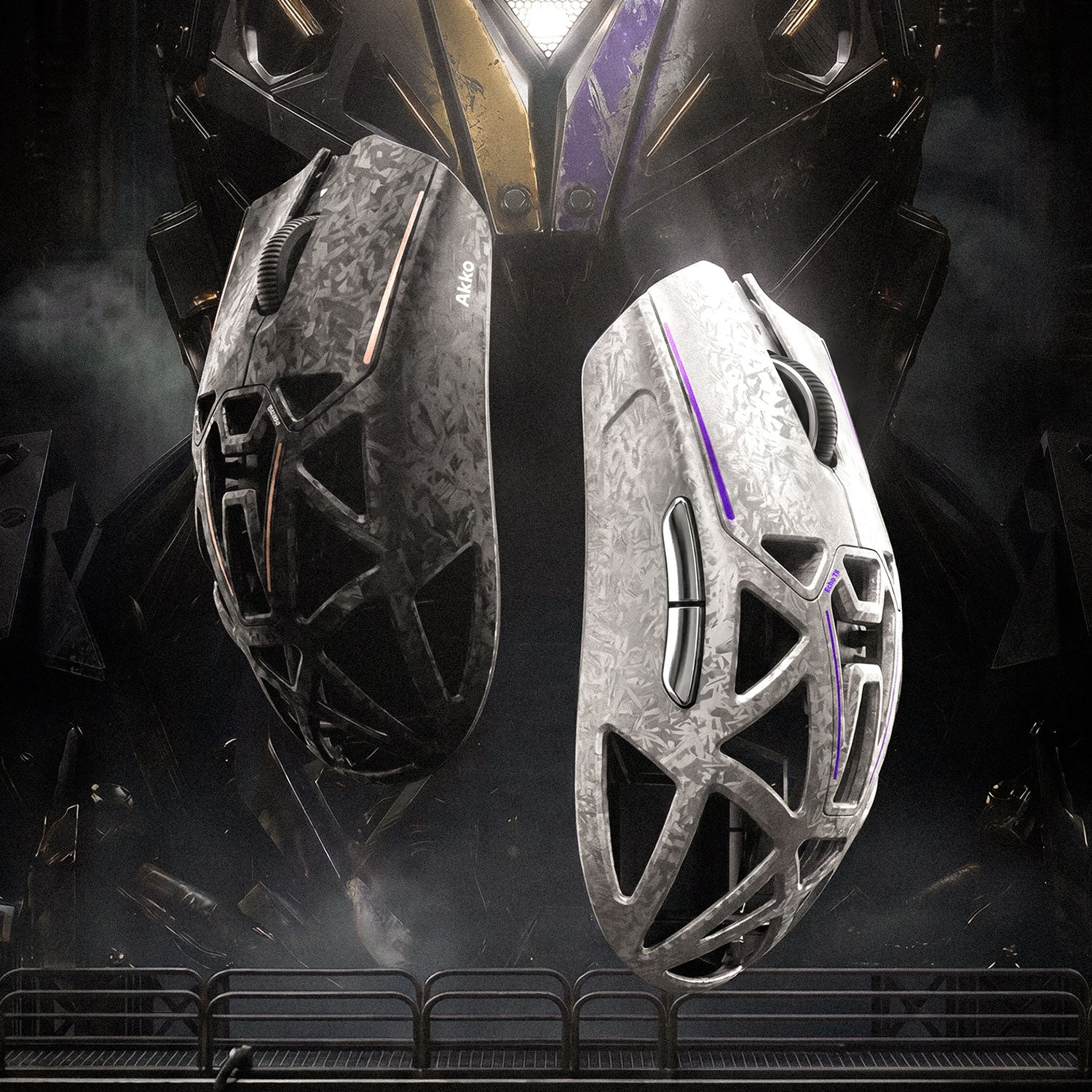
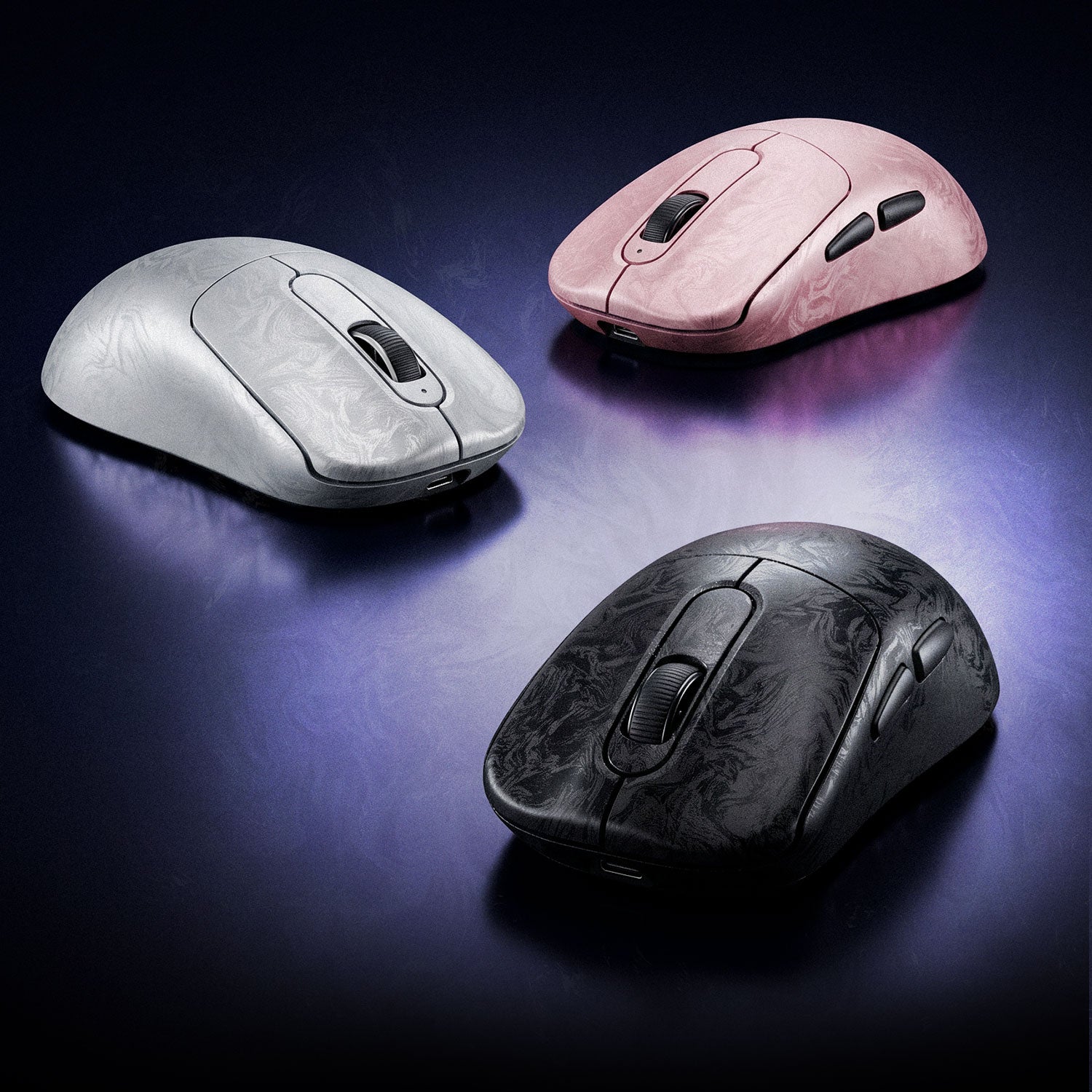
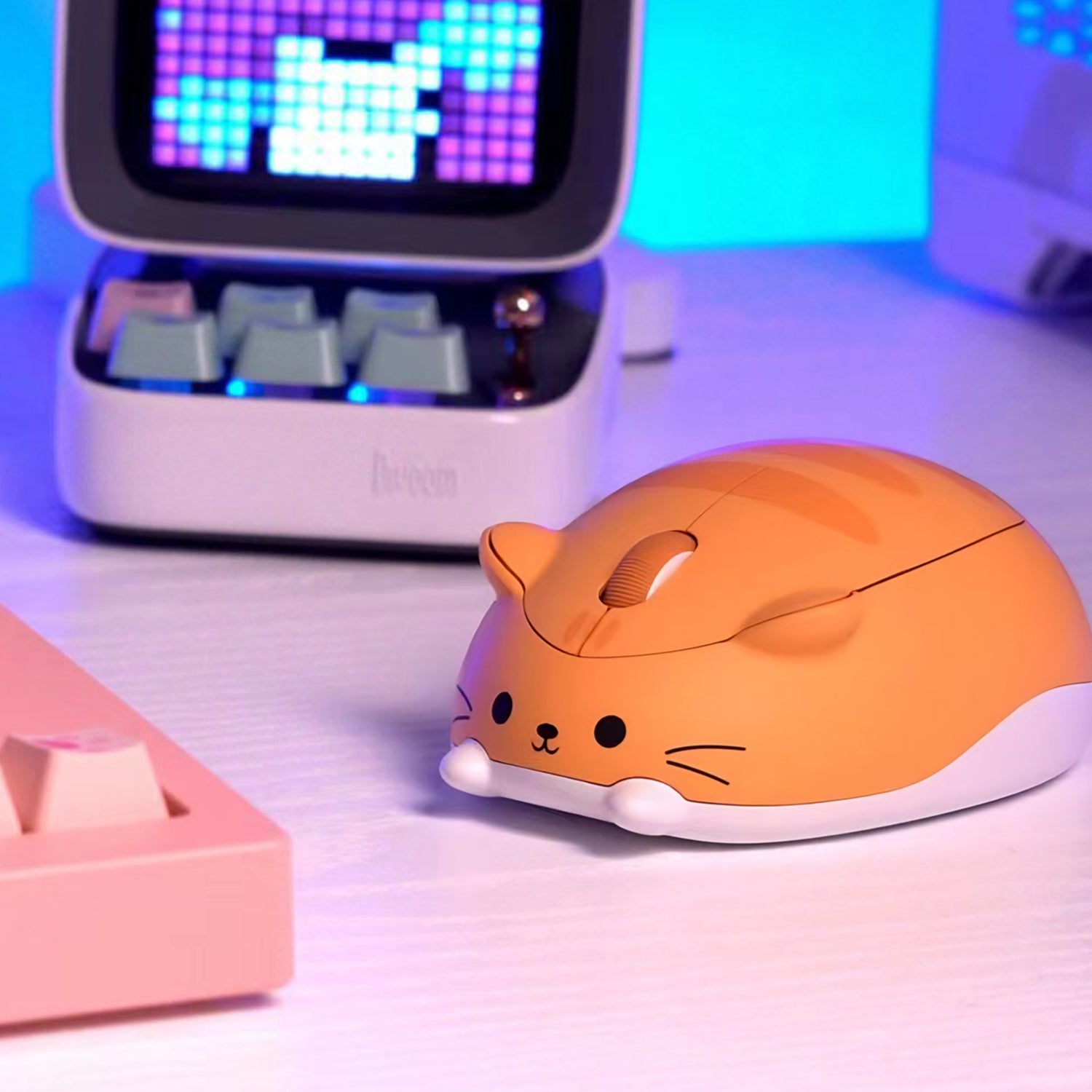
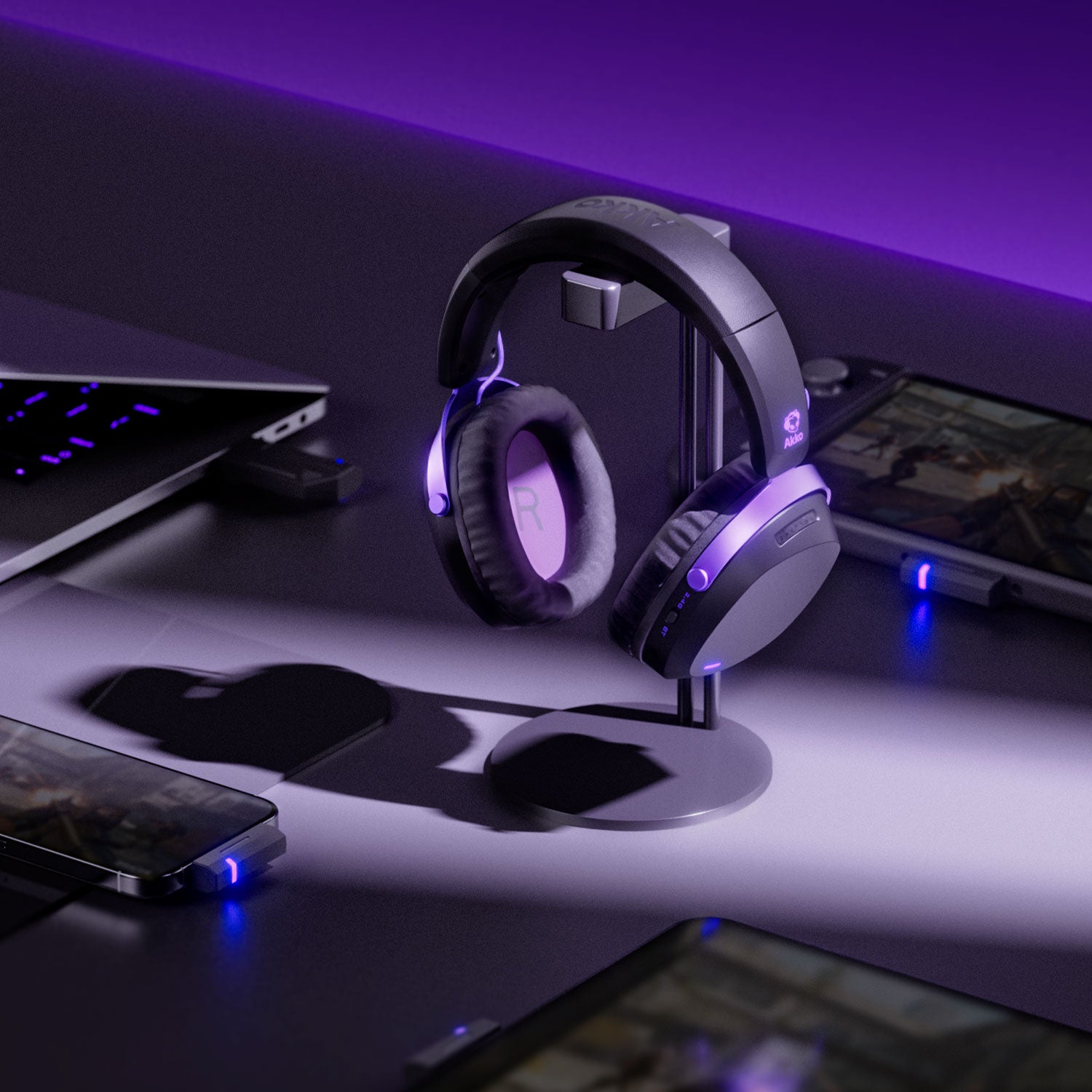
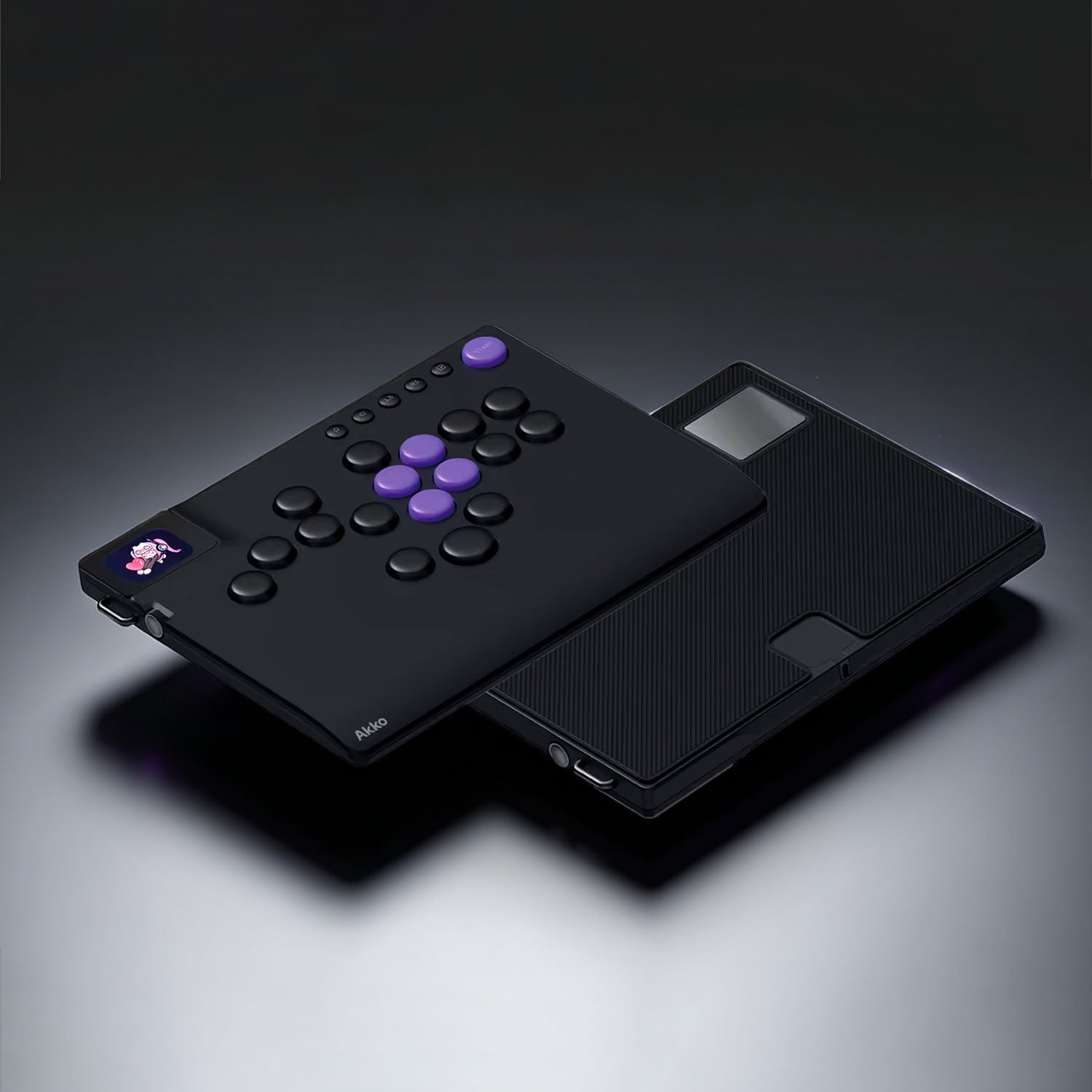
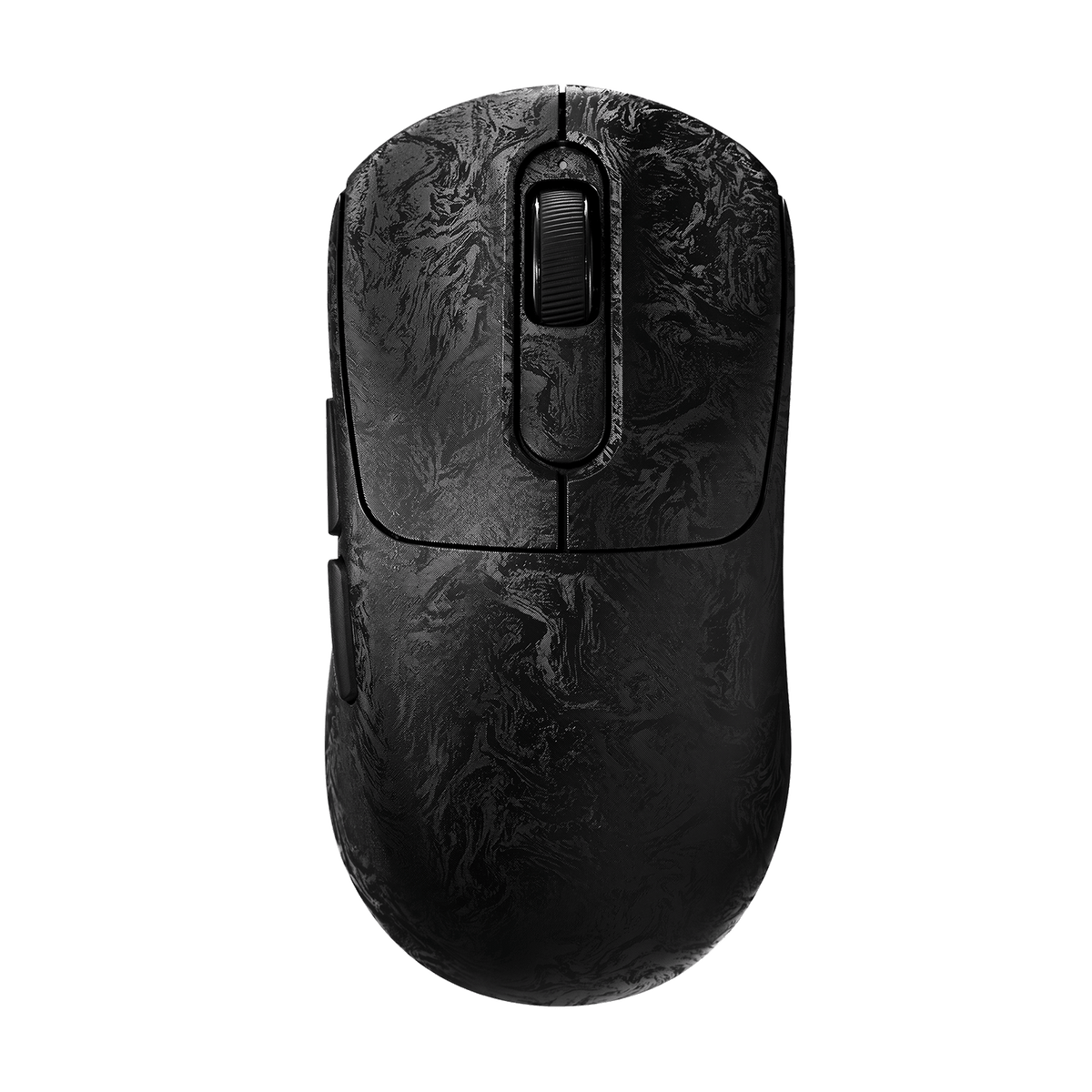
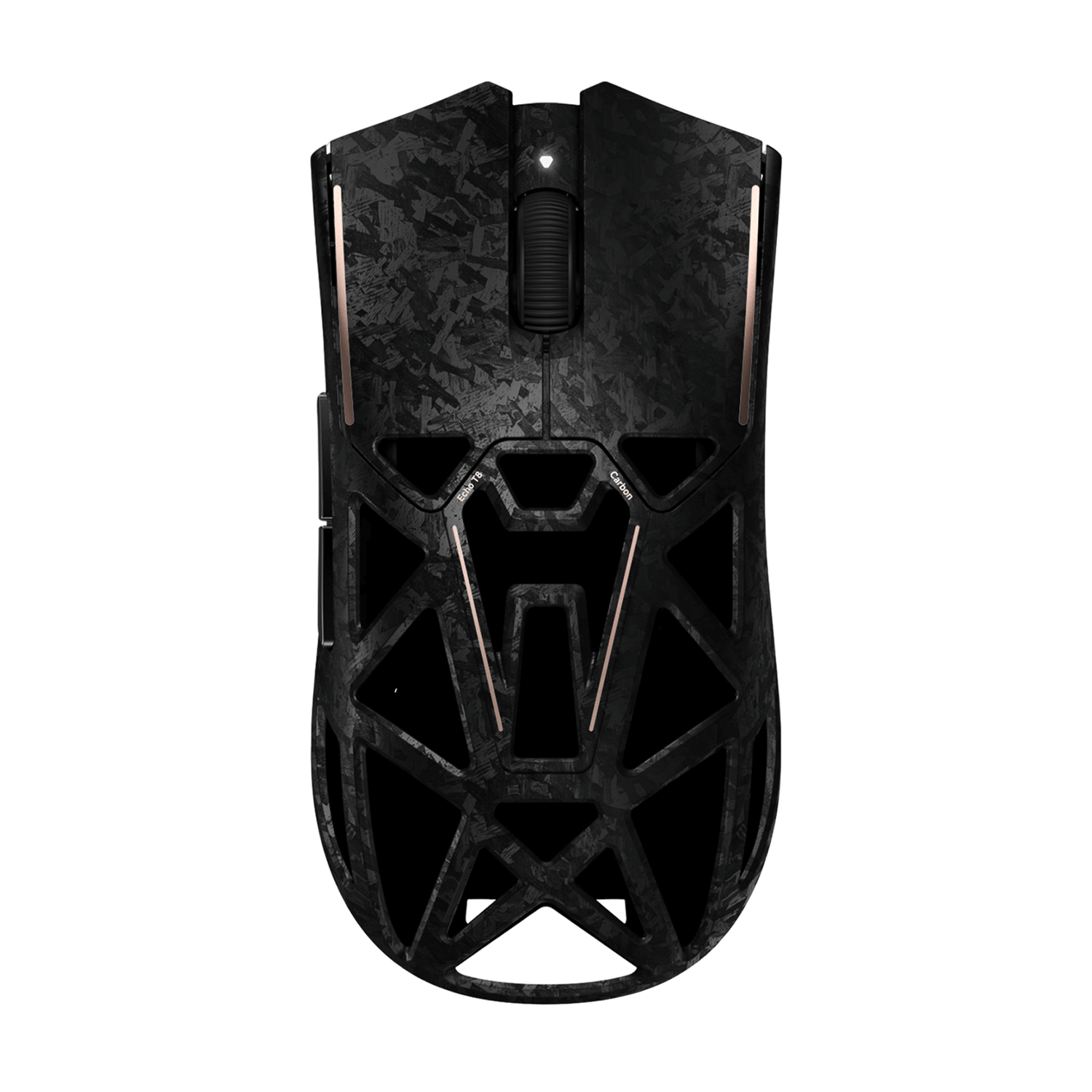
Recommended Gaming Gear
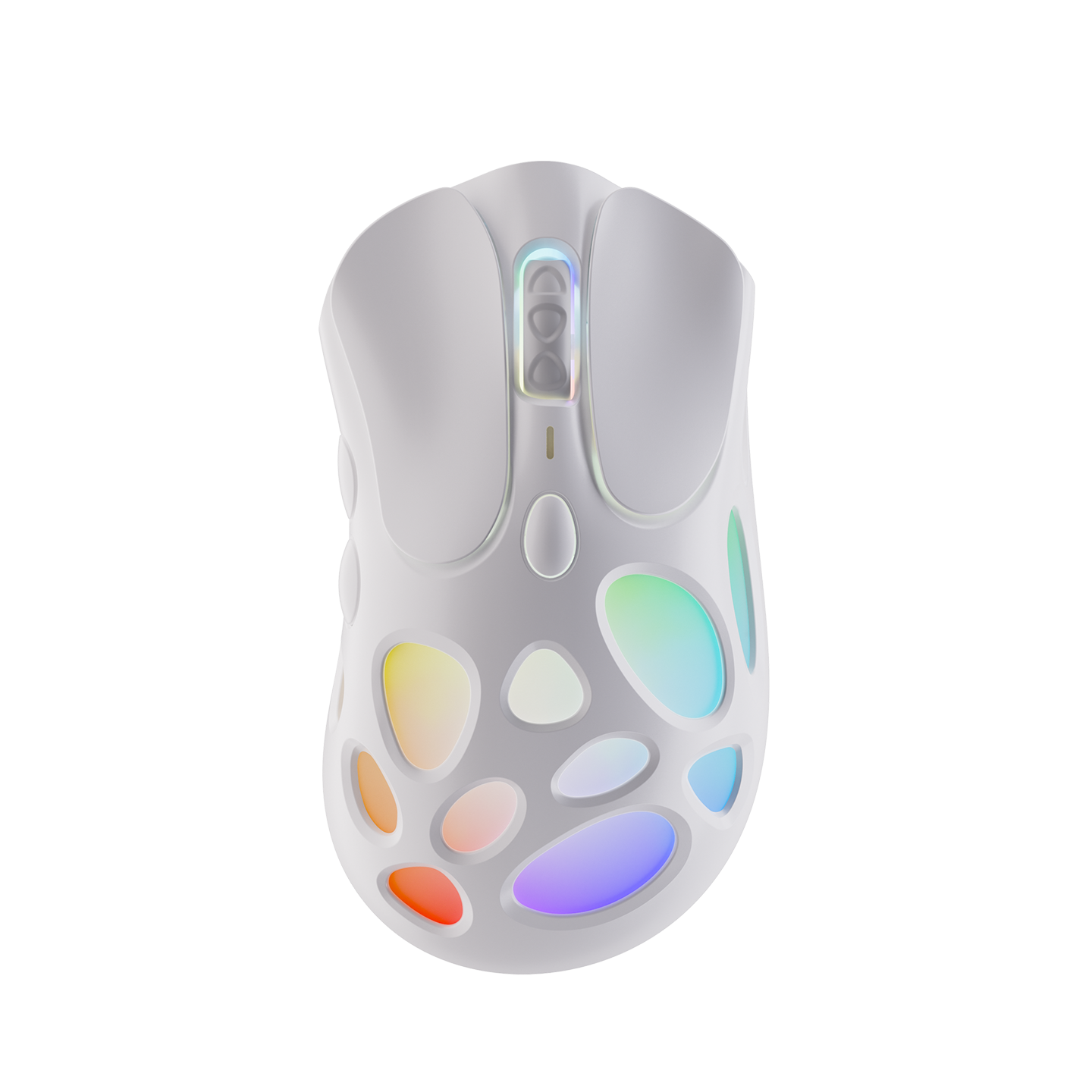
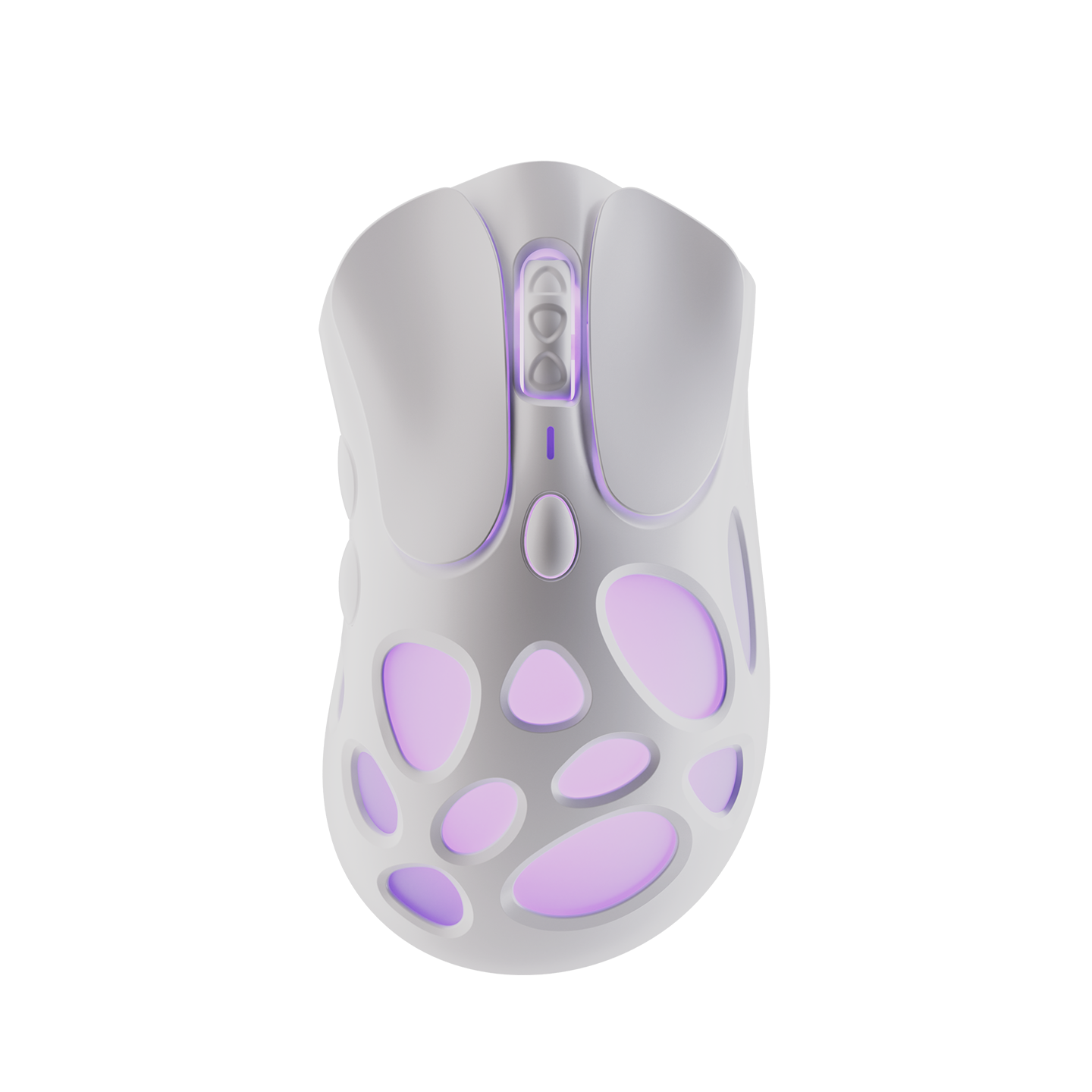


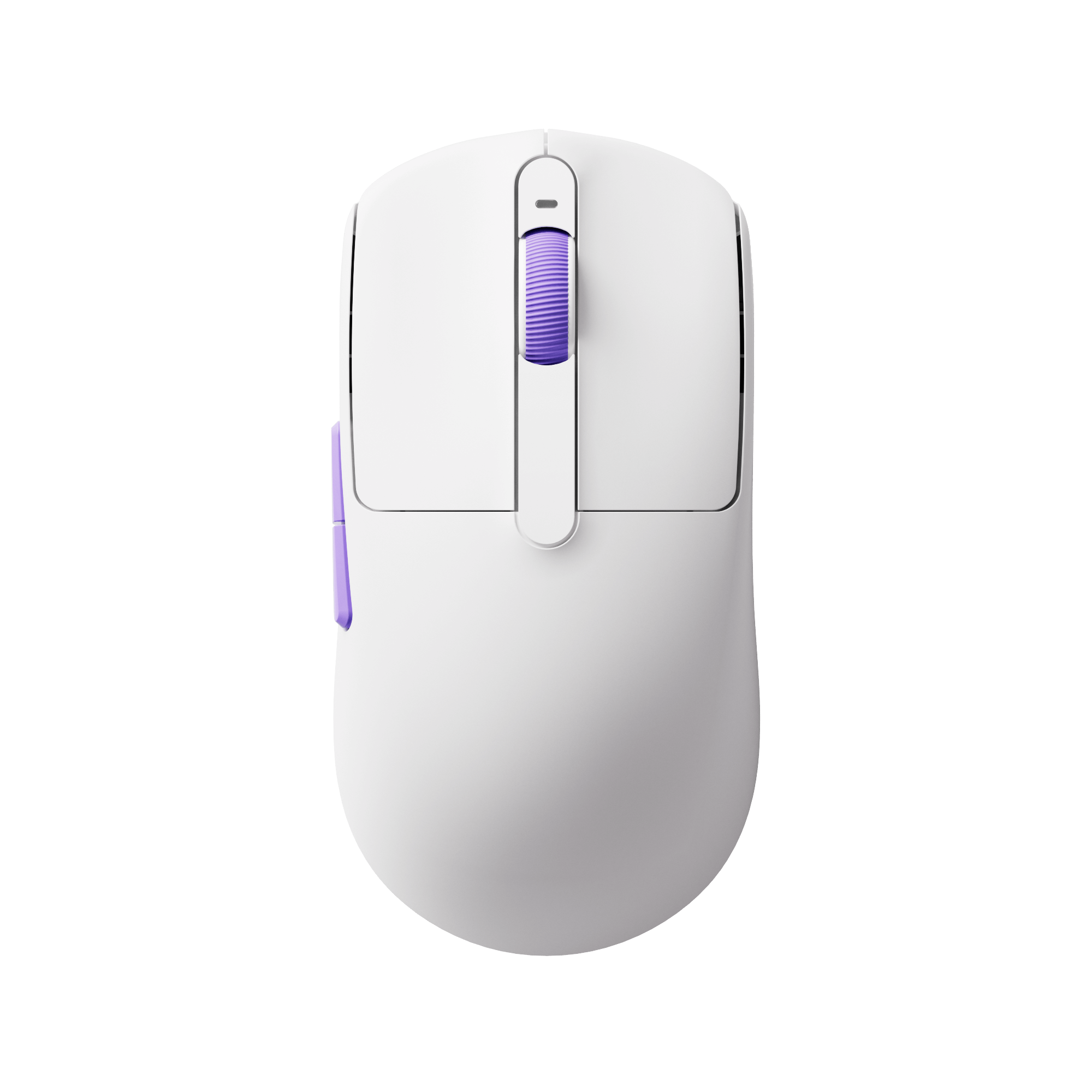
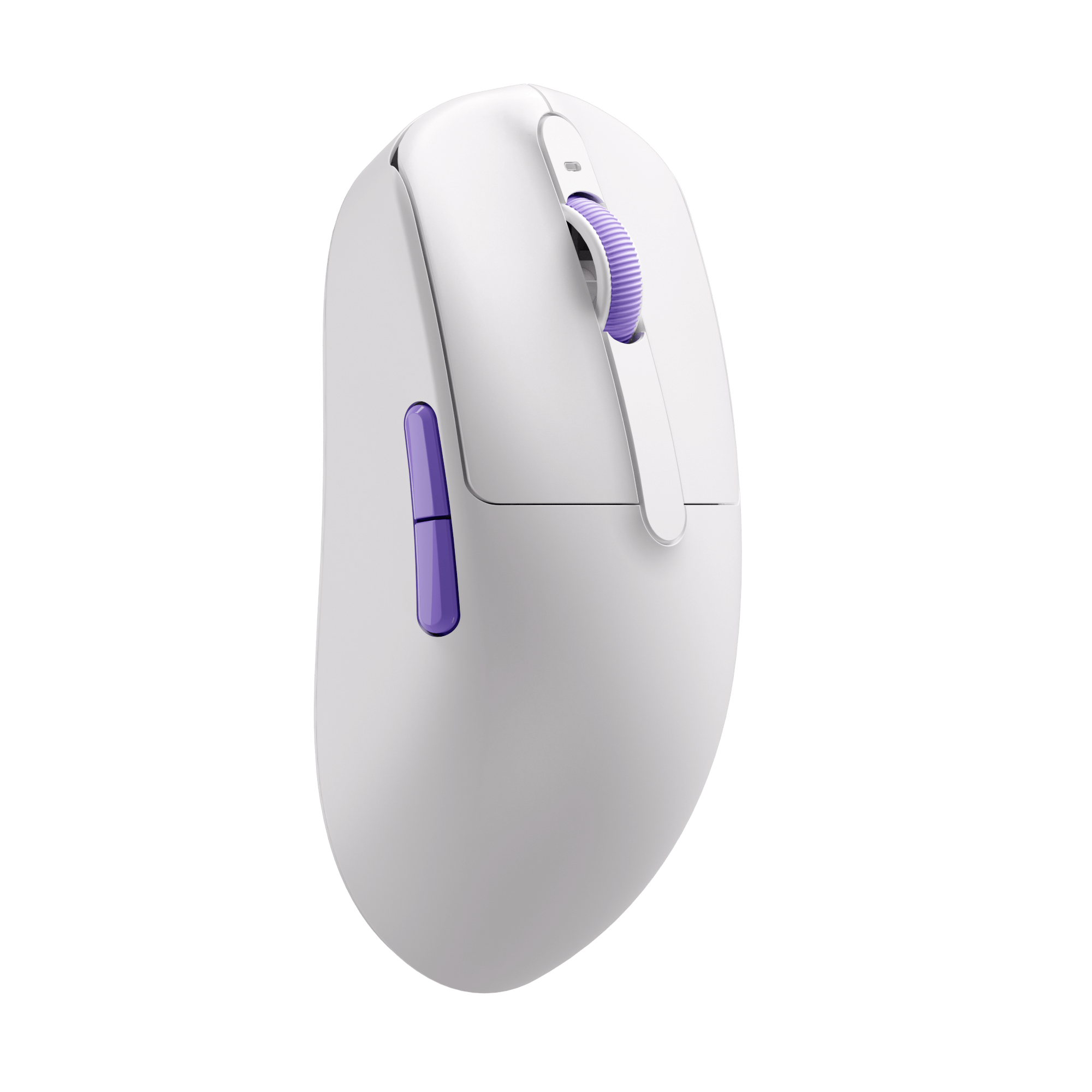
Recommended DPI Settings
Valorant
Recommended DPI: 400–800
CS
Recommended DPI: 400–800
Apex Legends
Recommended DPI: 800–1600
Fortnite
Recommended DPI: 800–1600
FAQ
What is a good DPI for gaming?
Most gamers use between 400 and 1600 DPI depending on game type and playstyle.
Is higher DPI always better?
No. Extremely high DPI can make aiming harder to control in competitive games.
What is real DPI?
Real DPI refers to the actual sensitivity measured during real-world usage rather than the advertised value.
Why is my measured DPI different from the advertised DPI?
Sensor variance, operating system settings, polling rate, and surface texture can all affect DPI measurements.
Does polling rate affect DPI?
Polling rate does not directly change DPI, but it may affect movement smoothness and responsiveness.
Can I test gaming mouse DPI online?
Yes. Online DPI analyzer tools can estimate your actual DPI without requiring additional software.