








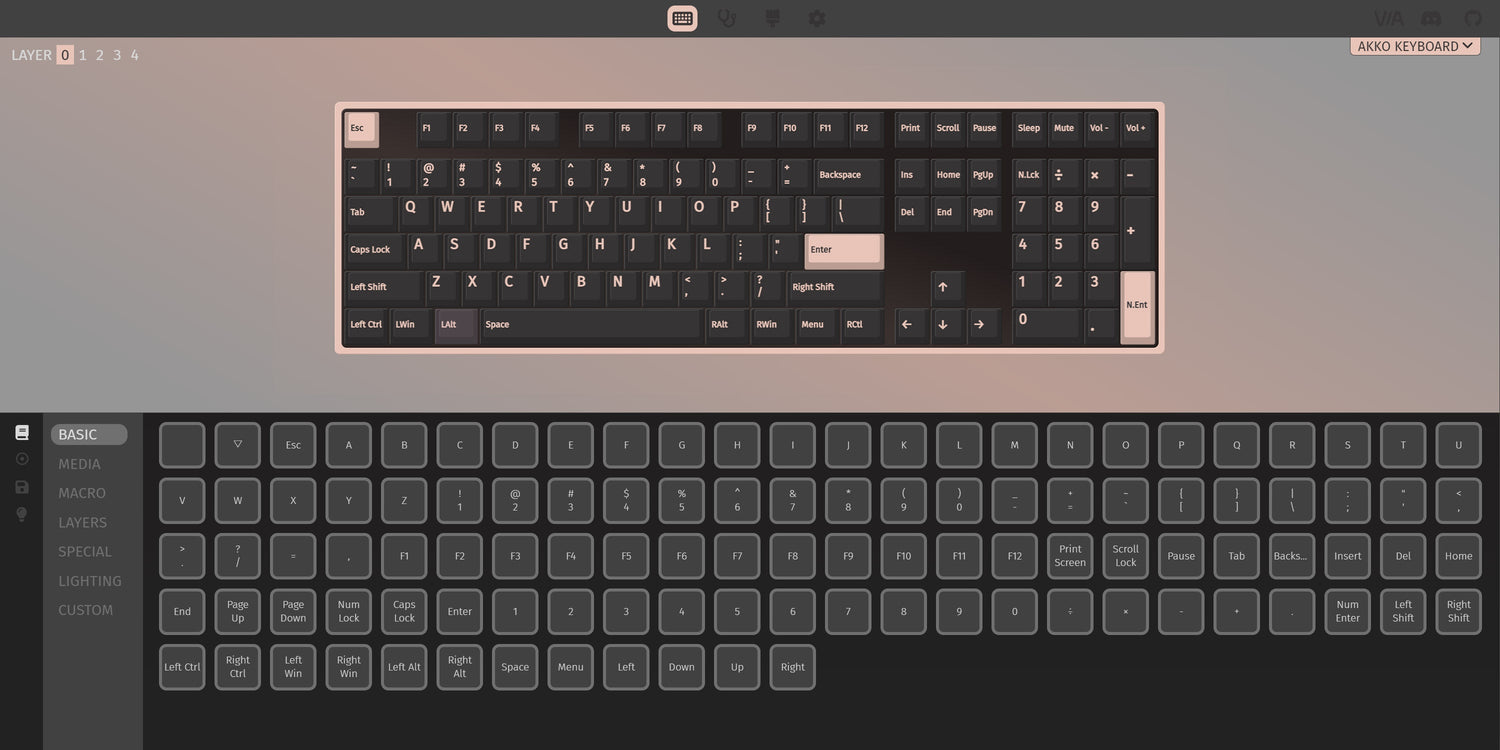
If your 5075B VIA keyboard isn’t being recognized by VIA, don’t worry—this is usually caused by incorrect setup steps or using the wrong configuration file. Here's how to fix it:
1. Use the Correct VIA Version
The 5075B VIA version supports VIA, not Akko Cloud Driver. Please make sure you're connecting in wired mode. VIA does not support Bluetooth or 2.4G wireless modes for configuration.
We recommend using the official online VIA apps:
https://via.evove.top/ or https://usevia.app/
These versions are updated more frequently and work directly in your browser—no installation needed.
Mac Users – Important Notes
If you’re on macOS, VIA only works with the Chrome browser. It is not compatible with Firefox, Safari, or Vivaldi.
Use Chrome to avoid detection issues.
2. Load the Right JSON File
Your keyboard won't be automatically recognized by VIA until you manually load the correct JSON file.
Please download the appropriate file based on your layout:
- 5075B VIA NEW US JSON: Download Now
- 5075B VIA NEW ISO JSON: Download Now
3. Load the JSON File in VIA
- Navigate to the Design tab. (If you don’t see it, enable it in VIA settings.)

- Click “Load” and select the downloaded JSON file.
- Make sure “Use V2 definitions” is turned off.

- You may need to load the file 2–3 times for the keyboard to be fully detected.
Additional Tips if VIA Still Doesn’t Detect Your Keyboard
1. Use Chrome on macOS.
2. Plug the keyboard directly into a USB port (avoid hubs/docks).
3. Restart your browser and re-open the VIA site.
4. Clear browser cache or try a different PC if the issue persists.
Related Article:



Dejar un comentario
Todos los comentarios se revisan antes de su publicación.
Este sitio está protegido por hCaptcha y se aplican la Política de privacidad de hCaptcha y los Términos del servicio.