







What is eDPI?
eDPI stands for Effective Dots Per Inch, which is your actual mouse sensitivity in a game, calculated by combining your mouse hardware settings and your in-game sensitivity.
How to Calculate eDPI?
eDPI = Mouse DPI × In-Game Sensitivity
This number represents how fast your cursor or crosshair moves on screen when you physically move your mouse. Unlike DPI alone, eDPI reflects the final result you actually feel while playing.
👉 Calculate Your eDPI Instantly
eDPI vs DPI: What’s the Difference?
eDPI (Effective DPI) represents your actual in-game sensitivity.
DPI (Dots Per Inch) is a hardware-level setting on your mouse.
Key Differences with eDPI and DPI
| Aspect | DPI | eDPI |
|---|---|---|
| Level | Hardware | Hardware + Software |
| Controlled by | Mouse | Mouse + Game |
| Changes between games | No | Yes |
| Represents real in-game feel | No | Yes |
| Useful for comparing settings | No | Yes |
eDPI helps keep cursor speed consistent, even when the DPI and in-game sensitivity are different.
- For example, two players can both use an eDPI of 800 and get the same movement speed.
- However, using a higher DPI with lower in-game sensitivity (800 × 1) feels smoother and more precise, while a lower DPI with higher sensitivity (400 × 2) can feel less accurate due to scaling limitations.
DPI affects how precise your mouse movement feels.
- A high DPI (such as 1600) moves the cursor more with a small hand movement, making it ideal for fast turns in FPS games.
- A low DPI (such as 400) moves the cursor more slowly, allowing finer control and more accurate aiming.
Why eDPI Is More Important for Gamers?
1. eDPI reflects real in-game sensitivity
eDPI combines mouse DPI and in-game sensitivity, giving a more accurate picture of how your controls actually feel.
This makes eDPI the most accurate way to describe how sensitive your aim truly is.
2. eDPI adapts to different games
Most gamers play multiple games. Instead of learning each game’s sensitivity system, simply adjust the in-game sensitivity so that DPI × sensitivity equals your preferred eDPI.
This keeps mouse movement and on-screen response consistent across games, so you don’t need to retrain your aim every time you switch.
3. eDPI eliminates hardware differences and simplifies adjustments
Different mouse brands and models support different DPI ranges, making DPI alone hard to compare. eDPI removes this hardware gap—if two players have the same eDPI, their in-game cursor speed will feel nearly identical, regardless of the mouse they use.
This makes it easier to reference pro players’ settings and find an eDPI that suits you.
4. eDPI Improves gameplay and competitive performance
A stable eDPI helps players develop muscle memory, enabling them to maintain consistent reaction speed and accuracy with every action. This is especially important for competitive games, where even minor operational deviations can determine the outcome of a match in intense battles.
A stable eDPI setup also relies on the hardware behind it. A gaming mouse with a high-quality sensor, consistent tracking, and reliable polling performance helps ensure that every movement is translated accurately on screen.
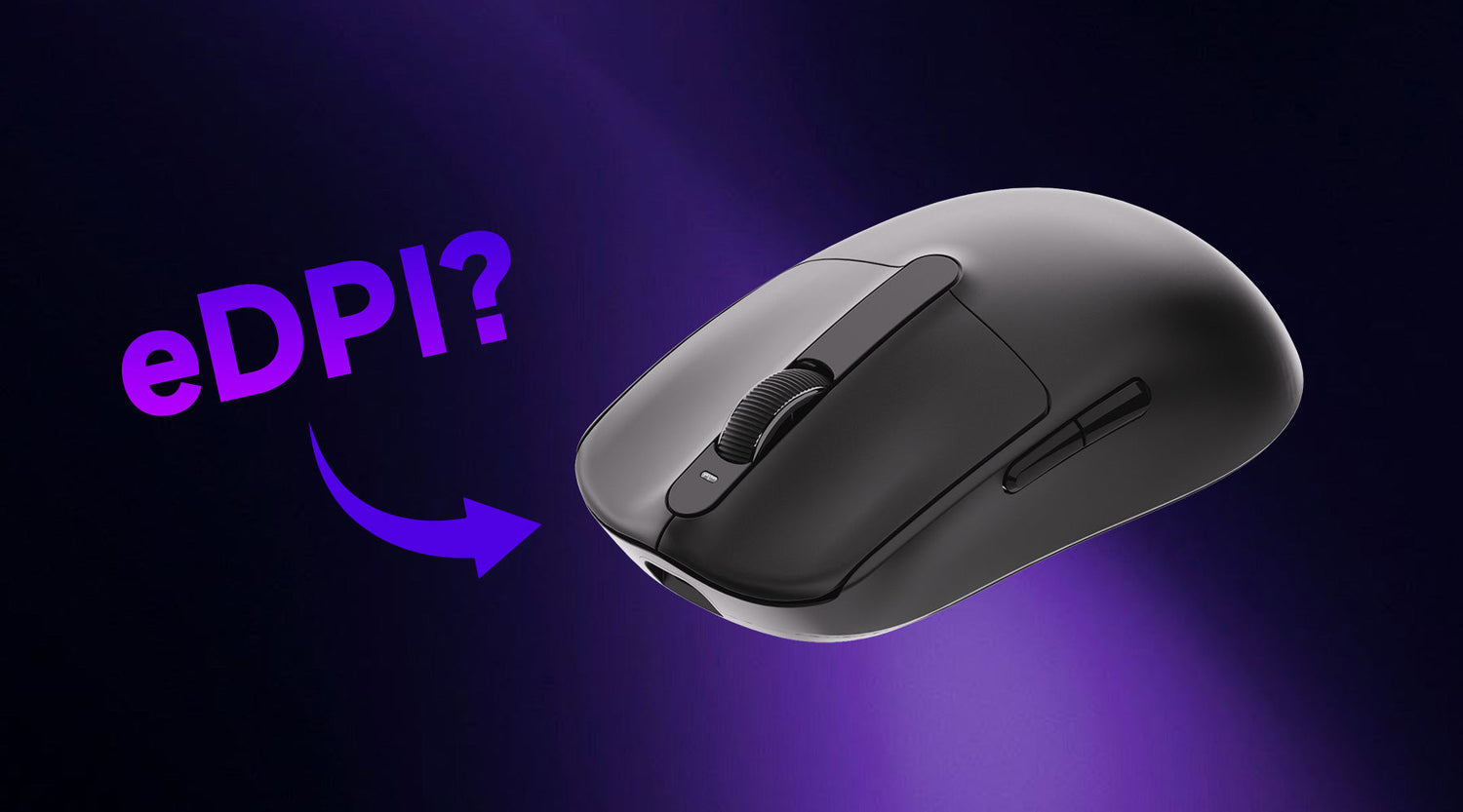
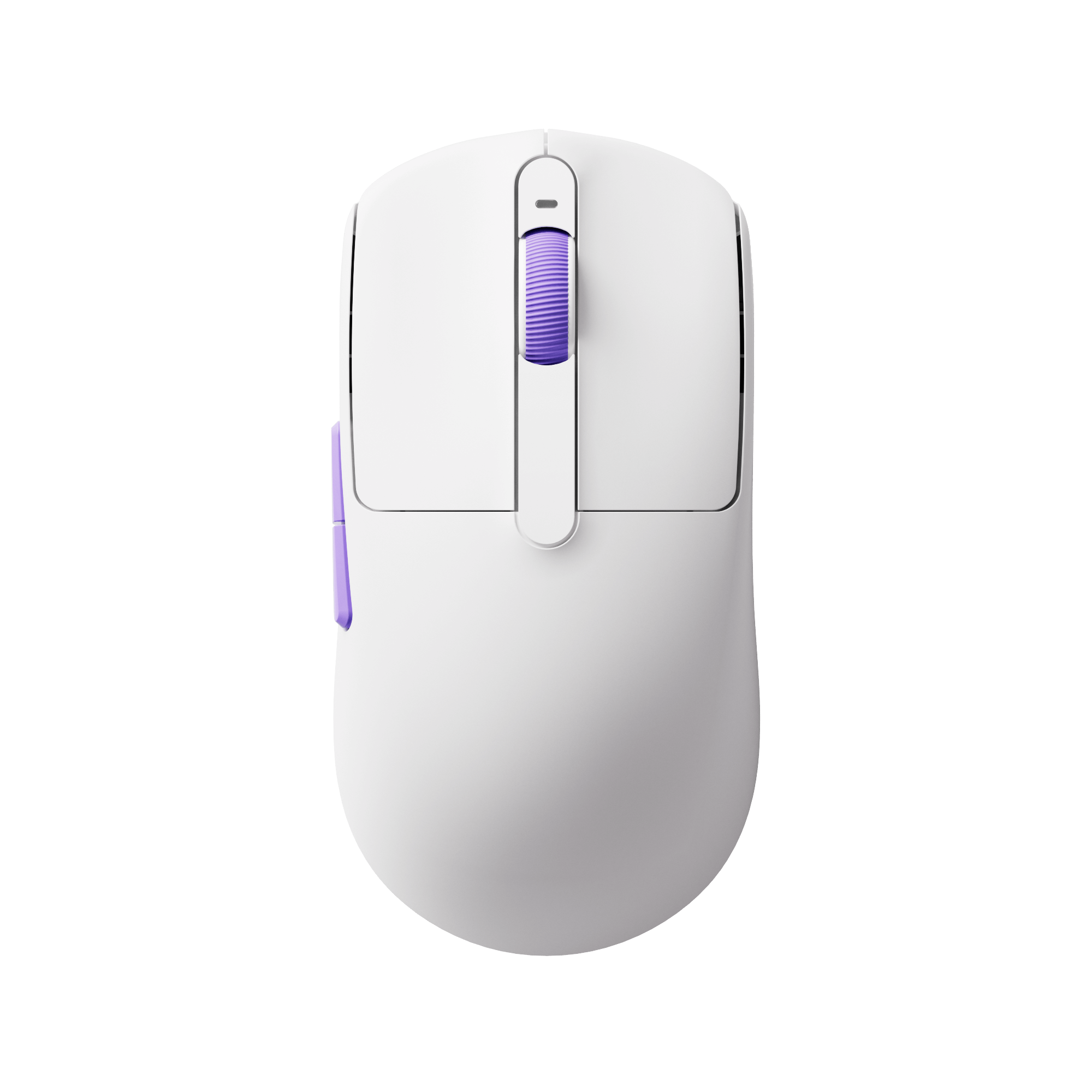
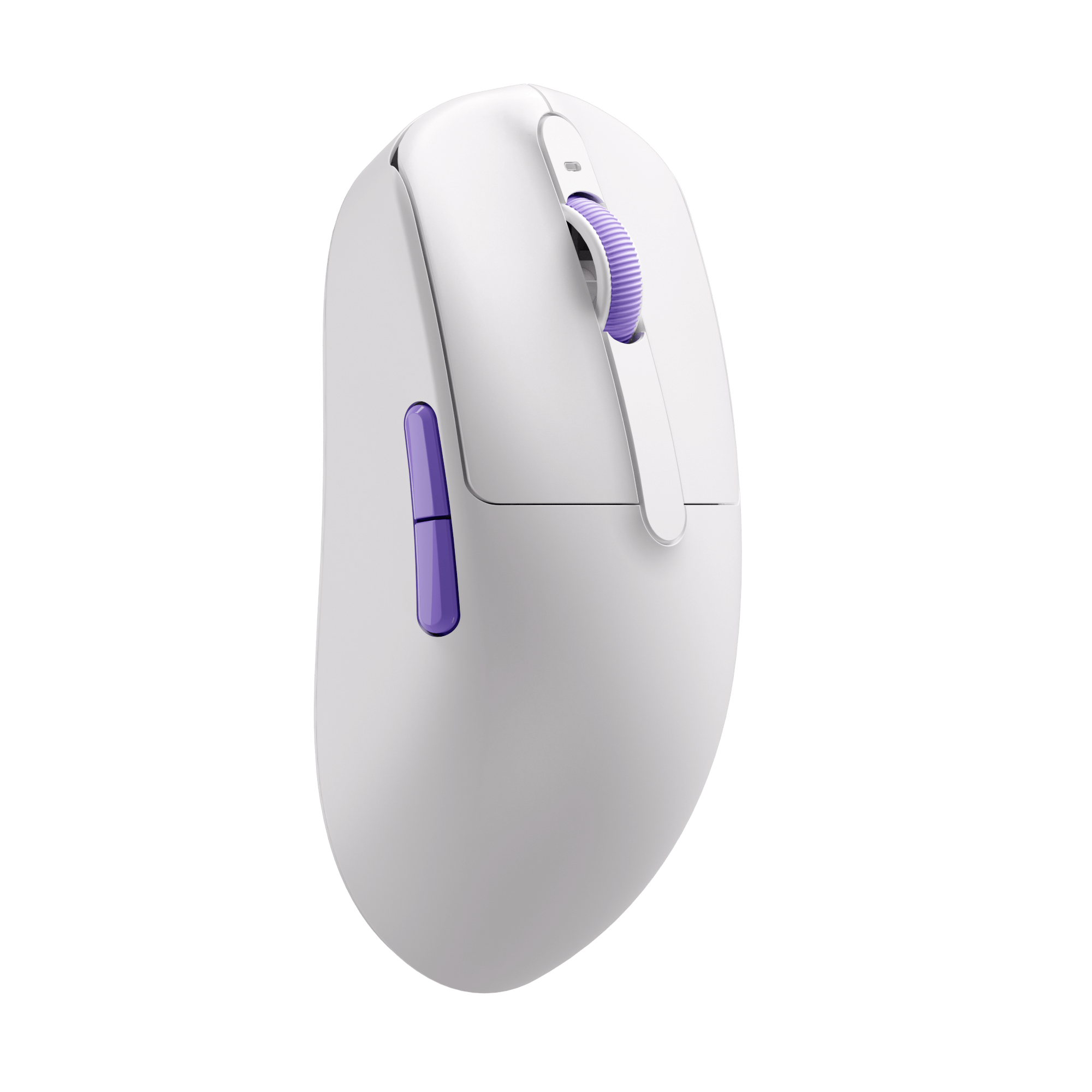
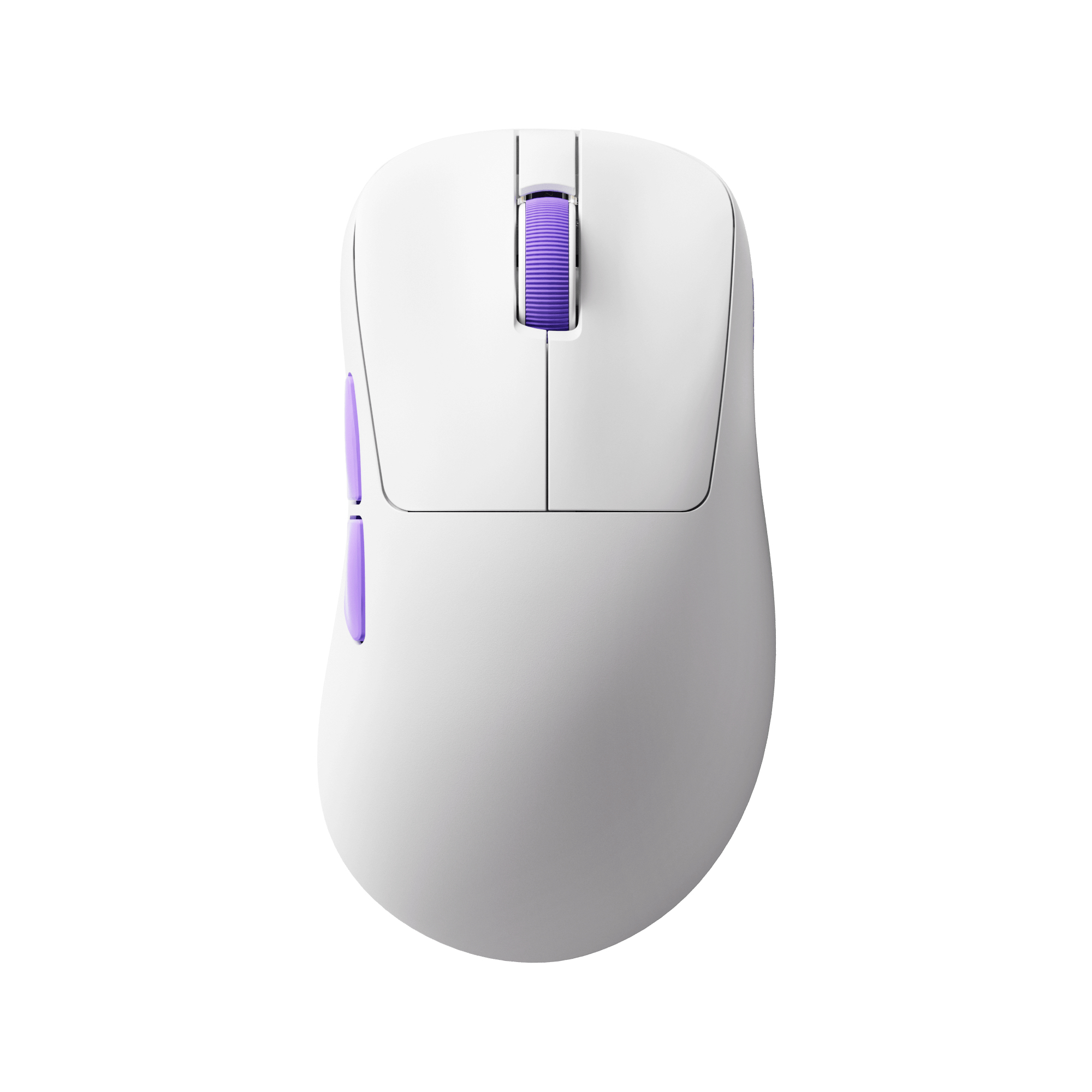
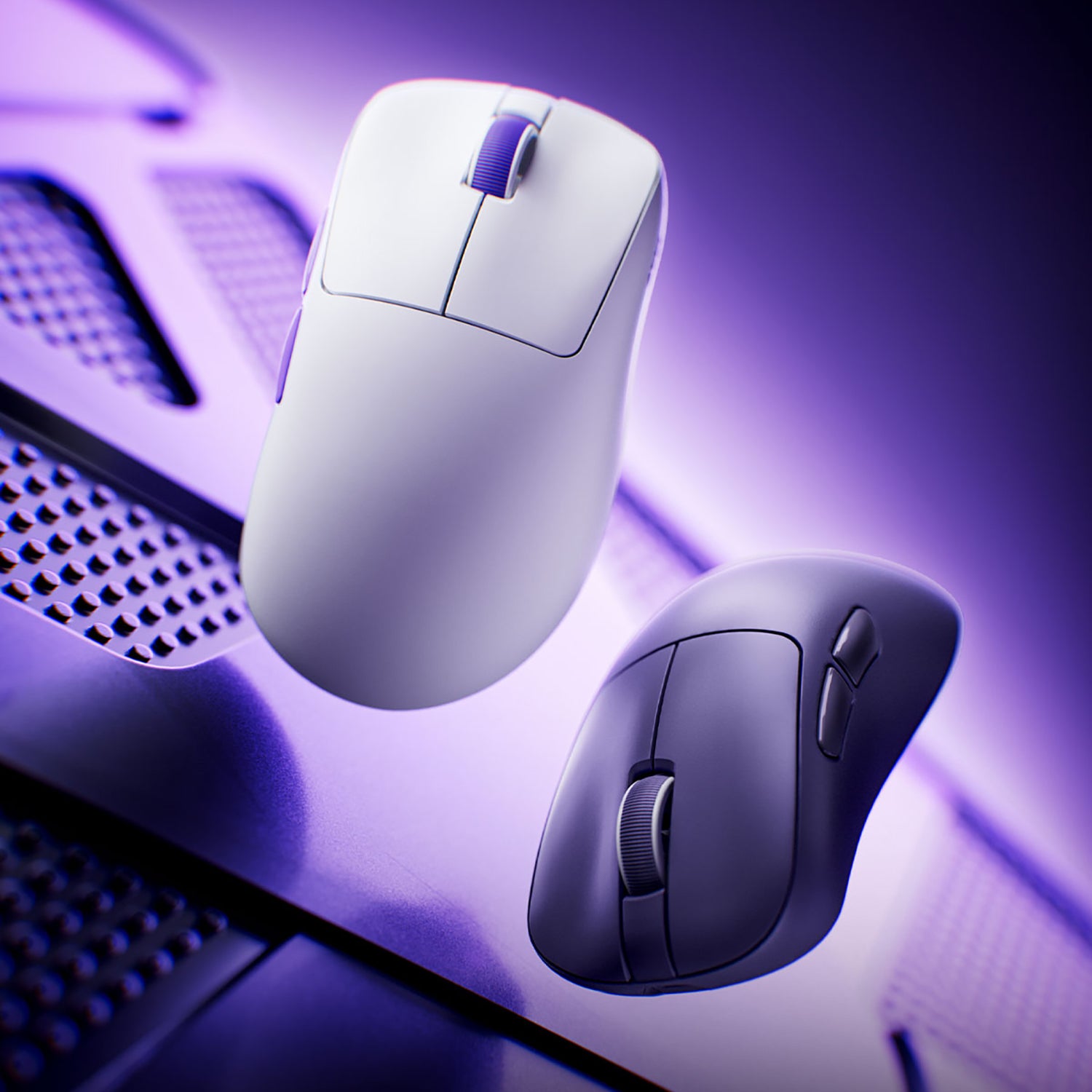
For players who want to fine-tune their sensitivity, lightweight performance-focused mice such as the Akko Dash Gaming Mouse can help reduce hand fatigue during large arm movements while maintaining precise control. Equipped with a PAW3950 sensor and up to an 8K polling rate, it is designed to deliver stable tracking and responsive input, supporting players who are working to build consistent muscle memory across different games and playstyles.

Akko Dash Gaming Mouse
- Ultra-responsive design with 8K Hz polling for near-instant input recognition
- Equipped with PAW3950 sensor and 8K Hz polling for ultimate precision
- Optimized for lightning-fast reactions and precise control in high-speed FPS scenarios
What eDPI Do Pro Players Use?
Professional players use a wide range of eDPI values, as it strongly depends on the game type, player role, and personal playstyle. In general, faster-paced games with frequent camera movement favor higher eDPI. Below, we break down the typical eDPI ranges used by pros across different games.
1. Tactical FPS (Low eDPI, Precision-Focused)
- Examples: Counter-Strike 2, Valorant
- Typical eDPI: 200–1200
This category uses the lowest eDPI range. Gameplay emphasizes pre-aiming, precise crosshair placement, and accurate one-tap shots rather than frequent fast turns. A low eDPI offers superior fine control and pixel-level precision, especially in long-range engagements.
2. Hero Shooters / Fast-Paced FPS (Mid–High eDPI, Balanced Speed and Precision)
- Example: Overwatch 2
- Typical eDPI: 2500–5000+
These games emphasize vertical movement, abilities, and frequent close-range combat, which means players need to turn and track targets quickly. As a result, eDPI is generally higher, though it varies by hero.
3. Battle Royale Games (Wide Range, Flexible Playstyles)
- Examples: Apex Legends, PUBG
- Typical eDPI: 800–3000+
Battle royale games take place on large maps and involve many different combat situations. Players may switch between precise long-range aiming and fast, close-quarters fights within the same match. Because of this, eDPI settings vary widely and are often fine-tuned to match individual playstyle and preferences.
Important Reminder
Copying a professional player’s eDPI does not guarantee better performance. Professional gamers’ setups are highly personalized, optimized over years for their hand shape, mousepad, posture, and playstyle. Their settings are a starting point, not a rule.
Start by identifying your game genre and use the typical eDPI range as a reference. Test it to find what feels most natural and controllable, then practice consistently for 2–4 weeks to build muscle memory.

How Do You Find Out Your Mouse eDPI?
There is no universal “perfect” eDPI. The ideal eDPI is the one that feels comfortable, controllable, and consistent for your playstyle, setup, and game. The steps below will help you find it in a structured and reliable way.
1. Find Your Starting Point Using Reference eDPI Ranges
Begin with a recommended average based on your game type—much more efficient than guessing.
- Tactical FPS (CS2, Valorant): eDPI ~800 (e.g., 800 DPI × 1.0)
- Fast-Paced FPS (Overwatch): eDPI ~3200 (e.g., 800 DPI × 4.0)
- Battle Royale (Apex Legends, PUBG): eDPI ~1200 (e.g., 800 DPI × 1.5)
Complete Beginners: eDPI ~1600 is a safe, universal starting point.
2. Four-Step eDPI Adjustment
Step1. 180-Degree Turn Test
How: Stand still and turn 180° from a fixed point, aiming directly behind you.
Goal: Smooth turn with your arm or wrist, landing precisely on target.
Adjust:
- Can’t reach 180° → Increase eDPI
- Overshoots easily → Decrease eDPI
Purpose: Set a benchmark for reacting to threats behind you.
Step2. Macro Tracking Test
How: Focus on a small fixed point (e.g., crack in the wall) and move slowly left and right, keeping your crosshair on it.
Goal: Smooth, stable movement without drifting or jerking.
Adjust:
- Crosshair slips or drifts → Lower eDPI
- Movement feels choppy or jerky → Increase eDPI
Purpose: Establish a benchmark for precision aiming and tracking.
Step3. Quick Positioning Test
How: Pick two targets at a moderate distance (or mark spots on your screen) and flick between them repeatedly.
Goal: Quickly reach targets while easily making fine adjustments.
Adjust:
- Always overshoot → Lower eDPI
- Often miss → Increase eDPI
Purpose: Test muscle control and speed when aiming and repositioning.
Step4. Real-World Simulation Test
How: Spend 5–10 minutes doing simulated fights, peeks, and turns in the training range.
Goal: Overall control feels natural, effortless, and precise.
Ultimate Feeling: Find the eDPI that makes your crosshair feel instantly responsive, letting you focus entirely on the target.
Finding your ideal eDPI is essentially about understanding your own body and the demands of the game. Professional players' stats only demonstrate a possibility; your own comfort zone and control are the real answers.
Arm Aim vs Wrist Aim: Choosing the Right eDPI
Arm Aim
Arm aiming uses the forearm and shoulder for most mouse movement, with the wrist mainly assisting in fine adjustments.
- Typical eDPI Range for Arm Aim: Low to medium eDPI (approximately 400–800)
Lower eDPI allows arm aimers to make controlled, repeatable movements without overshooting targets. And players using lower eDPI setups often benefit from lightweight mice with smooth, consistent tracking, especially when large arm movements are involved.
Wrist Aim
Wrist aiming relies primarily on wrist movement, with minimal arm involvement.
- Typical eDPI Range for Wrist Aim: Medium to high eDPI (approximately 800–1600)
Higher eDPI reduces the physical movement needed, making it easier for wrist aimers to react quickly.

Common eDPI Myths and Misconceptions
Myth 1: Lower eDPI Is Always Better
Lower eDPI is not automatically superior.
While many professional players use low eDPI for precision, it only works well if:
- You have enough desk and mouse pad space
- You are comfortable with arm aiming
- Your setup supports large, consistent movements
For some players, an eDPI that is too low can feel slow and fatiguing, reducing overall performance.
Myth 2: High DPI Is Bad for Gaming
High DPI itself is not the problem. DPI is only one part of the equation. A higher DPI paired with lower in-game sensitivity can result in the same eDPI as a lower DPI setup. What matters is:
- Sensor quality
- Stability
- Final eDPI value
Myth 3: Changing DPI Is Better Than Changing Sensitivity
DPI and Sensitivity both affect eDPI equally.
Changing DPI or in-game sensitivity will change your eDPI unless you compensate for it. Randomly switching between them often disrupts muscle memory. A better approach is:
- Fix your DPI
- Adjust only in-game sensitivity
- Track your eDPI
Neither arm aim nor wrist aim is “better.” Each has its advantages, and the right eDPI is the one that supports your natural movement, comfort, and consistency. Matching your eDPI to your aiming style is one of the most effective ways to improve long-term performance.
Final
Mouse eDPI is not about finding a single “perfect” value—it’s about understanding how your mouse settings work together. By combining DPI and in-game sensitivity into one meaningful measurement, eDPI helps you make smarter, more consistent decisions about your setup.




Commenta
Nota che i commenti devono essere approvati prima di essere pubblicati.
Questo sito è protetto da hCaptcha e applica le Norme sulla privacy e i Termini di servizio di hCaptcha.