




Long acrylic, gel, or natural nails look undeniably elegant. However, typing with the long nails is not an easy thing. Standard keyboards often cause typos, snagged edges, and sore nail beds. Shoppers identify the best keyboards for long nails by examining how hands interact with keys under strict spatial constraints. We will break down which keycap profiles, switch weights, and keyboard layouts eliminate typing friction to keep your manicure intact.
How to Determine Your Typing Style with Long Nails?
Before choosing the right keyboard for long nails, let’s first consider your typing style. Generally, the typists with the long nails leads to two distinct typing methods to avoid striking keycaps at awkward angles. Let's check which one you are using:
Finger Pad Typing
Your fingers rest as flat as possible on the keys, using the soft pad of your fingertips to press them. Your nails stay more parallel to the desk, which helps prevent them from hitting the keys directly.
For this typing style, a low-profile, laptop-style keyboard is a good choice. Its shorter key height makes it easier to type without your nails catching on the row above.
Nail Tip Typing
Your hands stay slightly raised, and you press the keys mainly with your fingertips or nail tips. This allows you to keep a more natural wrist position, but your nails may take more direct impact with each keystroke.
For this typing style, a traditional or mechanical keyboard can be a better choice. Taller keys and more space between them give your nails more room and can make typing more comfortable than shallow laptop-style keys.
Another advantage of mechanical keyboards is that you can easily swap keycaps and try different keycap profiles, making it easier to find a setup that works well with your nails.
What Makes a Keyboard Good for Long Nails?
When you have long nails, the right keyboard can make a big difference in typing comfort. But there’s no single keyboard that works for everyone. The best choice depends on how you type, how long your nails are, and how your fingers naturally rest on the keys.
Here are a few key features to consider when choosing a keyboard for long nails.
1. Key Height and Profile
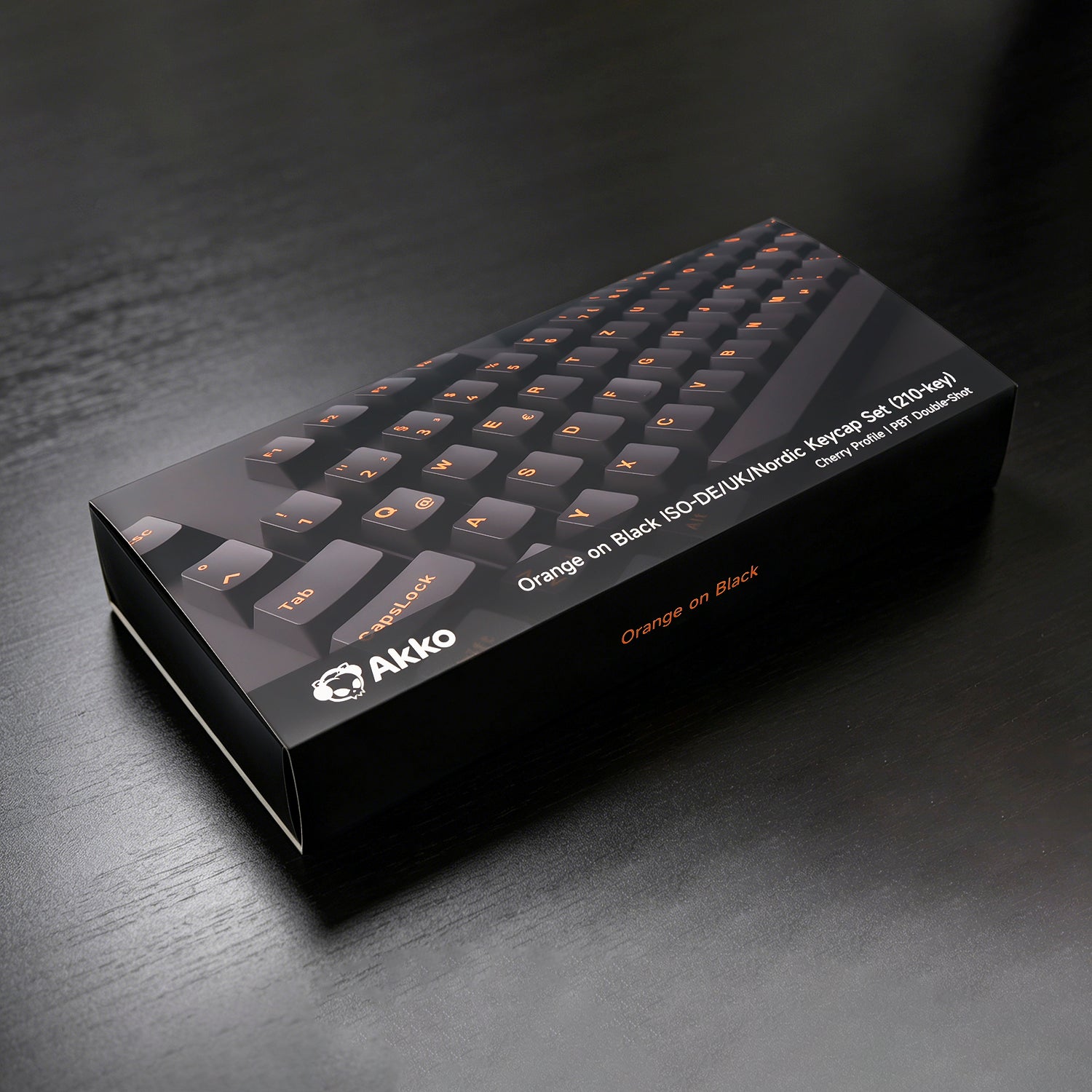
A keycap's profile determines the finger contact area. Generally most of the pre-built mechanical keyboars comes wit the OEM and Cherry profile keycaps.
These feature stepped, sculpted rows with angled edges and concave tops. When you type with long nails, the step up to the next row becomes a physical barrier. Sharp rims catch nail edges instantly as the key goes down.
If you use a mechanical keyboard, you can also swap keycaps and try different profiles to find a setup that feels more comfortable with your nails.
2. Key Travel
Key travel refers to how far a key moves when you press it.
Low-profile keyboards have shorter, flatter keys, which can make it easier to rest your fingers naturally on the keyboard. They are especially suitable for people who type with the soft pads of their fingers.
3. Switch Type & Switch Actuation Force
A switch is the part underneath each keycap that registers your keystroke. When you press a key, the switch moves down and sends a signal to your computer. Different switches can feel very different when you type. Some feel light and smooth, while others require more force or give you a more noticeable bump or click.
One important factor is actuation force—the amount of pressure needed to press a key far enough for the keystroke to register.
For long nails, a lighter switch can make typing feel easier and more effortless, especially if you tend to use your fingertips or nail tips. A heavier switch requires more pressure with each keystroke, which may feel tiring during long typing sessions.
So, when choosing a mechanical keyboard, don't just look at the keycaps. The switch underneath also plays an important role in how comfortable the keyboard feels.
4. Your Typing Style Matters Most
Ultimately, the best keyboard for long nails is the one that matches your natural typing style.
If you keep your fingers relatively flat and type with your finger pads, a low-profile keyboard may feel more natural. If you keep your hands slightly raised and type with your fingertips or nail tips, a traditional mechanical keyboard with taller keycaps and more space between keys may be a better fit.
Instead of choosing a keyboard simply because it has low or high keys, start by looking at how you naturally type. That’s the easiest way to find a keyboard that feels comfortable with long nails.
Which Keyboard Types Suitable for Your Long Nails?
The right keyboard for long nails depends less on how long your nails are and more on how you naturally type. Before choosing a keyboard, pay attention to where your fingers make contact with the keys and how your hands move while typing.
Don't choose a keyboard based on nail length alone. Your natural typing style, hand position, and the amount of space you need between keys are just as important.
| Typing Style / Need | Recommended Keyboard Type | Akko Recommendation | Why It Fits |
|---|---|---|---|
| Finger Pad Typing | Low-Profile Keyboard | Air01, Linx68 | The lower profile and shorter key travel provide a flatter, more natural typing position and help keep long nails from catching on the keys. |
| Nail Tip Typing | Traditional Mechanical Keyboard | Bun Wonderland, Piggy Party Series | Standard-height keycaps and more defined key positions give nail-tip typists more room for precise keystrokes. |
| A Mix of Both | Low-Profile Mechanical Keyboard | Air01, Linx68 | Combines a flatter design with the feel and customization of mechanical switches. |
Akko Best Keyboards for Long Nails
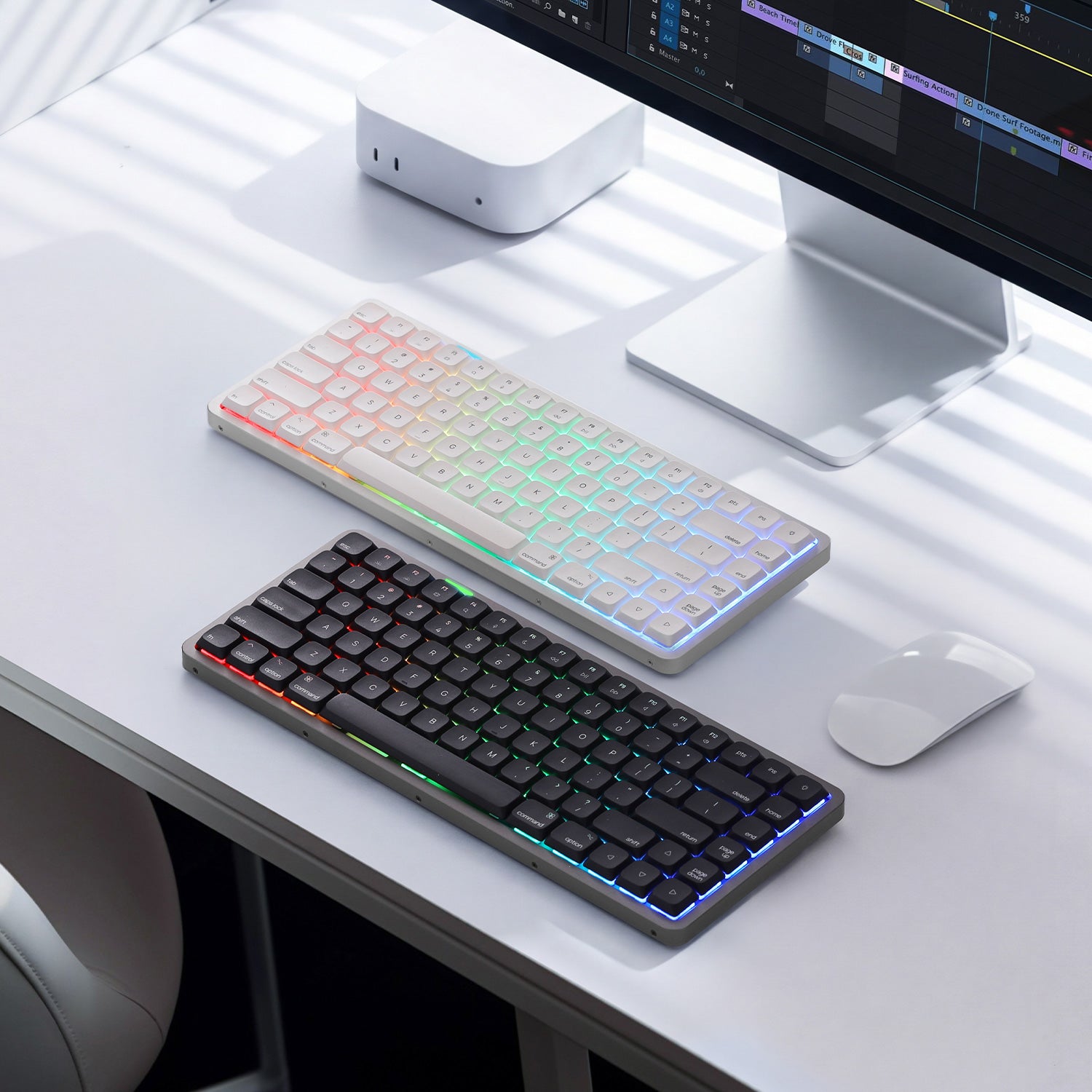
Air 01 Low Profile Mechanical Keyboard (Finger Pad Typing)
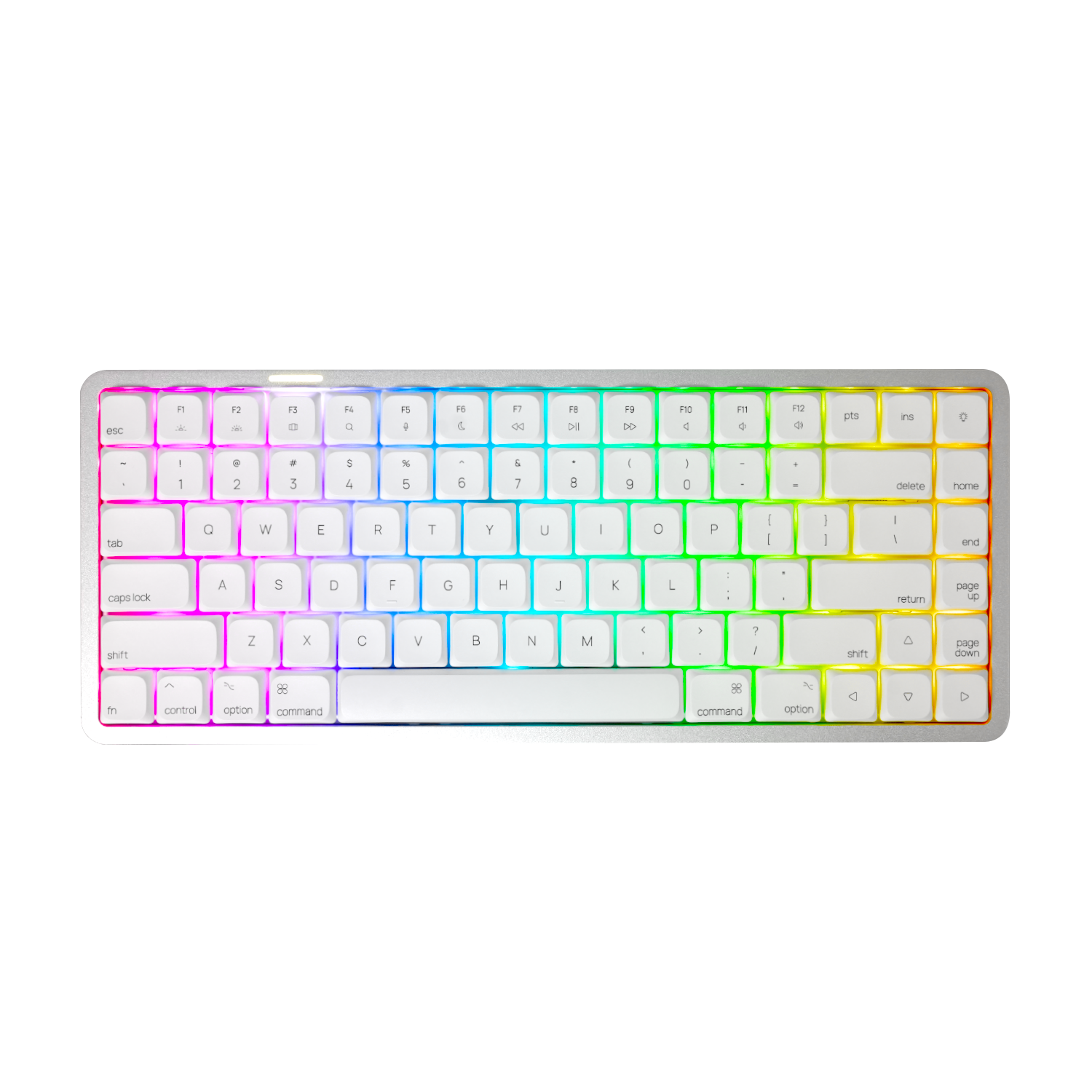
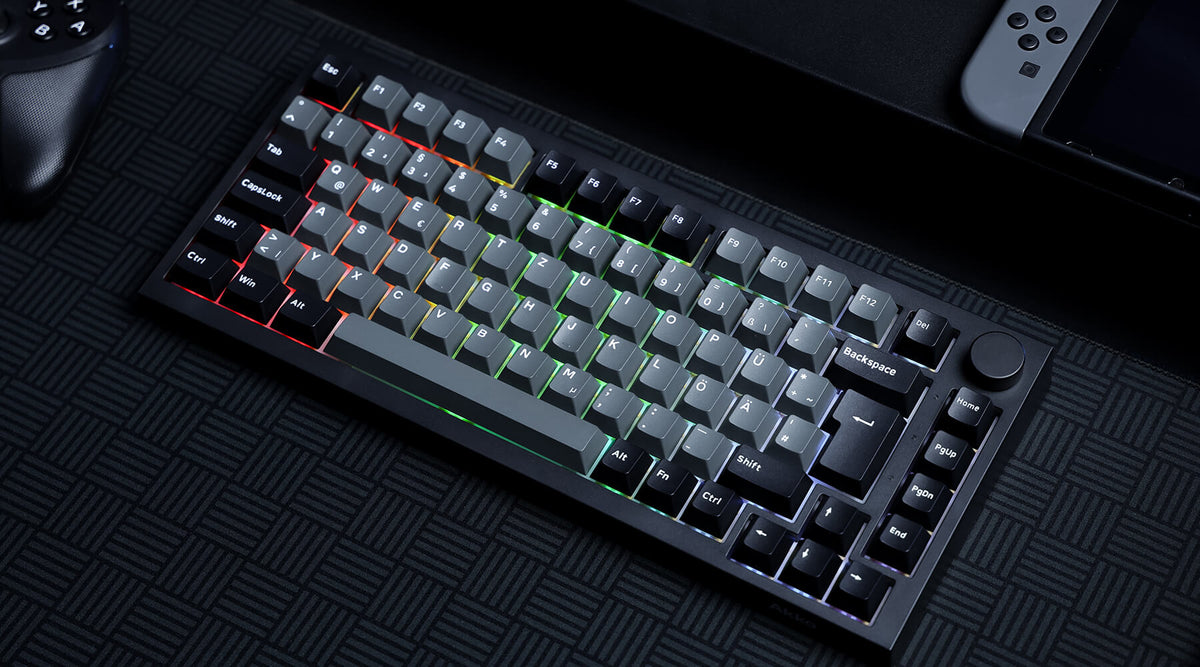
If you prefer typing with the pads of your fingers, the Akko Air 01 is a great option to consider. Its low-profile design creates a flatter typing position with shorter key travel, making it easier to keep your fingers relaxed and your nails away from the edges of the keys.
- Low-Profile Design – Shorter key travel and a flatter profile help keep your fingers in a more natural position and reduce the chance of long nails catching on the keys.
- Premium Aluminum Build – The aluminum case gives the keyboard a solid, durable feel while maintaining a clean, slim look.
- 75% Layout – A compact layout that saves desk space while keeping the keys you need for everyday use.
- Hot-Swappable Switches – Easily change switches without replacing the entire keyboard.
- Multi Switch Options – Choose from Linear, Linear (Silent), Tactile, or Clicky to find the typing feel that works best for you.
- Customizable Typing Experience – Whether you prefer smooth, quiet, tactile, or clicky keystrokes, you can tailor the Air01 to your preference.
With its low-profile design, premium aluminum build, and multiple switch options, the Air 01 is a good choice for long-nail users who prefer a flatter, more natural typing position without giving up the customization and feel of a mechanical keyboard.

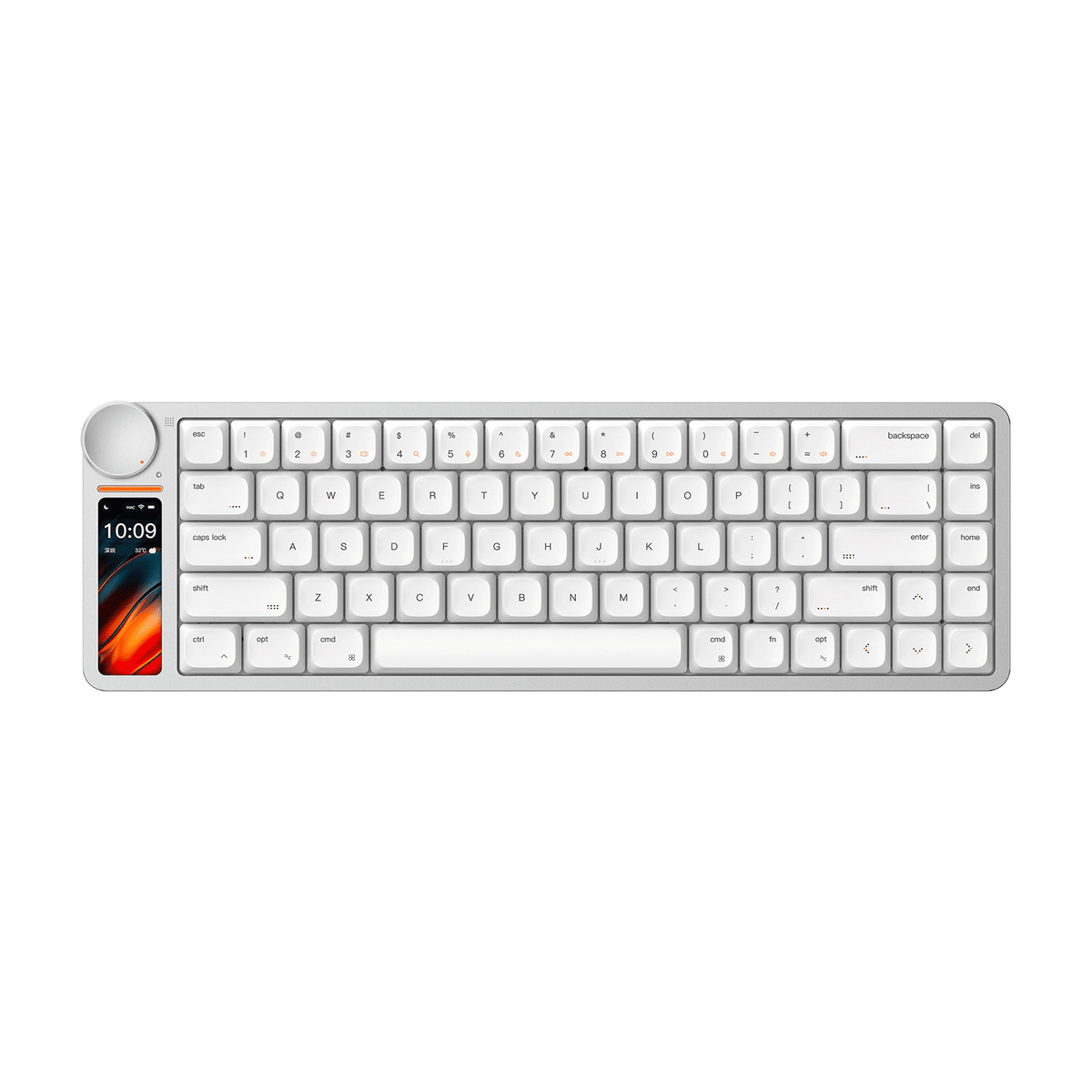
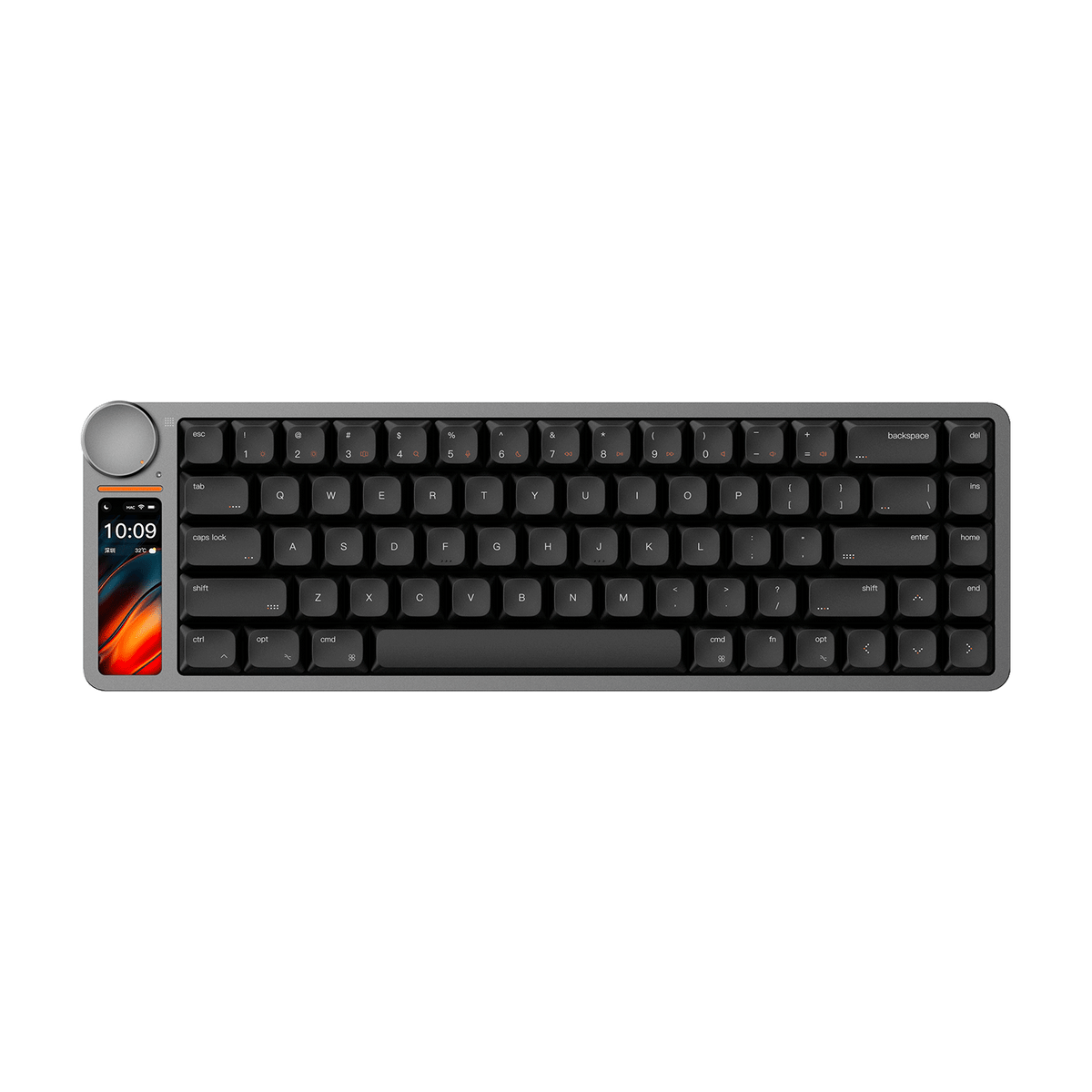
Linx 68 Low Profile Mechanical Keyboard (Finger Pad Typing)
If you prefer a low-profile keyboard but want something with more features and a premium feel, the Akko Linx 68 is one to keep an eye on.
The first version received a great response from users, and we’re now refining the keyboard based on their feedback before its next release.
- Low-Profile Design – A slim profile and shorter key travel make it a natural fit for finger-pad typing and users who prefer a flatter typing position.
- 2.79" LCD Screen – The built-in display adds a customizable visual element to your desk setup and can support new features through Linx OS and OTA updates.
- Smart Control Knob – A 29mm aluminum knob provides convenient control while adding to the keyboard's clean, modern design.
- Full Aluminum Construction – The ultra-slim 12mm aluminum chassis gives the keyboard a premium look and a solid, refined feel.
- Hot-Swappable – Easily replace the switches to customize your typing experience.
- Gasket / Top Mount – Choose between two mounting options to fine-tune the feel and feedback of your typing experience.
- Kailh Cloud Low-Profile Switches – The linear switches offer a smooth, responsive feel with a 50 ± 10gf operating force.
- Long-Lasting Battery – A 6000mAh battery supports the display and wireless connectivity for everyday use.
The first Linx 68 was well received by users, and the new version is being refined based on user feedback. The updated model is currently in development and will be available once the improvements are complete.

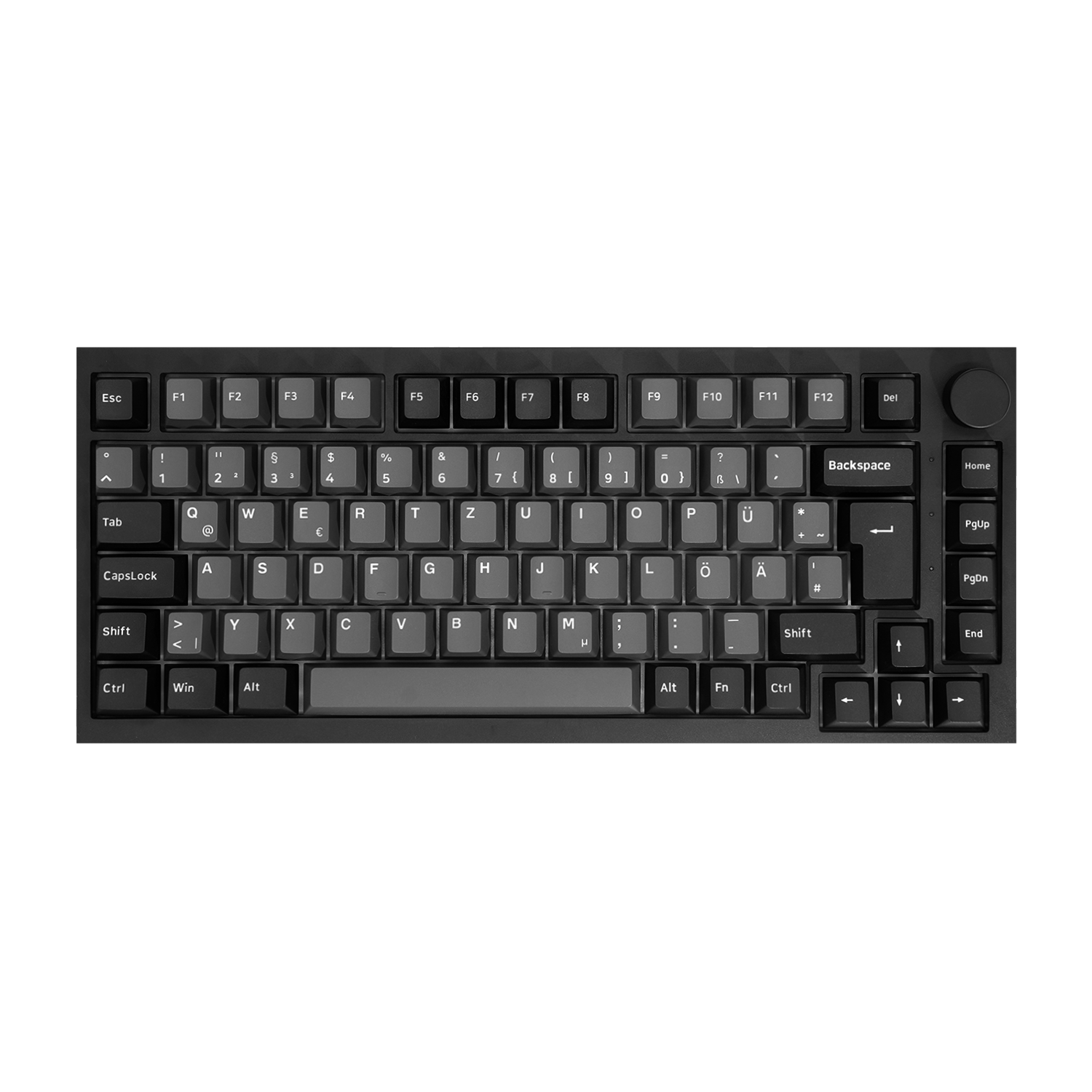
5075 V5 HE Magnetic Keyboard (Finger Pad Typing)
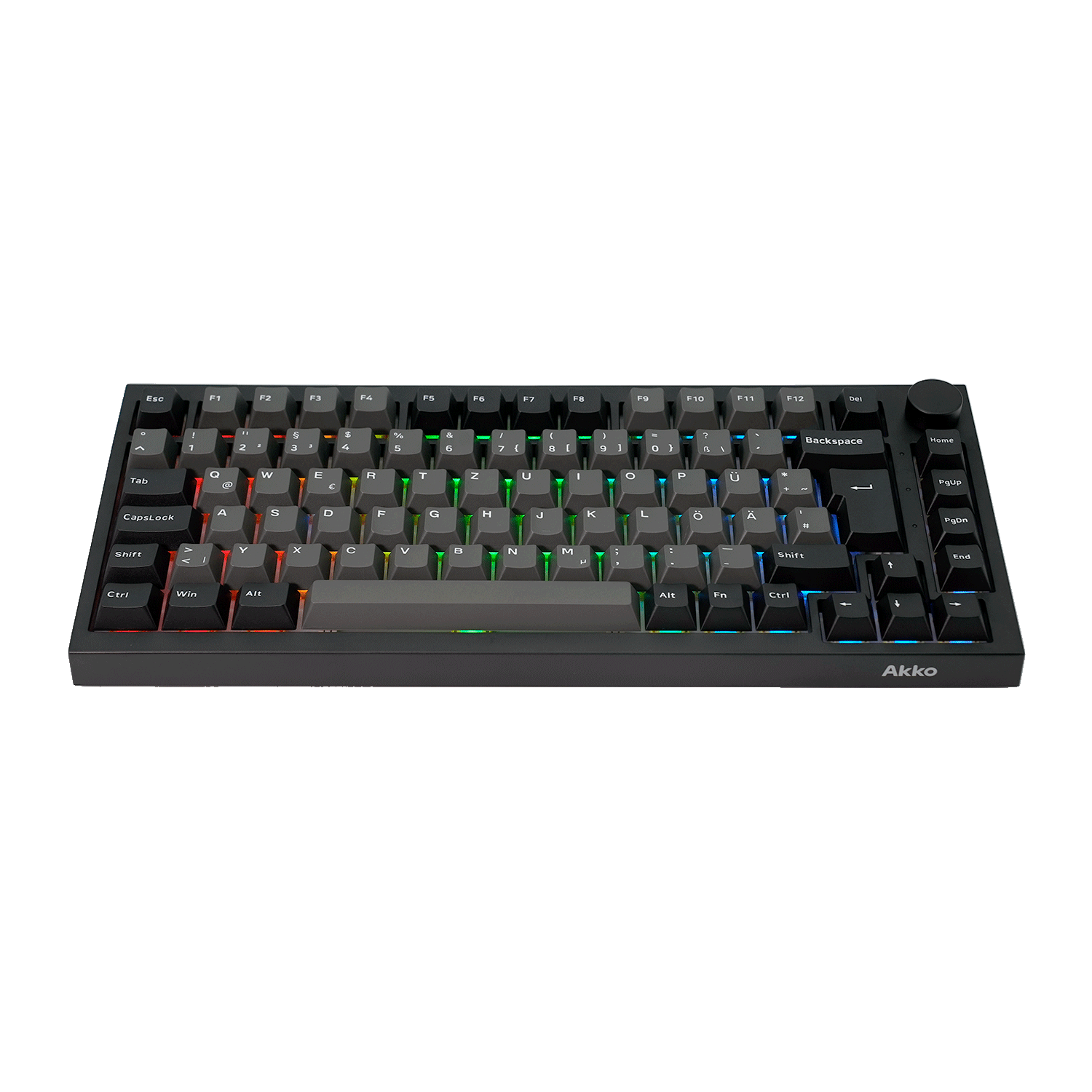
If you prefer typing with the pads of your fingers, the Akko 5075 V5 HE is a great option to consider. Its Cherry-profile keycaps offer a familiar sculpted shape, while the magnetic switches give you more control over actuation and rapid trigger settings.
- Cherry Profile Keycaps – A relatively low, sculpted profile that provides clear row positioning and a familiar mechanical typing feel.
- Magnetic HE Switches – Adjustable actuation from 0.1mm to 3.4mm, so you can fine-tune how each key responds.
- 0.001mm Rapid Trigger – Designed for fast and precise input, especially useful for gaming.
- 8K Polling Rate – Supports 8,000Hz polling in wired and 2.4GHz modes.
- 75% Layout – Keeps the keyboard compact while retaining the essential keys for everyday use.
- Gasket Mount & Full-Surface Silicone Pad – Helps create a softer, more consistent typing feel.
- Tri-Mode Connectivity – Connect via Bluetooth, 2.4GHz, or USB-C.
- 10,000mAh Battery – A high-capacity battery for extended wireless use.
The Cherry profile offers a defined, sculpted key shape without the taller feel of higher-profile keycaps. Combined with adjustable actuation, you can fine-tune the keyboard to match your preferred typing style.
More Options in the 5075 V5 Series
Prefer TMR instead of HE?
- The 5075 V5 TMR uses a TMR sensor with up to 0.005mm Rapid Trigger accuracy, while also supporting MagMech and magnetic-switch cross-compatibility. It keeps the same 75% Cherry-profile design and 10,000mAh battery.
Looking for a more compact layout?
- The 5087 V5 TMR offers the same series with an 87-key layout, giving you a more traditional keyboard size while keeping the magnetic/TMR features.
And if you need an ISO layout, there are dedicated versions for different European layouts:
- 5075 V5 HE Black & Silver ISO-DE – designed for German ISO users, with Cherry keycaps, 8K polling, adjustable actuation, and 0.001mm RT.
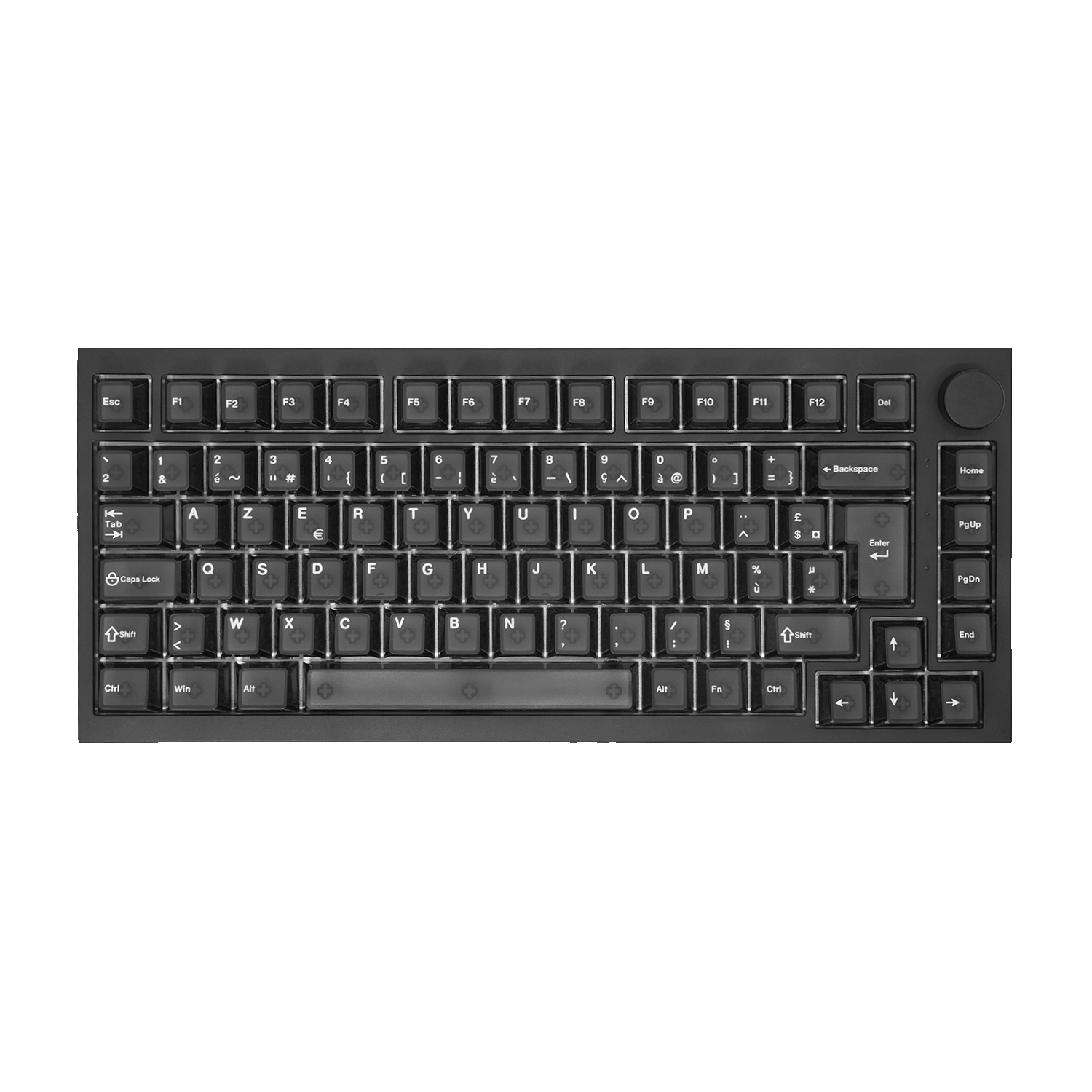
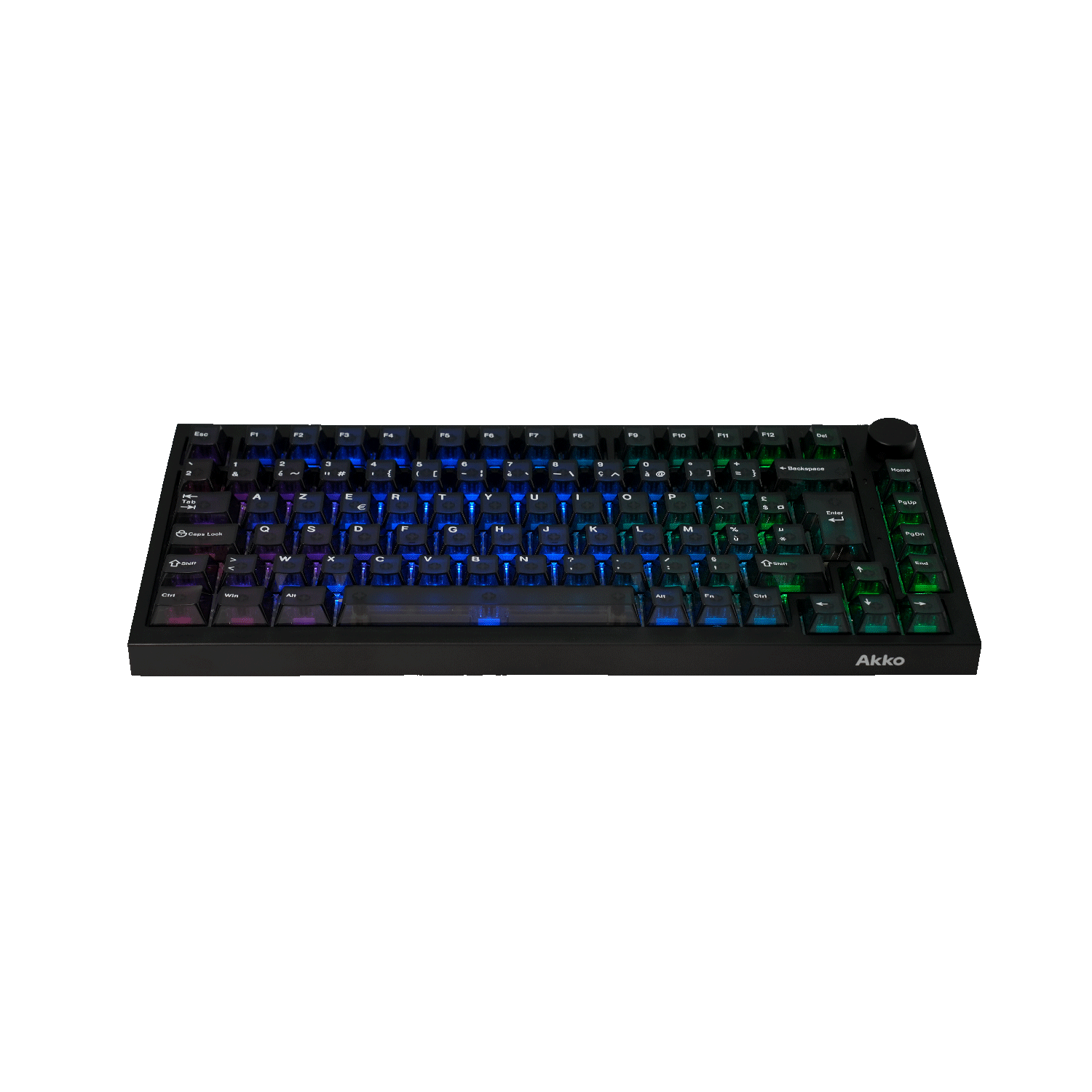
- 5075 V5 HE Black Transparent ISO-FR – an ISO-FR option with the same HE magnetic platform and Cherry-profile keycaps

Bun Wonderland 5108 V5 (Nail Tip Typing)
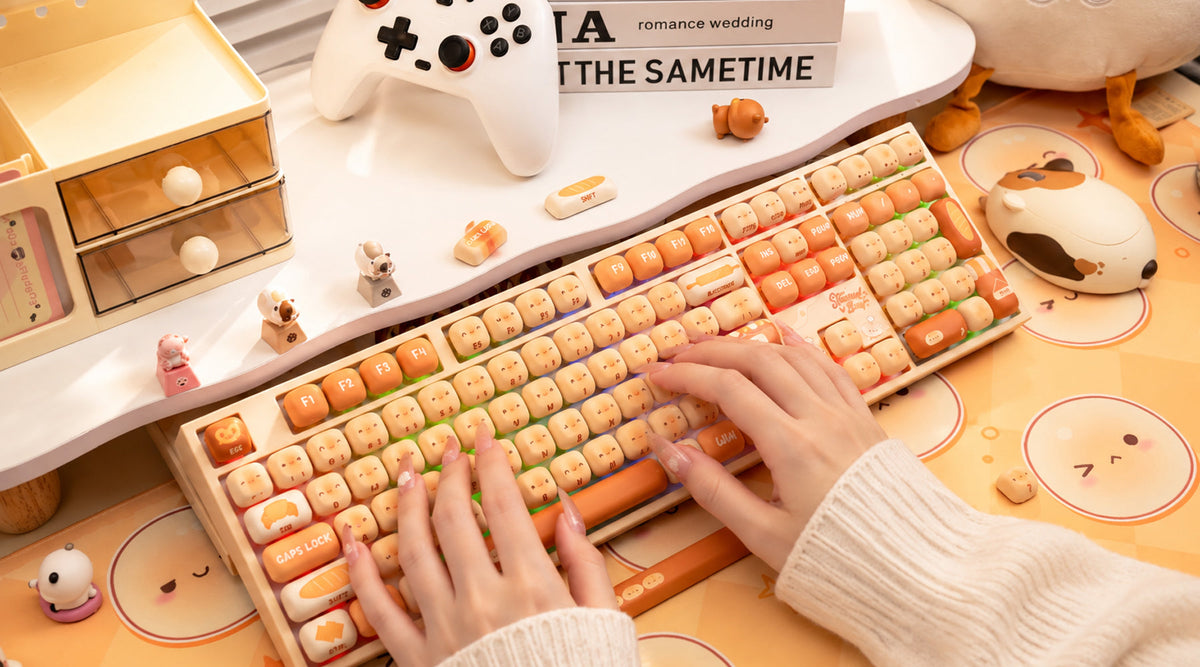
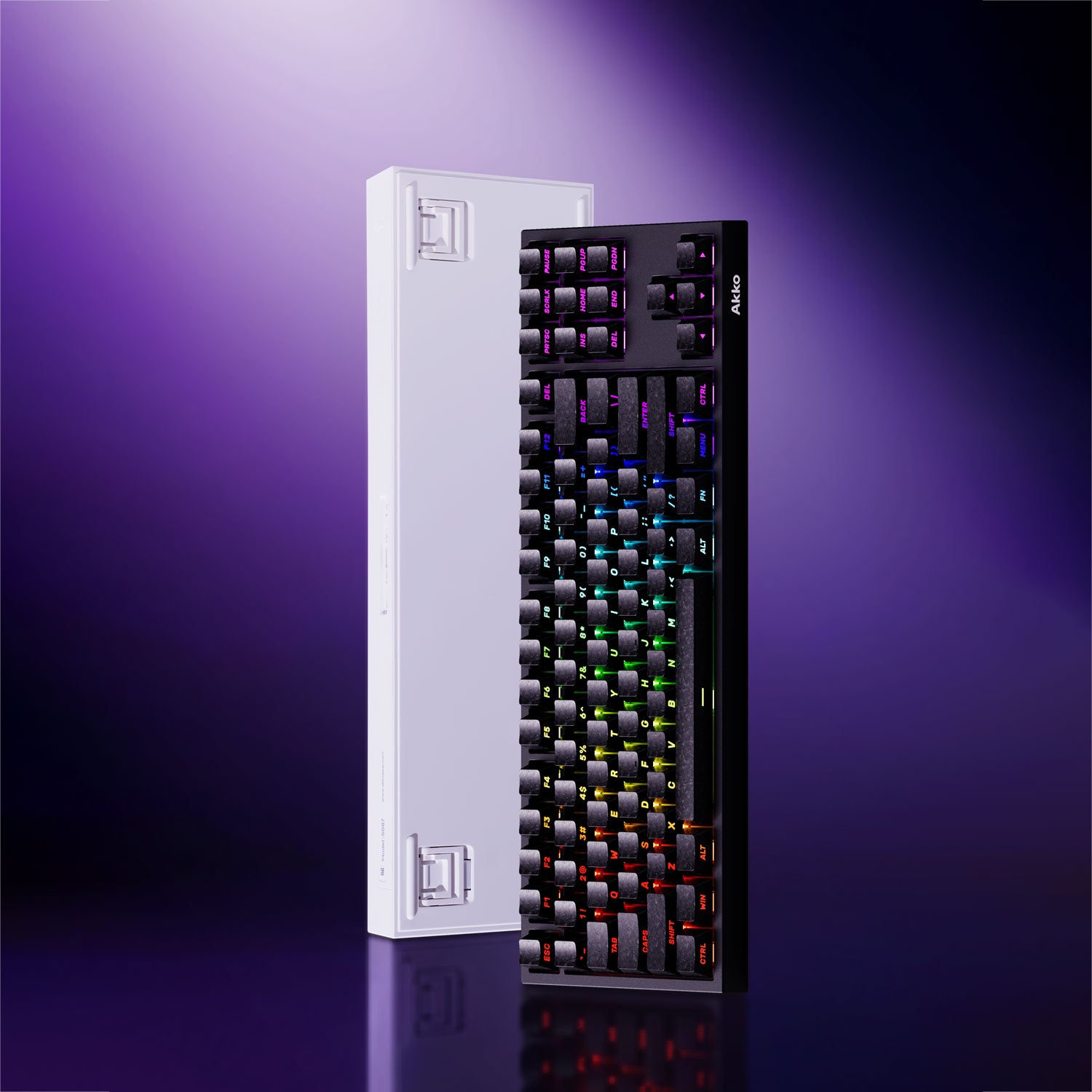
For typing with your nails, we recommend a mechanical keyboard with MOG-profile keycaps, which have a rounded, comfortable shape that makes them easier to type on with longer nails.
Among our keyboards featuring MOG-profile keycaps, the Akko Bun Wonderland 5108 V5 is one of the most popular choices among our customers. It combines a comfortable rounded MOG profile with a full-size layout and a playful, IP-inspired design, making it both practical and fun for everyday use.
- MOG Profile Keycaps – The rounded, uniform MOG profile provides a consistent surface for your fingers and works well for users who prefer a more defined fingertip typing style.
- Full-Size 100% Layout – Includes the full set of keys, making it a practical choice for work, gaming, and everyday use.
- PBT Dye-Sub Keycaps – Durable PBT keycaps with dye-sublimated legends help maintain a clean look over time.
- Hot-Swappable – Easily replace the switches to explore different typing feels without replacing the whole keyboard.
- Gasket Mount – A softer, more flexible typing feel helps make longer typing sessions more comfortable.
- Multi-Mode Connectivity – Supports Bluetooth, 2.4GHz, and USB-C, giving you flexibility across different devices.
- Bun Wonderland Design – The themed keycaps and matching keyboard design add a playful touch to your setup while keeping the keyboard practical for everyday use.
More MOG Options: If the Bun Wonderland theme isn't your style, there are other MOG-profile designs to choose from, including Piggy Party. And if you prefer a more compact layout, the Bun Wonderland 5075 V5 offers the same theme in a 75% layout. Akko's IP keyboard collection also includes other themed models in 5108 V5 and 5075 V5 layouts.

How to Make Your Current Keyboard Nail-friendly with Accessories?
You don't always need to buy a new keyboard to make typing with long nails more comfortable. A few simple accessories can change the way your fingers sit on the keys and give your nails more room to move.
Silicone Keyboard Covers
A silicone keyboard cover sits directly over your keys and fills the gaps between them. The raised surface can help keep your fingers flatter and prevent your nails from slipping between rows. Some long-nail-friendly covers also use raised silicone areas that let your fingertips press the keys while keeping your nails away from the keyboard.
Raised Key Stickers and Bumpers
For a more targeted solution, raised stickers or small adhesive bumps can be placed on individual keys. They add a soft, slightly raised surface for your fingertips and can make it easier to press the keys without your nails hitting the keycaps.
These accessories are an affordable way to experiment with a more comfortable typing setup before investing in a new keyboard.
Final
The best keyboard for long nails isn't necessarily the one with the lowest keys or the most space. It's the one that matches the way you naturally type.




Yorum yazın
Tüm yorumlar yayınlanmadan önce incelenir.
Bu site hCaptcha ile korunuyor. Ayrıca bu site için hCaptcha Gizlilik Politikası ve Hizmet Şartları geçerlidir.