








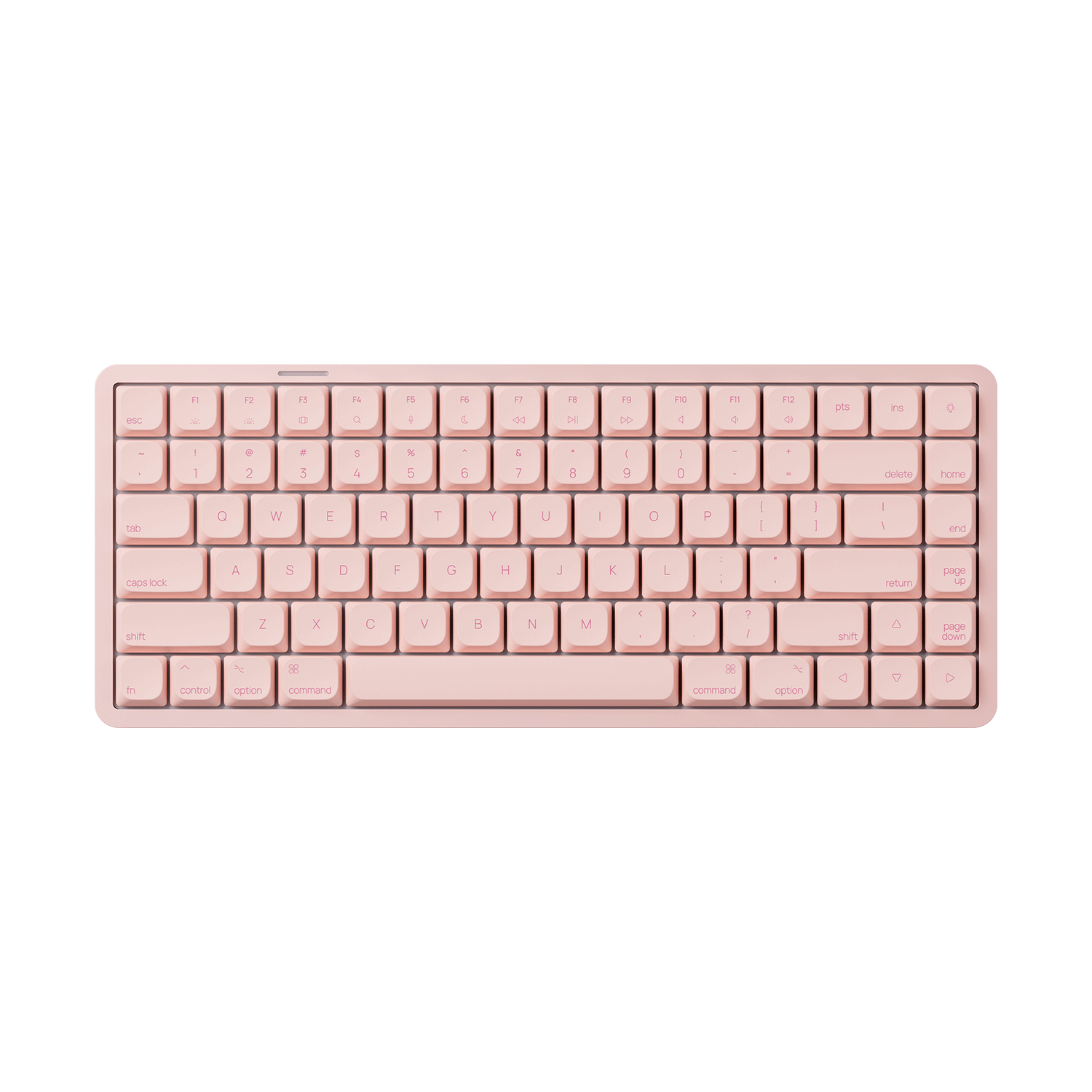
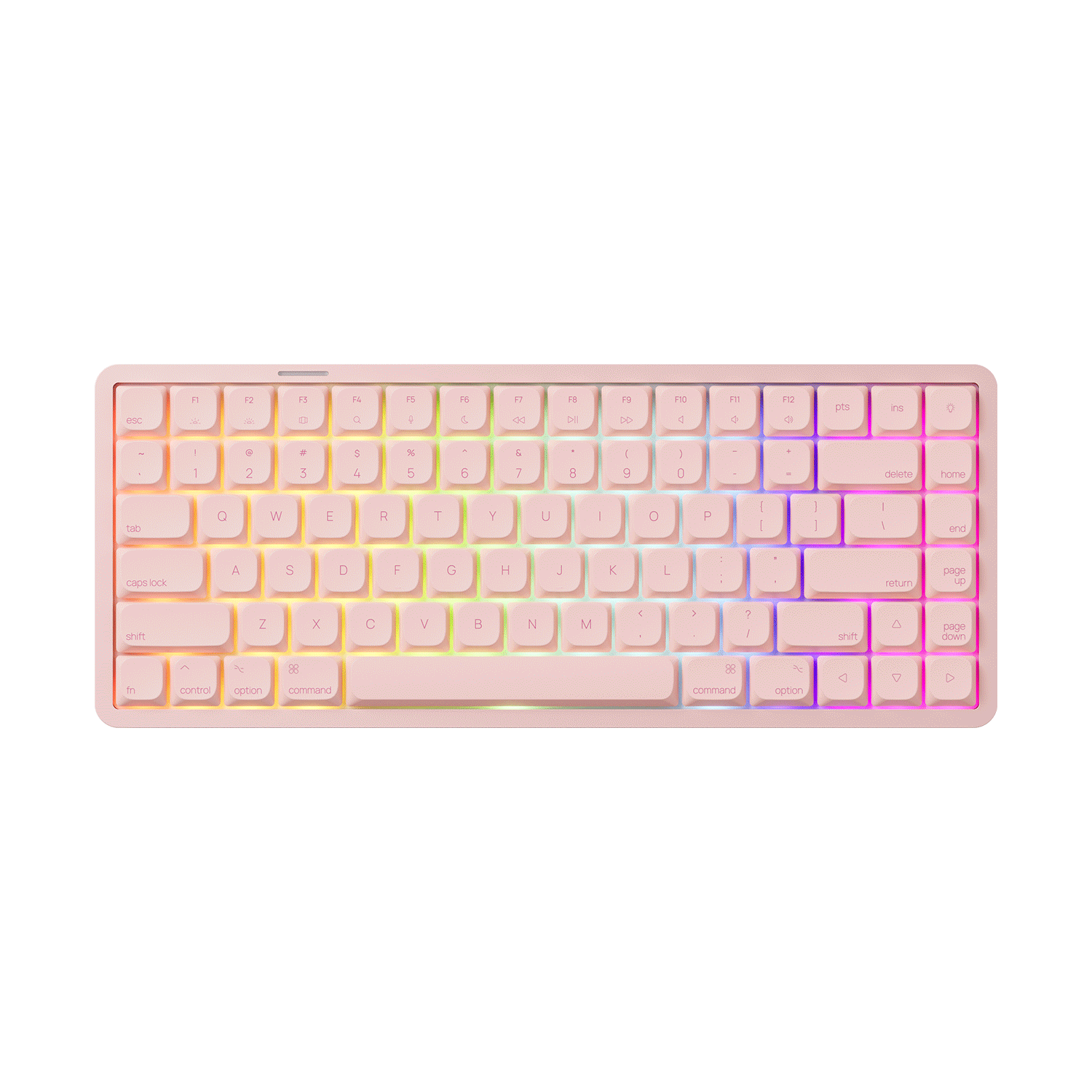
Air 01 Low Profile Mechanical Keyboard
Vergi dahil. Gönderi ücreti ödeme sırasında hesaplanır
We strive to provide you with services of the highest standard!
Default (CN) Warehouse
Products that are not specifically marked with an overseas warehouse option are generally shipped from our Default (CN) Warehouse.
The Default (CN) Warehouse currently supports shipping to the following countries and regions:
Australia, Austria, Belgium, Bulgaria, Canada, Colombia, Croatia, Cyprus, Czechia, Denmark, Estonia, Finland, France, Germany, Greece, Guatemala, Iceland, Indonesia, Ireland, Italy, Jamaica, Japan, Jersey, Kuwait, Latvia, Lithuania, Luxembourg, Mexico, Mongolia, Netherlands, New Zealand, Norway, Pakistan, Philippines, Poland, Portugal, Qatar, Romania, Russia, Serbia, Singapore, Slovakia, Slovenia, Spain (47 of 52 provinces), Spain (Ceuta), Sri Lanka, Sweden, Switzerland, Taiwan, Thailand, United Kingdom, United States (56 of 62 states), Uzbekistan, and Vietnam.
Most products sold on Akkogear.eu are shipped from China.
For most eligible EU destinations, the estimated delivery time from the Default (CN) Warehouse is approximately 10–20 working days.
This estimate refers to the expected delivery period and should not be interpreted as order processing time.
Germany (DE) Warehouse
The Germany (DE) Warehouse currently supports shipping to:
Austria, Belgium, Bulgaria, Croatia, Czechia, Denmark, Estonia, France, Germany, Greece, Hungary, Italy, Latvia, Lithuania, Luxembourg, Netherlands, Poland, Portugal (18 of 20 regions), Romania, Slovakia, Slovenia, Spain (47 of 52 provinces), and Sweden.
For Germany, the estimated delivery time is approximately 2–3 days by DHL fast delivery.
For other supported European destinations, the estimated delivery time is approximately 6–7 days.
The DE Warehouse does not currently support delivery to the United Kingdom, Ireland, Malta, Cyprus, Switzerland, or other destinations not listed above.
Click Here to View More Details.
Our support team is available to help you within 24 hours.

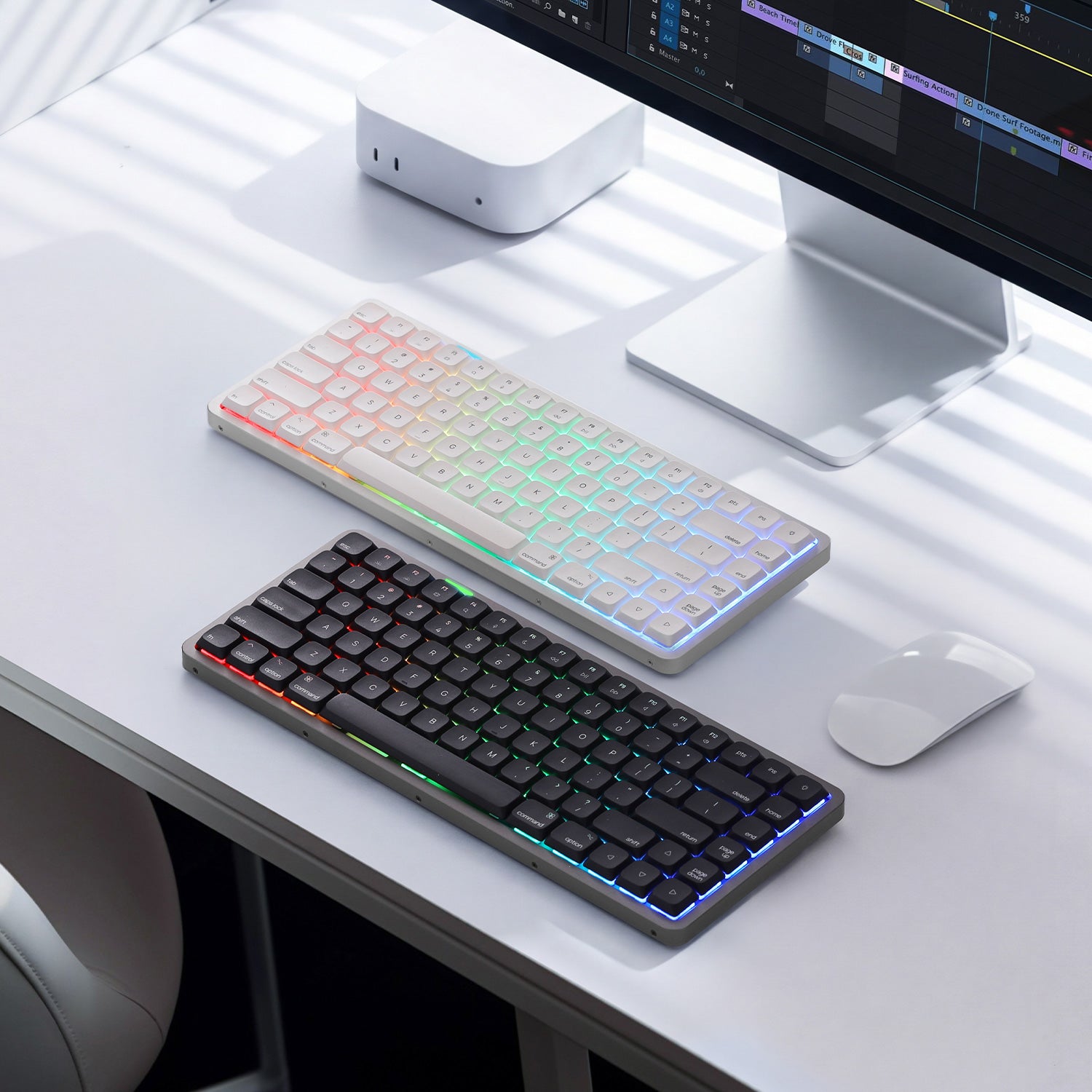
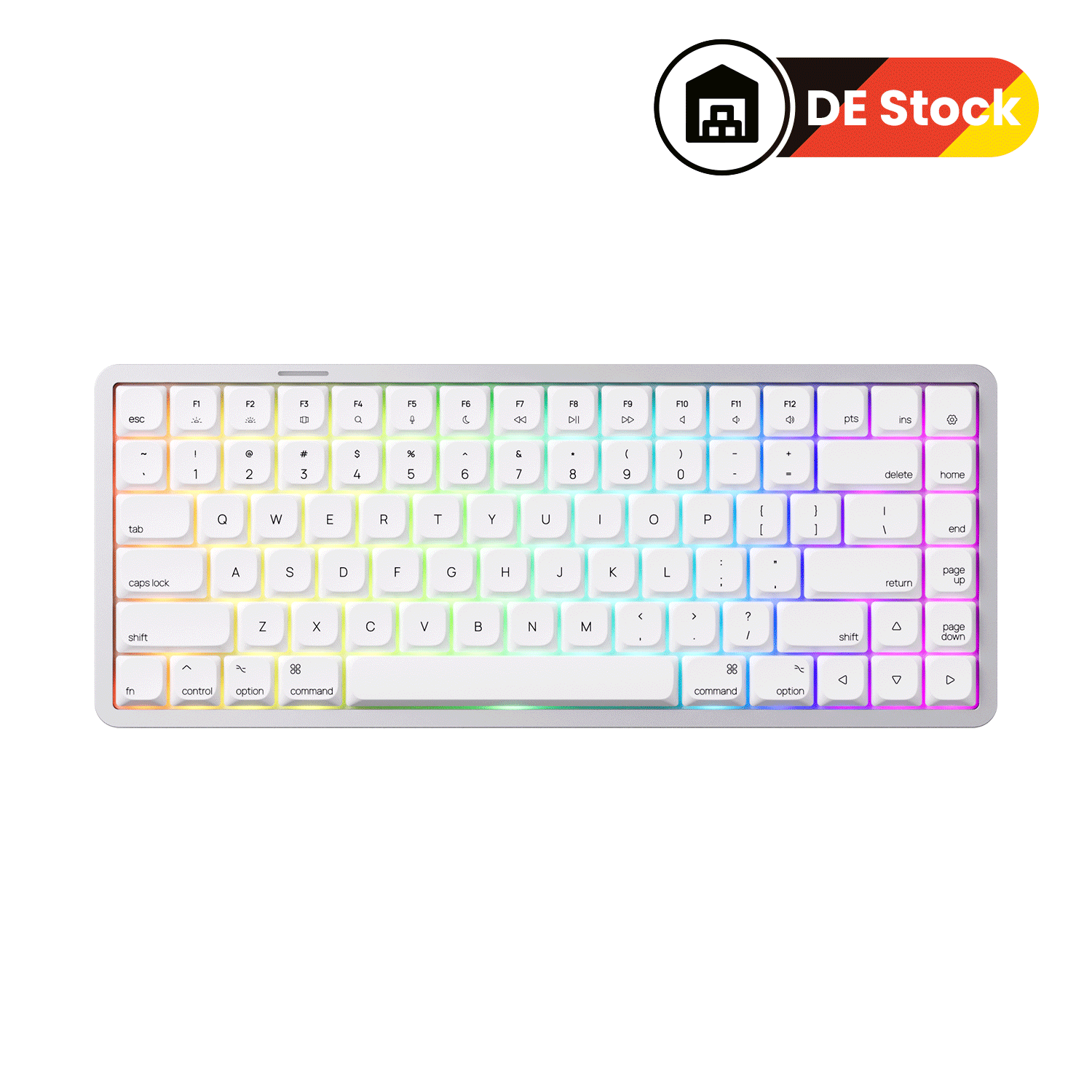
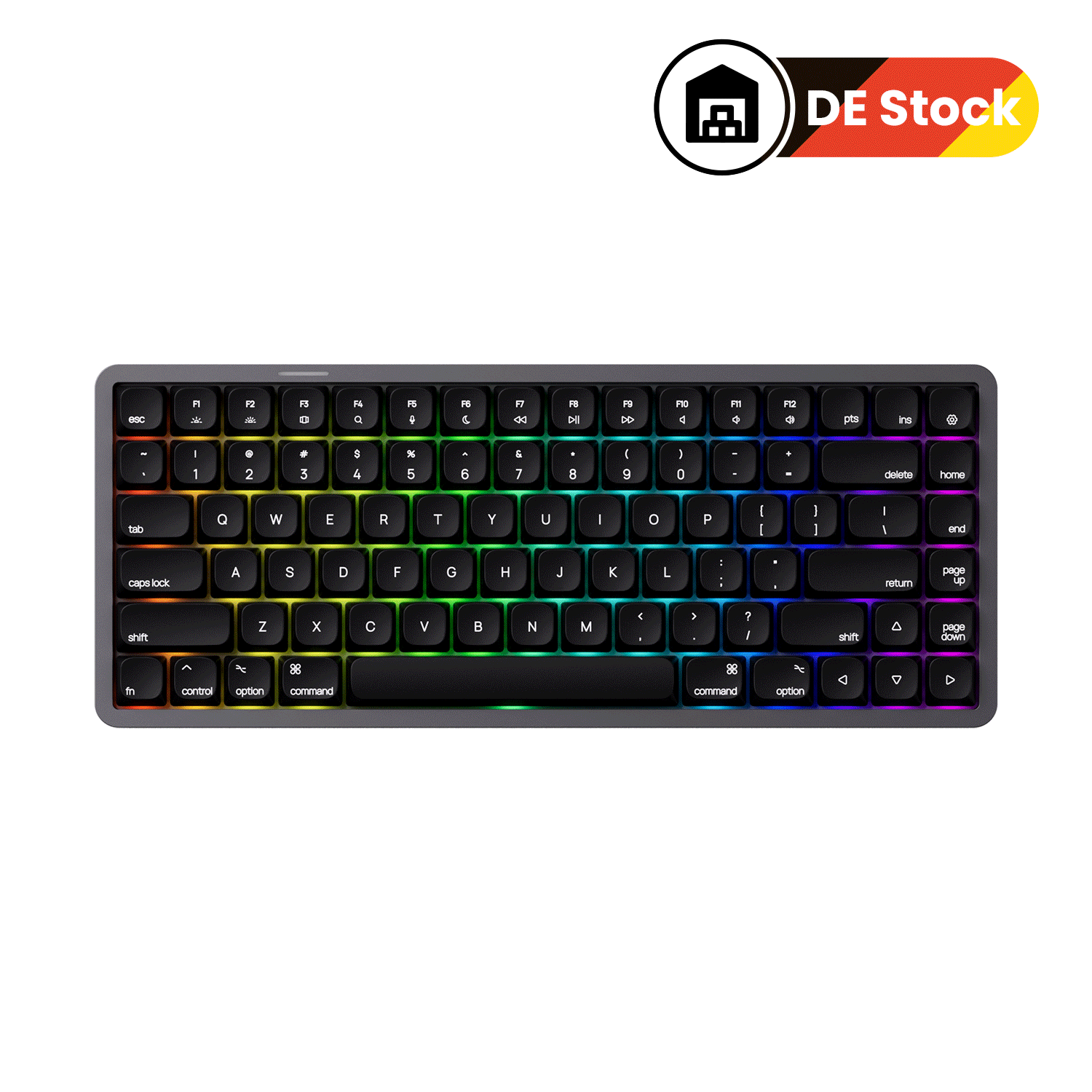
150-mesh Aluminum | Low-Profile | 75%




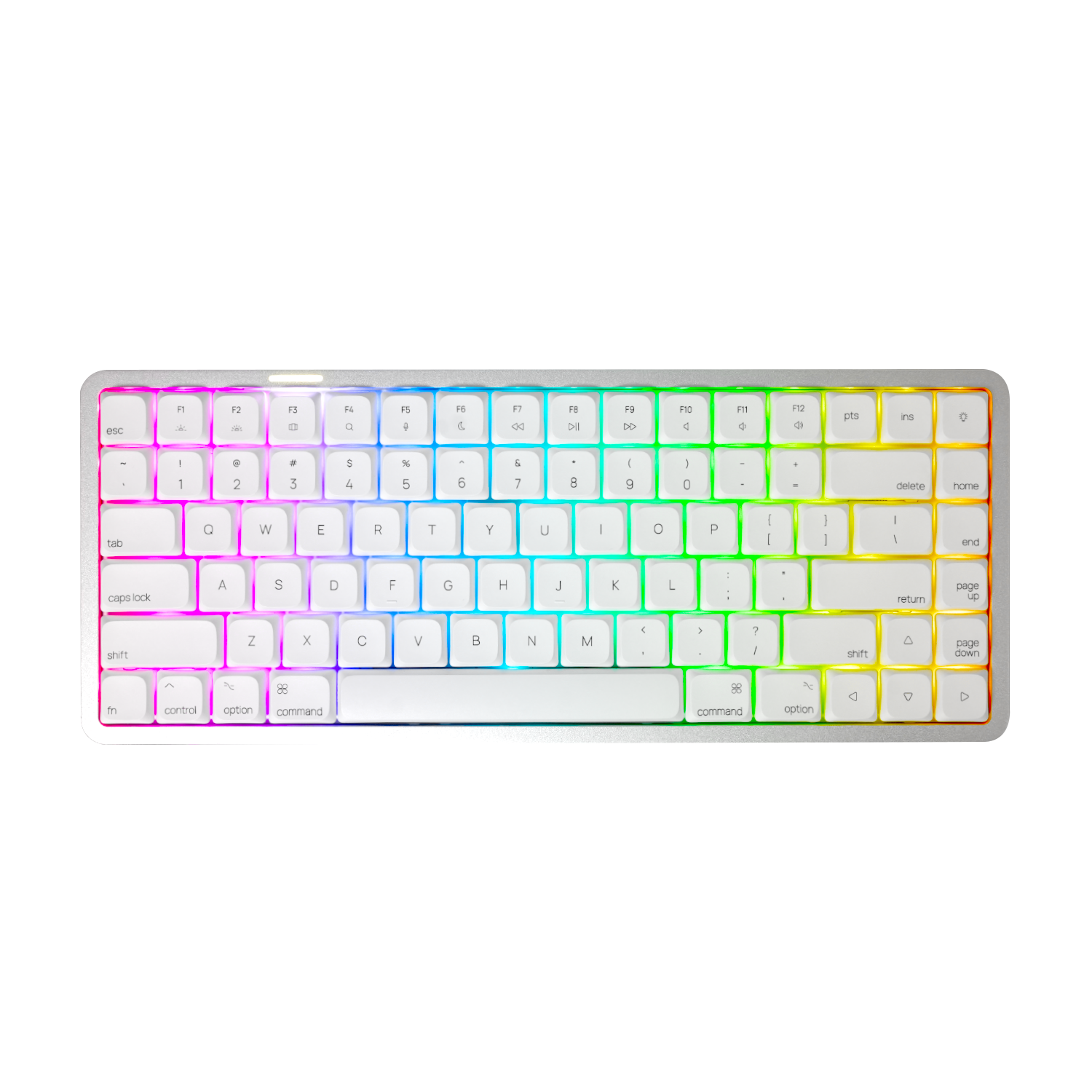
Mac Native, Windows Ready
Features a native Mac layout with Windows add-on keycaps included. Effortlessly switch between operating systems without missing a beat.
150-mesh Aluminum Case
Engineered for office with a rigid, premium build that enhances stability and delivers a solid feel for every keystroke.
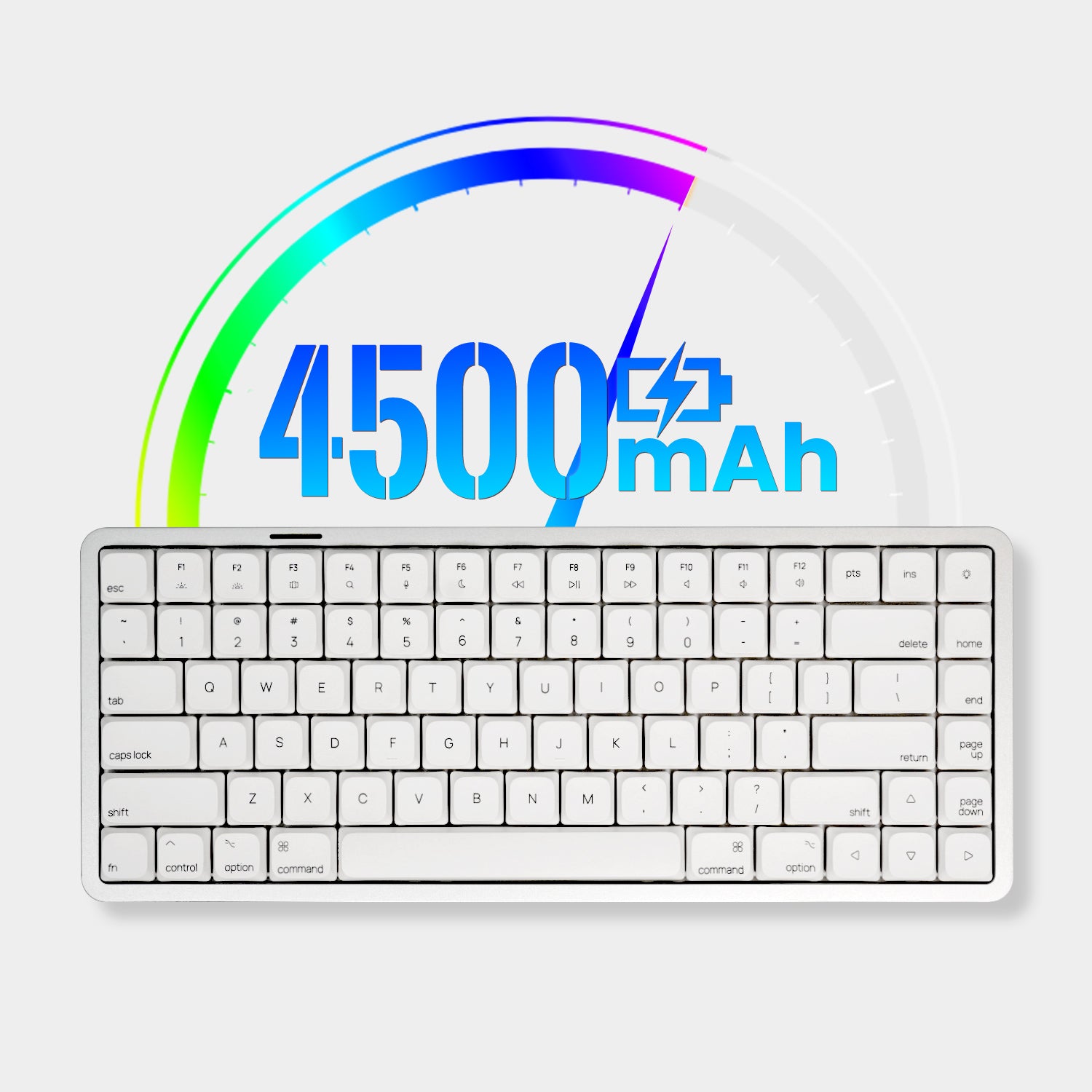
Built-in 4500mAh Battery
Enjoy uninterrupted typing, gaming, or productivity with a high-capacity 4500mAh battery, with no need for constant recharging.
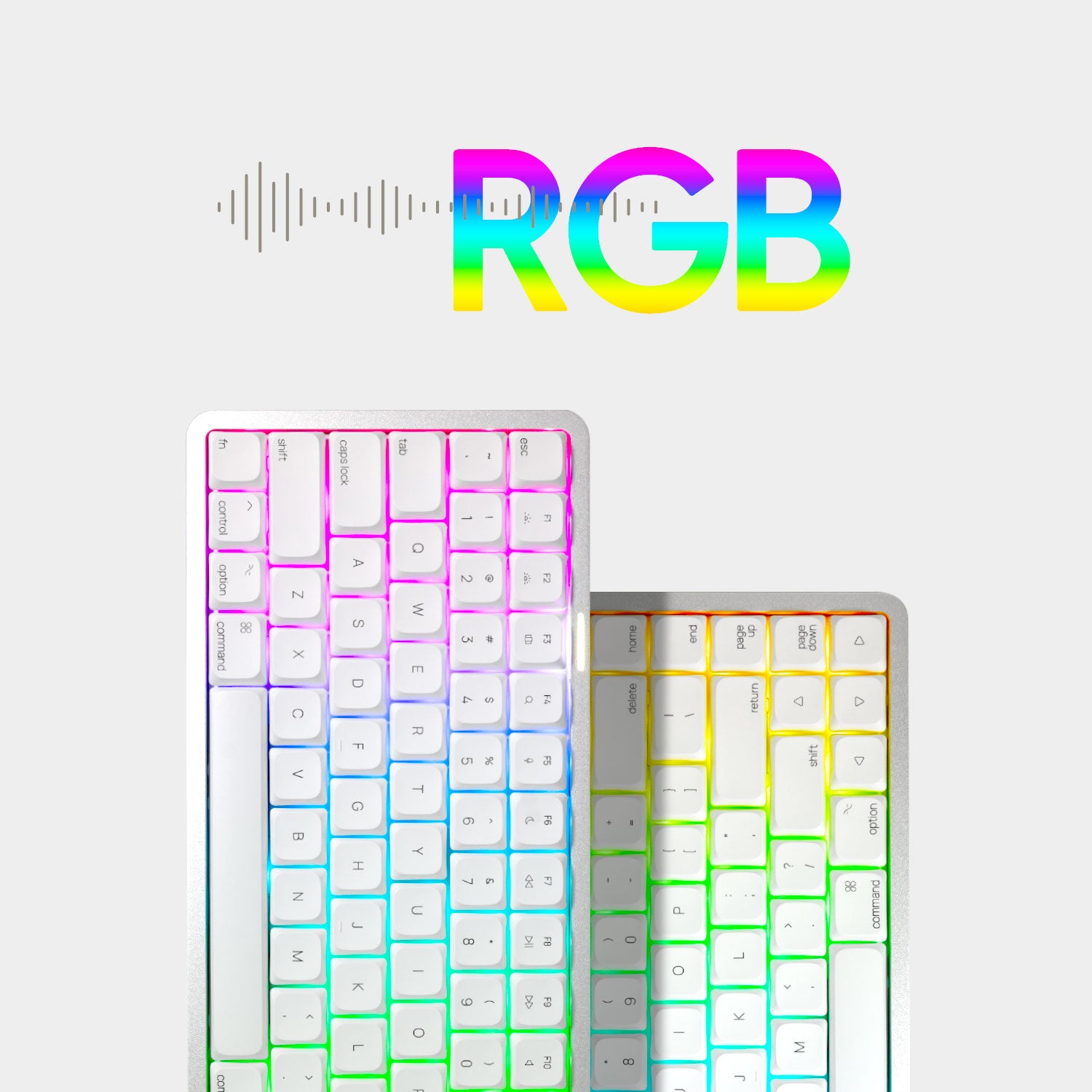
RGB Backlit
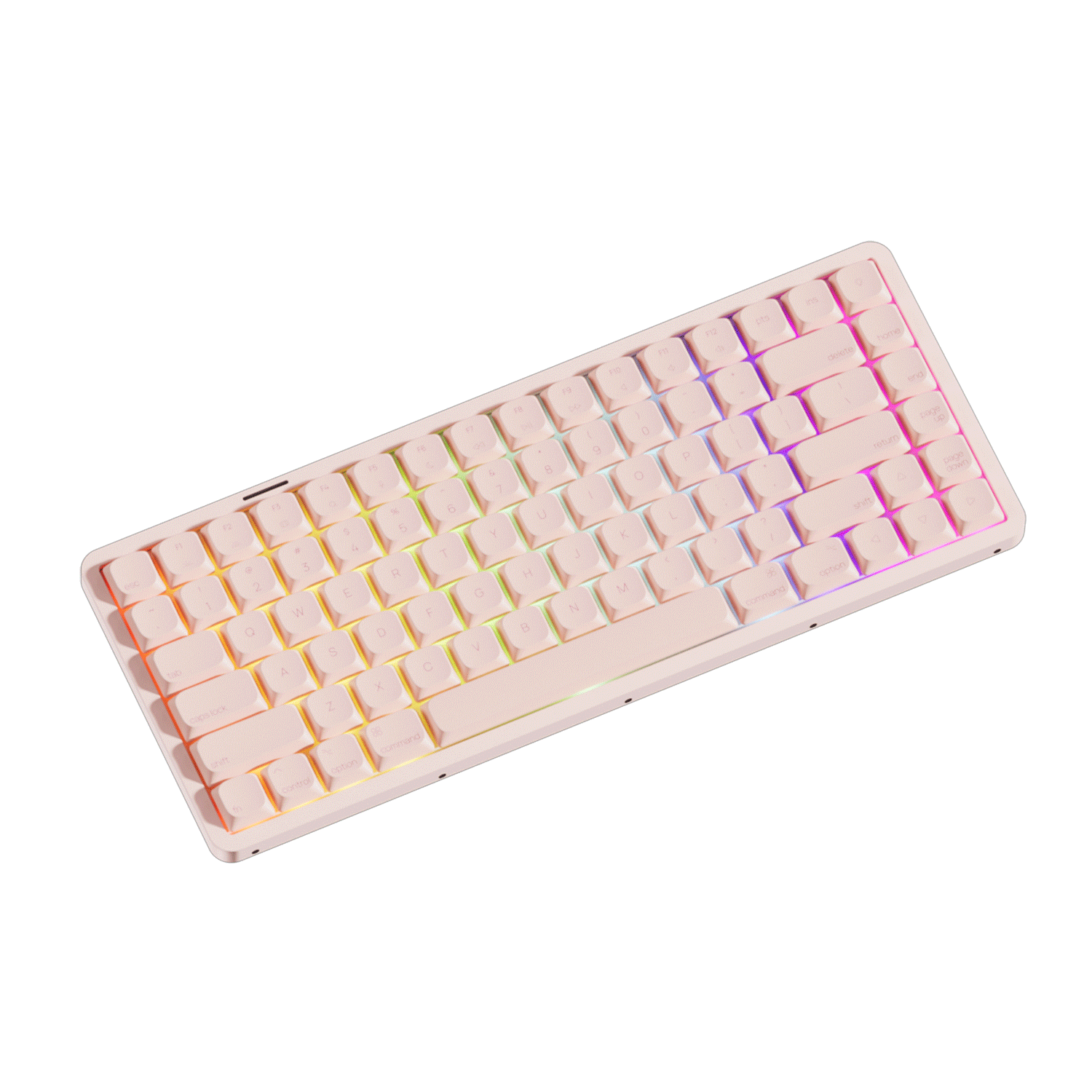
Fully customizable backlighting brings each key to life, from subtle ambient tones to vibrant rainbow waves.
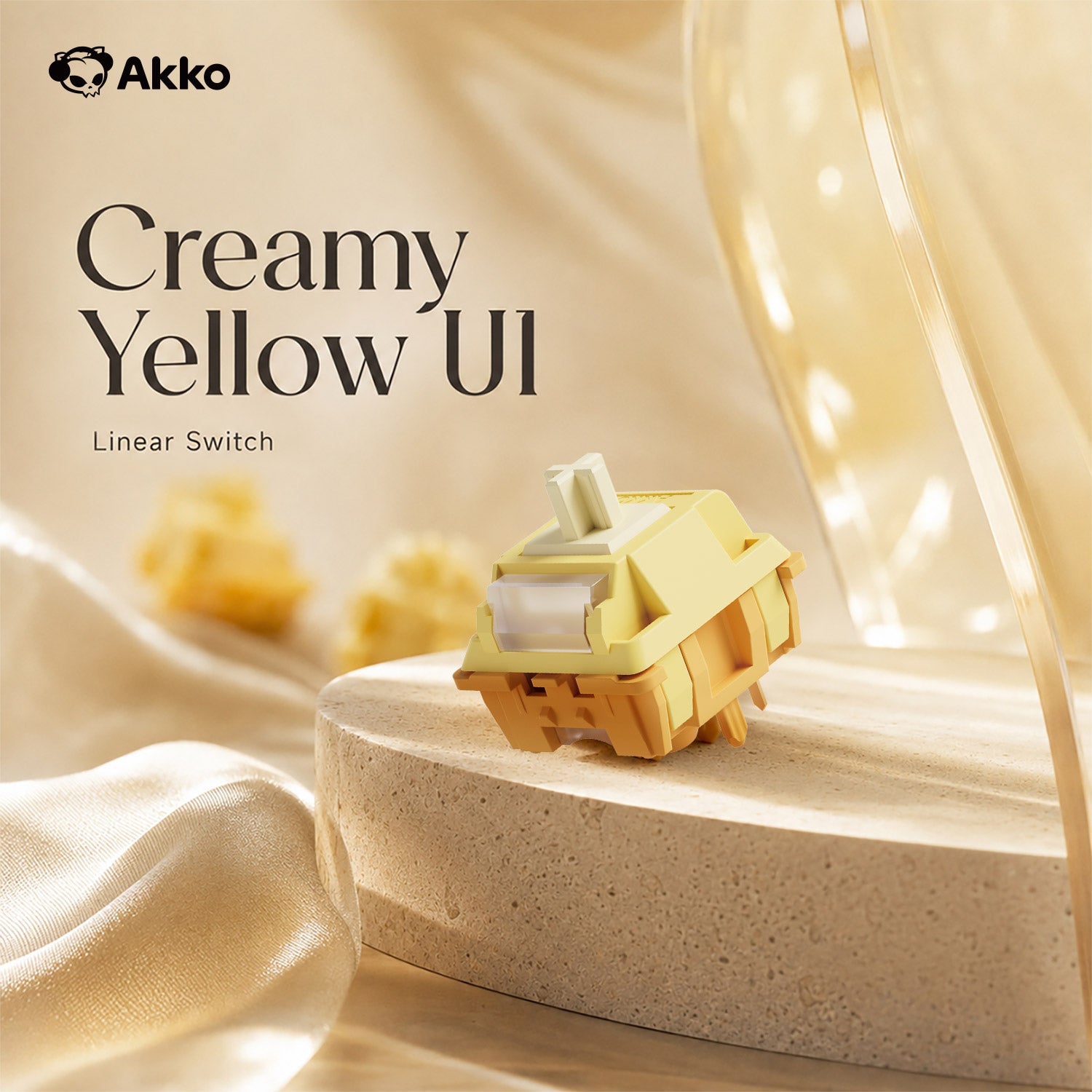
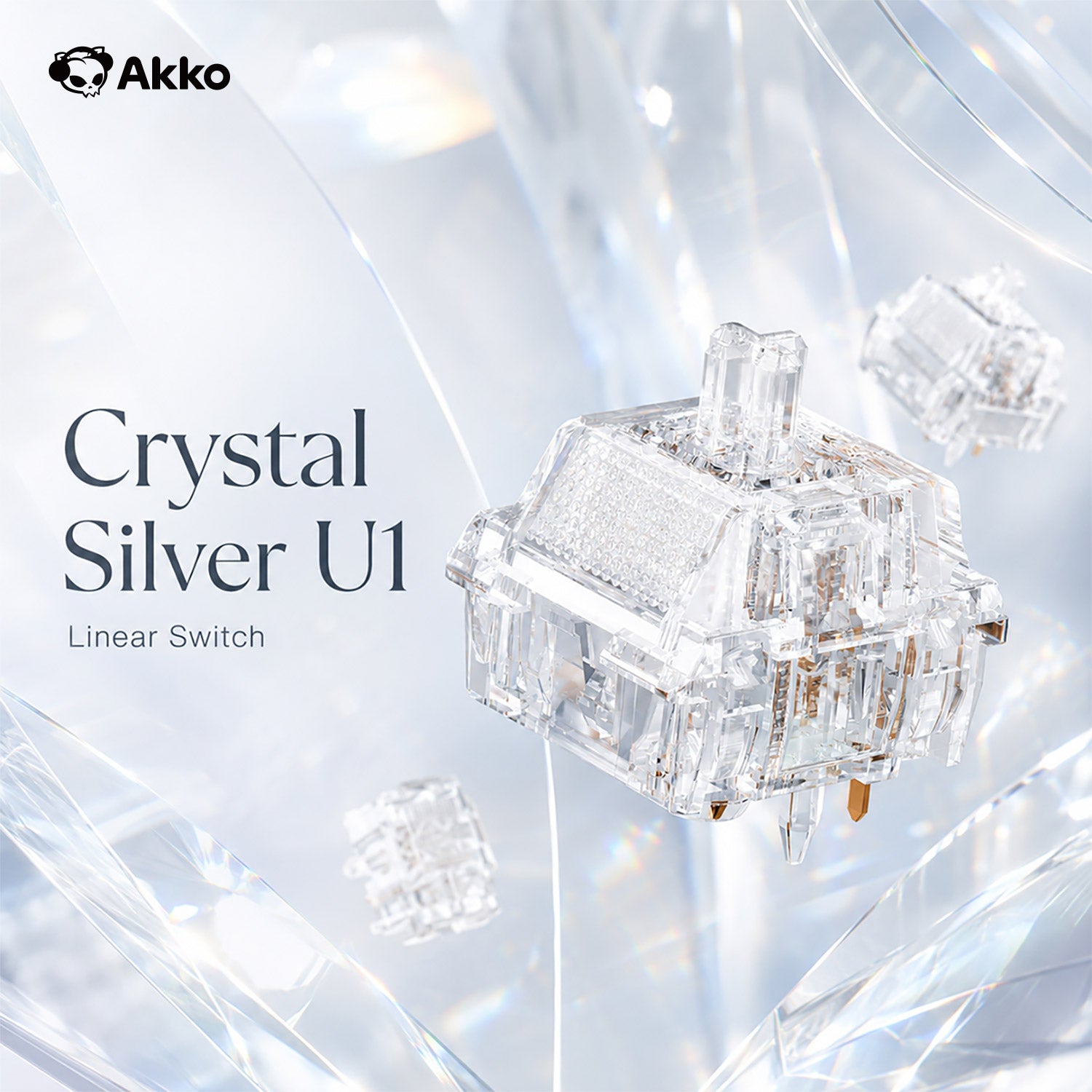
Low-profile Mechanical Switches
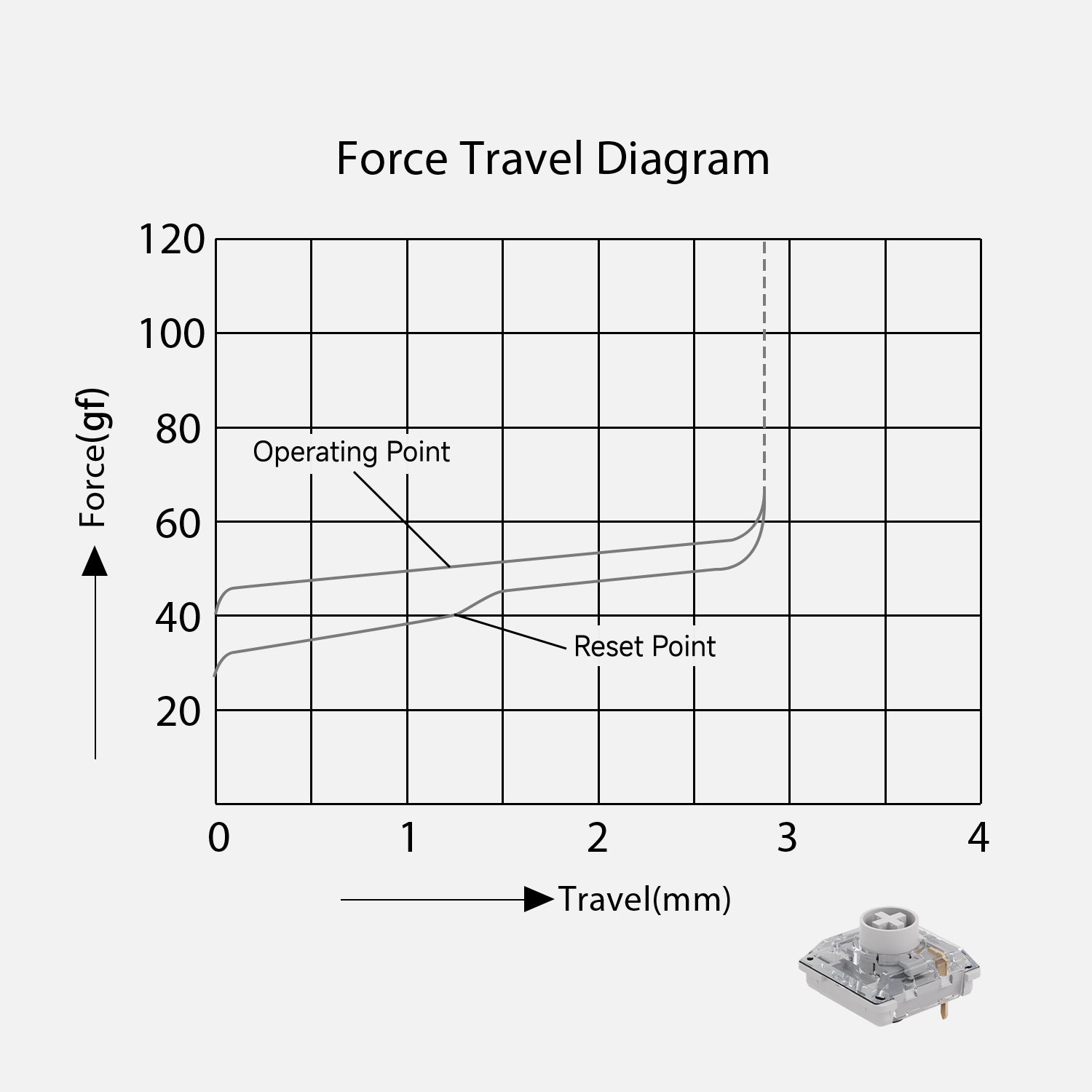
Kailh Cloud
- Type: Linear
- Operating force: 50 ± 10gf
- Pre travel: 1.2 ± 0.30mm
- Total travel: 2.8 ± 0.25mm
- Materials (Top/Stem/Bottom): POM/PC/Nylon
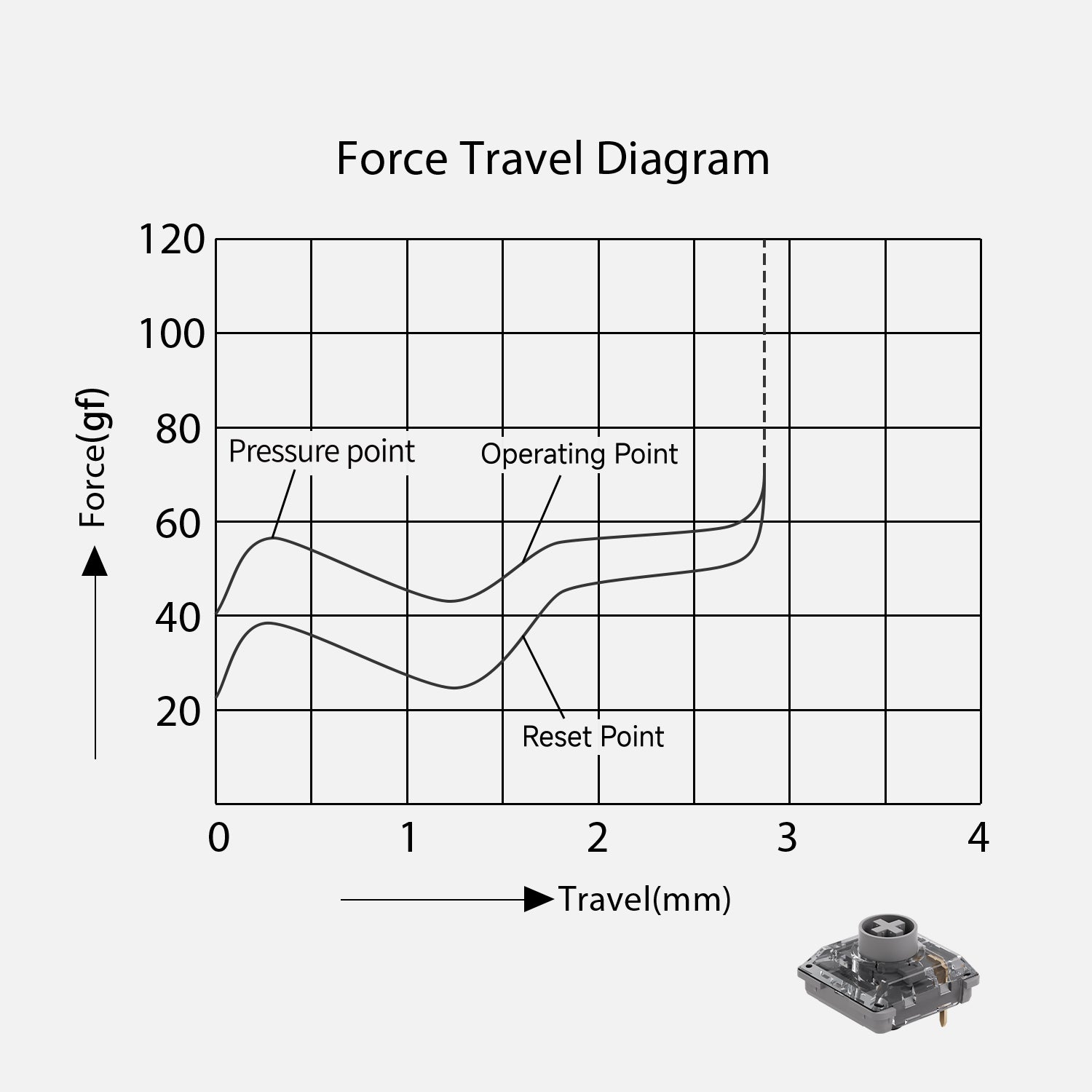
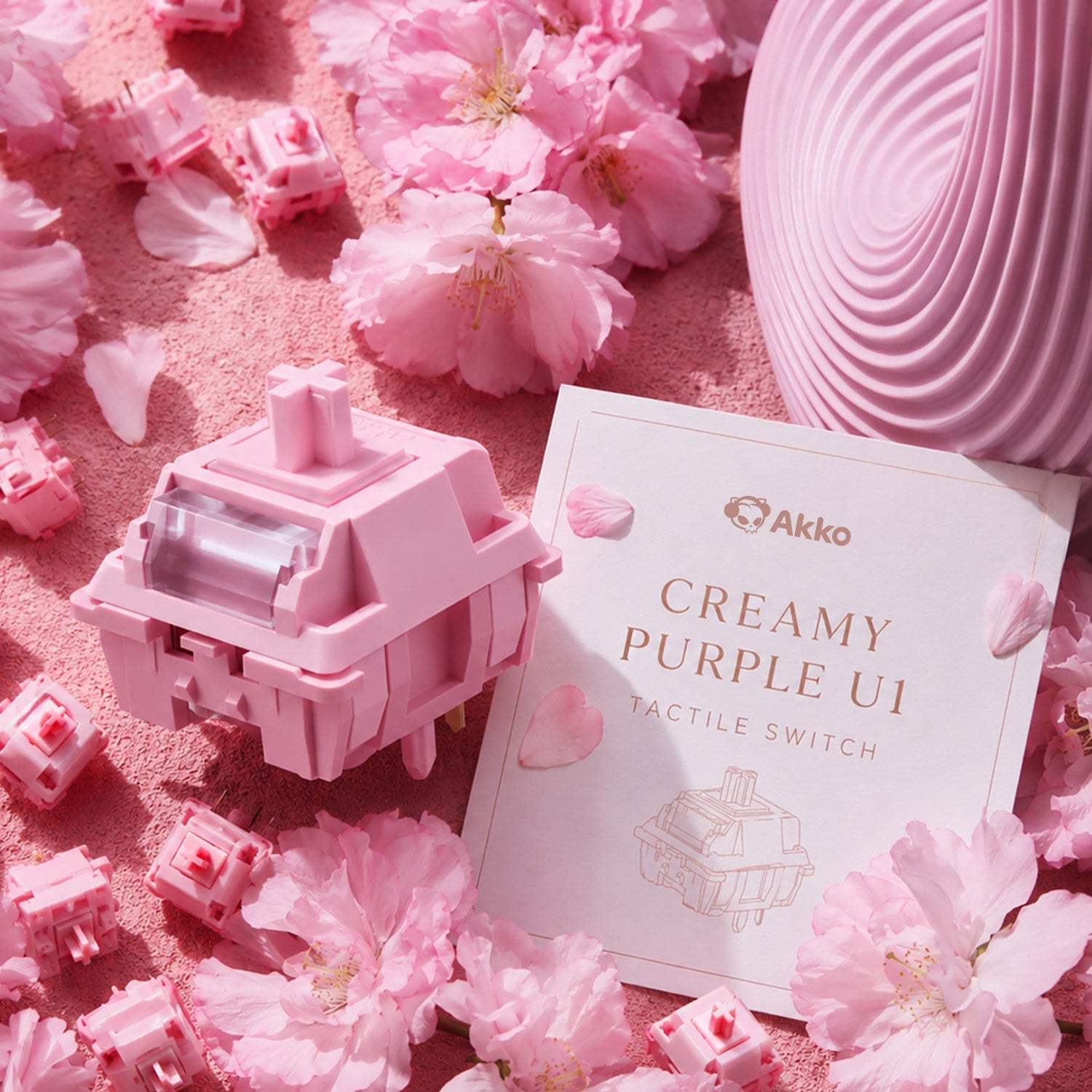
Kailh Drift
- Type: Tactile
- Operating Force: 45 ± 10gf
- Pre Travel: 1.6 ± 0.3mm
- Total Travel: 2.8 ± 0.25mm
- Tactile Force: 55 ± 10gf
- Materials (Top/Stem/Bottom): POM/PC/Nylon

Kailh Summer Mini
- Type: Clicky
- Operating Force: 50 ± 15gf
- Pre Travel: 1.2 ± 0.3mm
- Total Travel: 2.8 ± 0.5mm
- Tactile Force: 55 ± 10gf
- Materials (Top/Stem/Bottom): POM/PC/PC
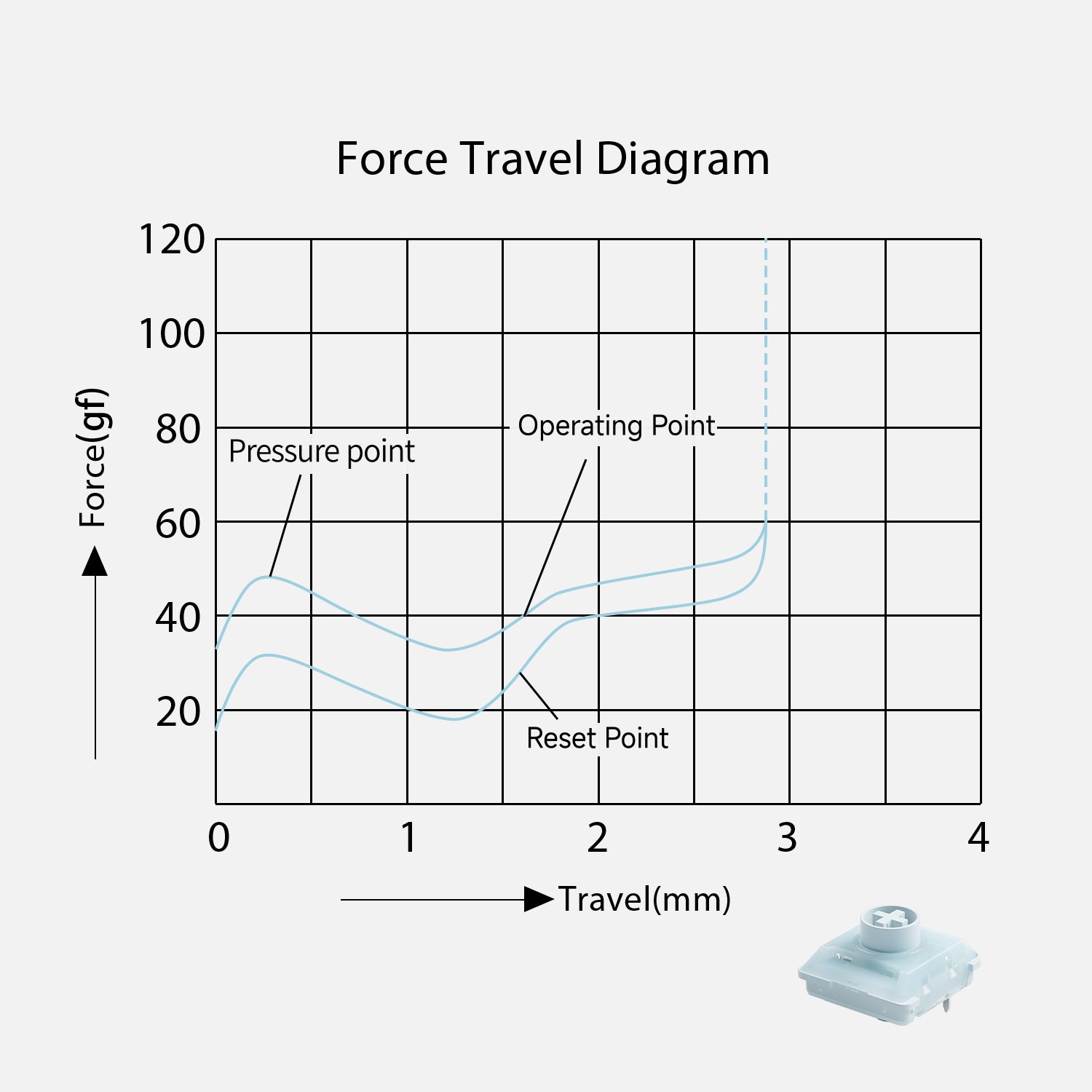
Kailh Winter Mini
- Type: Tactile
- Operating Force: 38 ± 15gf
- Pre Travel: 1.6 ± 0.3mm
- Total Travel: 2.5 ± 0.5mm
- Tactile Force: 50 ± 10gf
- Materials (Top/Stem/Bottom): POM/PC/POM
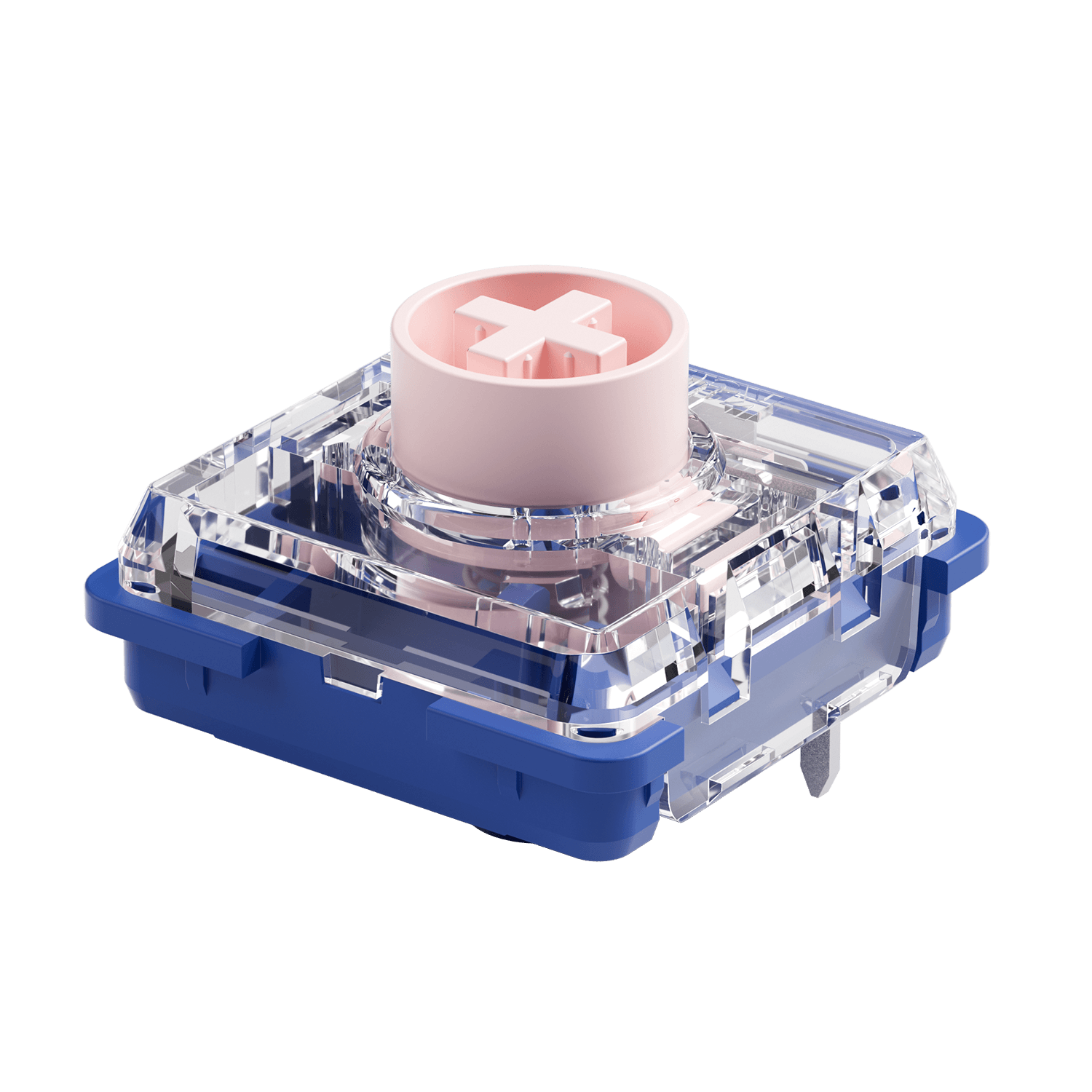
Kailh Deep Sea Island Pink Mini(Silent)
- Type: Linear(Silent)
- Operating Force: 35 ± 10gf
- Pre Travel: 1.3 ± 0.3mm
- Total Travel: 2.8 ± 0.25mm
- Materials (Top/Stem/Bottom):
PC/POM/Nylon


Hot-Swap Socket
Hot-swappable switches let you easily change switches without soldering, making it simple to try different options and fine-tune your typing feel.
Note: Air 01 is compatible with Kailh low-profile hot-swappable switches only.
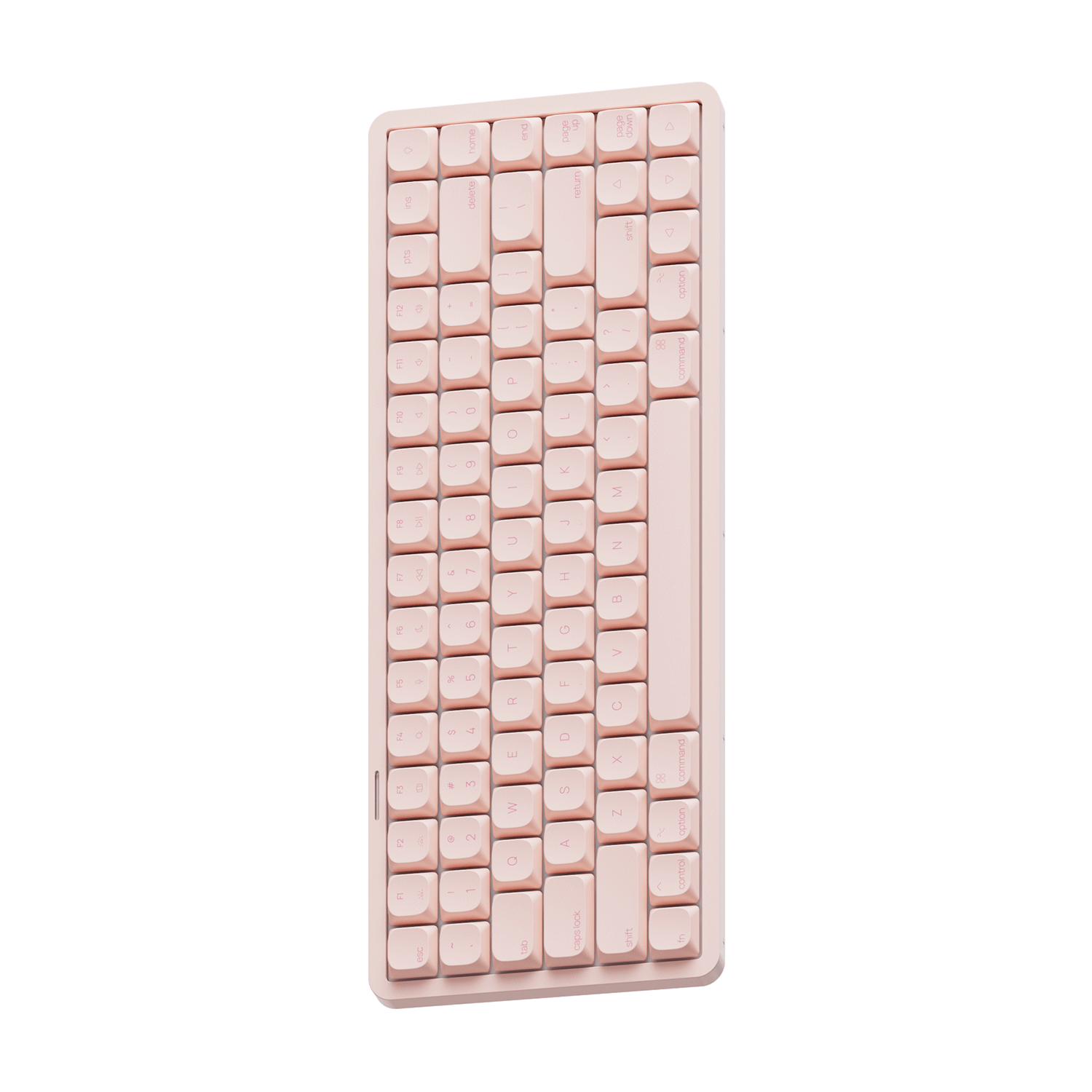
Ultra-Slim Design for a Sleek Desk Setup
Designed with a slim, low-profile body that reduces height and enhances portability.
PBT Dye-Sub Keycaps
Made of durable PBT with dye-sublimated legends that resist wear and fading. Designed for macOS to deliver a smoother, more comfortable typing experience.

Side-Integrated Controls
The functional buttons and USB-C port are neatly integrated into the keyboard’s side for a cleaner look and easier access. This design enhances usability while maintaining a minimalist, low-profile aesthetic.

USB-C to USB-A Adapter Included
Stay connected to any device. Our included premium adapter ensures seamless compatibility for both modern Type-C laptops and legacy setups.

Air 01 Low Profile Mechanical Keyboard
Specs
Learn more about the Air 01 Low Profile Mechanical Keyboard such as the hotkeys, system commands, backlight setting, and more in the user manual.
Gasket Mount
Bluetooth5.0 / 2.4GHz / USB Type-C
South-facing RGB
Compatible with Kailh low-profile hot-swappable switches only.
Support
4500mAh
1000Hz In wired and 2.4G mode, 125Hz in Bluetooth mode.
Akko Web & Cloud Driver
Aluminum
Kailh Cloud/Kailh Drift/Kailh Summer Mini/Kailh Winter Mini
PBT Keycaps + Aluminum Frame
Dye-sub
Low Profile
Approx. 612g
319*131*21mm
Mac OS & Windows
Keyboard×1, Manual×1, Cable×1, Keycap Puller×1, Switch Puller×1, Dust Cover×1, USB-A to USB-C Adapter×1, Receiver×1.
I bought the Akko Air 01 primarily because it is the first low-profile mechanical keyboard I’ve found that features a true, dedicated Mac layout. I love the incredibly minimal design, and for that reason alone, I don't regret the purchase. However, for a keyboard at this price point, there are quite a few design quirks and firmware bugs that Akko really needs to address.
The Pros:
True Mac Layout: Practically the main reason I bought it. It fits seamlessly into a macOS workflow without needing to rebind layout keys.
Minimalist Aesthetic: It looks very clean, low-profile, and sleek on the desk.
Great Out-of-the-Box Extras: A really nice touch is that Akko includes extra clicky switches in the box. It’s great to have them handy if you want to swap some out or just try a different typing feel.
Battery Indicator: I appreciate the new approach to showing the battery status.
The Cons & Areas for Improvement:
No Adjustable Feet: The keyboard sits flat, and there are no adjustable feet on the bottom to change the typing angle. Adding even a single-stage tilt riser would go a long way in improving the overall ergonomics.
Keycap Design Quirks: The legends and symbols on the keys (especially punctuation like : ; , . ` - _) are incredibly small and hard to read. Furthermore, the characters are not centered on the keycaps, and the apostrophe (') under the quotation mark is bizarrely upside down (rotated 180 degrees). Even much cheaper keyboards usually have better, clearer lettering.
Firmware / LED Bug: The light bar on the top frame seems purely aesthetic. Because I don't use RGB, I disabled it in the web driver. However, every single time I start typing, the LED turns back on with a solid white light. The only way to get rid of it is to double-press the physical on/off button on the top left corner every single time, which is frustrating.
Caps Lock Light: I like that the Caps Lock has an indicator light that mimics the classic Mac style, but it is unfortunately very dim and hard to see when activated.
Function (Fn) Key Limitations: The Fn key doesn't fully mirror the native functionality of a built-in Mac keyboard. For a device marketed specifically for Mac users, having true native function-key behavior is important, and I hope Akko provides a firmware update to address this.
Layout Preferences: Personally, I would much prefer a dedicated Delete key instead of the PrtSc (Print Screen) or Ins (Insert) keys, which are less useful on macOS.
I prefer have another key instead the key ON/OFF on the top right corner. Because is a key I don't use ( I disabled RGB functionality).
Ultimately, it’s a good keyboard, and none of these issues completely break the typing experience—you will likely get used to them over time. I love the fact that they included the extra clicky switches to test out, but I really hope they add adjustable feet in the next version.
I think Akko definitely has room to improve in a V2 version and I hope they will add these improvements.
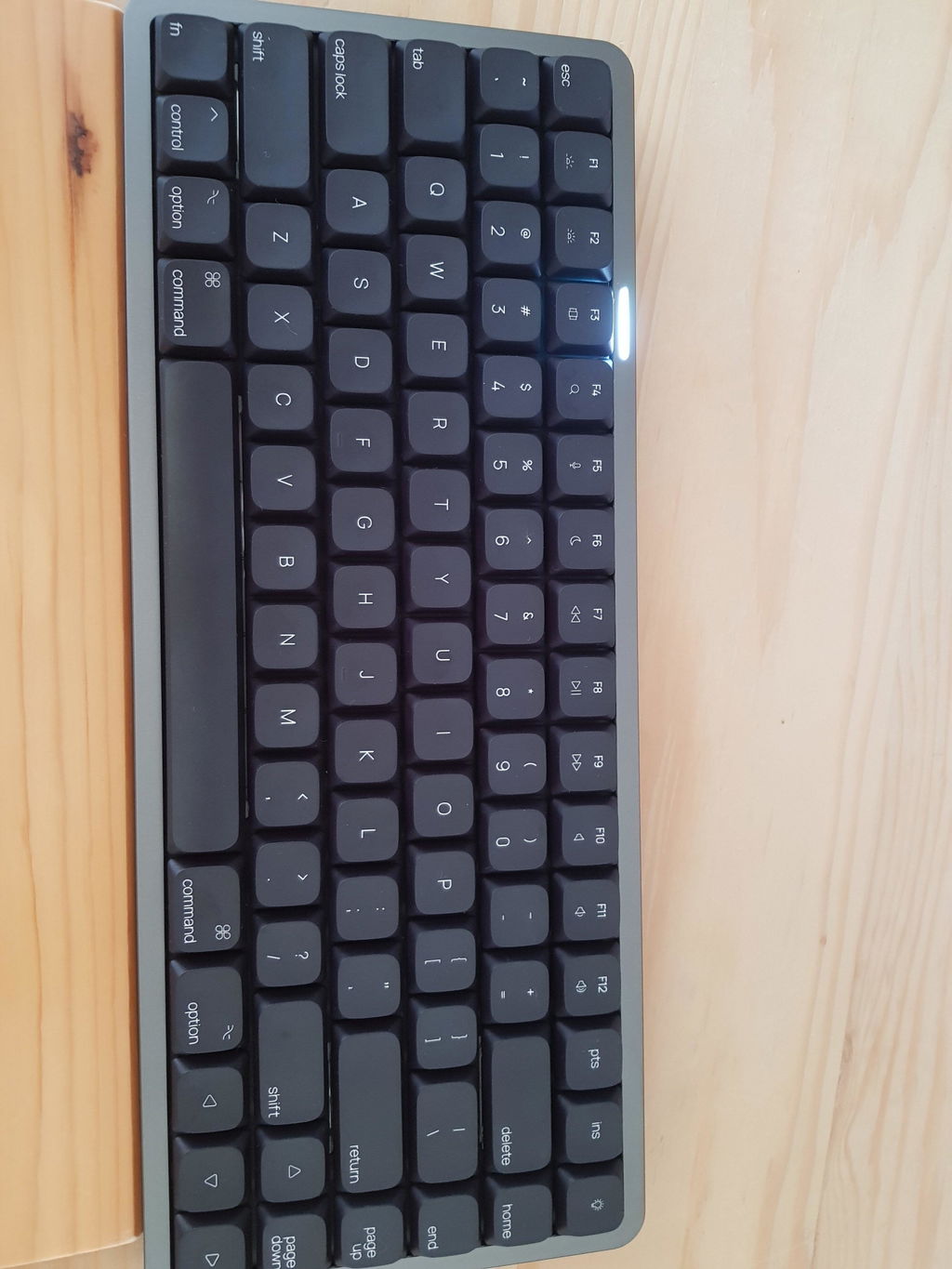
The truth is that the keyboard is practically perfect for those of us who like programming; it has a robust construction and the sound of the keys is quite good. The Bluetooth connection is good, the 2.4GHz connection is not so good, but this may be because there are more devices that use this band. Currently I am using the Mac distribution on a Linux system. It would be good to make drivers for Linux so that the configuration can be changed from Linux.
I love how smooth this keyboard is typing. And it looks great at my home office. Definitely a keeper I can recommend.

