







The way your headset connects to your device—whether wired, 2.4GHz wireless, or Bluetooth—can directly affect important factors such as audio latency, connection stability, and device compatibility.
Crouching on a rooftop in Call of Duty: Warzone, hearing footsteps approaching. You’re ready to throw a flashbang—but the gunshot sound is delayed, or your headset suddenly warns of low battery. Or, as you stand to fire, the cable tugs sharply, disrupting your action. These interruptions highlight the limitations of high-latency, battery-dependent, or wired headsets in intense gaming moments.
In this guide, we’ll compare the three most common gaming headset connection types—wired, 2.4G wireless, and Bluetooth—to help you understand how they work, their advantages and limitations, and which option is best suited for different gaming scenarios.
What are Wired Headsets?
Wired headsets connect directly to the audio source device via a physical cable.
How it works:
- Your device processes the audio file and generates an electrical signal.
- The signal travels directly through the headphone cable via metal conductors (e.g., copper).
- The headphone driver receives the signal, converting it from electrical to mechanical energy.
- The diaphragm vibrates, producing sound.
Pros and Cons of Wired Headsets
Pros:
1. Zero Latency: Direct wired connection delivers near-zero delay, ideal for competitive gaming and professional audio work.
2. Stable Sound Quality: Uncompressed transmission preserves audio detail and accurate sound positioning, especially useful for FPS games.
3. No Battery Required: Plug-and-play design eliminates charging and battery concerns.
4. Wide Compatibility: Works with most devices that support a compatible audio interface.
5. Cost-effective: The simpler hardware design eliminates wireless modules and batteries, reducing manufacturing costs.
Disadvantages
1. Limited Mobility: Cables can tangle and restrict movement, and may pull on devices during use.
2. Interface Limitations: Some modern devices lack a 3.5mm jack and require adapters.
3. Lower Portability: Cables make storage and carrying less convenient than wireless options.
4. Cable durability: Heavy use may cause internal wire wear or breakage over time.
Wired headsets deliver superb sound, ultra-low latency, and reliable performance at a great value—but they come with some compromises: limited mobility, cable management, occasional noise, and potential compatibility issues.

What are 2.4G Wireless Headsets?
2.4GHz wireless headsets connect through a dedicated USB dongle that communicates with the headset using a proprietary radio frequency (RF) signal. Typically, the headset comes with a USB receiver, which you can plug into your computer, game console, or docking station, and then connect the headset to the receiver.
How it works:
- Your device sends audio data to a USB receiver connected to the device.
- The receiver transmits the signal over a dedicated 2.4GHz wireless channel.
- The headphones receive the digital signal, convert it to analog, and amplify it.
- The diaphragm vibrates, producing sound with low latency and minimal compression.
Pros and Cons of 2.4GHz Wireless Headsets
Pros:
1. Low Latency: 2.4G wireless technology makes the latency lower than 20 milliseconds, virtually imperceptible to the human ear.
2. High-fidelity sound: 2.4G wireless delivers near-uncompressed audio, close to wired quality, with richer detail and precise sound positioning.
3. Wireless Freedom: Offers freedom from cables, allowing you to move, adjust posture, or walk around without interruption, providing a more comfortable and relaxed experience during gaming or daily use.
4. Stable Connection: 2.4G wireless establishes a direct, low-interference link that is virtually unaffected by surrounding devices, providing stable performance comparable to wired headphones.
Cons:
1. Limited Portability: Requires a dedicated USB receiver, occupying a USB port on PCs or consoles and preventing direct use with most phones or tablets.
2. Battery Dependency: Requires regular charging; forgetting to charge or natural battery aging can lead to unexpected disconnections and reduced battery life over time.
3. Slightly Larger and Heavier: Housing the battery and wireless components makes 2.4G headphones bulkier and heavier than wired models, which may be noticeable during extended use.
4. Potential Compatibility Issues: Generally plug-and-play on PCs and PlayStation, but may face limitations on macOS, Nintendo Switch, Xbox, or with software features; check compatibility before purchase.
The 2.4G wireless headsets come with a dedicated USB receiver, delivering the perfect mix of near-wired low latency and high-quality sound, while still giving you true wireless freedom.

What are Bluetooth Headsets?
Bluetooth headsets wirelessly connect to audio source devices using Bluetooth technology, relying on the Bluetooth protocol to transmit audio signals.
How it works:
- Your device compresses and encodes the audio using codecs like SBC, AAC, or LDAC.
- The encoded data is transmitted via Bluetooth signals to the headphones.
- The headphones decode the signal, convert it to analog, and amplify it.
- The diaphragm vibrates, producing sound; an internal buffer ensures smooth playback, introducing slight latency.
Pros and Cons of Bluetooth Wireless Headsets
Pros:
1. Wireless Freedom: Completely free from cables, allowing unrestricted movement for exercise, housework, office use, or commuting.
2. Wide Compatibility: Works with almost all smart devices—phones, tablets, laptops, smartwatches, TVs, and some consoles—supporting easy pairing and device switching.
3. Improved Sound Quality: High-quality codecs (LDAC, LHDC, AAC) deliver clear, detailed audio suitable for everyday listening.
4. Reduced Latency: Bluetooth 5.0+ and low-latency modes minimize delay, sufficient for casual gaming.
Cons:
1. High Latency: Inherent wireless delay makes them unsuitable for latency-sensitive scenarios, even with low-latency protocols.
2. Moderate Stability: Susceptible to interference from Wi-Fi, microwaves, and other devices, causing occasional dropouts or stuttering.
3. Loss in Sound Quality: Audio compression reduces detail and limits maximum sound fidelity compared to wired or 2.4G wireless headphones.
4. Battery Dependent: Requires regular charging, with potential battery anxiety and gradual capacity degradation over time.
Wired vs 2.4G Wireless vs Bluetooth Headset
Here is the chart for these 3 types of headsets' core features:
| Dimension | Wired Headset | 2.4G Wireless Headset | Bluetooth Headset |
| Latency | Near-zero latency | ~20 ms ultra-low latency | 50–100 ms latency |
| Connection Stability | Most stable connection | Stable dedicated wireless | May suffer interference |
| Sound Quality | Best audio fidelity | Near-wired quality | Compressed audio |
| Ease of Use | Plug and play | USB transmitter required | Easy wireless pairing |
| Battery | No charging needed | 6–15 h battery | 4–10 h battery |
| Portability | Limited by cable | Moderate portability | Most portable |
| Key Weaknesses | Cable limits movement | Needs a transmitter | Higher latency |
Latency
In gaming, latency can make or break your experience. For fast-paced games like FPS or MOBA, even tiny delays in response can throw off your timing—and sometimes, decide the winner.
- Wired Headsets: Direct connection resulting in zero signal loss and near-zero latency. Audio perfectly matches actions, making them ideal for FPS games like CS2 and Valorant, and the preferred choice for professional and hardcore gamers.
- 2.4G Wireless Headsets: Using a dedicated 2.4GHz frequency and custom protocol, these headphones connect via a USB transmitter, achieving latency as low as 15–25ms. Almost imperceptible to most gamers, they meet competitive gaming demands, offering a near-wired experience while maintaining wireless freedom.
-
Bluetooth Headsets: Bluetooth signals undergo encoding, transmission, and decoding, introducing higher and fluctuating latency, even with advanced low-latency protocols (~40ms). Environmental interference can worsen delays, making them less suitable for competitive gaming; casual games with low latency needs are a better fit.
Stability and Interference
Stability is fundamental for extended gaming sessions, especially in complex network environments or multiplayer battles. A stable connection prevents disconnections, stuttering, and audio interruptions, ensuring a seamless gaming experience.
- Wired Headsets: Physical cable ensures 100% stable connection, unaffected by Wi-Fi, Bluetooth, or obstacles—ideal for long, uninterrupted gaming sessions.
- 2.4G Wireless Headsets: Dedicated frequency and anti-interference protocol provide near-wired stability, maintaining reliable connections even in dense Wi-Fi or complex environments—best wireless option for long gaming sessions.
- Bluetooth Headsets: Use the crowded 2.4GHz band, making them prone to interference, disconnections, and stuttering; stability is insufficient for competitive or extended gaming.
Sound Quality
In games, sound quality is not only an auditory experience but also a tactical tool. Precise sound field positioning helps players determine enemy positions and distances, gaining a tactical advantage. This is crucial for FPS and tactical competitive games.
- Wired Headsets: Uncompressed audio preserves every detail, with clear highs and strong lows. Precise sound positioning allows accurate detection of footsteps and gunfire, making them ideal for competitive FPS games.
- 2.4G Wireless Headsets: Proprietary low-compression protocol delivers near-wired sound quality with excellent detail and accurate positioning. Offers wireless freedom while supporting competitive gaming sound requirements.
- Bluetooth Headsets: Audio is compressed during transmission, reducing detail and blurring the soundstage. Directional cues are weak, suitable only for casual gaming.
Compatibility
Gaming devices are diverse, including PCs, consoles, and mobile phones. Compatibility determines whether the headset can be adapted to different devices and meet cross-device usage needs.
- Wired Headsets: Highly compatible with 3.5mm and USB-C interfaces; plug-and-play on PCs, consoles, and mobile devices. Switching between devices is as simple as plugging and unplugging the cable.
- 2.4G Wireless Headsets: Require a dedicated USB transmitter, mainly compatible with PCs and consoles; some support mobile devices. Switching between devices requires reconnecting the transmitter, making them less flexible for multi-device use.
- Bluetooth Headsets: Compatible with all Bluetooth-enabled devices; pairing and device switching are convenient. Some older devices may have protocol limitations, but overall compatibility is the best among the three.

Which One Should Gamers Choose?
1. Wired Headphones: Top Choice for Competitive Gaming
Competitive Games: Zero latency and lossless audio provide precise sound positioning, capturing footsteps and gunfire accurately—ideal for FPS, MOBA, and fighting games.
Fixed Device Scenarios: No battery concerns or interference; plug-and-play for long gaming sessions on PCs, consoles, or phones with 3.5mm jacks.
2. 2.4G Wireless Headphones: Professional Gaming with Low Latency and Wireless Freedom
Console & PC Games: USB transmitter allows direct connection without complex pairing. Low latency meets competitive gaming demands while freeing you from cables for more movement and comfort.
Competitive Wireless Gameplay: Combines low latency and high stability, balancing performance and wireless freedom—ideal for gamers seeking both precision and convenience.
Extended Desktop Sessions: Longer battery life than Bluetooth headphones, some with fast charging, supporting extended gaming without frequent interruptions.
3. Bluetooth Headphones: Casual Gaming and Mobile Use
Casual Games: Suitable for mobile and story-driven games with low latency requirements. Wireless freedom allows play anywhere—commuting, in bed, or outdoors.
Multi-Device Use: Supports pairing with multiple devices (phone, tablet, laptop) and easy switching without re-pairing.
Portability Priority: Ideal for users who prioritize convenience and mobility over latency or precise sound positioning.
Multi-mode Headsets: The Best of All Worlds
As gaming setups become more diverse, many modern headsets now support multiple connection modes in a single device. These headsets combine wired, 2.4GHz wireless, and Bluetooth connectivity to provide maximum flexibility.
Now gamers don't just have one device; these setups typically include a gaming PC, console, laptop, and smartphone, each with different connectivity requirements. Hybrid headsets make it easy to move between these devices without changing hardware.
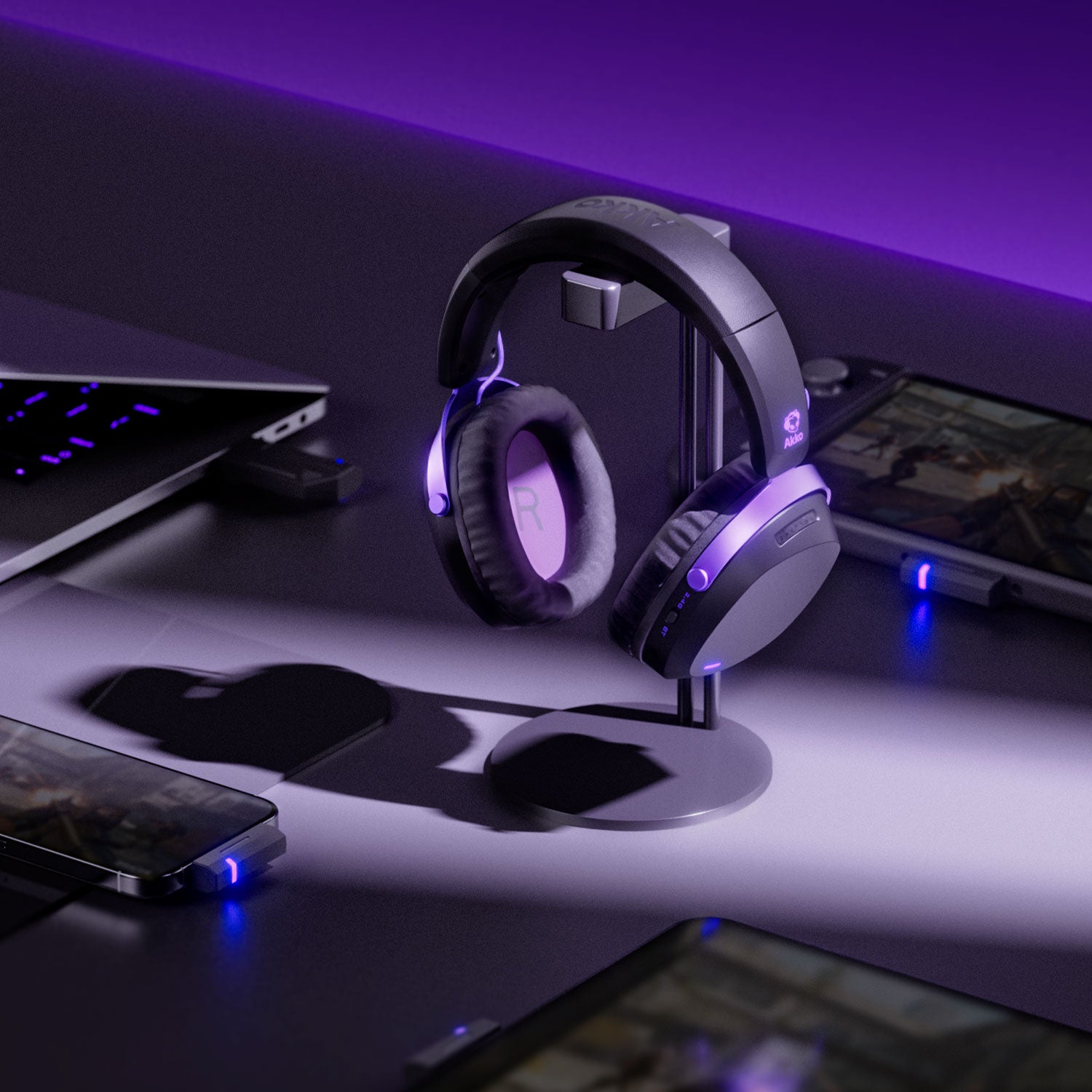
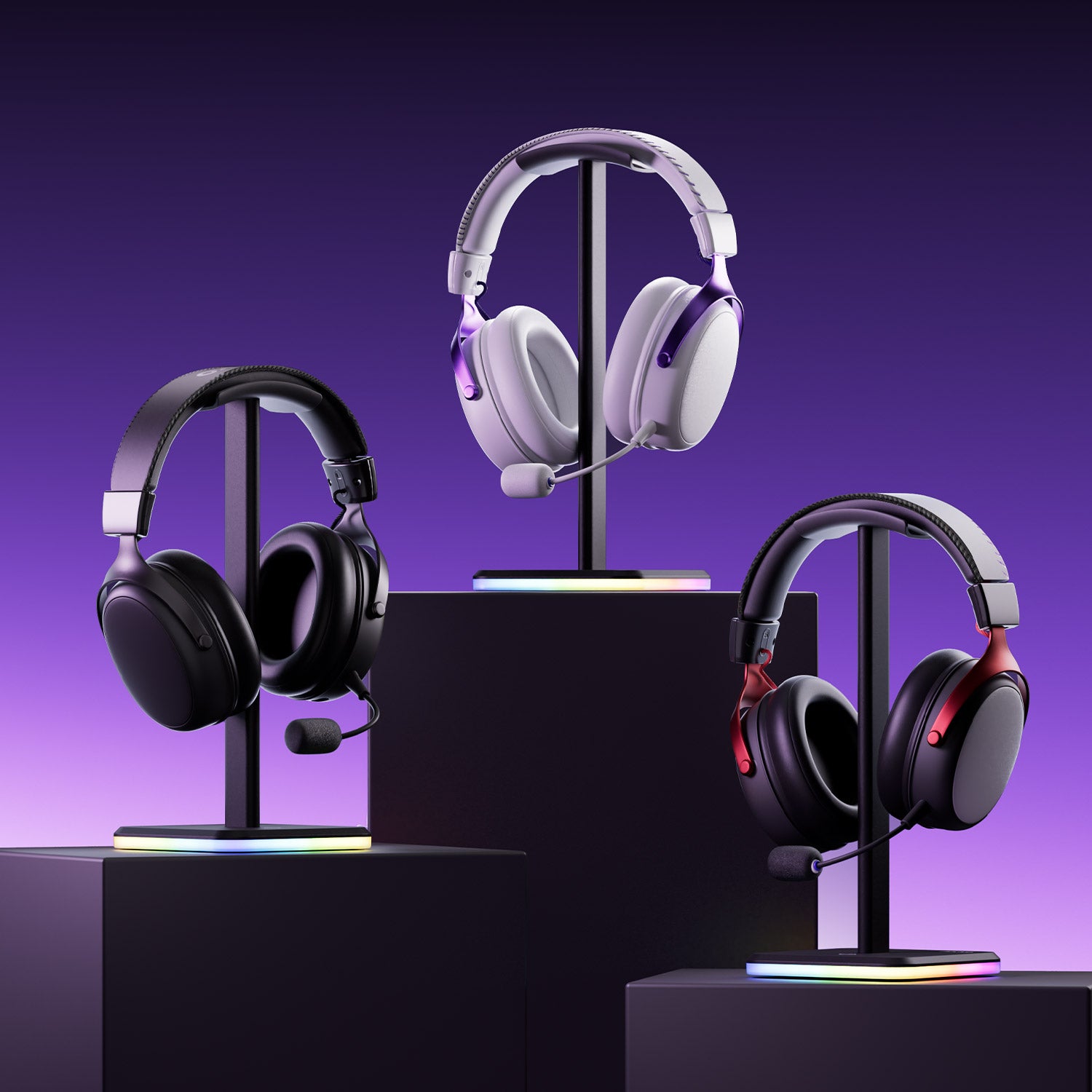
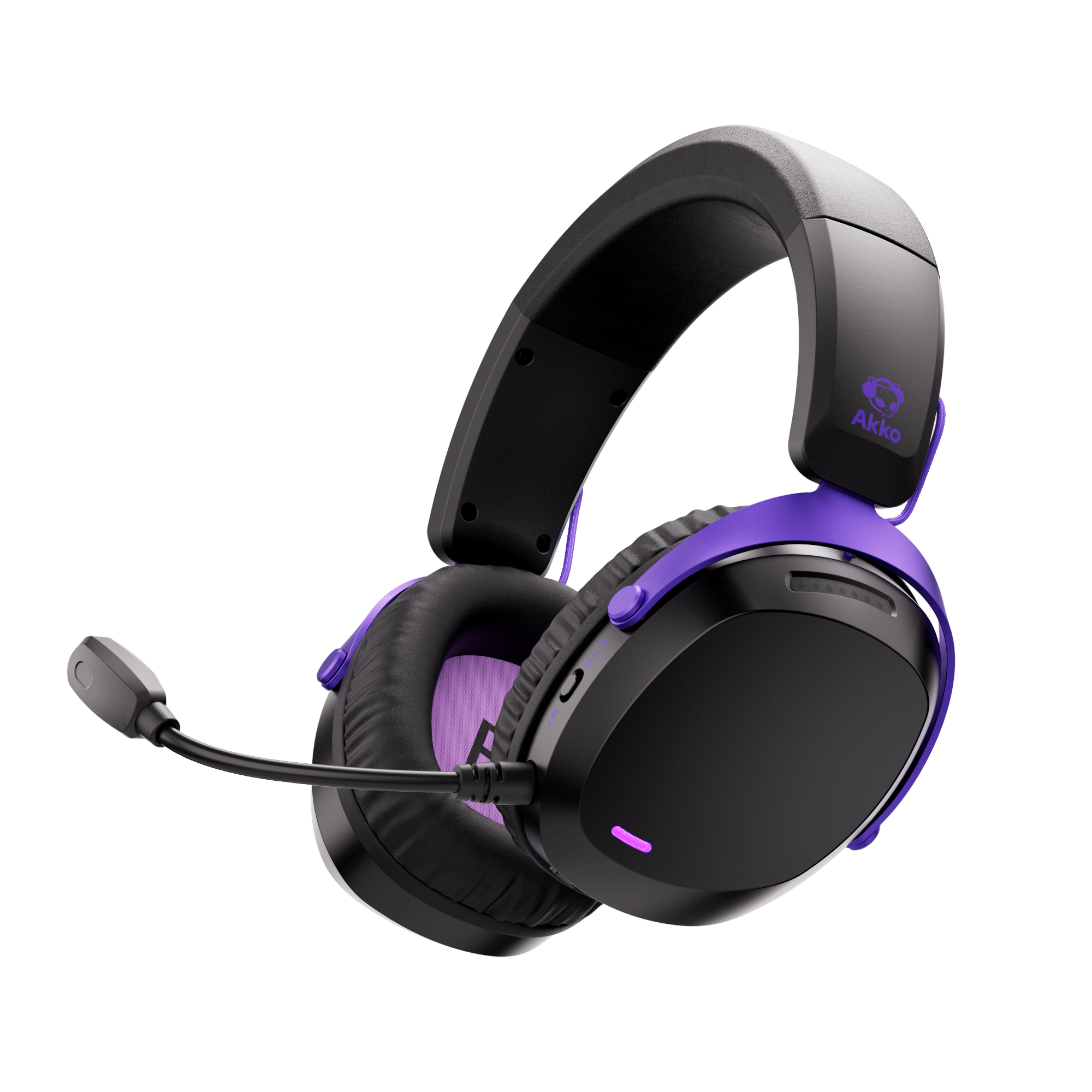
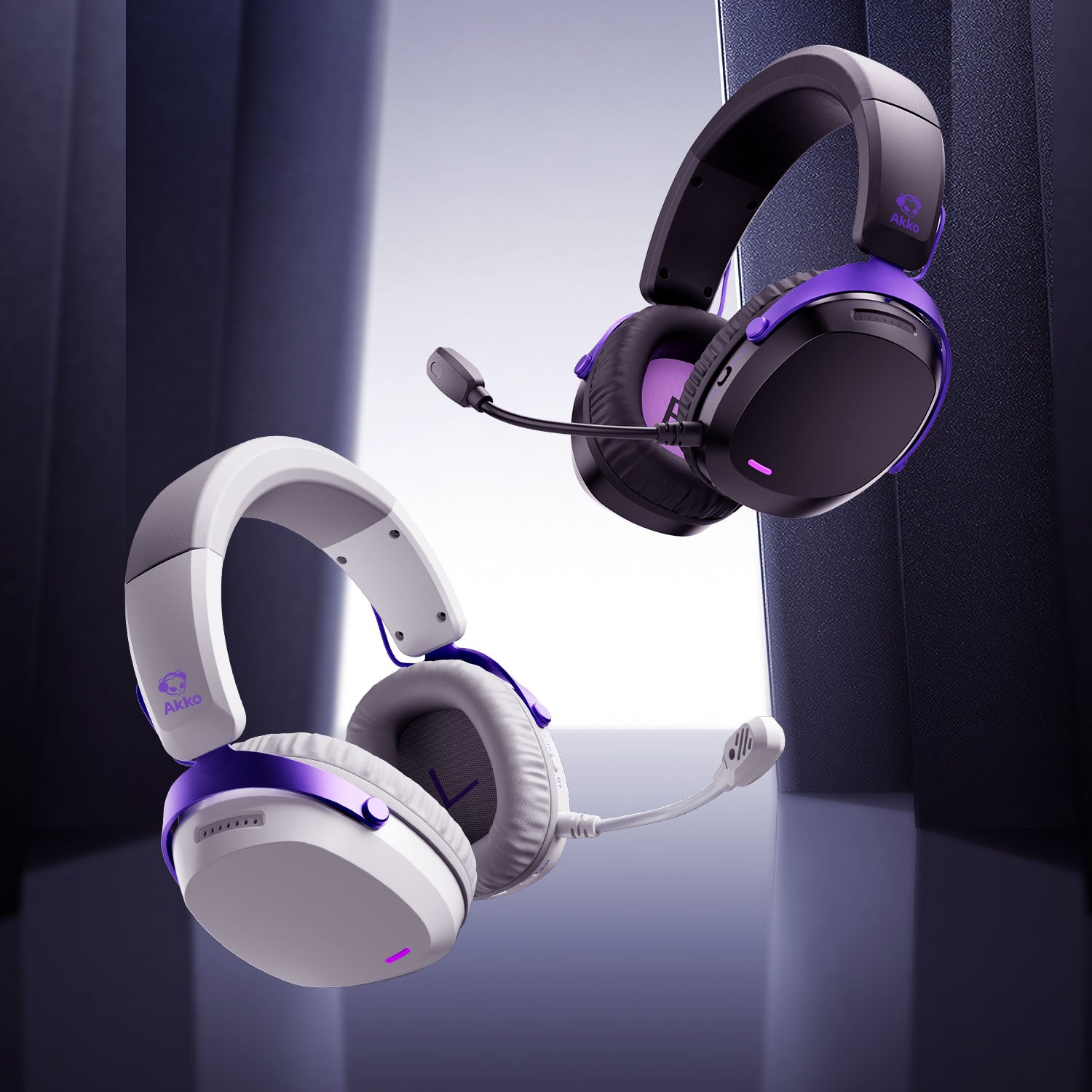
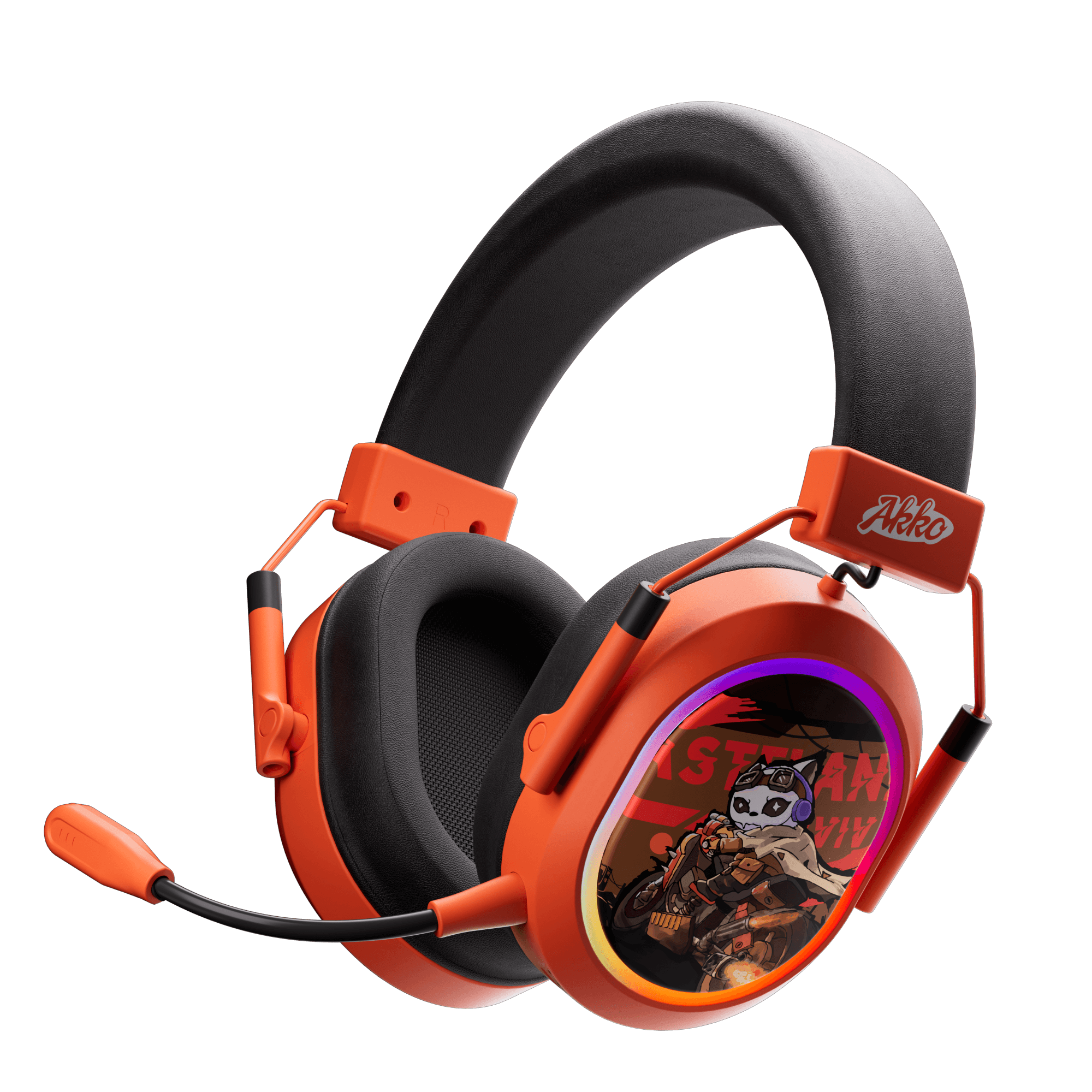
If you're looking for a multi-mode headset, the Akko Verge S9 Ultra stands out as one of the best value gaming headsets available.
Akko Verge S9 Ultra Gaming Headset
Akko Verge S9 Ultra gaming headset supports 2.4GHz wireless, Bluetooth 5.3, and wired Type-C, with dual receivers for USB-A and Type-C:
- USB-A: Low-latency gaming on PC, PS5, and Xbox.
- Type-C: Direct connection to mobile phones, Switch, and Steam Deck, eliminating latency for mobile gaming.
- Bluetooth: Easy connection to tablets and laptops during commutes.
- Wired Mode: Plug in the cable anytime to avoid battery limitations.

Akko Verge S9 Ultra Gaming Headset
- 53mm drivers for immersive and balanced sound
- Virtual 7.1 Surround Sound
- Up to a week of usage with the powerful 2000mAh battery
- 2.4GHz wireless connection for low-latency gaming
- Bluetooth 5.3 support for multi-device use
- Compatible with PC, Mac, PlayStation, Switch, and mobile devices
- Lightweight design built for long gaming sessions
Pro Gamer Tuned: FPS Esports Mode refined ensures precise localization of footsteps and gunfire for competitive play.
Hardcore Acoustic Setup:
- 53mm N52 Neodymium Drivers: Exceptional detail and dynamic range.
- TCB Triple-Chamber Structure: Highlights critical in-game audio cues.
- 32-bit Dual-Core DSP Hi-Fi Chip: Supports virtual 7.1 surround sound for immersive gameplay.
Insane Battery Life: ~250 hours in 2.4GHz mode—enough for a month of 8-hour daily gaming without recharging, eliminating battery anxiety.
Exceptional Comfort: Lightweight design, self-adjusting headband, and extra-thick protein leather earcups provide long-lasting comfort, even for glasses wearers, without clamping or pressure.
Final
For gamers, the right choice depends on their needs and gaming scenarios. Wired and 2.4G headsets are ideal for professional gaming with precise sound and low latency, while Bluetooth and multi-mode headsets excel in portability and multi-device convenience.




Laisser un commentaire
Tous les commentaires sont modérés avant d'être publiés.
Ce site est protégé par hCaptcha, et la Politique de confidentialité et les Conditions de service de hCaptcha s’appliquent.