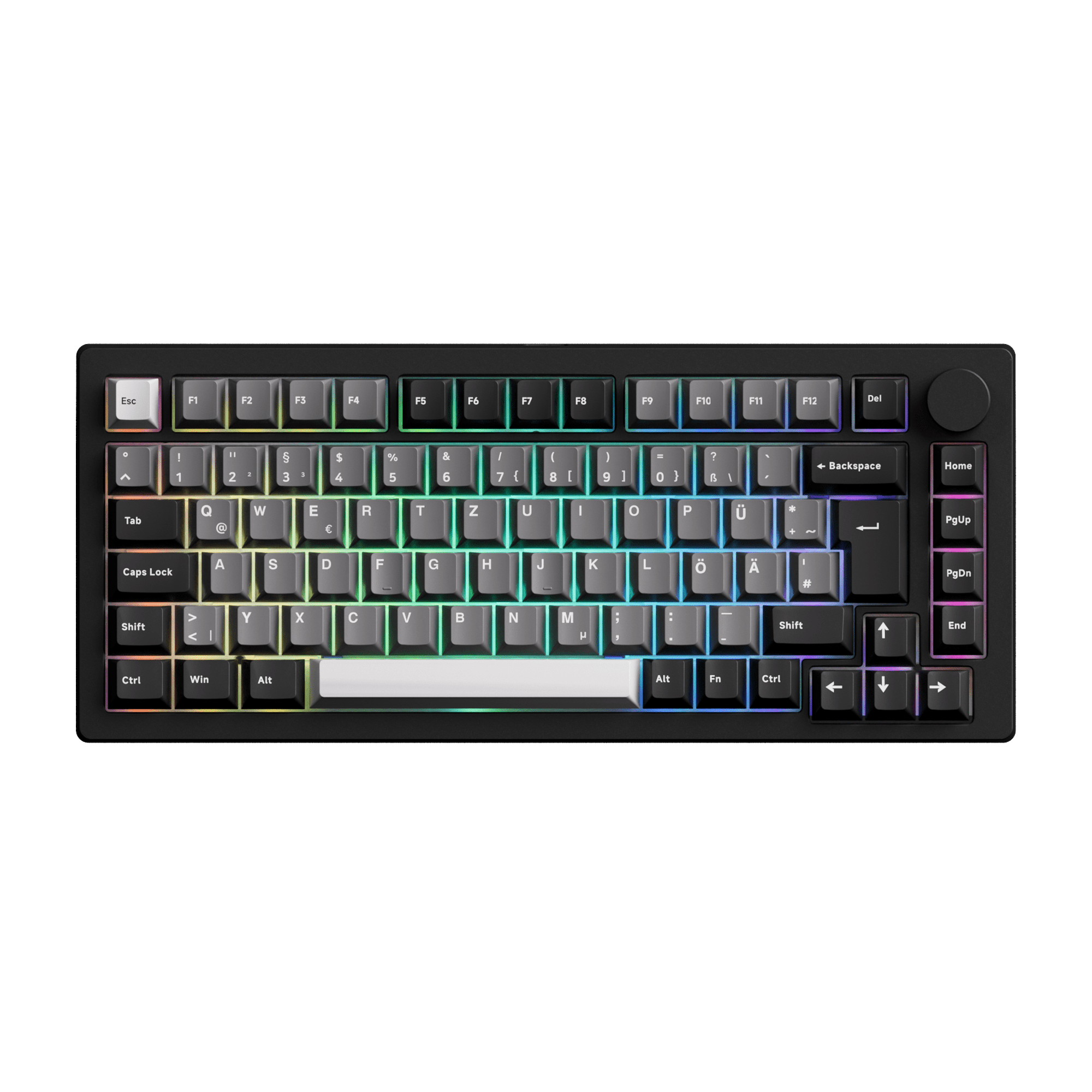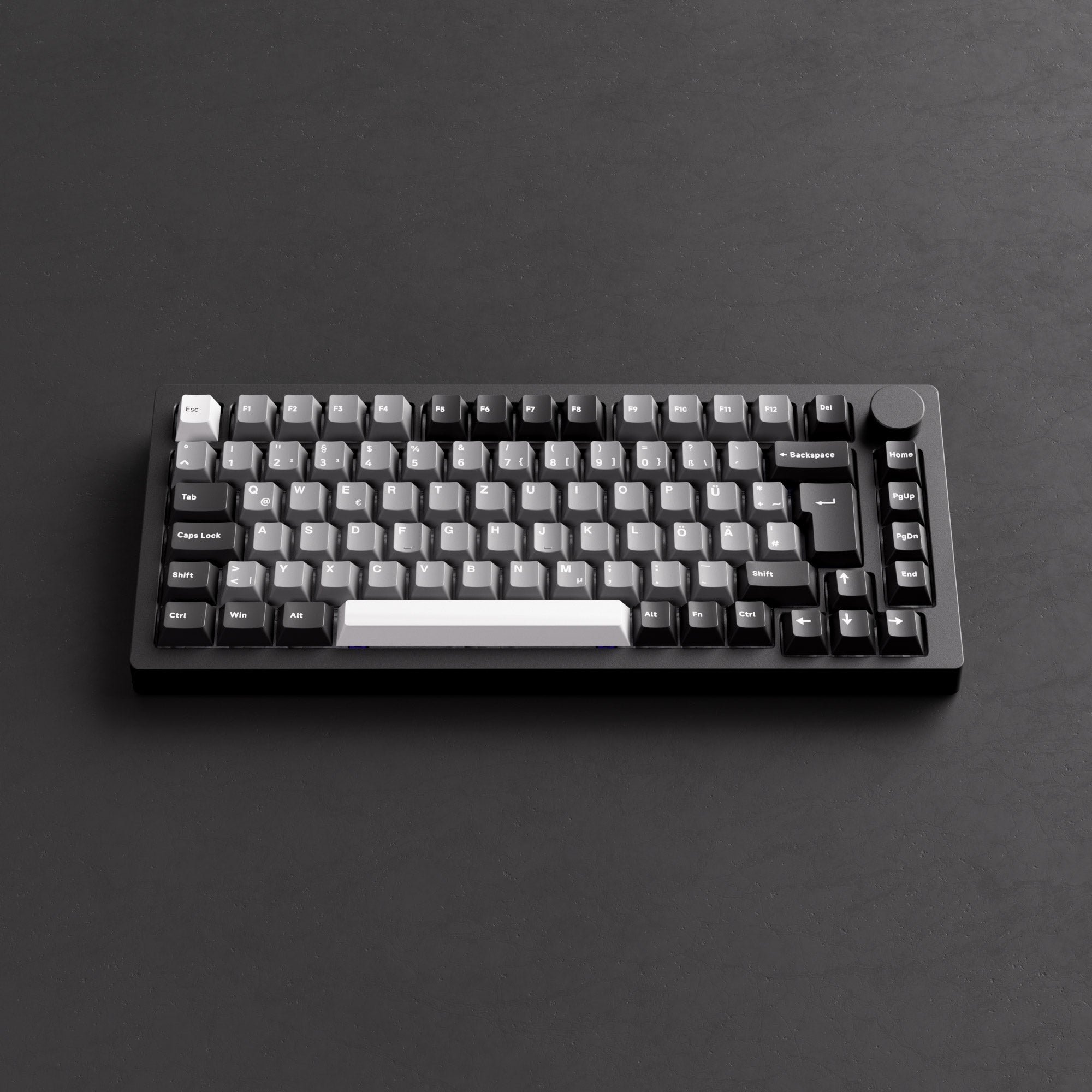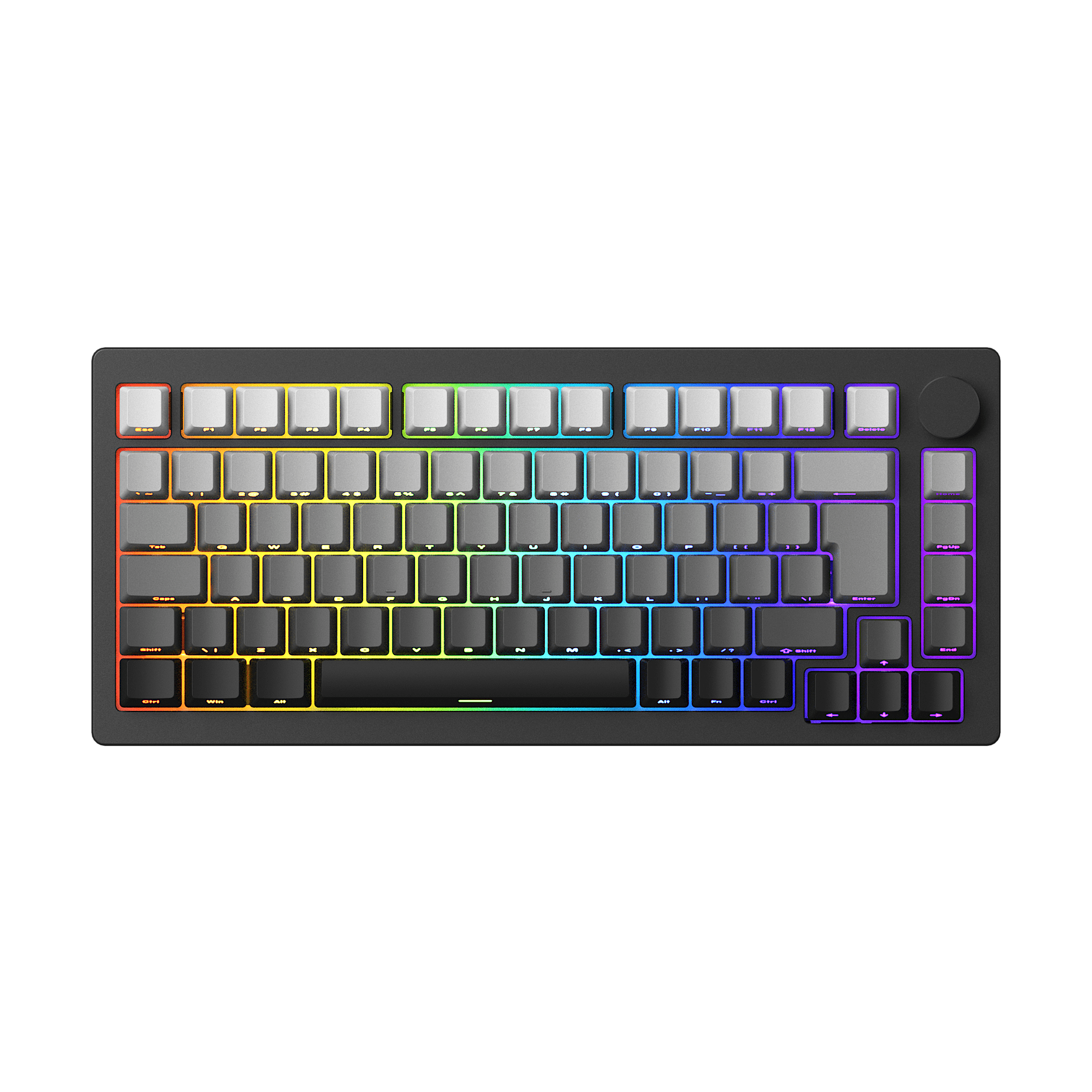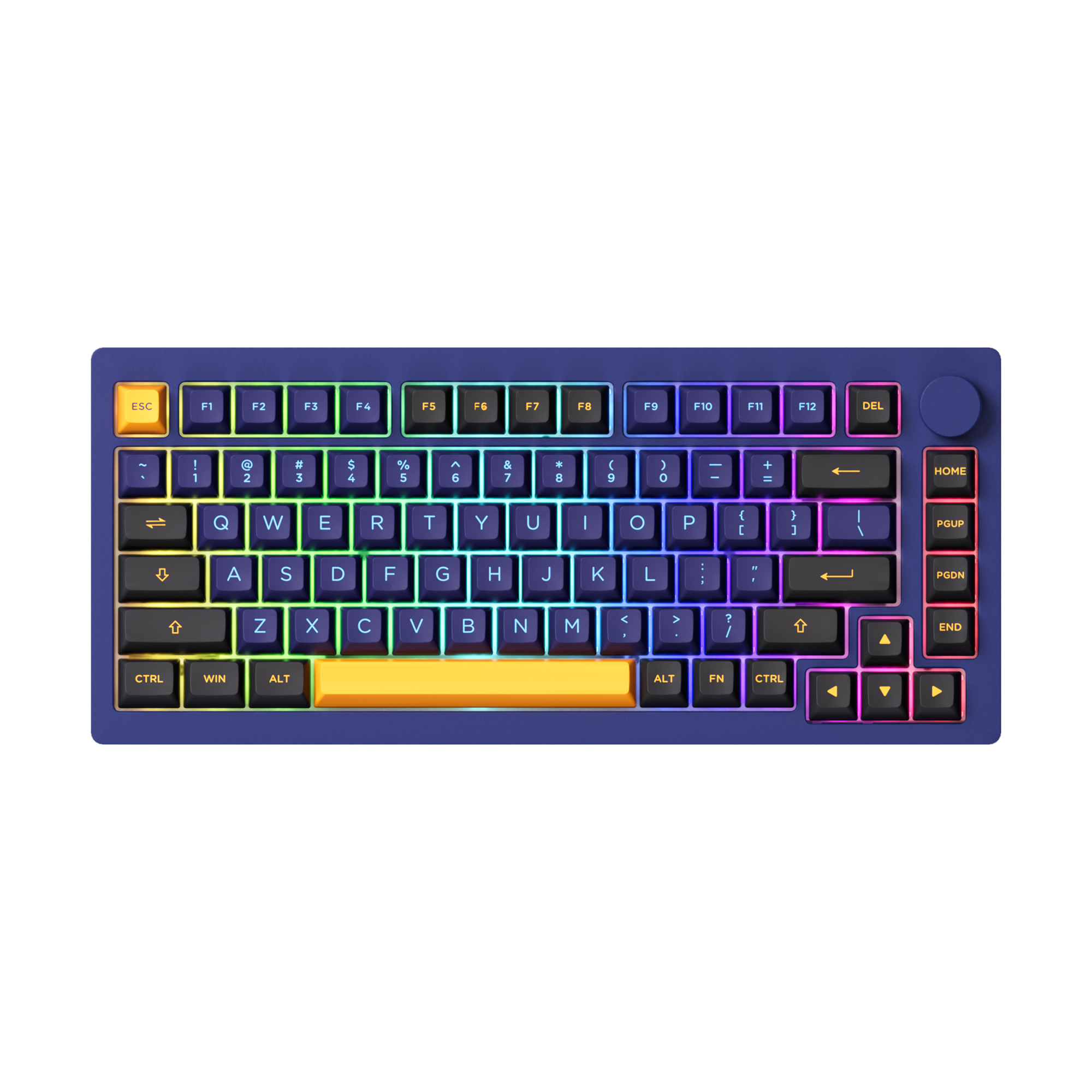






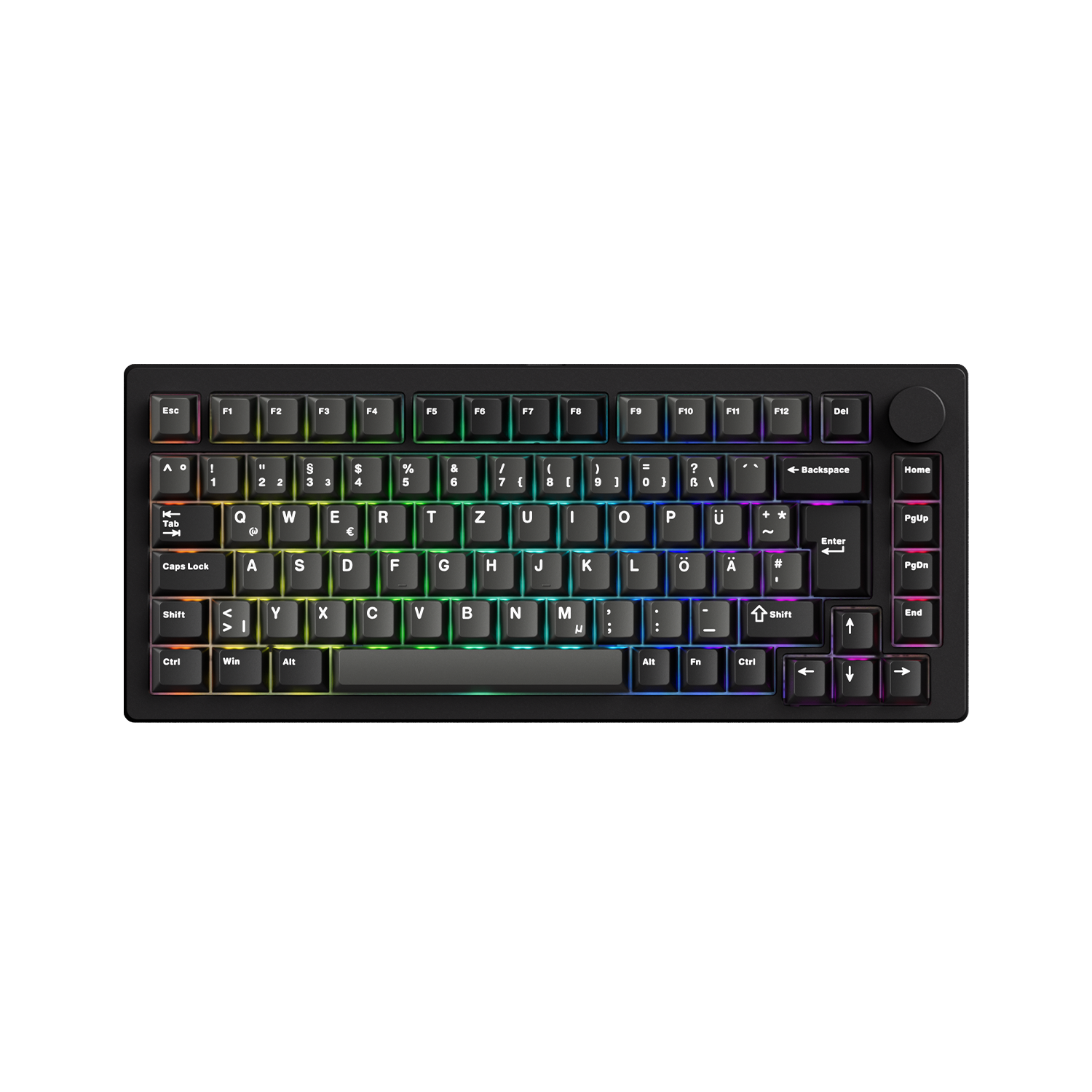
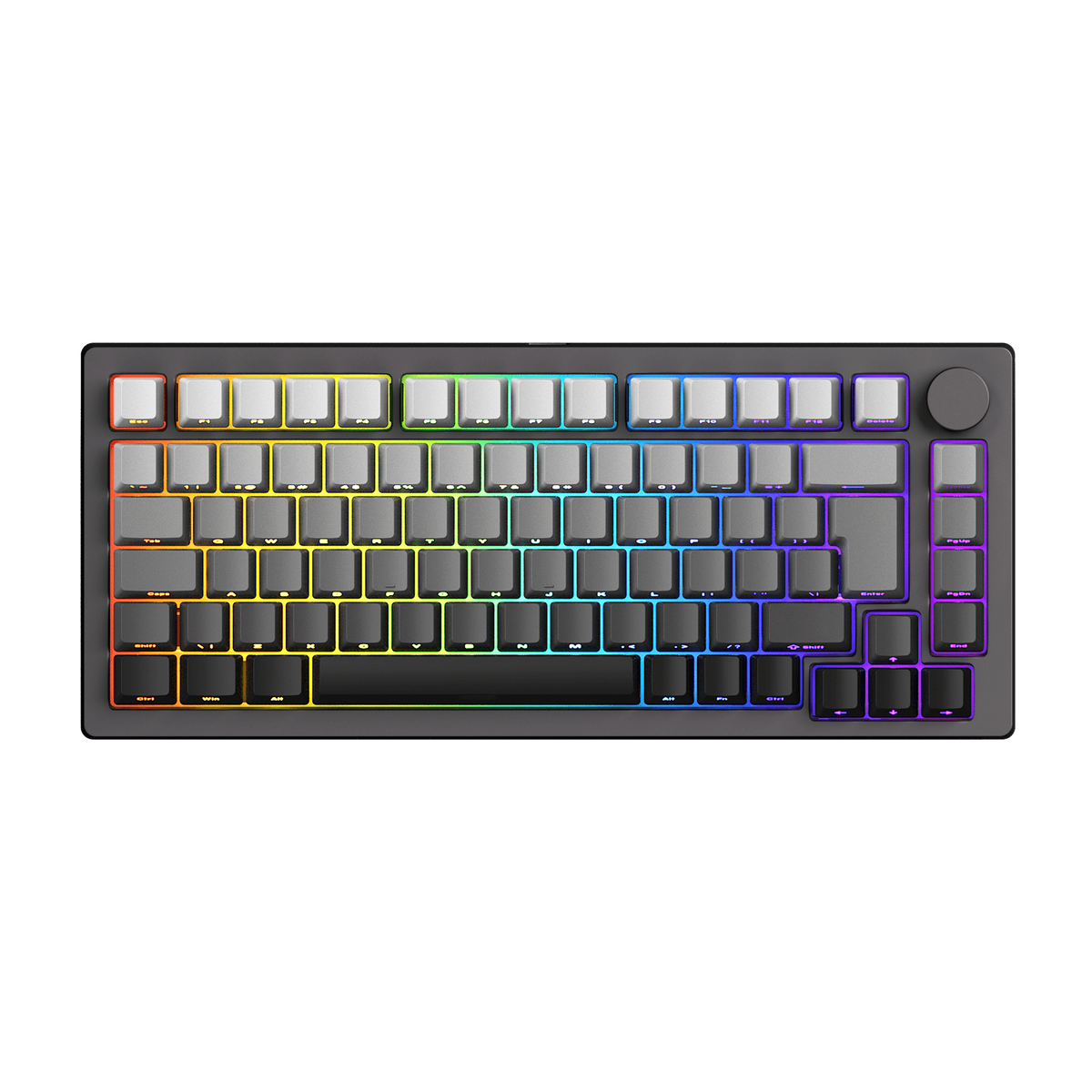
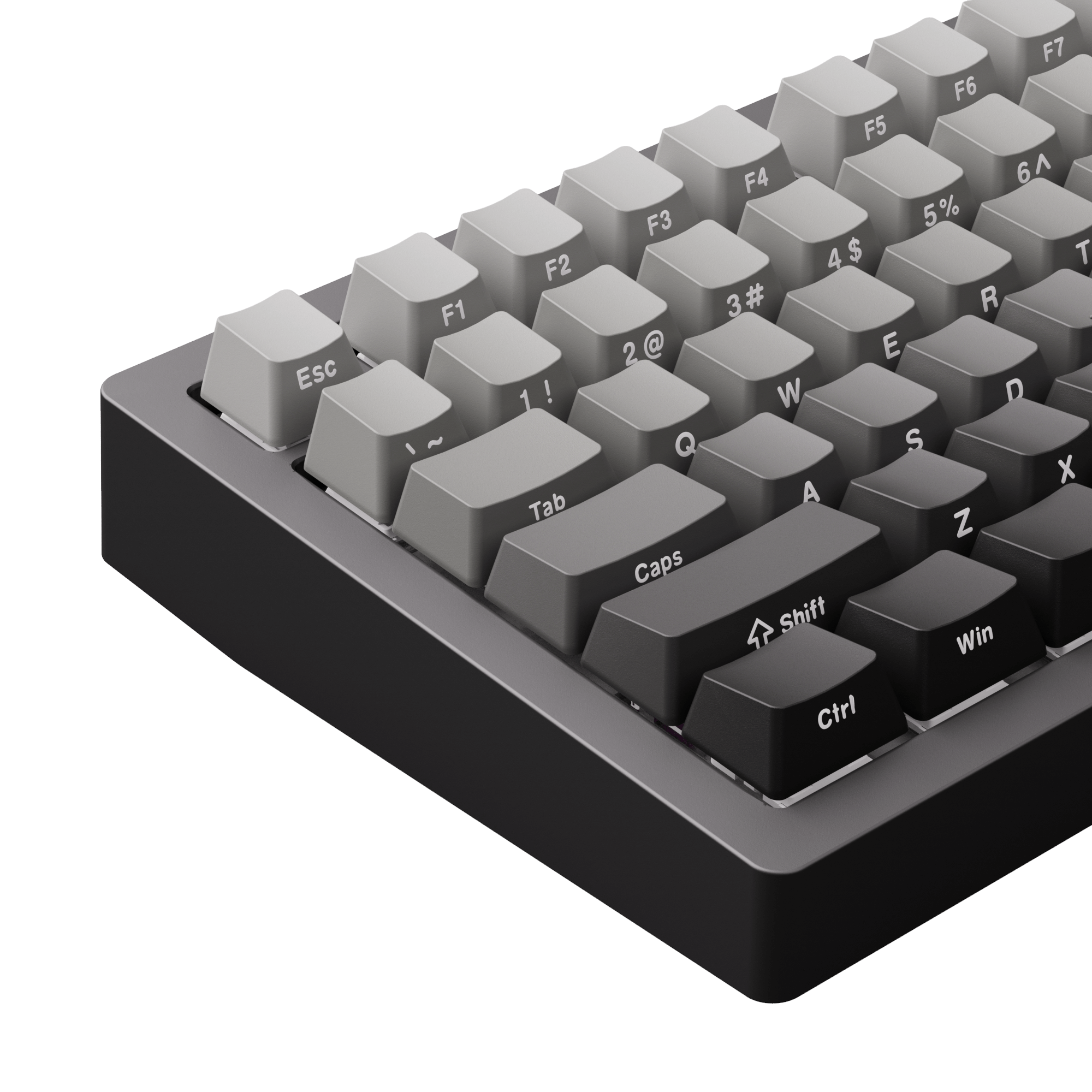
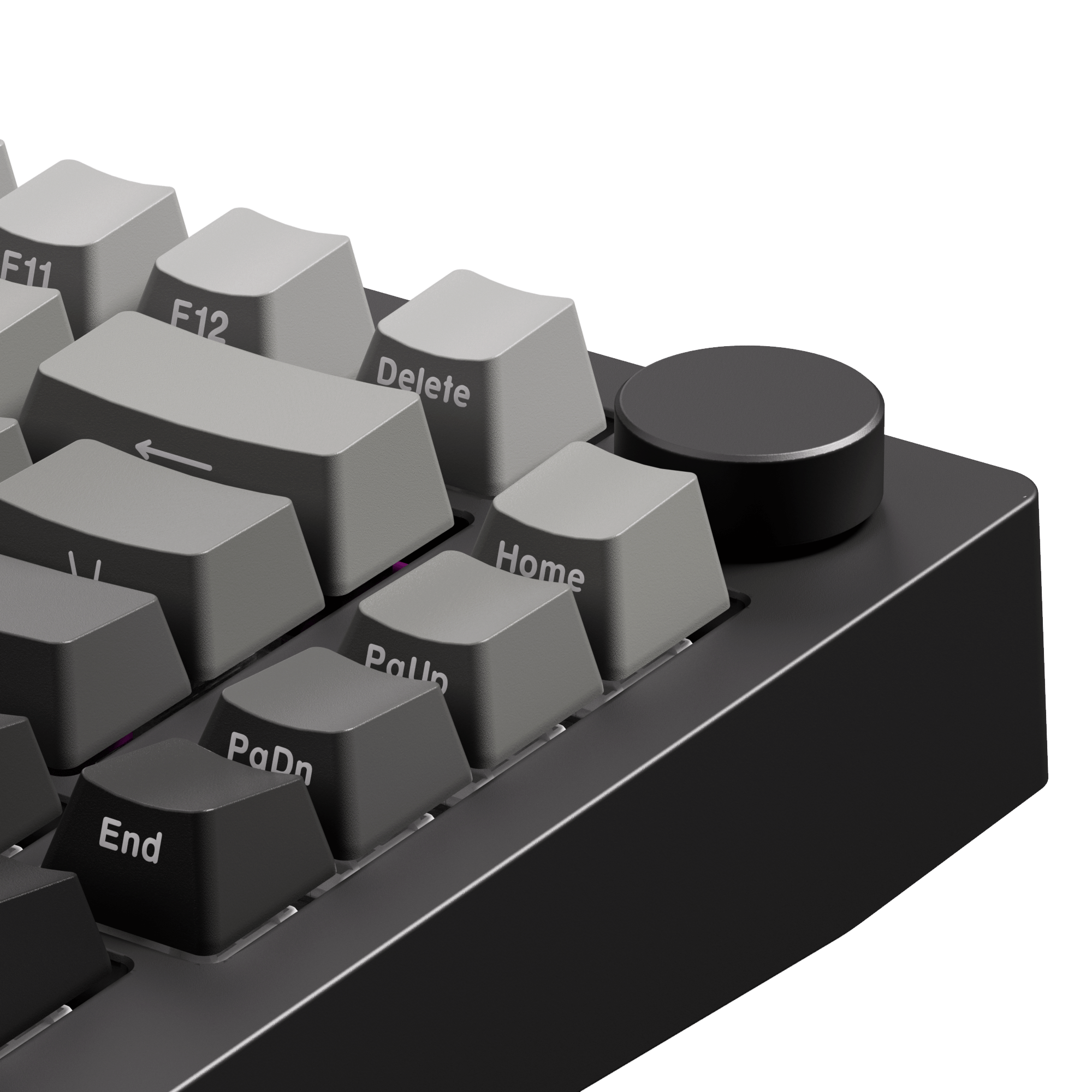

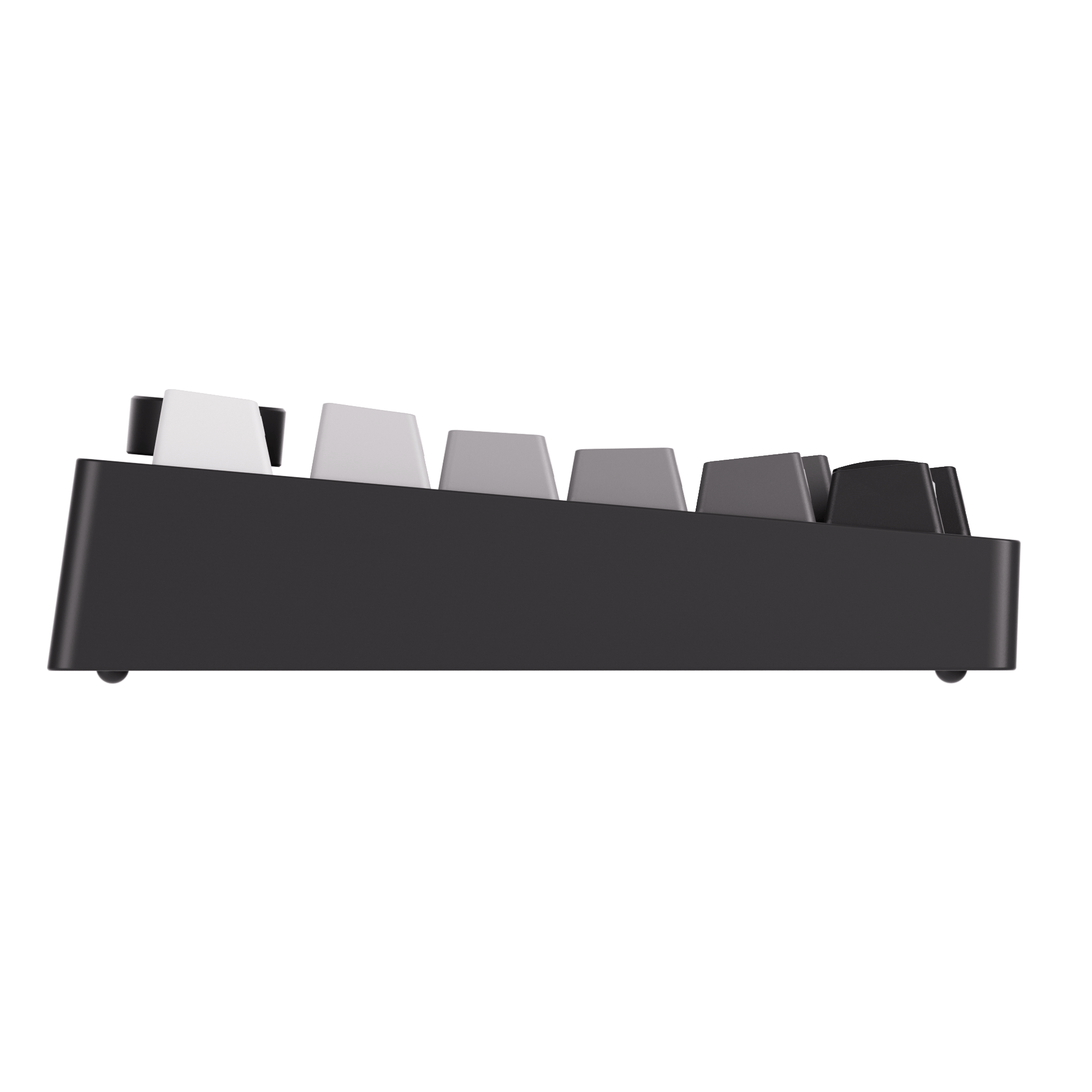

Clavier magnétique MonsGeek M1 V5 TMR
Taxes inclues Frais d'envoi calculés au paiement
Restocking soon means that the item be pre-purchased only, or the dispatch will occur at the specified time for another reason.
Nous nous efforçons de vous fournir des services du plus haut niveau !
Pour l'entrepôt par défaut (CN) :
Tous les produits non marqués d'une option d'entrepôt sont expédiés depuis l'entrepôt par défaut (CN).
L'entrepôt par défaut (CN) prend actuellement en charge l'expédition vers les pays et régions suivants : Arménie, Australie, Autriche, Belgique, Bulgarie, Canada, Colombie, Croatie, Chypre, Tchéquie, Danemark, Estonie, Finlande, France, Allemagne, Grèce, Guatemala, Islande, Indonésie, Irlande, Italie, Jamaïque, Japon, Jersey, Koweït, Laos, Lettonie, Lituanie, Luxembourg, Mexique, Mongolie, Népal, Pays-Bas, Nouvelle-Zélande, Norvège, Pakistan, Philippines, Pologne, Portugal (18 régions sur 20), Portugal (Açores, Madère), Qatar, Roumanie, Russie, Serbie, Singapour, Slovaquie, Slovénie, Corée du Sud, Espagne (47 provinces sur 52), Espagne (Ceuta), Sri Lanka, Suède, Suisse, Taïwan, Thaïlande, Turkménistan, Royaume-Uni, États-Unis (55 États sur 62), États-Unis (Porto Rico), Ouzbékistan, Vietnam.
La plupart des produits d'Akkogear.eu sont expédiés depuis la Chine. Les commandes passées sur Akkogear.eu peuvent être expédiées vers la plupart des pays de l'UE (à l'exception des îles périphériques et des territoires d'outre-mer).
Les commandes sont généralement traitées sous 10 à 20 jours ouvrés dans la plupart des pays. Les commandes ne sont ni expédiées ni livrées le week-end ou les jours fériés.
En cas de volume de commandes important, les expéditions peuvent être retardées de quelques jours. Veuillez prévoir quelques jours de transit pour la livraison. En cas de retard important, vous serez informé par e-mail.
Pour l'entrepôt d'outre-mer :
Les produits seront expédiés de préférence depuis des entrepôts situés à l'étranger. Veuillez noter que nous ne garantissons pas l'expédition de toutes les commandes depuis nos entrepôts situés à l'étranger (en cas de rupture de stock dans nos entrepôts, nous expédierons depuis d'autres entrepôts, ce qui rallongera les délais de livraison). Veuillez consulter les informations suivantes :
Entrepôt en Allemagne (DE)
L'entrepôt Allemagne (DE) prend actuellement en charge l'expédition vers les pays et régions suivants : Autriche, Belgique, Bulgarie, Croatie, Tchéquie, Danemark, Estonie, France, Allemagne, Grèce, Hongrie, Italie, Lettonie, Lituanie, Luxembourg, Pays-Bas, Pologne, Portugal (18 des 20 régions), Roumanie, Slovaquie, Slovénie, Espagne (47 des 52 provinces), Suède.
- La livraison rapide DHL en 2 à 3 jours s'applique uniquement aux clients allemands.
-
6-7 jours Expédition pour les autres pays d'Europe (Autriche, Belgique, Tchéquie, France, Allemagne, Italie, Luxembourg, Pays-Bas, Pologne, Lituanie, Roumanie, Slovaquie, Croatie, Estonie, Portugal (18 des 20 régions), Danemark, Bulgarie, Espagne (47 des 52 provinces), Grèce, Hongrie, Lettonie, Suède, Slovénie.)
Remarque : DE Local Stock ne prend pas en charge la livraison au Royaume-Uni, en Irlande, à Malte, à Chypre, en Suisse et dans d'autres pays non répertoriés.
L'entrepôt du Royaume-Uni (RU)
L'entrepôt du Royaume-Uni (UK) prend actuellement en charge l'expédition vers les pays et régions suivants : le Royaume-Uni .
La livraison rapide en 2 à 3 jours s'applique uniquement aux clients britanniques.
Cliquez ici pour voir plus de détails.
Our support team is available to help you within 24 hours.

TMR Sensor | Full Range 0.005mm RT | MagMech Compatible | Rapid Disassemble
8,000Hz
Polling Rate
16,000Hz
Scanning Rate (New Black Gradient- ISO)







Device Latency Breakdown
Every key press goes through three ultra-fast stages. Optimizing all three is the key to achieving true low-latency performance.
Device Scan
Time to detect key position changes.
Range: 0.03 – 0.05ms
✓ Optimized with 16K Scan Rate
Internal Processing
MCU processes scan data internally.
Range: 0.1 – 0.5ms
✓ Optimized with Logic ICs
Transport
USB polling rate interval.
Range: 0.125ms (8kHz Polling)
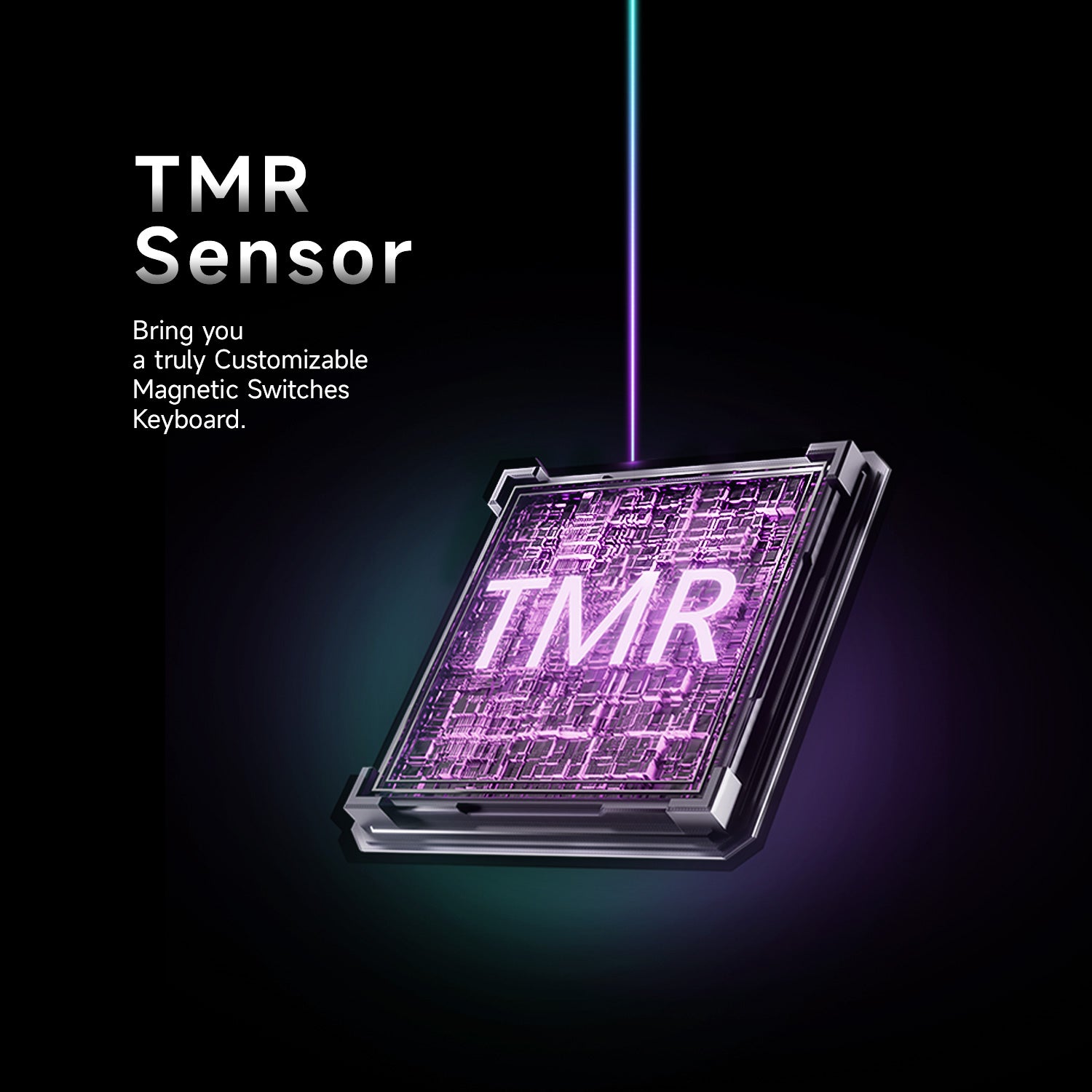
TMR Sensor
High-precision TMR sensing enables faster, more accurate key detection for responsive gaming performance.
Deliver a more precious and stable typing experience!
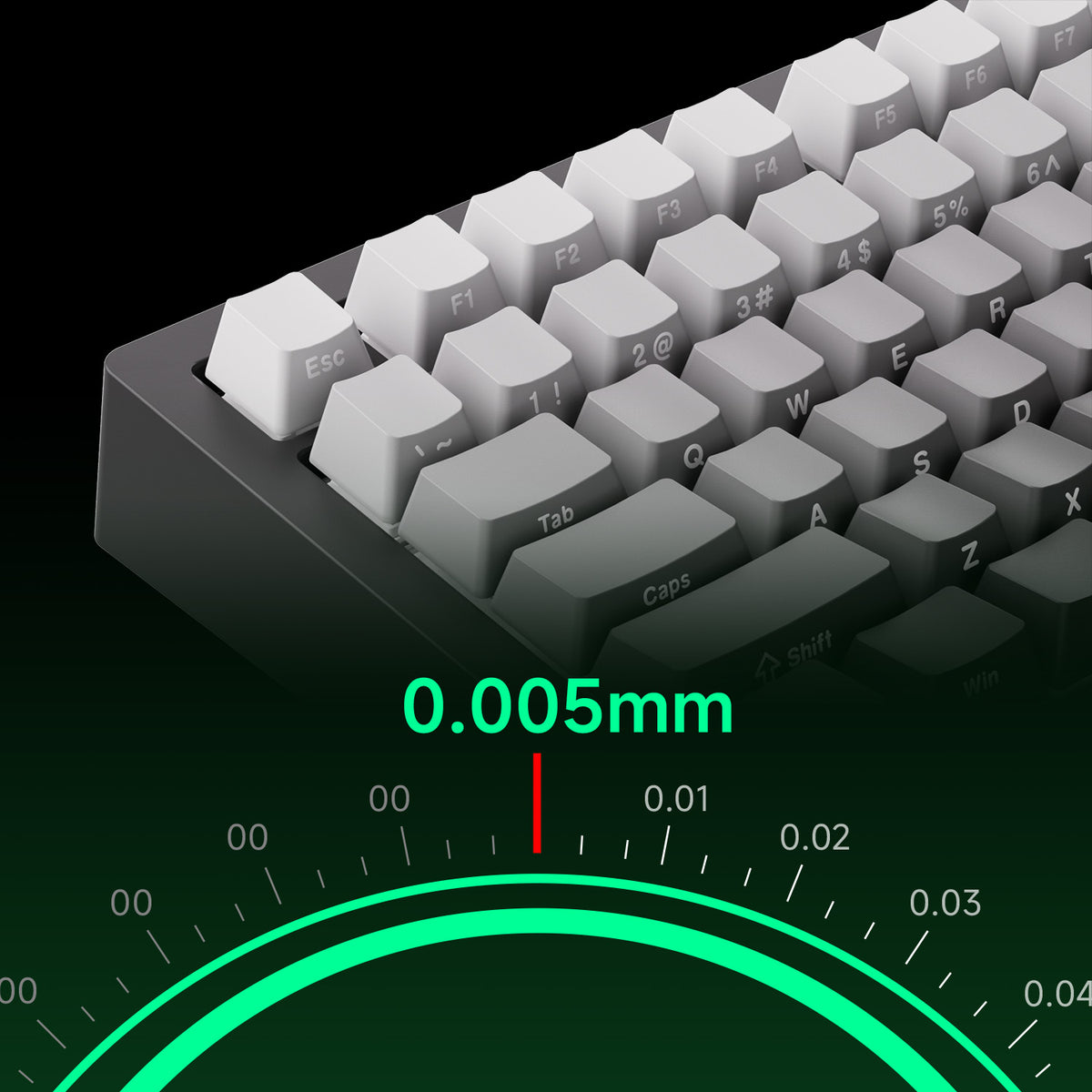
Full Range RT0.005mm
The New Black Gradient- ISO features Rapid Trigger sensitivity of up to 0.005 mm, with actuation distance adjustable in 0.005 mm increments. Black & Silver- ISO-DE supports adjustments in 0.01 mm increments.
Fine-tune the actuation settings to match your preferred typing and gaming style, enabling more responsive key input and precise control.
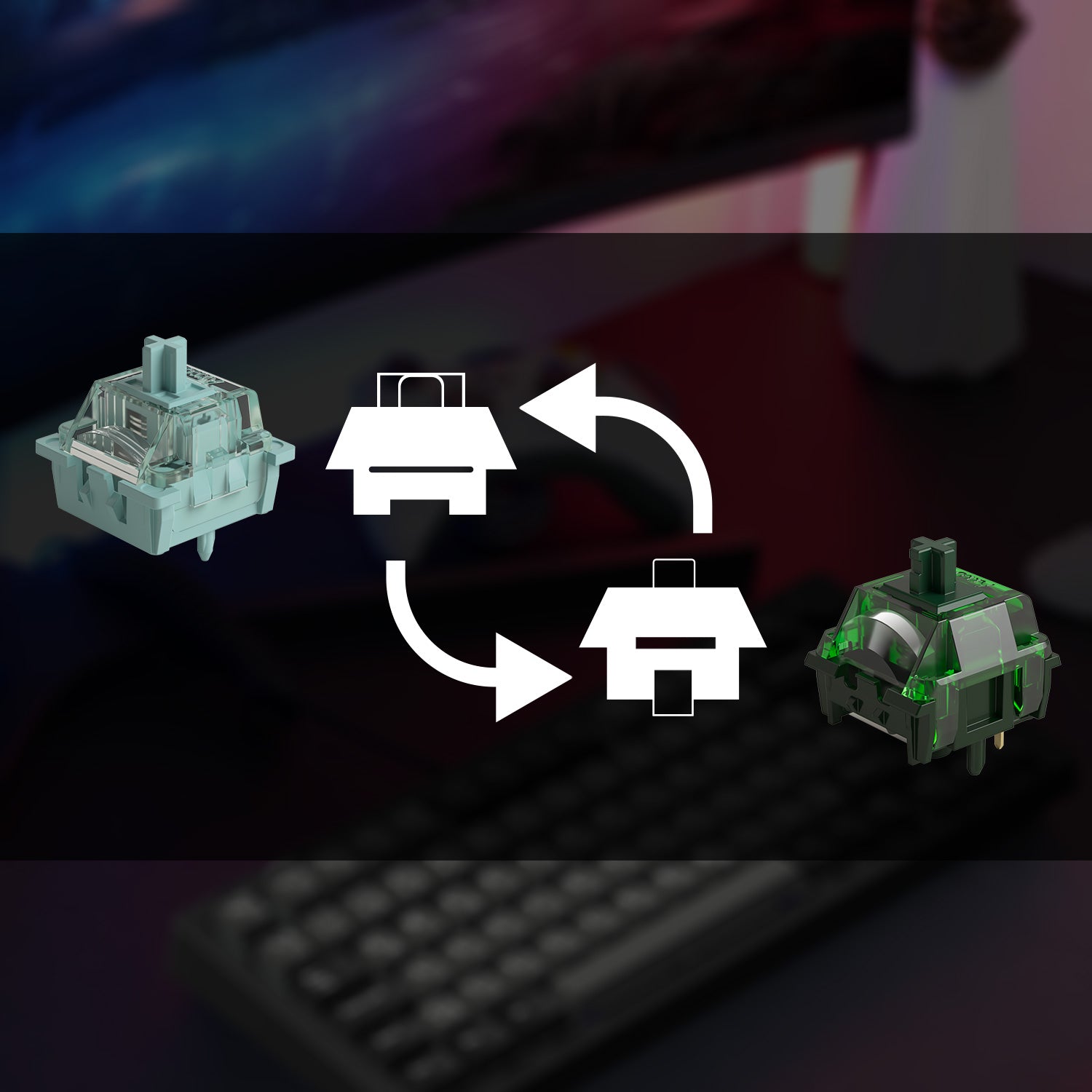
MagMech: Compatible with Magnetic Switches and Mechanical Switches
Users can mix and match magnetic switches and any 5-pin mechanical switches freely, like never before!
Imagine having only WASD / Arrow keys swapped for magnetic switches and leaving the rest for mechanical for a classic mechanical typing experience. What a dream!
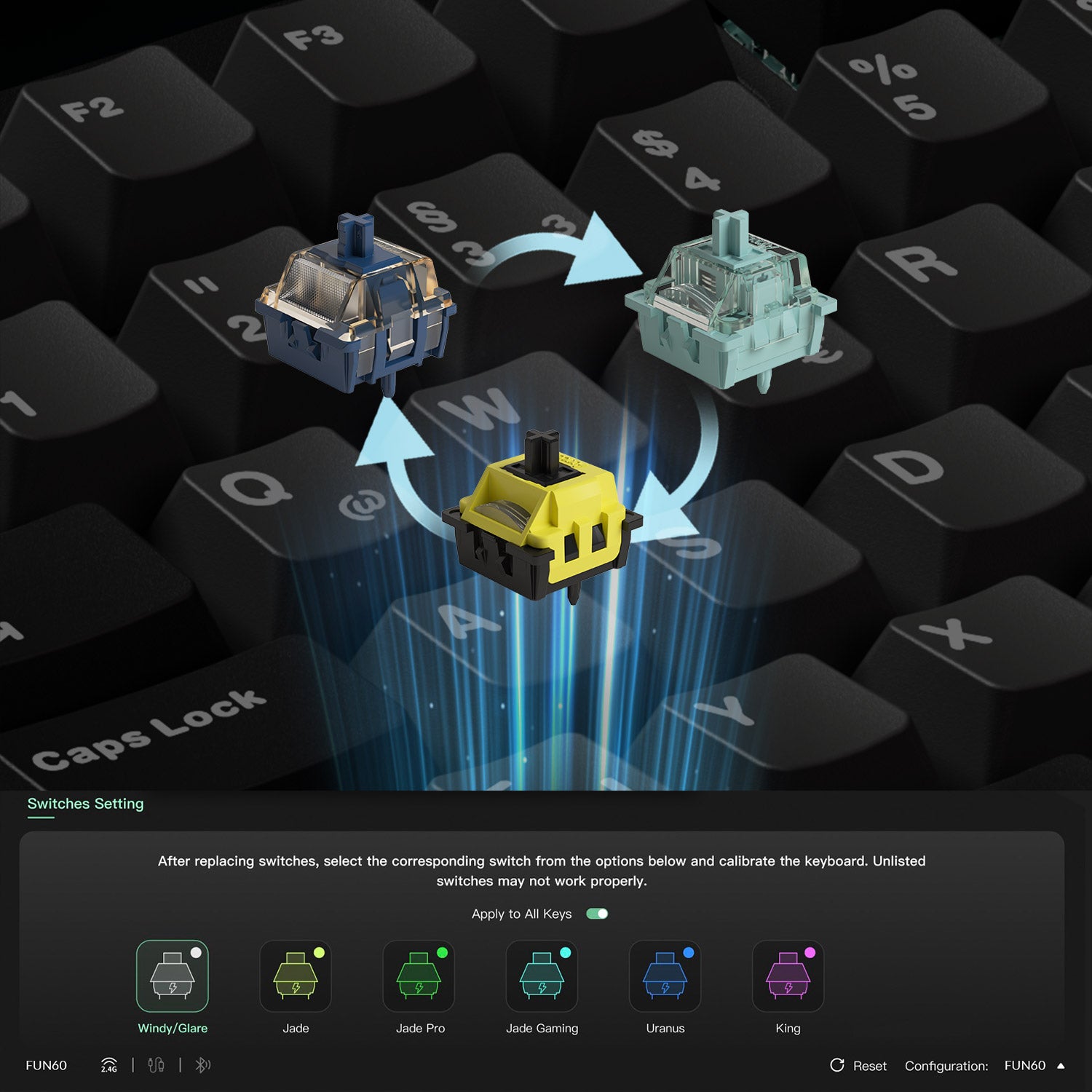
Cross-Compatible with Mainstream Magnetic Switches
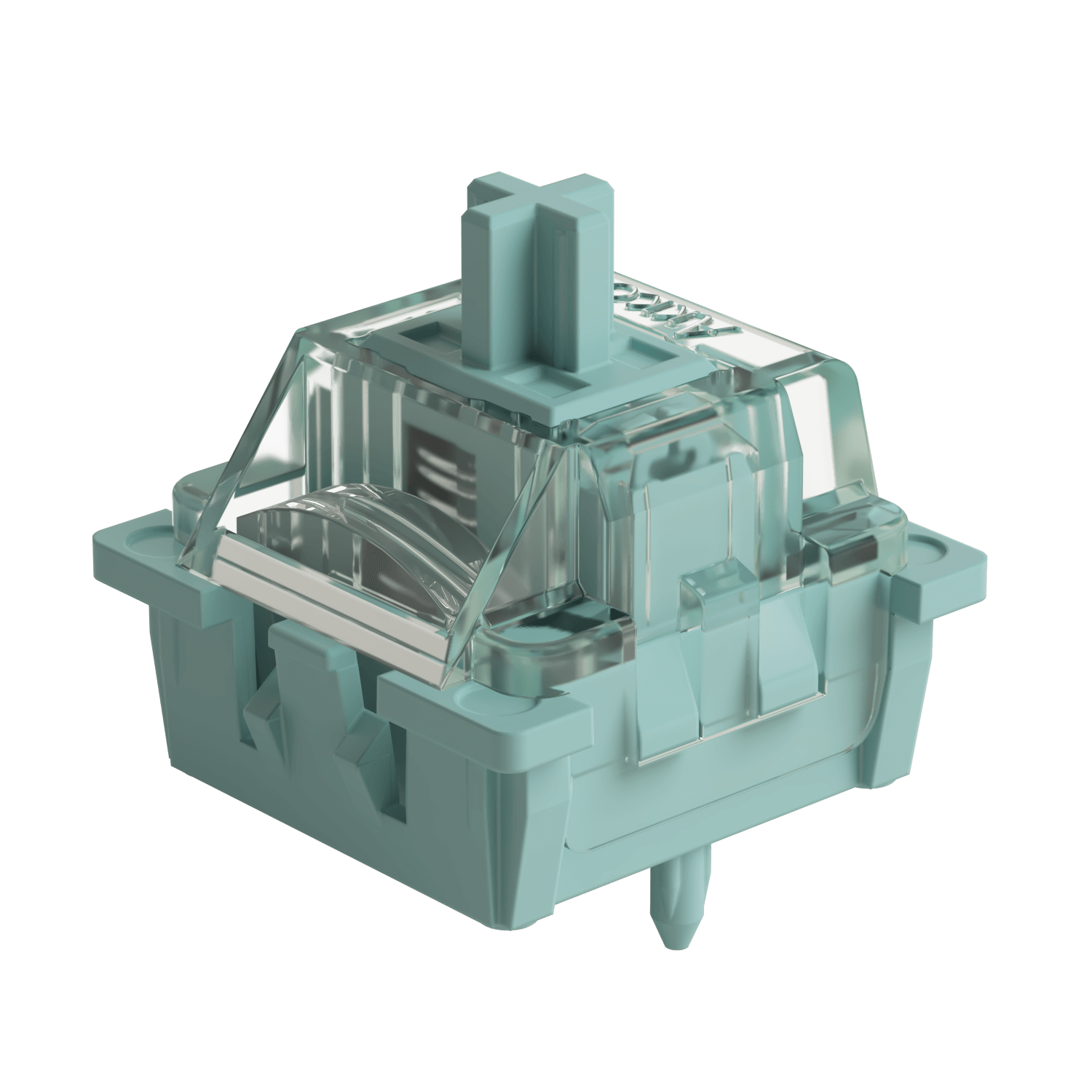
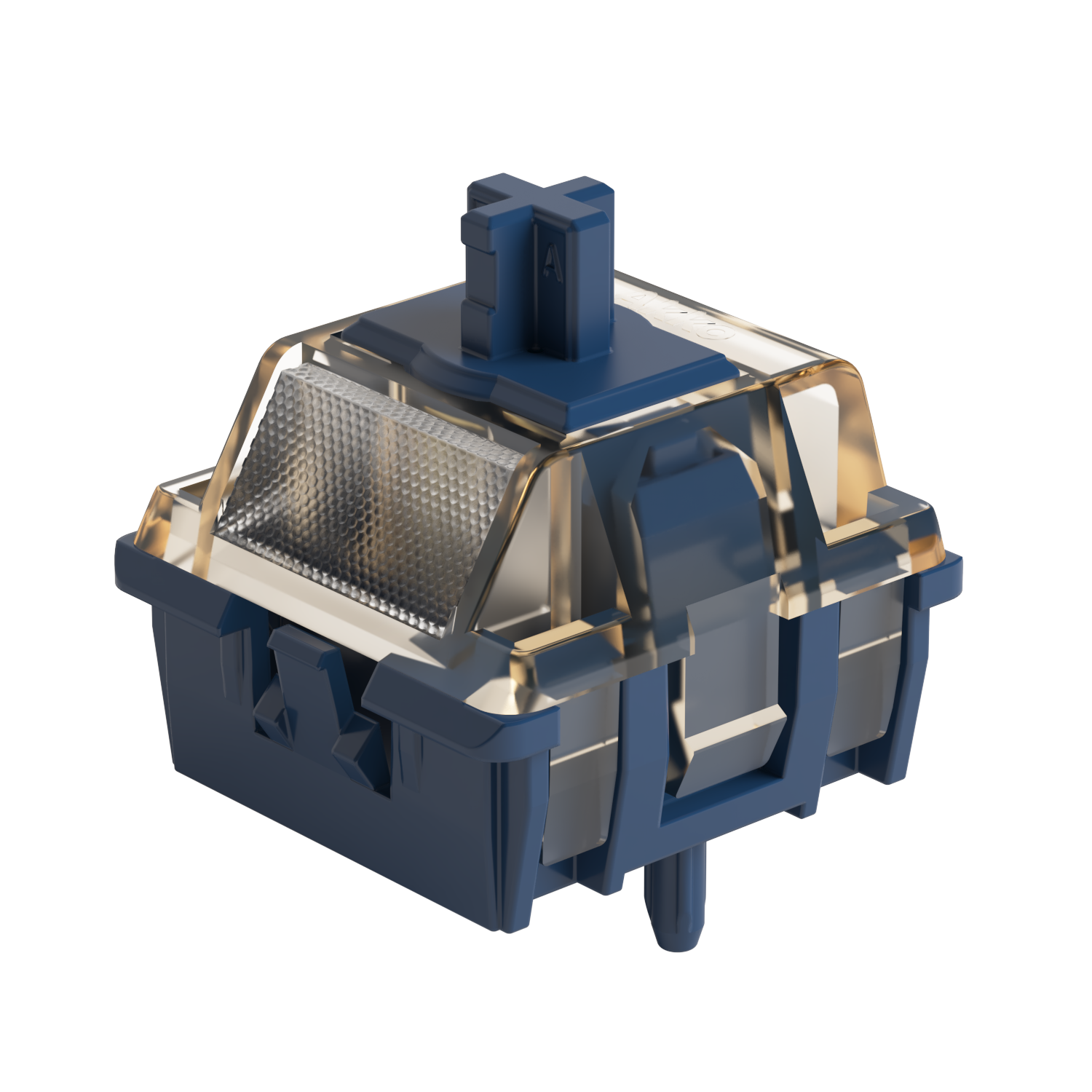
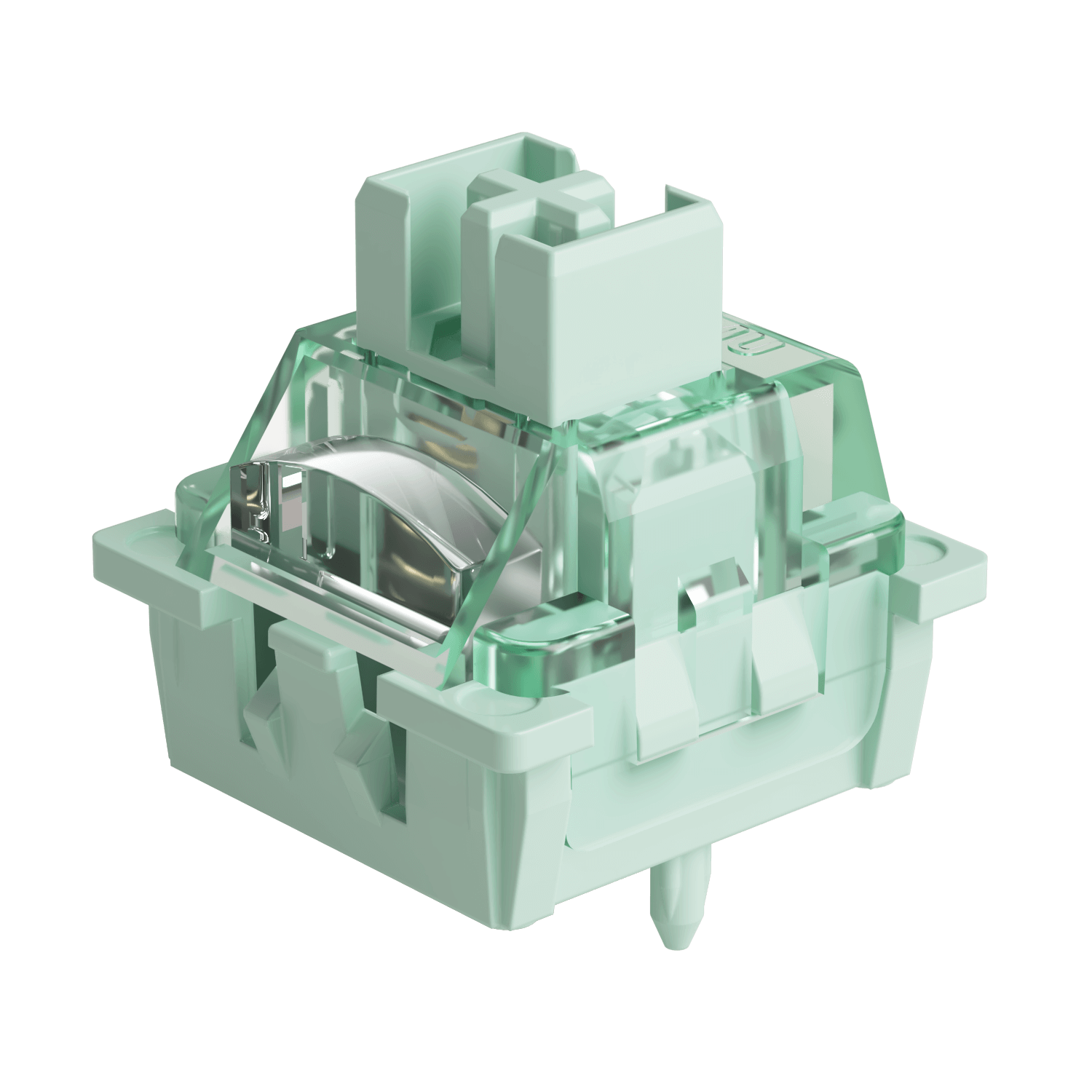
Clavier magnétique MonsGeek M1 V5 TMR provides compatibility with 5 third-party magnetic switches. Users can choose the appropriate switch from the MonsGeek Driver list and calibrate the keyboard easily after replacement. Mixing and matching them in different keys is also possible.
Disclaimer: High-percision switches require tuning and experimenting with the keyboard. The switches listed are guaranteed to perform at 0.01mm precision. Other switches may work but are unable to reach the claimed accuracy.

ARM Cortex-M4 CPU
The powerful CPU delivers enhanced processing power with low energy consumption. It features automatic calibration between -20°C and 80°C, ensuring faster performance and extended battery life.

Universal 8K Polling Rate
With an 8000Hz polling rate for all keys in wired or 2.4Gwireless modes, enjoy ultra-fast response times and smoother, more precise inputs—perfect for gaming and high-performance tasks.
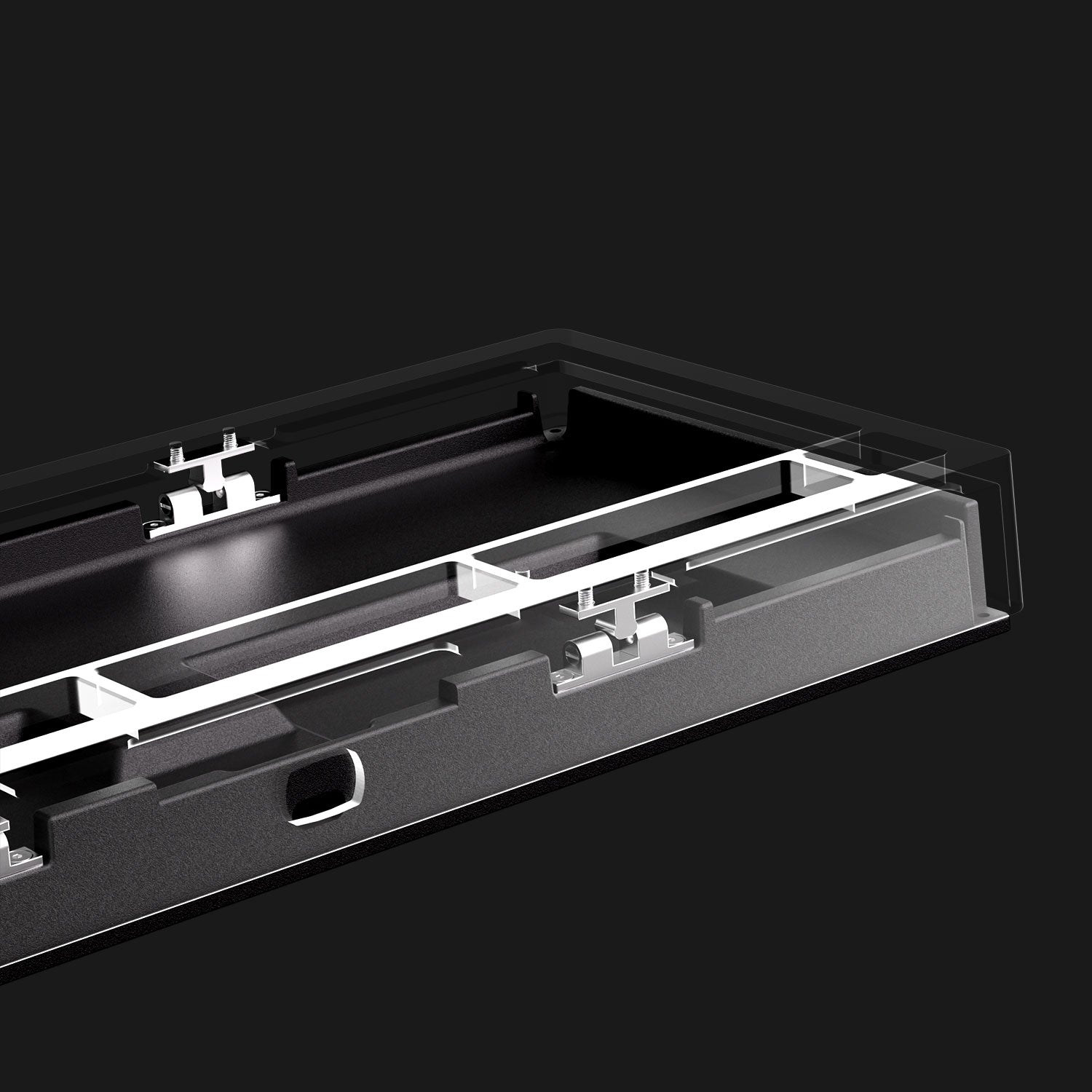
Ball-catch Design
Rapid Disassemble without Screws or Tools
Unlike typical screw-on mechanical keyboards, the M1 V5 Series features a ball catch to secure the case and adjustable load force that can be modified by tightening screws during installation for enhanced safety and stability.
Note: Before dissemble the top cover, please use the included key puller to pull out the knob.

Classic Features
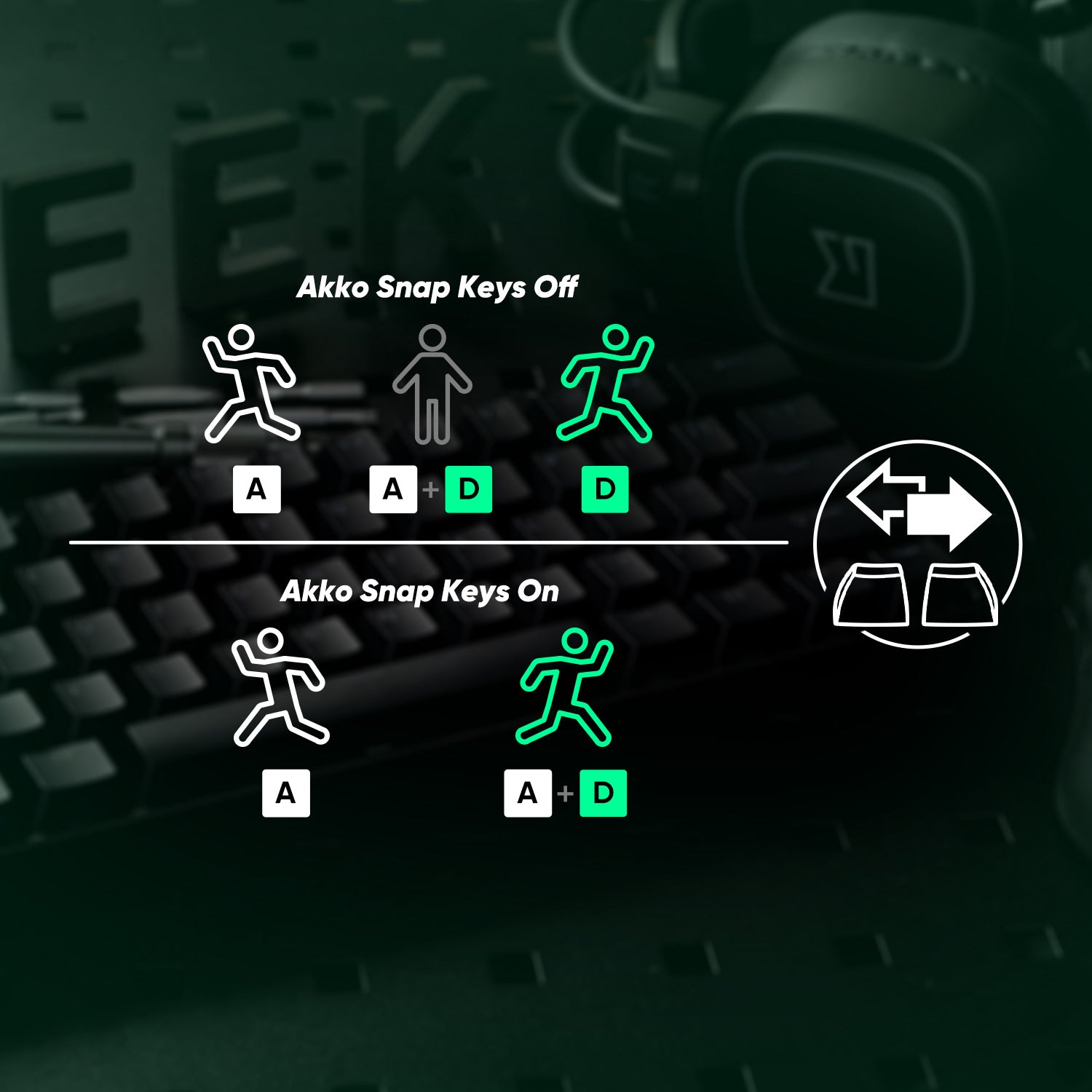
Snap Key
Snap Key, Monsgeek's SOCD implementation, prioritizes the latest input for faster directional shifts, ensuring smooth, responsive control in FPS games.
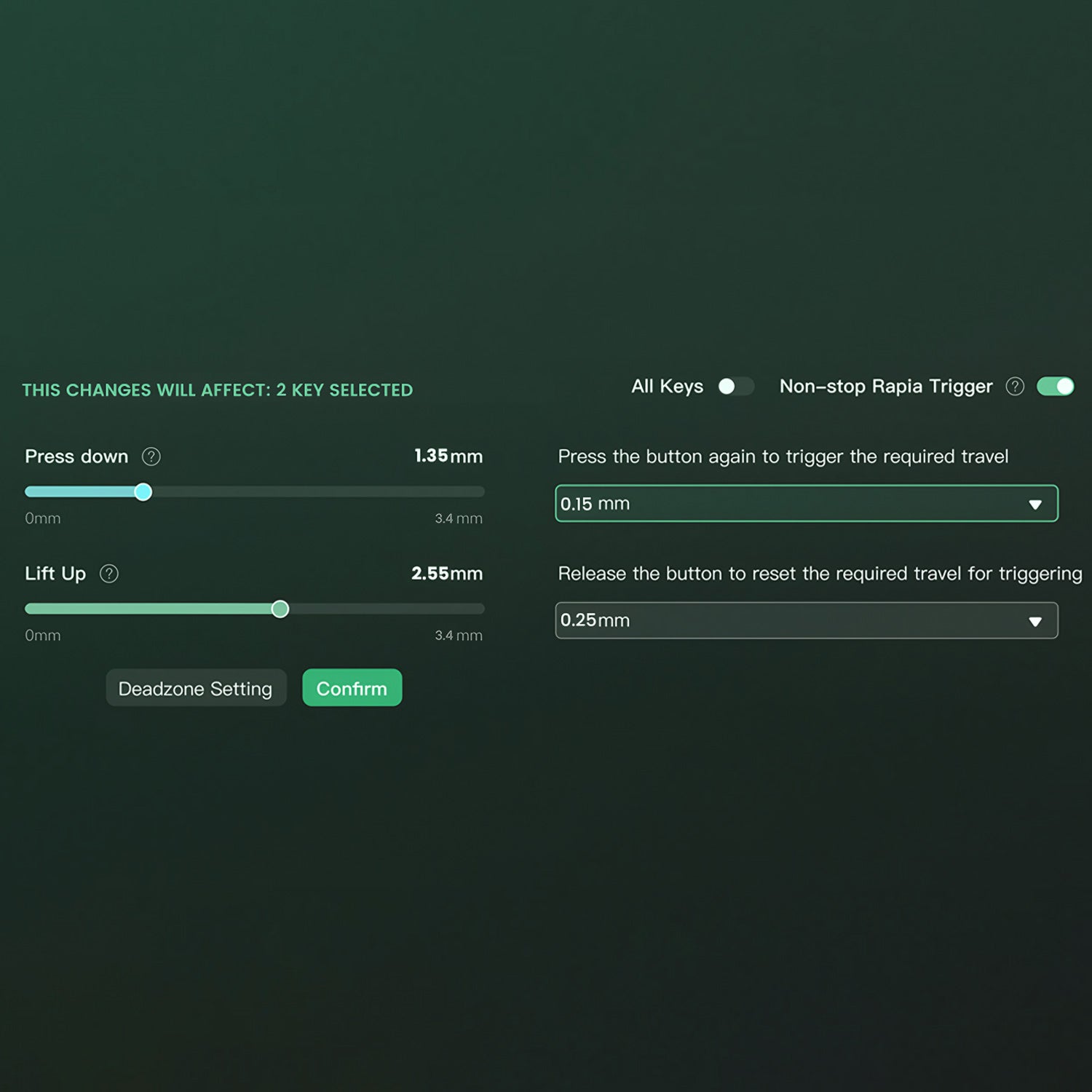
Adjustable Actuation Distance
These magnetic switches allow users to adjust every key’s actuation point from 0.1mm to 3.4mm, which offers different kinds of pressing for gaming or typing.
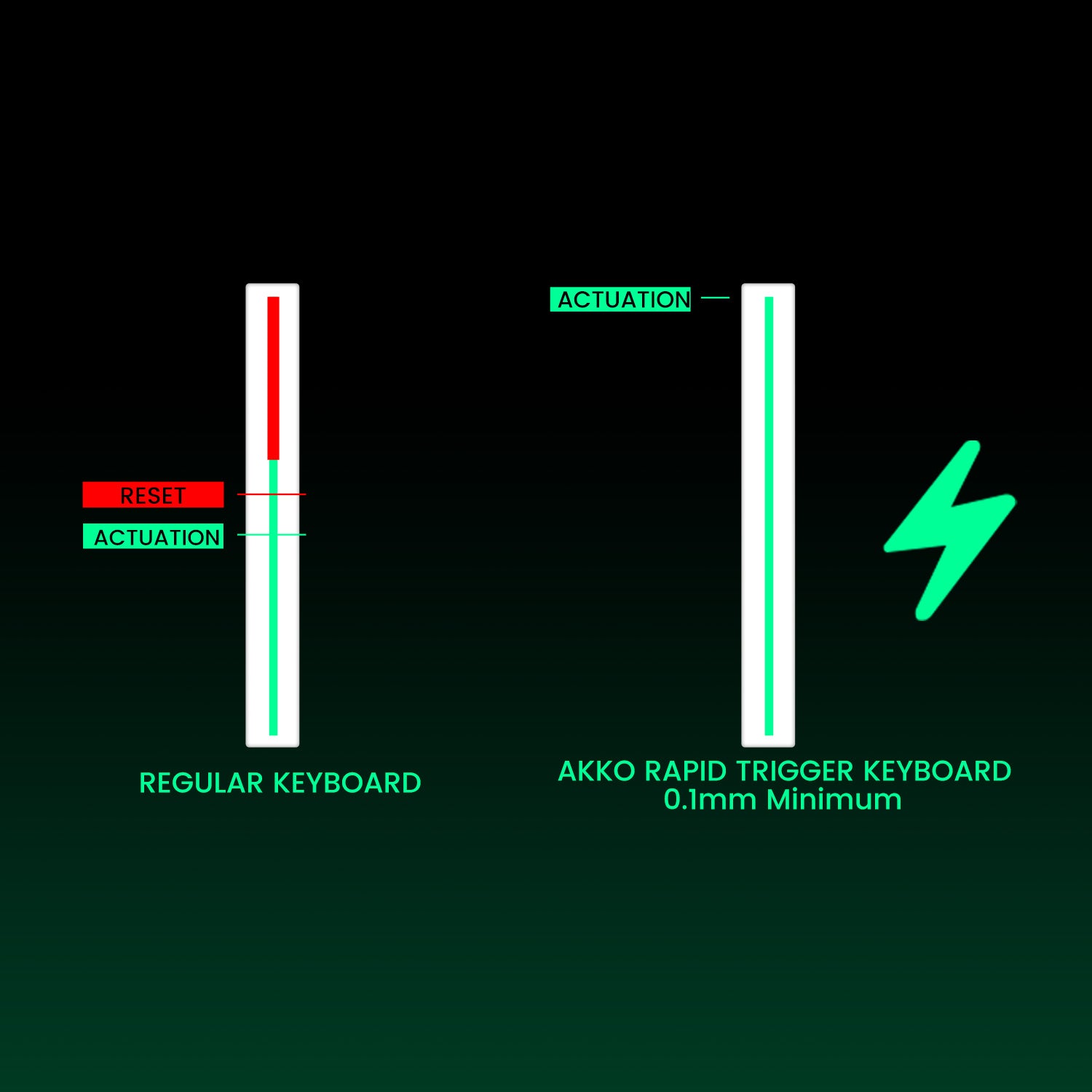
Rapid Trigger (RT)
Rapid Trigger eliminates actuation delay by instantly activating and deactivating keys with minimal travel—perfect for FPS gaming.
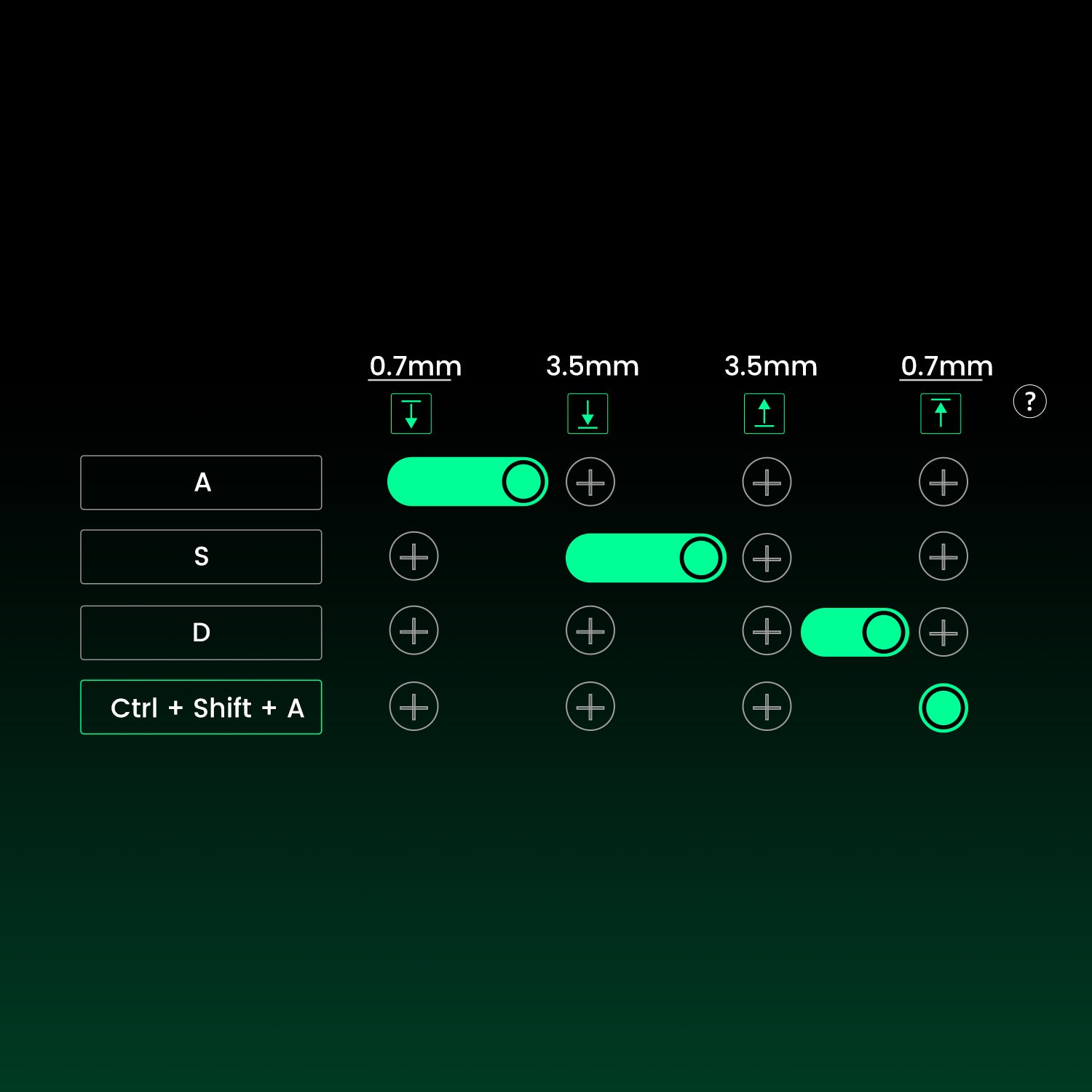
Dynamic Keystrokes (DKS)
A single key supports four actions—light press for action 1, deeper press for action 2, and two-stage release settings.
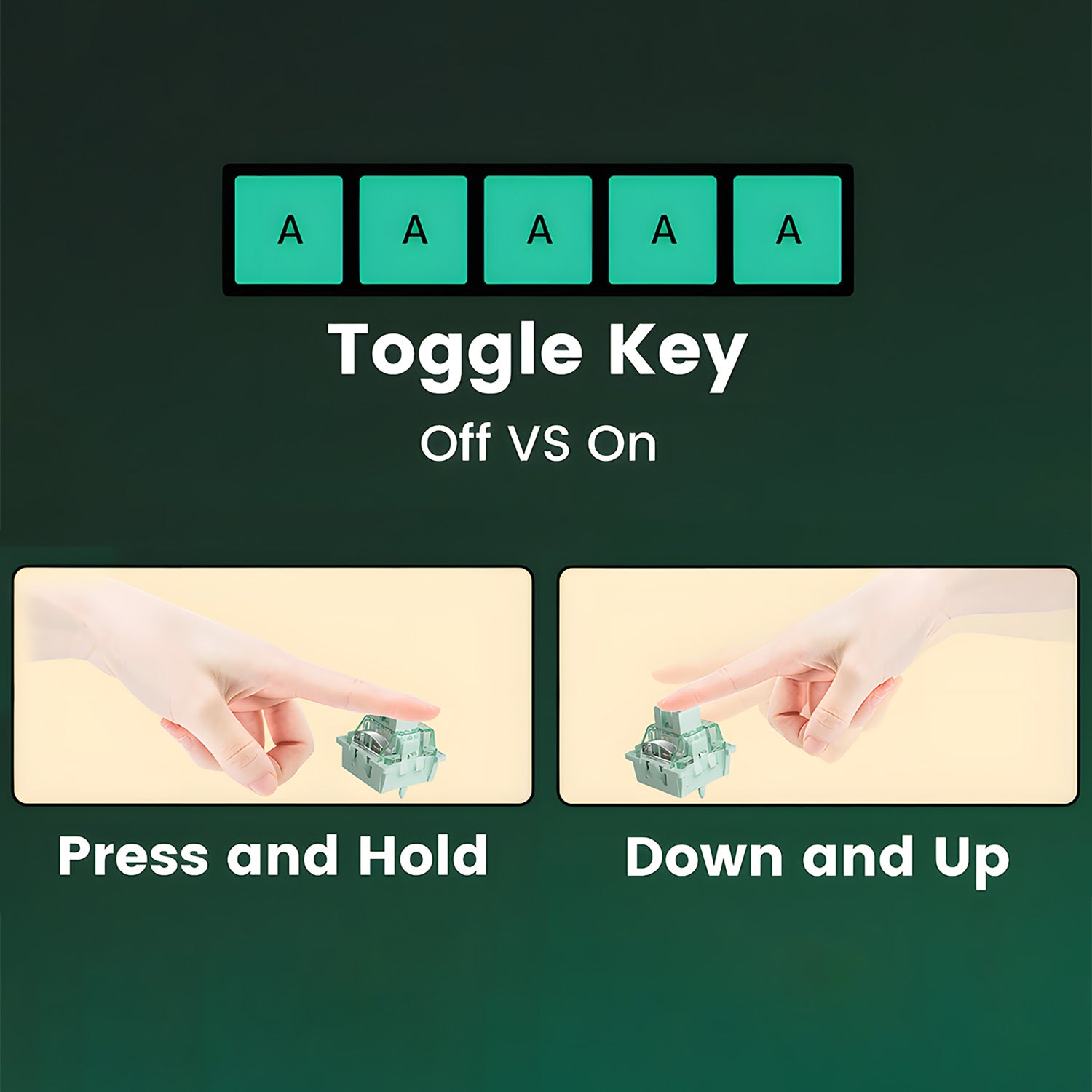
Toggle Key (TGL)
TGL (Toggle Key) turns a key into a switch that can either hold a function or trigger it repeatedly at high speed.
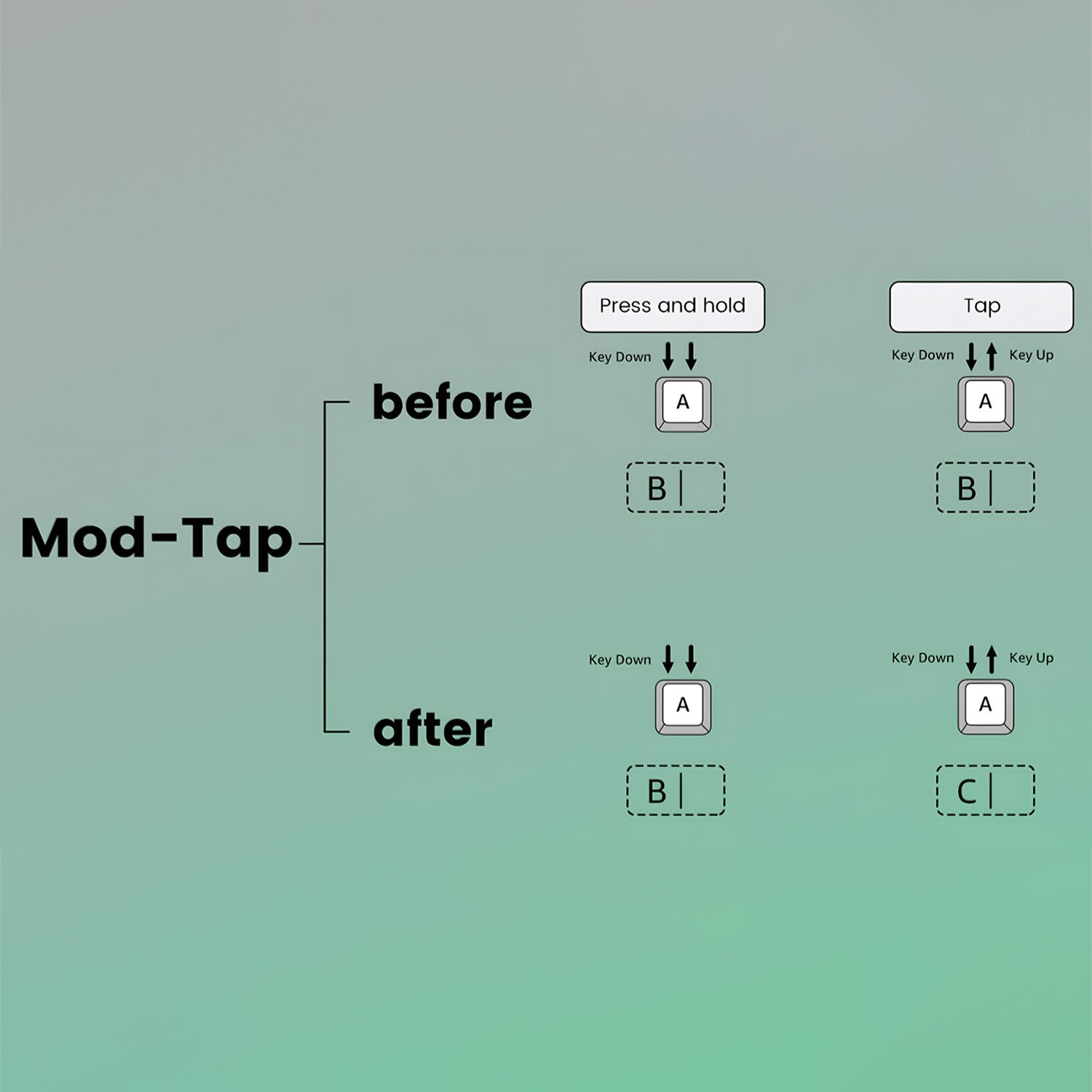
Mod-Tap
Mod Tap allows dual-function keys—tap for one action, hold for another—offering greater gaming convenience.

Built-in 10,000mAh Battery
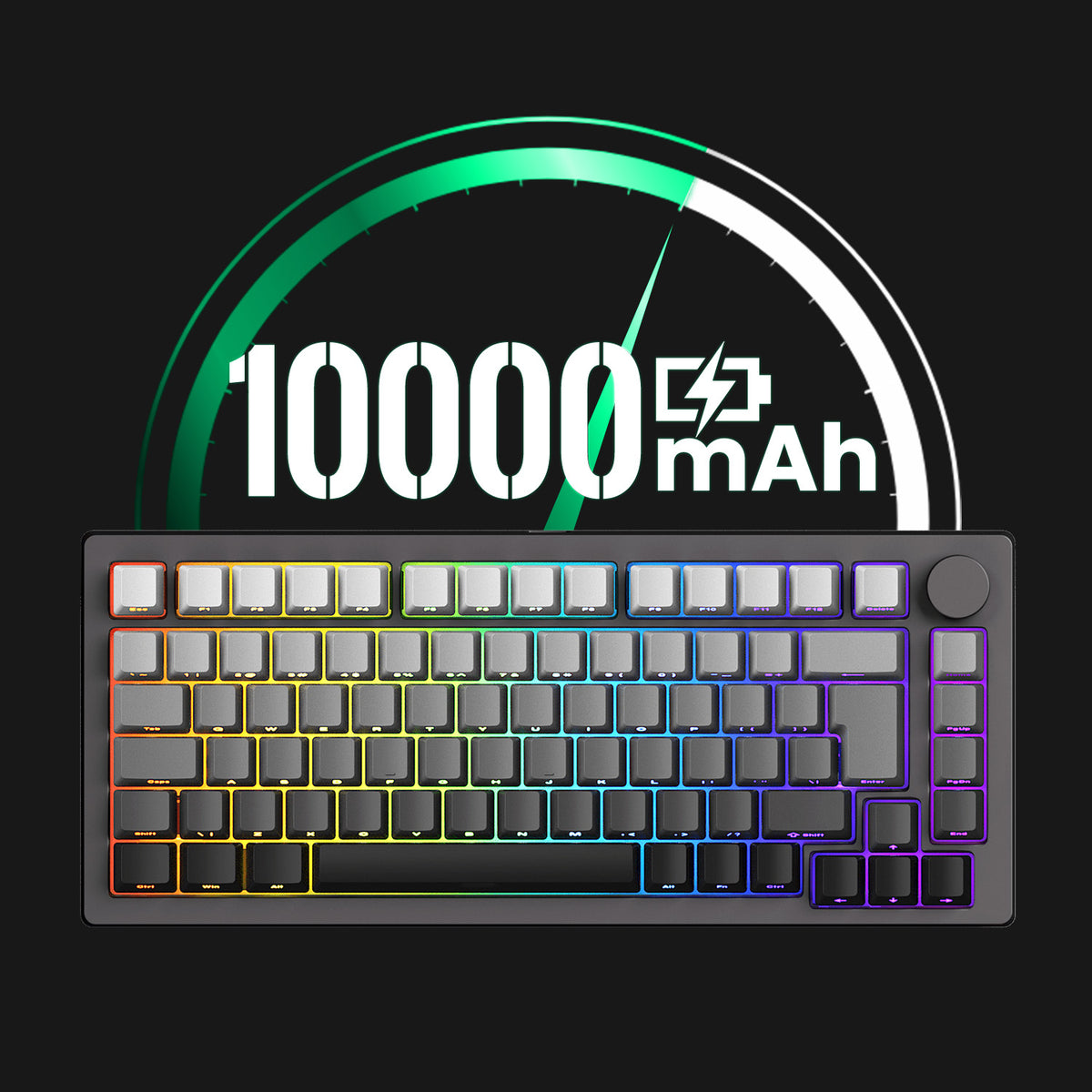
New Black Gradient- ISO features a 10,000mAh battery, while Black & Silver- ISO-DE versions come with an 8,000mAh battery, providing ample power for extended typing, gaming, and everyday use between charges.
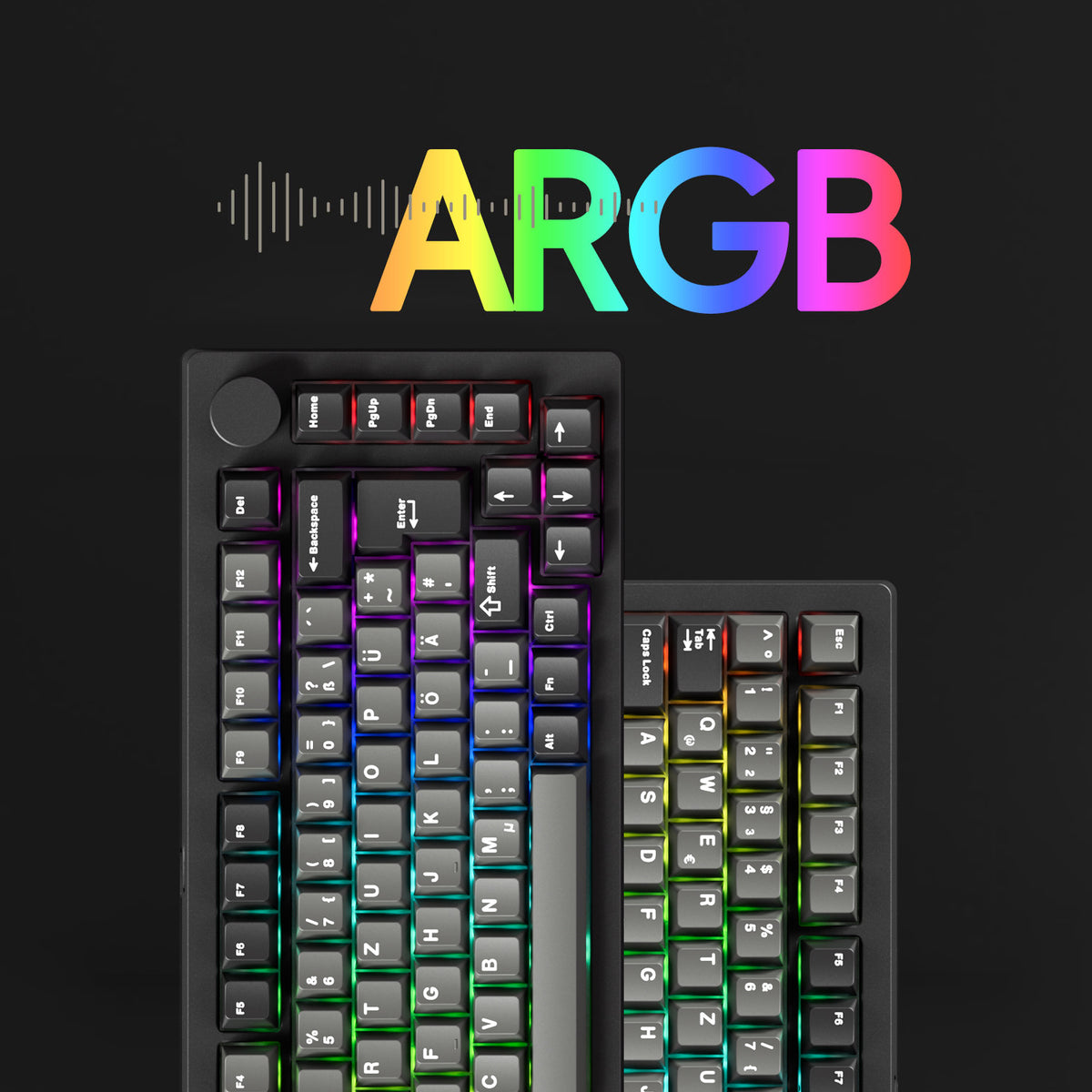
ARGB at a 500Hz Refresh Rate
Clavier magnétique MonsGeek M1 V5 TMR features ARGB(addressable RGB) with individually controlled LEDs for smooth, flicker-free lighting. With Alpha channel integration and a 500Hz refresh rate, it offers richer dynamic effects and reduces visual fatigue—perfect for gaming and aesthetic builds.
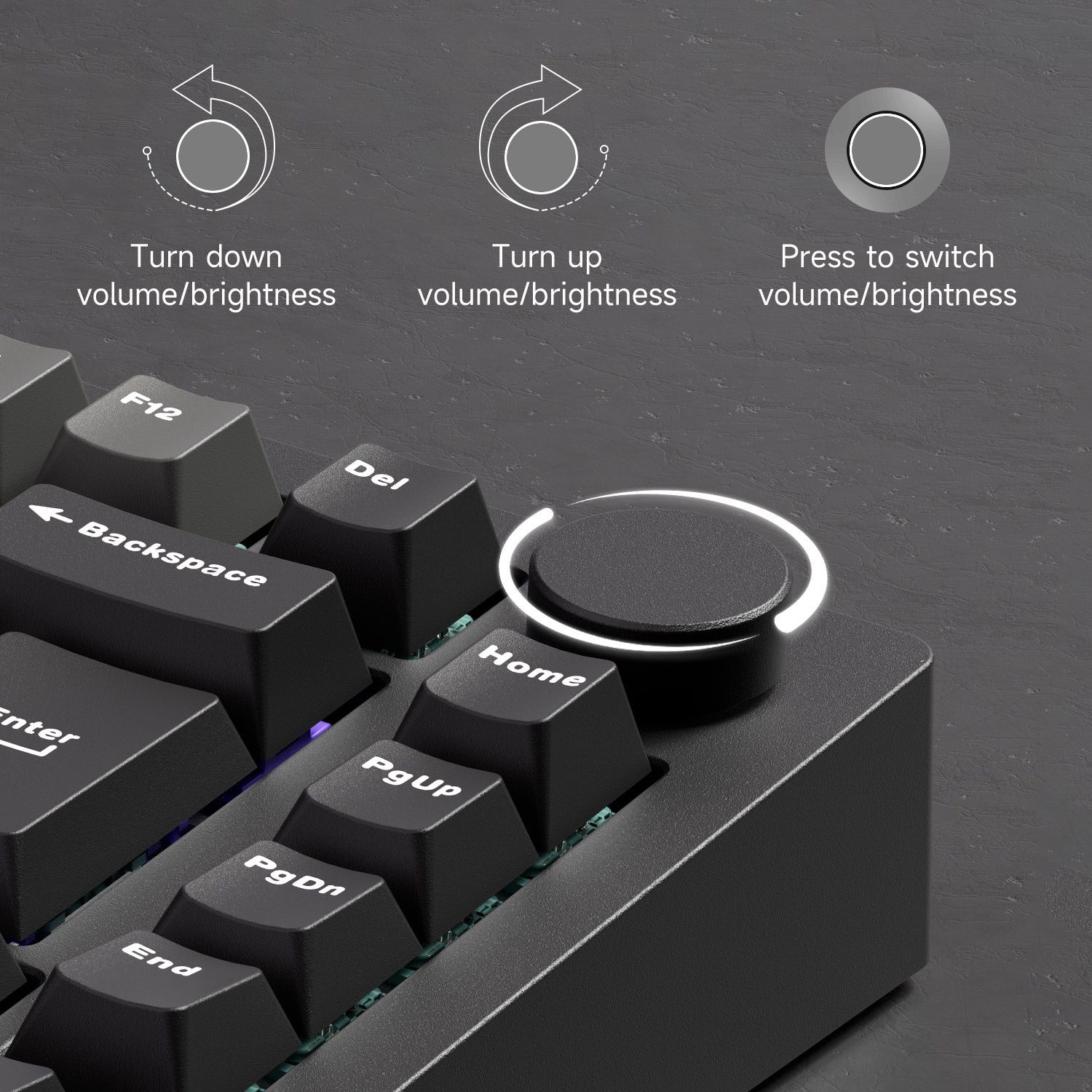
Programable Knob
M1 V5 Series includes a fresh encoder and a floating design to prevent scratches on the case, as indicated in the earlier model. The New Black Gradient- ISO features an updated encoder with a slightly lower-profile knob and a firmer rotation for a more controlled feel.
Easily control the volume and lighting and program to other funtions.

Clavier magnétique MonsGeek M1 V5 TMR Multi-Mode
Clavier magnétique MonsGeek M1 V5 TMR features a 75% layout and is equipped with 8000mAh built-in battery, providing extended, uninterrupted typing, gaming, or productivity without the need for frequent recharging.
For the New Black Gradient- ISO version, the USB-C port has been recessed deeper into the case, helping reduce connector movement during use.
2.4Ghz Wireless
Equipped with a receiver that allows users to utilize the 2.4GHz wireless mode, providing low latency suitable for gaming and typing purposes.
BT 5.0
Easy to connect up to 3 devices with a simple Fn+E/R/T combination, enabling seamless switching between tablets, computers, and phones.
USB-C Wired
Offer a choice for users who prefer a USB-C wired keyboard, ensuring consistent and rapid response times for FPS gaming and minimal input lag.
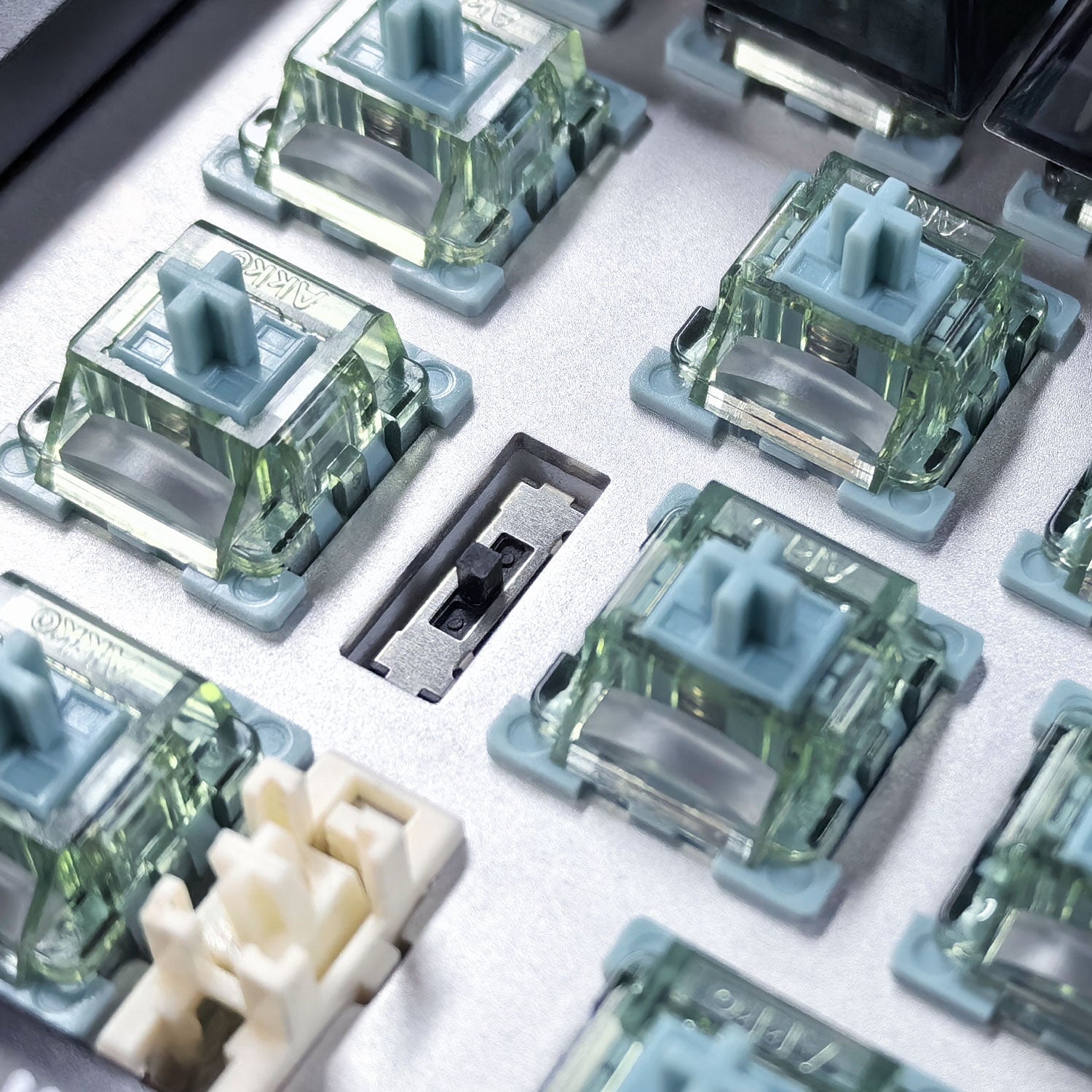
System Switch
Top: Mac Wireless Mode (built-in power supply on)
Middle: Default Windows Wired Mode (built-in power supply off)
Bottom: Windows Wireless Mode (built-in power supply on)
Note: The switch is located under the CAPS key
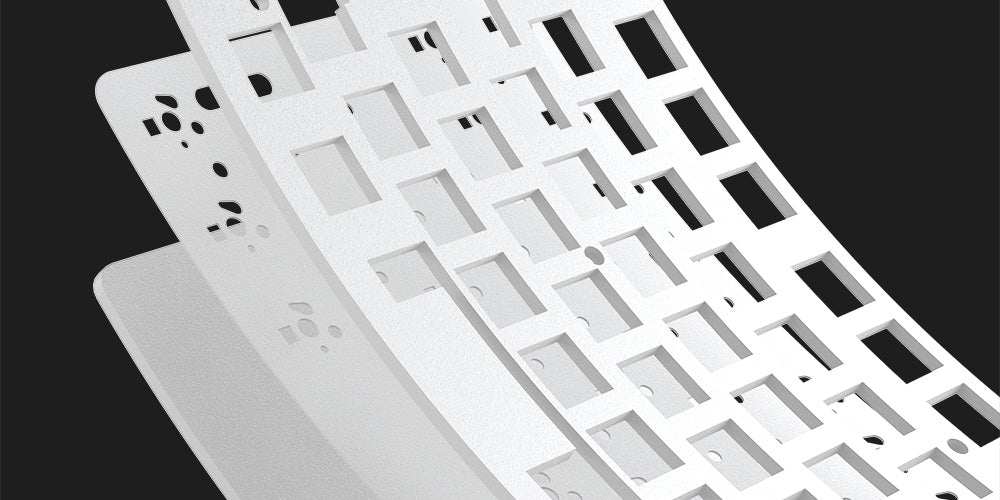
PORON Plate Foam
Clavier magnétique MonsGeek M1 V5 TMR is equipped with PORON plate foam, effectively reducing the noise generated by key switches, ensuring a purer and more comfortable tactile sound experience for the keyboard.
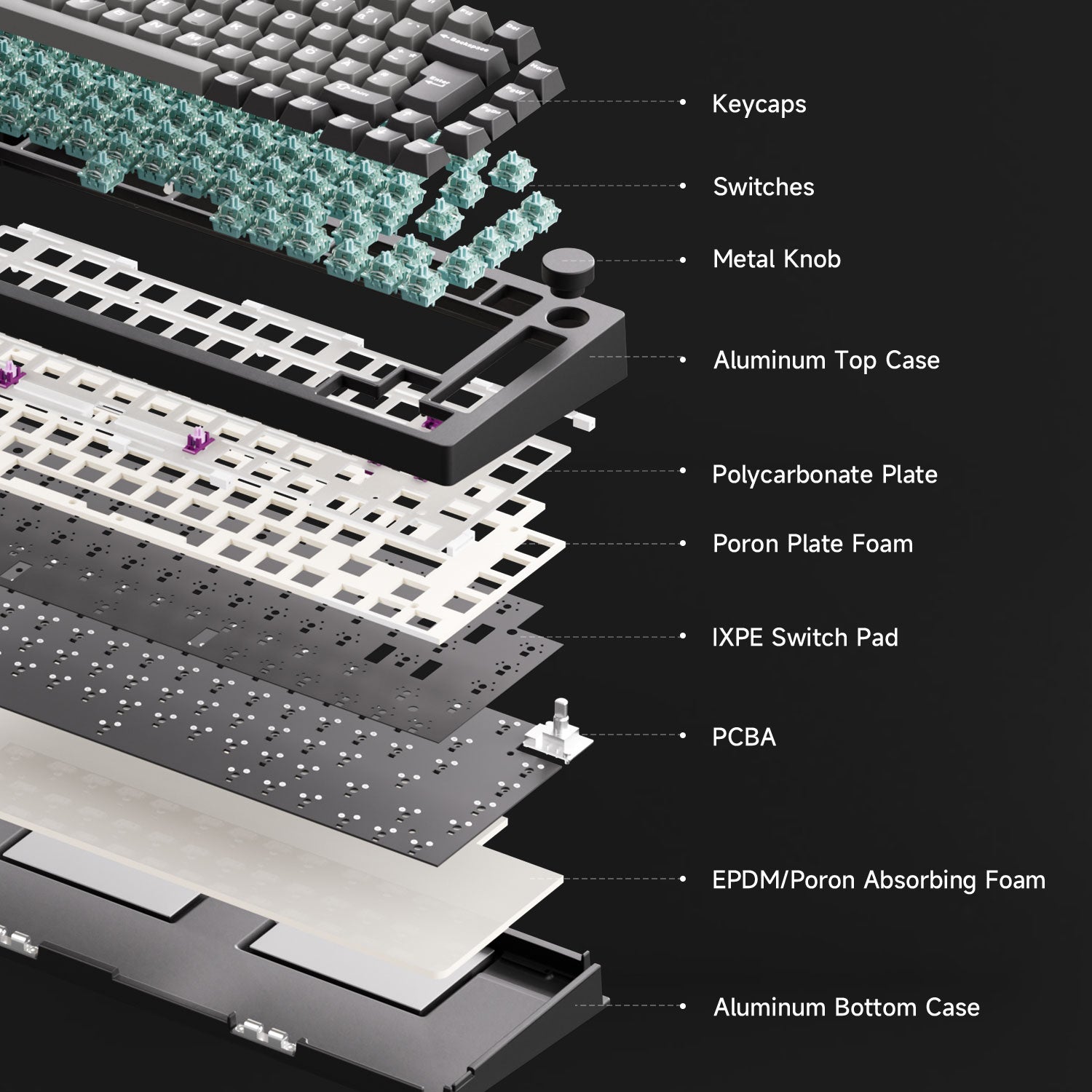
More Flexibility and Sounds Better
Clavier magnétique MonsGeek M1 V5 TMR come with a comprehensive upgrade to the noise reduction system, offering greater flexibility for experimenting with a variety of sound profiles.
Note:
- The plate is available in both PC and aluminum options. Please refer to the product specifications below for each model to see the exact configuration and details.
- On the New Black Gradient- ISO, the silicone bushings are intentionally pre-cut to ensure proper installation. This does not affect normal use or performance.
M1 V5 TMR & HE
TECH SPECS
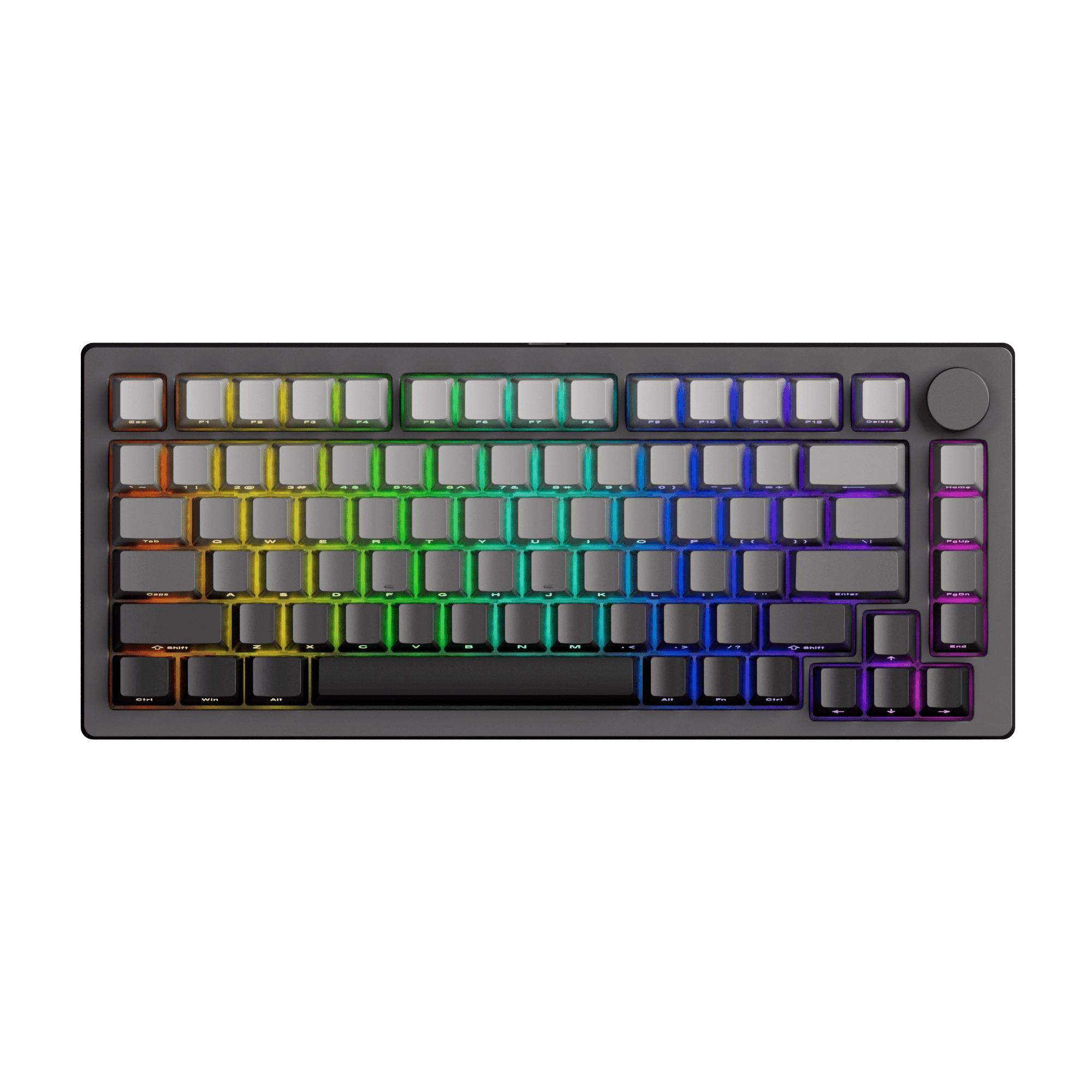

- M1 V5 TMR- ISO-DE (Black & Silver)
- M1 V5- ISO (New Black Gradient)
M1 V5 TMR- US-ANSI (New Black Gradient, Black / White Transparent, Black Gradient)
M1 V5 HE (Black / White Transparent)
TMR
TMR
HE
- 8K: ISO-DE (Black & Silver)
- 16K: ISO (New Black Gradient)
- 32K: New Black Gradient V1, Black / White Transparent
- 16K: New Black Gradient V2
- 8K: Black Gradient
32K
- 0.01mm: ISO-DE (Black & Silver)
- 0.005mm: ISO (New Black Gradient)
- 0.01mm: New Black Gradient V1, Black / White Transparent, Black Gradient
- 0.005mm: New Black Gradient V2
Up to 0.005mm
Cherry Profile PBT Double-shot
- Cherry Profile PC Pad-Printed: Black / White Transparent
- OEM Profile PBT Double-shot: New Black Gradien V1, Black Gradient
- Cherry Profile PBT Double-shot: New Black Gradient V2
Cherry Profile PC Pad-Printed
- PC: ISO-DE (Black & Silver)
- Aluminum: ISO (New Black Gradient)
- Aluminum: New Black Gradient, Black / White Transparent
- PC: Black Gradient
Aluminum
IXPE
(may be not cut-out)
- Tape Mod + PET (tape may be not cut-out): New Black Gradient, Black / White Transparent
- IXPE(may be not cut-out): Black Gradient
Tape Mod + PET
(tape may be not cut-out)
Support
Support
Support
Support
Support
N/A
Aluminum CNC, Gasket Mount
Aluminum CNC, Gasket Mount
Aluminum CNC, Gasket Mount
Bluetooth5.0 / 2.4GHz / USB Type-C
Bluetooth5.0 / 2.4GHz / USB Type-C
Bluetooth5.0 / 2.4GHz / USB Type-C
- 8000mAh: ISO-DE (Black & Silver)
- 10000mAh: ISO (New Black Gradient)
- 8000mAh: New Black Gradient V1, Black / White Transparent, Black Gradient
- 10000mAh: New Black Gradient V2
8000mAh
South-facing ARGB
South-facing ARGB
South-facing RGB
Support
Support
Support
Support
Support
Support
0.1-3.40mm
0.1-3.40mm
0.1-3.40mm
Custom Actuation/Mod-Tap/Toggle Key/Dynamic Keystroke/Keys Remapping/Customizable RGB/SOCD
Custom Actuation/Mod-Tap/Toggle Key/Dynamic Keystroke/Keys Remapping/Customizable RGB/SOCD
Custom Actuation/Mod-Tap/Toggle Key/Dynamic Keystroke/Keys Remapping/Customizable RGB/SOCD
Pre-assembled Demagnetized Plated-mounted TPU Double-shot Stabilizers
Pre-assembled Demagnetized Plated-mounted TPU Double-shot Stabilizers
Pre-assembled Demagnetized Plated-mounted TPU Double-shot Stabilizers
MonsGeek Driver & Web-Based Driver
MonsGeek Driver & Web-Based Driver
MonsGeek Driver & Web-Based Driver
Keyboard×1, Manual×1, Cable×1, Keycap Puller×1, Switch Puller×1, Receiver×1
Keyboard×1, Manual×1, Cable×1, Keycap Puller×1, Switch Puller×1, Receiver×1
Keyboard×1, Manual×1, Cable×1, Keycap Puller×1, Switch Puller×1, Receiver×1
First and foremost the positives:
1. The M1 V5 TMR keyboard works flawlessly in wired and non-wired mode. 2. The TMR sensors are simply perfect in accuracy and power saving.
3. The possibility to disassemble the Keyboard entirely without tools is a game changer for me.
4. The design is very clean and the aluminium feels very premium.
5. The Keyboard is not cheap, but the price is very competitive for what it offers.
6. It is very cool that you provide the german layout :).
But I do have some criticism:
1. Firstly the placement of the button to switch between wired and non-wired mode is awful under „Caps-lock“.
2. The battery indicator light under the spacebar is not configurable. It cannot be turned off for example, which is very annoying.
3. I would very much appreciate a software setting that allows a wired-user to tell the keyboard it should only charge the batteries to like 50% and then disconnect them. This would lead them to be the most chemically stable, deteriorate more slowly and not cause a fire hazard in the near future.
4. Lastly the Software very much needs some love. It works, but its very slow, unintuitive and sometimes simply crashes.
Although, after that much criticism it may seem like I hate the M1 V5 TMR, that could not be further from the truth. I love it. It is the best Keyboard that I ever had and my points of critique are pretty nitpicky of me. But I do hope you take my review to heart nonetheless.
Best of wishes from germany and keep doing what you’re doing <3.
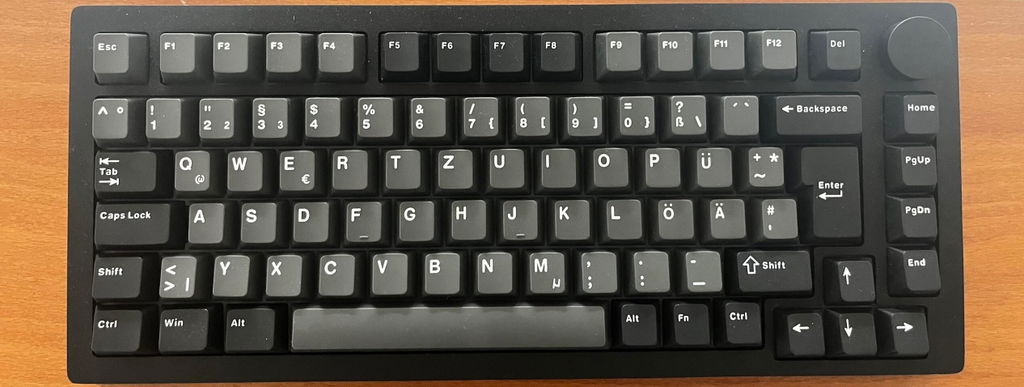
I’m relatively new to keyboards, but the switches, the frame, the quality, the sound and the weight of the keyboard are all excellent. It takes some getting used to controlling all the functions via key combinations, but as a technician and gamer, it’s easy to pick up. I highly recommend it.
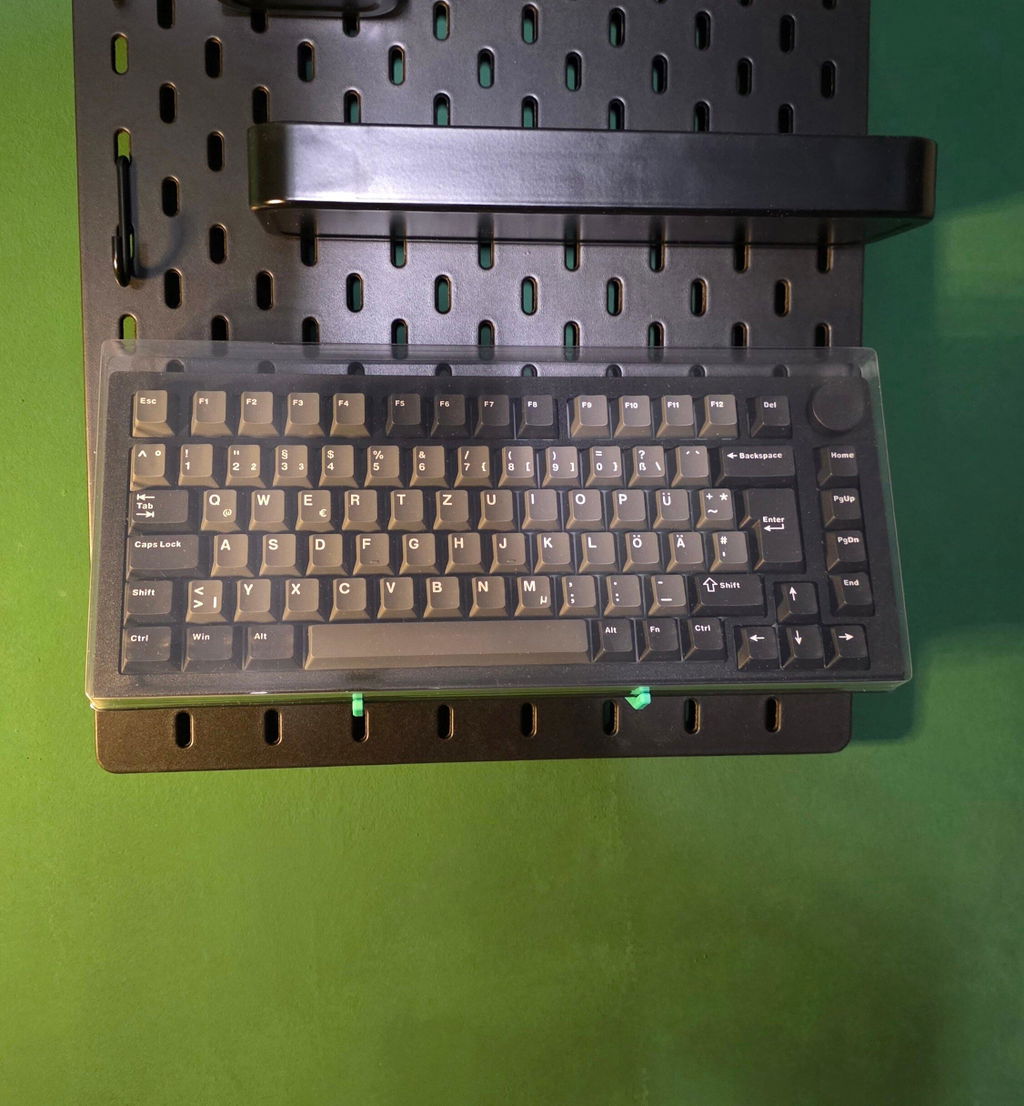
Die Tastatur ist sehr gut, ein hochwertiges Produkt, aber leider unterstützt sie keine Analogsteuerung und bietet keine Gamepad-Funktion. Das heißt, man kann in Fahrzeugen weder Gas geben noch präzise lenken. Auch beim Gehen gibt es keine stufenlose Steuerung. Der Support ist sehr nett und hilfsbereit. Ich habe die Tastatur zurückgeschickt, da mir die Gamepad-Funktion sehr wichtig ist. Die Rückgabe verlief problemlos, der Kaufpreis wurde mir umgehend erstattet. Die Makrofunktion der Tastatur funktionierte nach einem Software-Update einwandfrei. Zur Problemlösung war jedoch der Support erforderlich. Die mechanischen Schalter habe ich nicht getestet. Das werkseitig mitgelieferte AstroAim schien gut zu sein.
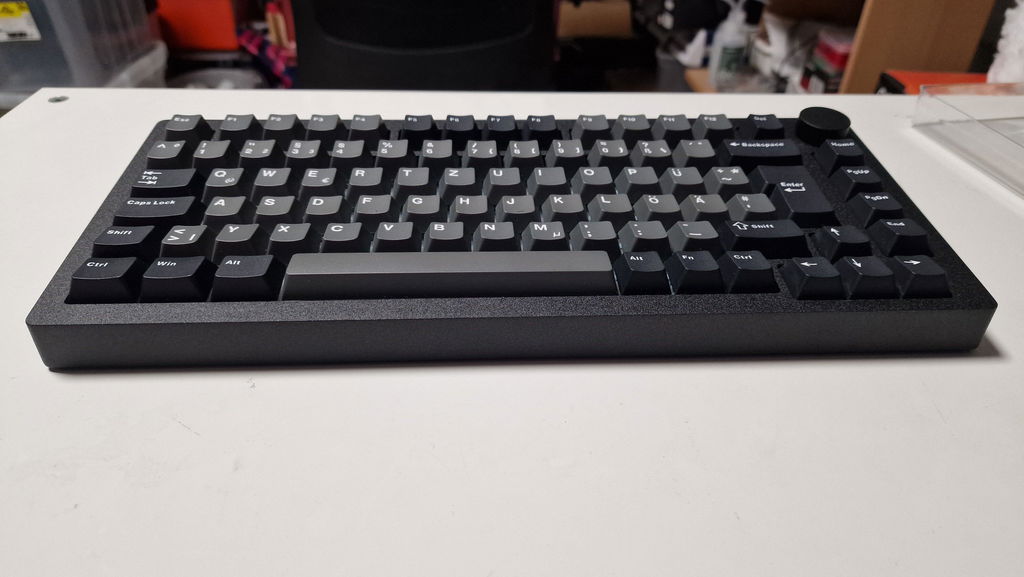
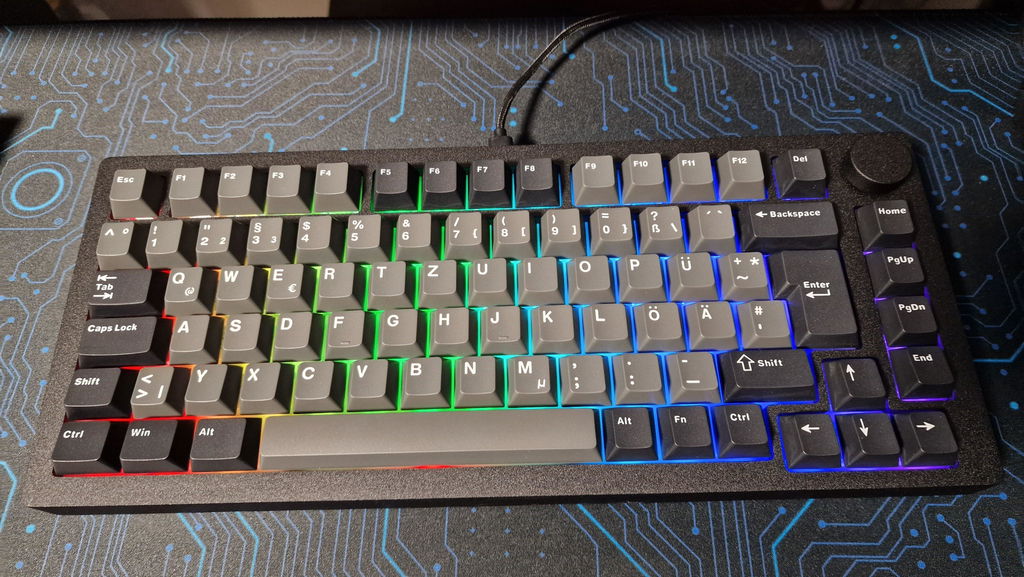
The keyboard is very high quality. The materials seem excellent. No screws are visible on the outside. The performance is also very good. I haven't had any problems with the software so far.
very nice keyboard, worth the price tbh
Danke für die Unterstützung 🙏
MonsGeek M1 V5 TMR Magnetic Keyboard
Die Tastatur selbst funktioniert einwandfrei, aber die Verpackung in der sie ankam war total beschädigt. Leider auch der mitgelieferte Staubschutz für die Tastatur. Dia die Tastatur selbst tadellos ist (Die Switches sind ein Traum und die webbasierte Software macht ihren Job) gibt es dafür nur einen Punkt Abzug.
MonsGeek M1 V5 TMR Magnetic Keyboard
The support helped me very fast and helped me fix my issue thank you so much very good support
MonsGeek M1 V5 TMR Magnetic Keyboard
Amazing keyboard
Love the sounds and all magnetic related options. Would be 5 stars if there was an option to simulate a xbox controller like some other models.
Excellent
MonsGeek M1 V5 TMR Magnetic Keyboard
Leds way underpowered. Also quite sad it's not via for ISO board. But, it does sound good and works nice. Sometimes i manage to bugg out the leds and have to factory reset but its good. Hopefully future firmware update fixes it.
MonsGeek M1 V5 TMR Magnetic Keyboard
excellent quality !!!
I've got my TMR board and it is superb. Except there is one key which does not work correctly. Support was very helpful and tried to find the best solution for me, loved it!
MonsGeek M1 V5 TMR Magnetic Keyboard
Amazing keyboard with loads of features at a decent price. The CNC aluminium chassis is heavy and the build quality is great. TMR mixing switches is fantastic, though the lack of pre punched holes in the tape layer makes installing 5 pin switches very labour intensive, I would love to see the keyboard come with two tape (one whole, one punched) optional layers in the future. The software has come a long way and the only needed addition is game pad mode otherwise fantastic very impressed overall
Sounds fantastic
I am convinced that this is the best-out of-the-box keyboard available on the market.
If you are seeking to upgrade your setup and are on the fence, do not hesitate. You will not regret getting this keyboard.
need:
1) ISO US layout
2) option for cable position i.e. left, right, not only centet
3) cable shoud be more flexible;
4) cheaper version without battery ( wired only)
5) media wheel push function shoud be fully customizible, I can not bind it to my custom keys combinations
I love it, the typing feel and everything about it. I’ll probably make some mods to it in the future to make it even better for me personally, but that’s beside the point.
The board itself isn’t perfectly straight. The aluminium housing is slightly off, which means I had to put a strip of tape under the top-left rubber pad to keep it from tipping. Other than that, though, it’s nice.
The **** could also be a bit less snug on its attachment, because getting it off is kind of a nightmare. But yeah, I even found a way to get under the Caps button using the switch puller.
Battery life is amazing, by the way. I keep it on 24/7 and the battery lasts for over a week even with the RGBs on all the time. The response time of the switches is great too.
So besides the slightly wonky board, everything else is great.
MonsGeek M1 V5 TMR Magnetic Keyboard
MonsGeek M1 V5 TMR Magnetic Keyboard
software not work on linux tho
Keyboard ist sehr gut und mit guten Funktionen. Es fühlt sich hochwertig an, nur die Software hat beim Einstellen manchmal aussetzer. Der Sound ist in Ordnung bis gut, aber ziemlich laut.
You may also like