









Keyboard Tester
` |
LOCK
How to Use the Keyboard Tester
1. Select Your Keyboard Layout
Choose between ANSI and ISO-UK layouts based on your keyboard.
2. Press Every Key
Press each key on your keyboard. Working keys will light up instantly on the virtual keyboard.
3. Check for Missing Inputs
If a key does not respond or triggers multiple times, your keyboard may have switch or connection issues.
4. Test Multiple Keys Together
Try pressing several keys at the same time to check anti-ghosting and key rollover performance.





Test Your Keyboard Online Instantly
Use this free Keyboard Tester to check whether every key on your keyboard is working properly. A keyboard tester is an online tool that detects key presses in real time and helps identify input problems instantly.
The tool supports both ANSI and ISO-UK keyboard layouts and can help detect:
- Broken or unresponsive keys
- Double typing issues
- Keyboard ghosting
- Sticky keys
- Key rollover problems
This online keyboard test works with mechanical keyboards, gaming keyboards, office keyboards, and laptop keyboards directly in your browser without installing any software.
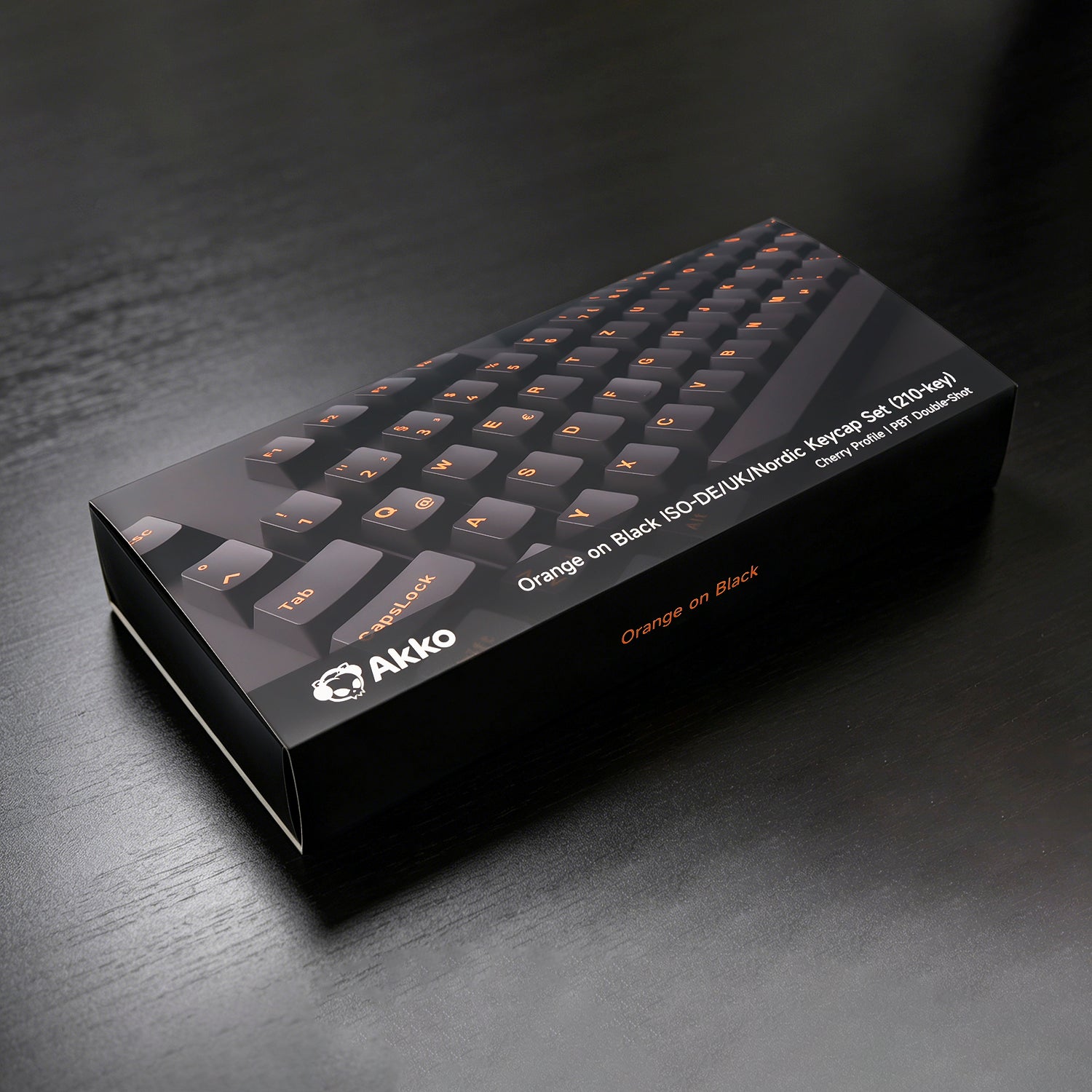
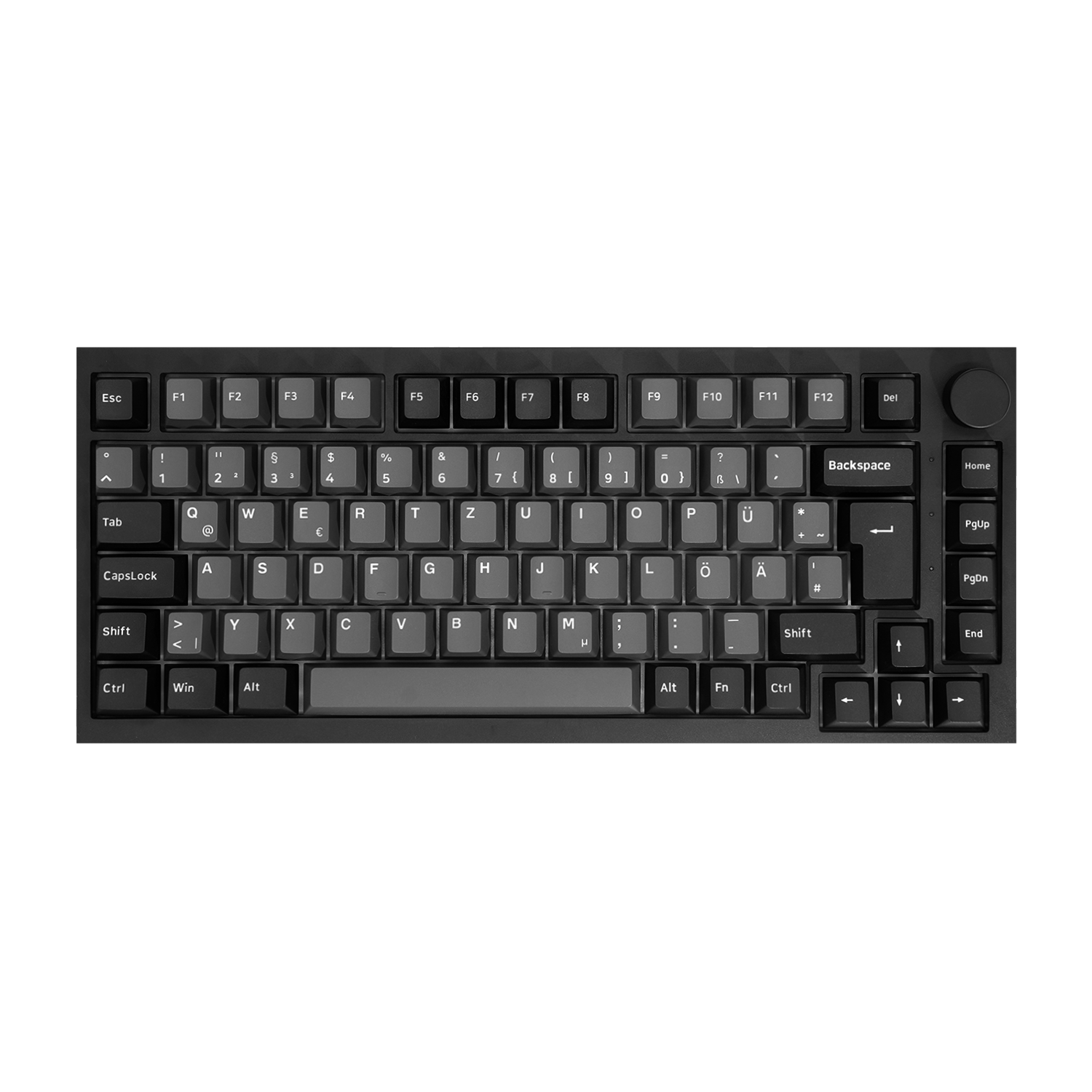
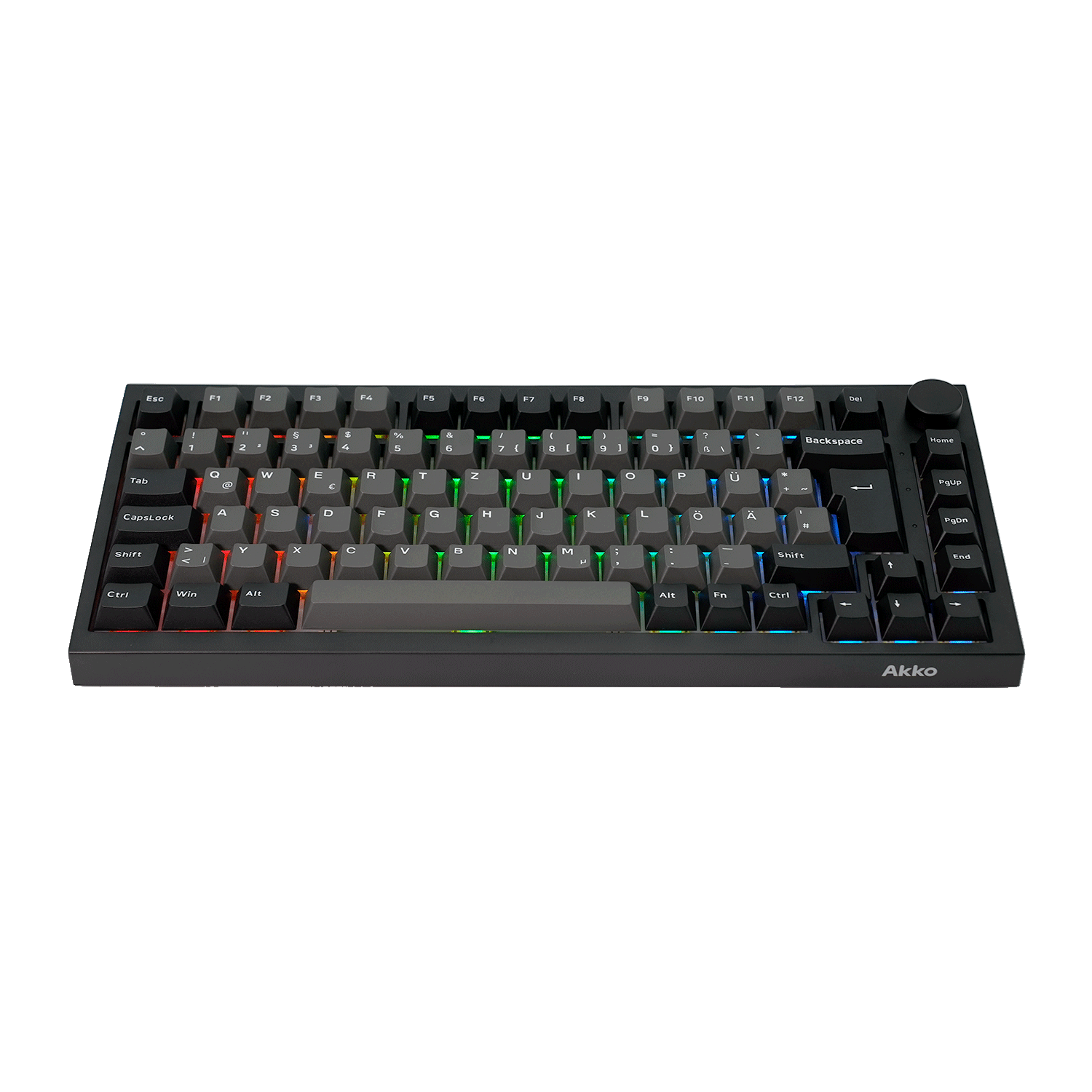
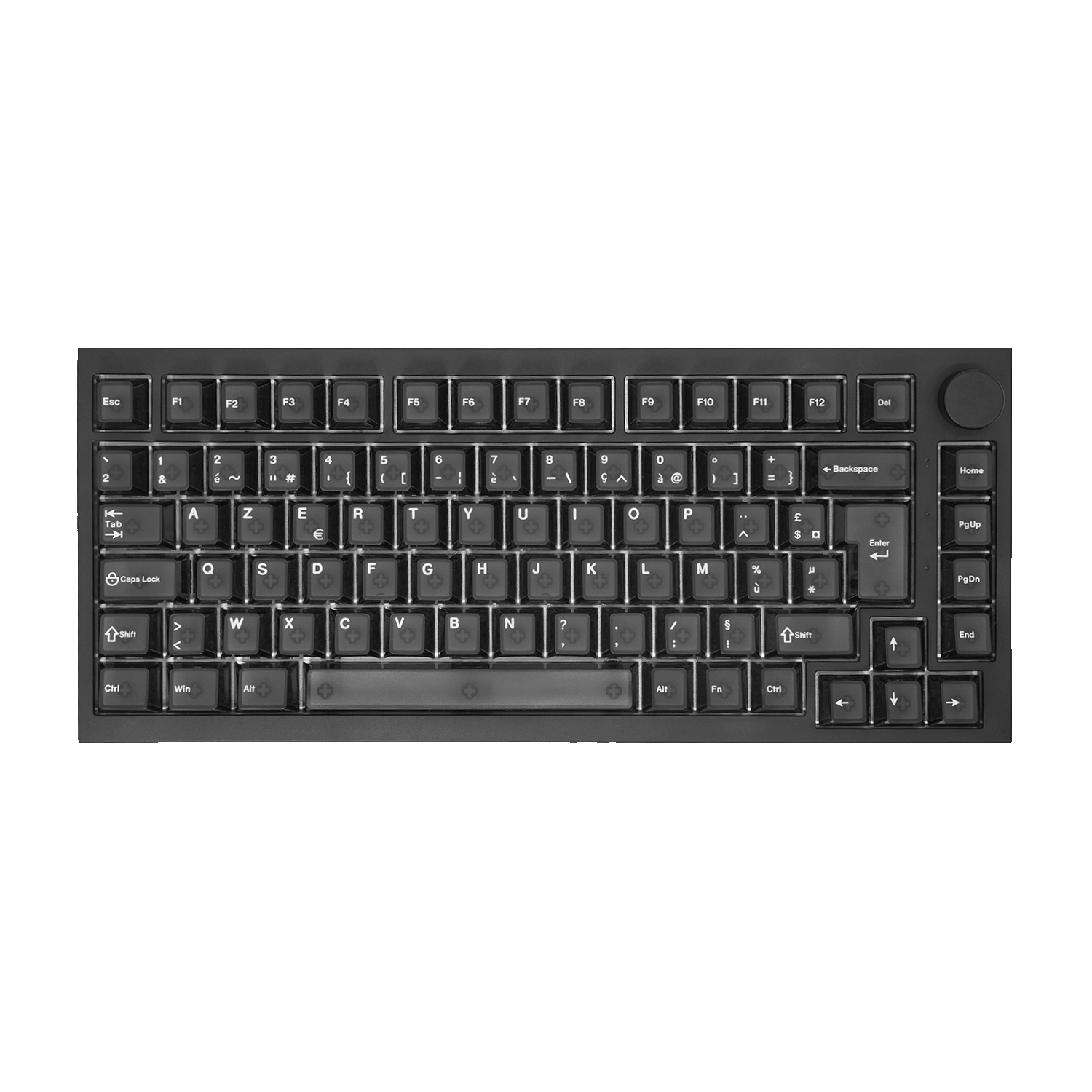
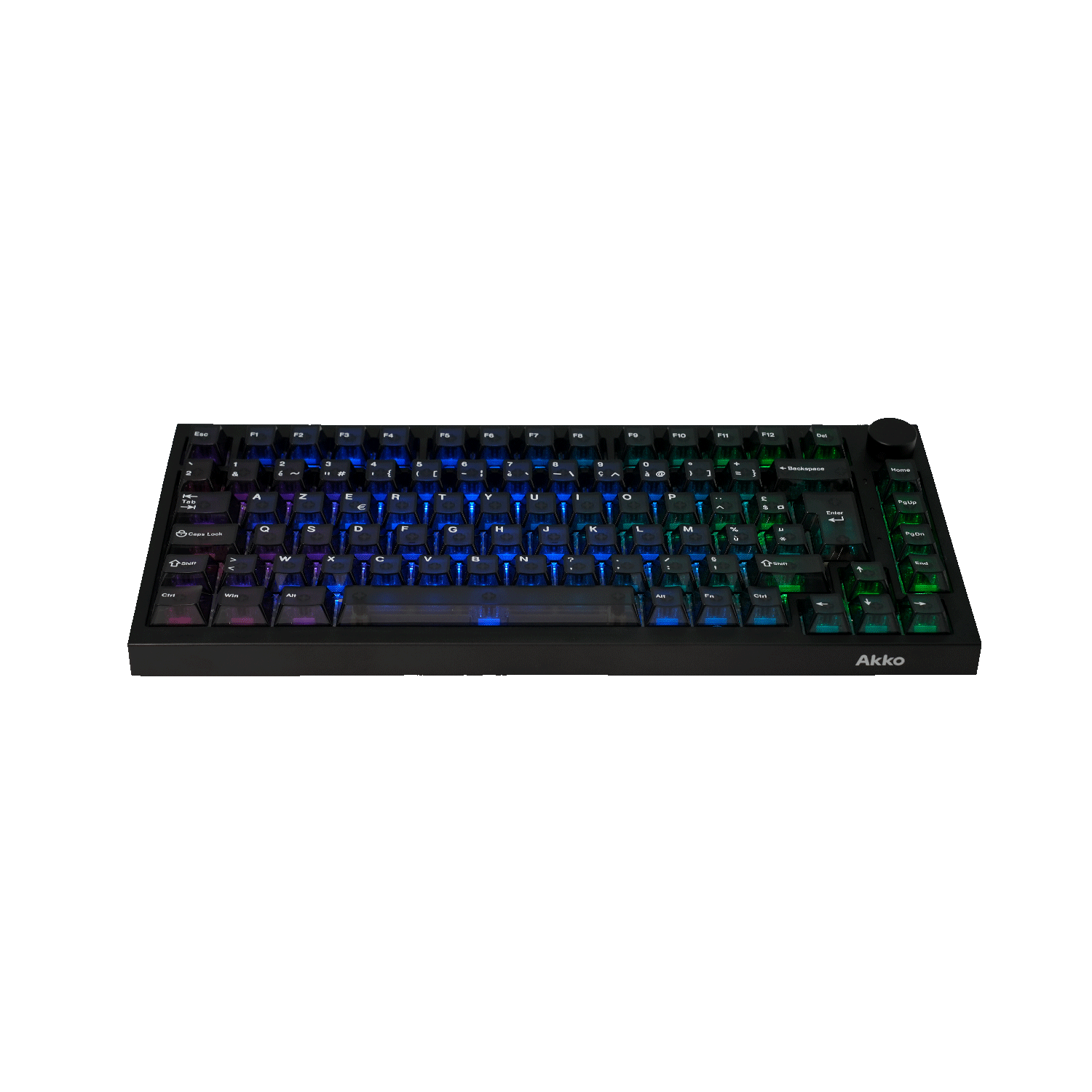
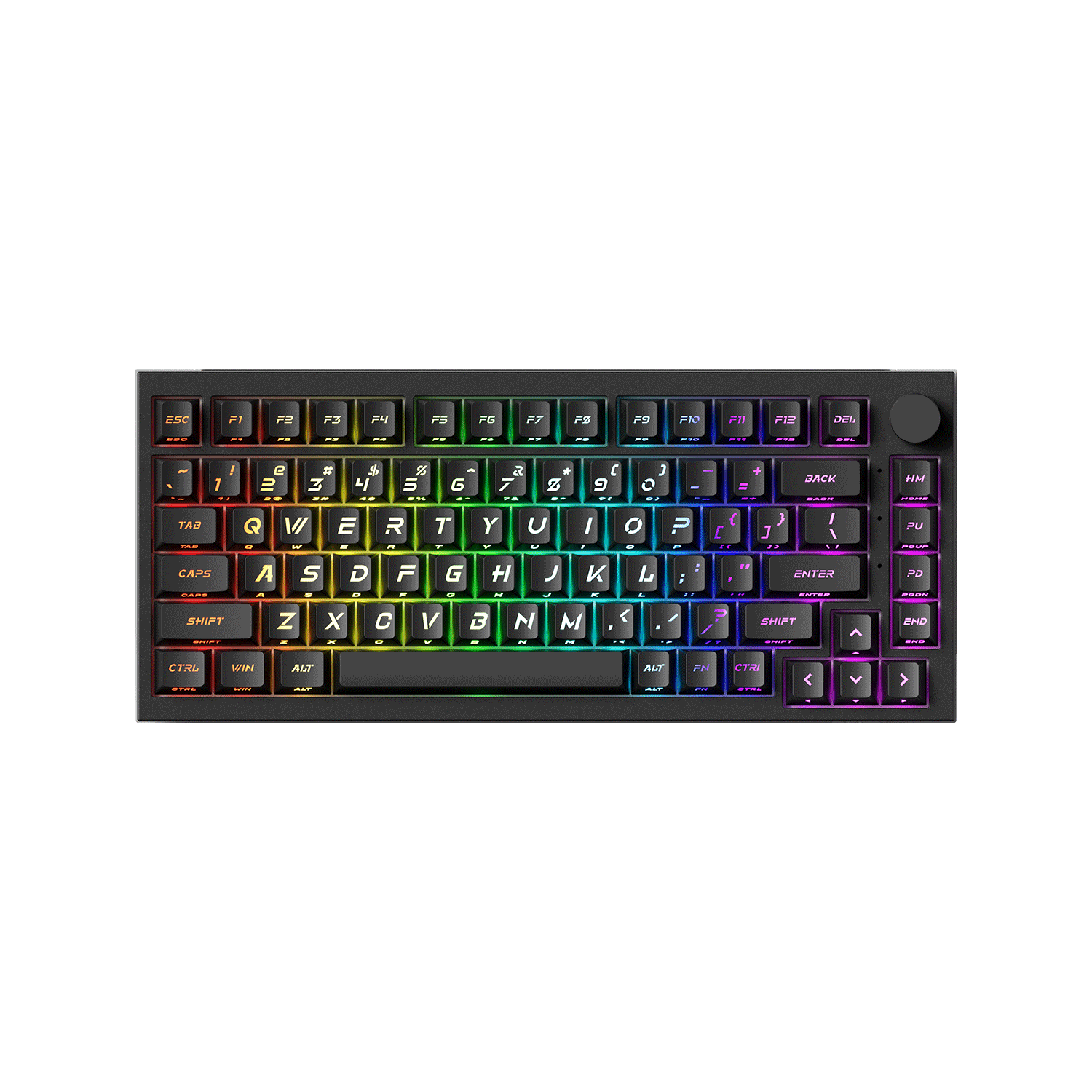
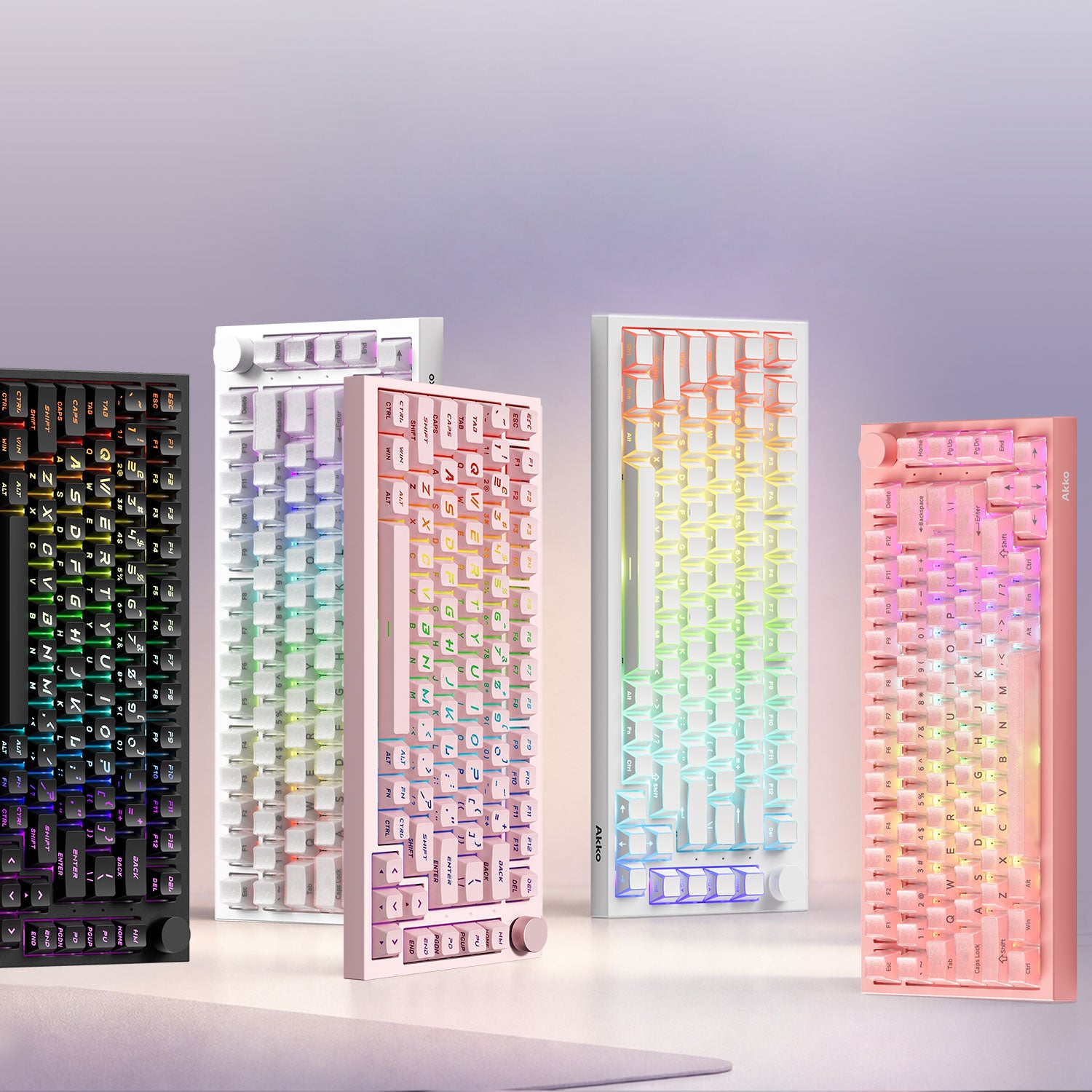
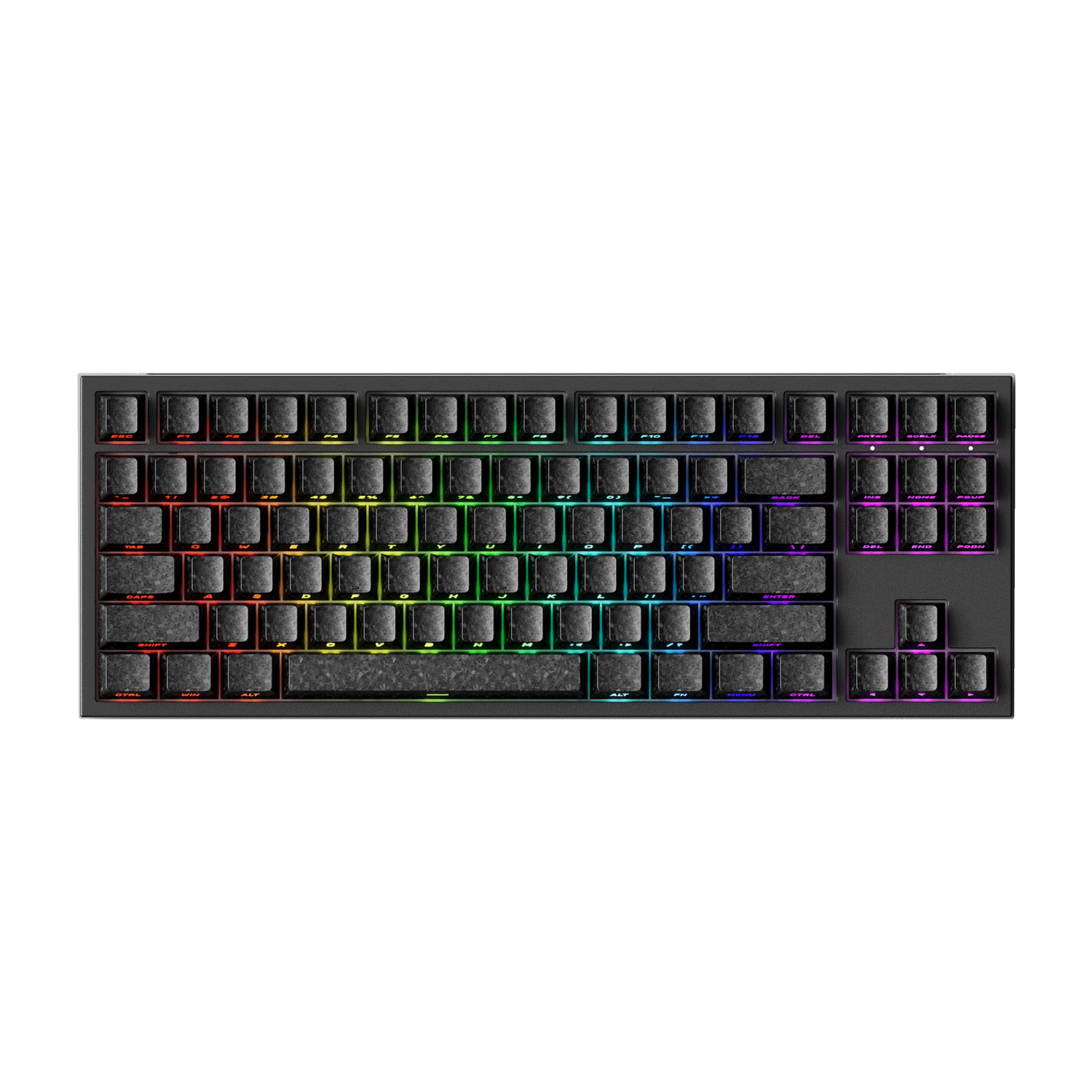
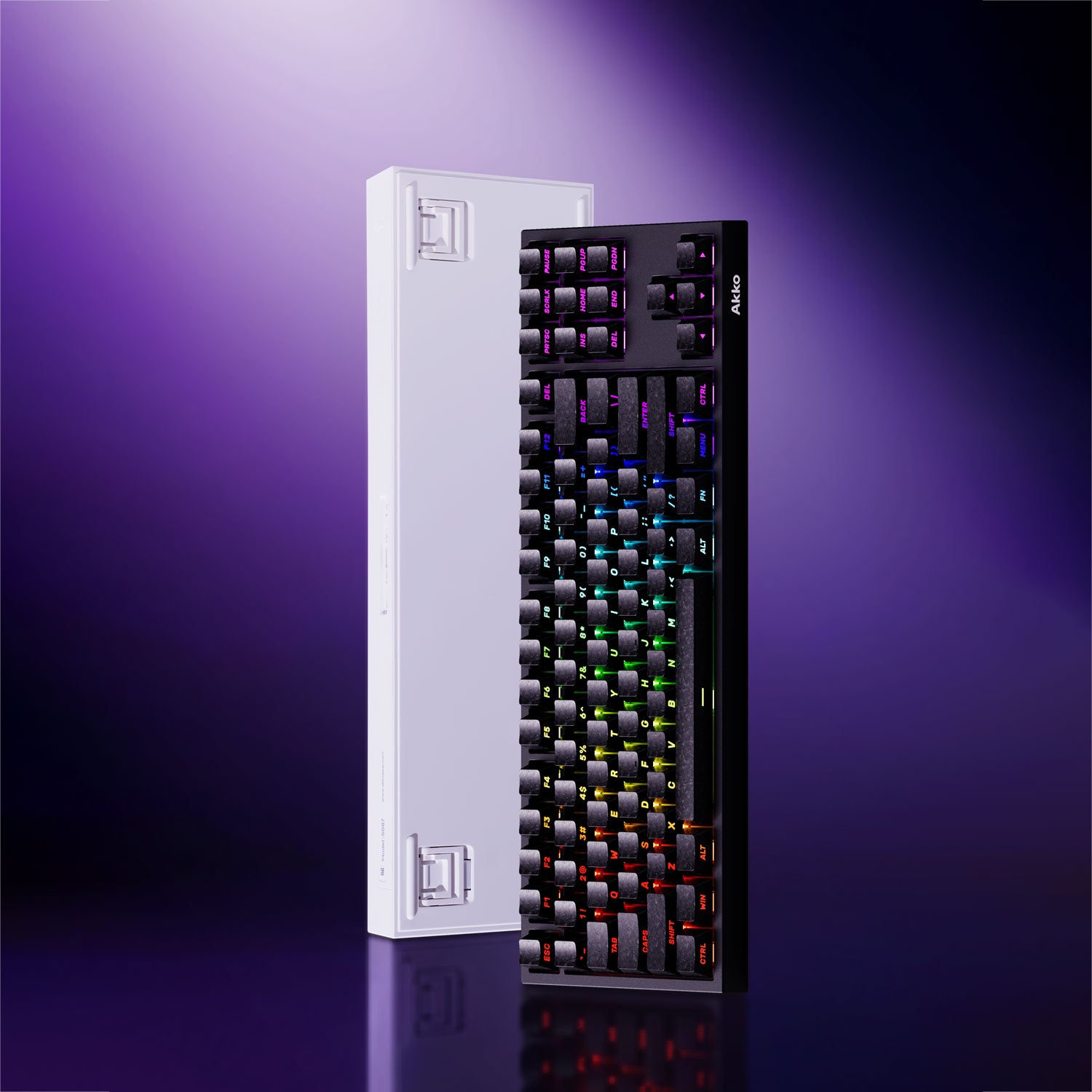
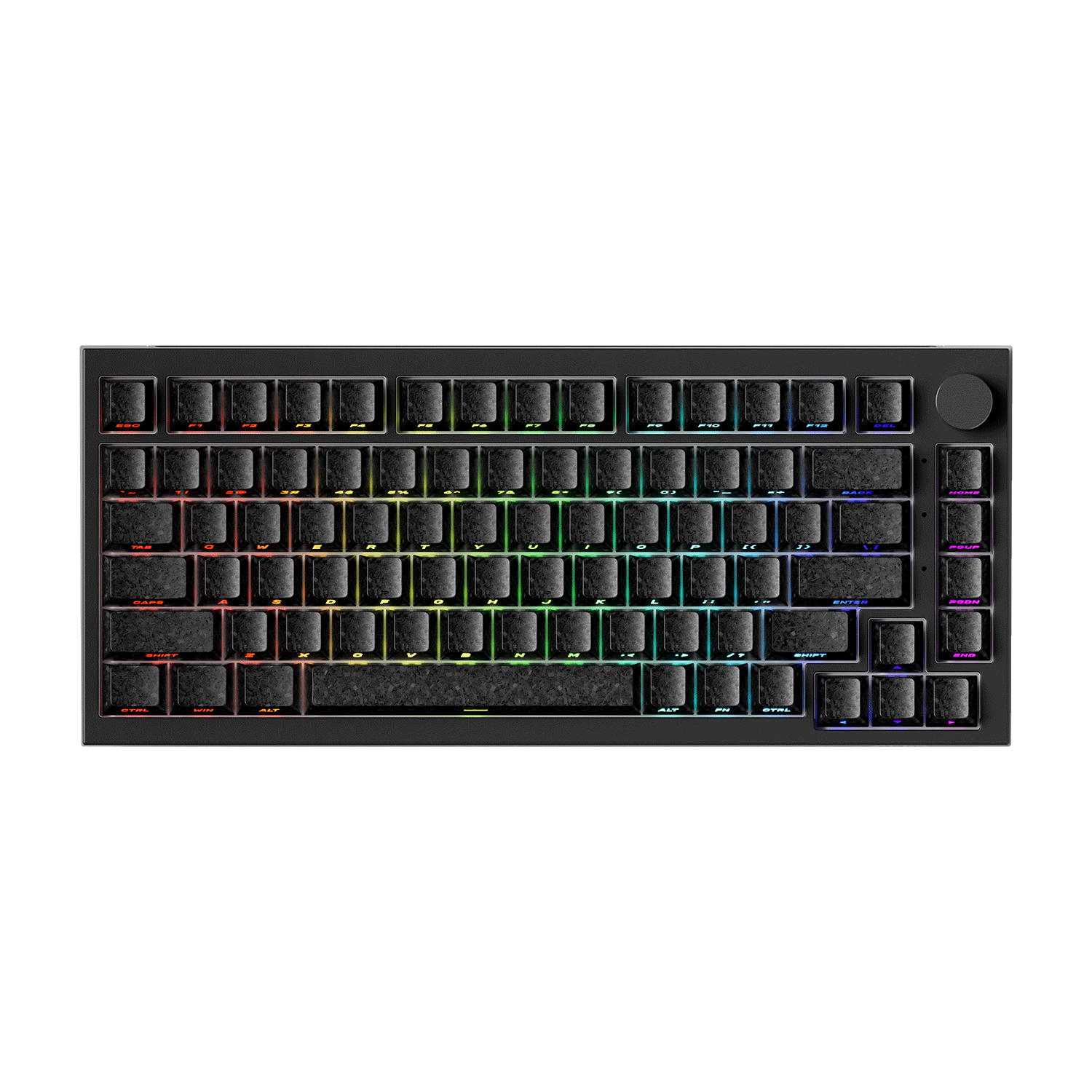
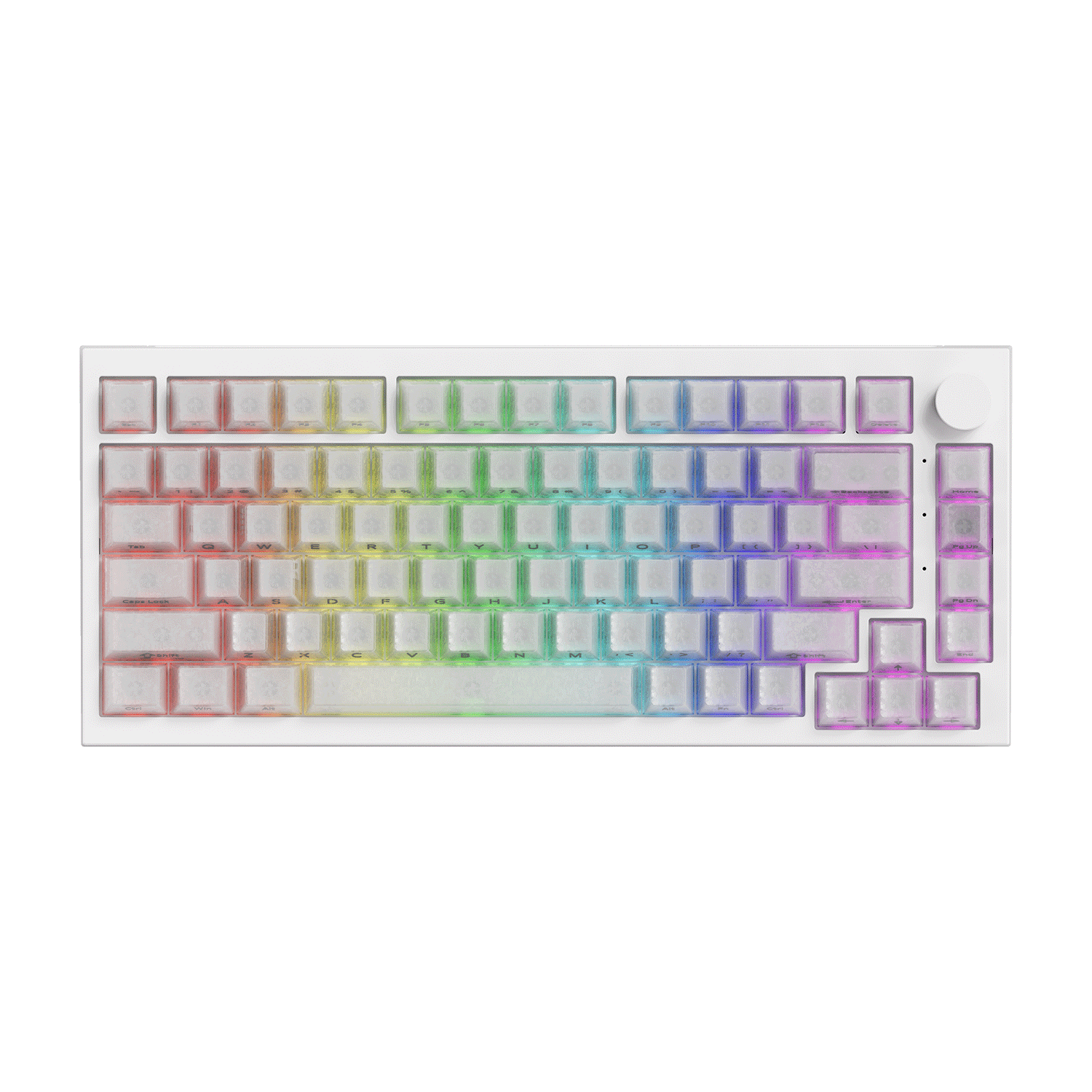
Recommended Keyboards for Gaming & Typing
Why Keyboard Testing Matters for Gamers
For competitive games, keyboard responsiveness can directly affect reaction time and movement accuracy. Testing your keyboard helps identify latency issues, ghosting problems, and unstable switches before they impact gameplay.
Gaming keyboards with high polling rates and anti-ghosting features generally perform better in fast-paced FPS and rhythm games.
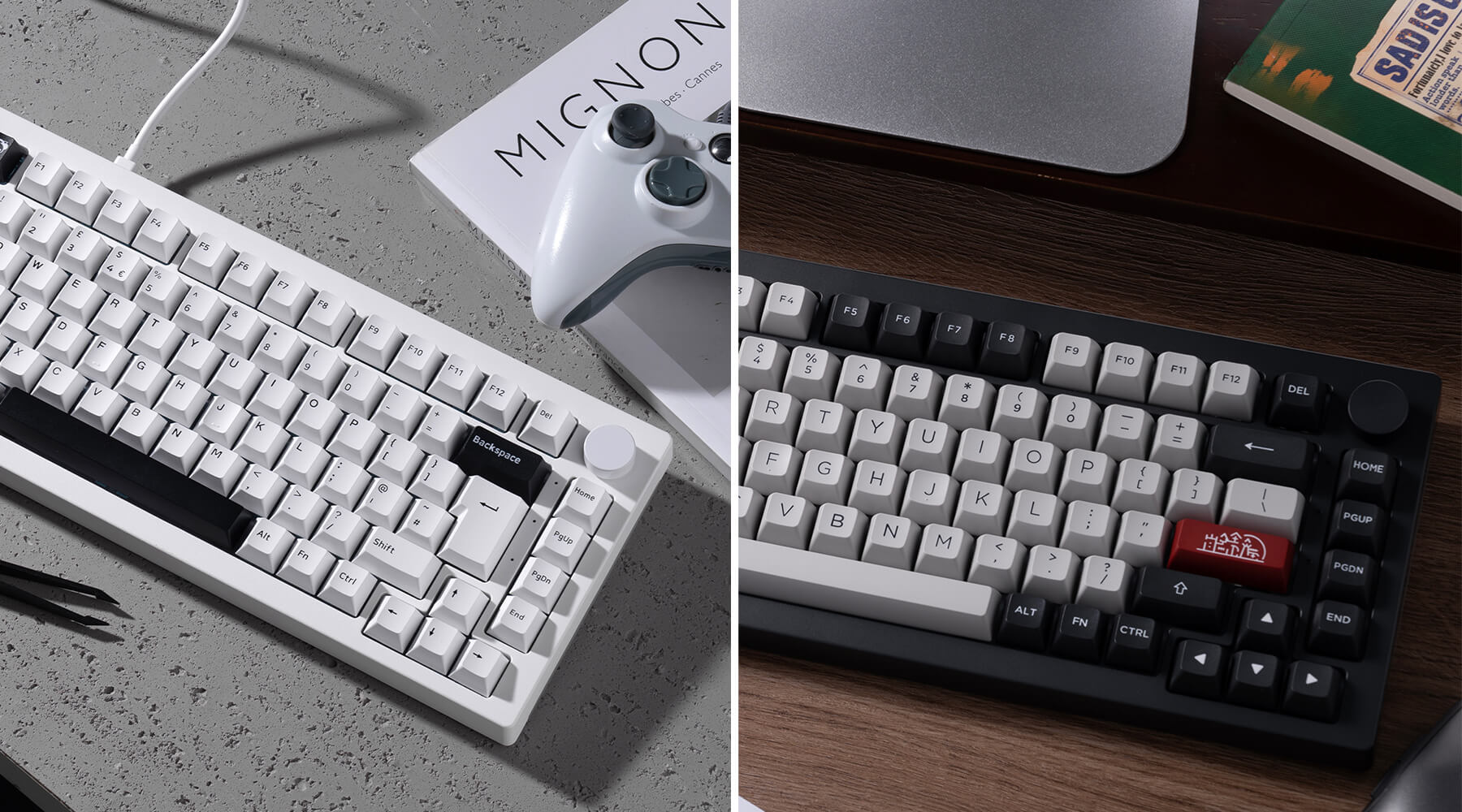
ANSI vs ISO-UK Keyboard Layout
FAQ – Keyboard Test
How do I test my keyboard online?
Press each key on the virtual keyboard to verify whether the input is detected correctly
Can this Keyboard Tester detect ghosting?
Yes. You can press multiple keys simultaneously to test anti-ghosting performance.
Does the tool support ISO-UK keyboards?
Yes. The tester supports both ANSI and ISO-UK keyboard layouts.
Why is my keyboard double typing?
Double typing is usually caused by worn switches, debris, or firmware issues.