| Platform |
Connection |
Notes |
| PC |
USB-C direct |
Up to 8000Hz polling rate |
| PS5 |
Brook Wingman FGC2 |
Adapter required — connect FGC2 to PS5, then plug FUNBOX into the adapter. Available as a bundle. |
| PS4 |
Controller Auth Mode |
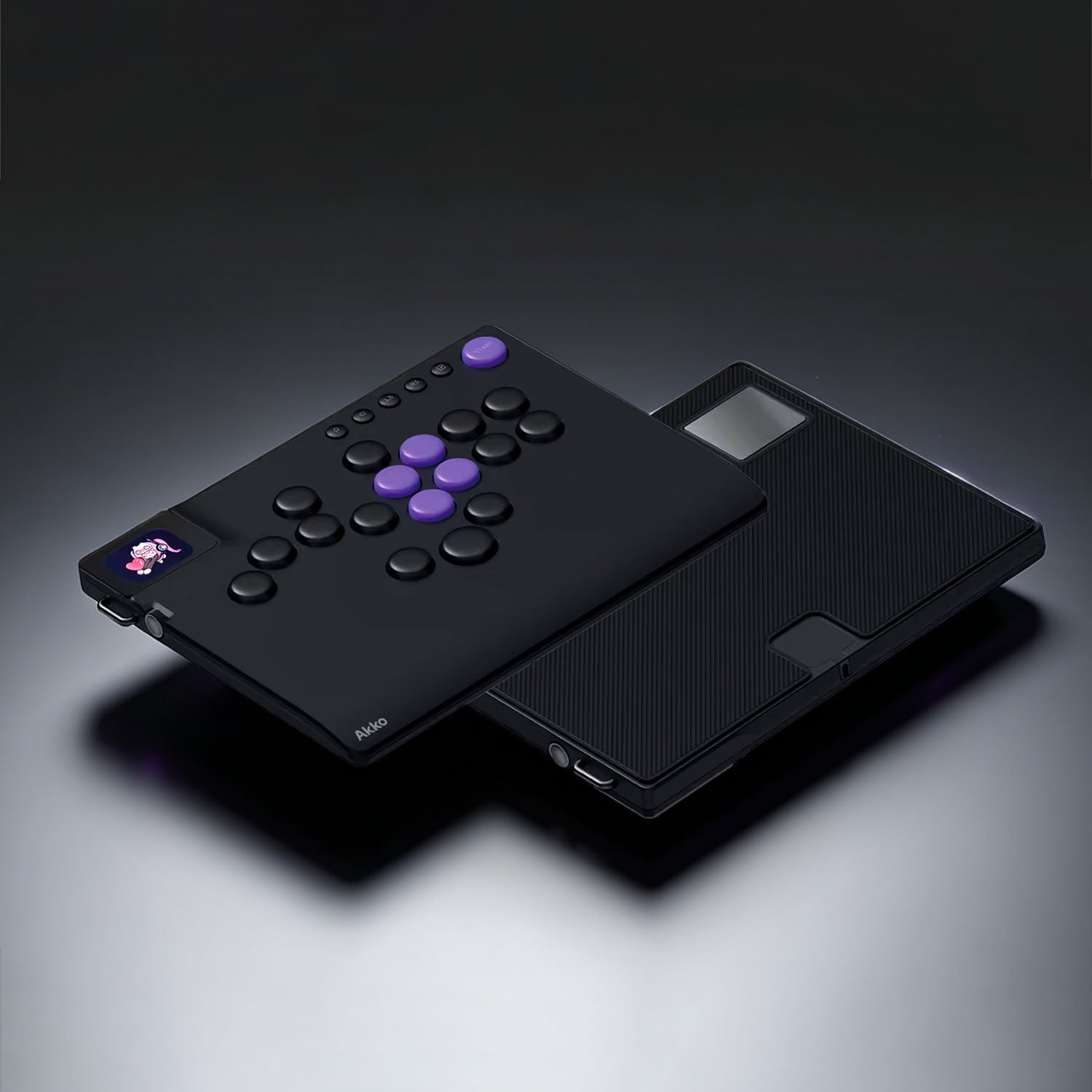
Connect your original PS4 controller to the bottom port of FUNBOX using the included extension cable. |
| Xbox |
Controller Auth Mode |
Connect your original Xbox controller to the bottom port of FUNBOX using the included extension cable. |
| Switch |
USB-C / OTG |
Via Dock or direct to console. Direct connection requires an OTG adapter (not included). See product manual for setup diagrams. |
| Switch 2 |
— |
Updates coming — check back for the latest compatibility info. |