

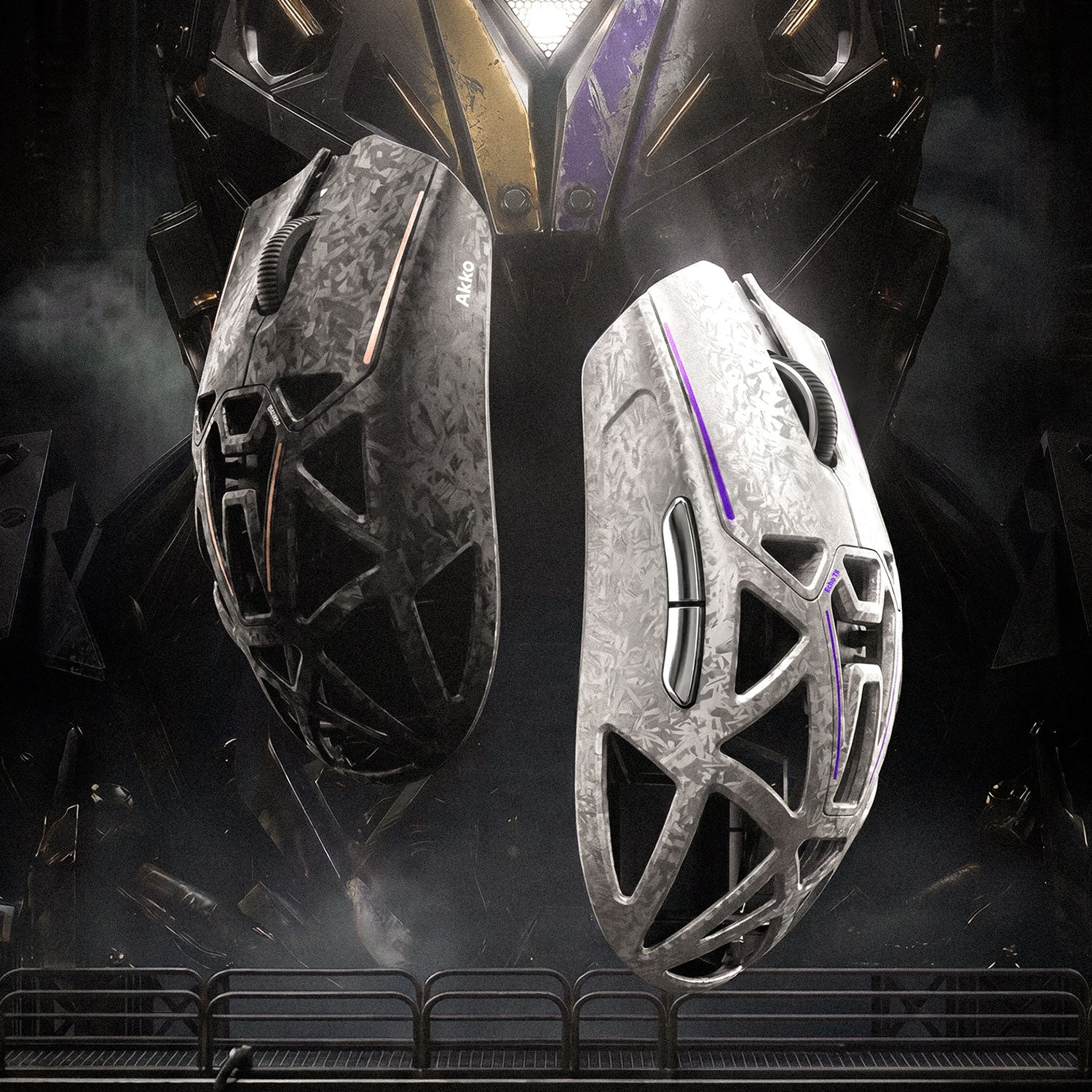
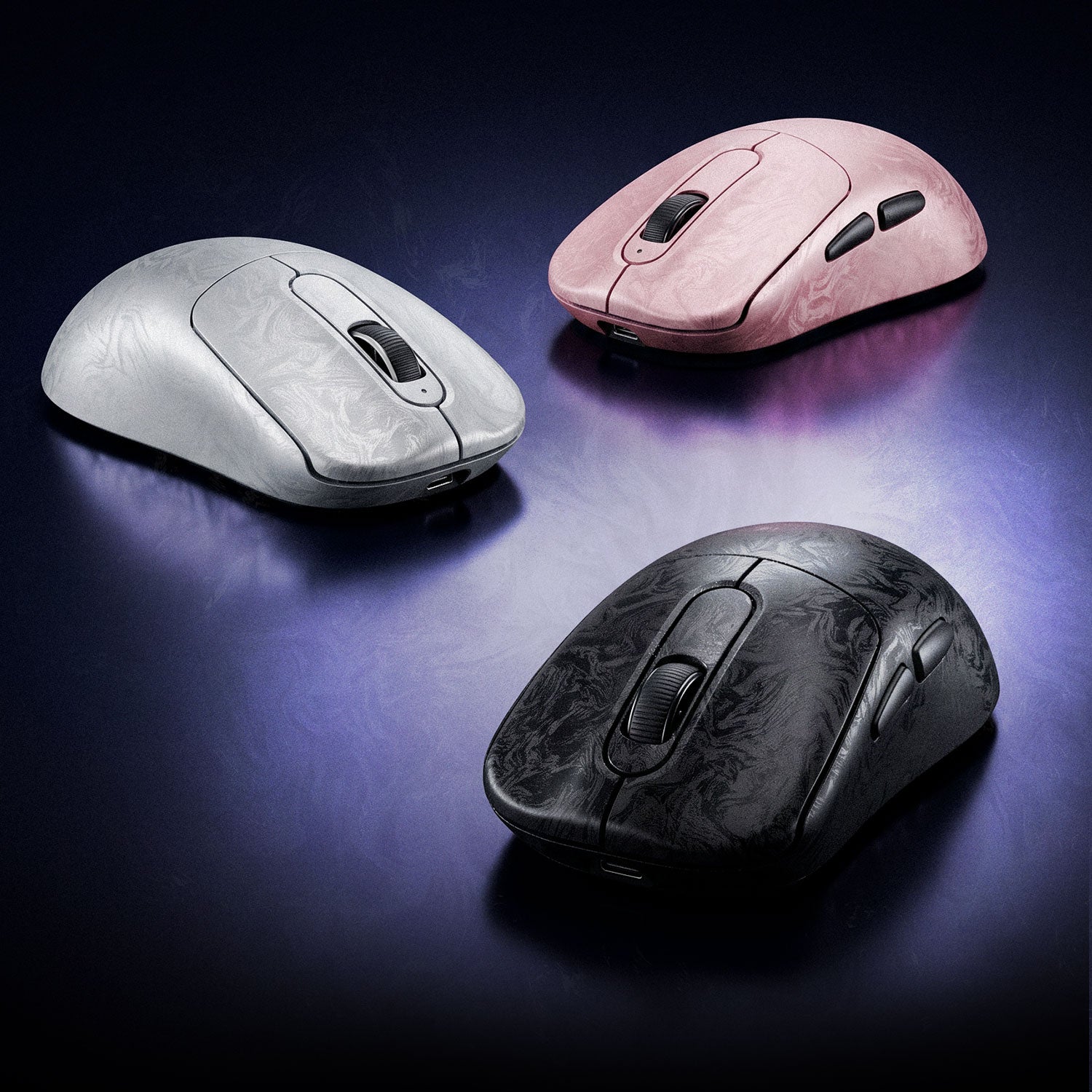
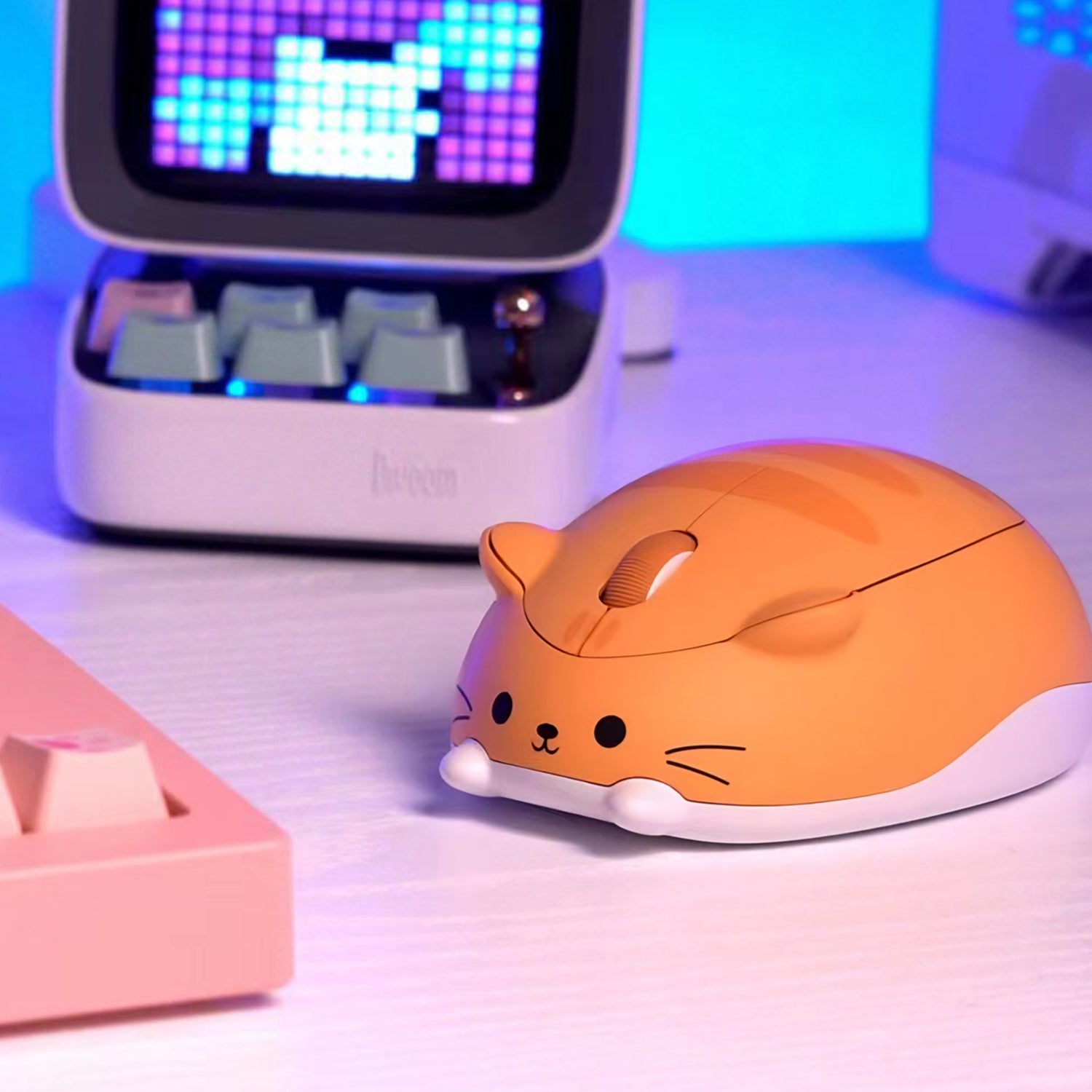







Computer Mouse
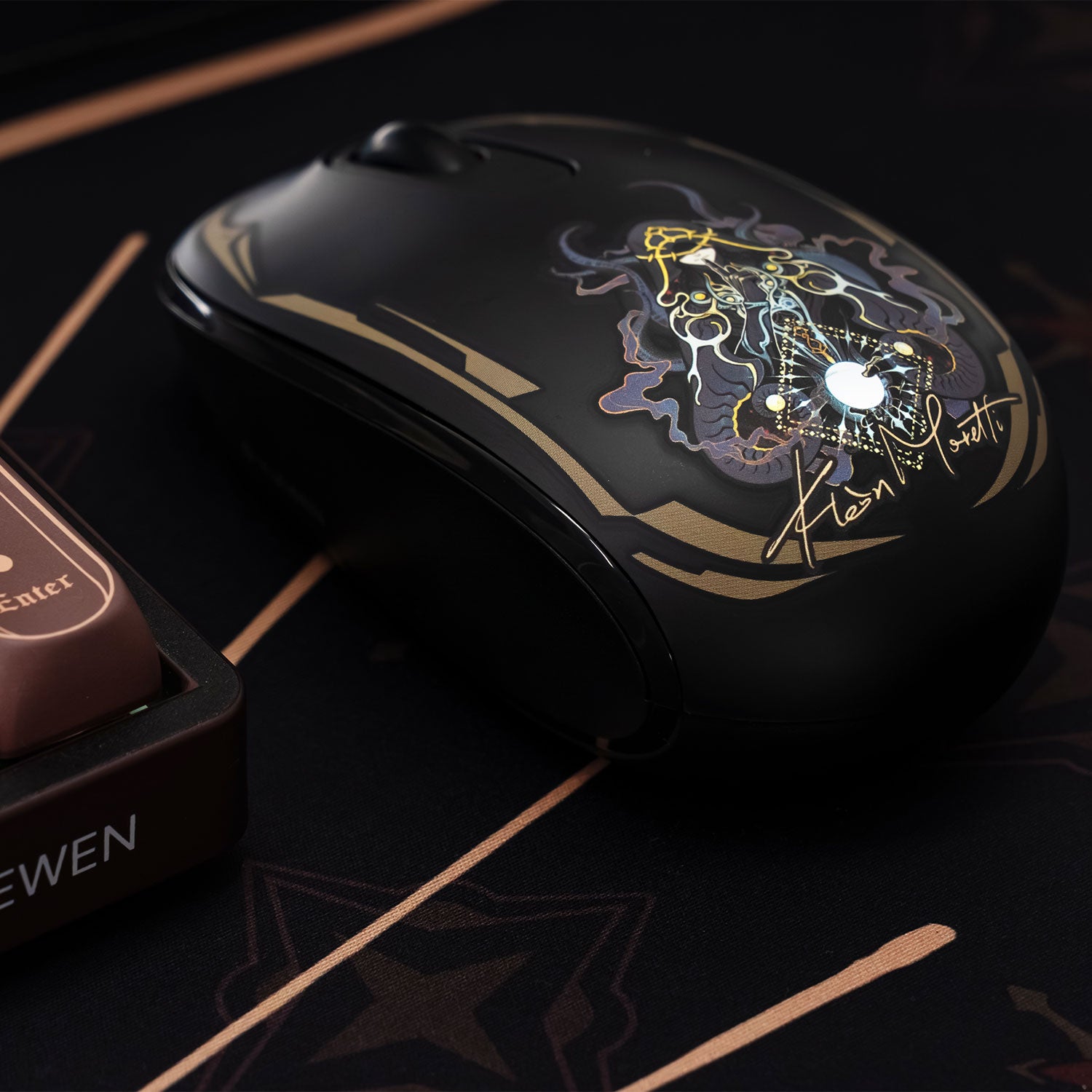
Akko all computer mouse collection. Our computer mice are engineered to enhance your productivity and gaming performance. With a focus on ergonomic design, precision tracking, and customizable features, our mice deliver a superior user experience tailored to your unique needs.


36 products
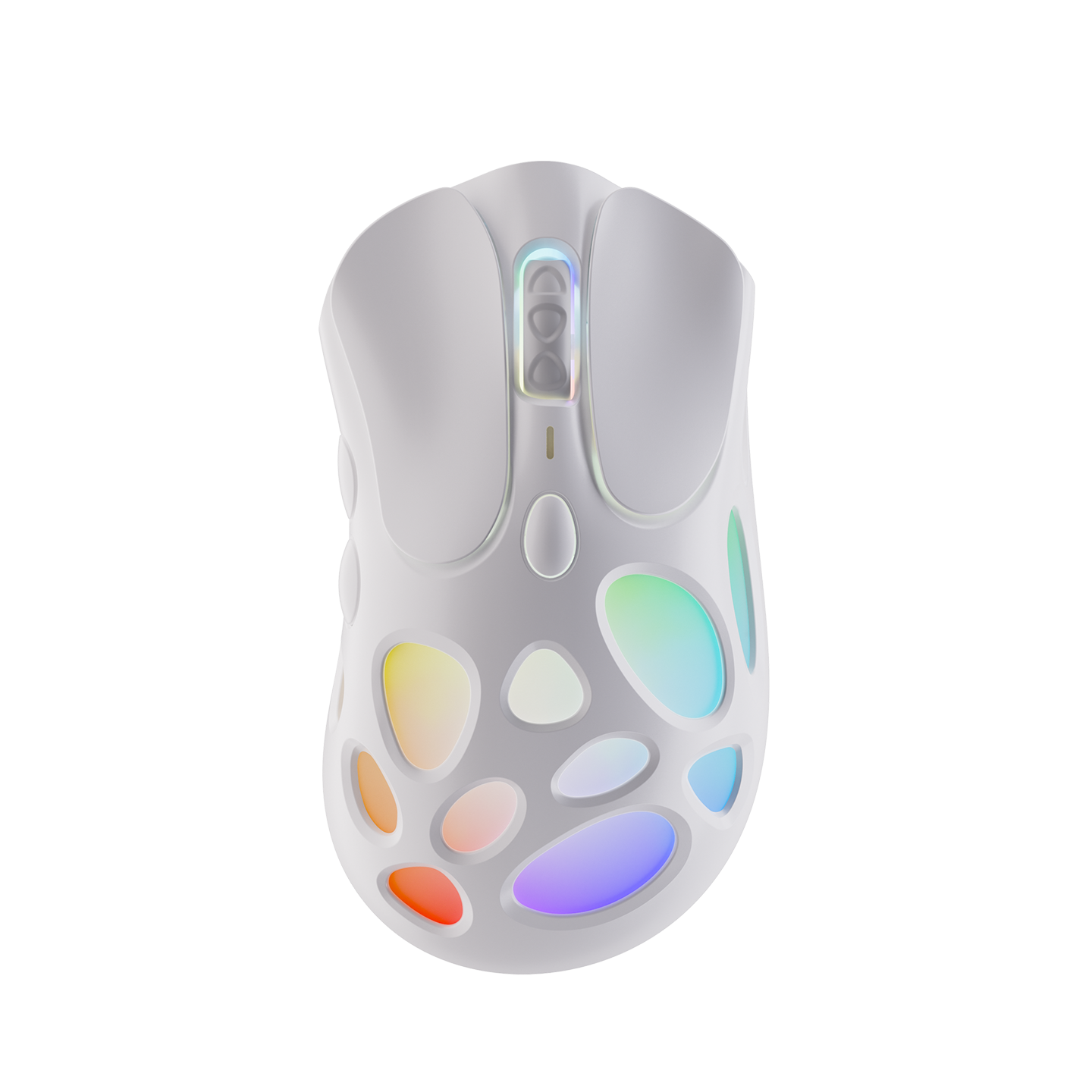
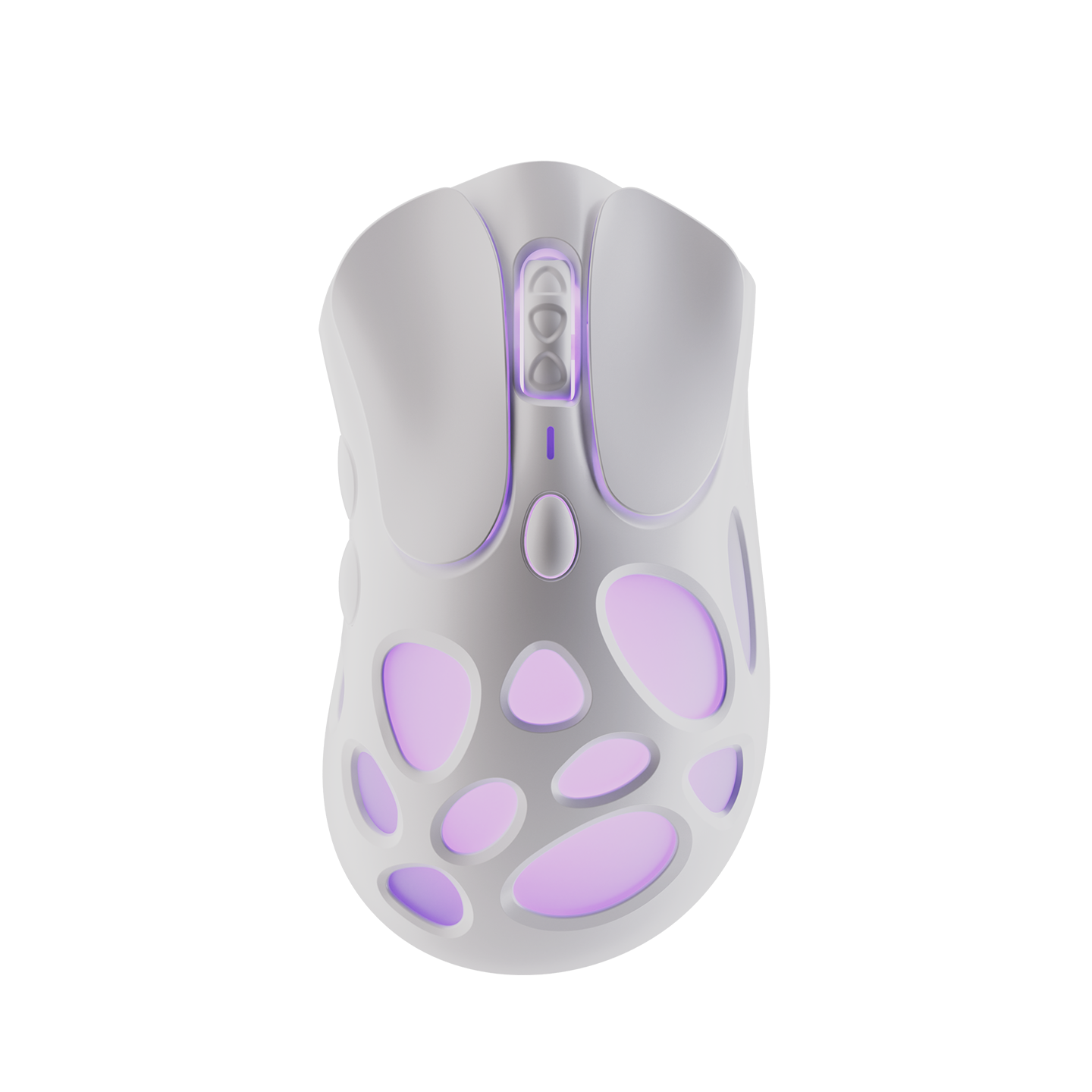


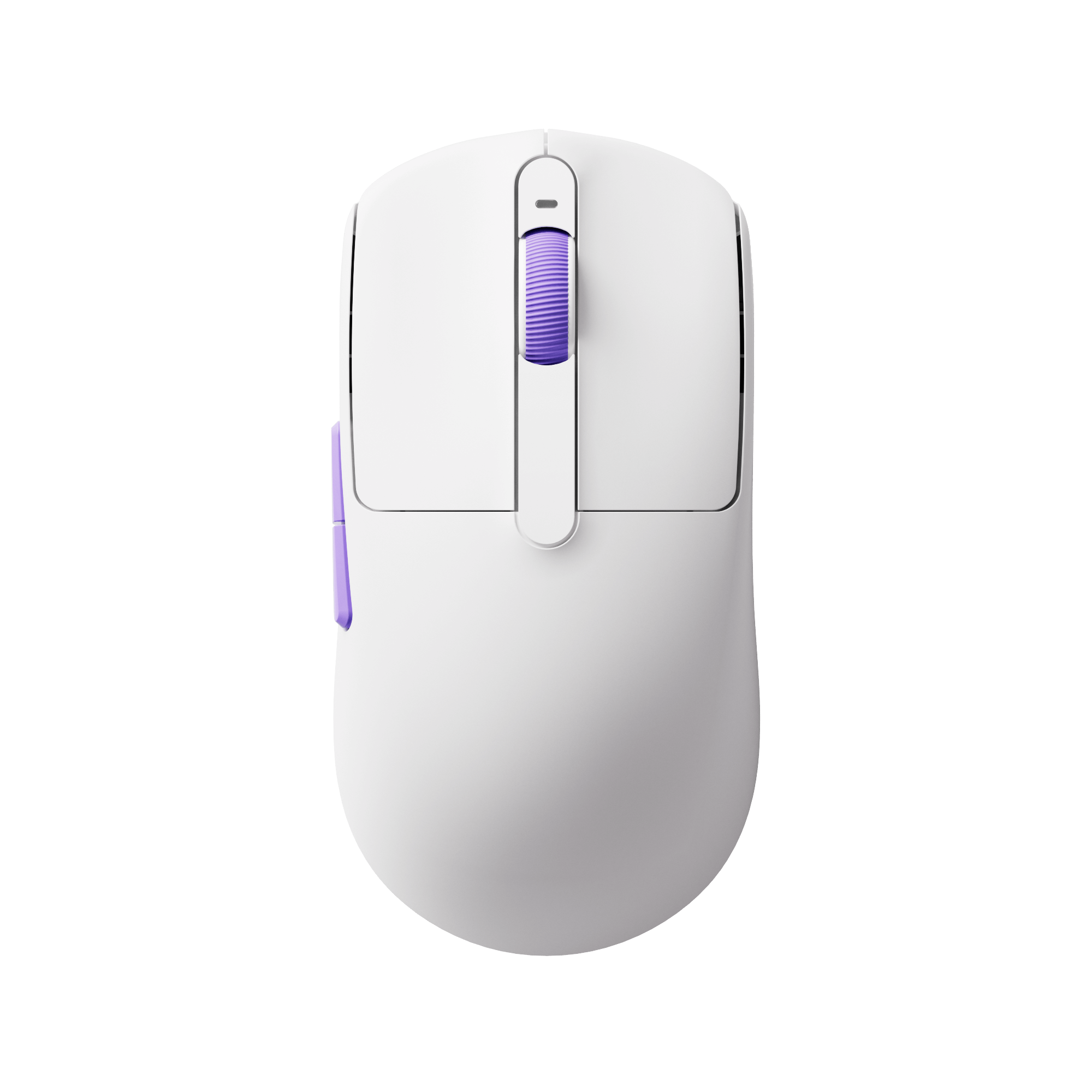
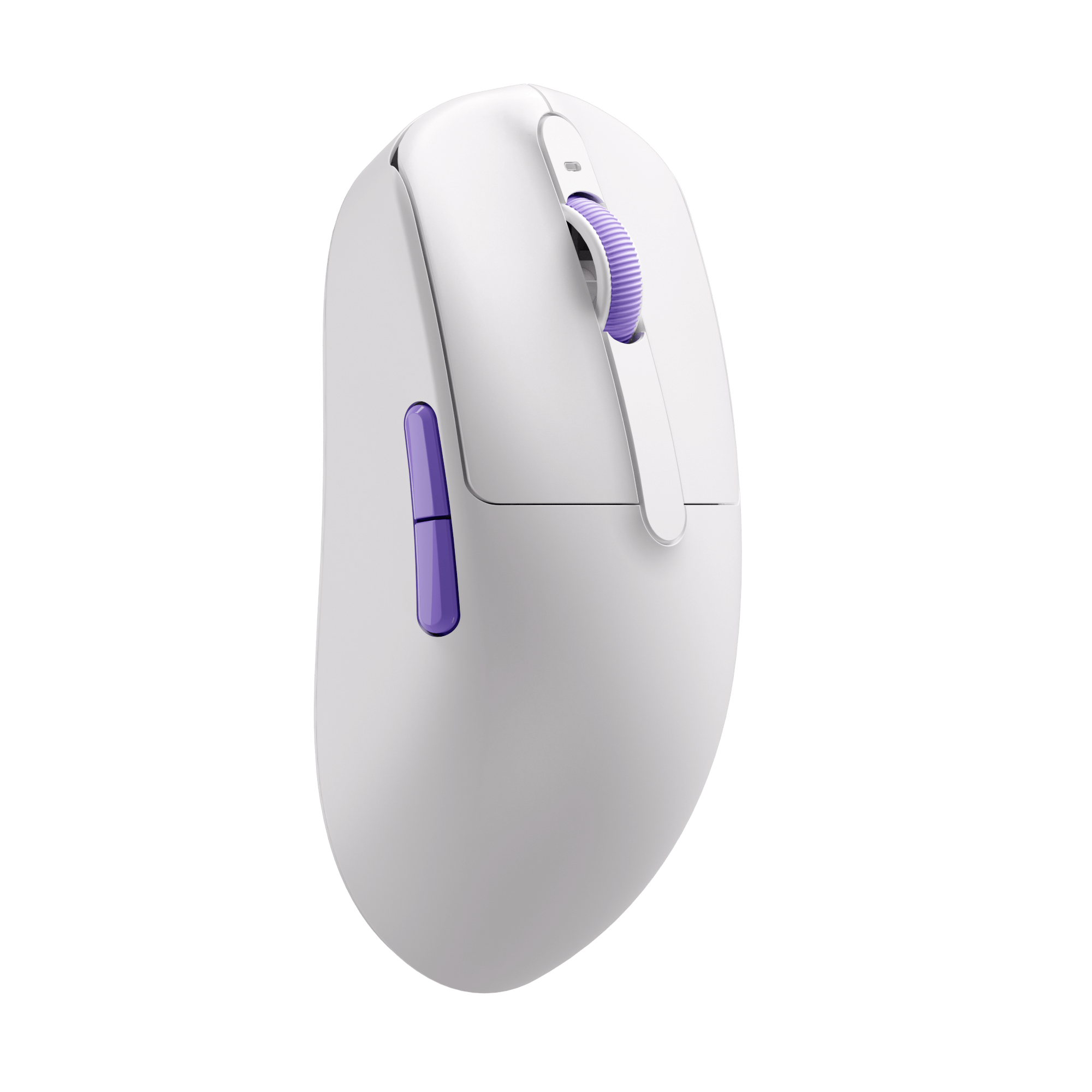
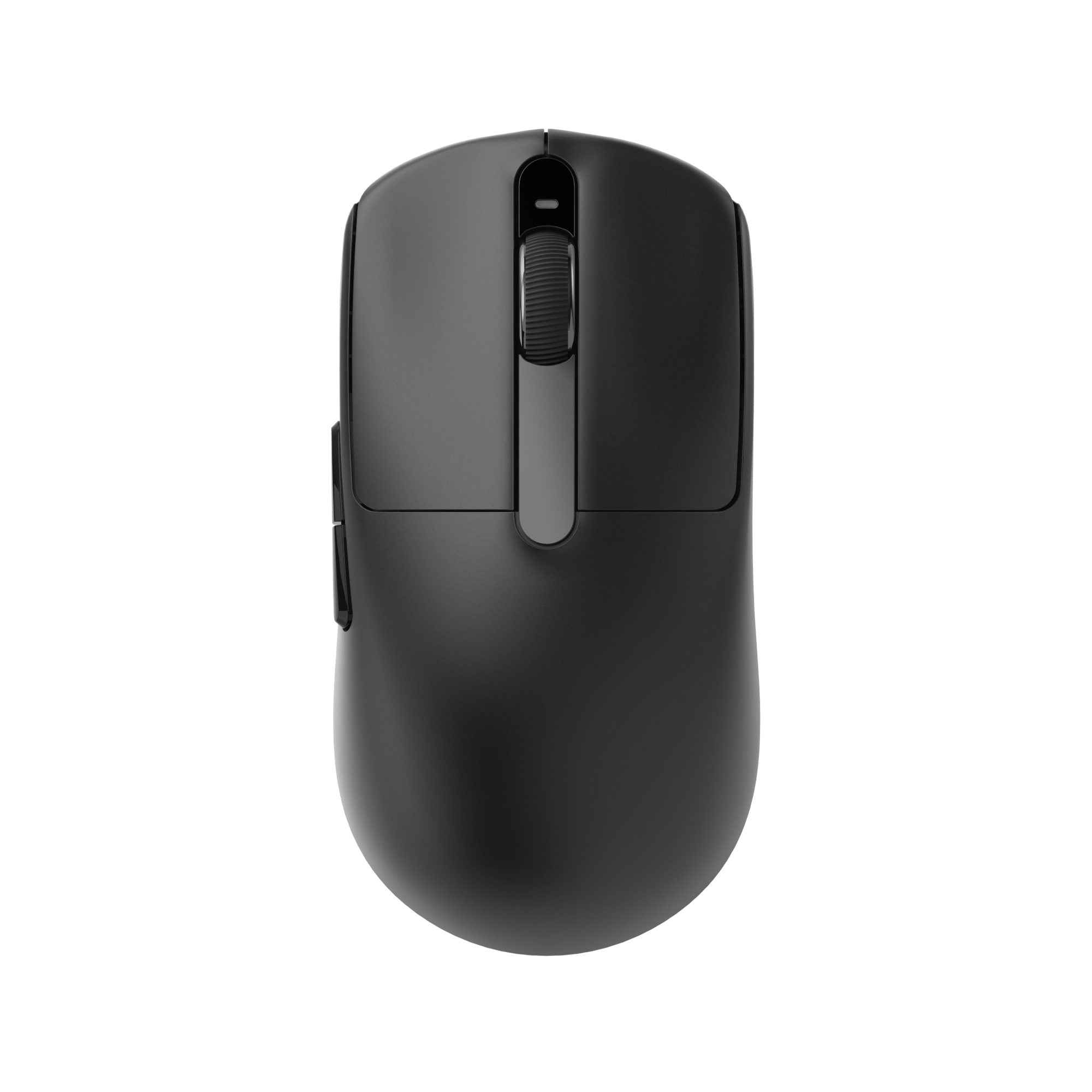
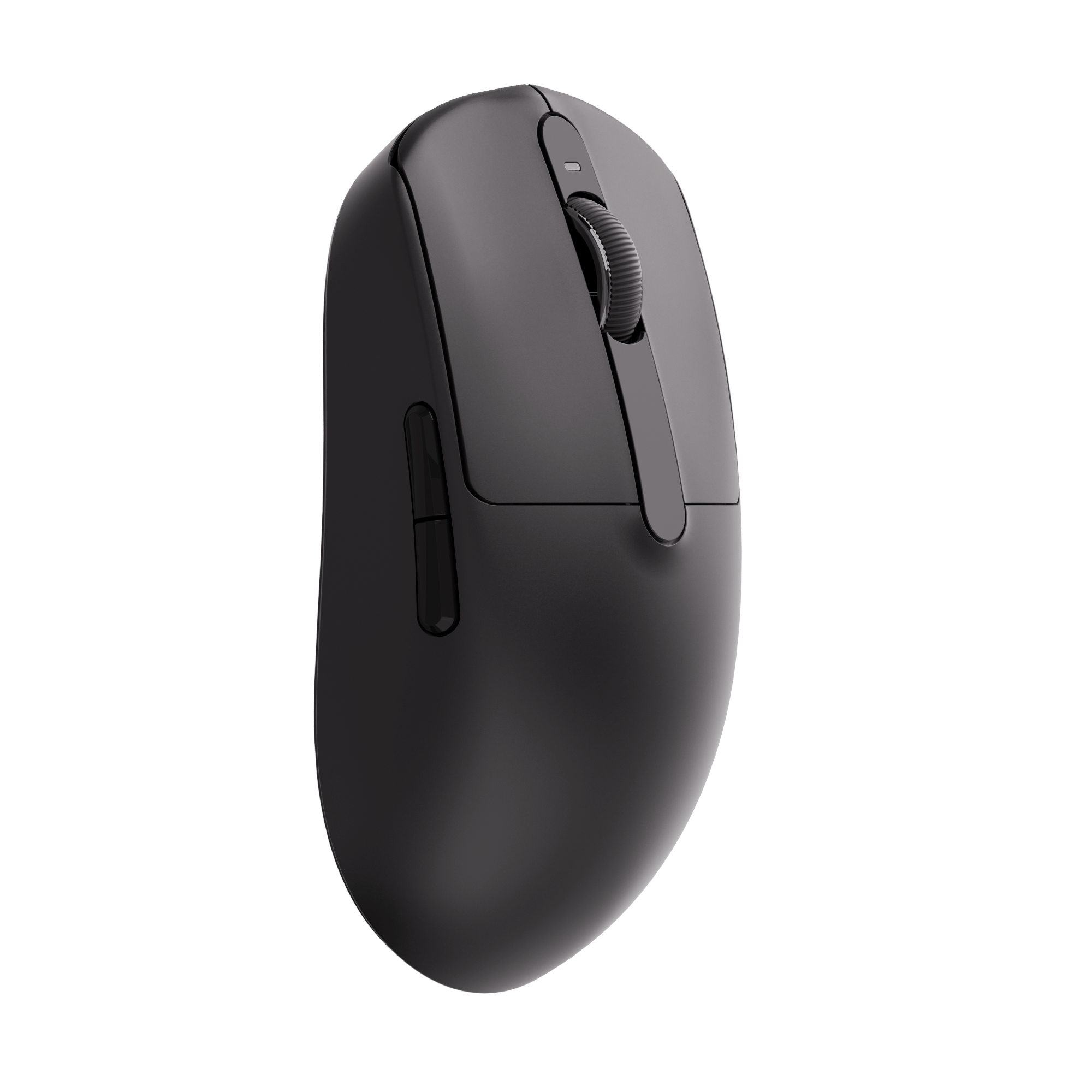
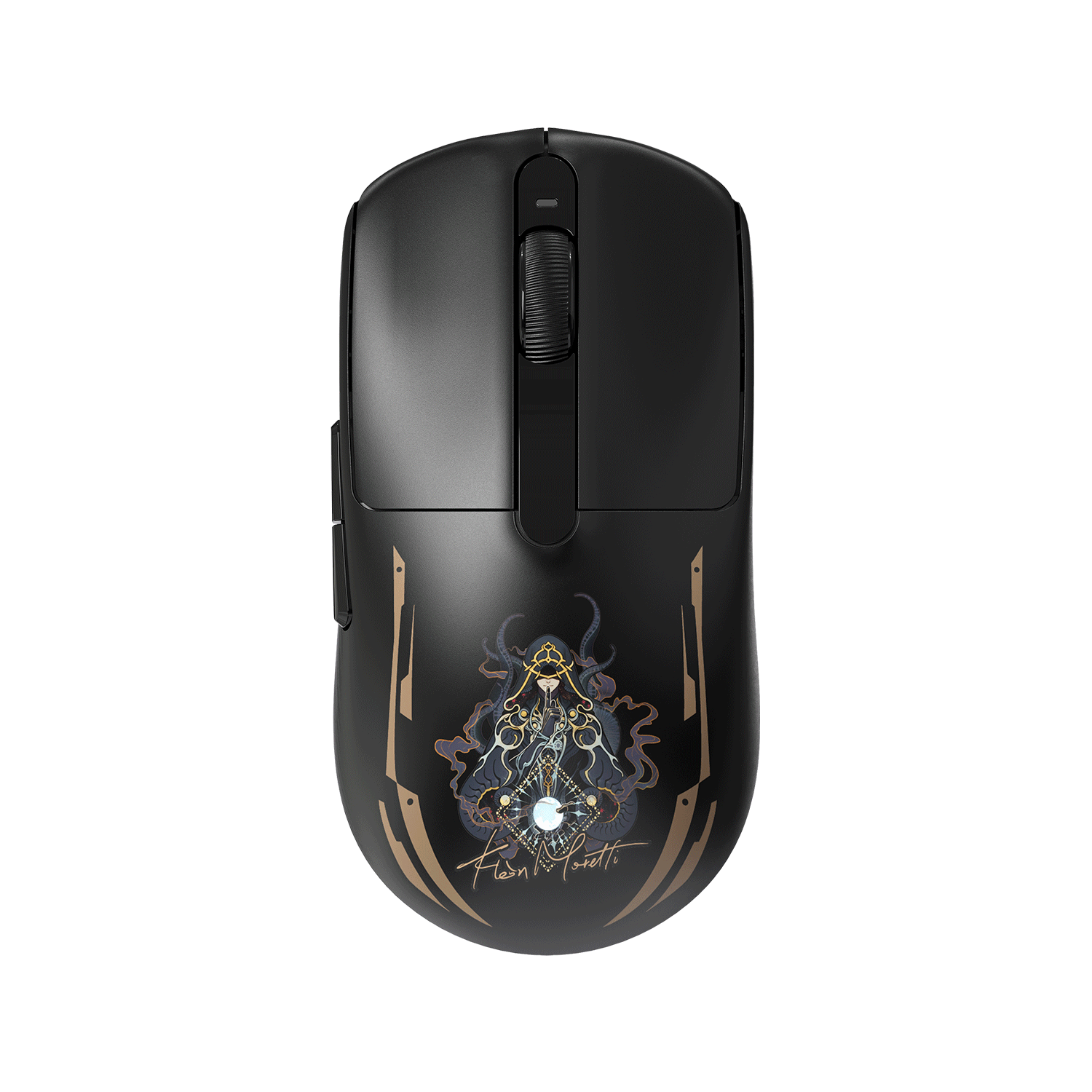

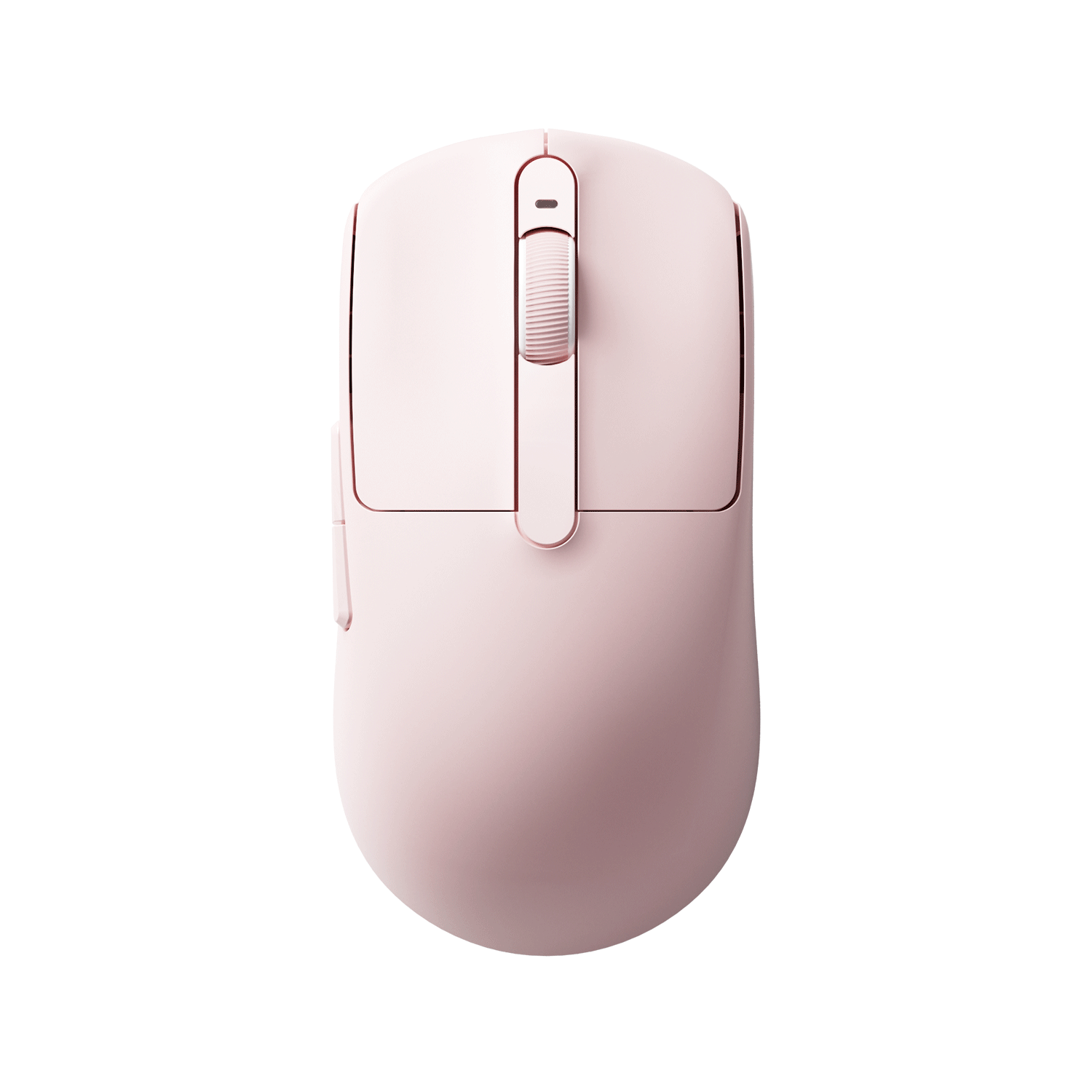
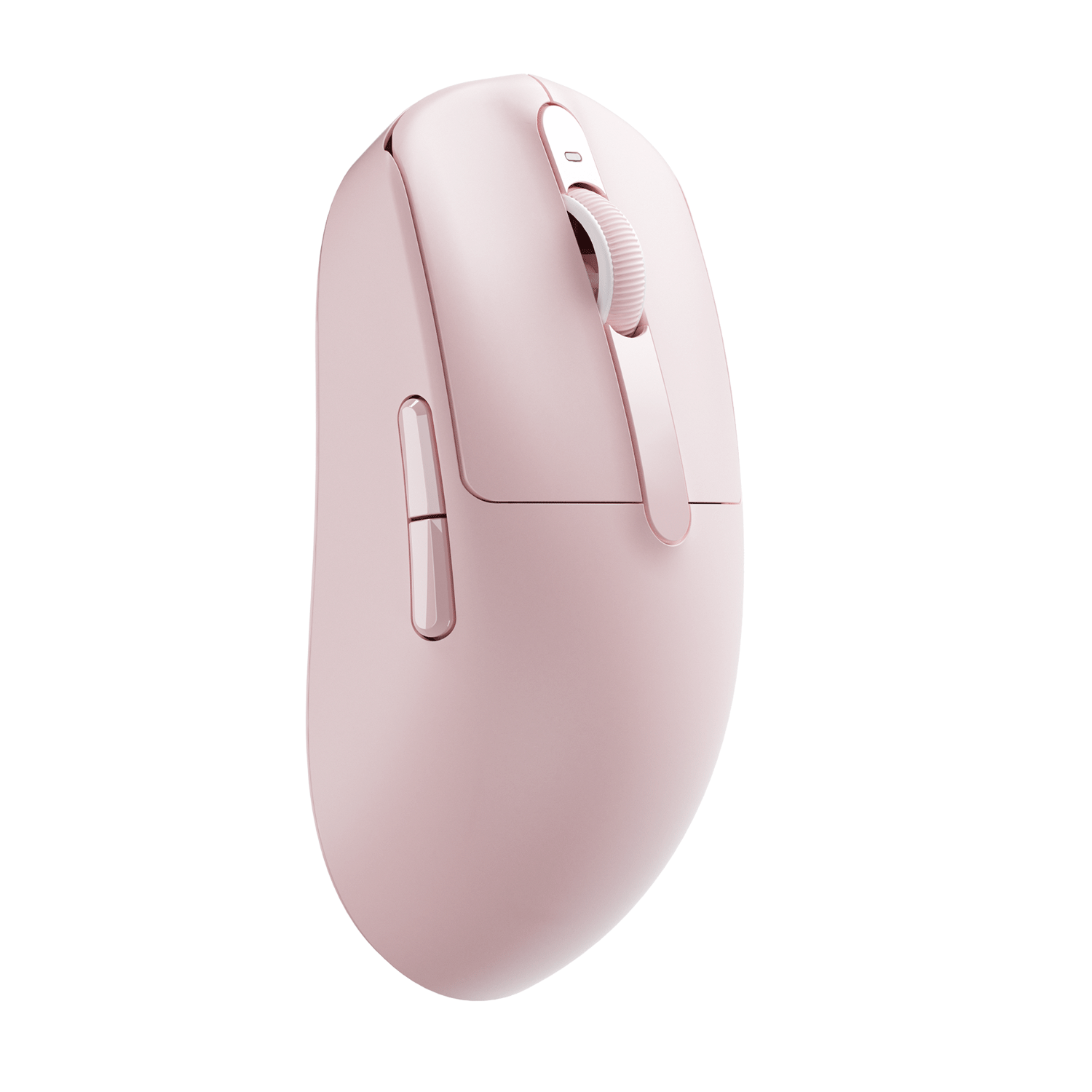
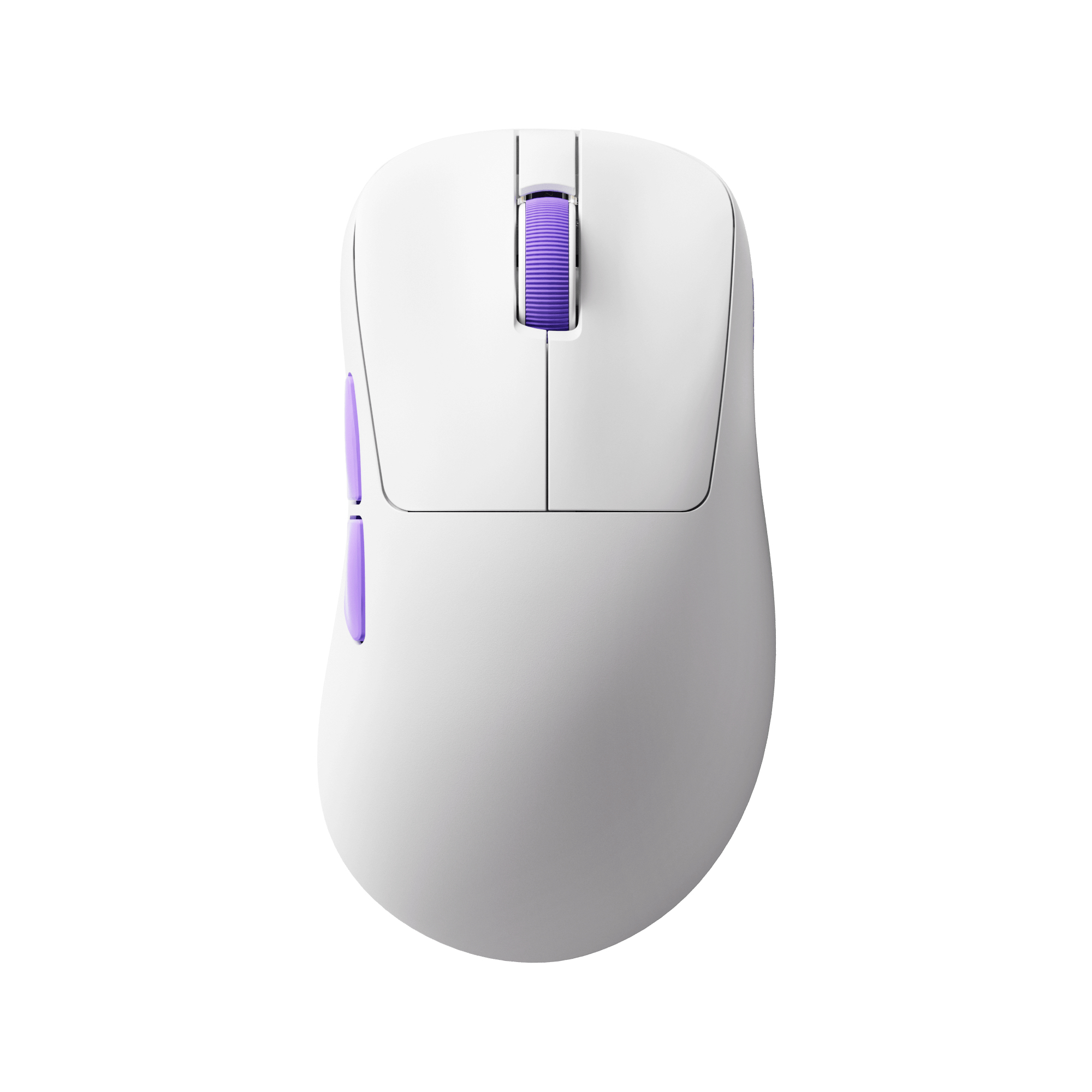
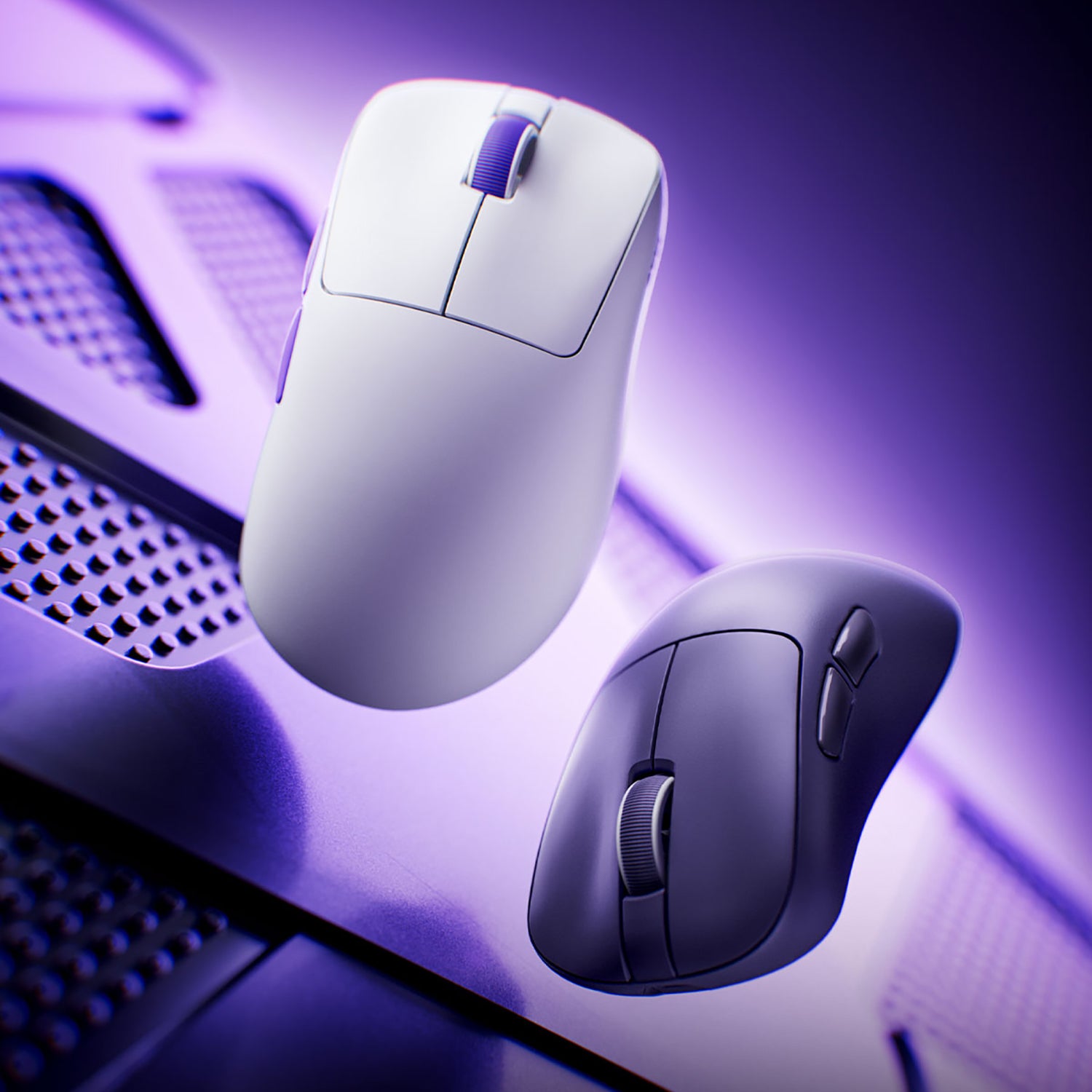















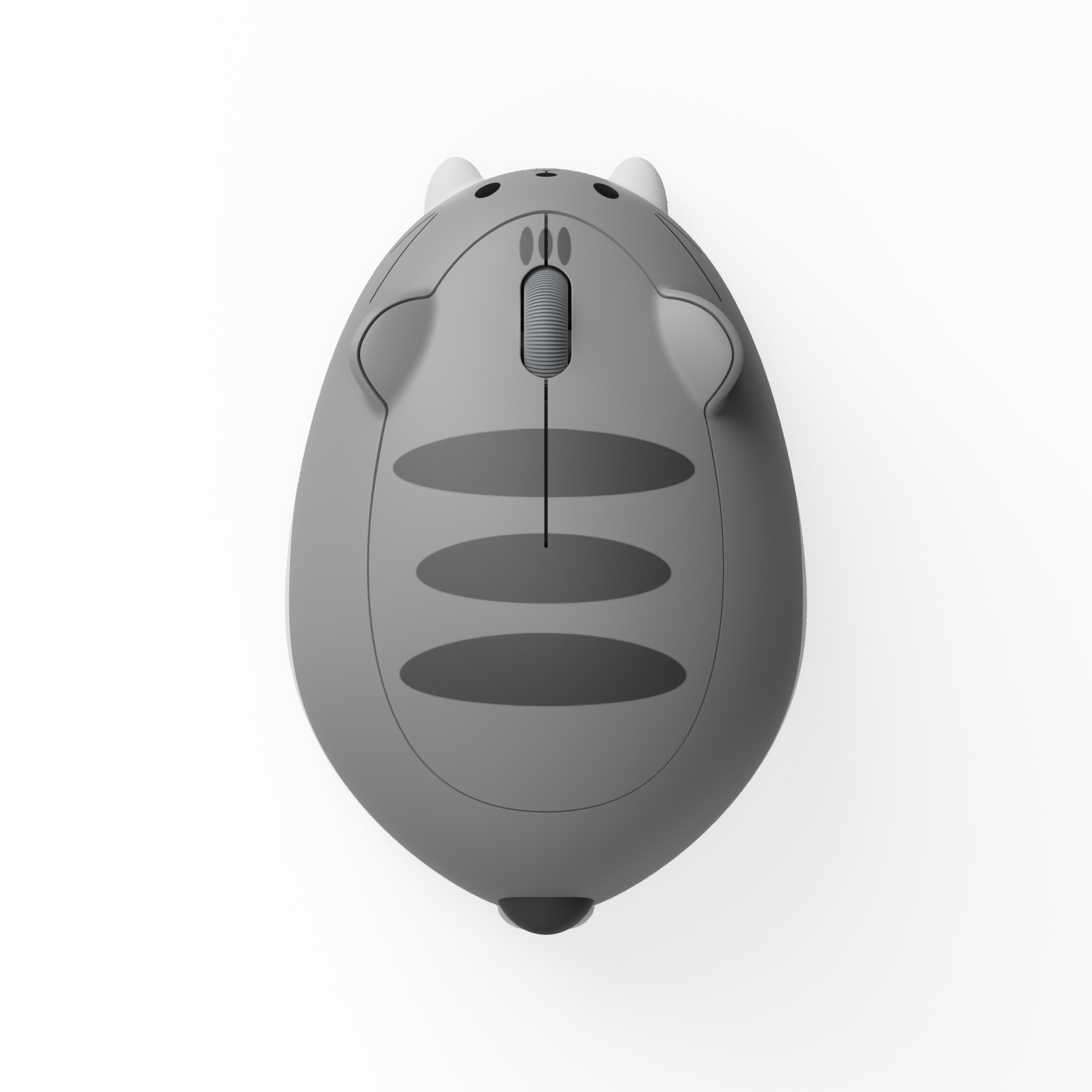

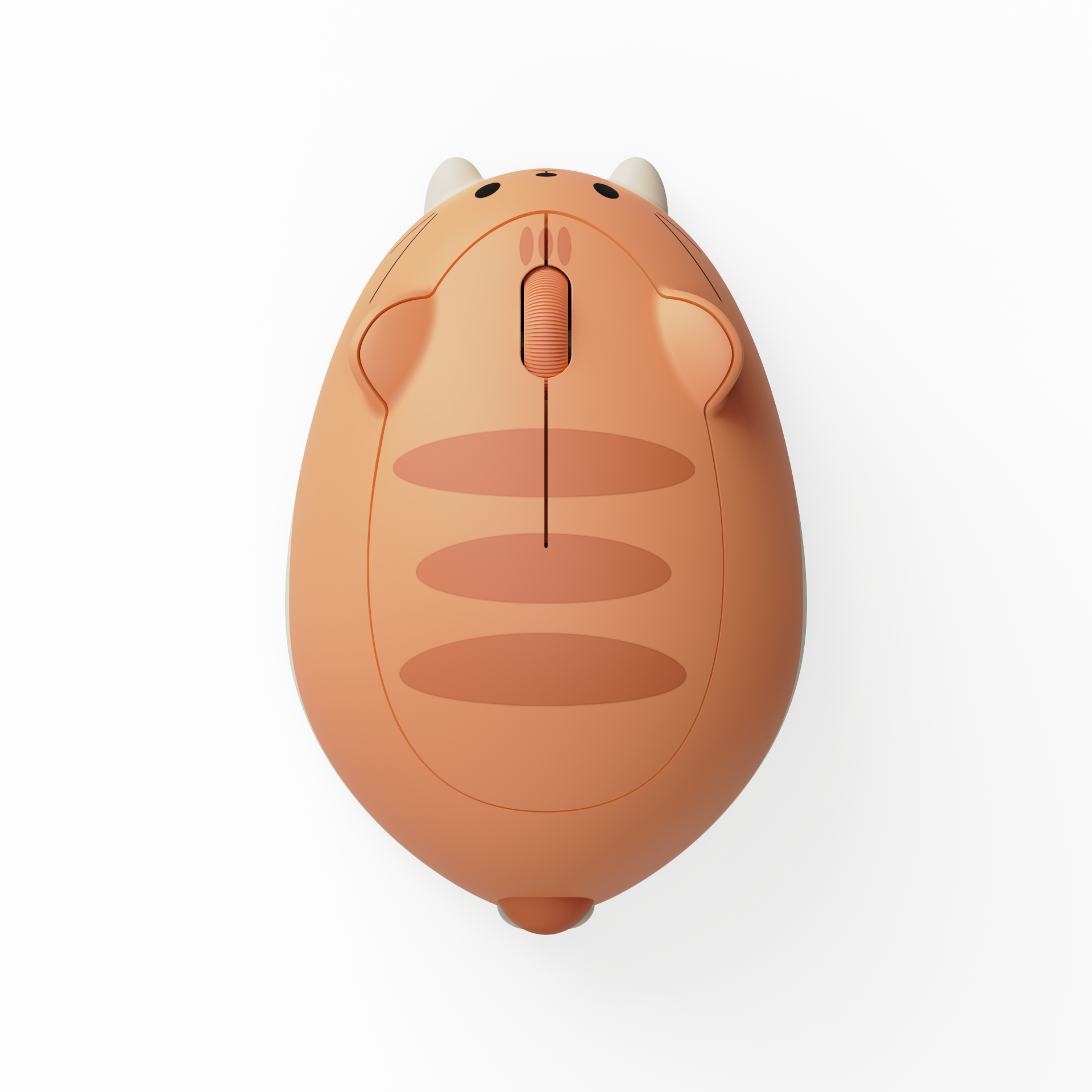








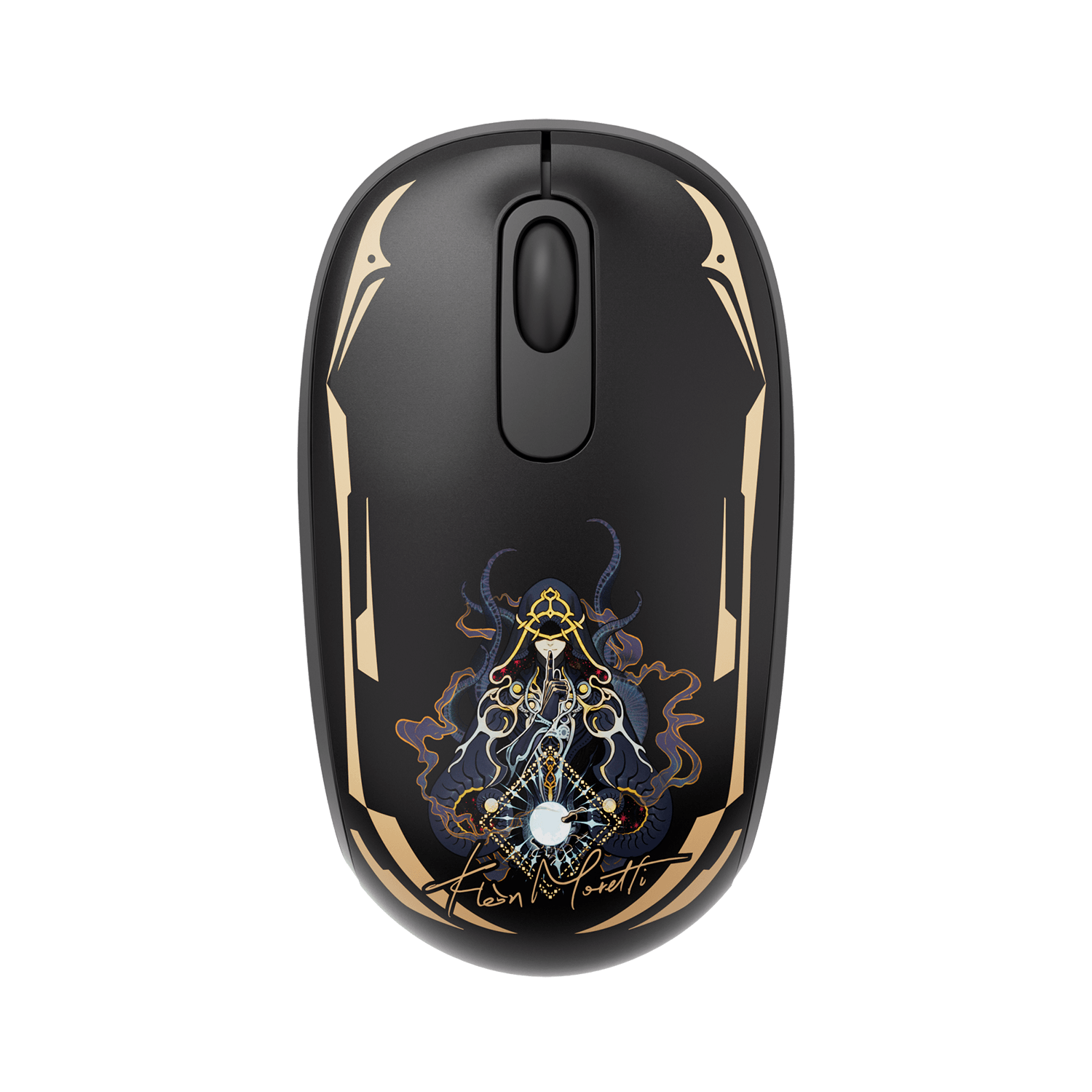


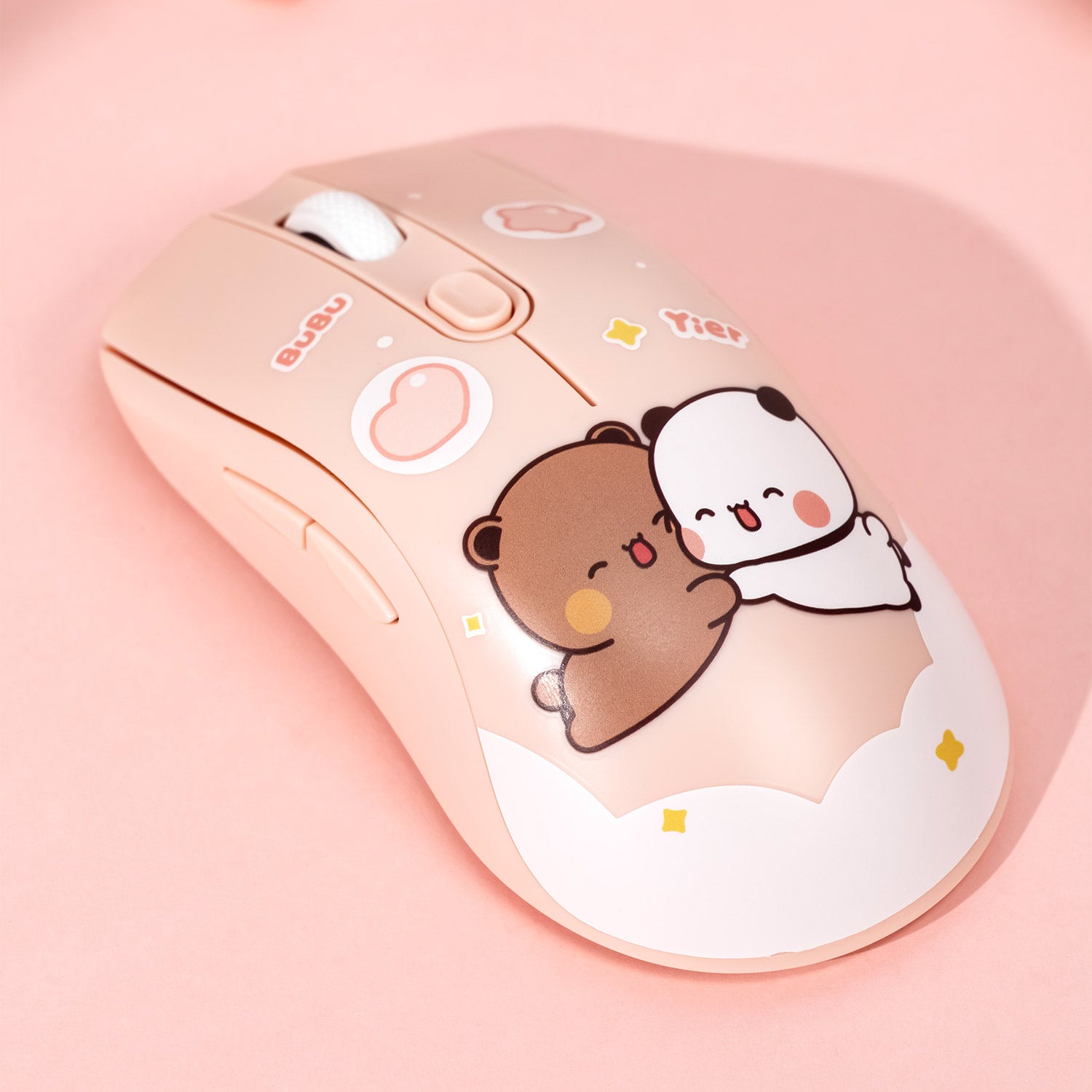

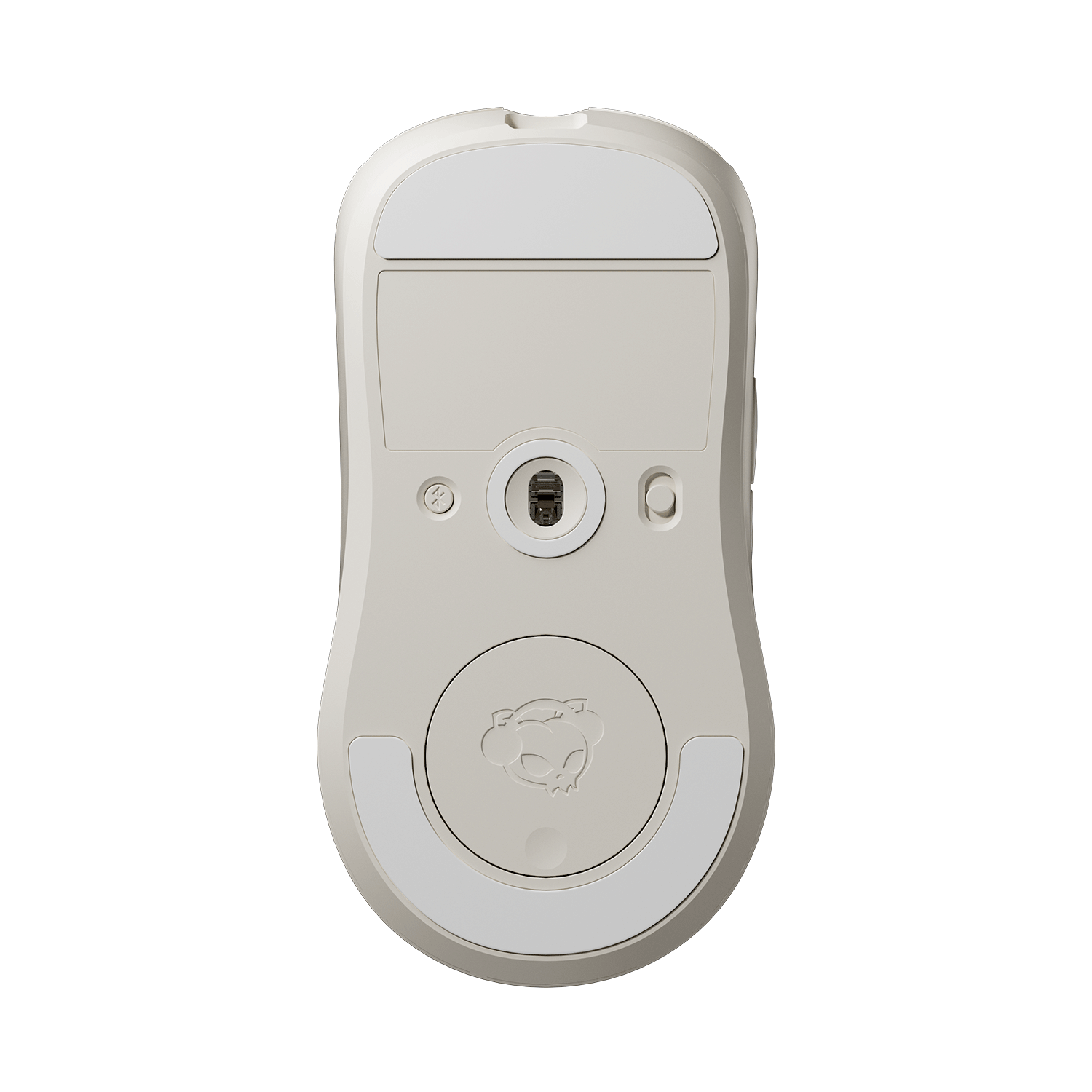
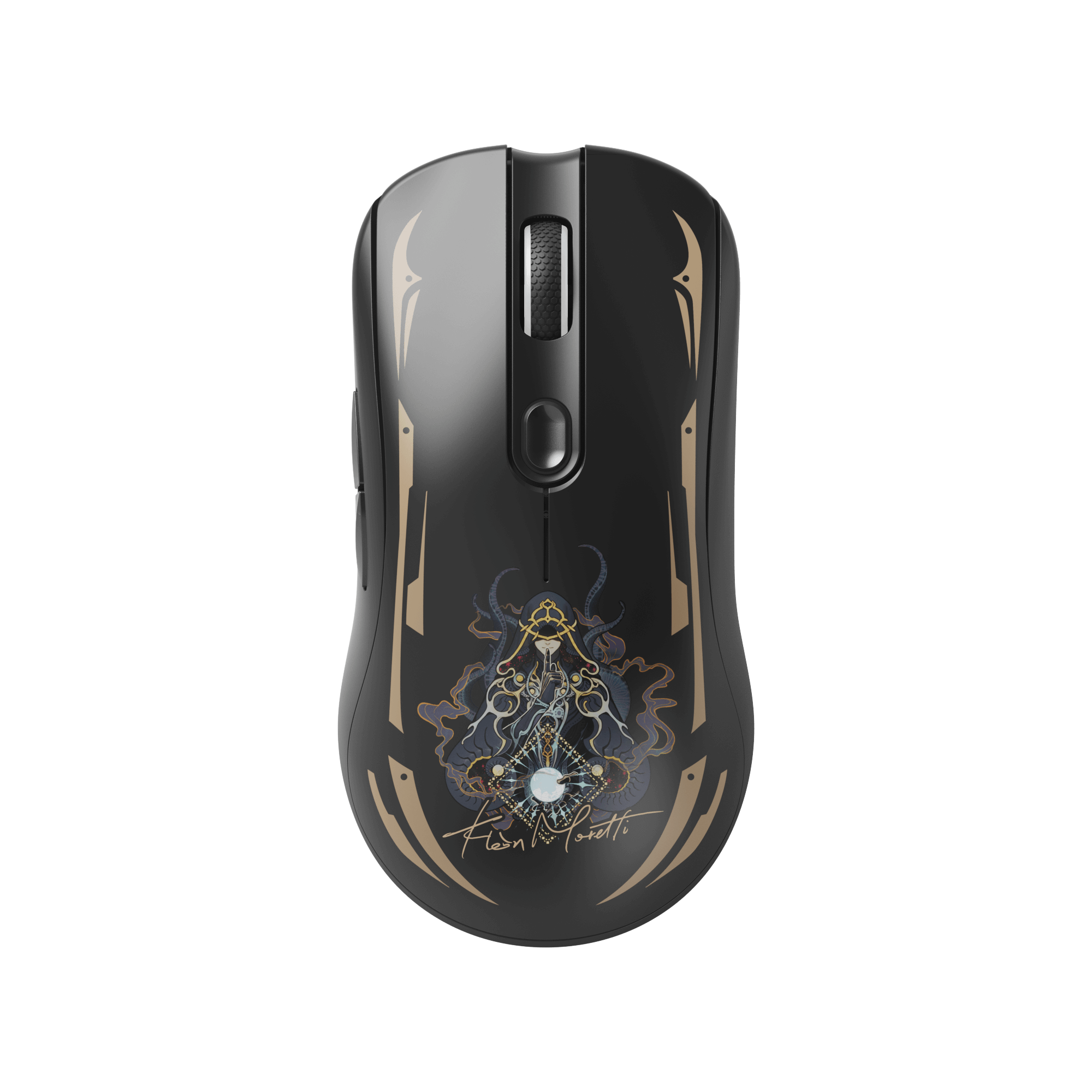
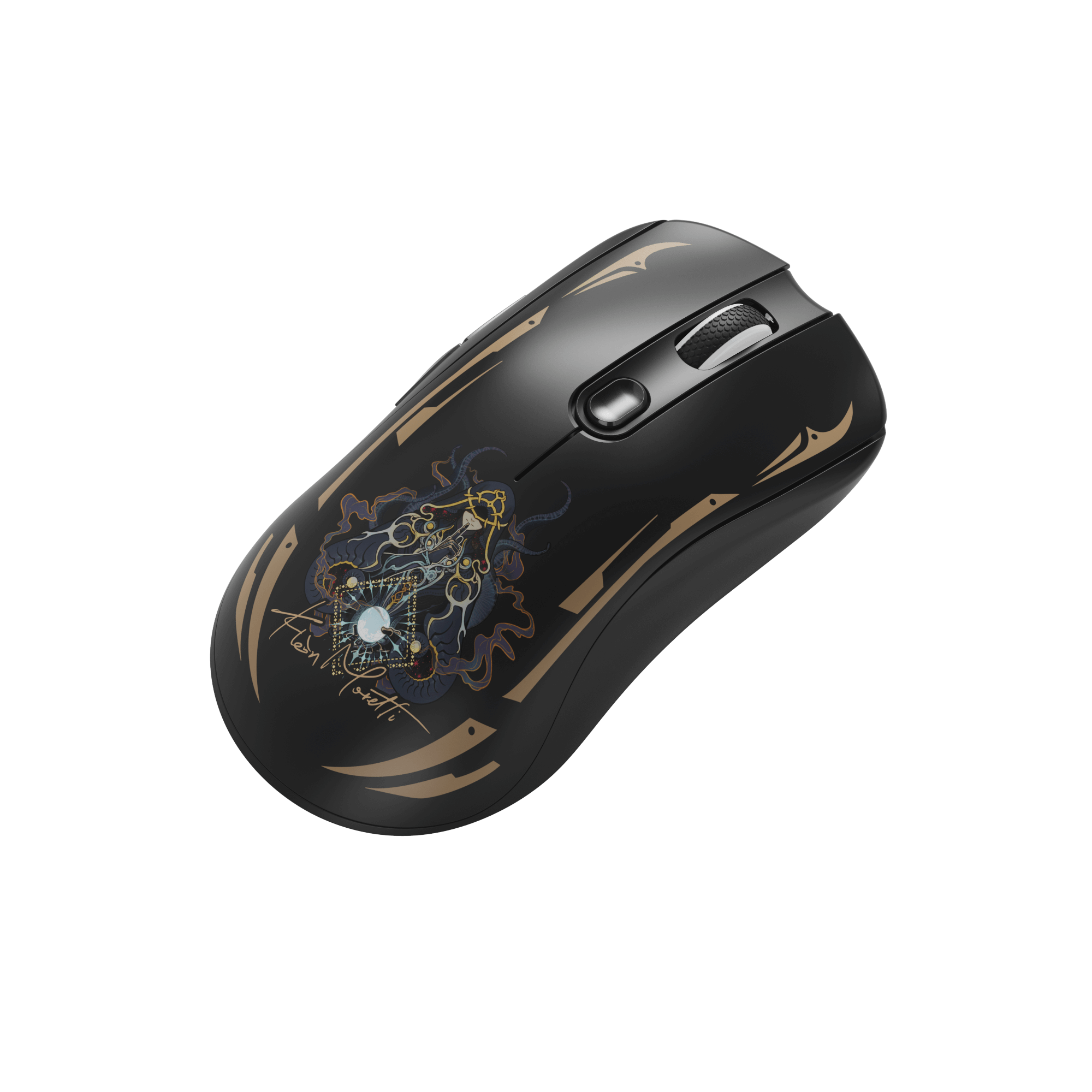



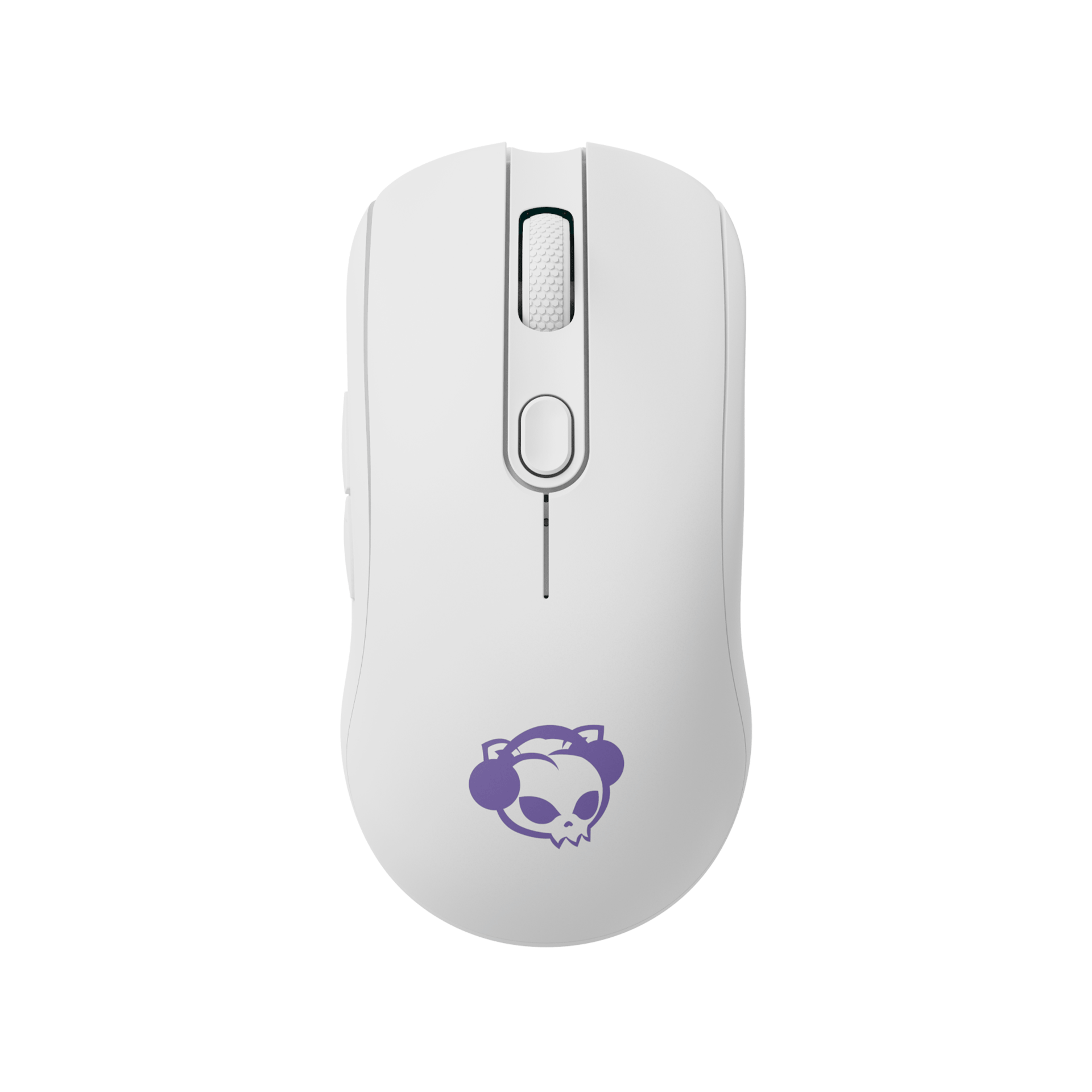
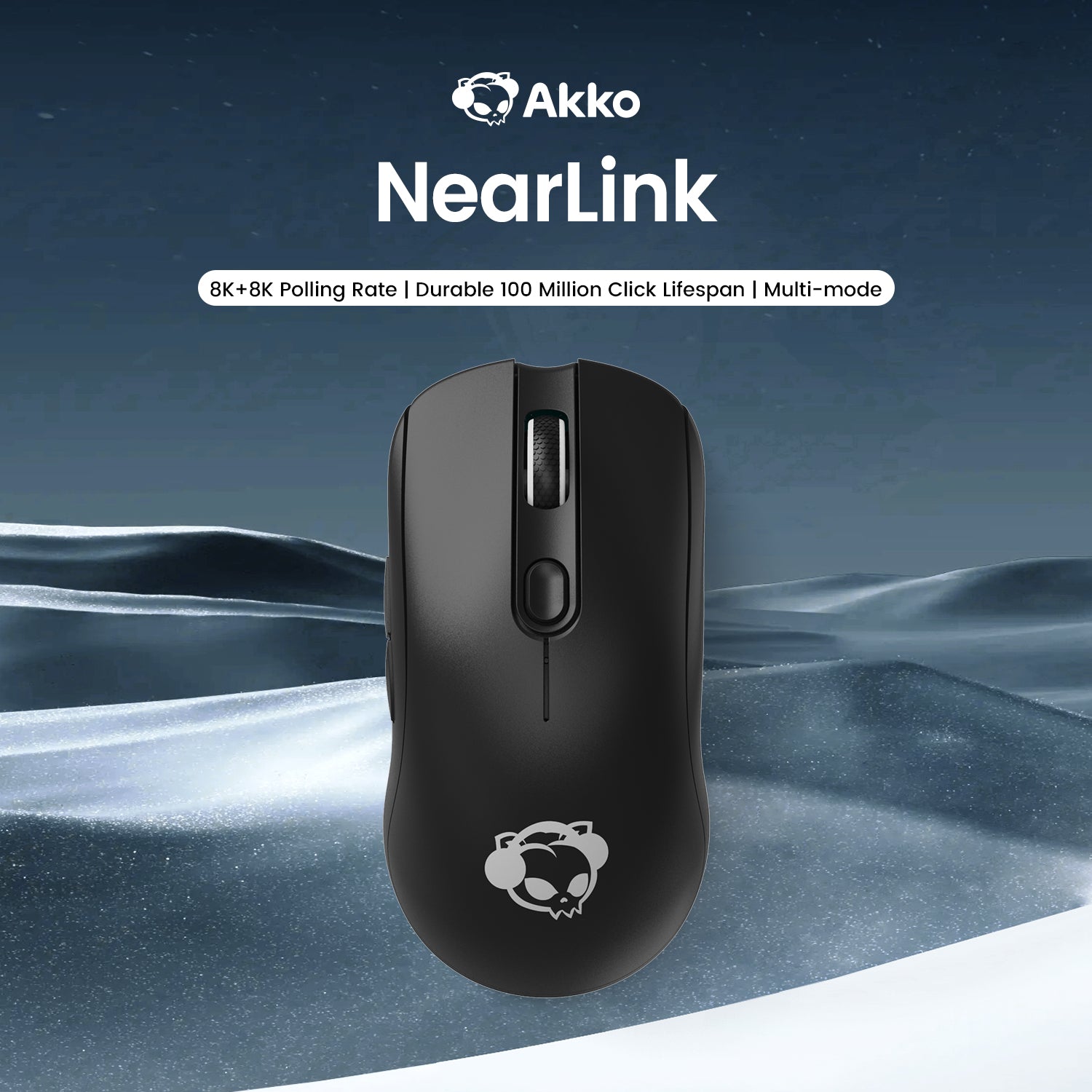



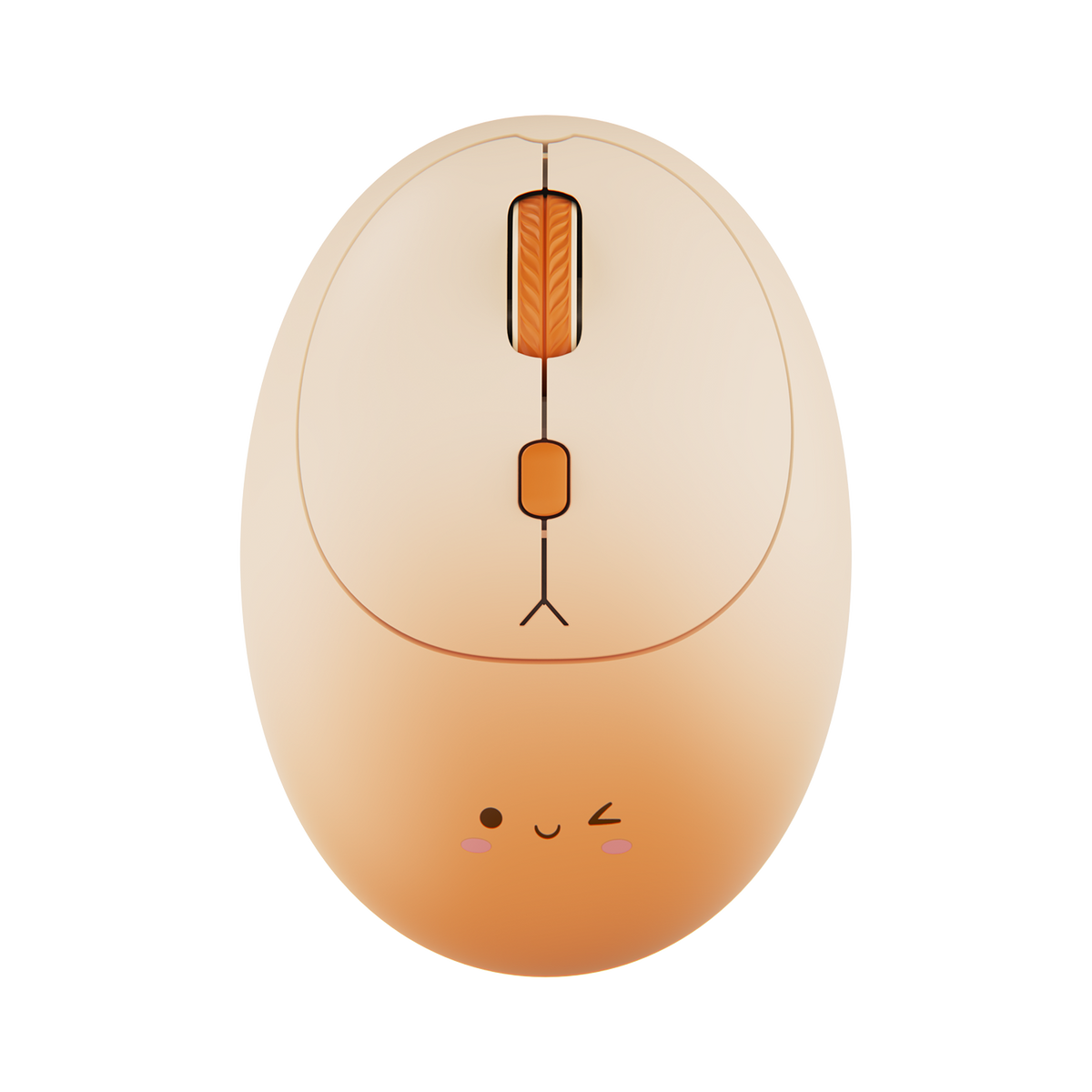

For Gaming, Work & Everyday Use
Akko Computer Mice
A high-quality mouse is one of the most important tools for any computer setup. It determines the precision, speed, and comfort of your movements, whether you're gaming, working, or browsing.
Akko offers a wide range of mice designed for performance, ergonomics, and reliability.
Buying Guide – How to Choose the Right Mouse
1. Intended Use
Not every mouse is designed for the same purpose.
Gaming mice prioritize speed, accuracy, and fast response times.
Office mice focus on ergonomics and long-term comfort.
Before buying, consider how you plan to use your mouse most often.
2. Wired or Wireless?
Modern wireless mice offer stable connections and low latency, making them suitable even for gaming.
Wired mice provide a constant connection with no battery requirements.
Wireless mice offer more flexibility and a cleaner workspace.
Both options have advantages depending on your setup and preferences.
3. Sensor & DPI
The sensor determines how accurately your mouse tracks movement.
Moderate DPI levels are sufficient for everyday office work.
Higher DPI settings are useful for faster movements or gaming scenarios.
Many Akko mice allow you to adjust DPI levels, giving you full control over sensitivity.
4. Polling Rate
The polling rate describes how often the mouse reports its position to the computer per second.
Higher polling rates result in: smoother cursor movement, faster response times,
improved precision
For most users, 1000Hz polling rate provides excellent performance.
5. Ergonomics & Weight
Ergonomics play a key role in long-term comfort. Ergonomic shapes reduce wrist strain during extended use. Lightweight mice allow quicker movements and less fatigue. Heavier mice can provide more stability and control.
Choosing the right weight and shape depends on your personal preference.
FAQ – Computer Mice
Which mouse is right for me?
The best mouse depends on how you plan to use it.
- For gaming, look for precise sensors and fast response times.
- For office work, comfort and ergonomics are more important.
If you want maximum flexibility, a wireless mouse is a great option.
Think about your main use case before choosing a model.
What DPI should I choose?
DPI (Dots Per Inch) measures the sensitivity of your mouse.
- 800–1200 DPI is usually sufficient for office work.
- Higher DPI settings are useful for faster or more precise movements in gaming.
Most modern mice offer adjustable DPI levels, allowing you to customize sensitivity.
What does polling rate mean?
The polling rate indicates how often the mouse sends its position to the computer each second.
A higher polling rate provides:
- smoother movement
- faster response time
- improved precision
For most users, 1000Hz is more than sufficient.
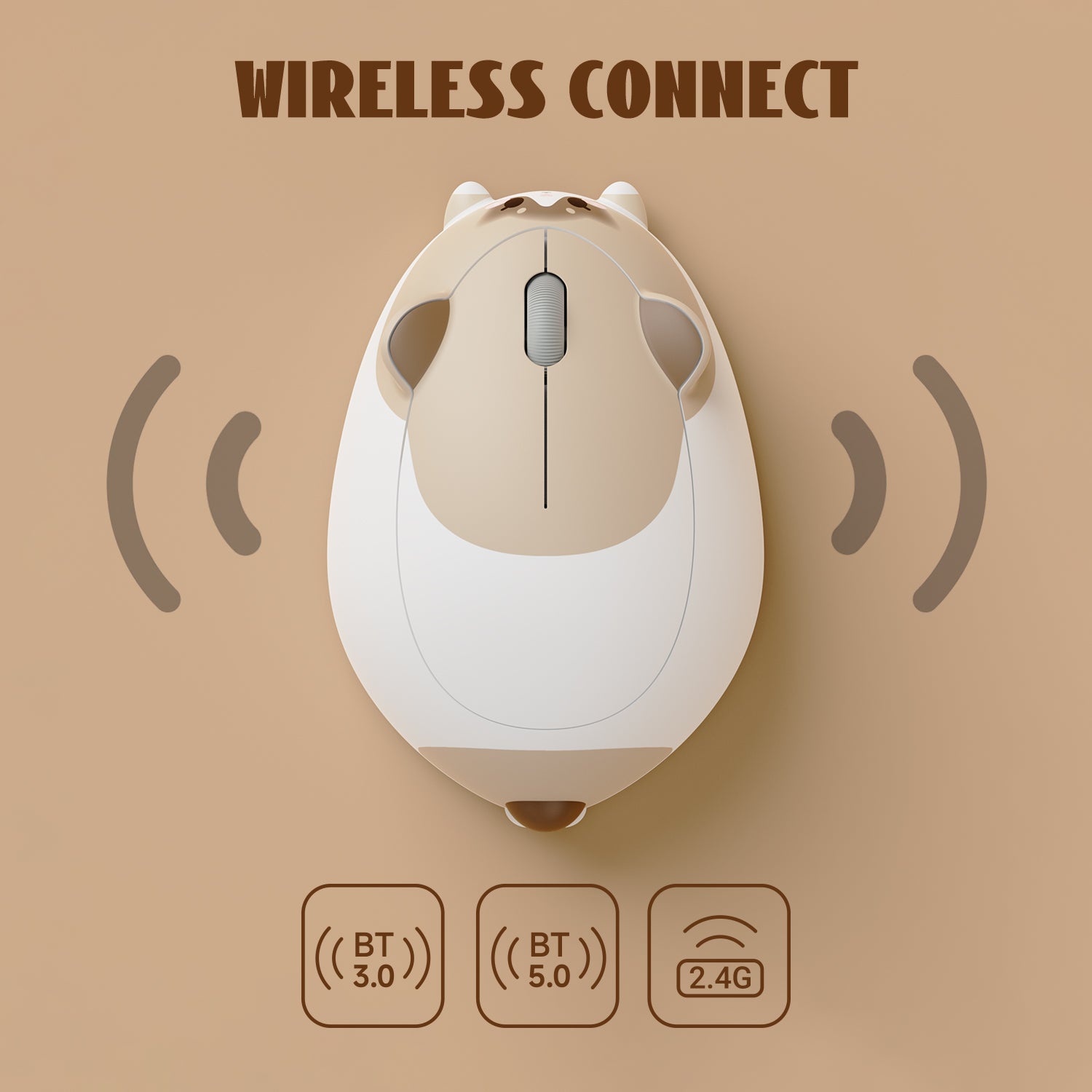
Bluetooth or 2.4GHz – which is better?
Both connection types have advantages.
Bluetooth
- Energy efficient
- Convenient for laptops and mobile devices
2.4GHz wireless (USB receiver)
- Lower latency
- More stable connection
- Better suited for gaming
The best choice depends on your device and usage.
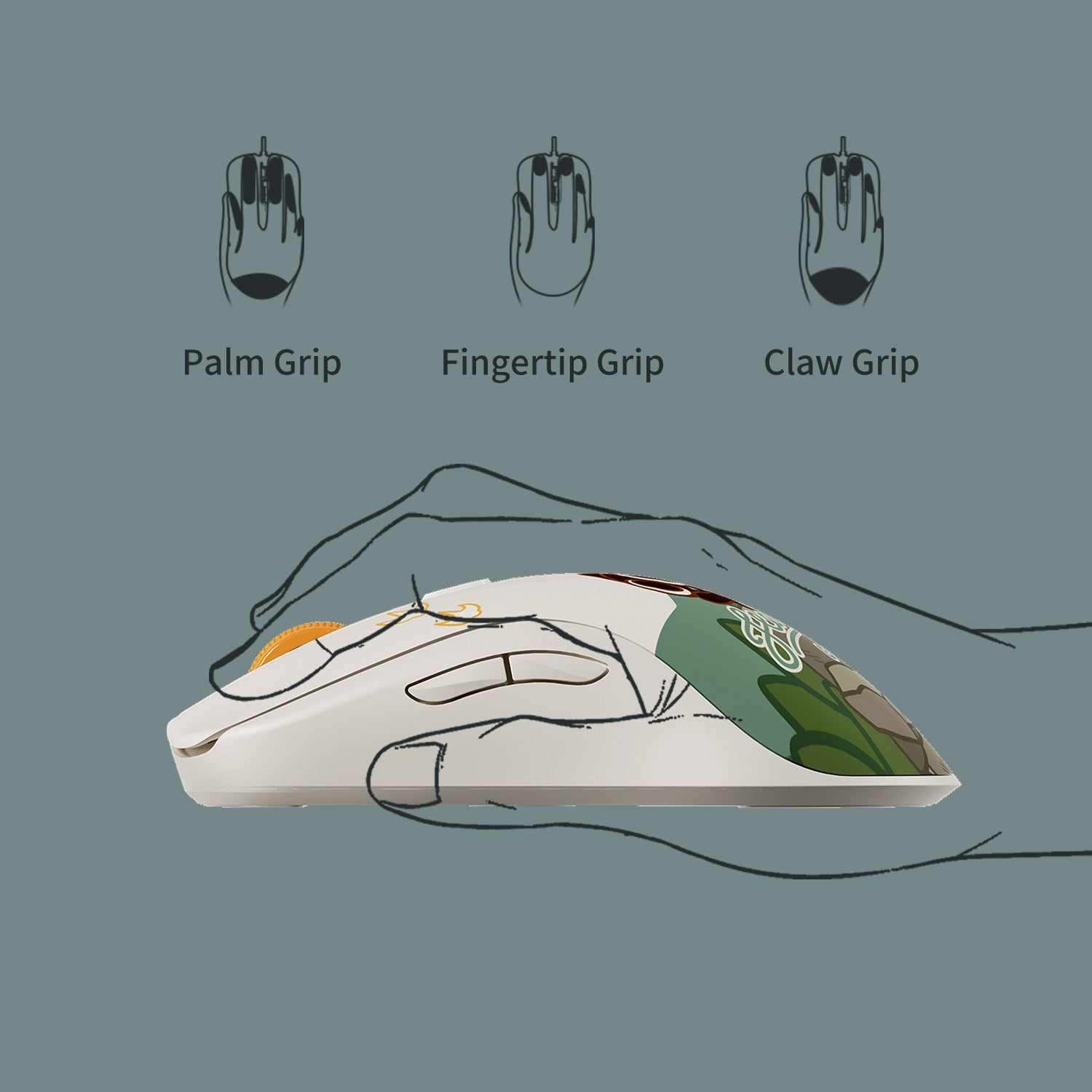
What mouse grip styles exist?
There are three common mouse grip styles:
- Palm Grip: Your entire hand rests on the mouse. Comfortable for long sessions.
- Claw Grip: Curved fingers with a raised palm. Provides precise control.
- Fingertip Grip: Only fingertips touch the mouse. Allows very fast movements.
The best shape depends on your hand size and personal comfort.
Why isn’t my USB receiver working?
Try the following steps:
- Test another USB port
- Connect the receiver to another device
- Check driver settings and power-saving options
If the problem continues, our customer support team will be happy to help.
Where can I download the driver software?
You can find the latest software for compatible models in the Download Center on our website.
Simply select your mouse model and download the corresponding software.