







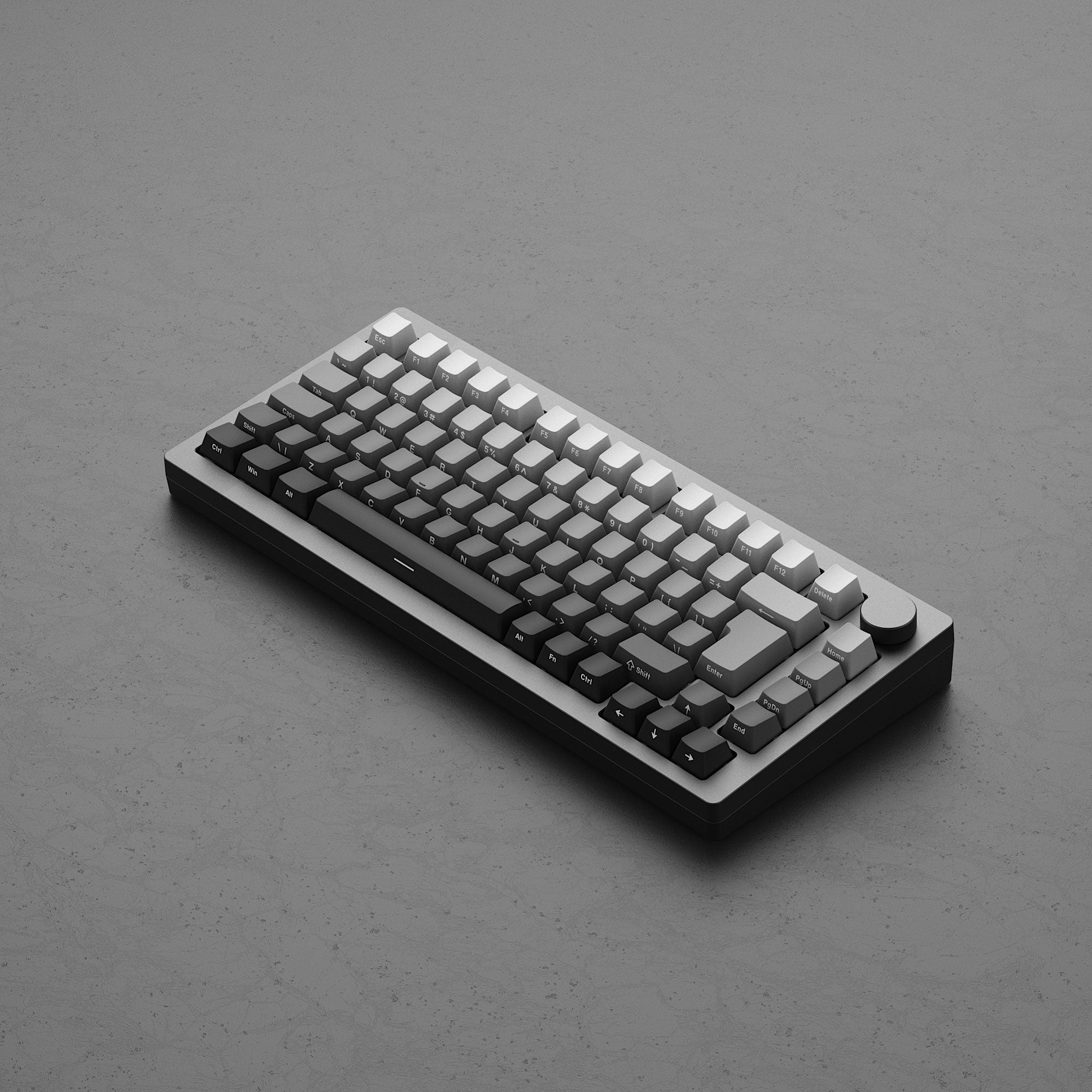
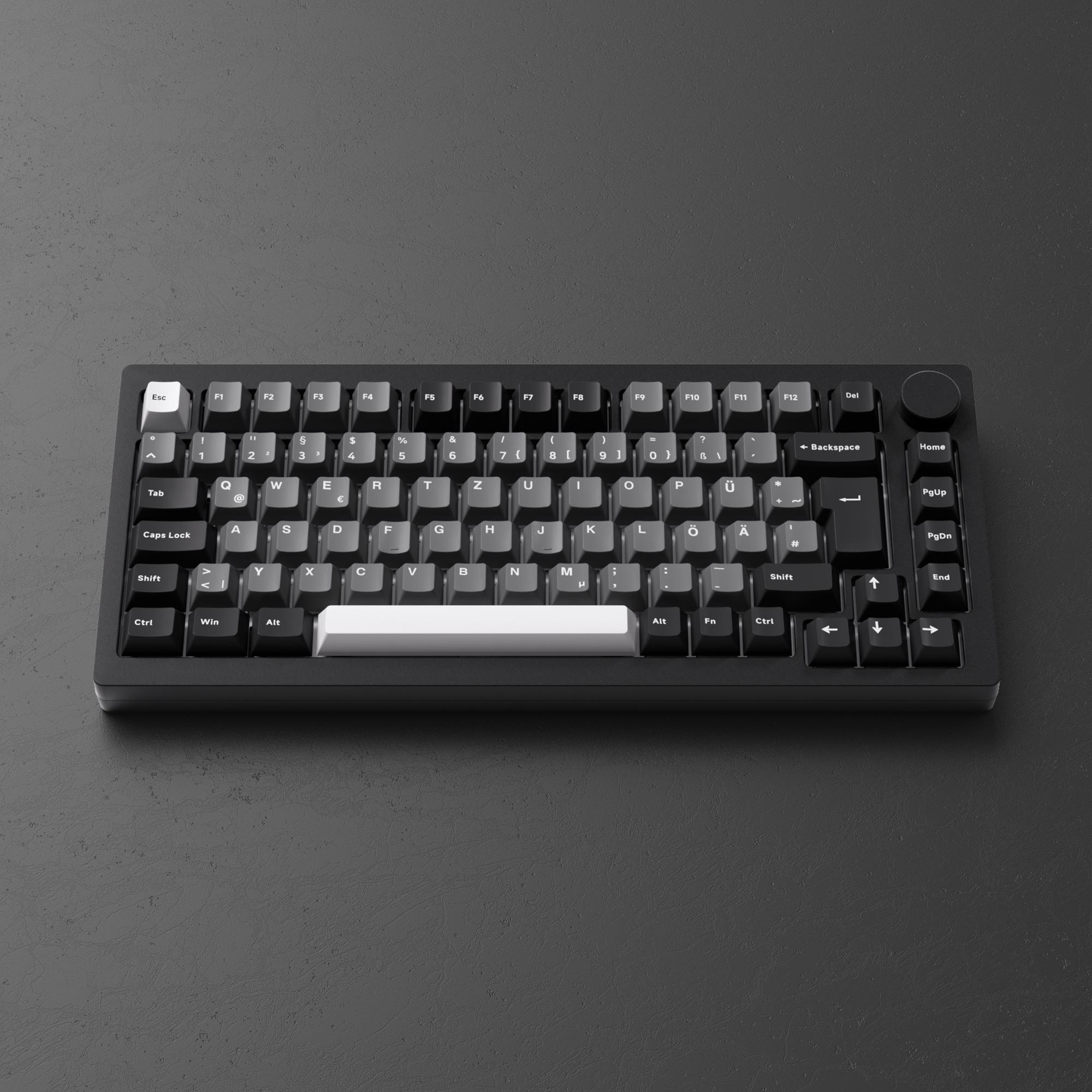
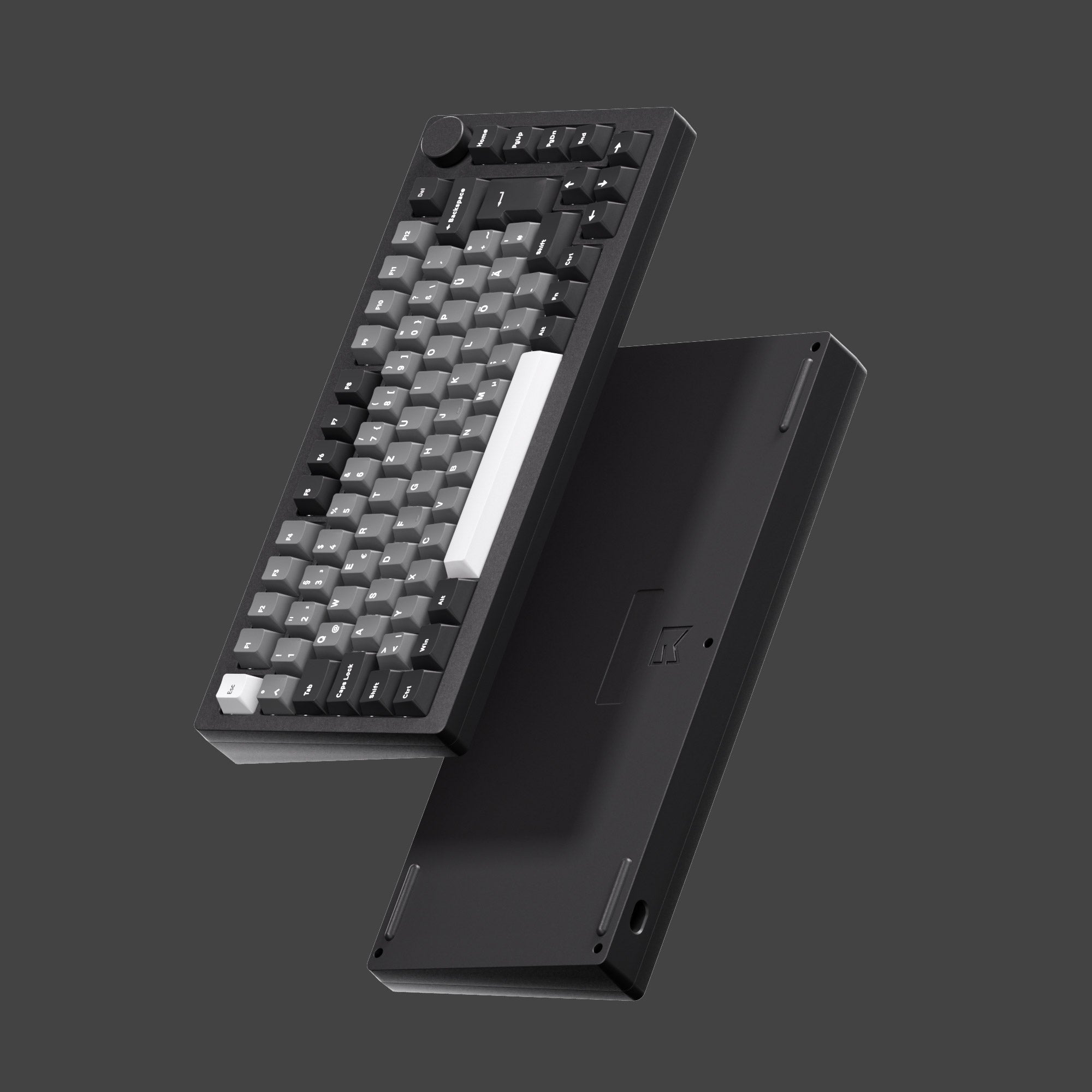
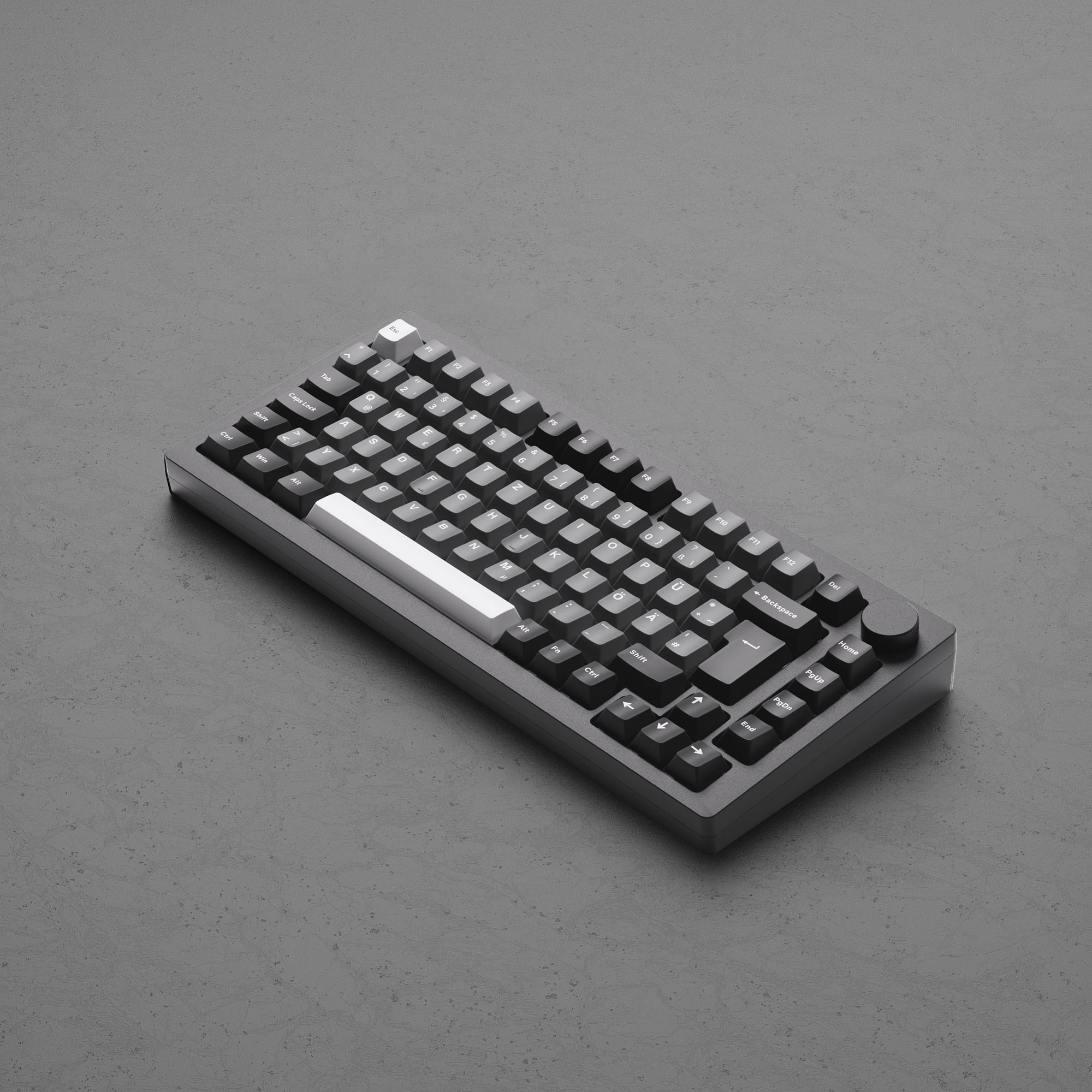
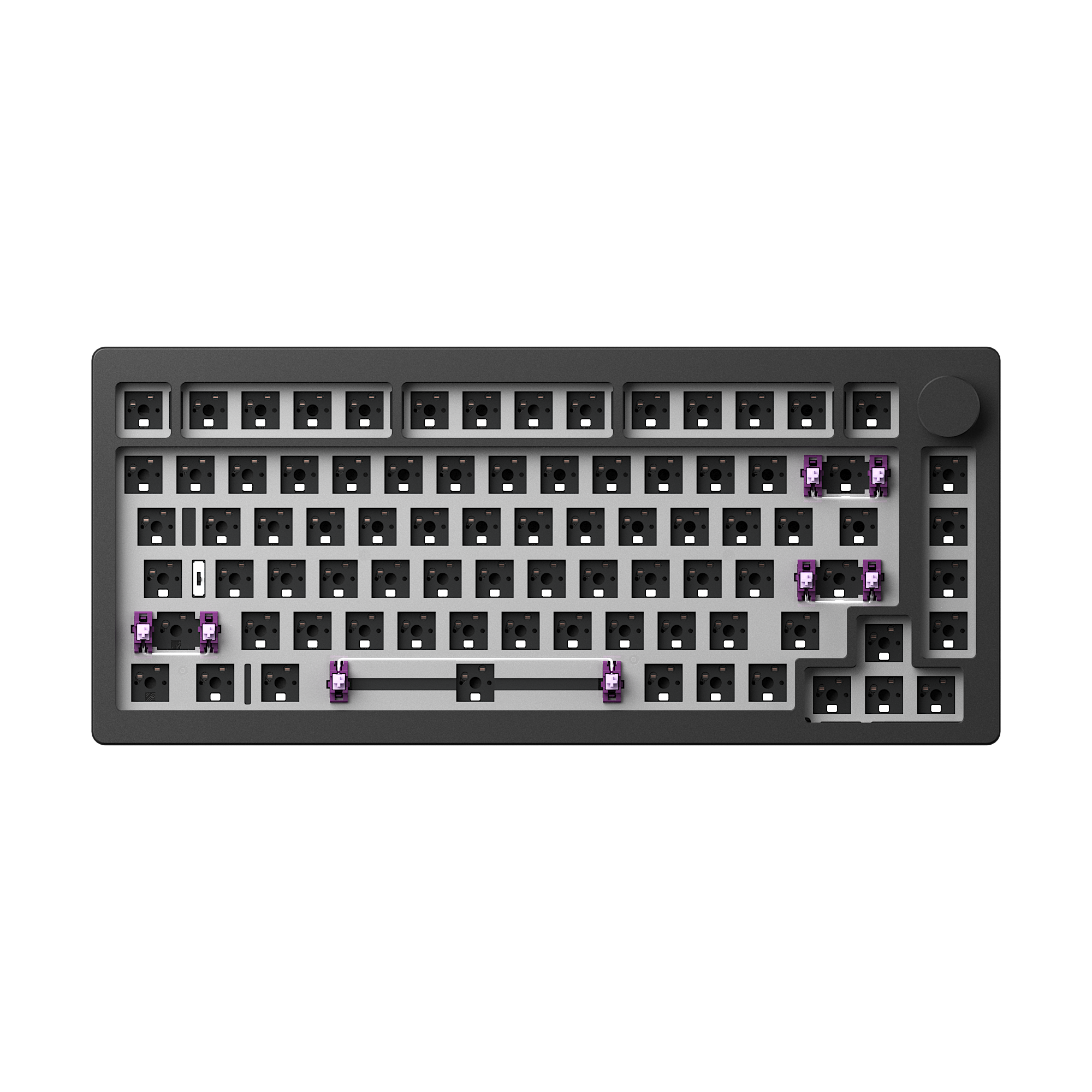
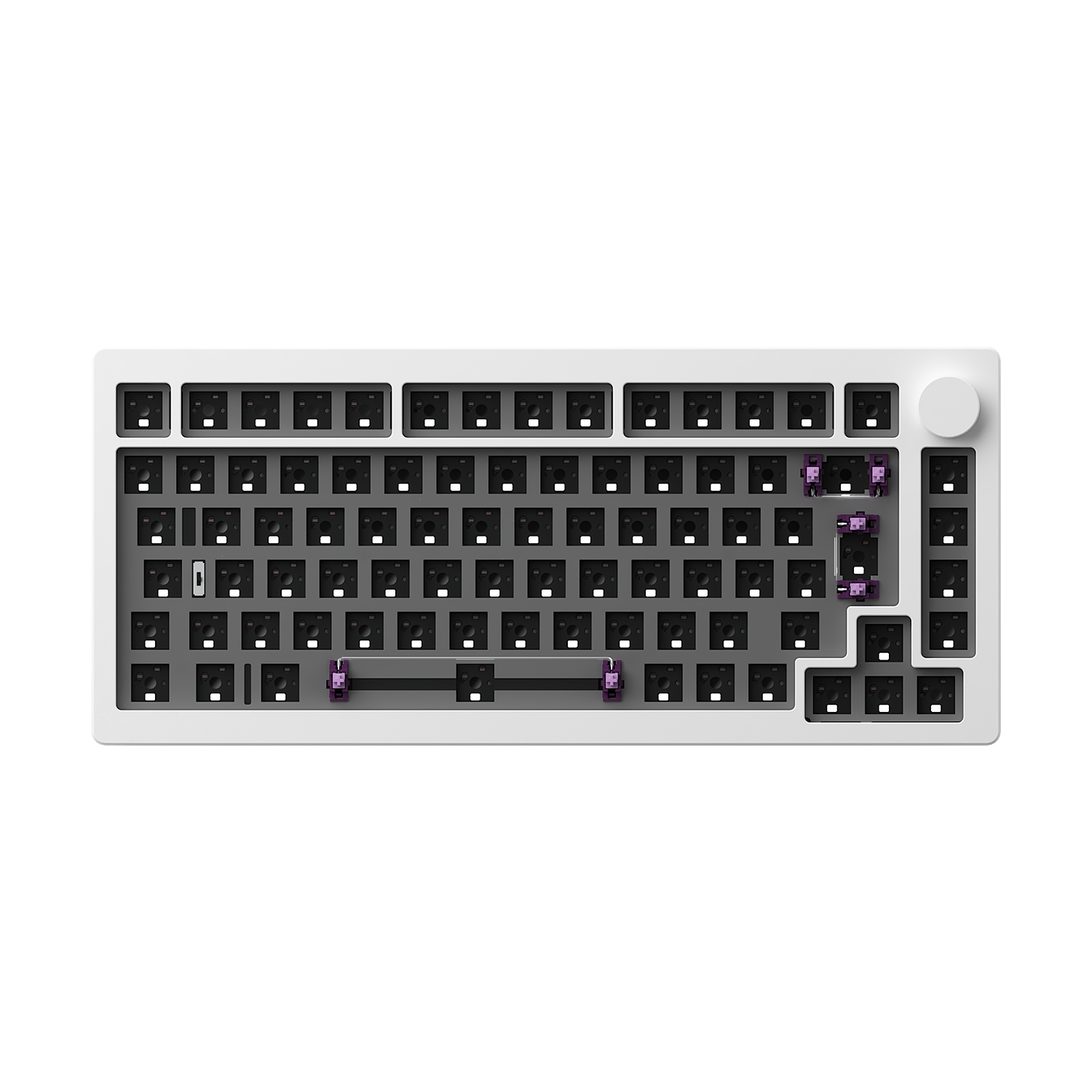
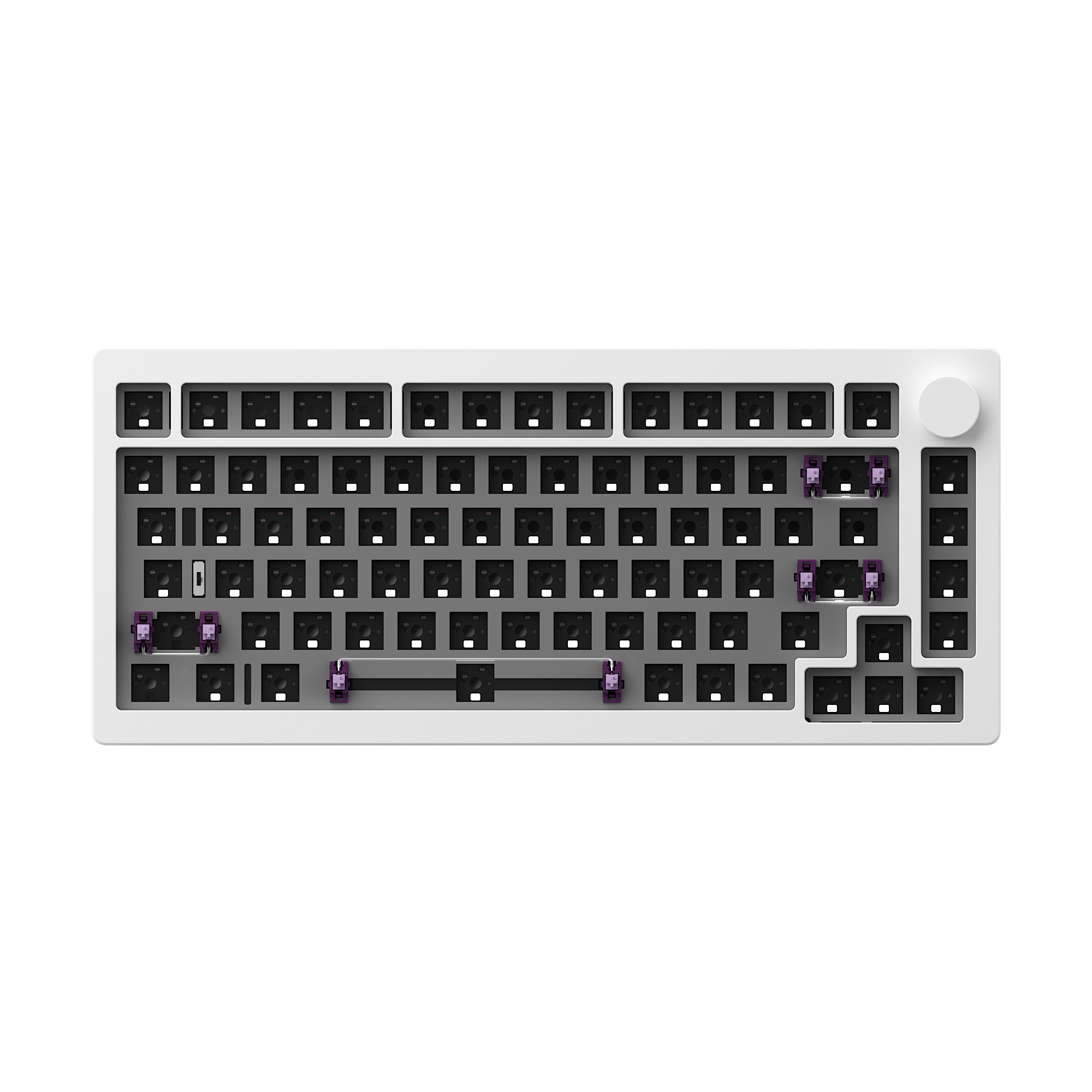
MonsGeek M1W V3 SP
Tax included. Shipping calculated at checkout
Only for the Black & Silver color
2~3 days for DE; 6~7 days for the other European region.
Click here for more local stock products and details.
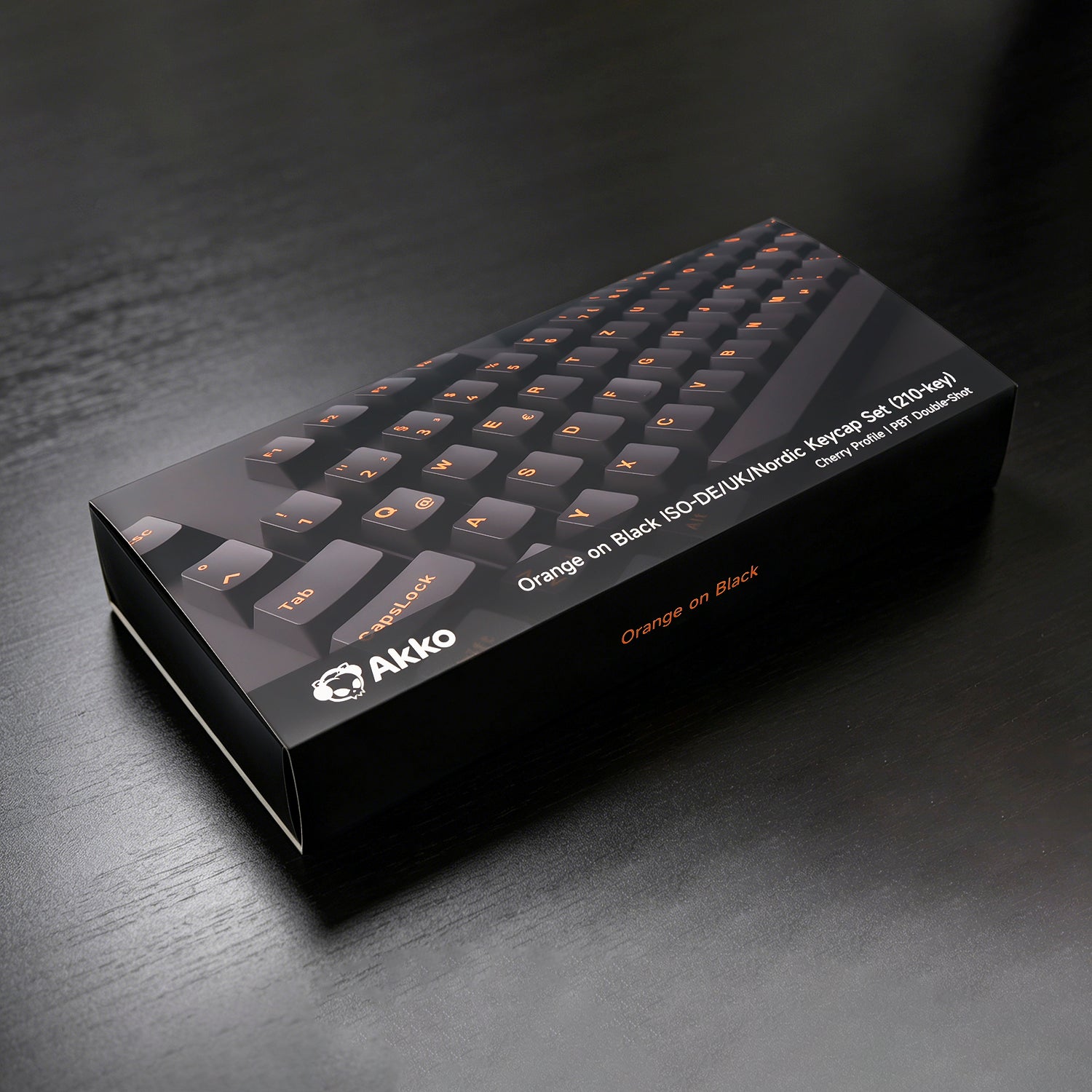
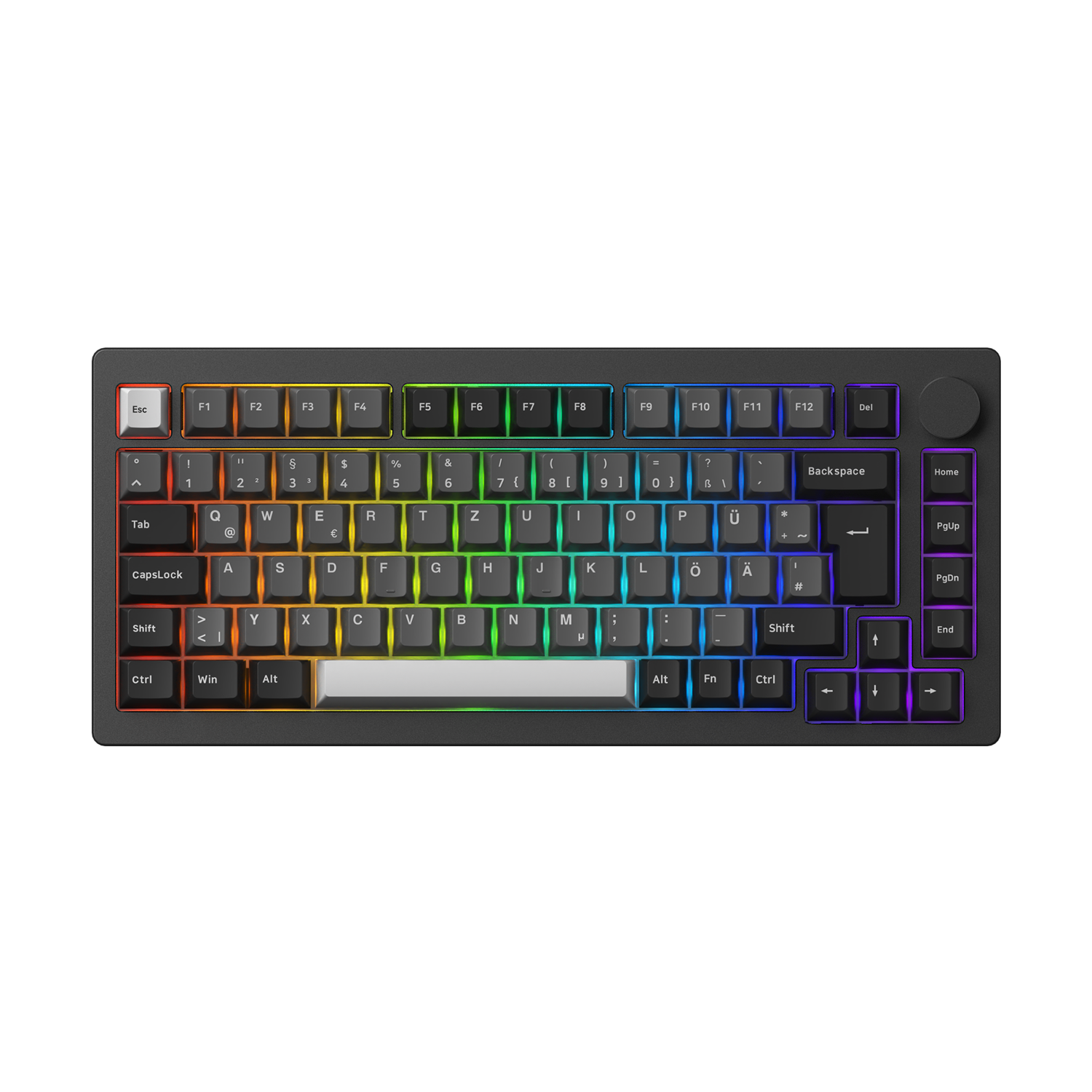
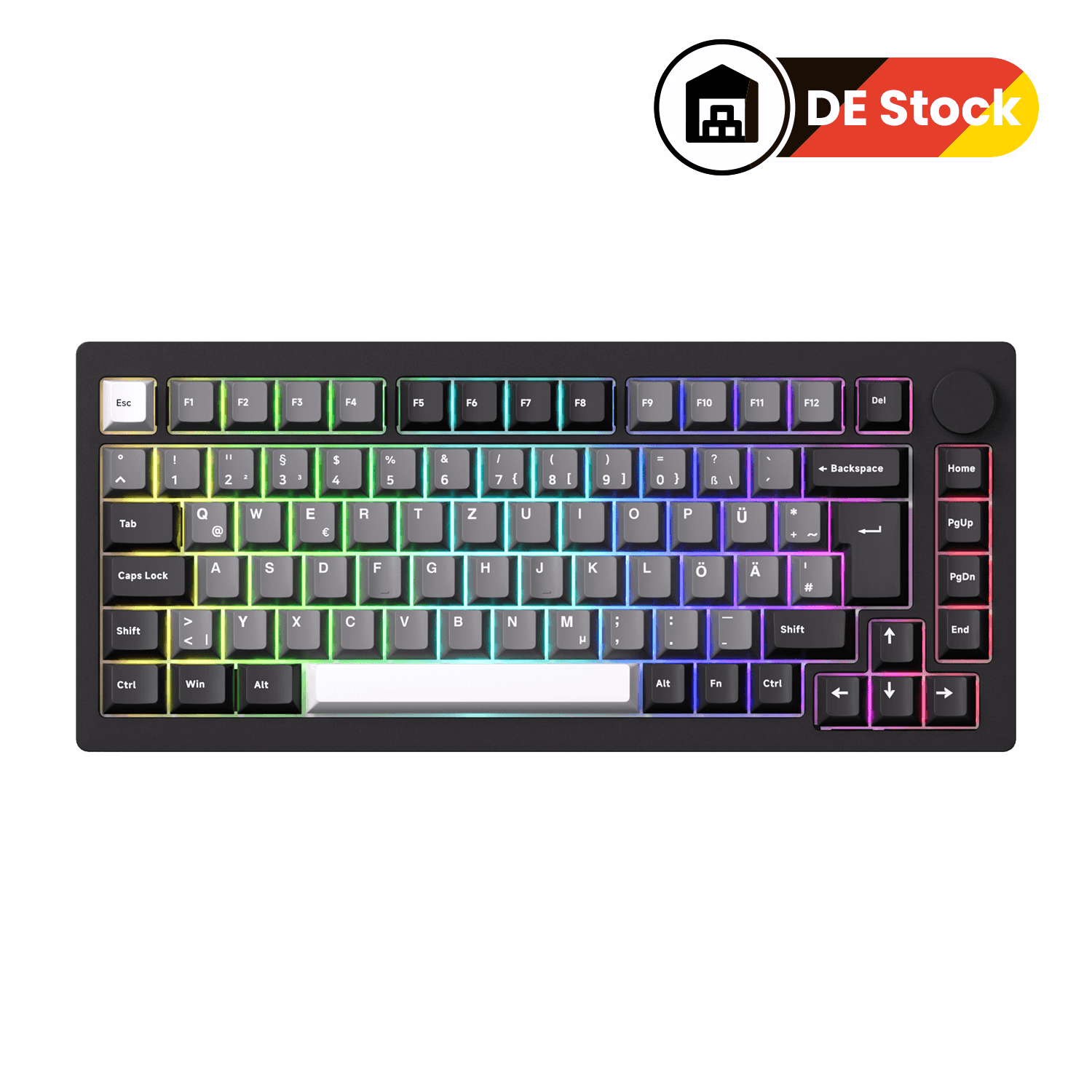
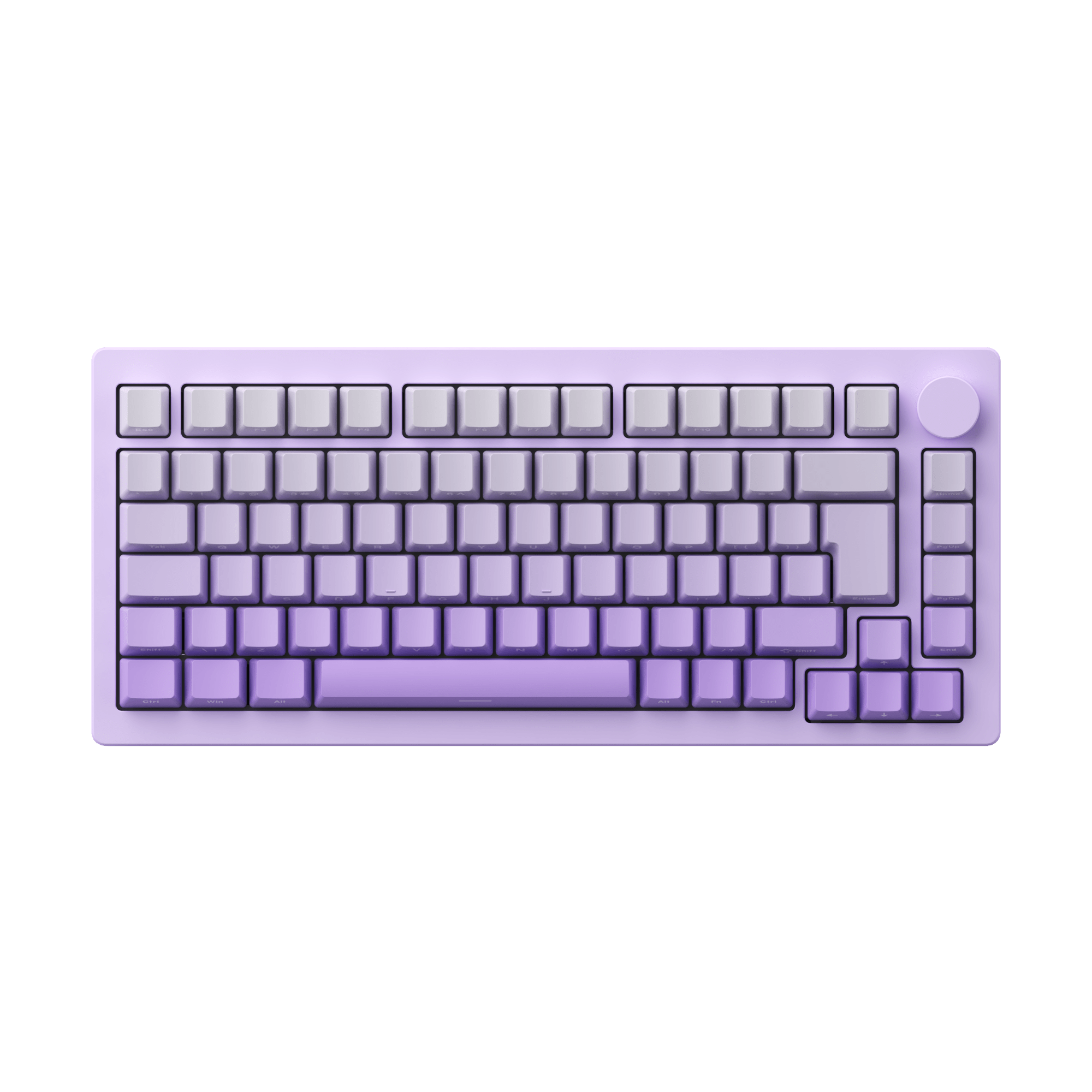
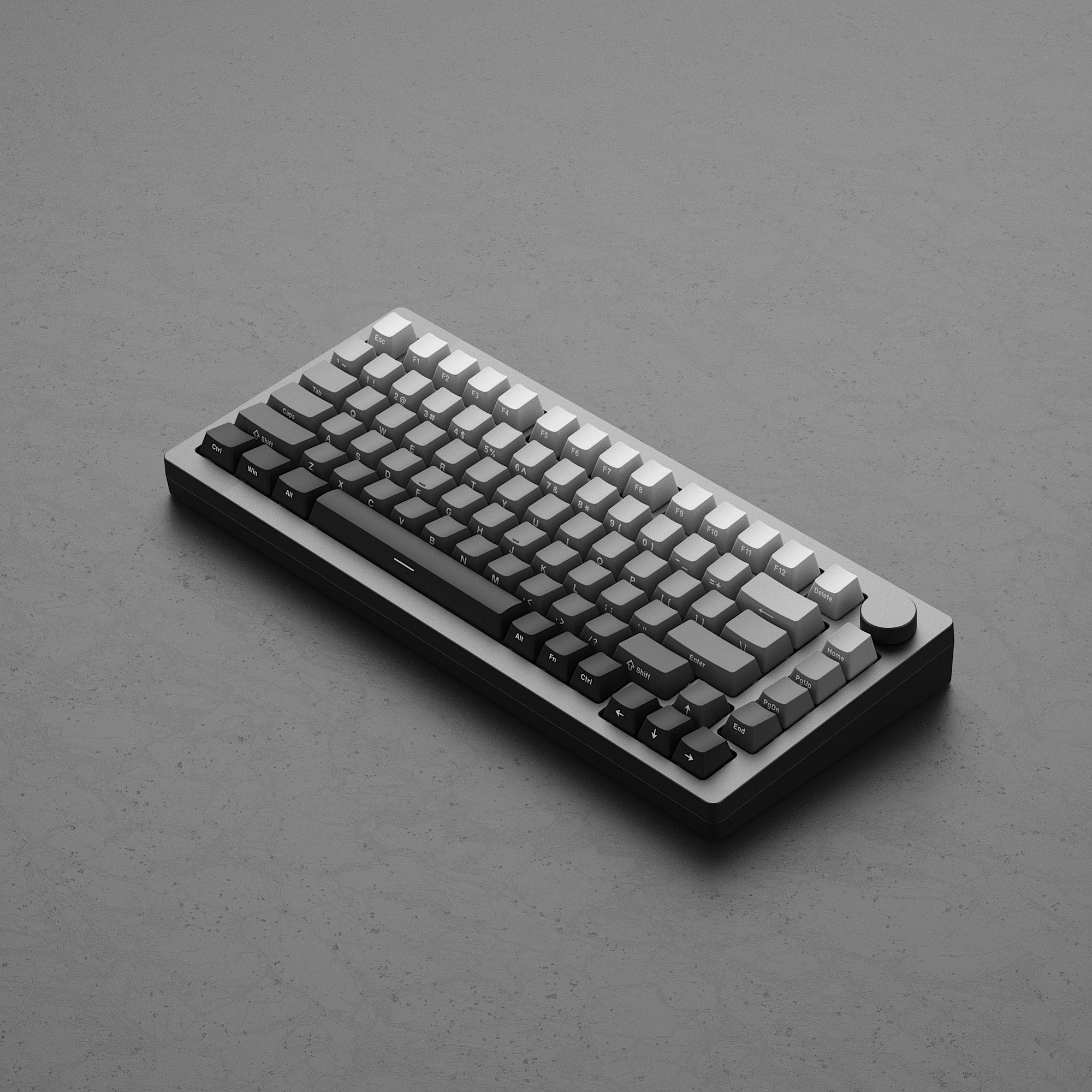
Black & Silver comes with ISO-DE pre-build keyboard, ISO-Nordic and ISO-UK extra keycaps. It does not support "Side-printed" or "Shine-through".
Restocking soon means that the item be pre-purchased only, or the dispatch will occur at the specified time for another reason.
We strive to provide you with services of the highest standard!
Default (CN) Warehouse
Products that are not specifically marked with an overseas warehouse option are generally shipped from our Default (CN) Warehouse.
The Default (CN) Warehouse currently supports shipping to the following countries and regions:
Australia, Austria, Belgium, Bulgaria, Canada, Colombia, Croatia, Cyprus, Czechia, Denmark, Estonia, Finland, France, Germany, Greece, Guatemala, Iceland, Indonesia, Ireland, Italy, Jamaica, Japan, Jersey, Kuwait, Latvia, Lithuania, Luxembourg, Mexico, Mongolia, Netherlands, New Zealand, Norway, Pakistan, Philippines, Poland, Portugal, Qatar, Romania, Russia, Serbia, Singapore, Slovakia, Slovenia, Spain (47 of 52 provinces), Spain (Ceuta), Sri Lanka, Sweden, Switzerland, Taiwan, Thailand, United Kingdom, United States (56 of 62 states), Uzbekistan, and Vietnam.
Most products sold on Akkogear.eu are shipped from China.
For most eligible EU destinations, the estimated delivery time from the Default (CN) Warehouse is approximately 10–20 working days.
This estimate refers to the expected delivery period and should not be interpreted as order processing time.
Germany (DE) Warehouse
The Germany (DE) Warehouse currently supports shipping to:
Austria, Belgium, Bulgaria, Croatia, Czechia, Denmark, Estonia, France, Germany, Greece, Hungary, Italy, Latvia, Lithuania, Luxembourg, Netherlands, Poland, Portugal (18 of 20 regions), Romania, Slovakia, Slovenia, Spain (47 of 52 provinces), and Sweden.
For Germany, the estimated delivery time is approximately 2–3 days by DHL fast delivery.
For other supported European destinations, the estimated delivery time is approximately 6–7 days.
The DE Warehouse does not currently support delivery to the United Kingdom, Ireland, Malta, Cyprus, Switzerland, or other destinations not listed above.
Click Here to View More Details.
Our support team is available to help you within 24 hours.

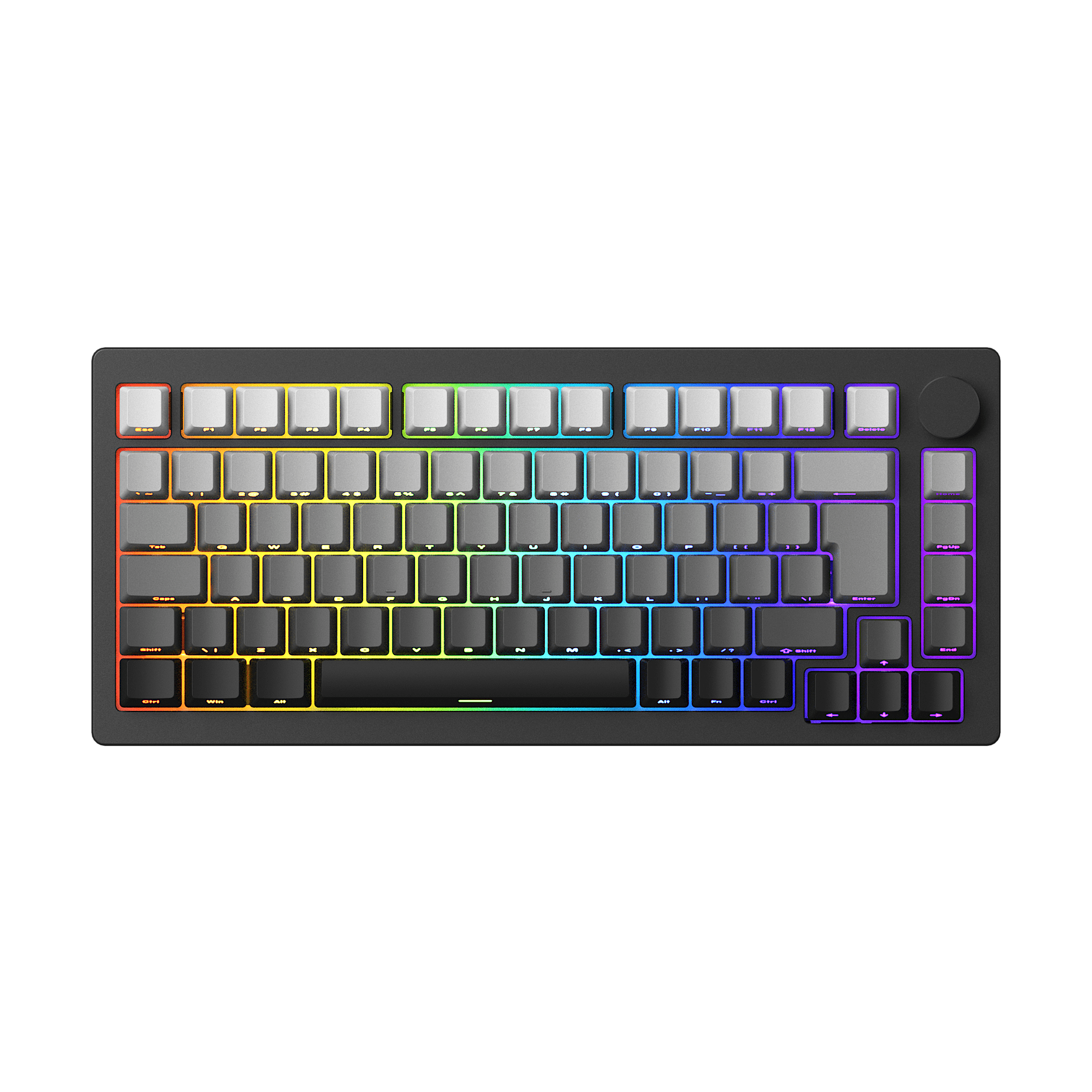
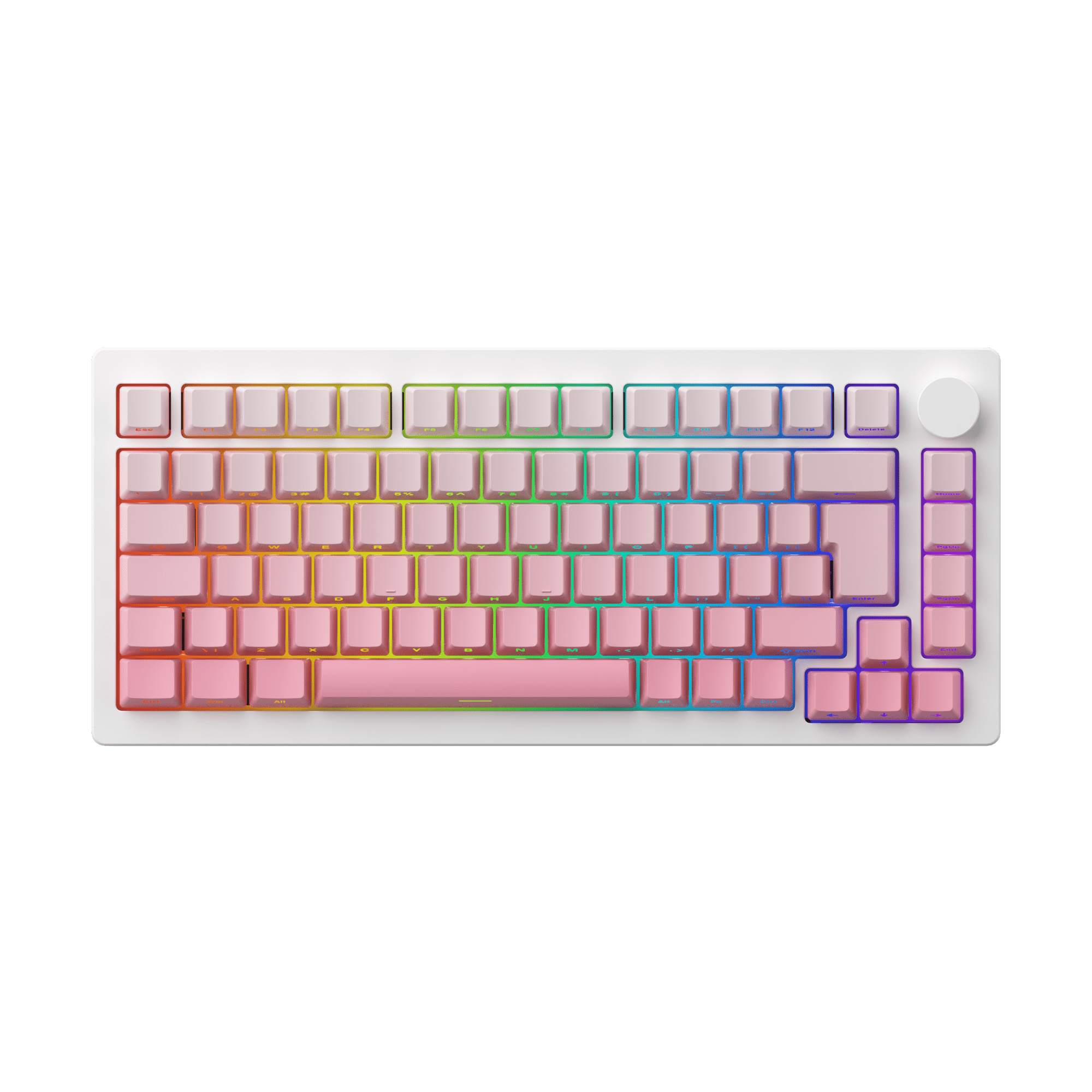
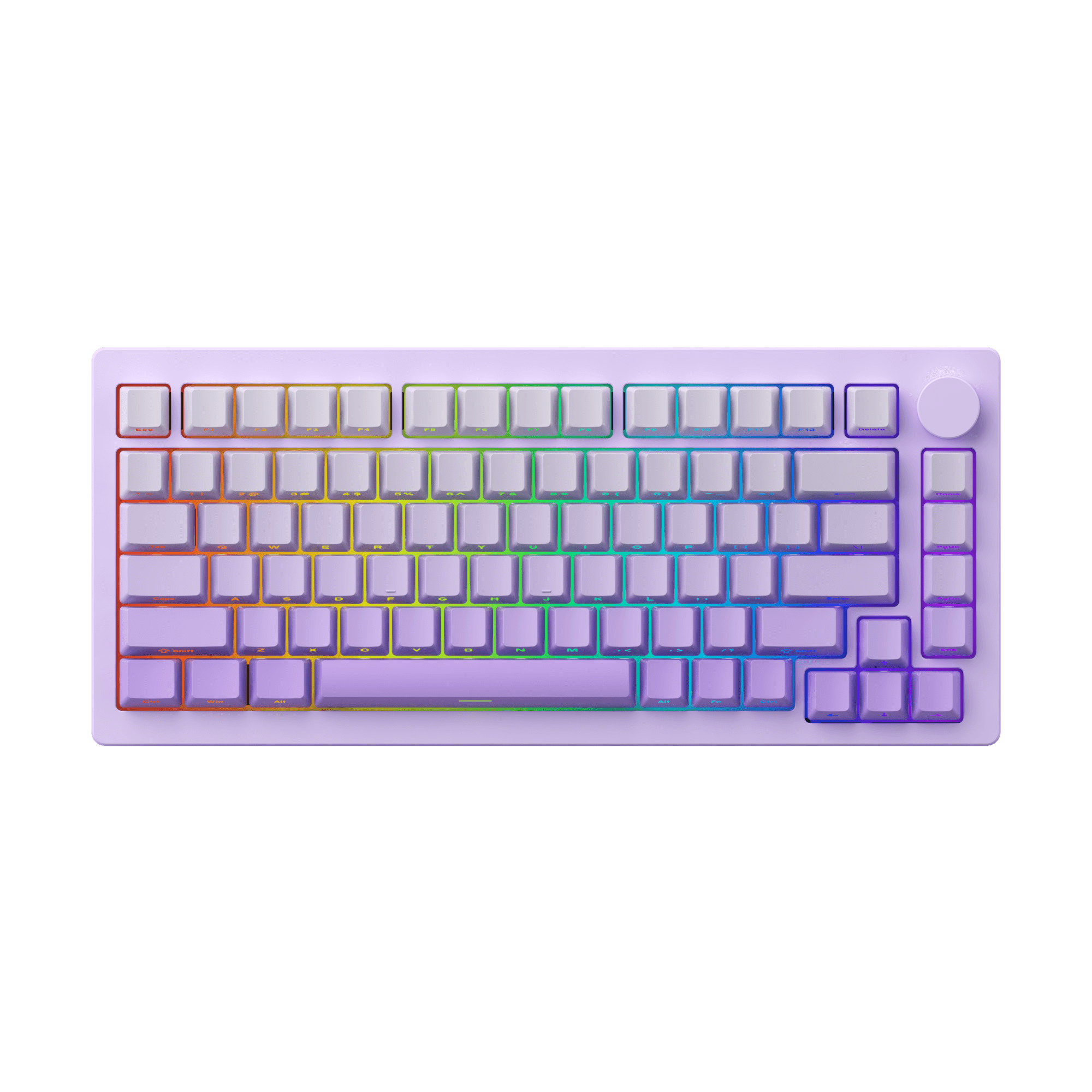
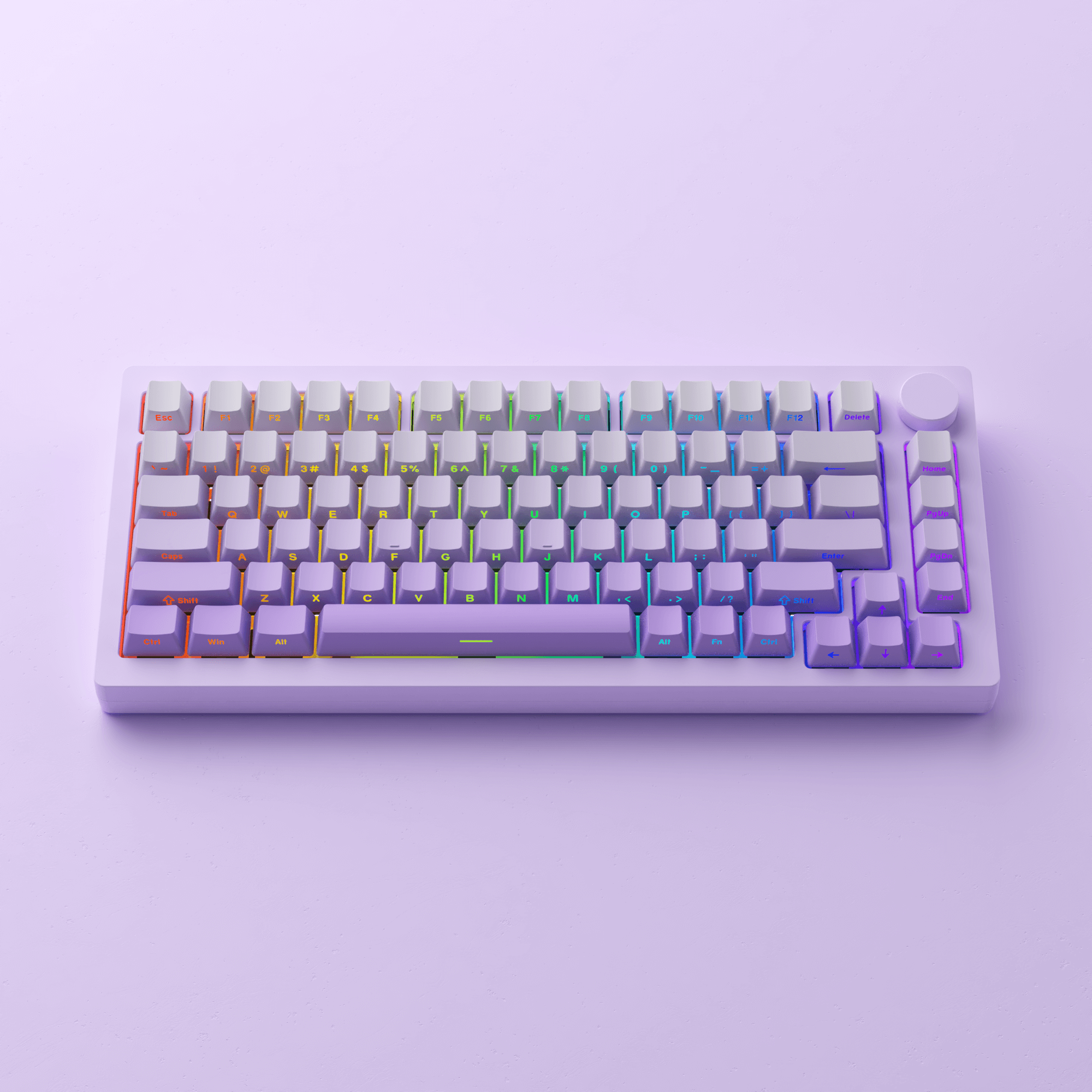
Gasket Mount | RGB Backlit | Shine-through





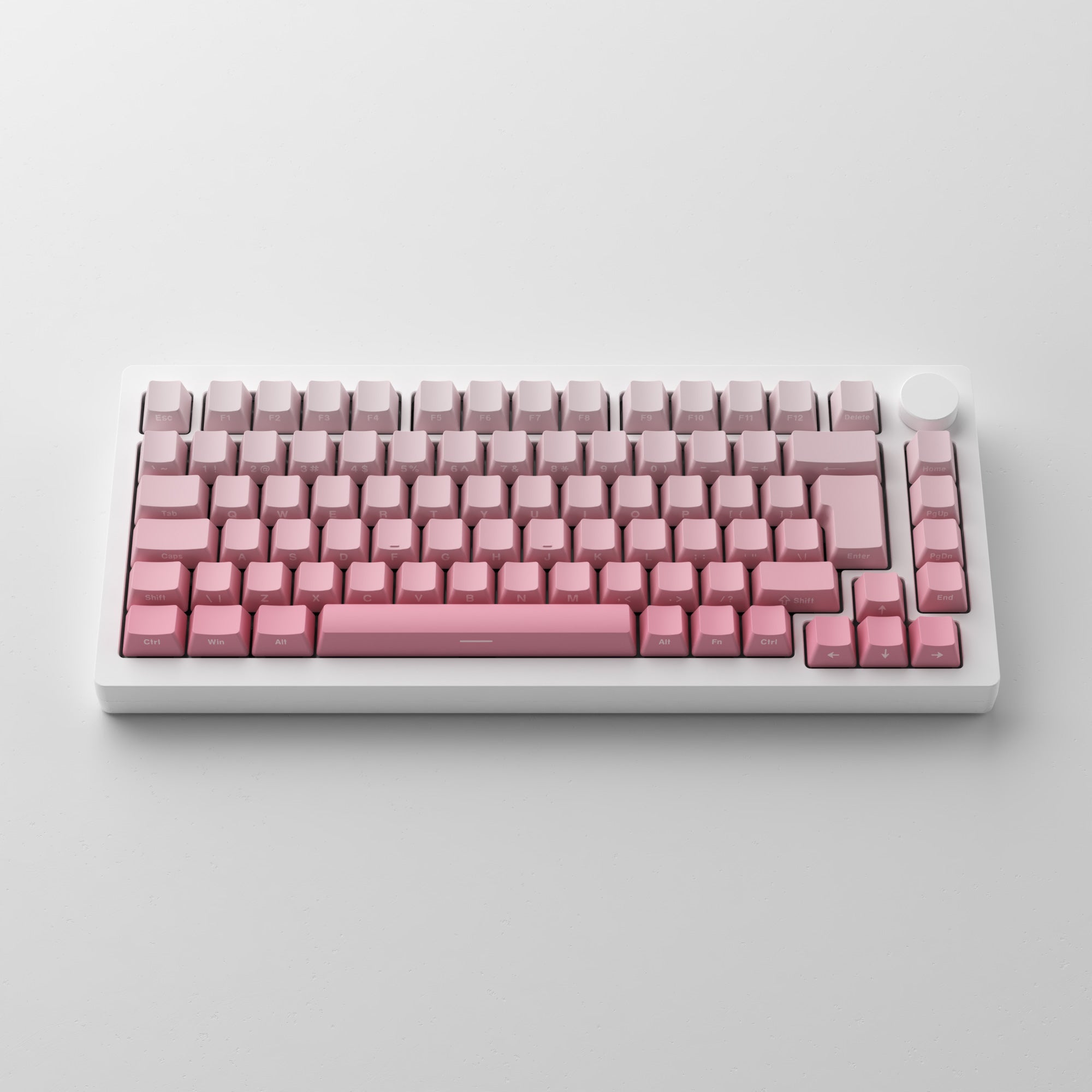
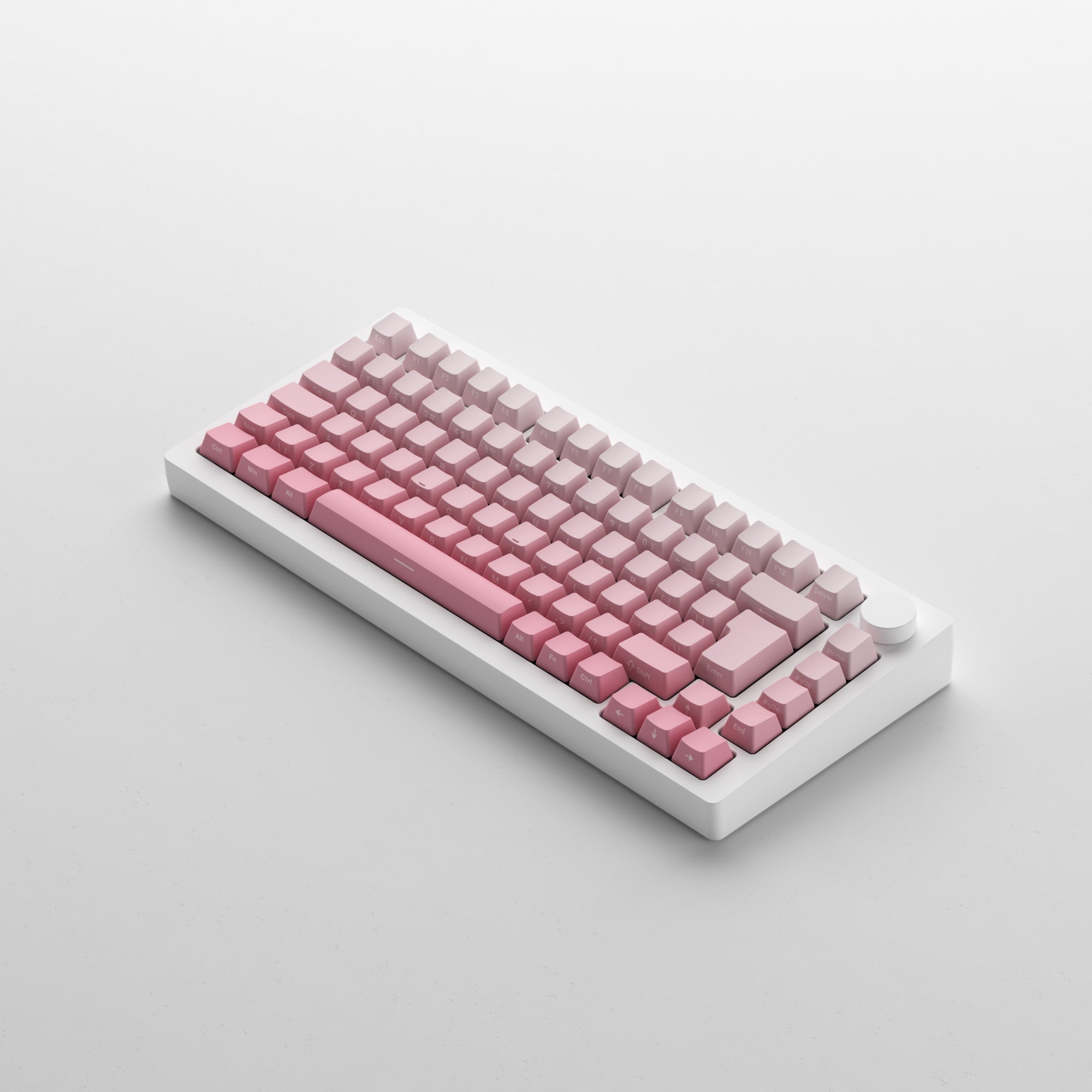
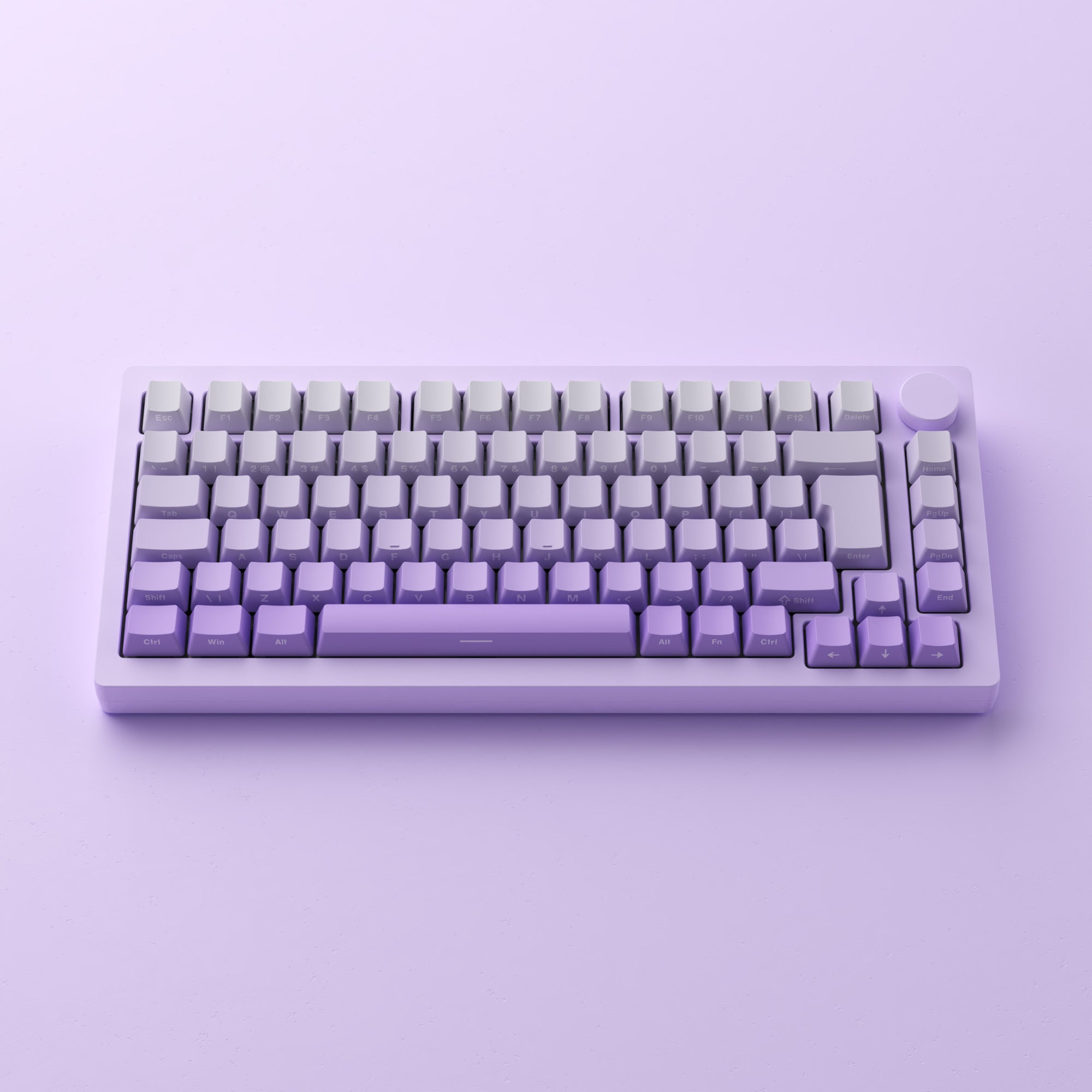
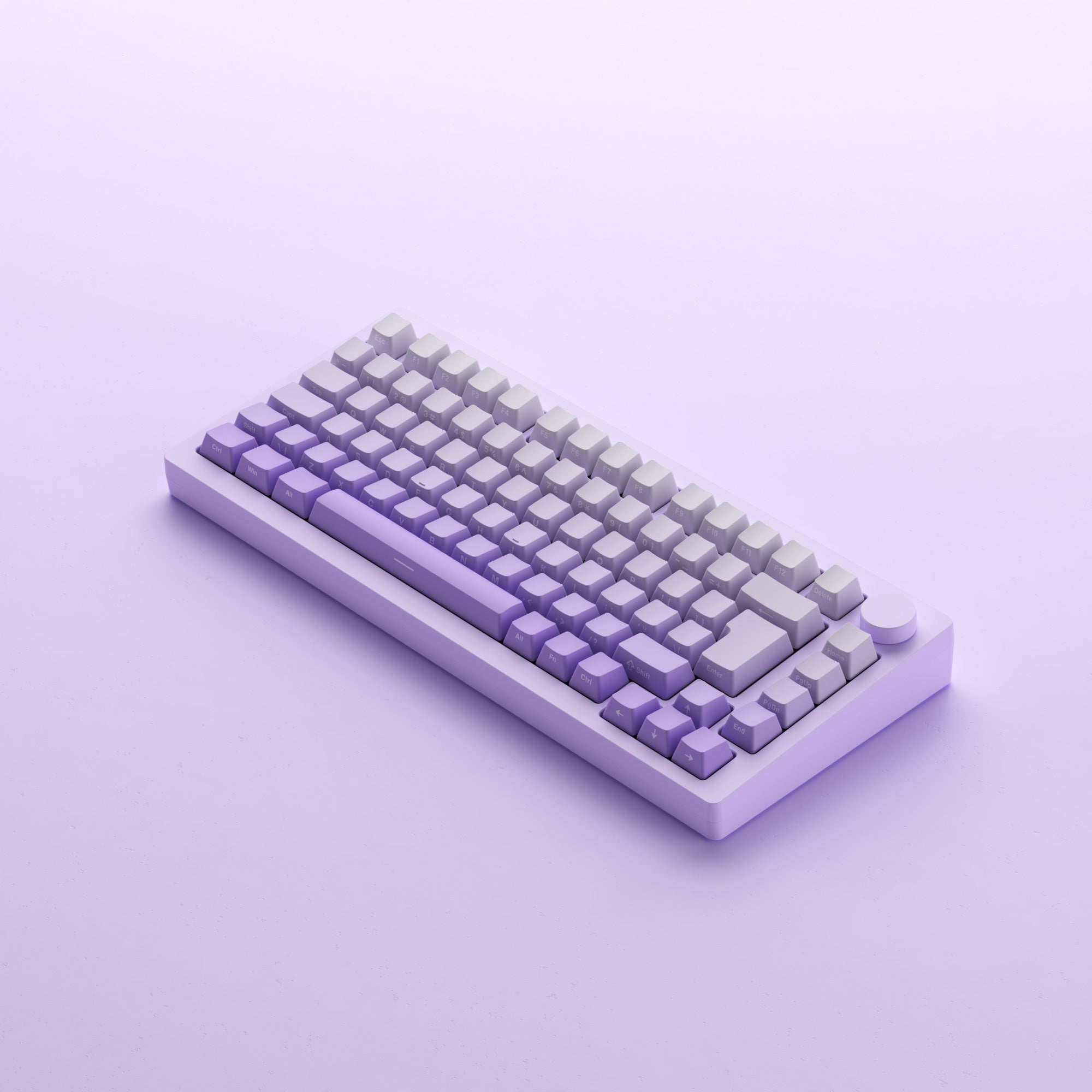
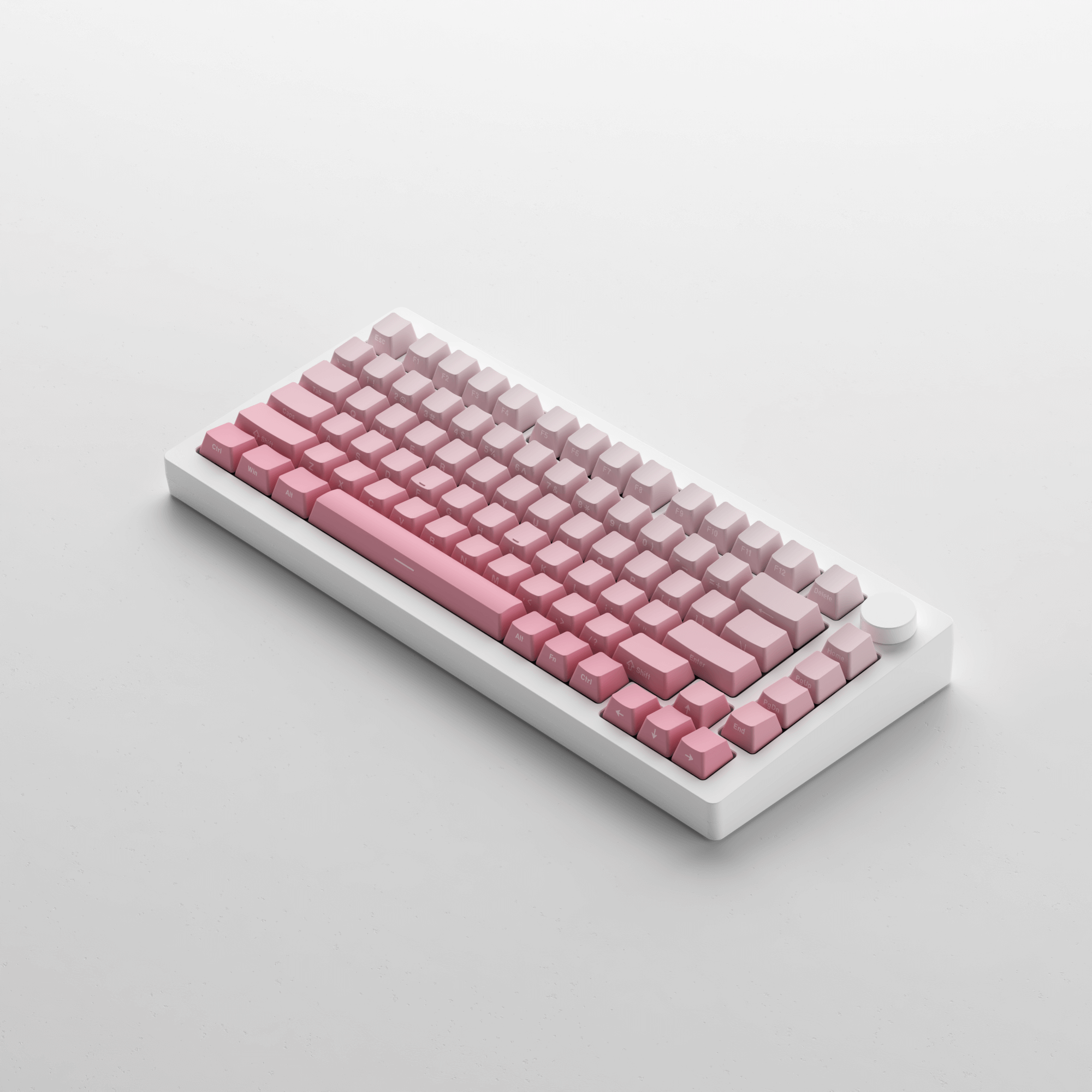
Side-printed Backlit Keycaps
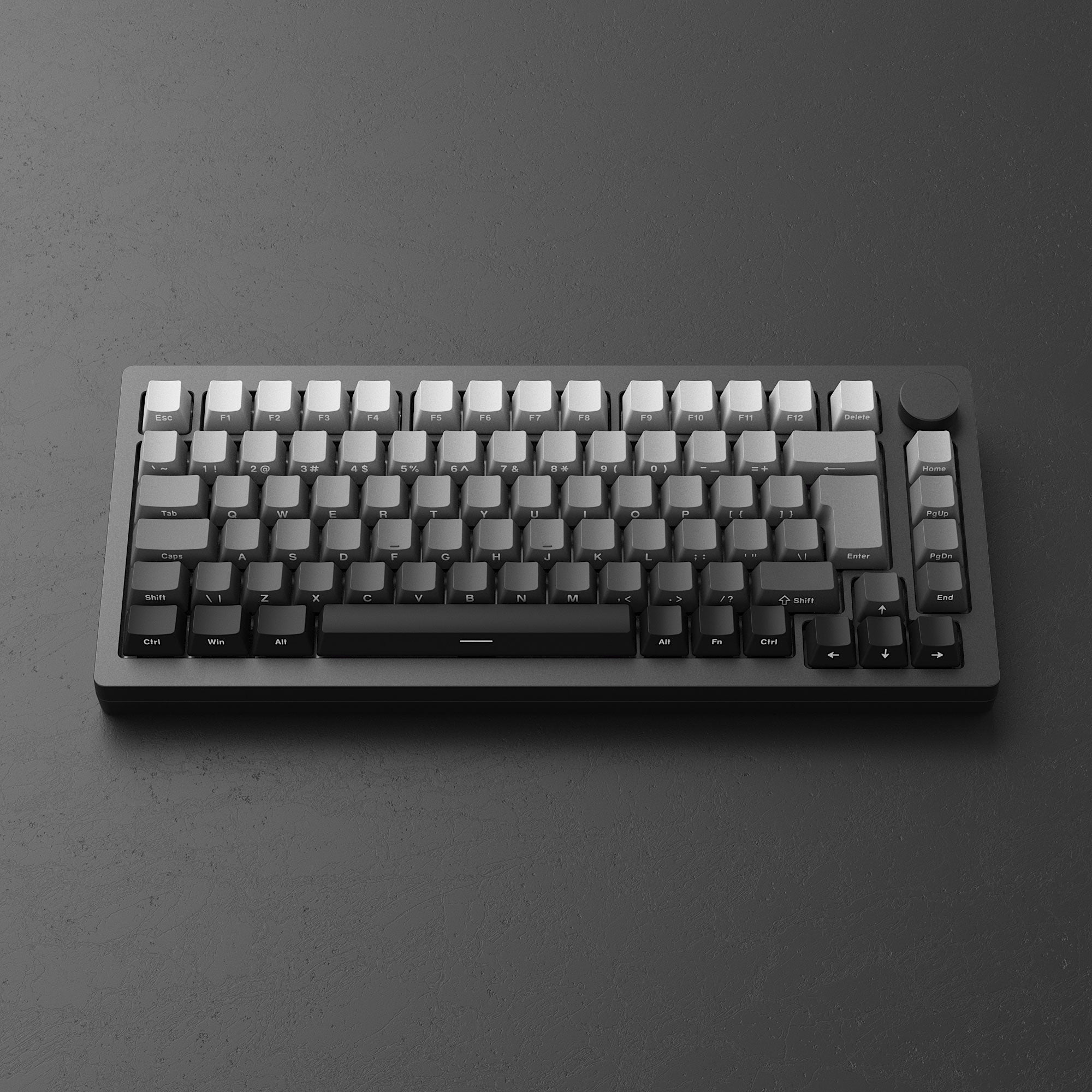
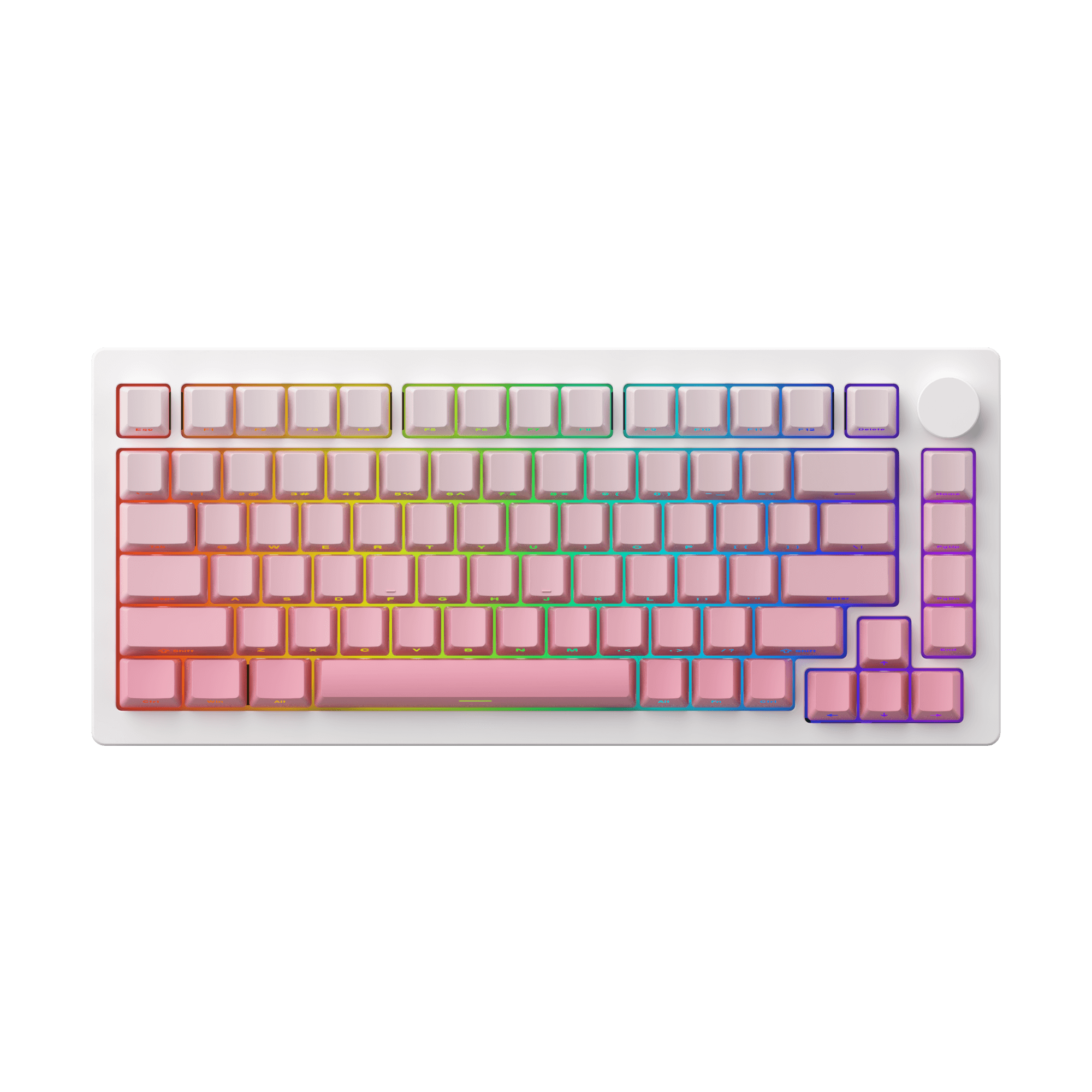
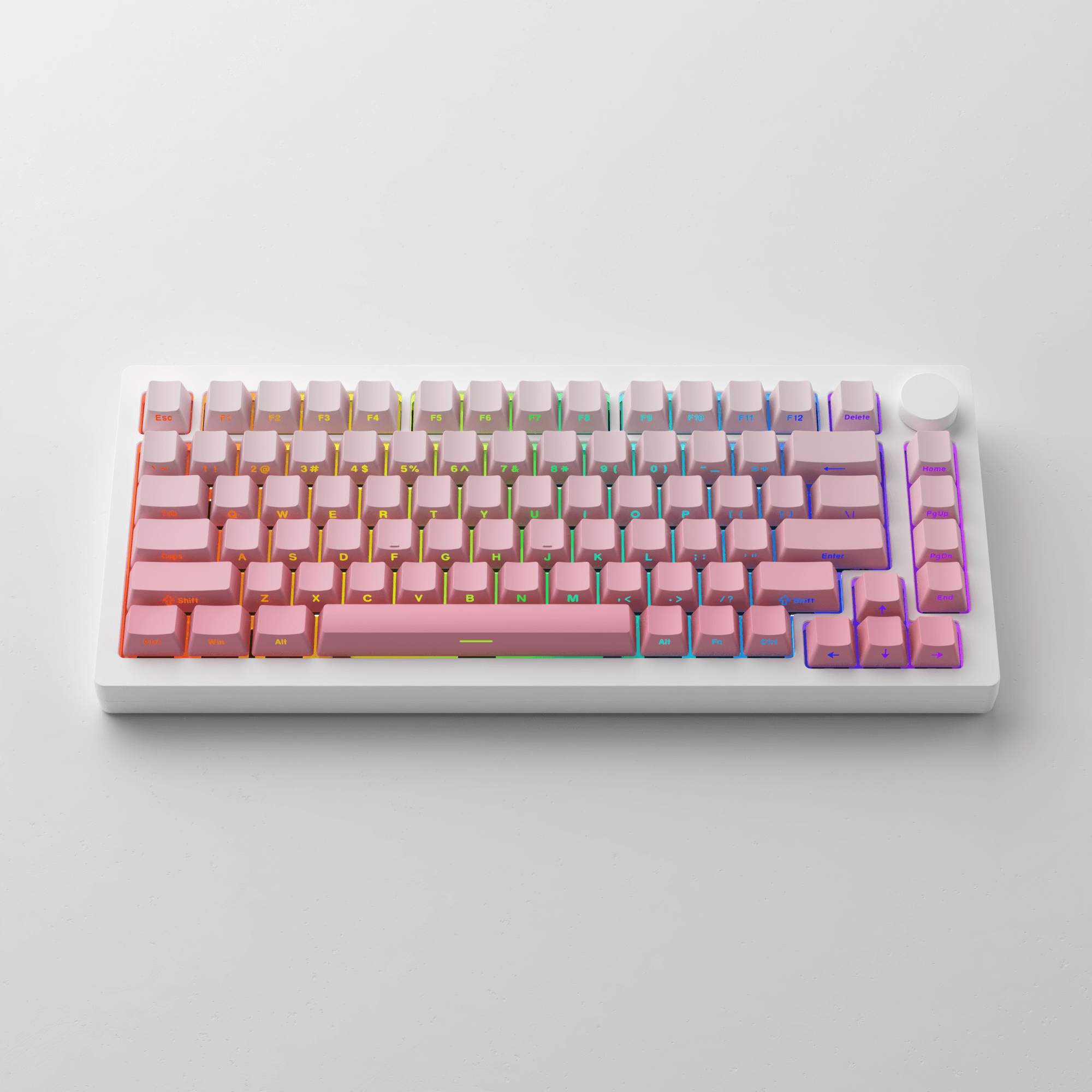
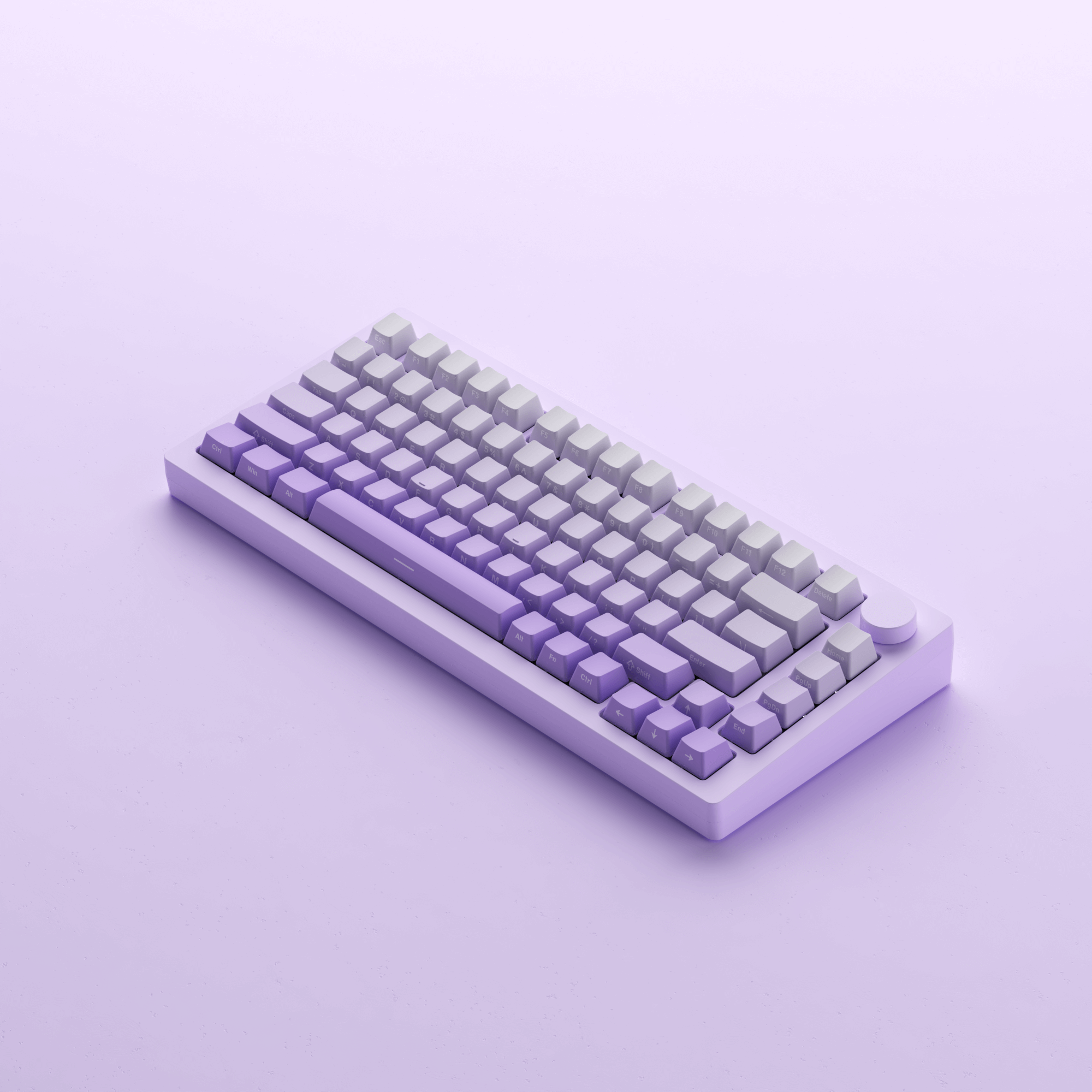
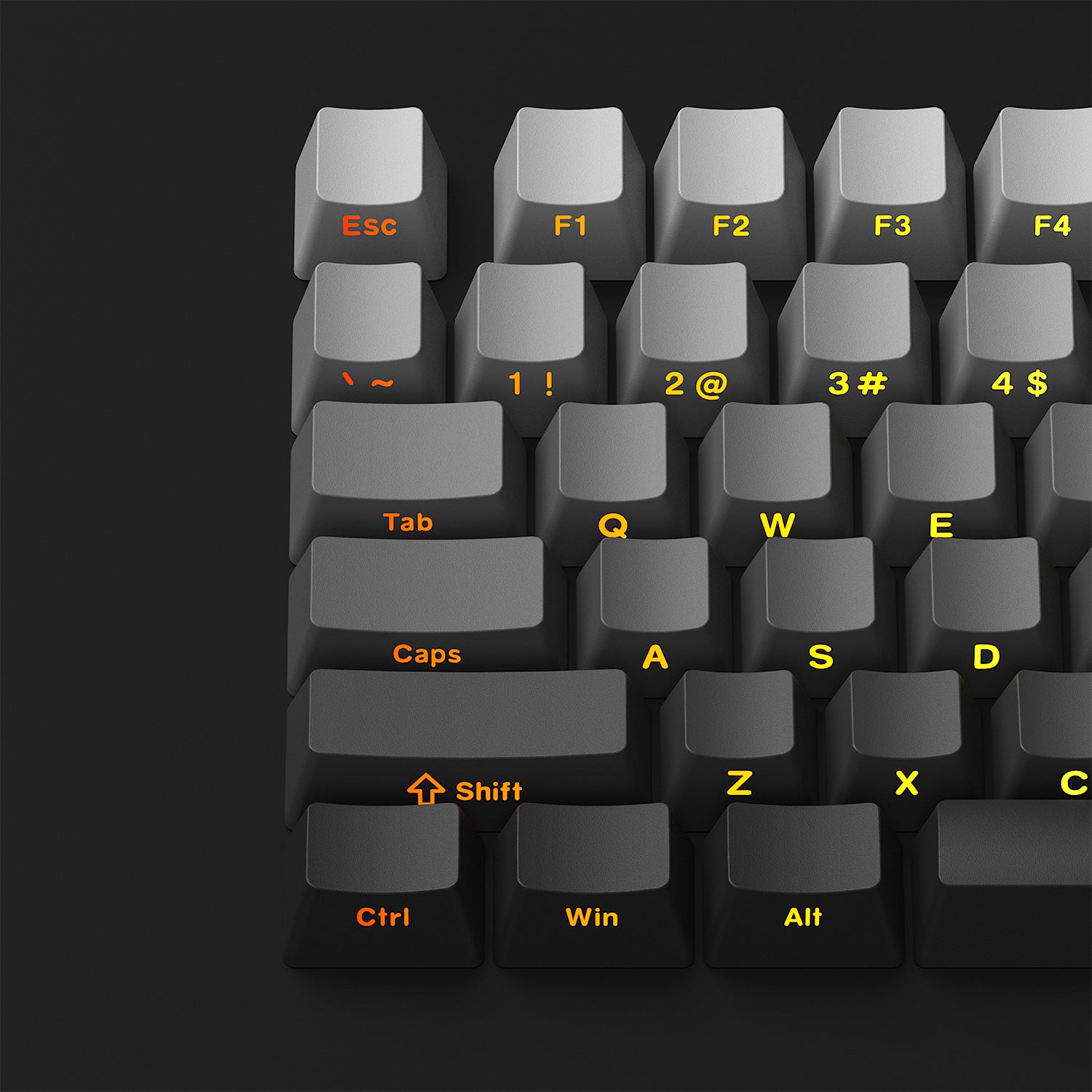
MonsGeek M1W V3 SP comes with gradient-effect shine-through keycaps and a side print design, creating a visually stunning effect while improving the visibility and legibility of individual keys.
PBT Double-shot Keycaps
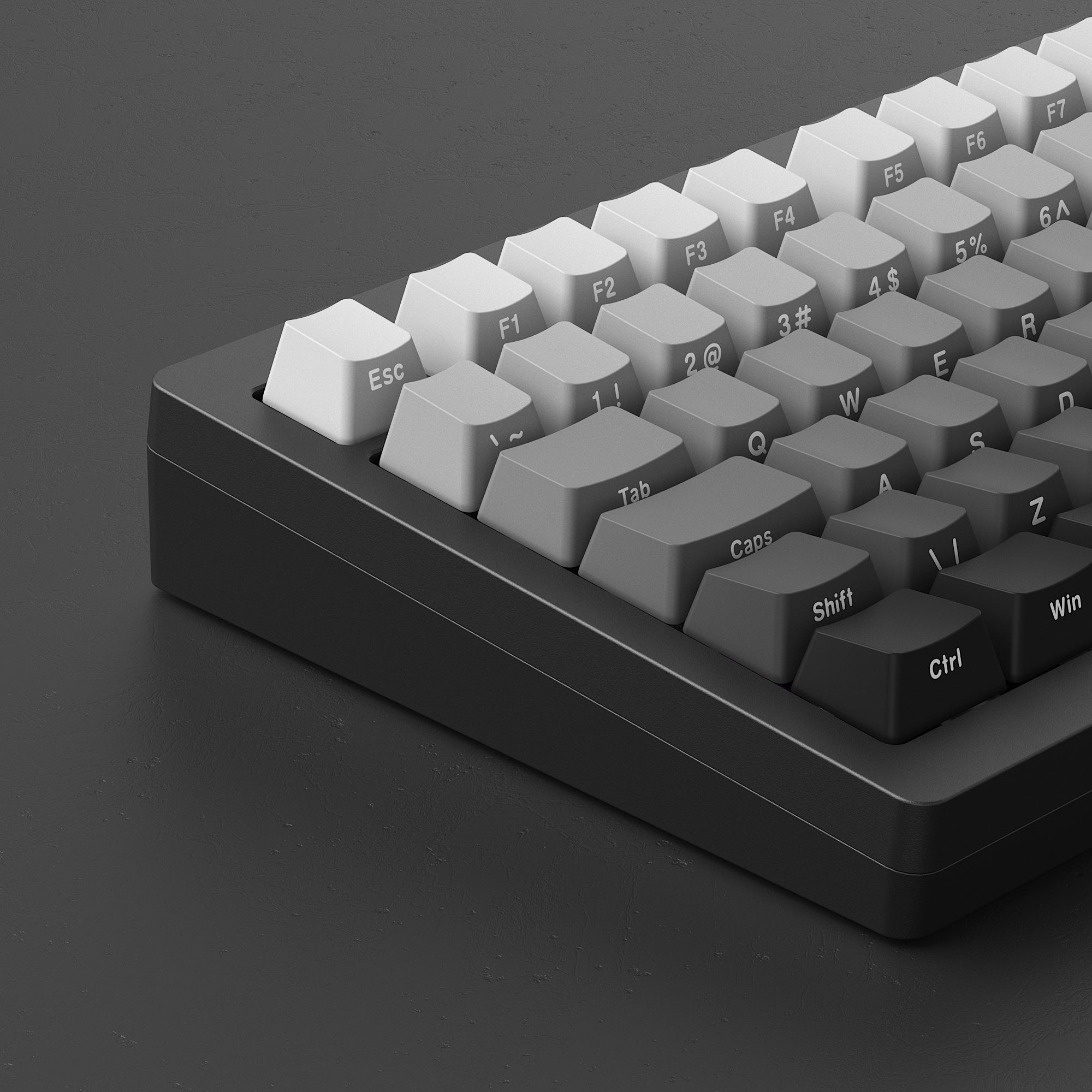
Keycaps from M1W SP are made of durable PBT double-shot, which helps resist the shine that occurs from oils and sweat on the fingers.
ISO-DE/UK/Nordic Layout
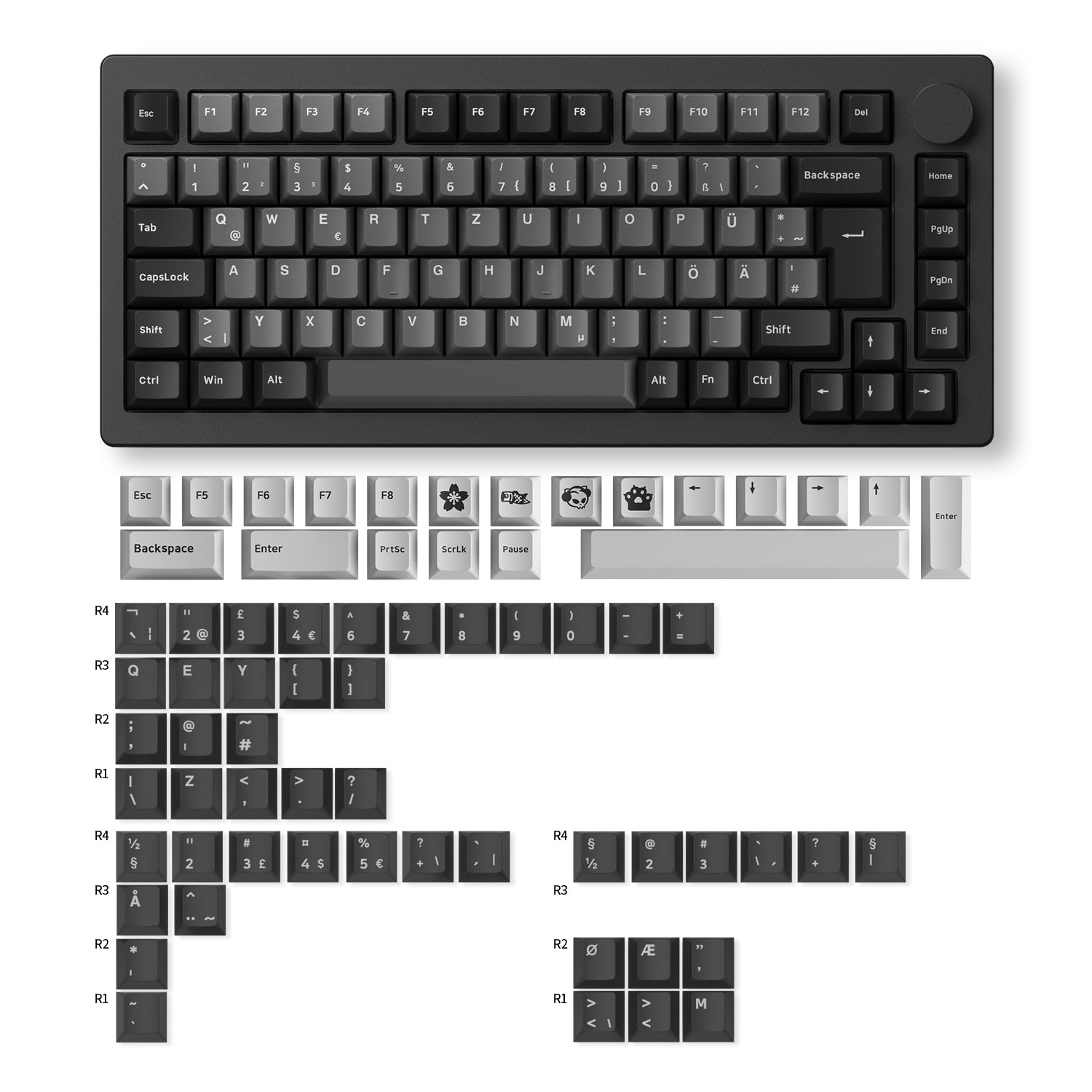
Black & Silver comes with ISO-DE pre-build keyboard, ISO-Nordic and ISO-UK extra keycaps. It does not support "Side-printed" or "Shine-through".

Fully Upgraded
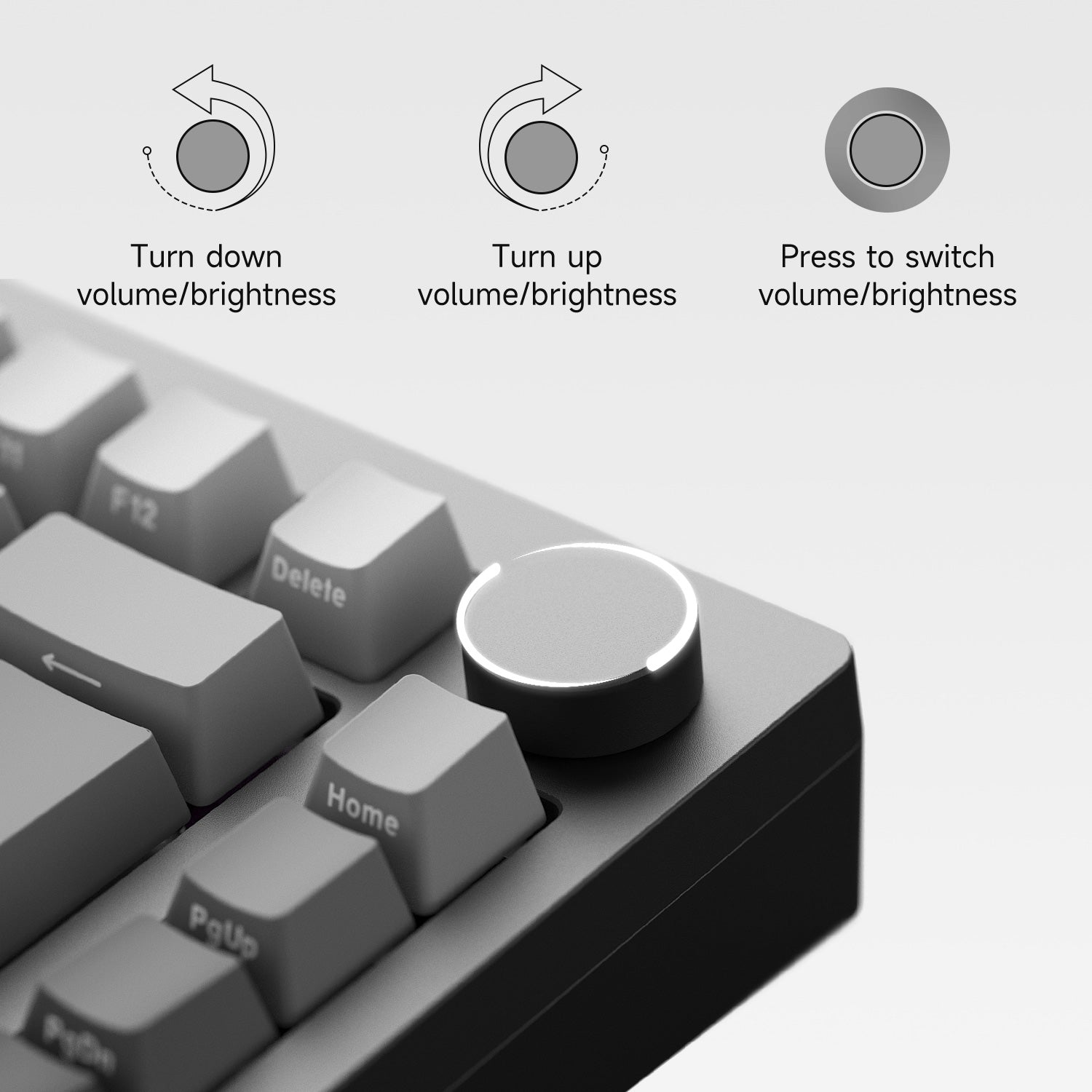
Programable Knob
This modification stems from user input and feedback. M1W V3 Series includes a fresh encoder and a floating design to prevent scratches on the case, as indicated in the earlier model.
Easily control the volume and lighting and program to other funtions.
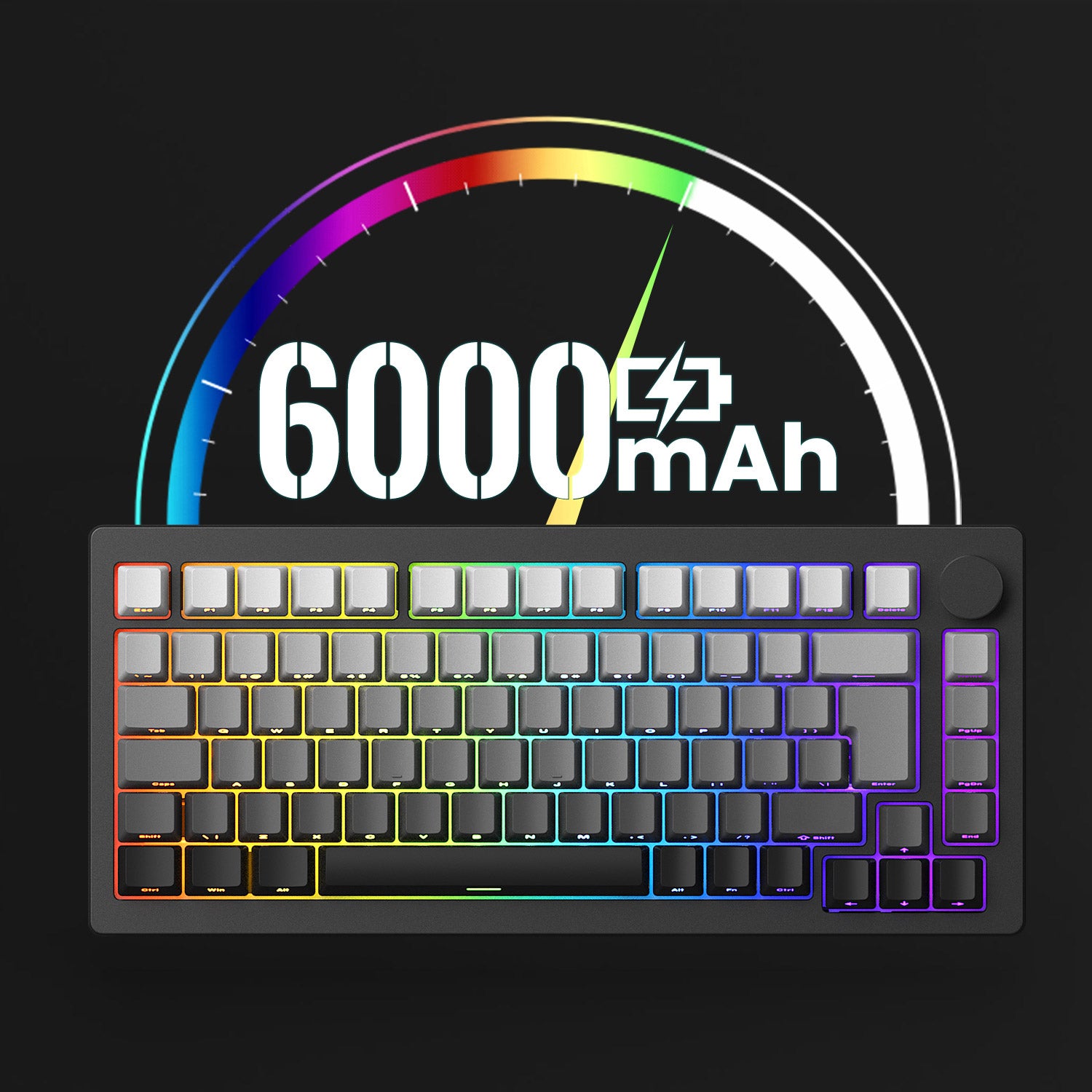
Built-in 6000mAh Battery
With a high-capacity battery of around 6000mAh, users can enjoy prolonged periods of uninterrupted typing, gaming, or productivity without the need for constant recharging.
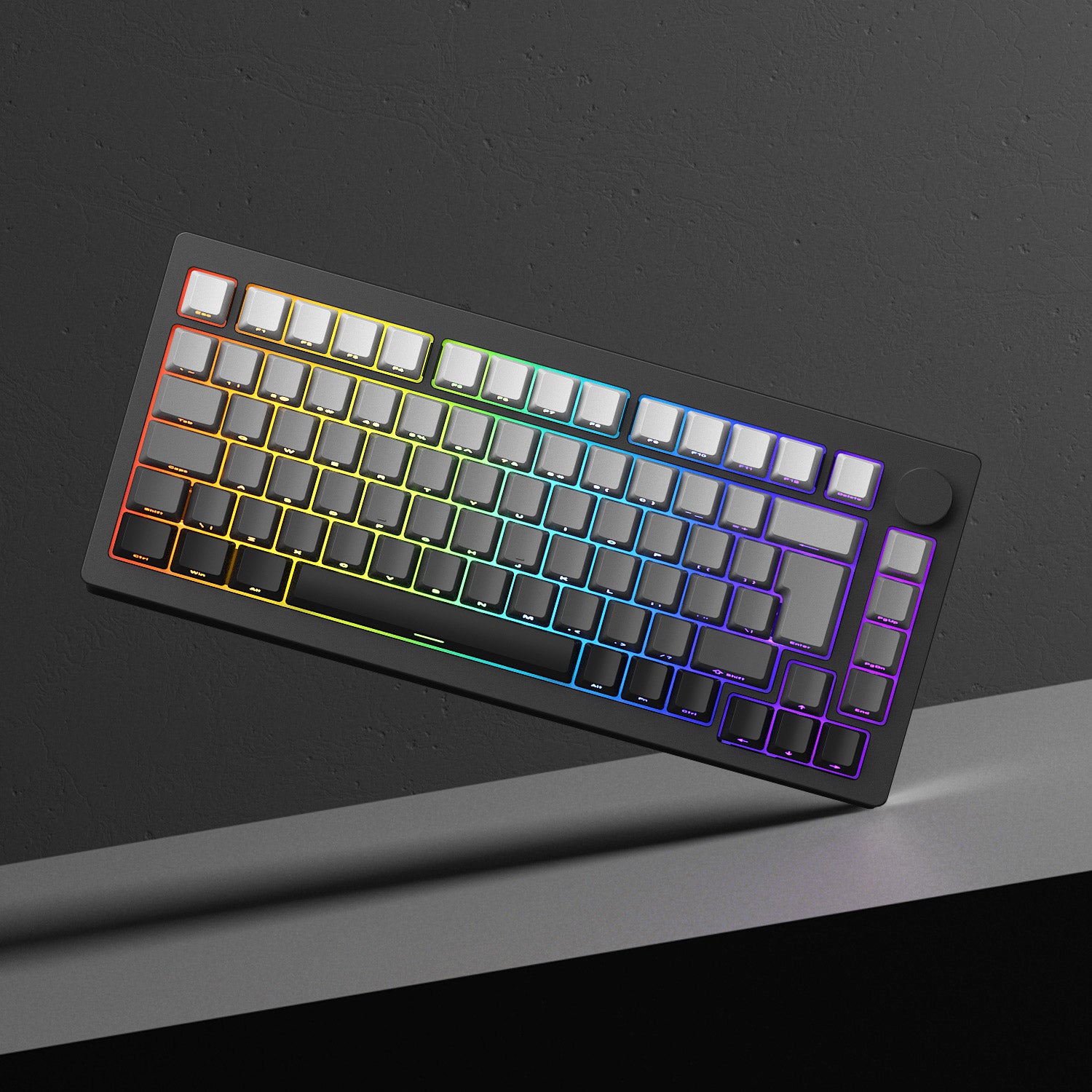
RGB Backlit
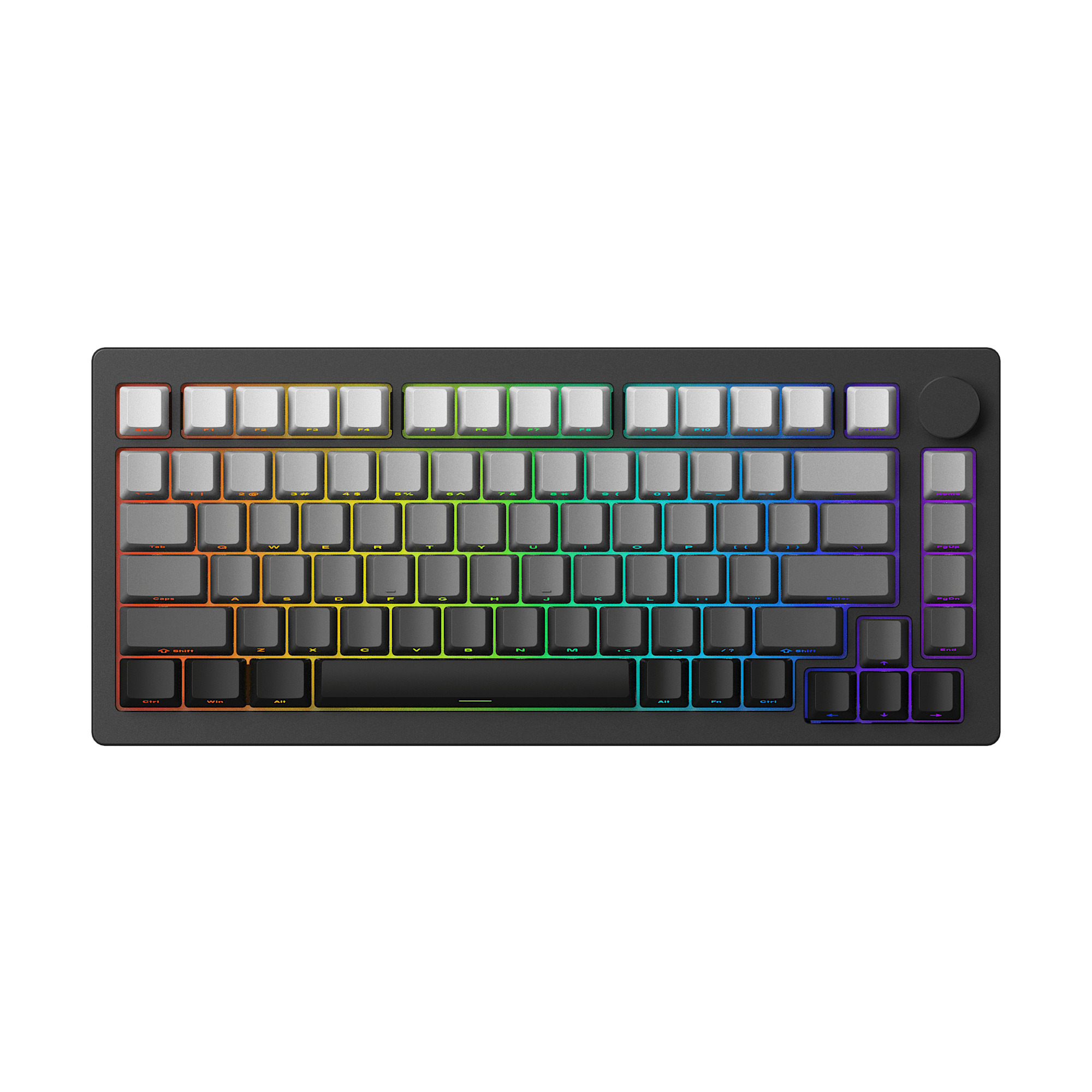
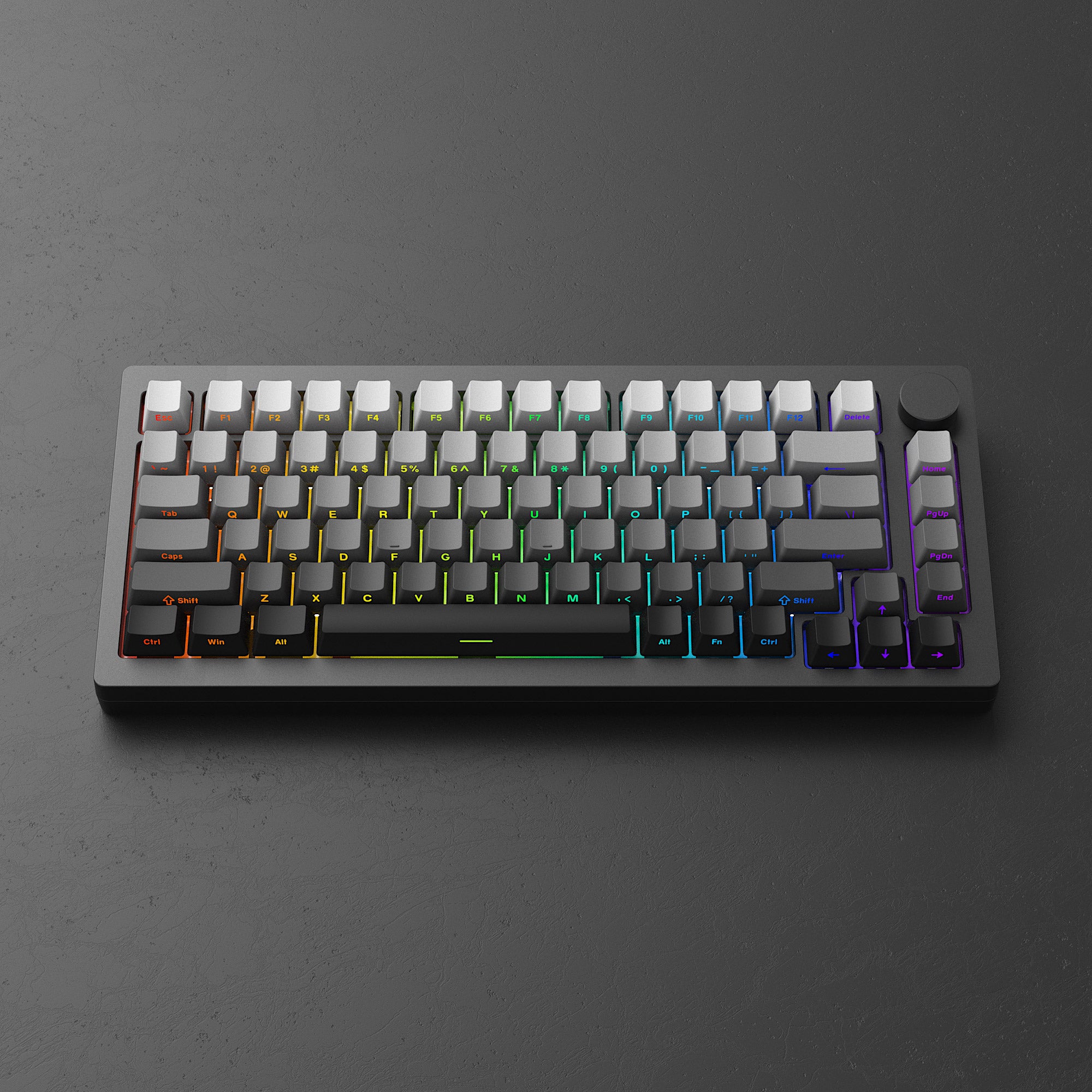
MonsGeek M1W V3 SP can support typing in the dark with effective backlit. Includes 20+ preset backlighting modes.
You can customize your lighting effects with the MonsGeek Cloud Driver, providing over 16 million unique colors per key, along with adjustable brightness and animation speed.
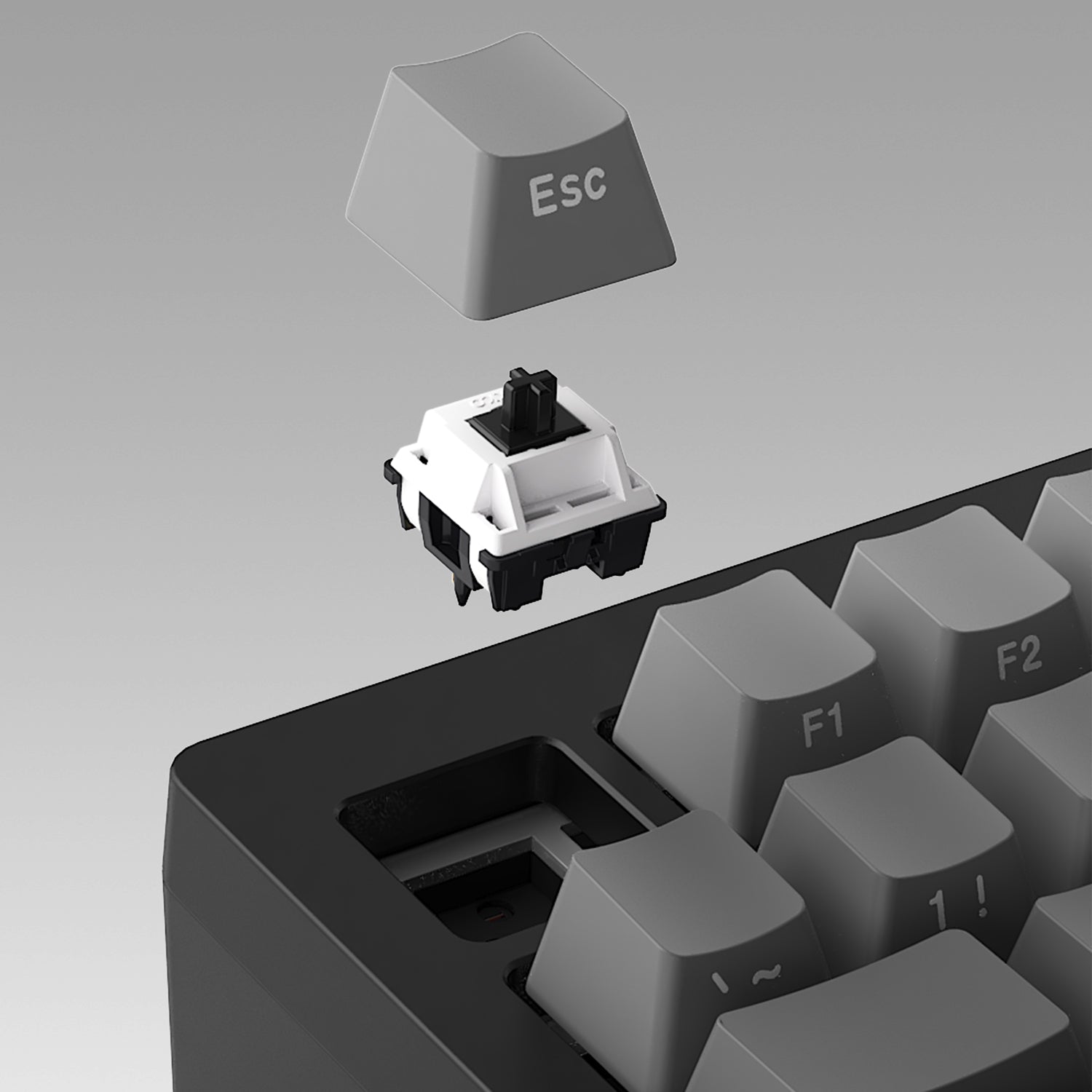
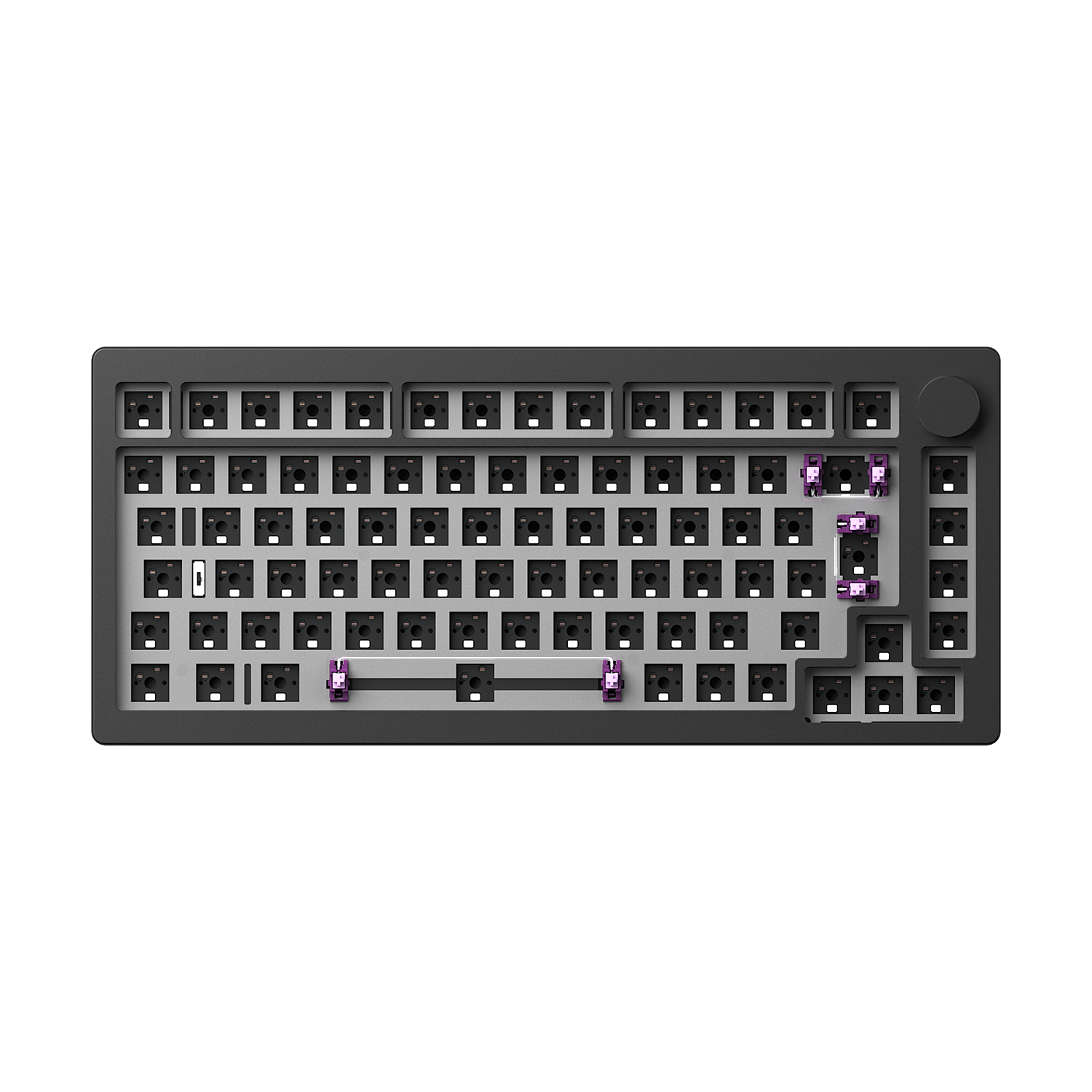
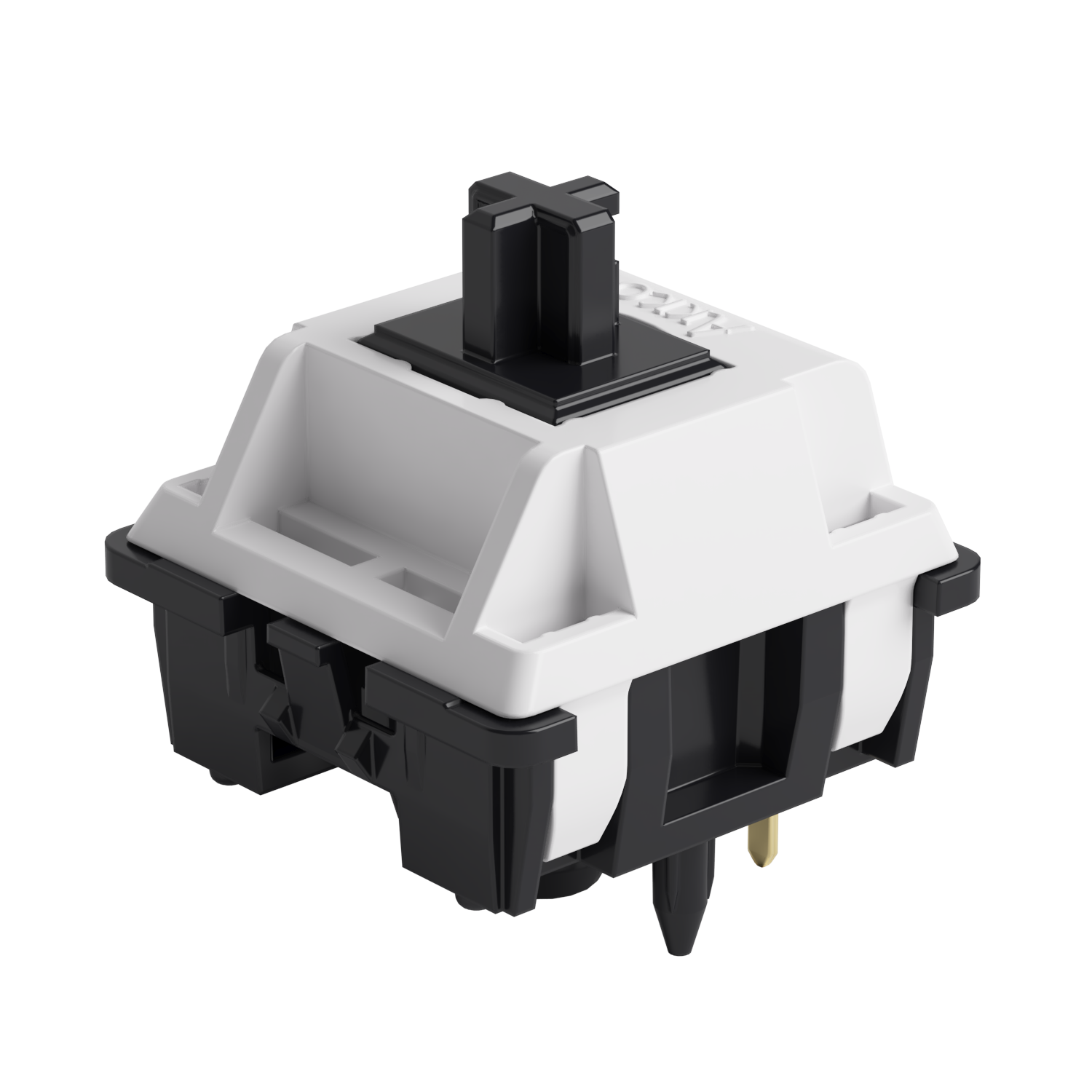
5-Pin Hot-swappable
Featuring high-quality hot-swappable sockets for easy switch changes.
The key/lighting effects customization can be programmed by MonsGeek driver in all three modes.In all three modes, the lighting effects can also achieve audio visualizer effects with MonsGeek driver.

M1W Multi-Mode
With its multi-mode connectivity options including 2.4GHz wireless, Bluetooth, and USB-C wired connection, you are no longer limited in how you can connect. Moreover, it supports storing up to 3 Bluetooth devices simultaneously.
2.4Ghz Wireless
Equipped with a receiver that allows users to utilize the 2.4GHz wireless mode, providing low latency suitable for gaming and typing purposes.
BT 5.0
Easy to connect up to 3 devices with a simple Fn+E/R/T combination, enabling seamless switching between tablets, computers, and phones.
USB-C Wired Mode
Ensuring consistent and rapid response times for FPS gaming and minimal input lag.
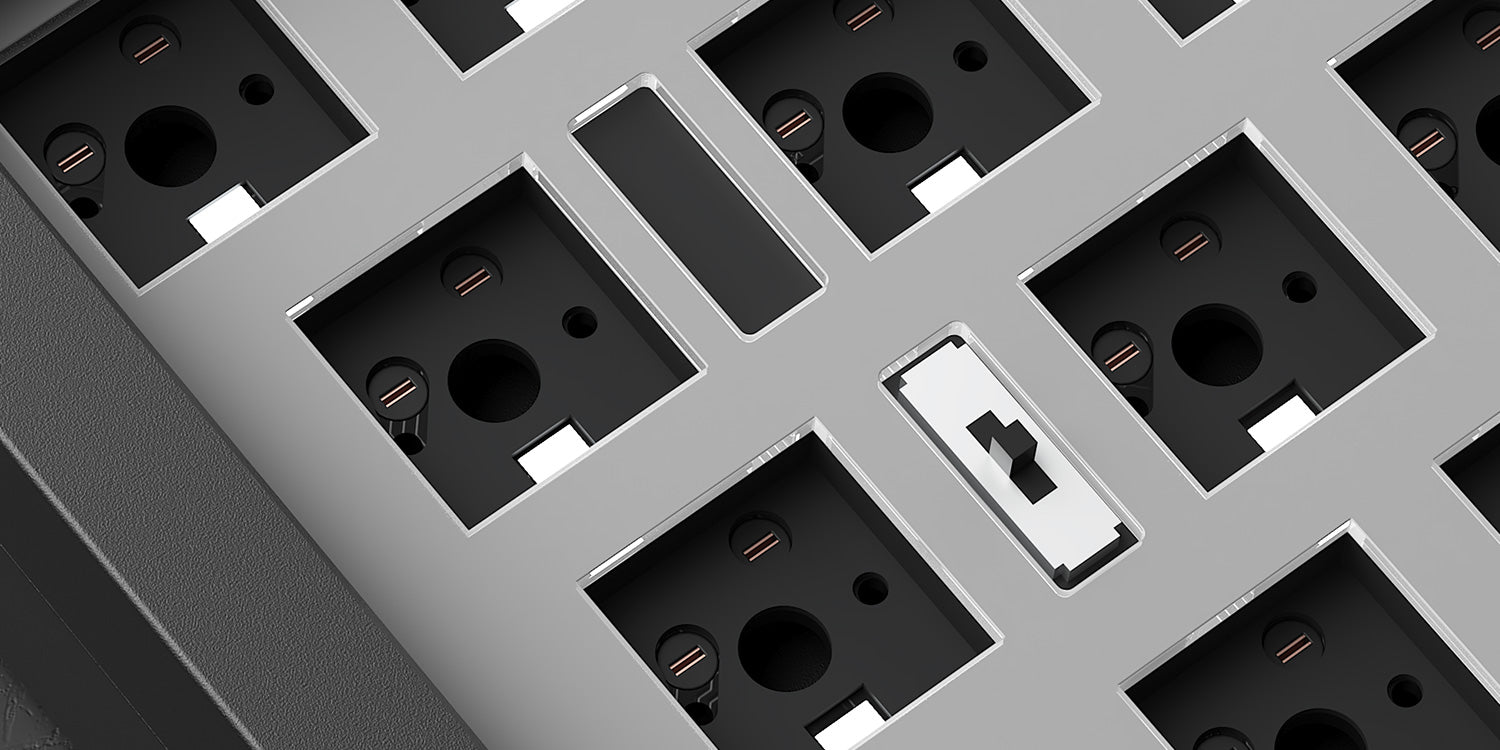
System Switch
Top: Mac Wireless Mode (built-in power supply on)
Middle: Default Windows Wired Mode (built-in power supply off)
Bottom: Windows Wireless Mode (built-in power supply on)
Note: The switch is located under the CAPS key
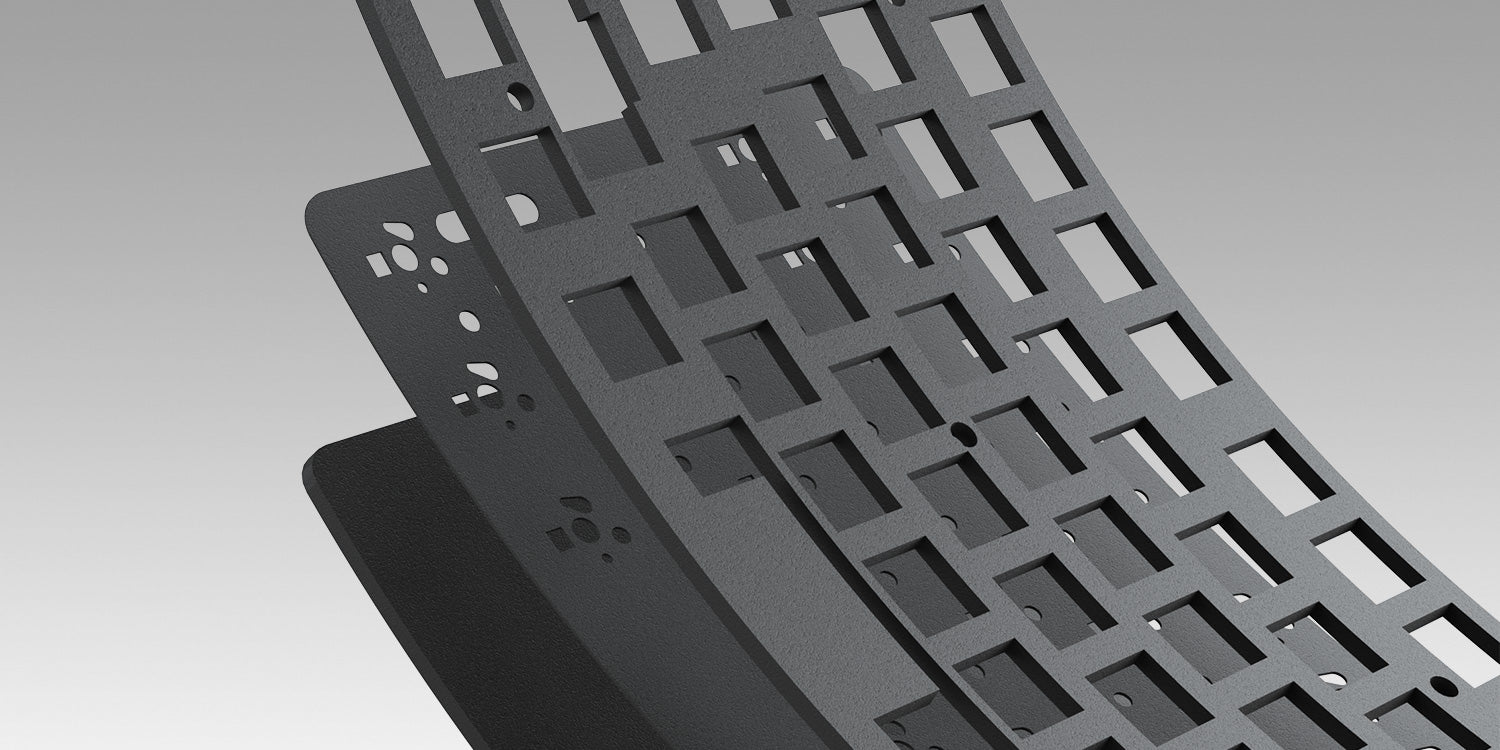
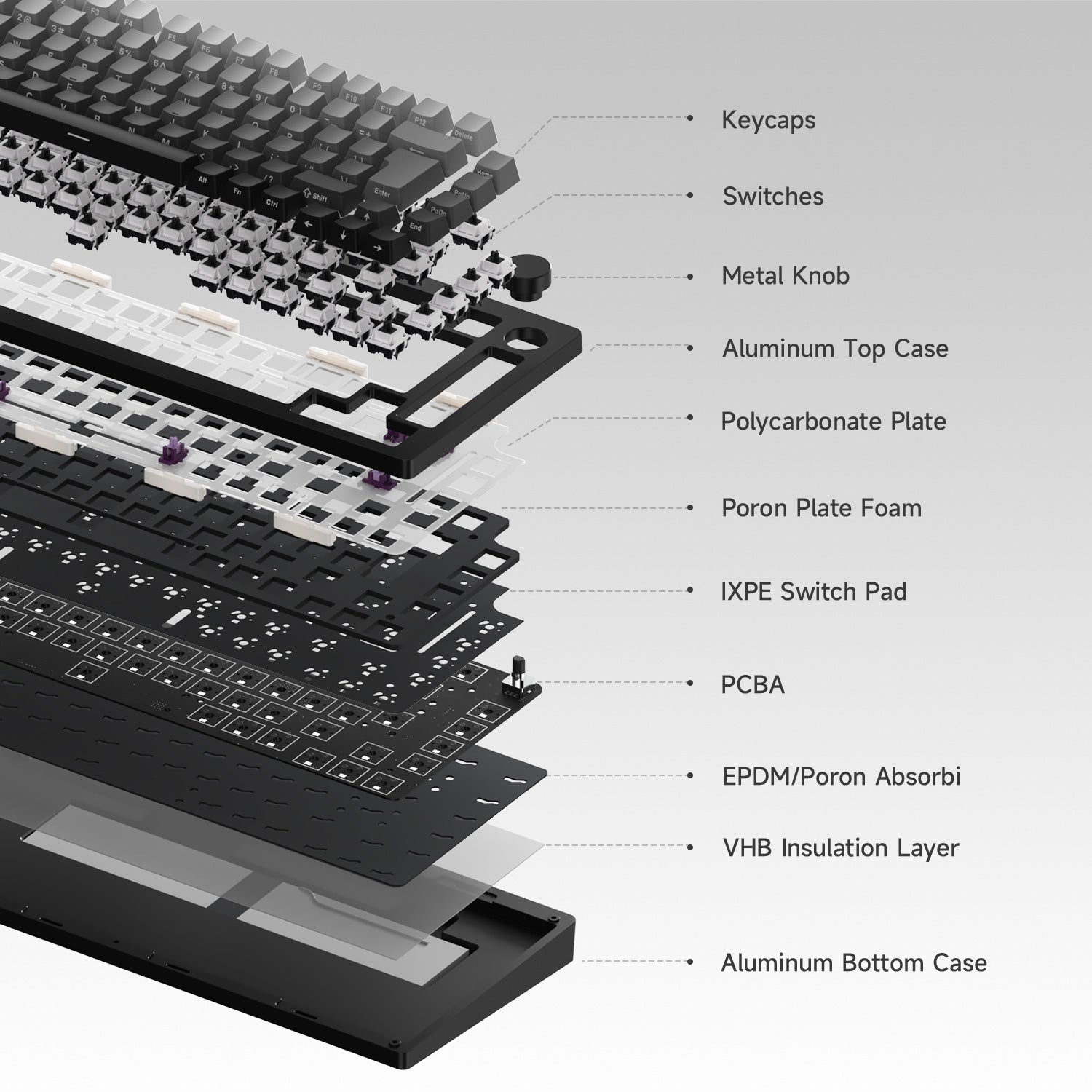
PORON Plate Foam
MonsGeek M1W V3 SP is equipped with PORON plate foam, effectively reducing the noise generated by key switches, ensuring a purer and more comfortable tactile sound experience for the keyboard.
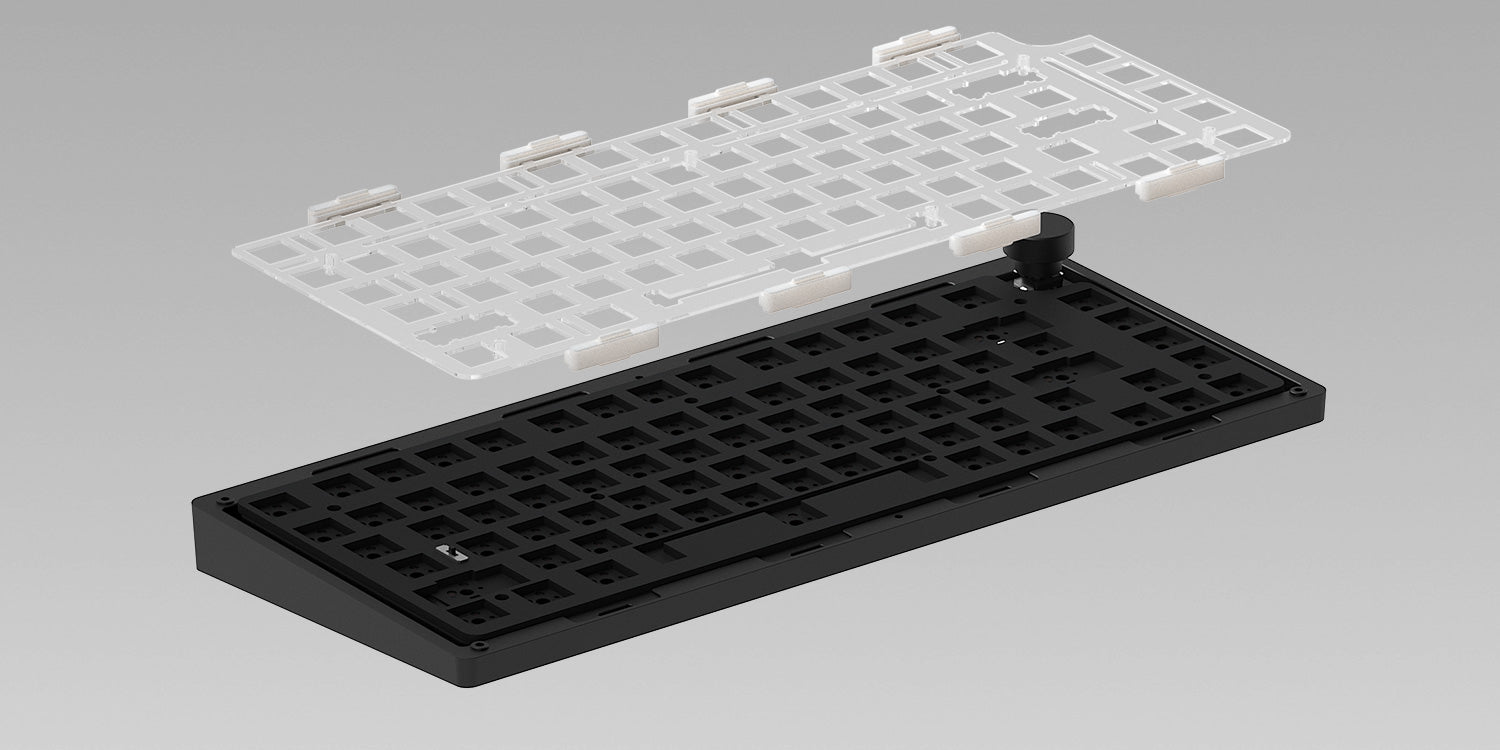
Polycarbonate Plate
MonsGeek M1W V3 SP utilizes a transparent PC plate to offer flexibility surpassing that of metal, while also reducing low-frequency resonance.
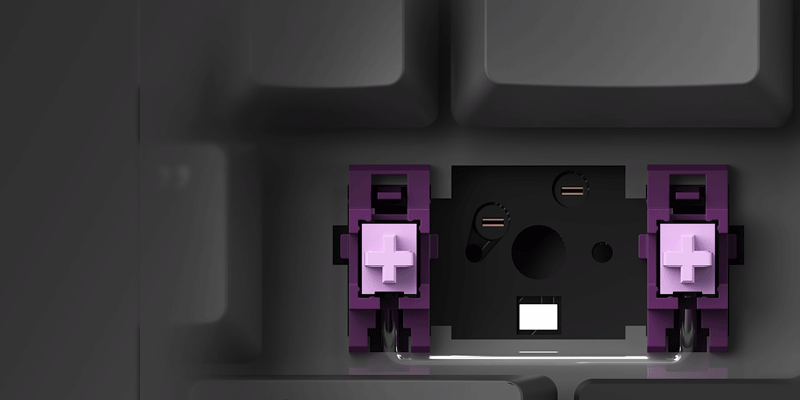
Plate-mounted Stabilizers
MonsGeek M1W V3 SP utilizes plate-mounted stabilizers, which effectively minimizes keycap wobbling.
Need More Foam?
The MonsGeek M1W V3 Fully Assembled White Version features an extensive enhancement to the noise reduction system, providing increased flexibility for exploring different sound profiles.
*Disclaimer: The structure is for reference only. And for M1W Barebone series, they do not come with switches or keycaps.
MonsGeek M Series QC DisclaimerMonsGeek M1W V3 SP
Specs
Note: Black & Silver comes with ISO-DE pre-build keyboard, ISO-Nordic and ISO-UK extra keycaps. It does not support "Side-printed" or "Shine-through".
Fully Assembled
Barebone
Gasket Mount
Gasket Mount
Bluetooth5.0 / 2.4GHz / USB Type-C
Bluetooth5.0 / 2.4GHz / USB Type-C
South-facing RGB
South-facing RGB
3-Pin / 5-Pin Support
3-Pin / 5-Pin Support
Support
Support
6000mAh
6000mAh
1000Hz In wired and 2.4G mode, 125Hz in Bluetooth mode.
1000Hz In wired and 2.4G mode, 125Hz in Bluetooth mode.
MonsGeek Cloud Driver
MonsGeek Cloud Driver
Pre-assembled Plated-mounted TPU Double-shot Stabilizers;
Separate Screw-in Stabilizers(Not in Black & Silver)
Pre-assembled Plated-mounted TPU Double-shot Stabilizers;
Separate Screw-in Stabilizers
Akko V3 Piano Pro/Akko Rosewood
N/A
PBT Keycaps + Aluminum Case
Aluminum Case
Double-shot Side-printed Gradient Shine-through;
Double-shot (Black & Silver)
N/A
OEM
Cherry (Black & Silver)
N/A
Approx. 1875g
Approx. 1700g
33.3cm*14.6cm*3.26cm
33.3cm*14.6cm*3.26cm
Windows / macOS / iOS / Android
Windows / macOS / iOS / Android
Keyboard×1, Manual×1, Cable×1, Keycap Puller×1, Switch Puller×1, Receiver×1, Teflon Pads (not pre-installed), Gasket Silicion×4, Extra Switches
Barebone×1, Manual×1, Cable×1, Keycap Puller×1, Switch Puller×1, Receiver×1, Teflon Pads (not pre-installed), Gasket Silicion×4
Bought this keyboard without realising it’s wireless lol, when I picked it up and felt how heavy it was though it become obvious. Apart from that the sound is great really happy.
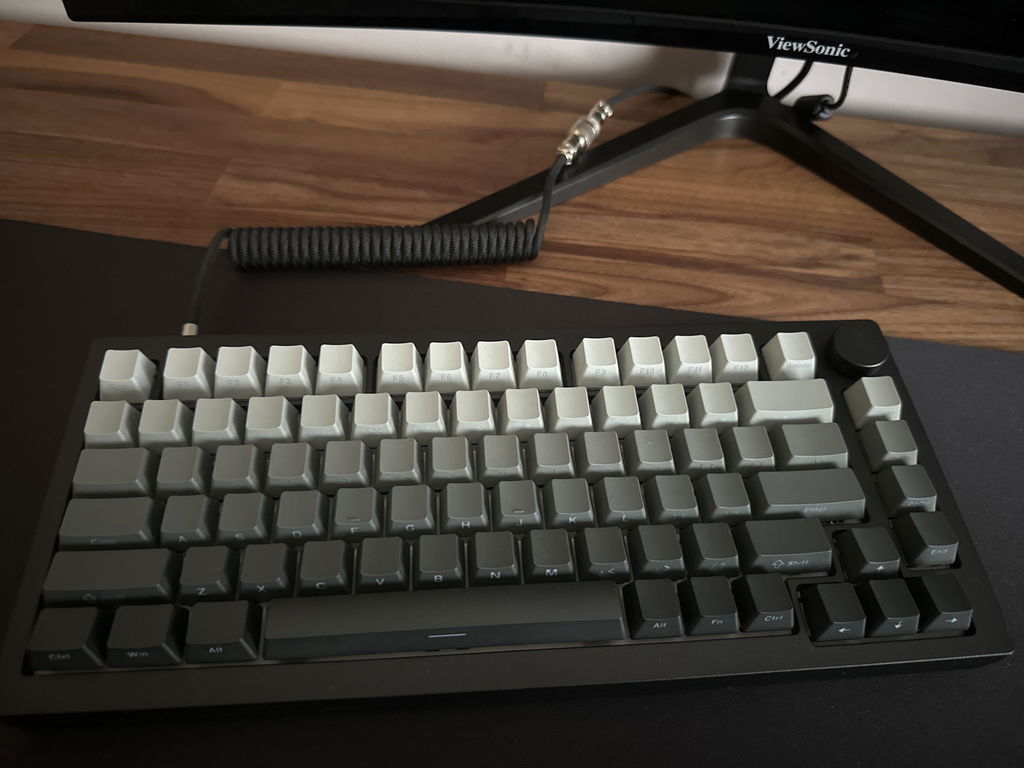
I love the keyboard, the piano pro switches are very smooth, and the keycaps are very nice to work with and look at! The sound is also the best I've experienced on a keyboard and the **** feels very high quality. the monsgeek software also looks nice and intuitive. For now I only used it in the wired mode so I can't give feedback on the wireless aspect of it yet. Now for the "improvement" part: some keycaps (example: caps, alt, enter, delete, end, pgdn...) are not perfectly shine through, it's a bit difficult to see the print on them; the backward delete stabilizers that come pre applied also rub against the keycap or just aren't that smooth, it makes a not super pleasant noise; and the only thing that really irritates me is that (or atleast I didn't figure out how) I can't change the color of the caps and windows key when they are in the "locked" mode, they can only be white, so if you want to use only white rgb, you can't tell by looking if they are active or not; I could argue the keyboard is also heavy, but I think this one wasn't made for travel and I also don't move it away from my desk so it doesn't really matter. also the rgb could be a bit brighter, not really an issue but I think it would be beneficial especially if you are using it wired all the time (like me) and you don't have to wory about the battery dying on you. But if we don't focus much on the bad things (which aren't a big problem, especially at this price!) The keyboard is amazing, just hope that the switches will stay as smooth as they are now for a prolonged period of time :)
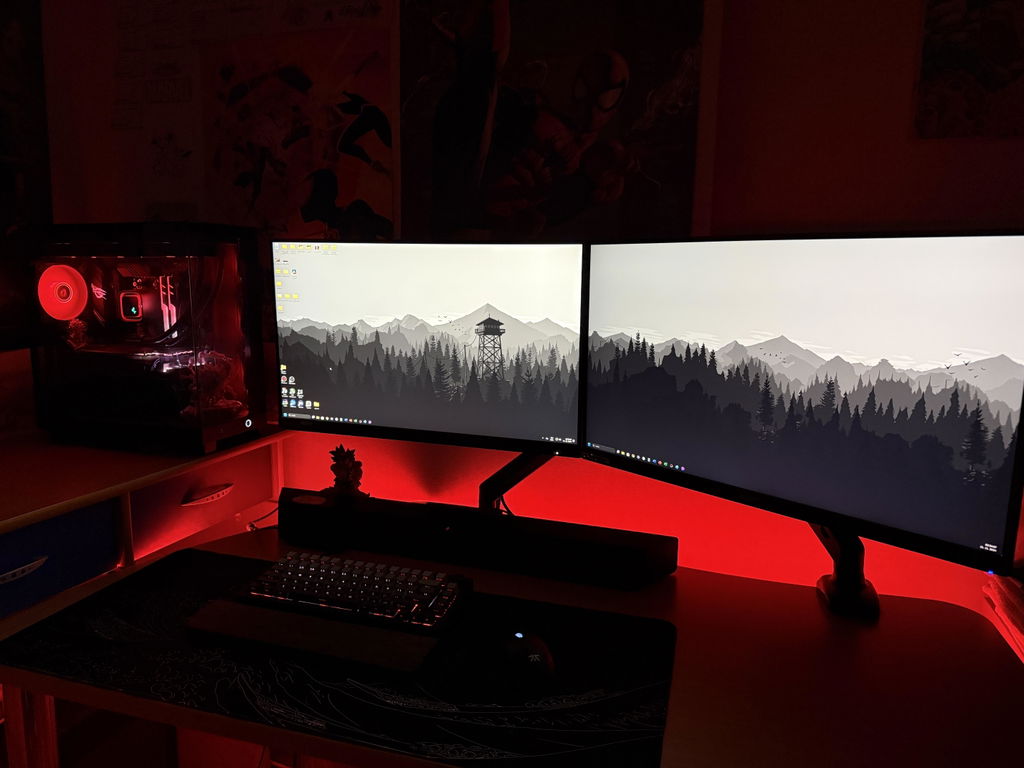
By far the best typing experience I've ever had so far.
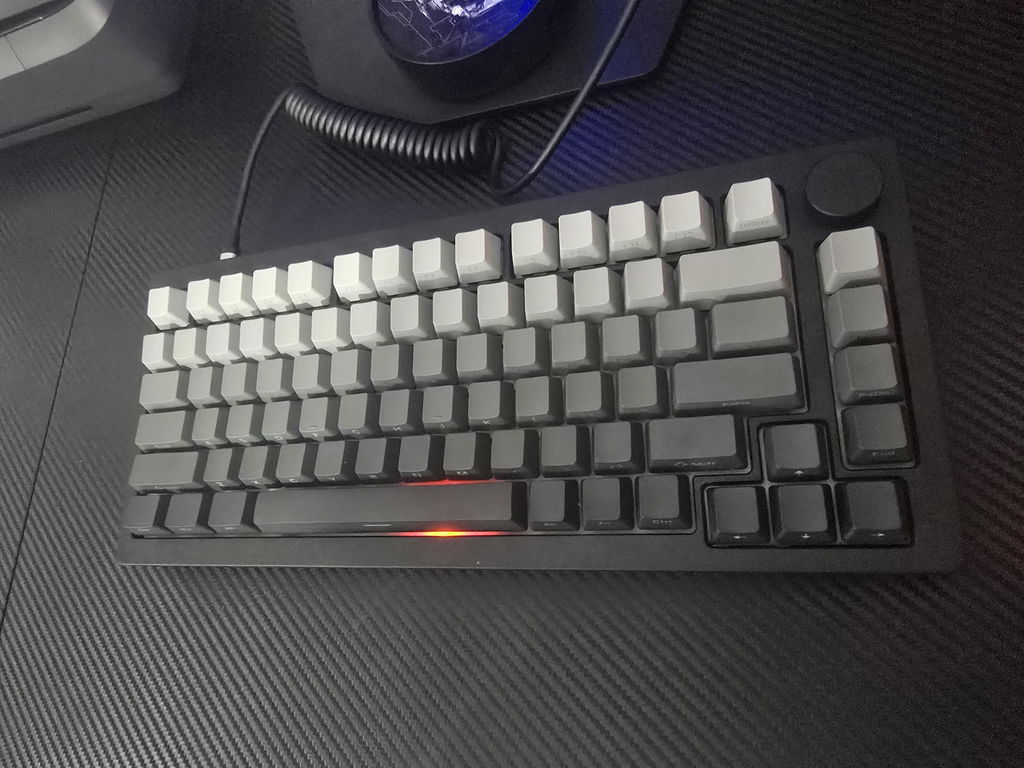
Looks and feels amazing. GJ
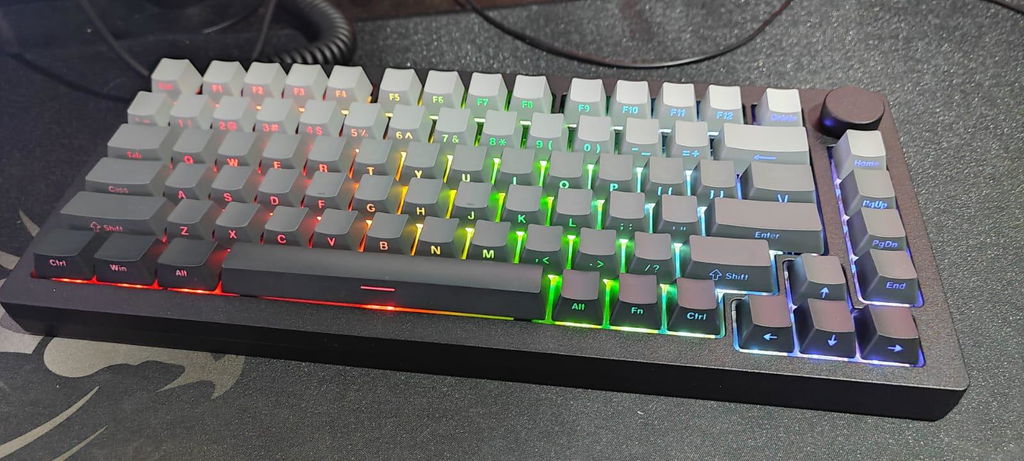
One of the best keyboards I have ever owned. The sound is deep and satisfying (without any mods). I love the side printed keycaps while the piano pro provide a very nice typing experience. I like the aluminum case and the battery lasts quite long (full rbg power all the time).
I don’t like the fact that the mode switch is underneath the caps button. I would like also from Akko to include two adapters for 2.4ghz, one with USB-A and one with type c.
Quality control seems fine and the monsgeek driver seems to perform well for what I have done so far.
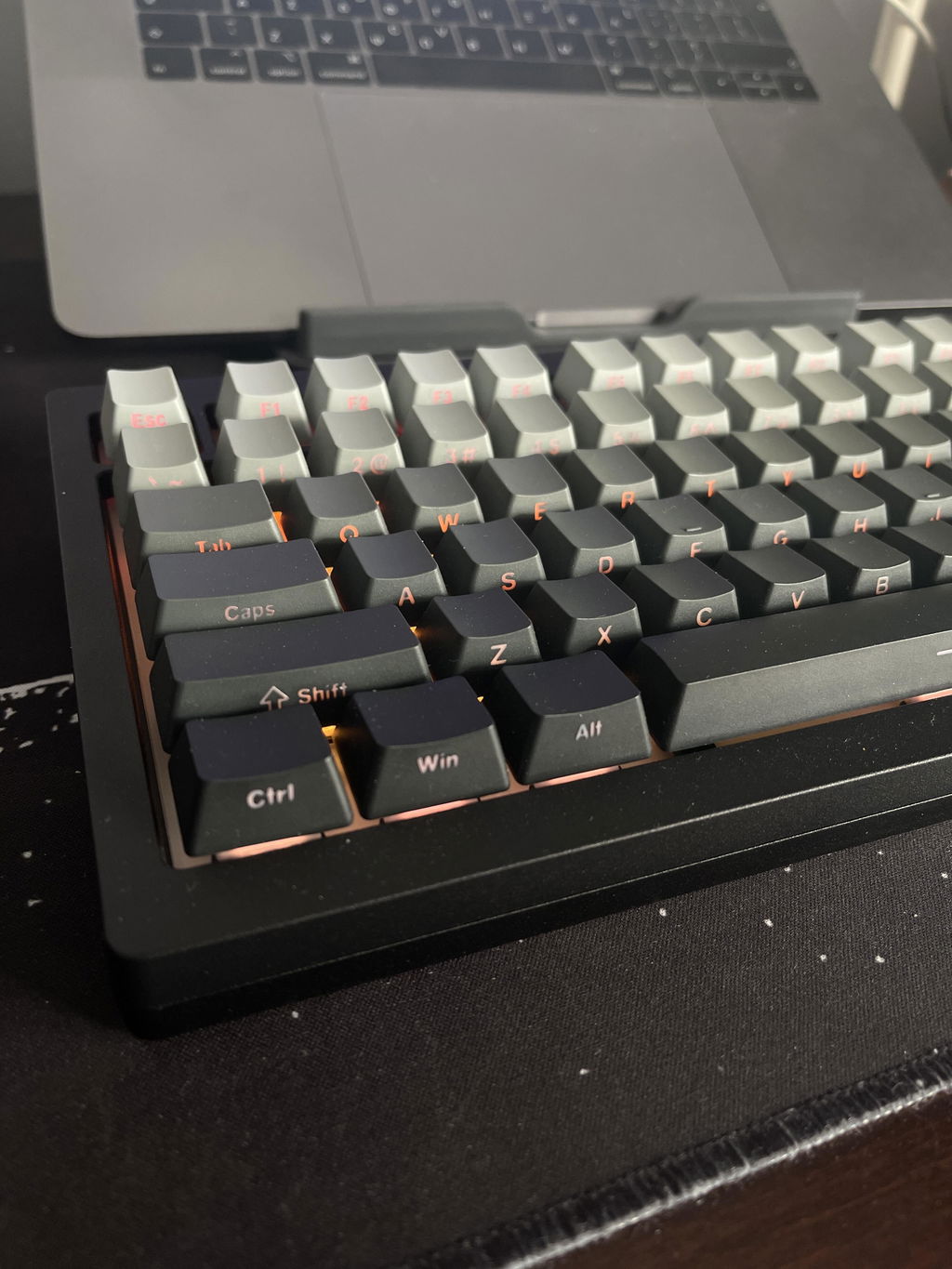
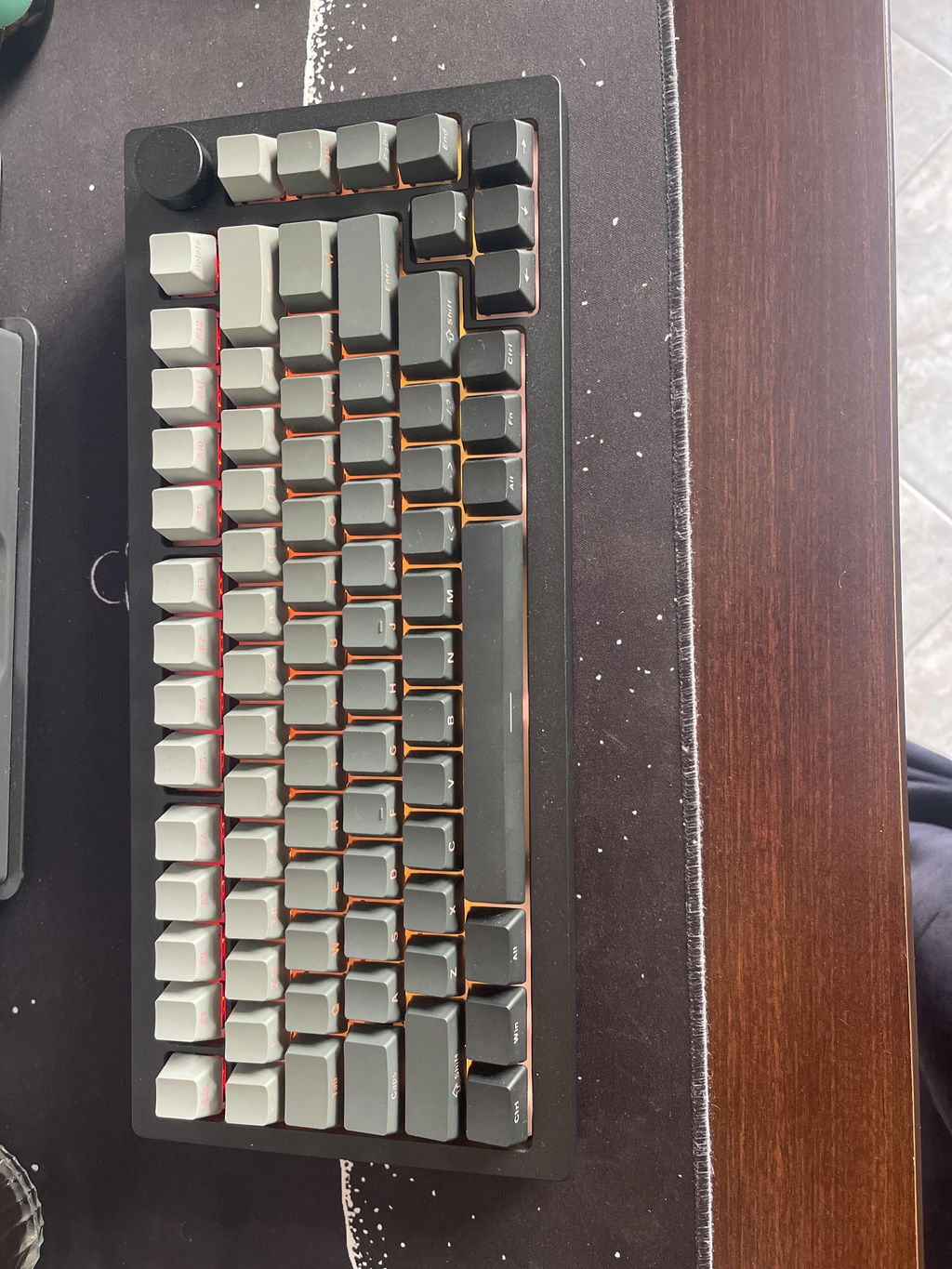
I had to replace my previous keyboard (the Goudetama one, also by Akko) because I no longer had enough space on my desk. I decided to buy the barebone MonsGeek M1W V3 SP so I could reuse my cute keycaps. They all fit perfectly, except for the right shift key, which was a bit too long. But that wasn’t an issue—I just used another keycap.
The sound quality is excellent, and it's much quieter compared to the Goudetama keyboard.
I’d also like to give 5 stars to the customer service! The keyboard arrived with a few broken keys, but they offered me several solutions to troubleshoot the issue. It turned out the problem was with the PCB, and they sent me a replacement right away! Fast response and super friendly staff!
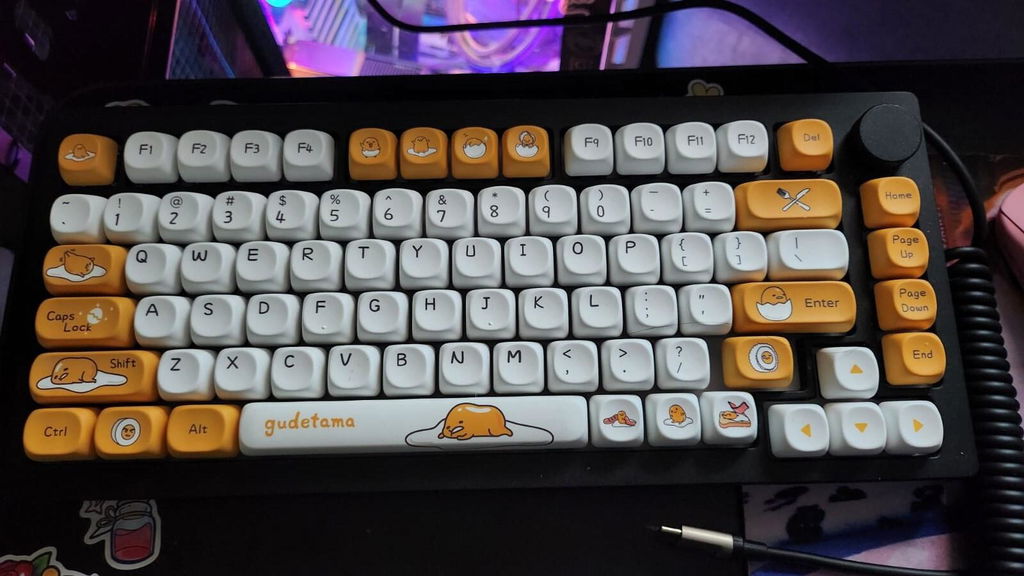
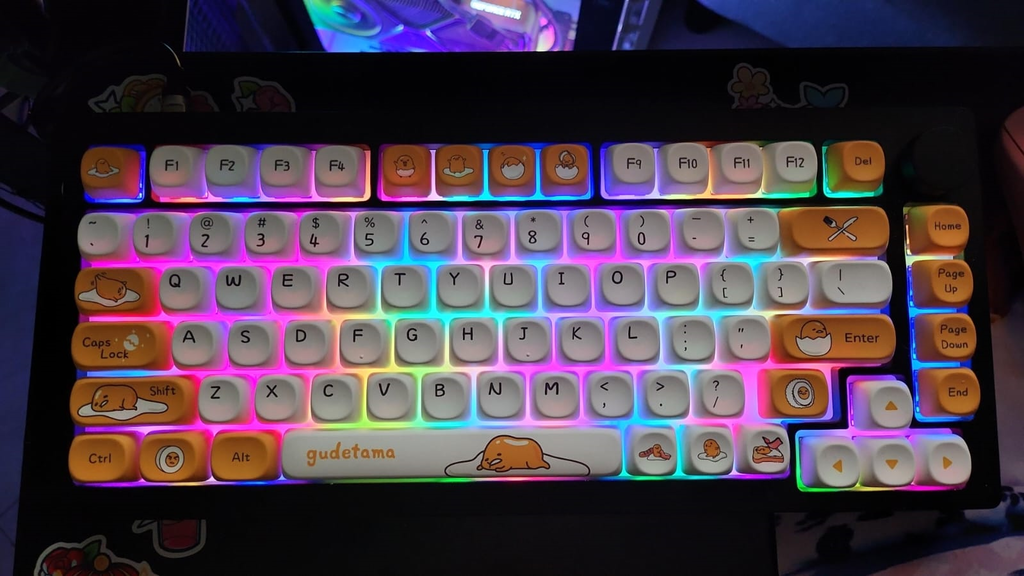
finally!after 7days i recieved my order..so far it surpass my expectation. recomended!
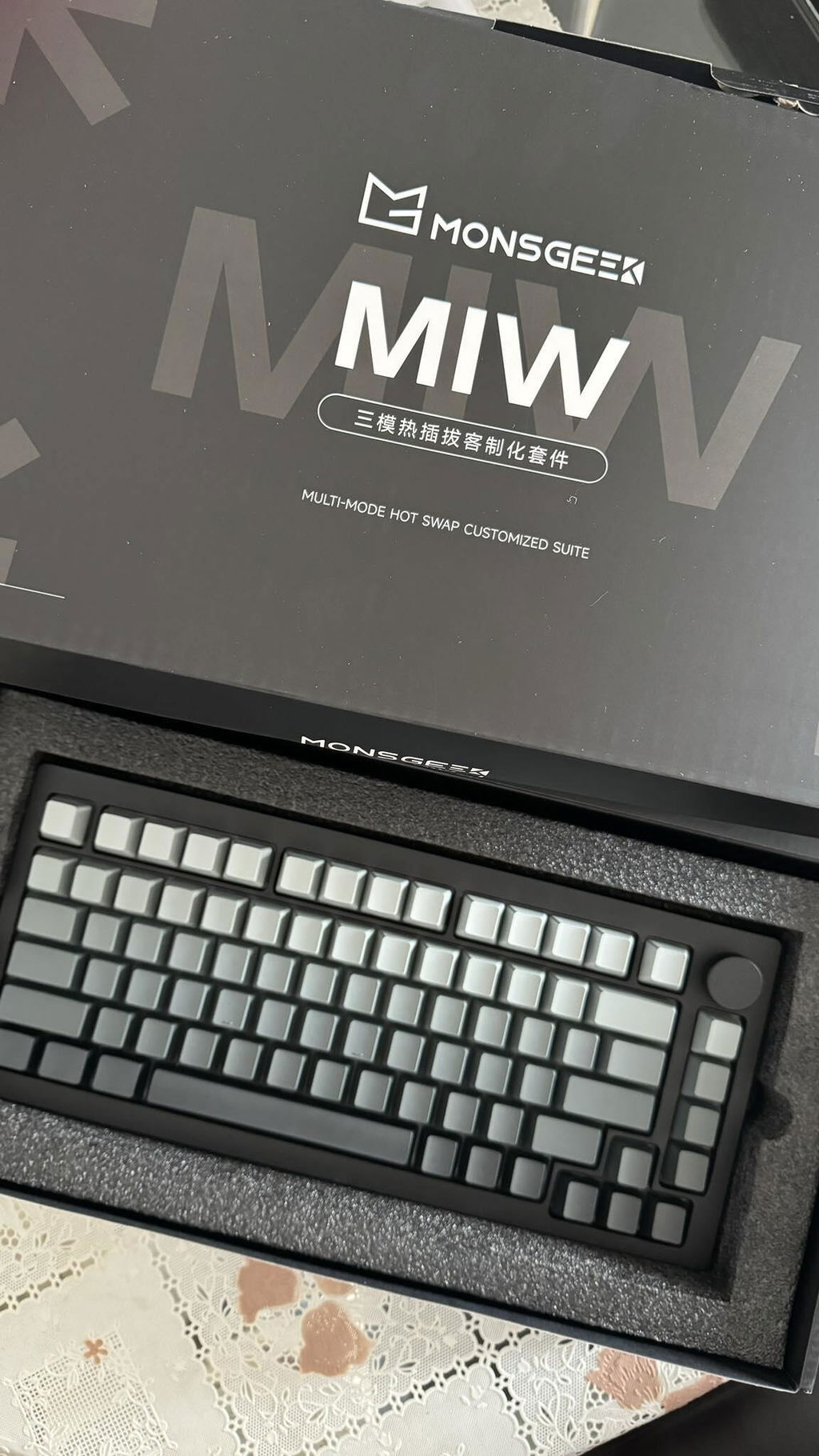
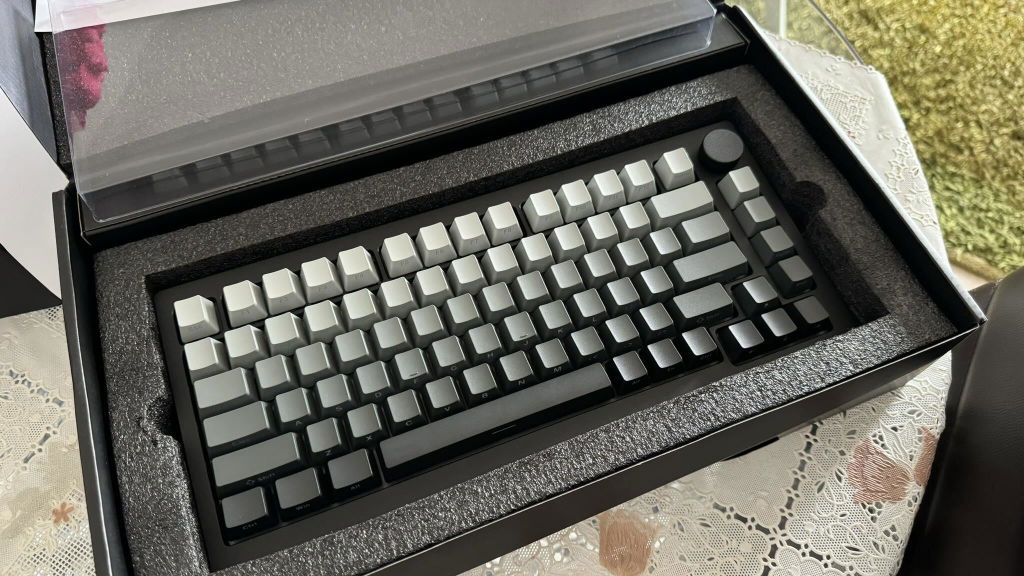
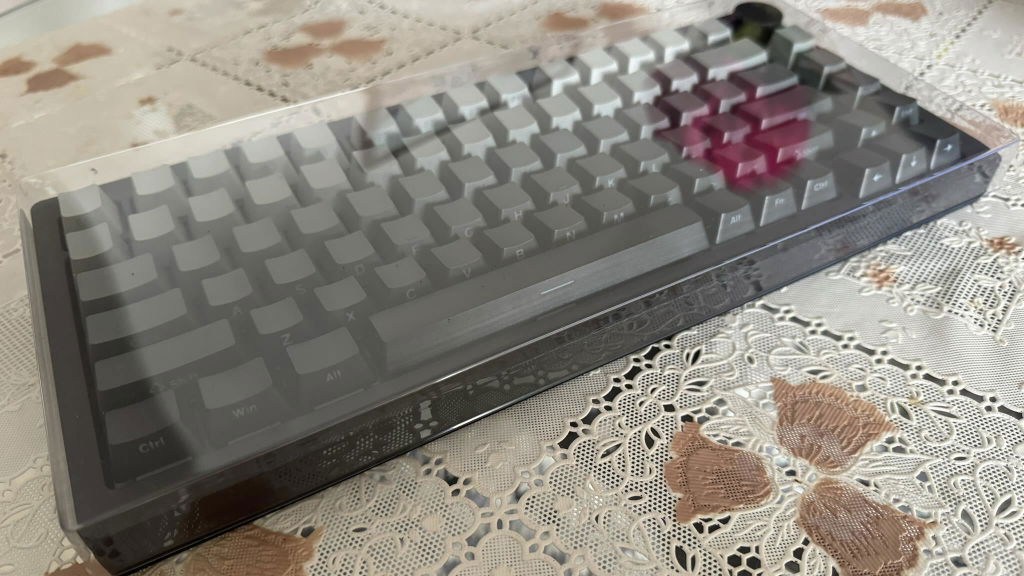
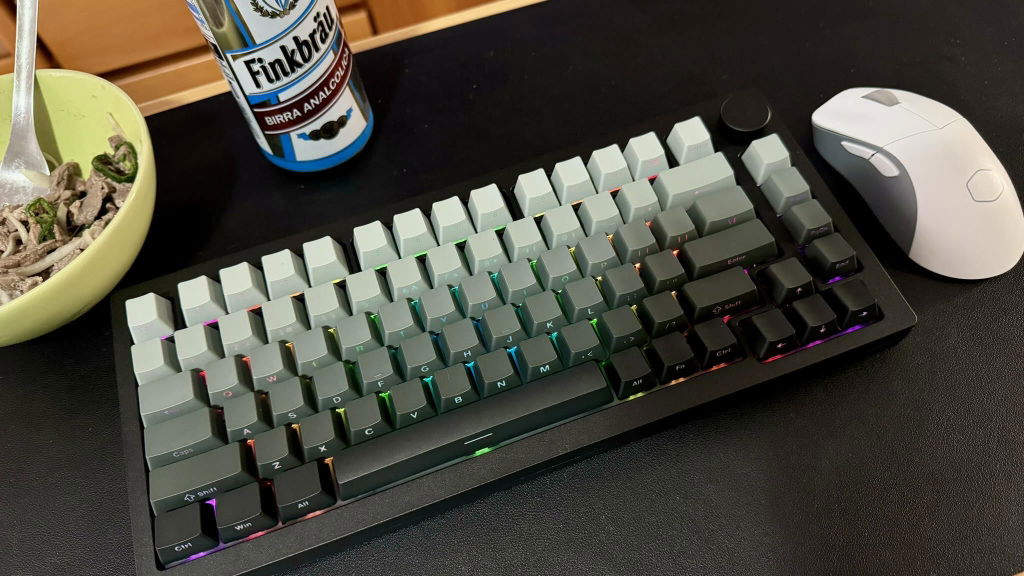
great
MonsGeek M1W V3 SP
MonsGeek M1W V3 SP
MonsGeek M1W V3 SP
MonsGeek M1W V3 SP
I love this keyboard <3
Solid key oard pick, really good and will enjoy, specially if you got some discount, then it is "must buy". Have pinguin linear switches, they are good and have bright rgb pass throug difuser, if you replace to other switches, as i did to silent, keep in mind rgb will be not that bright and gradient keycaps will be harder to see symbols.
Overall a well-built keyboard. However, the firmware needs to be better.
pros:
- very good build quality
- nice sound profile
cons:
- a number of software issue / firmware issue:
- caps lock key has some kind of weird latency. If you switch caps on and off after a few times, the system will lose track of the caps lock state, and the caps led can be on but you are typing lower case, or vice versa
- the charging LED will keep showing charging (red LED on) even if you switch to external power by USB. It doesn't affect usage but is just annoying to have that charging LED on all the time.
- when I use external power mode, the keyboard still falls into sleep. I expect this auto sleep mode to be automatically disabled when in an external power source.
- sometimes the wireless lost connection and the system gets stuck repeating the last input, e.g. if I was typing the letter "e" when this happens, it will just keeps entering "e" in endless loop.
I would definitely give five stars if there was a way to turn off the red LED under the spacebar. Apparently it is a battery level indicator, but there seems to be no way to turn it off apart from disconnecting the battery. Besides this, the keyboard is very nice. Coming from a K63 it's upgrades across the board. Good sound, nice feel and the wireless functions work well.
Yeah the title summarizes it perfectly. I love everything about the monsgeek m1w3, but hate the fact that there are no german keycaps for it.
The tyiping sound is more on the thocky sound than clacky. The piano switches is absolotly amazing for both typing and gaming. The best prebuilt i've had. 5/5.
Delivery was quite fast to Europe. The products are great, well made, looking and working as expected. Building the keyboard was fun and I am very happy with the result :)
The Monsgeek Keyboard is absolutely awesome!!! The sound the quality, Great price i am absolutely stunned with this keyboard.
I am very pleased. Excellent value for money. Don't waste your money on overpriced popular brands.
Keyboard feels great and service was exceptional. Service team was able to help me with my questions, highly recommend!
The keyboard is very stable, also because of its weight. The piano keys are beautiful to hear, although they might be a bit too loud for some people or in an office.
The penguin ones are incredibly silent and the tactile feedback is nice.
Only small complaints are:
- The shine through on the semi-blind keycaps is not very good on the lighter(top) keys
- can't turn off the keyboard unless using the manual switch under the caps key or connecting the usb and switching to USB mode
Absolute love it. Without any mods managed to make an extremely deep and thocky keyboard with the rosewood switches and thick keycaps. The keyboard is very heavy and full aluminum which I love and the knob feels very good. I didn't think it is possible for one to be looking forward to using a keyboard this much.
Amazing keyboard, with long lasting battery in wireless mode.
This is one thicc keyboard, didnt expect it to be so heavy.
Easy to take apart.
Haven't tried the wireless yet.
Got some akko fairy switches for it and its quite silent so i cant speak for the sound characteristics of the board with regular switches.
The platemounted stabs were lubed but not enough so took them off and put on some more lube and now all the stab noise is gone. Still some noise on my enter key and space so i put some vibration dampener material in it and now its perfect.
Its got a gasket mount but its quite stiff, i get more bounce from the keyboard sinking into my deskmat. Did try removing some of the foams but couldnt notice a difference.
The **** is goooood.
The seam between the top and bottom parts of the frame is good except on the left side where the top part goes out 1 mm further than the bottom part, you cant see it with the eye but you can feel it on the left side if you run your finger along the seam.
Since its the wired version it does not support qmk/via but the akko sw is functional enough.
In all very happy with it.

