







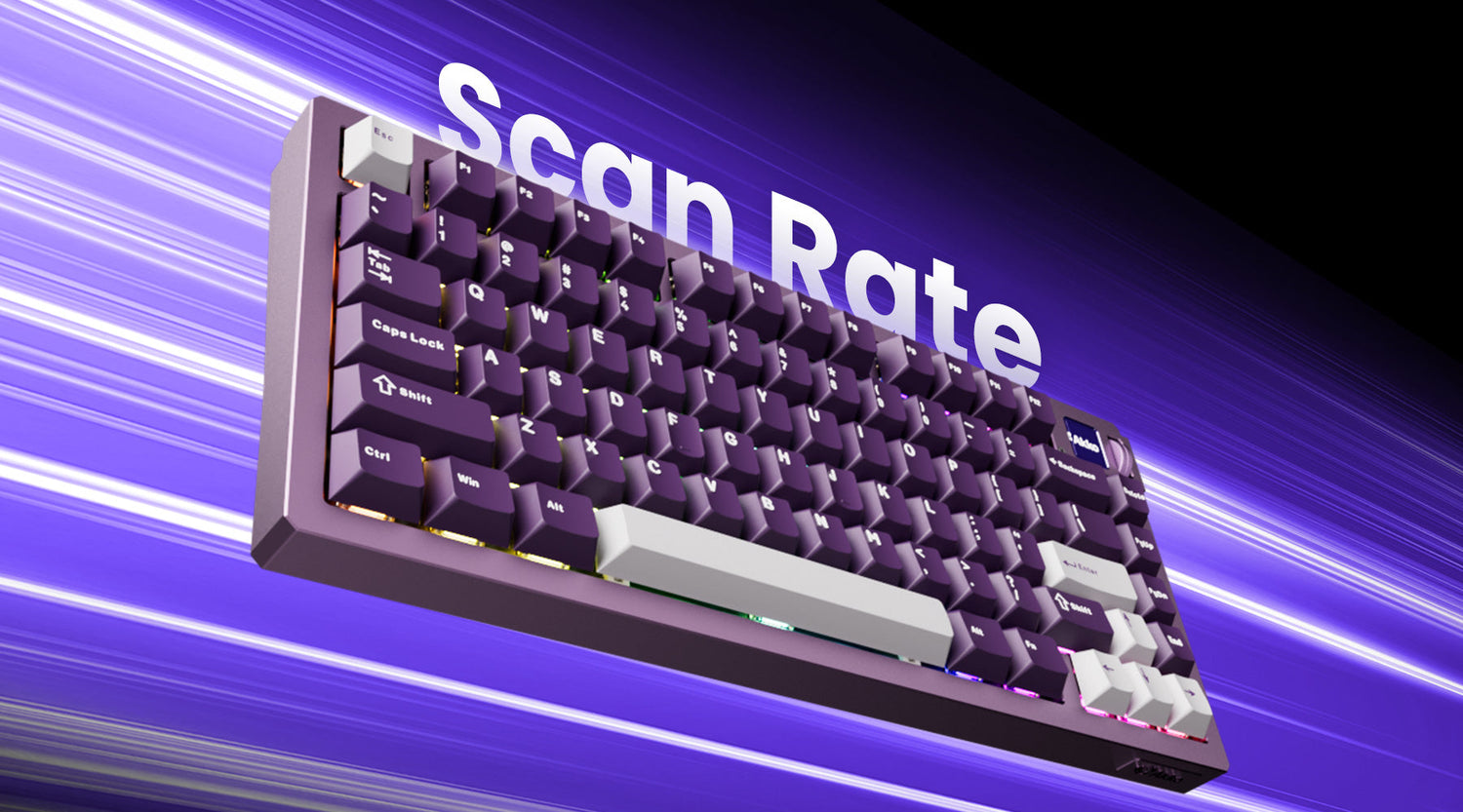
You may have noticed the scan rate listed on some keyboard product pages. While polling rate is often highlighted in marketing, scan rate is mentioned far less—despite its important impact on keyboard performance. So what exactly is scan rate? How does it affect your keyboard’s performance? And how is it different from the polling rate? Let’s take a closer look.
What Is Keyboard Scan Rate?
Scan rate is how frequently the keyboard scans for key presses or releases. It is measured in Hertz (Hz) and represents the number of scans performed per second.
For example:
- 125Hz scan rate = the keyboard checks key states 125 times per second
- 1000Hz scan rate = checks 1000 times per second
- 8000Hz scan rate = checks 8000 times per second
A higher scanning rate means the keyboard monitors key states more frequently, allowing it to detect and register every user action quickly and accurately.
Keyboard Scan Rate vs Polling Rate
The keyboard scan rate differs from the polling rate.
- Scan rate = how fast the keyboard detects key presses internally
- Polling rate = how fast the keyboard reports those presses to the computer
Let's take a closer look at what happens when you press a certain key:
- You press a key on the keyboard
- The switch mechanism triggers an electrical signal
- The keyboard’s microcontroller scans and detects the key press ← Scan rate matters here
- The microcontroller prepares a packet of key press/release data
- Your PC polls the keyboard over USB and retrieves the packet ← Polling rate matters here
Scan Rate
In the process of inputting the key, the scan rate affects Step 3, which happens before USB communication. It is controlled entirely by the keyboard’s internal logic, which makes it harder to measure. And in some designs, the different keys or key zones may even use different scan rates.
Polling Rate
The polling rate corresponds to Step 5, which is part of USB communication. It can be easily inspected using tools, which is why polling rate has become a popular (and verifiable) marketing spec in gaming peripherals.
Scan Rate vs. Polling Rate Comparison Chart
Here is the comparison chart for the keyboard scan rate and polling rate:
| Aspect | Scan Rate | Polling Rate |
|---|---|---|
| What it is | How often the keyboard internally checks key states | How often the PC checks the keyboard for input |
| Happens where | Inside the keyboard (MCU / firmware) | Over USB between keyboard and PC |
| Affects which step | Key detection (before USB transmission) | Data transfer to the PC |
| Measured in | Hertz (Hz) | Hertz (Hz) |
| Typical values | 125Hz – 32000Hz+ | 125Hz – 8000Hz+ |
| Controls | Keyboard logic, circuitry, firmware | USB configuration & device descriptor |
| Visibility to user | Largely hidden | Fully visible and verifiable |
| Easy to verify | No | Yes |
| Marketing usage | Rarely advertised | Common marketing spec |
| Per-key differences possible | Yes (design-dependent) | No |
| Impact on latency | Detection latency | Transmission latency |
| Can compensate for the other? | Scan rate limits polling effectiveness | Polling can’t fix slow scan |
Scan Rate Interacts with Polling Rate
Polling rate cannot make the keyboard detect keys faster—it can only transmit what has already been detected. If the scan rate is low, that means the keyboard may miss the exact moment a key is pressed, and the key press must wait until the next scan cycle.
In this way, even with a very high polling rate, that delay still exists. For best performance, the scan rate should be equal to or higher than the polling rate.
What Impact Does Scan Rate Have?
1. Response Speed
A higher scan rate allows the keyboard to detect keystrokes faster, minimizing input delay and missed actions.
For example, the MOD 007 V5 HE Magnetic Keyboard features a 32,000Hz scan rate, meaning it scans for key inputs 32,000 times per second. This results in a shorter time from key press to activation, making the user experience more responsive and smooth.
2. Precision
A higher scan rate enhances overall keyboard precision. During fast typing or complex inputs, it captures key positions and pressure changes more accurately, reducing missed or incorrect inputs.
For example:
- When typing, actions like selecting the correct characters or switching between uppercase and lowercase become more reliable.
- In gaming, this precision translates into more accurate skill activation and smoother, more controlled character movement.
3. Reliable Input Recognition
With optimized firmware algorithms and a high scanning rate, the keyboard can better differentiate intentional keystrokes from accidental touches. Light finger contact or resting on a key will not trigger an input; a response is only registered once a defined pressure or travel threshold is reached. This effectively reduces unintended keystrokes and improves overall accuracy during both typing and gaming.
4. Signal Stability
High-frequency scanning enables the keyboard to rapidly compare multiple input samples, filtering out momentary signal fluctuations and preventing transient anomalies—such as those caused by poor contact—from being registered as valid input.
This is essential for long-term stability, especially in complex electromagnetic environments or after extended, heavy use, ensuring consistently reliable performance.
What Affects Keyboard Scan Rate?
1. Microcontroller (MCU) Processing Power
The keyboard scan rate largely depends on the processing power of the internal microcontroller. A higher clock frequency means faster data processing, thus increasing the scan rate.
2. PCB Design
The design of the printed circuit board (PCB) also affects the scan rate. A good PCB design can reduce the length and complexity of signal transmission paths, thereby improving scan speed.
3. Firmware Algorithm
The algorithm in the keyboard firmware is also crucial. Optimized firmware algorithms can effectively improve scanning efficiency, reduce unnecessary signal processing, and thus increase the scan rate.
4. Driver
Drivers also have a significant impact on the scan rate. Stable drivers ensure good compatibility with the operating system and avoid scan delays caused by software conflicts.
5. Usage Environment
The keyboard's usage environment also affects the scan rate. In humid or extreme temperature conditions, keyboard performance may degrade, leading to unstable scan rates.
6. Keyboard Cleaning
After prolonged use, dust and dirt accumulated inside the keyboard can reduce the circuit's response speed. Regularly cleaning the keyboard can maintain a good scan rate.
7. Key Pressing Force and Frequency
The user's key pressing force and frequency also affect the scan rate. Excessively heavy or rapid key presses may cause temporary instability in the keyboard circuitry, thus affecting the scan rate.
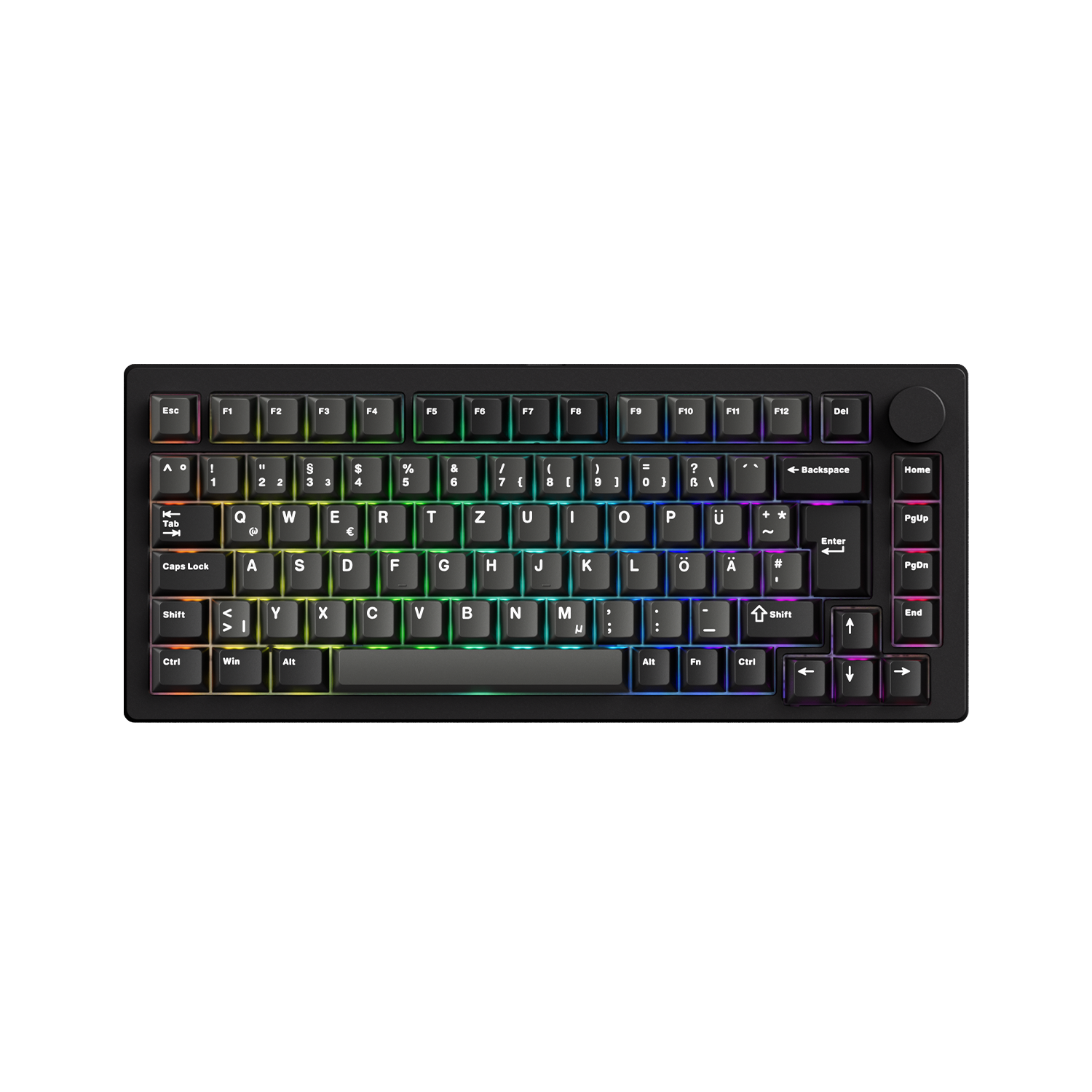
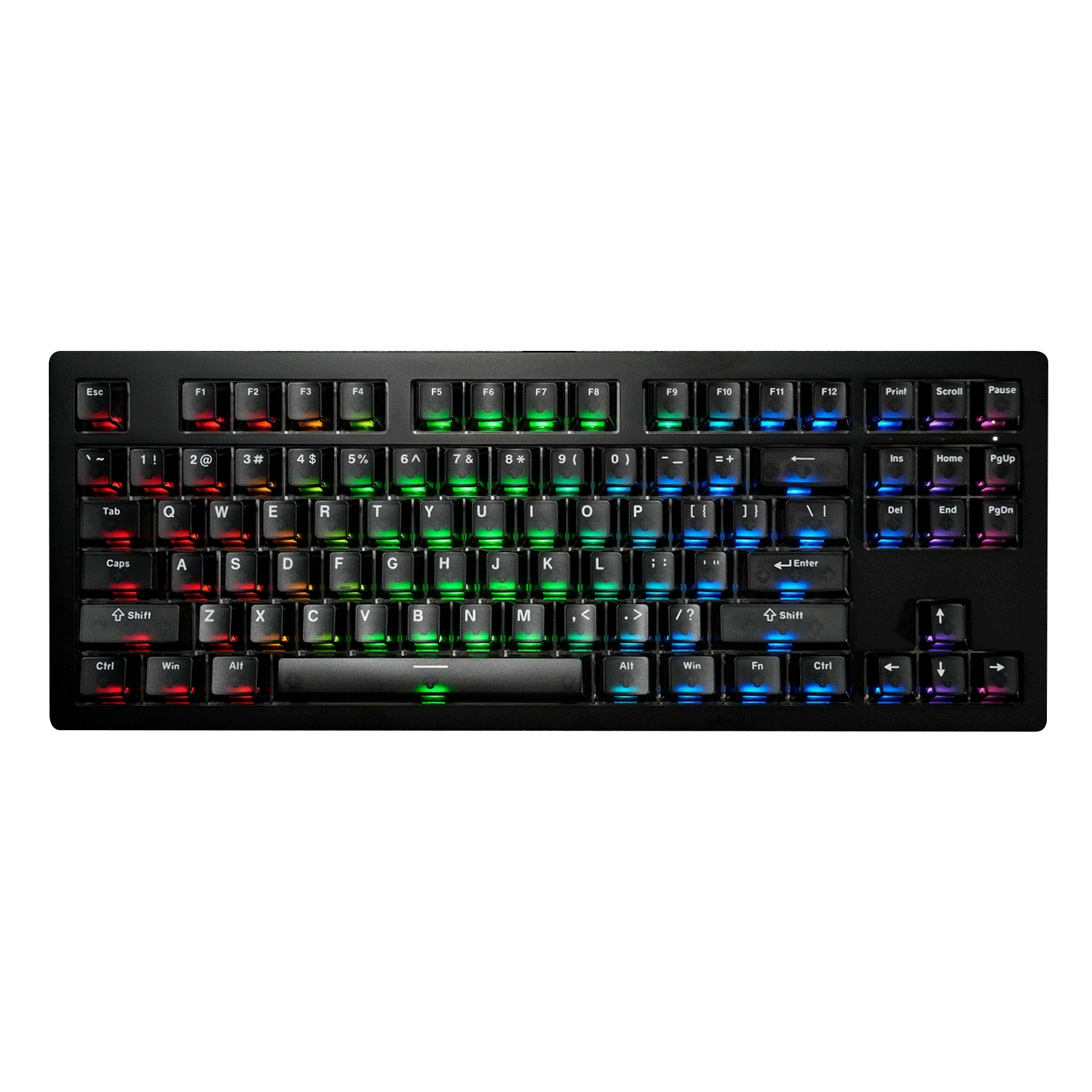
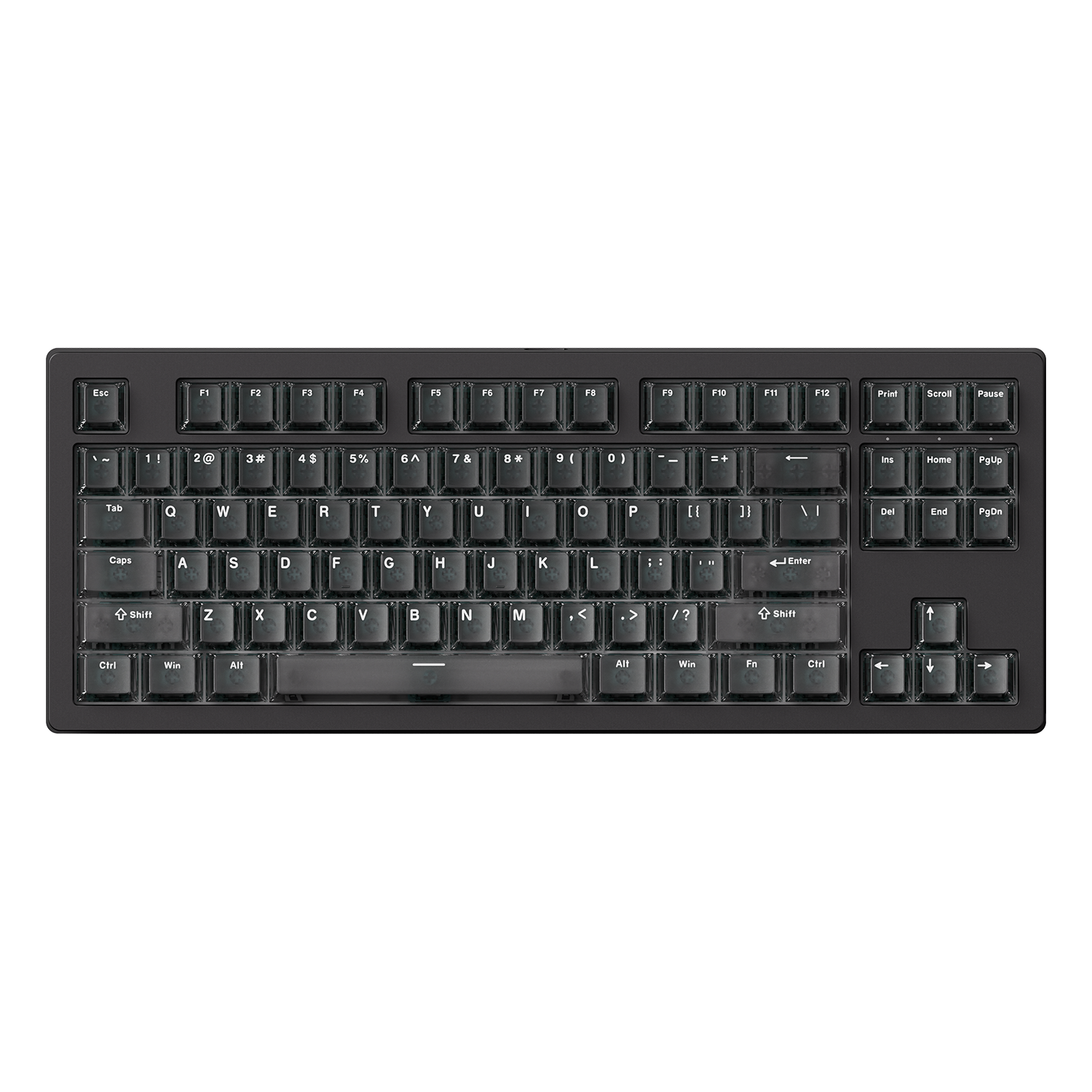
Akko Keyboards with a 32K Hz Polling Rate
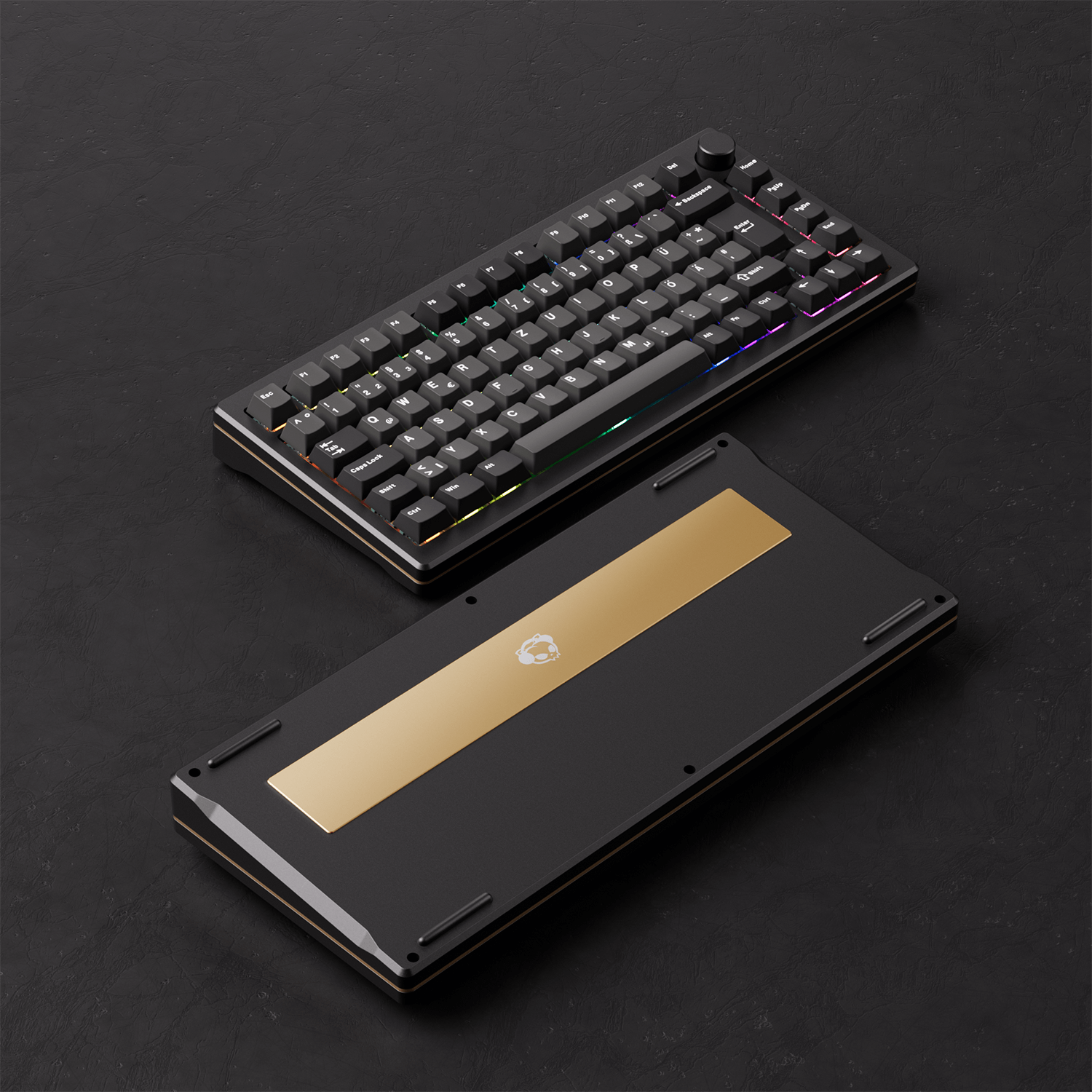
MOD 007B HE Black & Silver ISO
A premium 75% Hall Effect magnetic keyboard in a sleek Black & Silver ISO layout that blends performance with style — perfect for gamers and productivity users who want both responsiveness and aesthetic appeal.
Features:
- 32,000Hz Scanning and 8000Hz Polling Rate
- Full Range RT0.005mm
- ARM Cortex-M4 CPU
- Cross-Compatible with Mainstream Magnetic Switches
- Aluminum CNC
- ISO Layout Support
- Gasket Mount
- Multi-mode
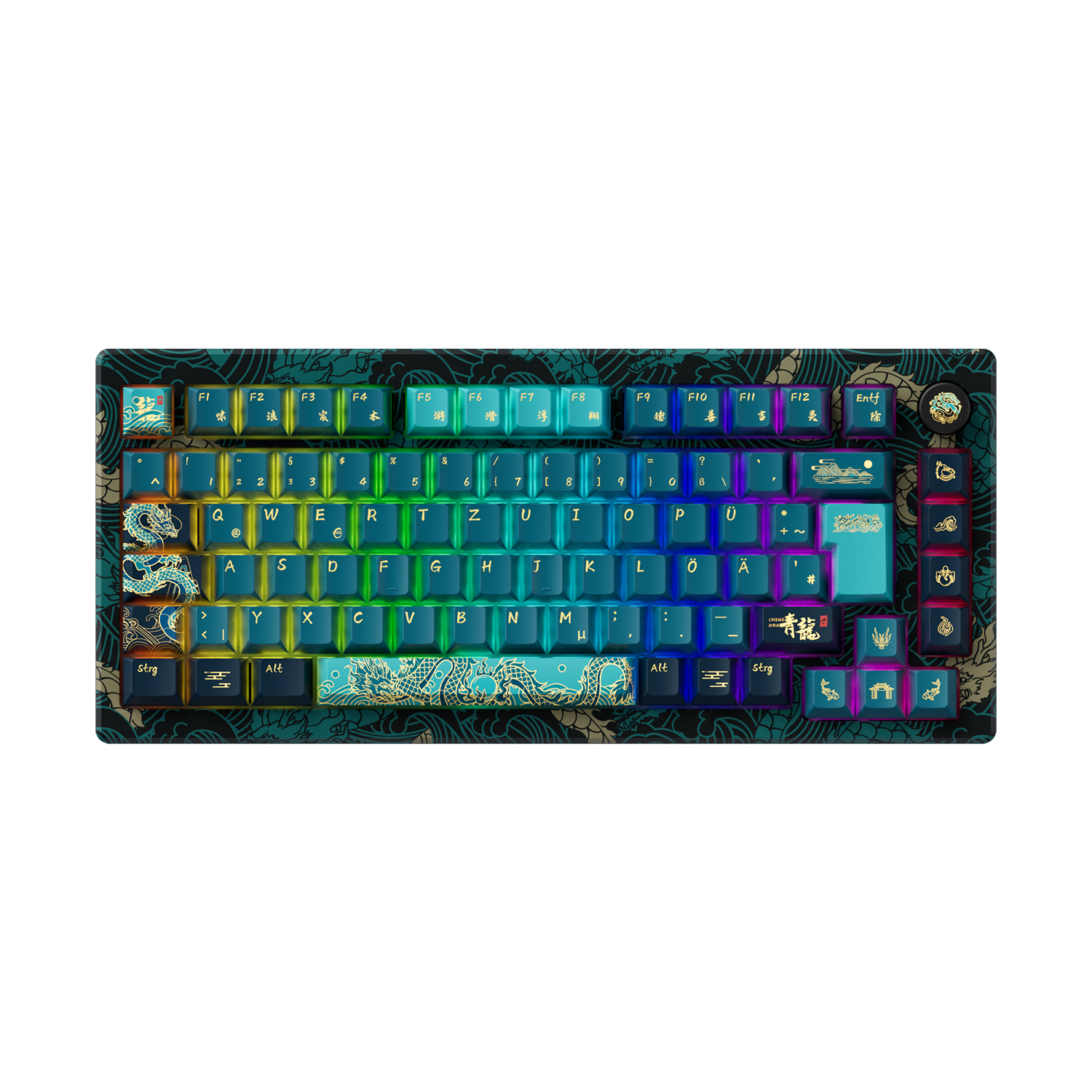
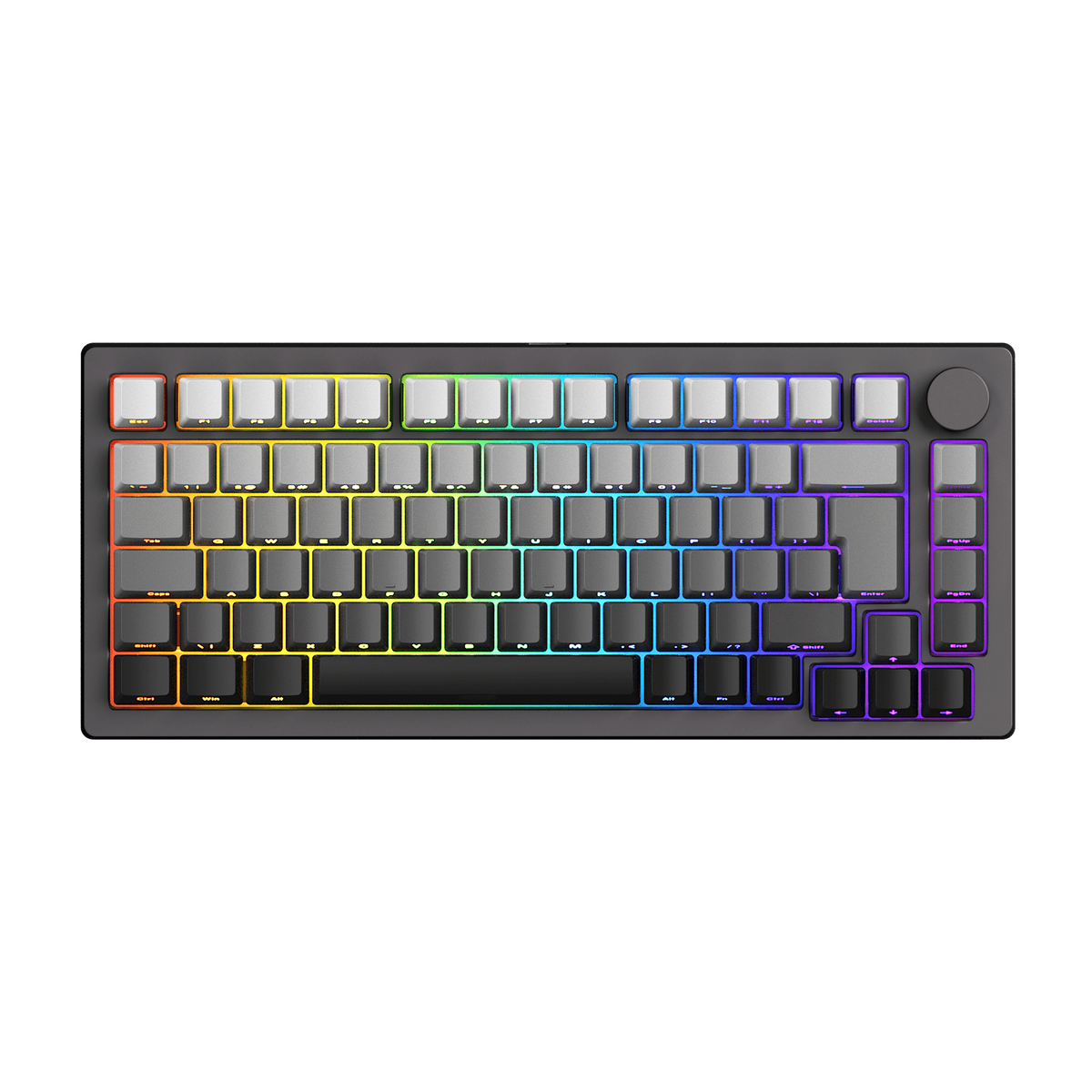
MOD 007 HE Year of Dragon
A limited-edition Hall Effect keyboard celebrating the Year of the Dragon — combining stunning CNC aluminum styling with cutting-edge input technology and solid performance.
Features:
- Year of Dragon Collector Edition
- 32,000Hz Scanning and 8000Hz Polling Rate
- Full Range 0.01mm RT
- Cross-Compatible with Mainstream Magnetic Switches
- ARM Cortex-M4 CPU
- Support ISO-DE/FR/UK Layout
- Gasket Mount
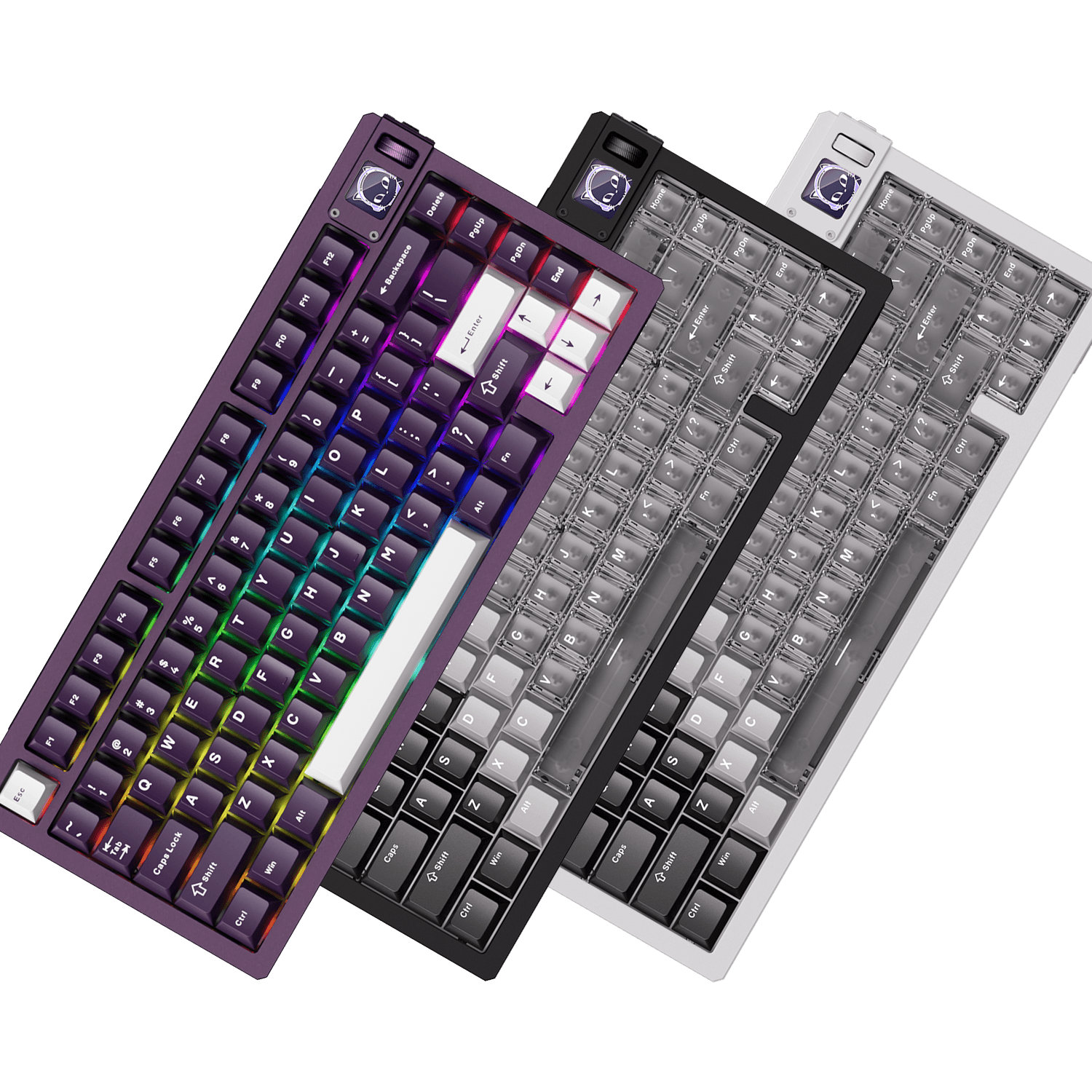
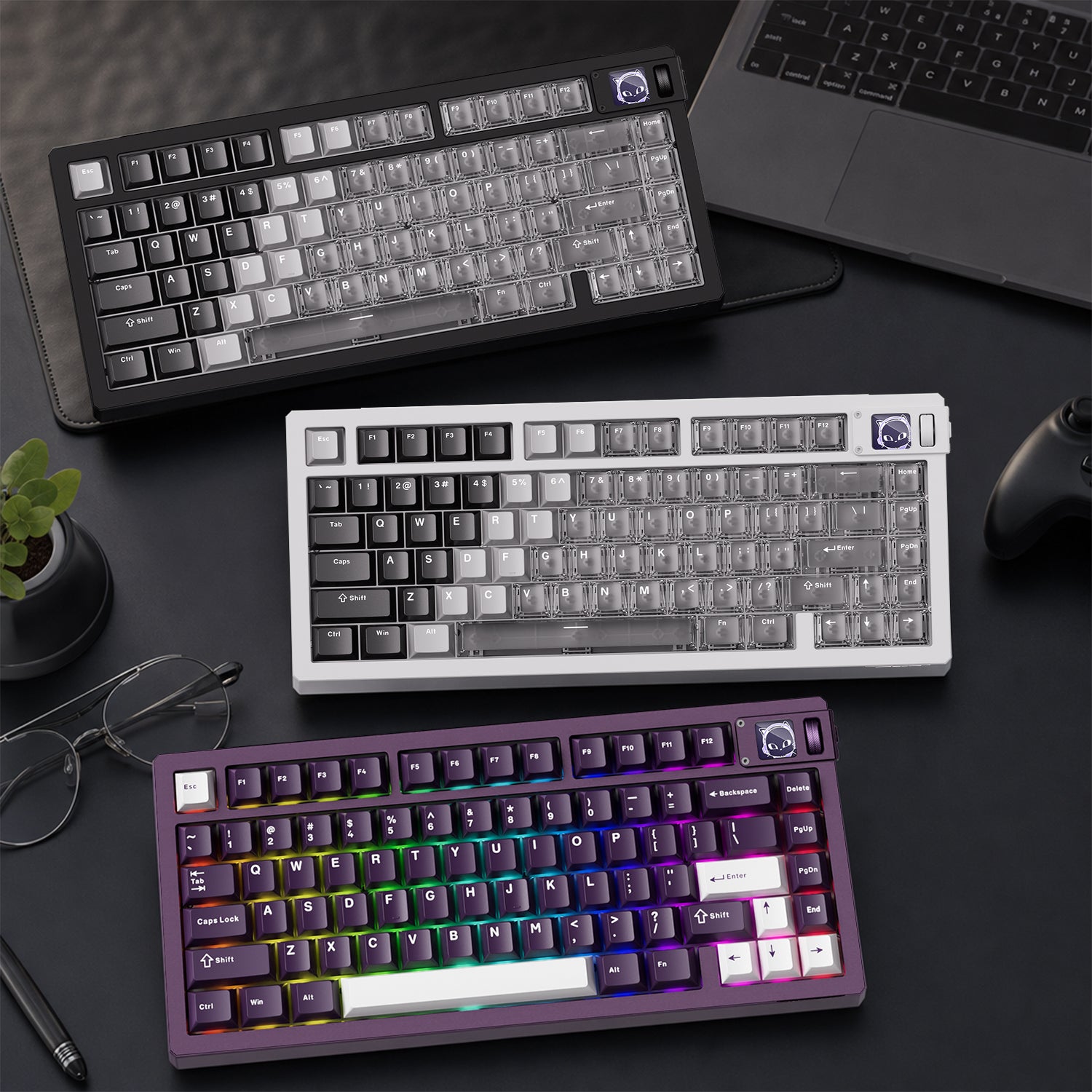
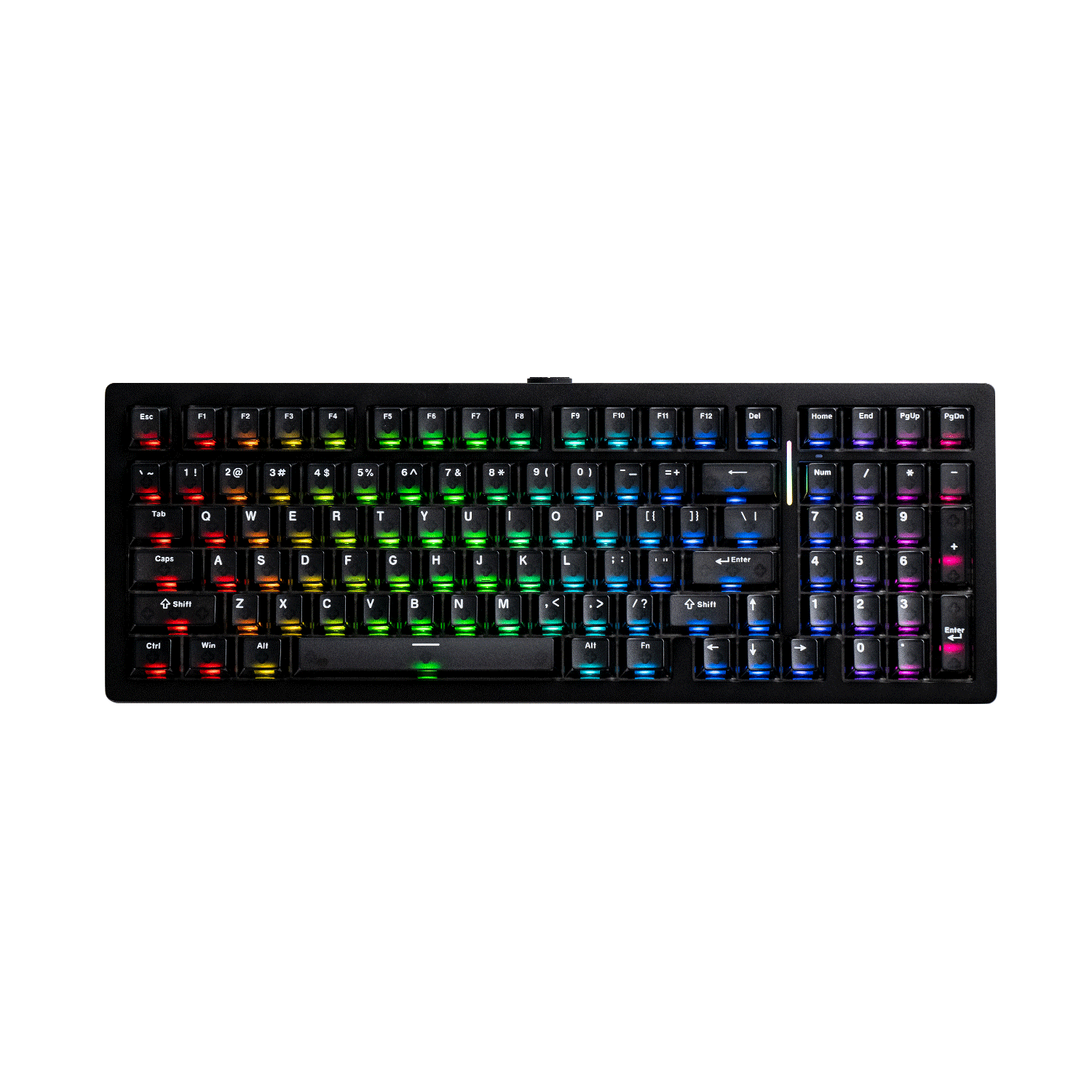
MOD 007 V5 HE Magnetic Keyboard
A next-generation Hall Effect keyboard with ultra-high internal precision and customizable features — ideal for high-performance gamers and enthusiasts who demand control and flexibility.
Features:
- 32,000Hz Scanning and 8000Hz Polling Rate
- Full Range RT0.005mm
- ARM Cortex-M4 CPU
- Rapid Disassemble Design
- Cross-Compatible with Mainstream Magnetic Switches
- Programmable Display Screen & Vertical Knob
- Aluminum Case and Gasket Mount
- Multi-mode
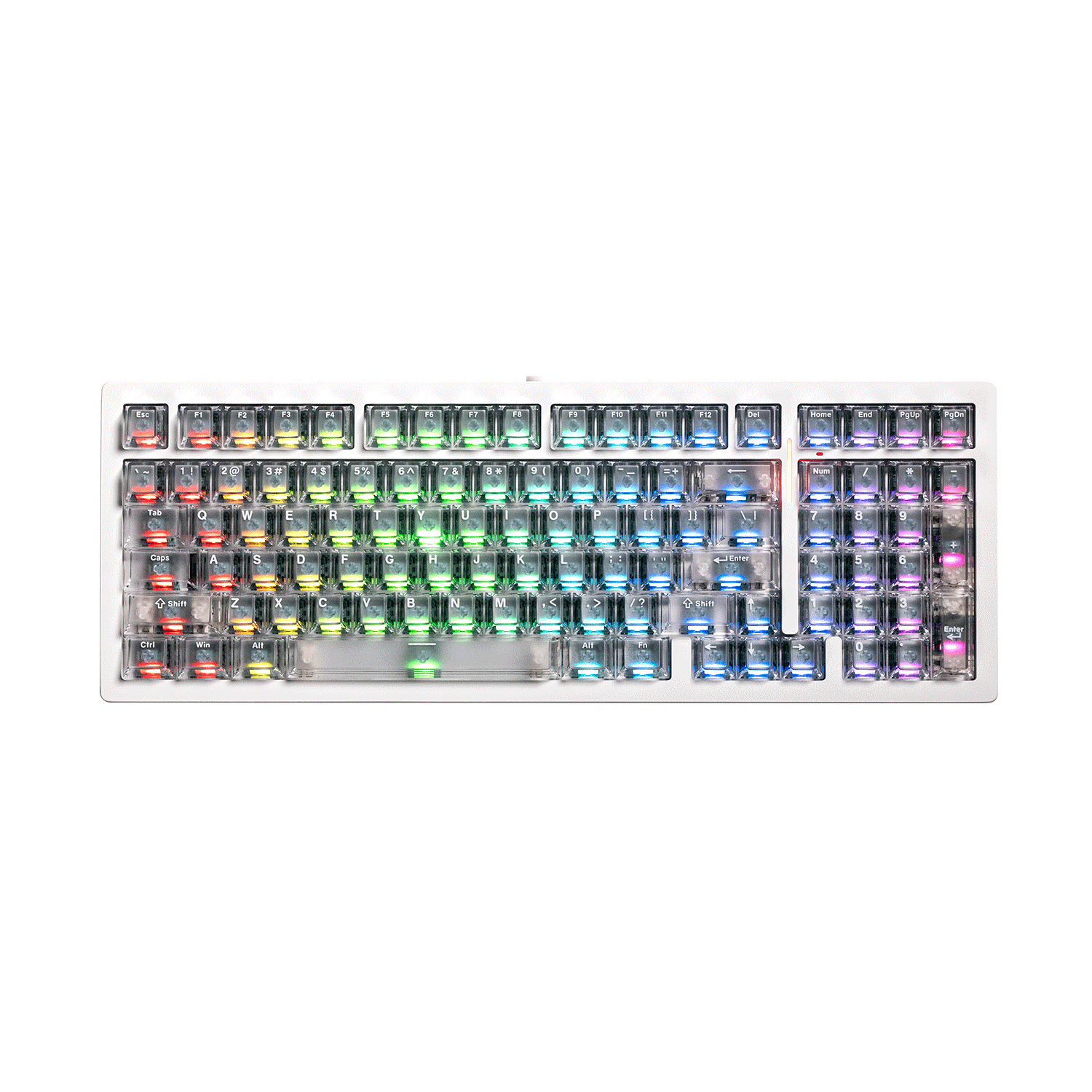
MonsGeek M1 V5 TMR Magnetic Keyboard
A versatile TMR magnetic keyboard that combines precise key actuation with solid build quality and great value — a strong choice for users who want both performance and flexibility.
Features:
- TMR Sensor Provides a More Precise and Stable Experience
- ANSI Version Supports 32,000Hz Scan Rate, ISO Version Supports 16,000Hz Scan Rate
- Compatible with Magnetic Switches and Mechanical Switches
- Cross-Compatible with Mainstream Magnetic Switches
- 8000Hz Polling Rate
- ARM Cortex-M4 CPU
- Rapid Disassemble Design
- Aluminum Case and Gasket Mount
- Multi-mode
In addition to the Monsgeek M1 V5 TMR, the newly released Monsgeek M series HE magnetic keyboards, including the M1 V5 HE, M2 V5 HE, and M3 V5 HE, also feature a 32,000Hz scan rate, providing a precise, high-speed, and stable typing experience.
Conclusion
The scan rate isn’t just a number on a spec sheet. It’s a key part of the input pipeline that, when combined with good firmware and hardware design, helps turn fast key presses into reliable, accurate actions on screen.






Yorum yazın
Tüm yorumlar yayınlanmadan önce incelenir.
Bu site hCaptcha ile korunuyor. Ayrıca bu site için hCaptcha Gizlilik Politikası ve Hizmet Şartları geçerlidir.