





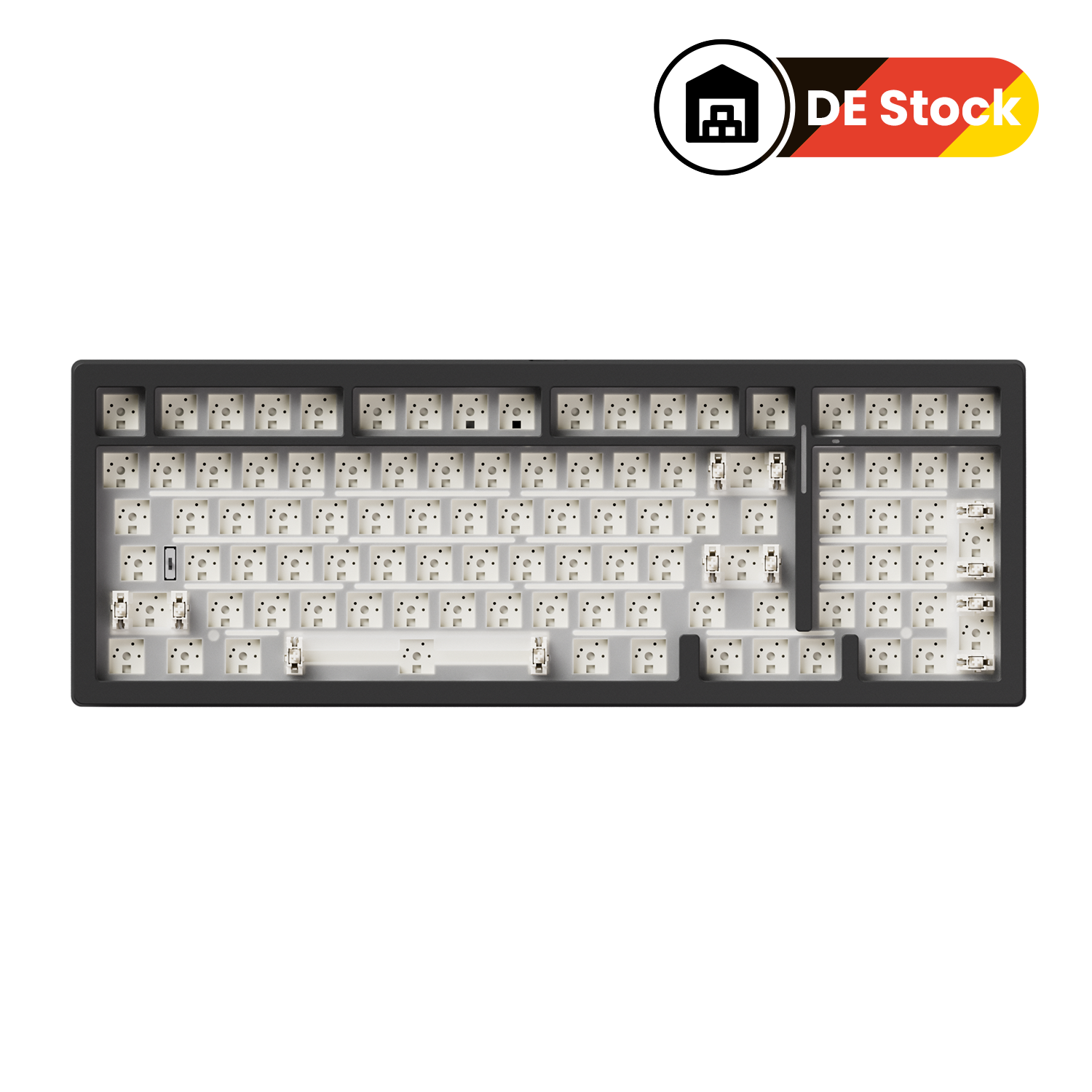
MonsGeek M2 V5 VIA DIY Kit
Vergi dahil. Gönderi ücreti ödeme sırasında hesaplanır
We strive to provide you with services of the highest standard!
Default (CN) Warehouse
Products that are not specifically marked with an overseas warehouse option are generally shipped from our Default (CN) Warehouse.
The Default (CN) Warehouse currently supports shipping to the following countries and regions:
Australia, Austria, Belgium, Bulgaria, Canada, Colombia, Croatia, Cyprus, Czechia, Denmark, Estonia, Finland, France, Germany, Greece, Guatemala, Iceland, Indonesia, Ireland, Italy, Jamaica, Japan, Jersey, Kuwait, Latvia, Lithuania, Luxembourg, Mexico, Mongolia, Netherlands, New Zealand, Norway, Pakistan, Philippines, Poland, Portugal, Qatar, Romania, Russia, Serbia, Singapore, Slovakia, Slovenia, Spain (47 of 52 provinces), Spain (Ceuta), Sri Lanka, Sweden, Switzerland, Taiwan, Thailand, United Kingdom, United States (56 of 62 states), Uzbekistan, and Vietnam.
Most products sold on Akkogear.eu are shipped from China.
For most eligible EU destinations, the estimated delivery time from the Default (CN) Warehouse is approximately 10–20 working days.
This estimate refers to the expected delivery period and should not be interpreted as order processing time.
Germany (DE) Warehouse
The Germany (DE) Warehouse currently supports shipping to:
Austria, Belgium, Bulgaria, Croatia, Czechia, Denmark, Estonia, France, Germany, Greece, Hungary, Italy, Latvia, Lithuania, Luxembourg, Netherlands, Poland, Portugal (18 of 20 regions), Romania, Slovakia, Slovenia, Spain (47 of 52 provinces), and Sweden.
For Germany, the estimated delivery time is approximately 2–3 days by DHL fast delivery.
For other supported European destinations, the estimated delivery time is approximately 6–7 days.
The DE Warehouse does not currently support delivery to the United Kingdom, Ireland, Malta, Cyprus, Switzerland, or other destinations not listed above.
Click Here to View More Details.
Our support team is available to help you within 24 hours.

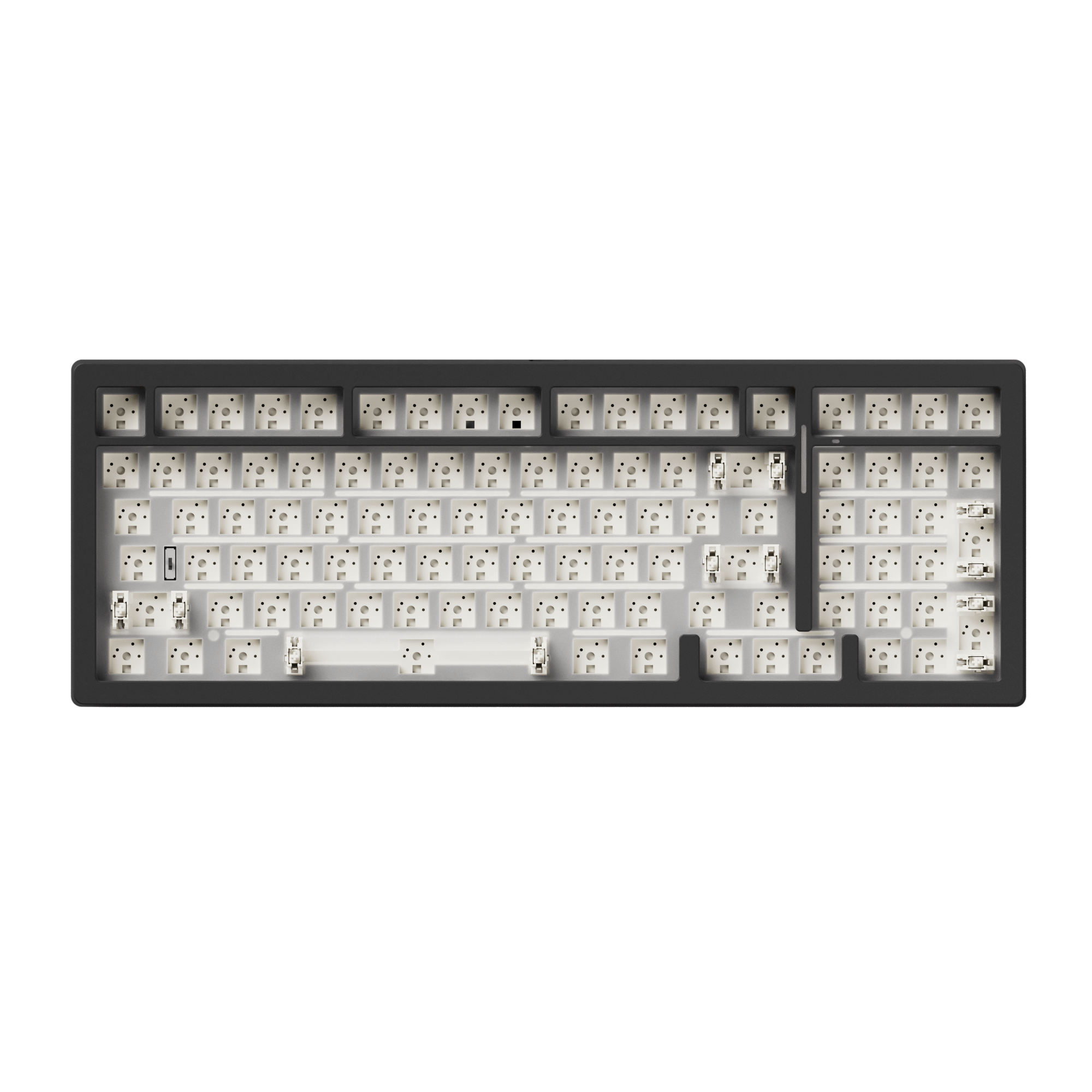
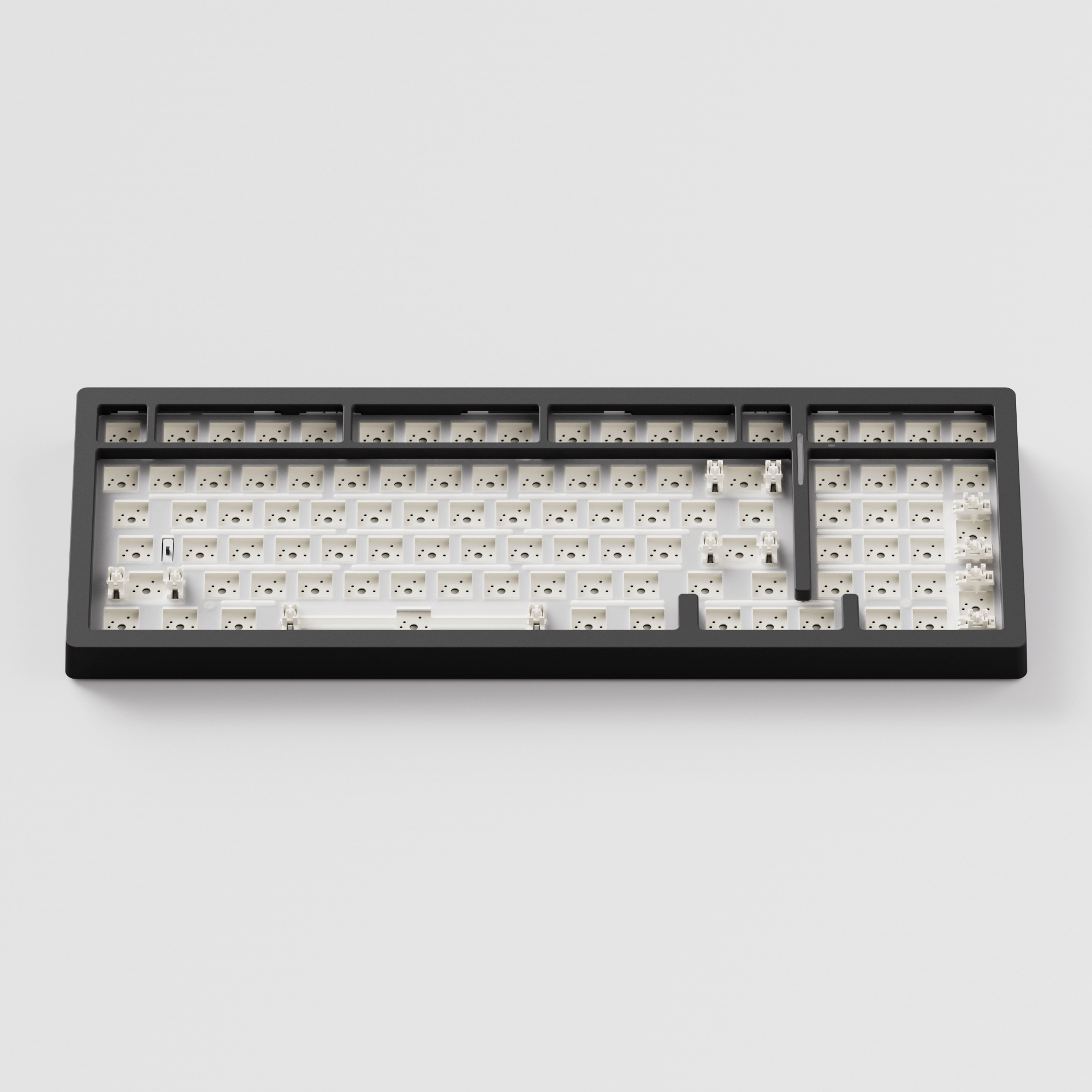
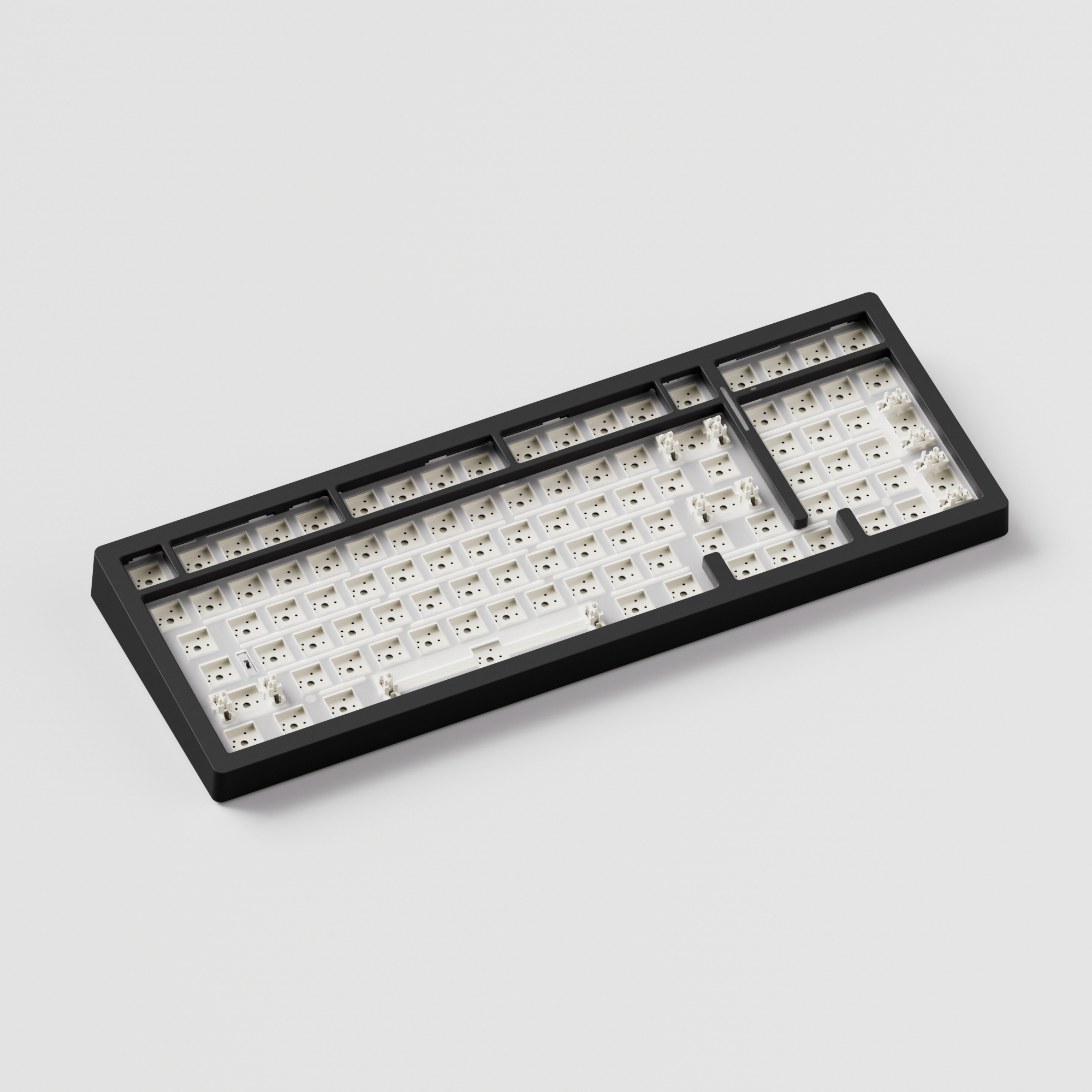
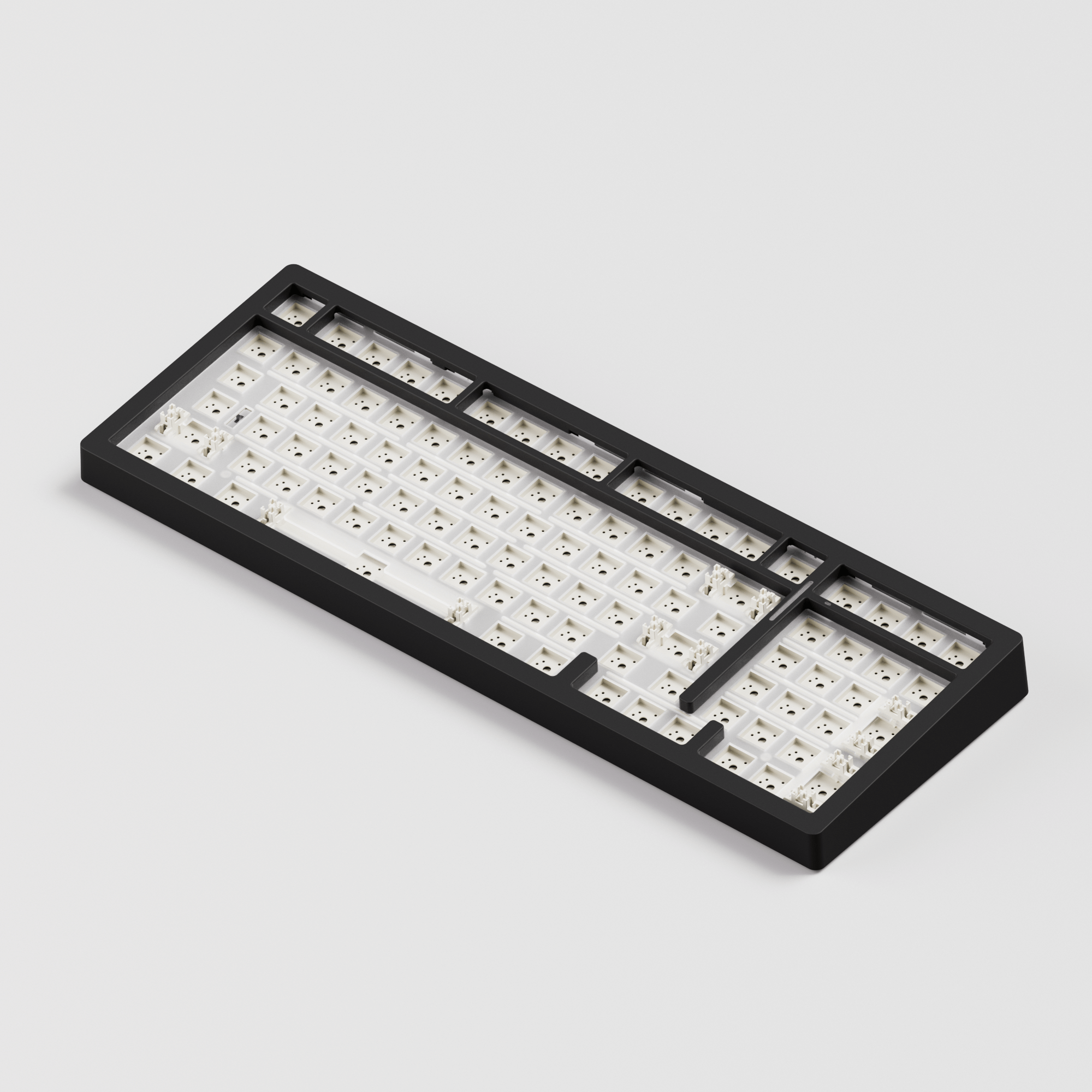
1800 Compact Size Rapid Disassemble Aluminum Mechanical Barebone
MonsGeek M2 V5 VIA Custom Kit
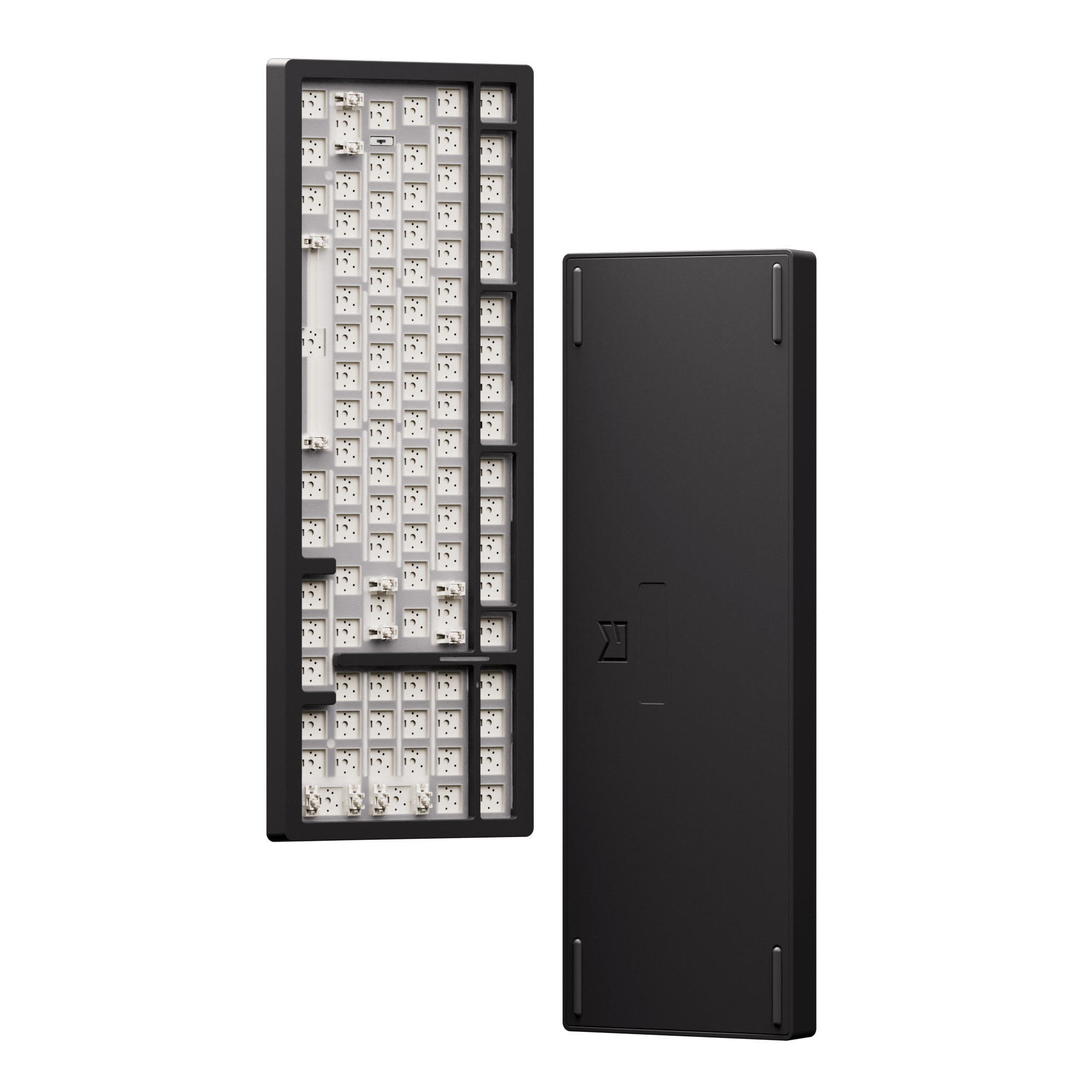
The MonsGeek M2 V5 VIA Custom Mechanical Keyboard Kit features a ball catch design, allowing for rapid disassembly and convenient maintenance.
Making it easy for beginners to build the keyboard independently.





Ball-catch Design
Rapid Disassemble without Screws or Tools
Unlike typical screw-on mechanical keyboards, the M2 V5 Series features a ball catch to secure the case and adjustable load force that can be modified by tightening screws during installation for enhanced safety and stability.

Before

After
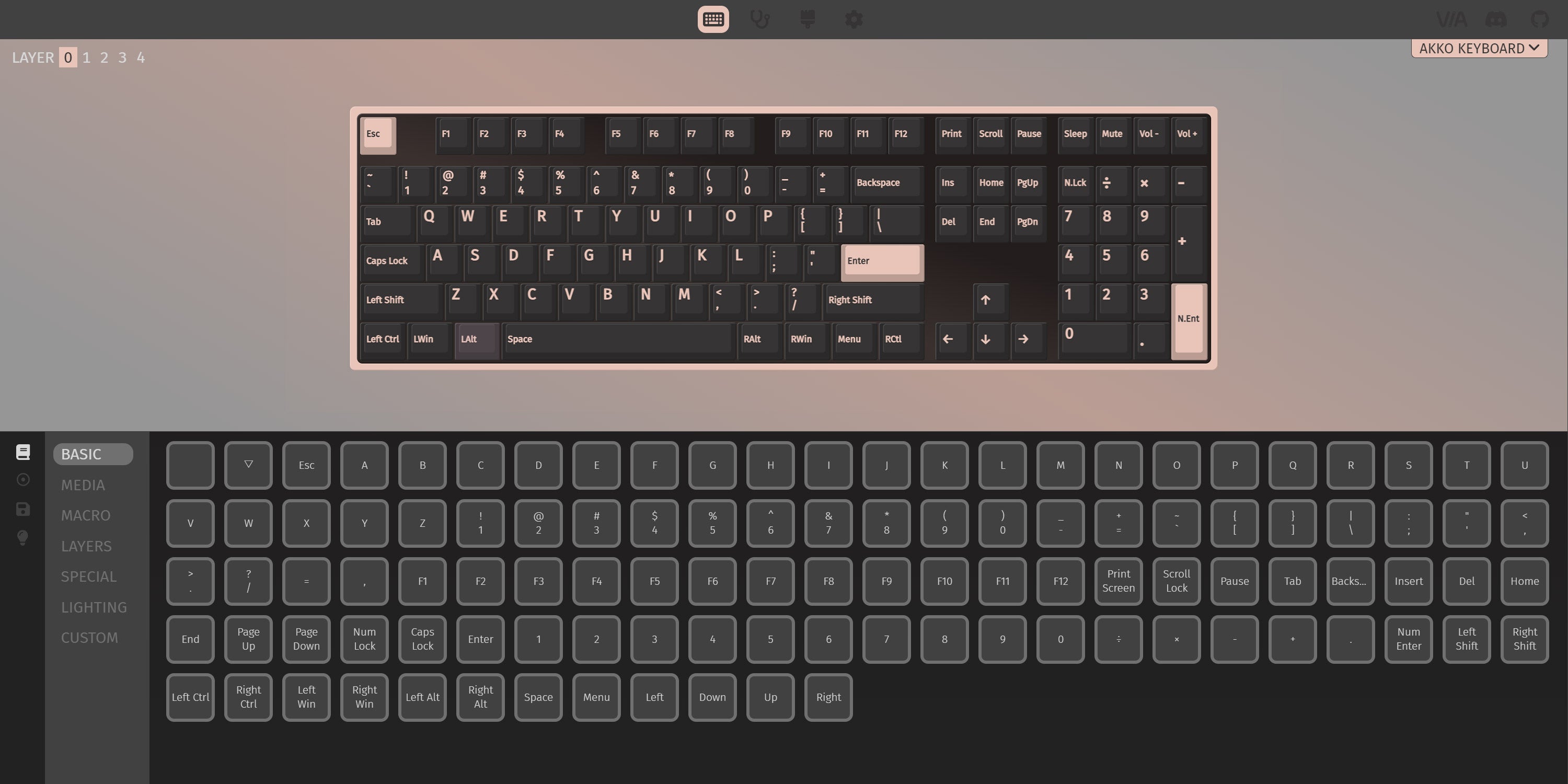
Endless Remapping and Backlight Customization
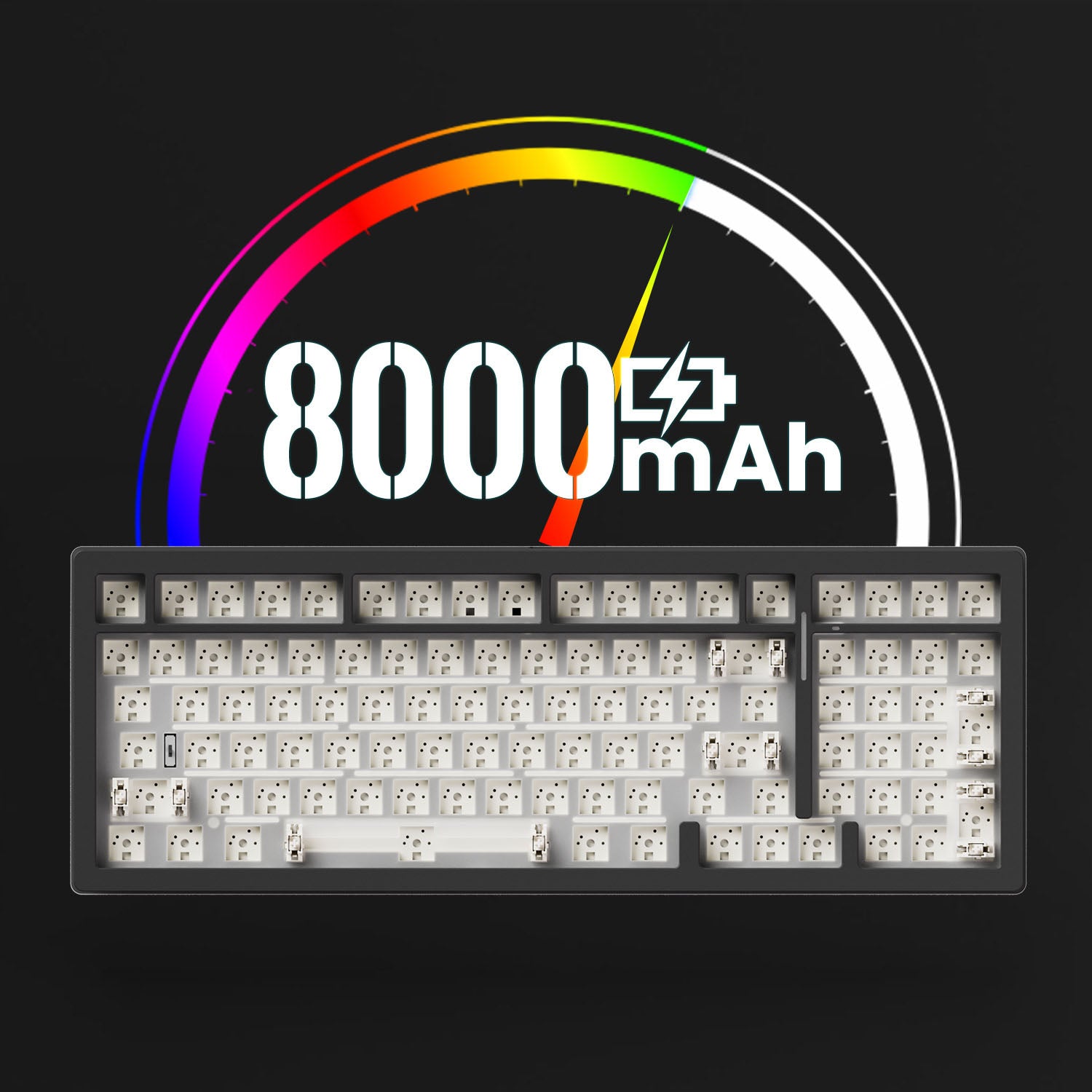
Built-in 8000mAh Battery
With a high-capacity battery of around 8000mAh, users can enjoy prolonged periods of uninterrupted typing, gaming, or productivity without the need for constant recharging.
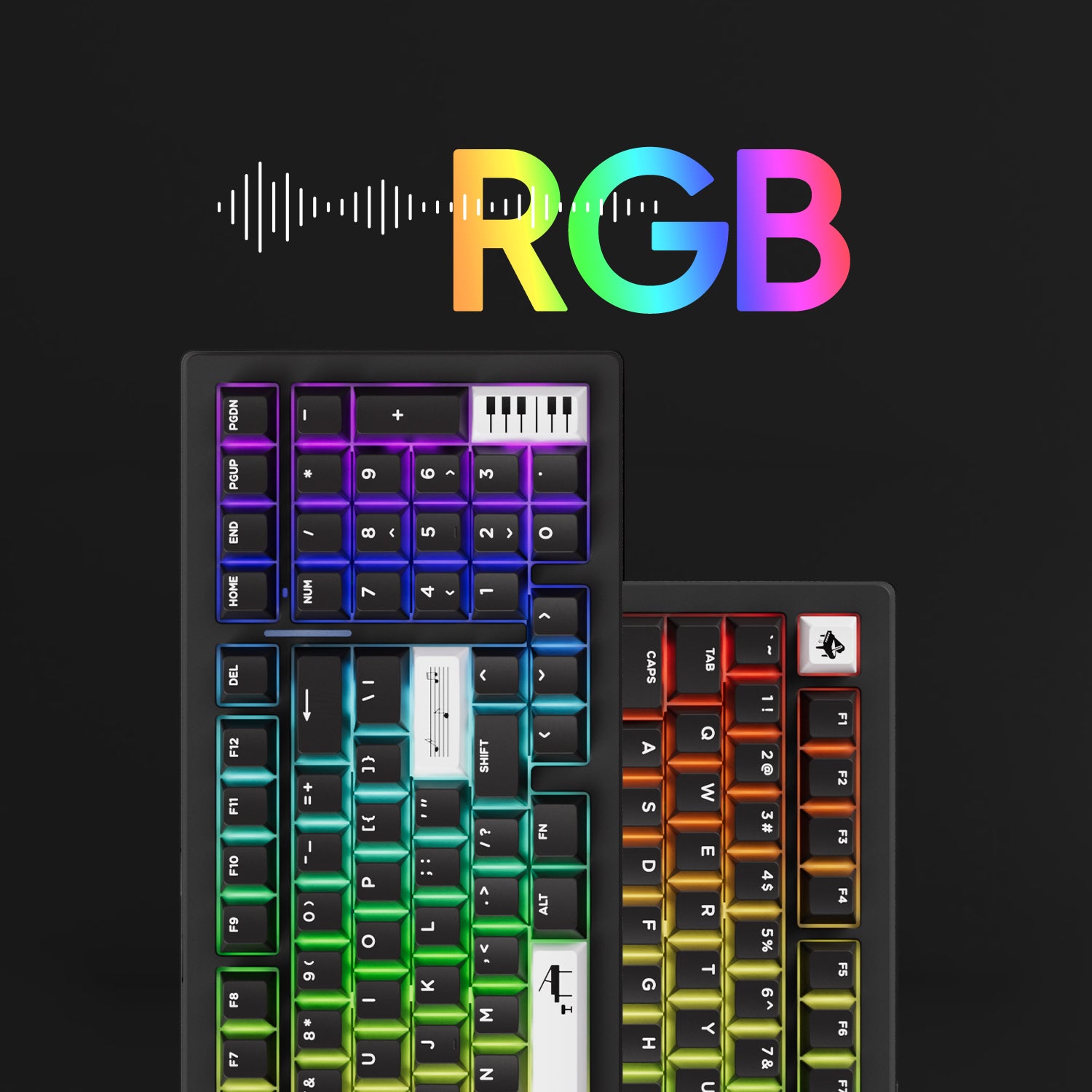
RGB Backlit
M2 V5 Series provides around 16 preset backlighting effects and customization through VIA software, with brightness and speed control.
Please note: Keycaps and switches are not included with this DIY Kit. They are shown in product images for display purposes.
Gasket Mount
MonsGeek gasket mount keyboard is a type of mechanical keyboard that uses a gasket material, such as silicone or neoprene, to create a “floating” mount for the switches. The gasket is placed between the plate and the PCB, which allows for a more flexible and cushioned typing experience.
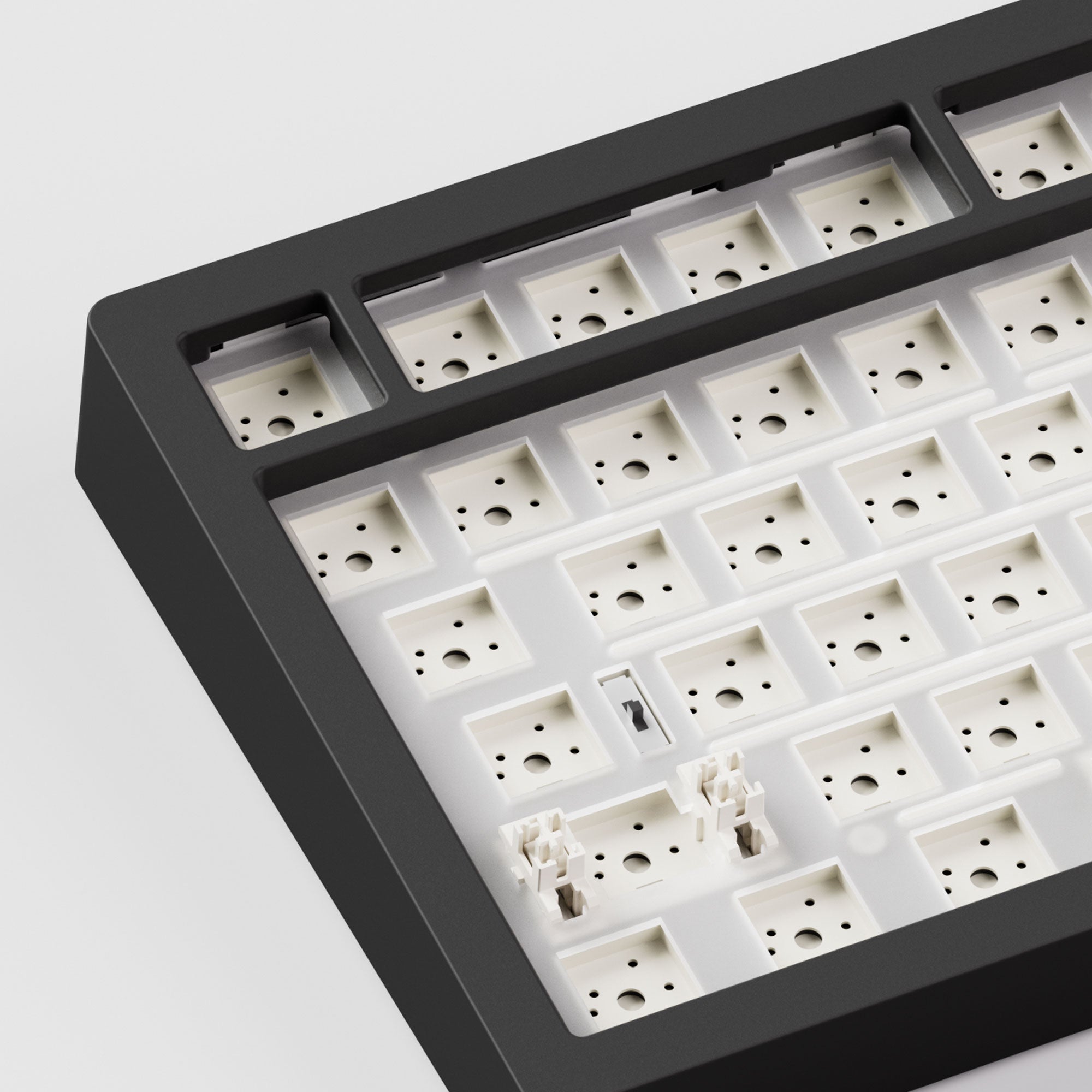
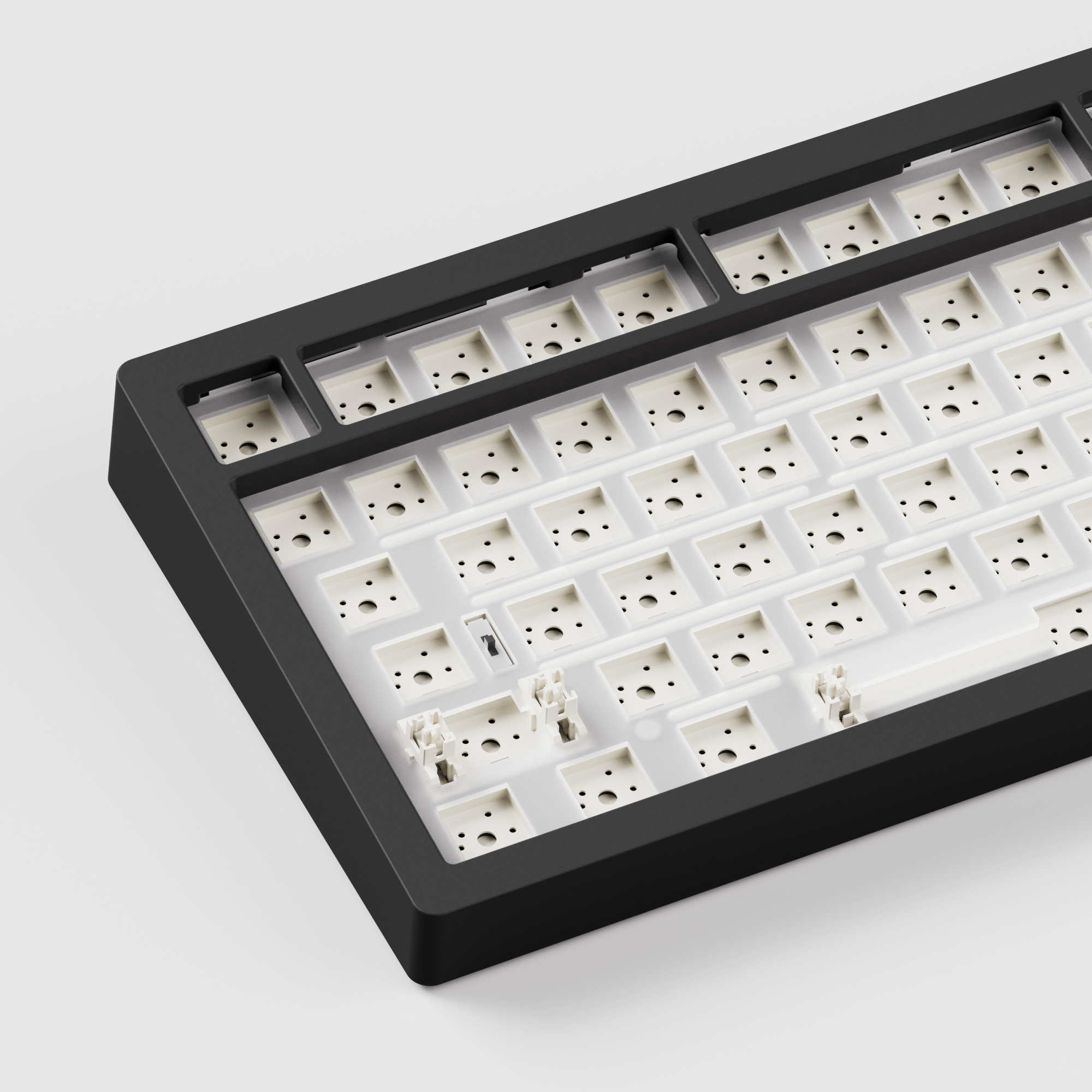
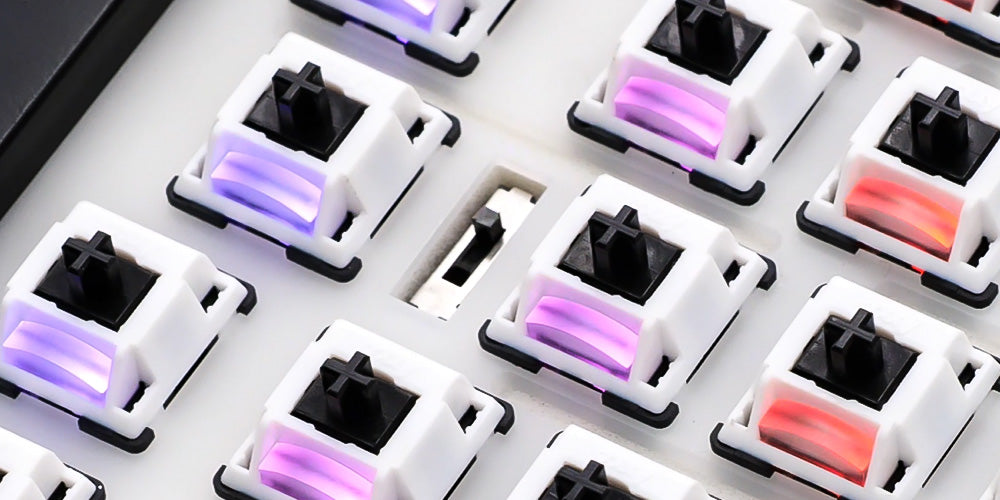
5-Pin Hot-swappable
The south-facing PCB of the M2 V5 Series avoids causing interference with Cherry profile keycaps during customization, offering more compatibility and flexibility. Support 5-Pin Hot-swappable. Featuring high-quality 5-Pin hot-swappable sockets for easy switch changes.
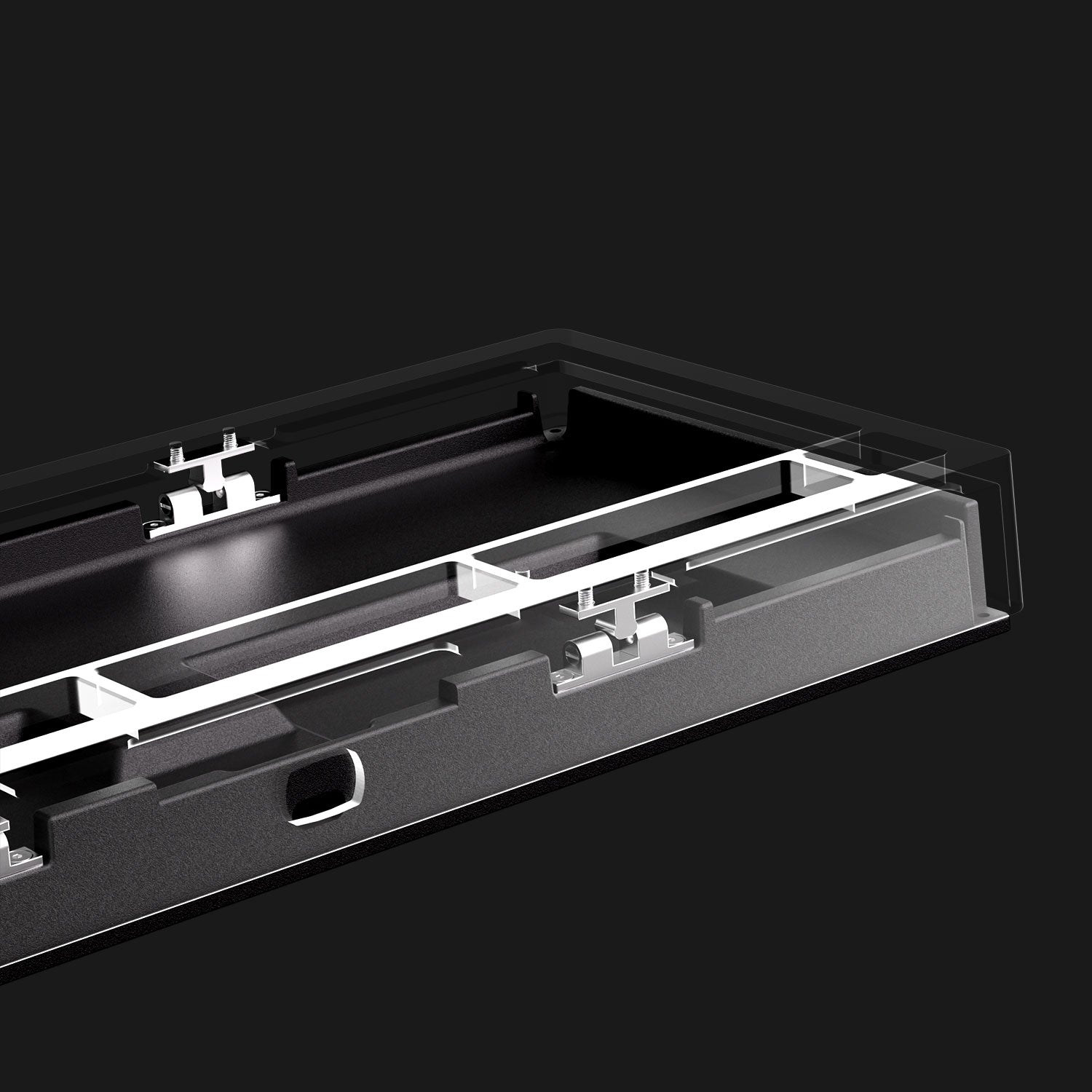
Quick Release
Enjoy customization with ease—designed for both beginners and experienced users, featuring quick, tool-free, screwless assembly between the aluminum top and bottom case.

M2 V5 Multi-Mode
Allows easy switching between wired, Bluetooth, and 2.4GHz wireless modes for a smooth experience across all devices. Compatible with Windows and Mac, this versatile keyboard delivers exceptional performance and convenience. Enhance productivity with this adaptable keyboard.
2.4Ghz Wireless
Equipped with a receiver that allows users to utilize the 2.4GHz wireless mode, providing low latency suitable for gaming and typing purposes.
BT 5.0
Easy to connect up to 3 devices with a simple Fn+E/R/T combination, enabling seamless switching between tablets, computers, and phones.
USB-C Wired Mode
Ensuring consistent and rapid response times for FPS gaming and minimal input lag.
Simplicity
By removing the side accent, the consistent support from MonsGeek fans allows us to balance costs further and focus on delivering an enthusiast-level keyboard at a reasonable price.
Fully Assembled
M2 V5 VIA comes with switches and keycaps, ready to use, without DIY.
System Switch
Top: Mac Wireless Mode (built-in power supply on)
Middle: Default Windows Wired Mode (built-in power supply off)
Bottom: Windows Wireless Mode (built-in power supply on)
Note: The switch is located near the CAPS key
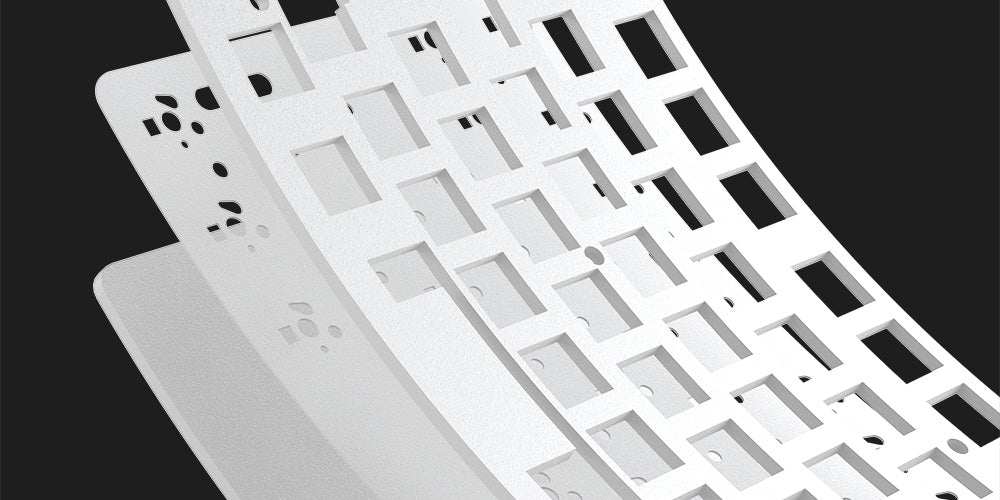
PORON Plate Foam
MonsGeek M2 V5 VIA DIY Kit is equipped with PORON plate foam, effectively reducing the noise generated by key switches, ensuring a purer and more comfortable tactile sound experience for the keyboard.
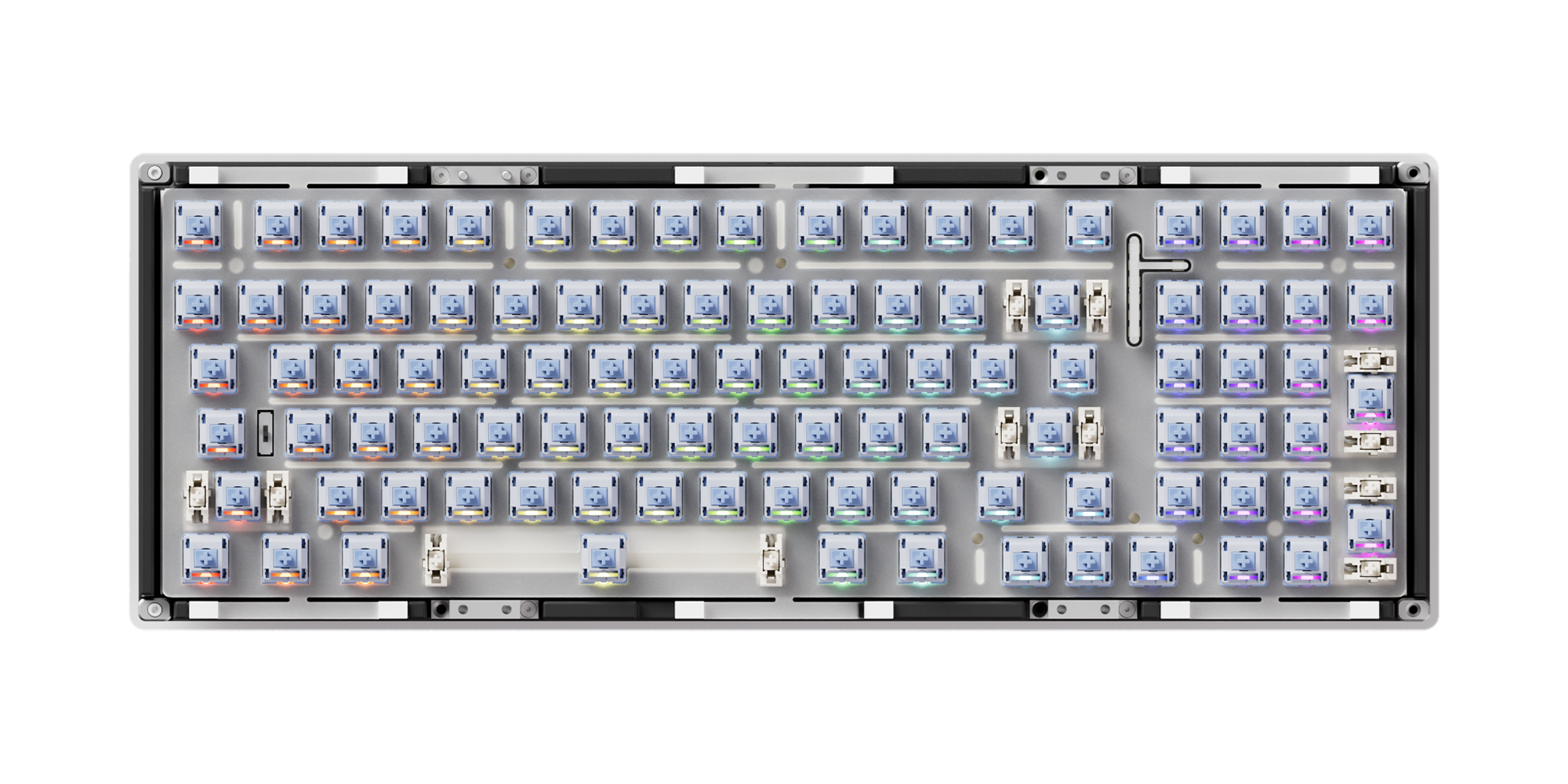
Polycarbonate Plate
MonsGeek M2 V5 VIA DIY Kit utilizes a transparent PC plate to offer flexibility surpassing that of metal, while also reducing low-frequency resonance.
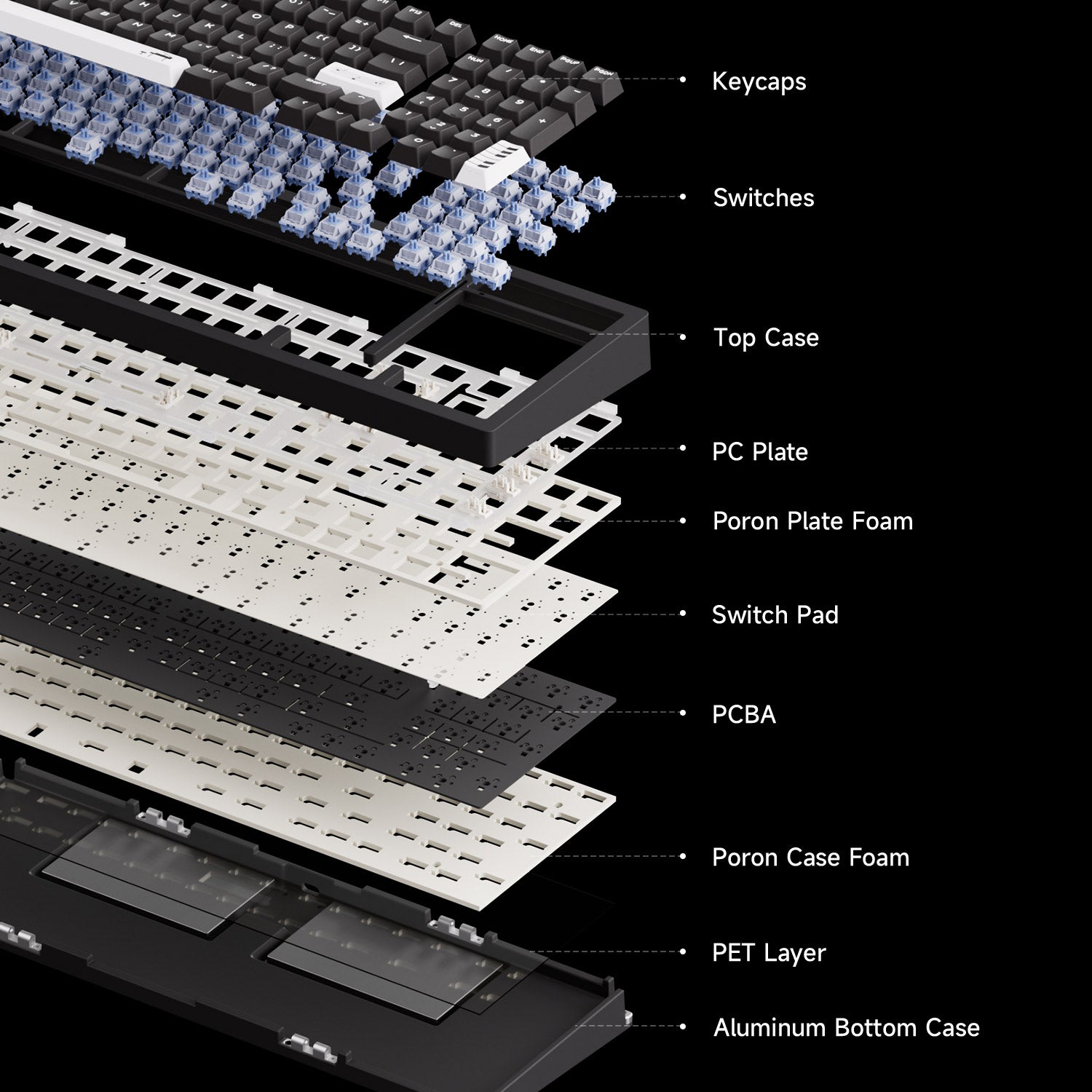
More Flexibility and Sounds Better
MonsGeek M2 V5 series come with a comprehensive upgrade to the noise reduction system, offering greater flexibility for experimenting with a variety of sound profiles.
Please note: Keycaps and switches are not included with this DIY Kit. They are shown in product images for display purposes only.
MonsGeek M Series QC DisclaimerCompare
TECH SPECS
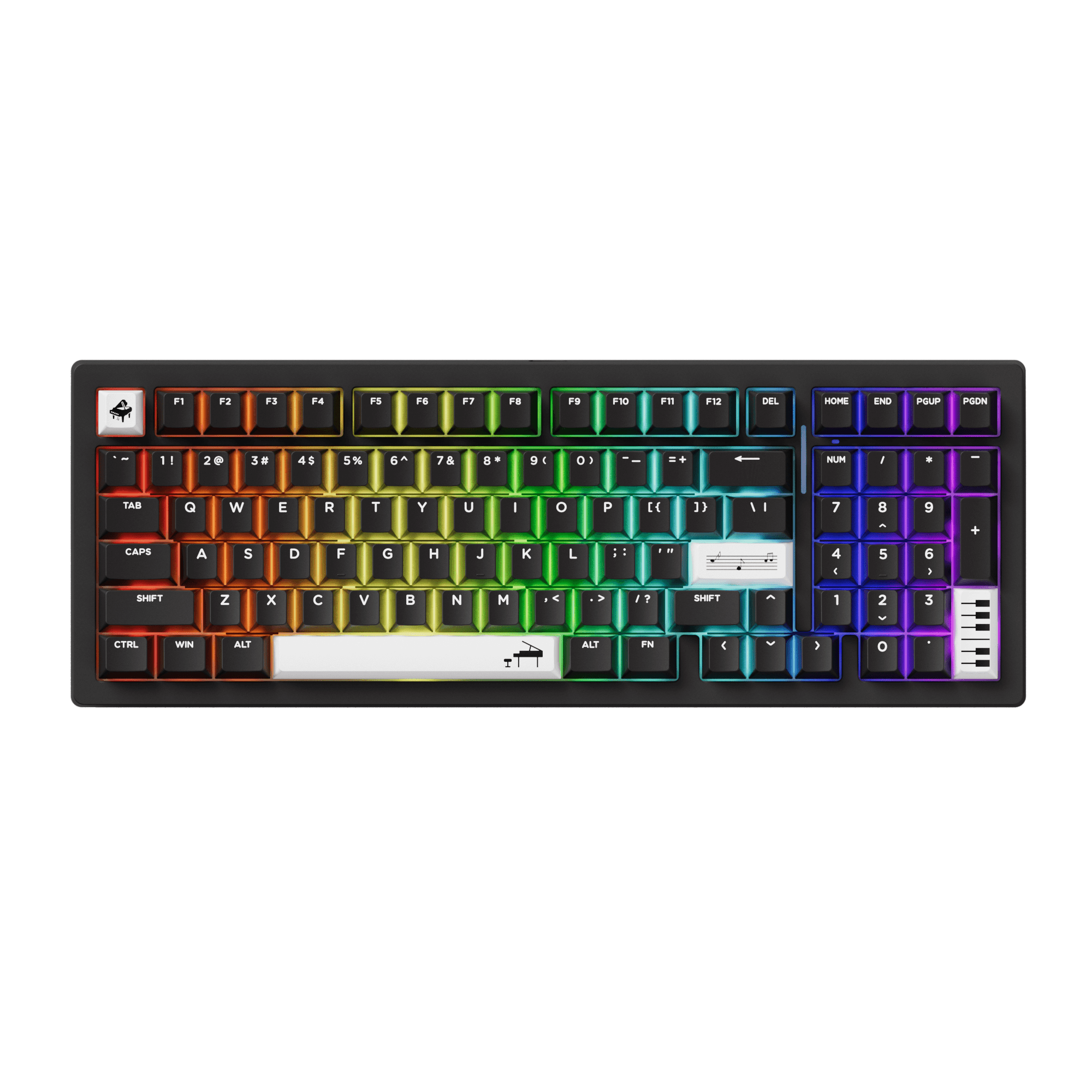
Fully Assembled
Barebone
Support
Support
US-ANSI
US-ANSI
Gasket Mount
Gasket Mount
Bluetooth5.0 / 2.4GHz / USB Type-C
Bluetooth5.0 / 2.4GHz / USB Type-C
South-facing RGB
South-facing RGB
3-Pin / 5-Pin Support
3-Pin / 5-Pin Support
Support
Support
8000mAh
8000mAh
1000Hz In wired and 2.4G mode, 125Hz in Bluetooth mode.
1000Hz In wired and 2.4G mode, 125Hz in Bluetooth mode.
VIA
VIA
Pre-assembled Plated-mounted TPU Double-shot Stabilizers
Pre-assembled Plated-mounted TPU Double-shot Stabilizers
Akko Cilantro/Akko Mirror/Akko Stellar Rose
N/A
PBT Keycaps + Aluminum Case
Aluminum Case
Double-shot
N/A
Black - Piano Theme (WOB)
Black
Windows / macOS / iOS / Android
Windows / macOS / iOS / Android
Keyboard×1, Manual×1, Cable×1, Keycap Puller×1, Switch Puller×1, Receiver×1, Gasket Silicions
Keyboard×1, Manual×1, Cable×1, Receiver×1, Gasket Silicions
This is my first custom build mechanical keyboard. As I need the keyboard mostly for work, I chose the M2 V5 for the complete 98% Layout as the numpad is essential for me. If it would have still been available, I would have chosen the 100% M5W, but sadly MonsGeek and Akko don't sell this model anymore. The 98% is nice due to the more compact shape, but finding the "0" on the numpad is harder, as its reduced in size and not as strongly seperated from the arrow keys compared to the 100% layout. This is a minor downside for me, as for CAS-Modelling this proves to be a bit annoying. I have been using the Keyboard for two weeks at the point of this review, so there still is a chance to get used to it at one point.
Regarding the design and build quality I am mostly really happy. The keyboard is very minimalistic and doesn't try to scream "look at me". Every detail is well executed and there were no faults or aesthetic problems. The keyboard is very heavy and doesn't slide around by accident, so while its recommendable for a stationary keyboard, I would choose a lighter option if I would have to carry it around. The overall feeling is amazing and the keyboard is built in a way that feels like repairs will be easy. This feels like a keyboard that can last a lifetime. For this reason the USB connection might become a big advantage in the future as well.
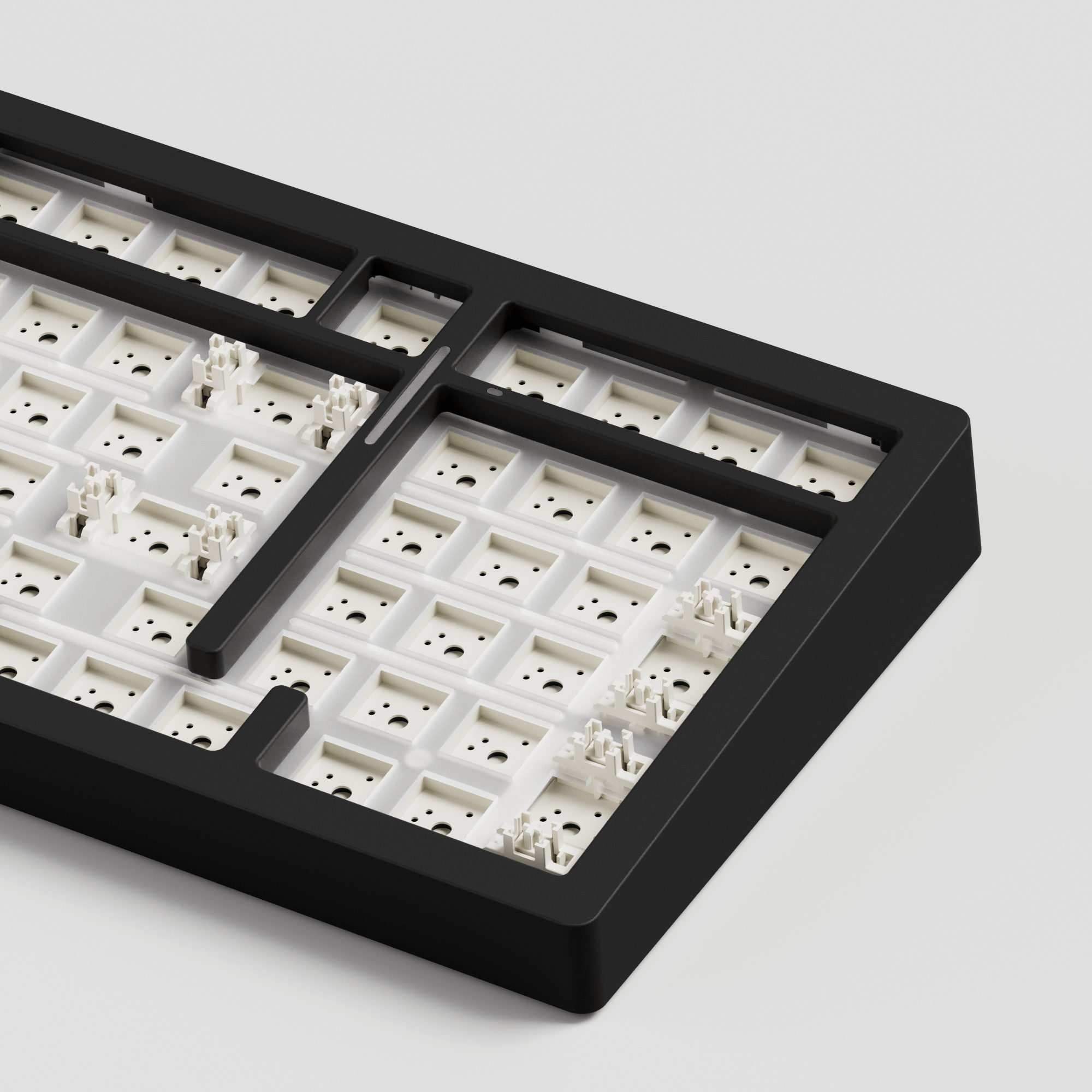
The only thing I would have wished for would have been the natural aluminium silver color. While the black color is applied perfectly, silver would have been easier to combine with a bigger variety of keycaps, from a design point of view speaking. The black makes the keyboard look even heavier and less cozy. While I am not a fan of RGB Effects I was surprised by the amount of customization that can be made by the VIA Software. Single key colors can't be changed and you have to choose from a predefined variety of effects though. I turned the effects in my keyboard off and chose a white color for lighting. Sadly choosing between warm white and cold white is nearly impossible due to the limitation of the RGBs. A version with pure white LEDs would have been amazing. Dimming is possible though and I was glad, as the LEDs can be really bright. Except for a tiny horozontal lightbar on top of the numpad all of the indicators like battery status, bluetooth, cable or wireless connection, as well as the capslock activation are displayed through a change of color or brightness of the specific LEDs below the keycaps. The vertical led lightstrip around the arrow keys doesn't seem to indicate anything, except maybe that the keyboard is active. Sadly customization of the vertical and horizontal lightstrips is impossible via VIA Software and you can only choose a few presets locally with the use of pressing a FN key combination. The lack of customization of the lightstrips, as well as the missing color option for silver are my reasons to reduce my rating by one star.
I use the keyboard with the Akko Penguin Silent Switches and the Teleport BOW Keycaps. The Keyboard is far quieter than any of my previous keyboards in this combination and working at night or working with other people in the same room is not a problem. The type-feeling is really good. Overall prize for everything was around 300€. If you want a clicky version instead of a silent build and you can settle with the black keycaps of the piano version then you can become really happy for half the price. Reviewing everything I am still really happy with the keyboard and I would definitely recommend it!
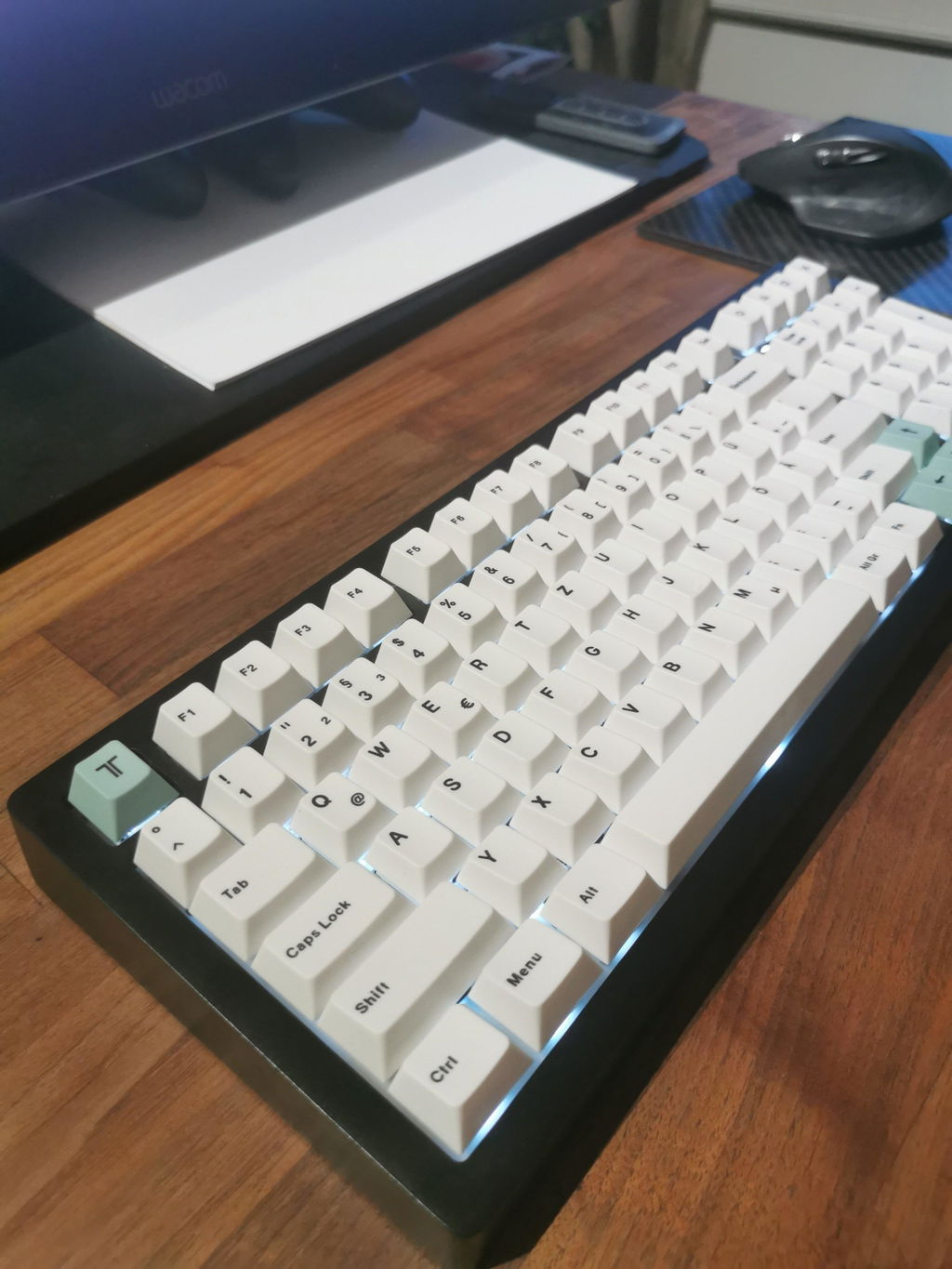
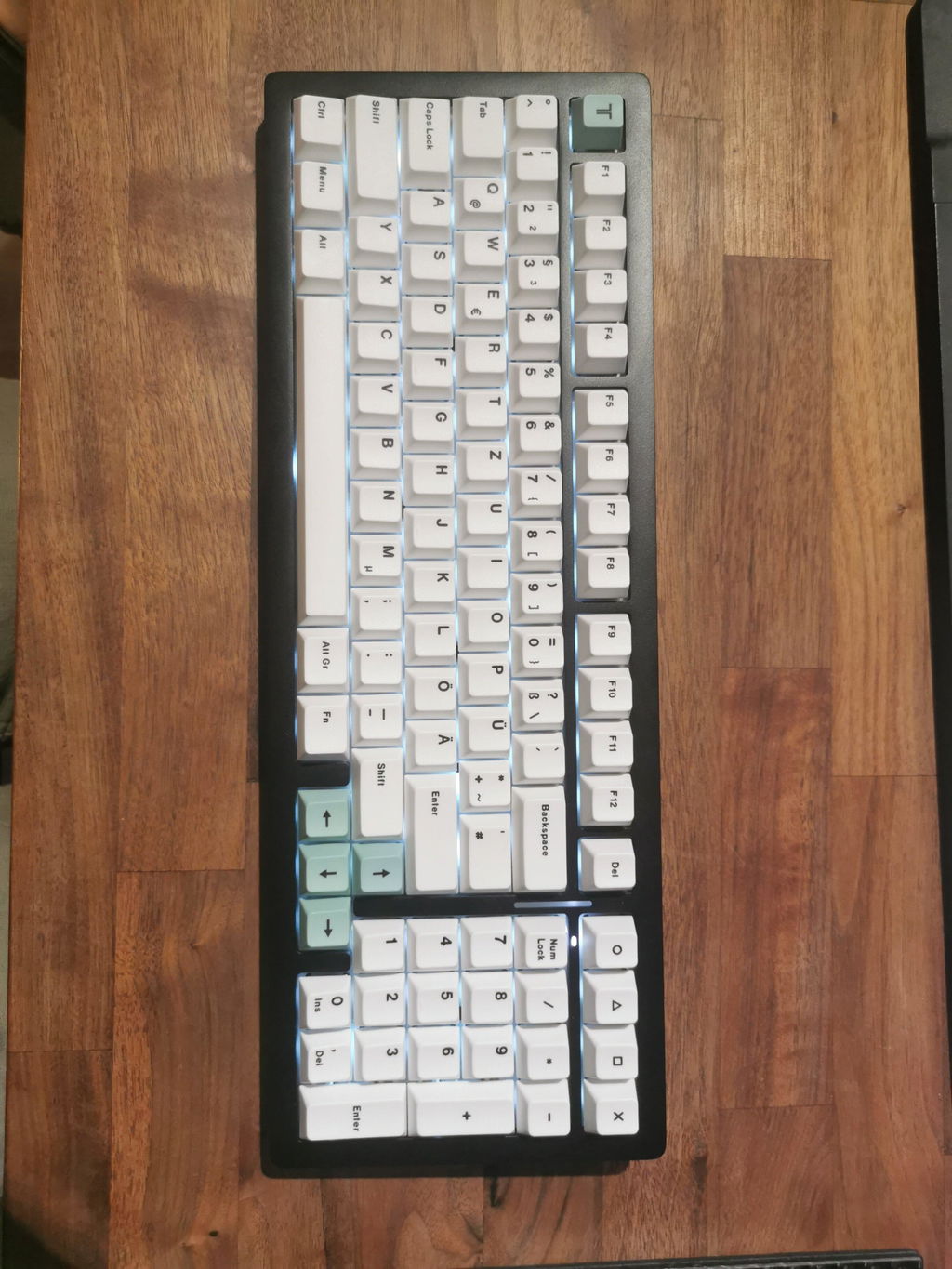
The Product was what i expected and wanted. Very happy! Everything was in order and worked well.
Good product - exactly what I expected. Take me some time to figure out the VIA configuration but it is not overly complex.

