






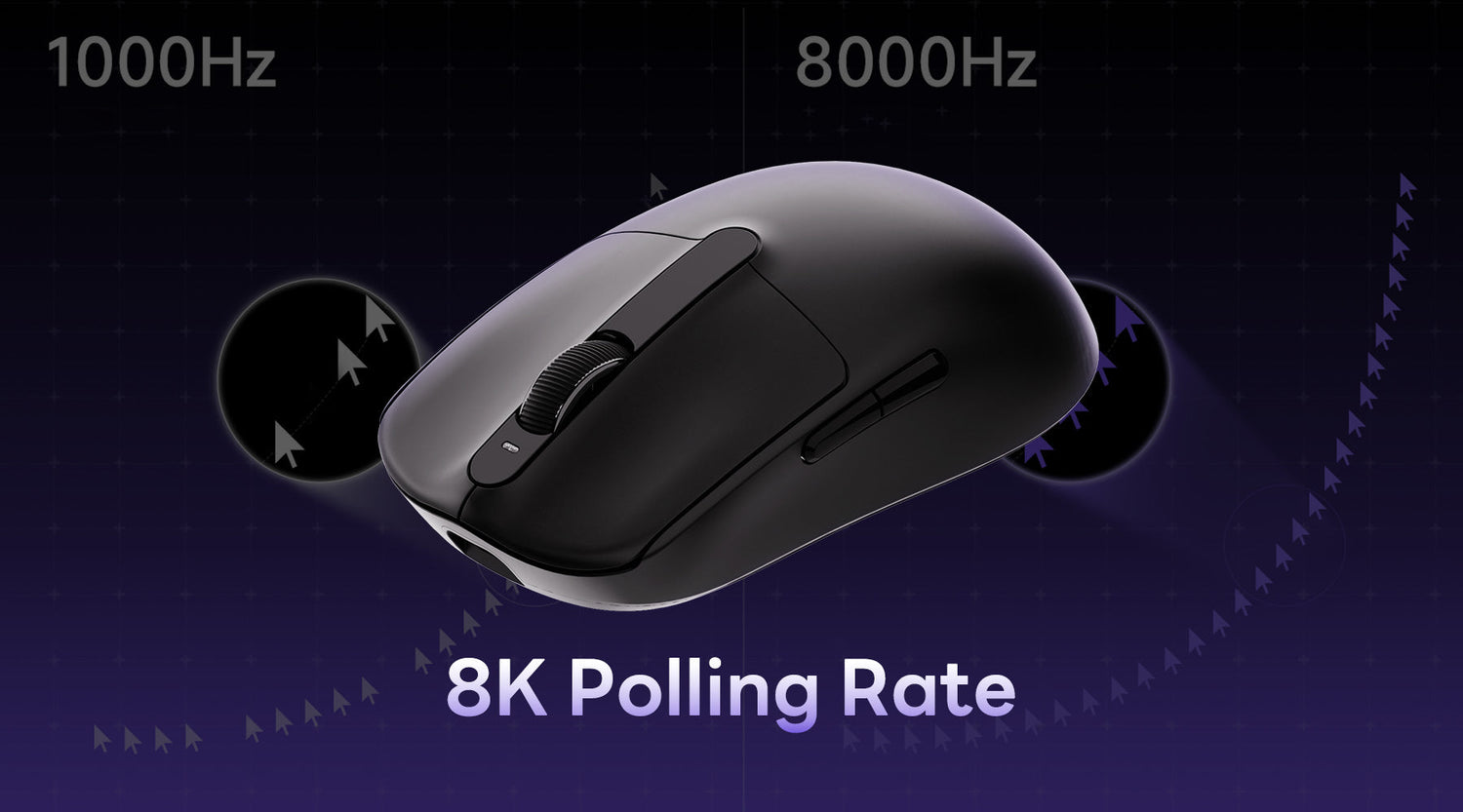
When you purchase a gaming mouse, do you know what should be considered? Two key specifications often discussed are DPI (dots per inch) and polling rate. But does higher always mean better? Today, let's dive into what polling rates are and how they impact your gaming performance.
Want to test your mouse polling rate instantly? Try our free tool below:
Test Your Mouse Polling Rate →
What is the Polling Rate of a Mouse?
The mouse polling rate describes the frequency of communication between the mouse and the computer per second, which is Hz. The mouse constantly "reports" its current position and operations to the computer. In order for a movement or skill release to be accomplished in the game, the player must wait for the computer to get the mouse report before verifying that the action has been taken.
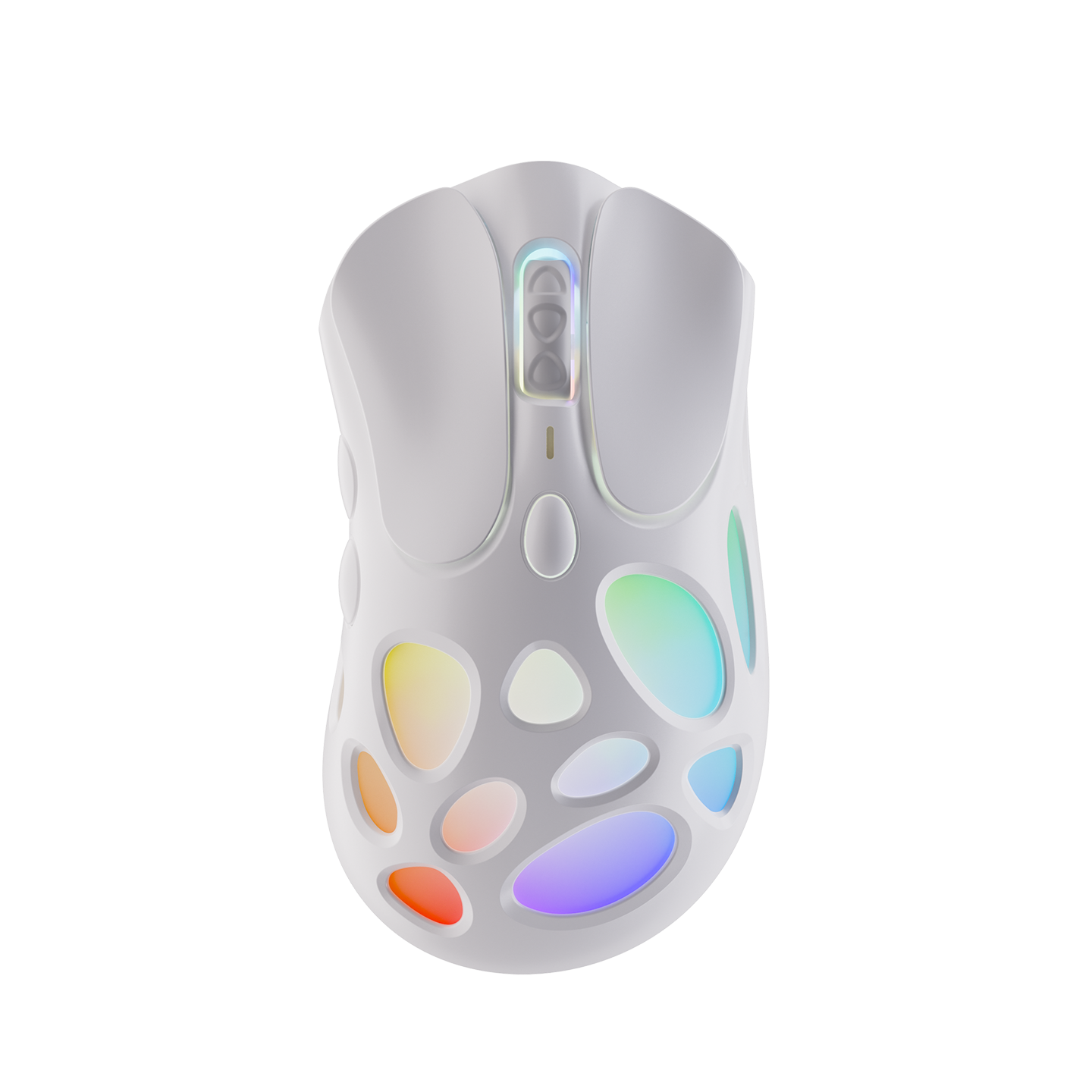
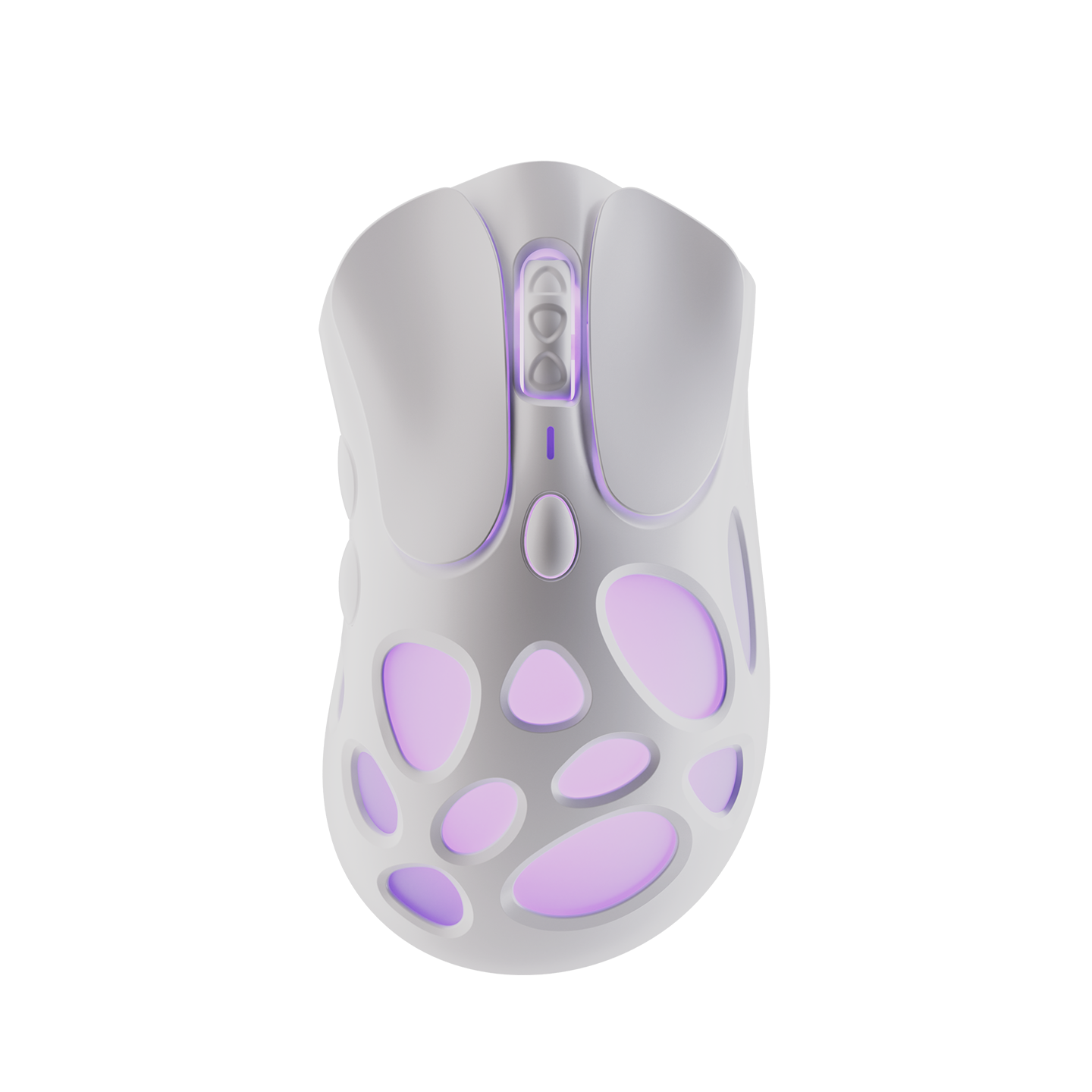
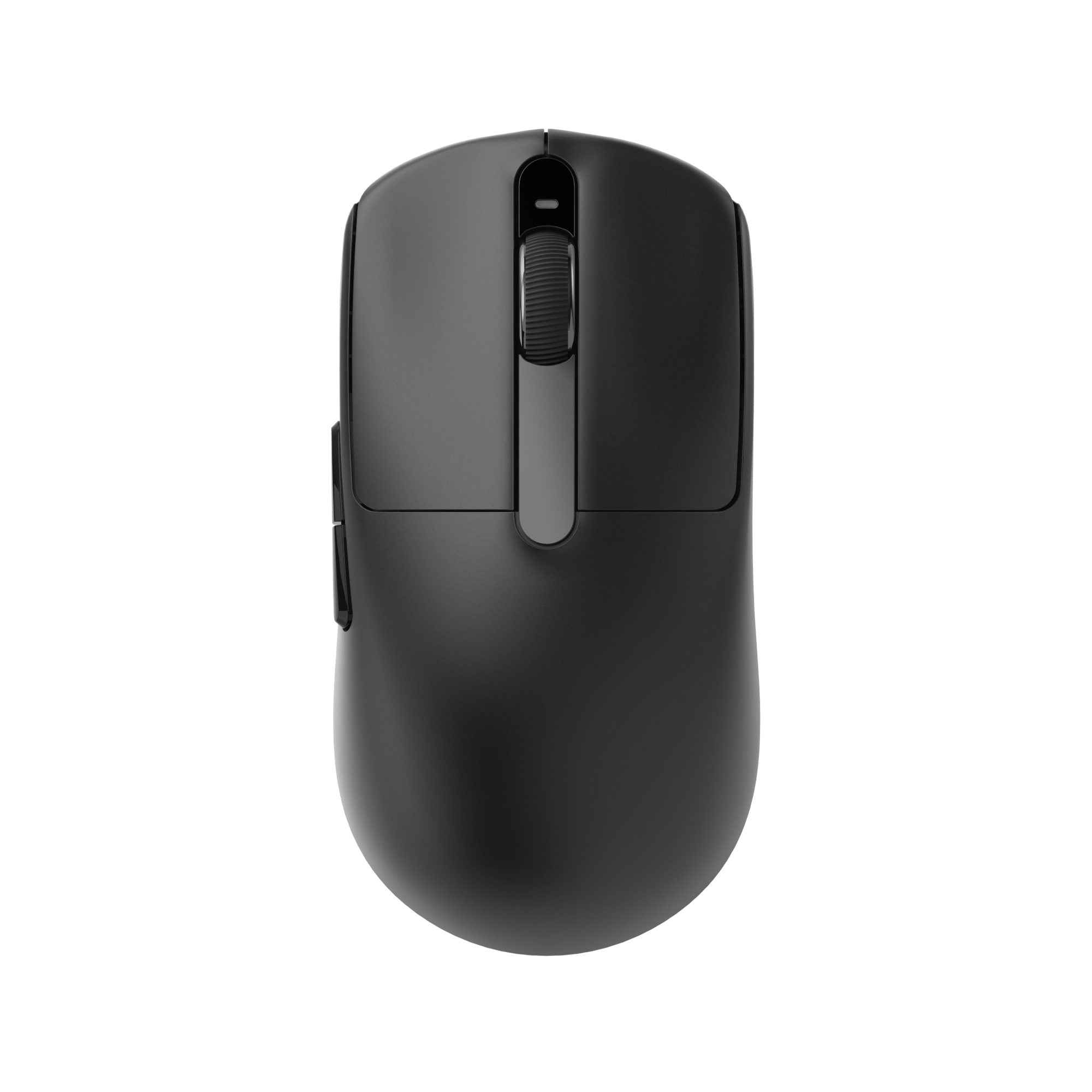
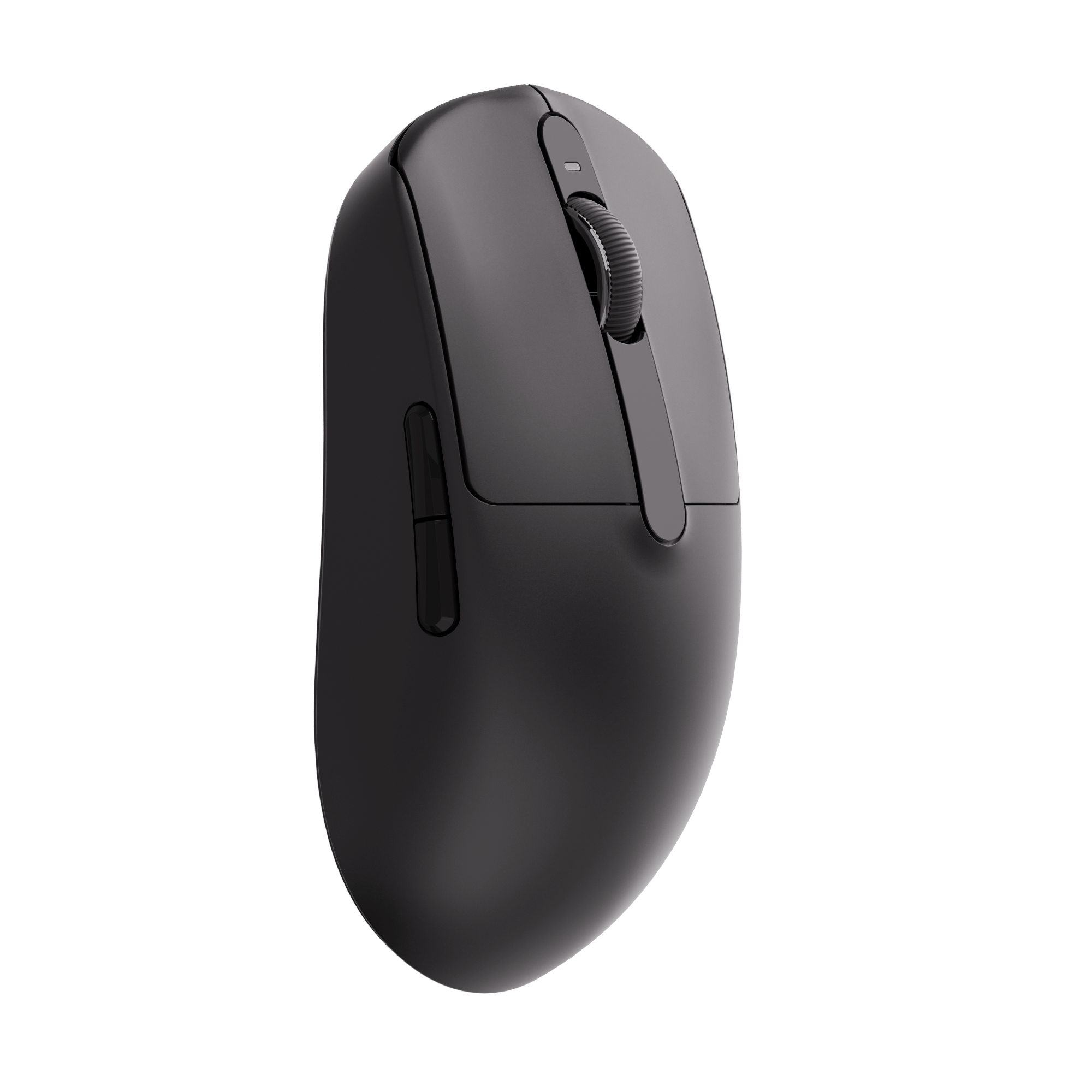
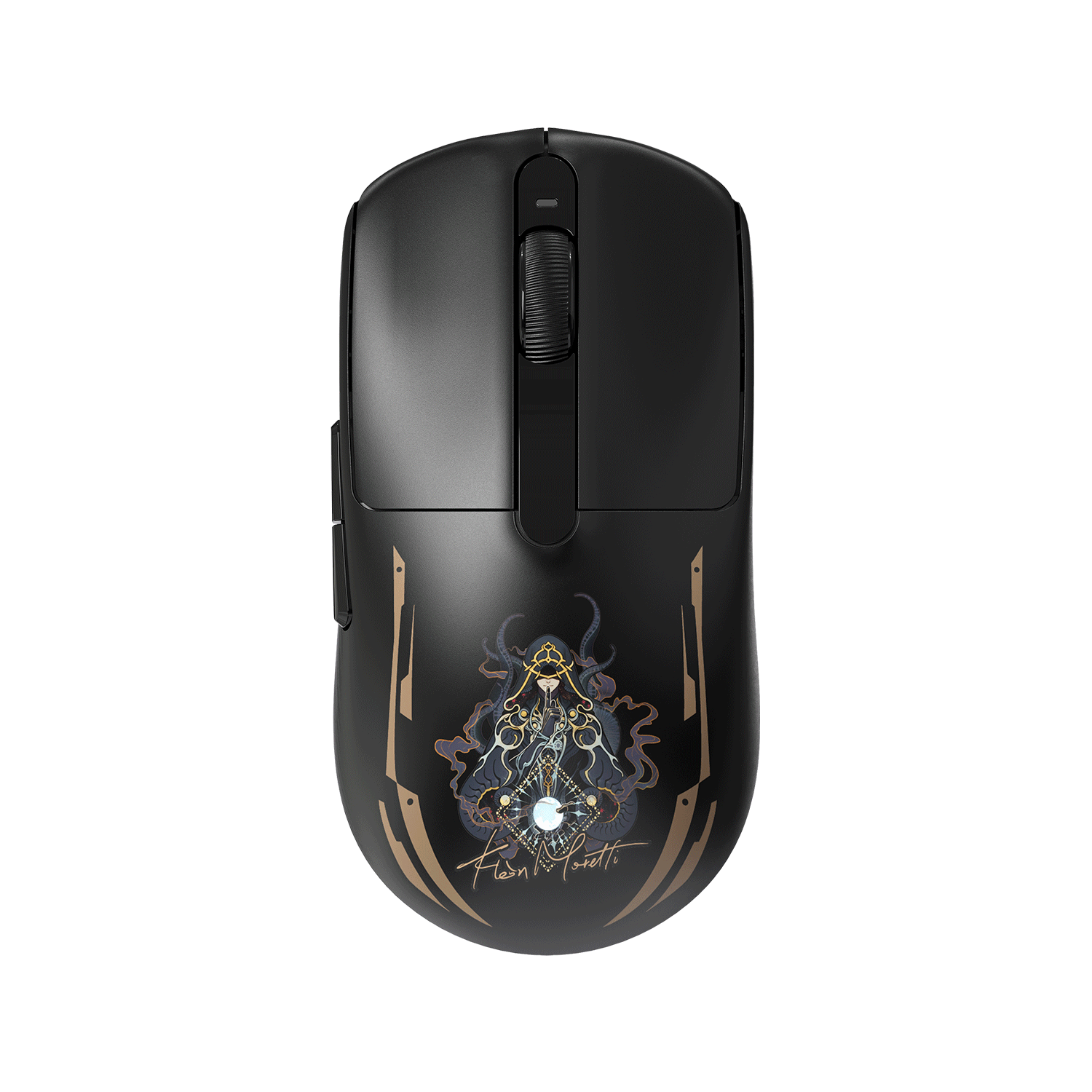
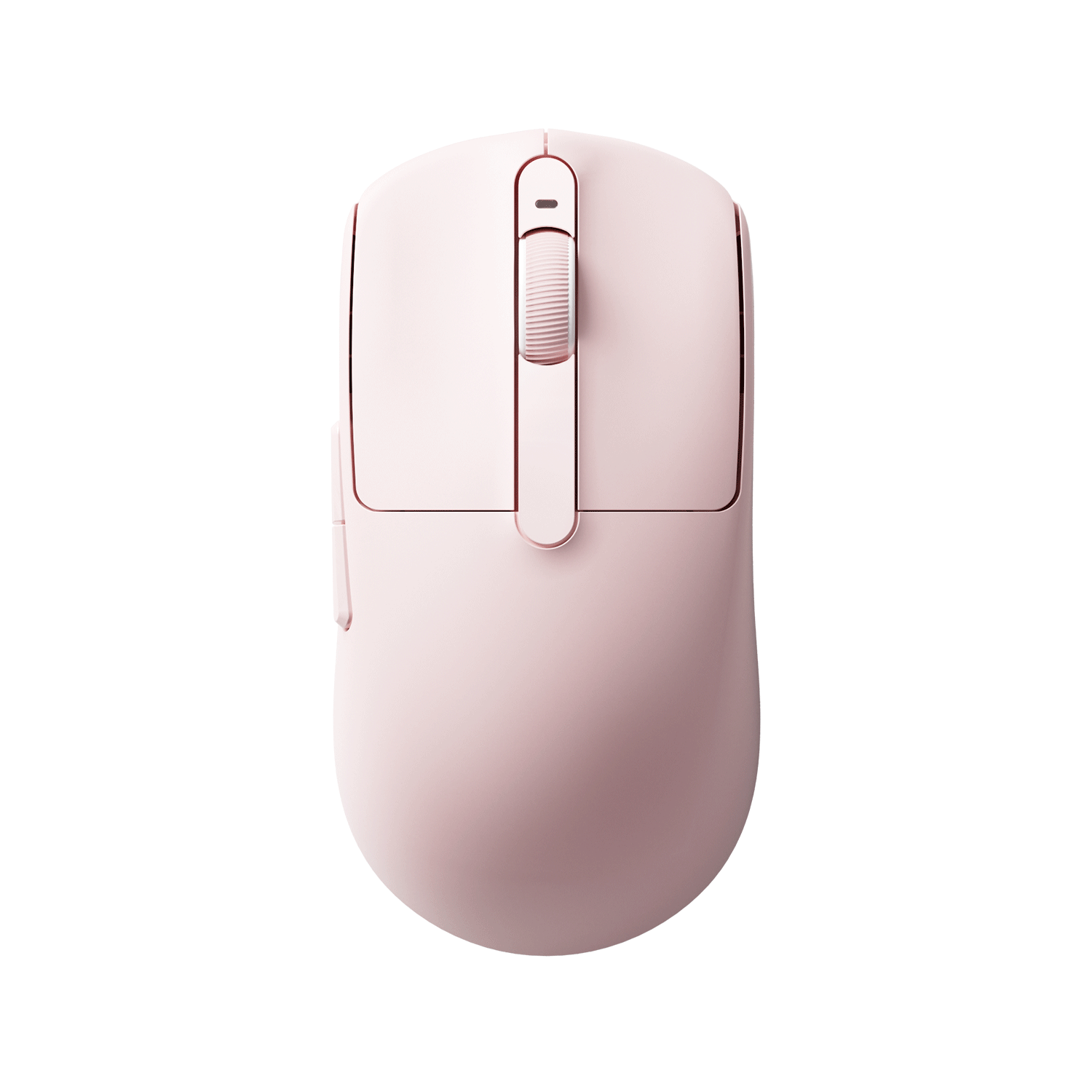
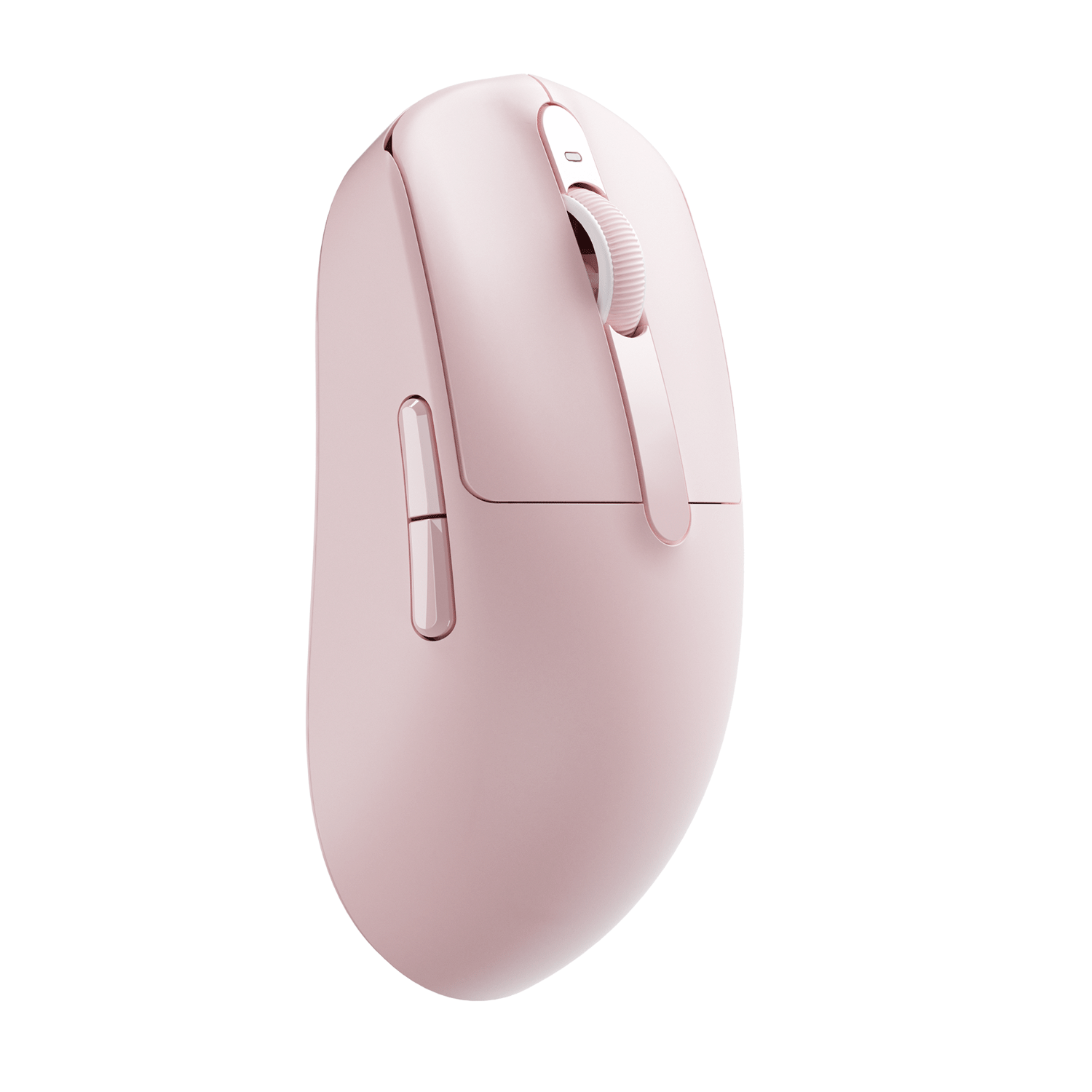
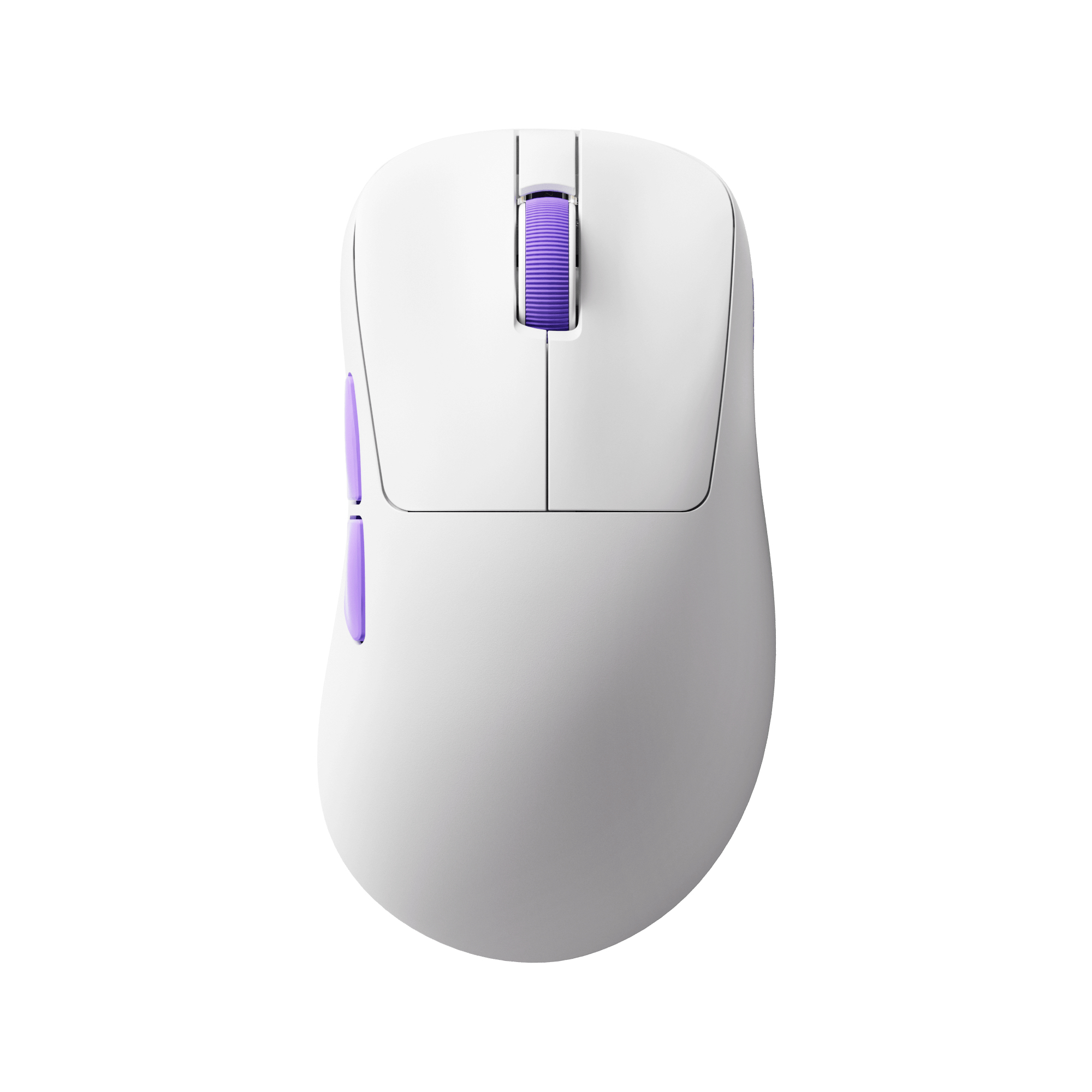
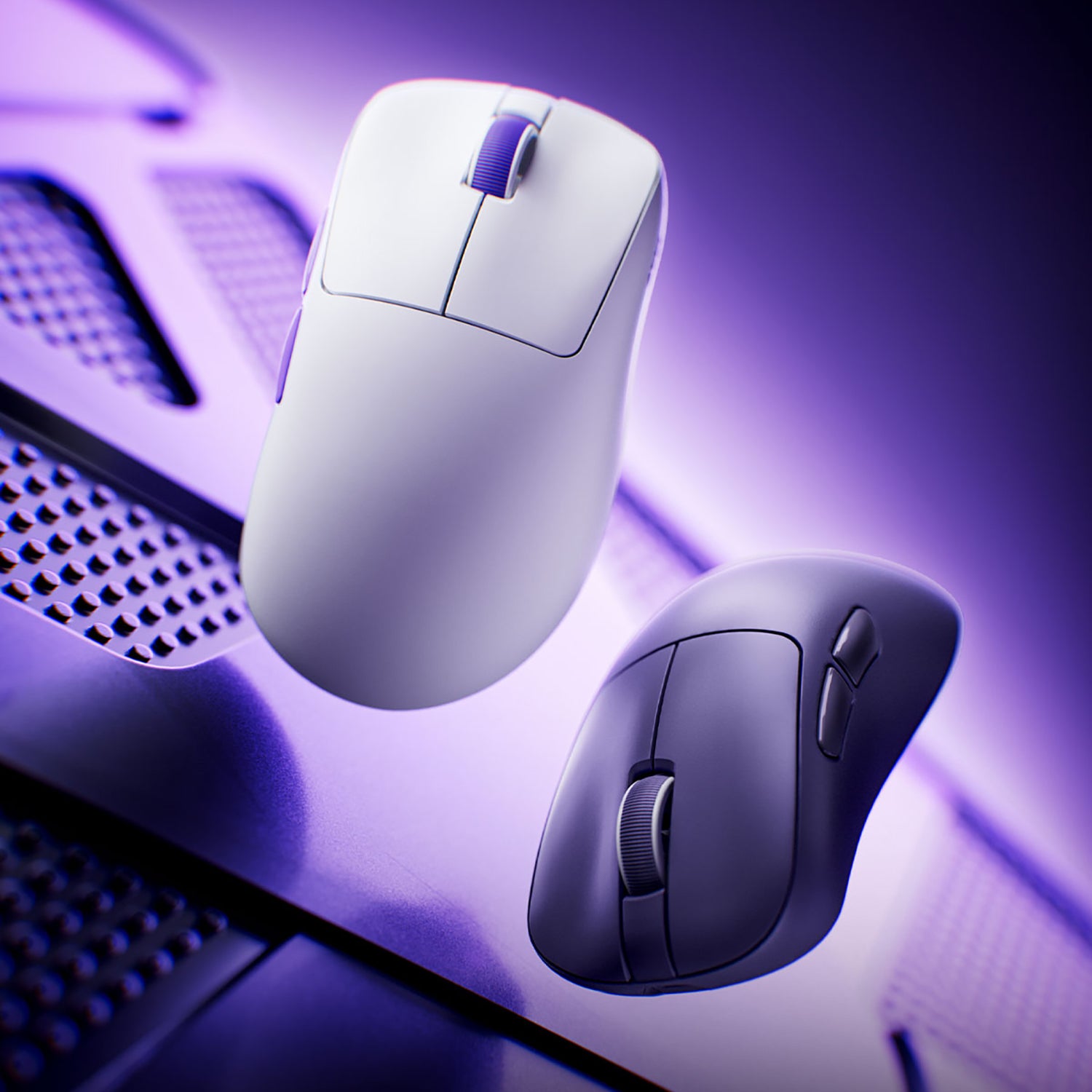
For example, a mouse will refresh its position on the screen 125 times per second if its polling rate is set to 125 Hz. A higher polling rate minimizes the delay between mouse movements and on-screen actions. Just like our Dash Gaming Mouse, which provides an 8000 polling rate in 2.4G and wired mode, it amplifies operational data throughput by 8x, maintaining virtually zero latency. And there is a millisecond latency for the common polling rate.
Polling Rate Comparison (125Hz vs 1000Hz vs 8000Hz)
For most users, 1000Hz offers the best balance between performance and stability.
|
Polling rate(Hz) |
Millsecond latency(ms) |
|
125 Hz |
8 ms |
|
250 Hz |
4 ms |
|
500 Hz |
2 ms |
|
1000 Hz |
1 ms |
|
4000 Hz |
0.25 ms |
|
8000 Hz |
0.125 ms |

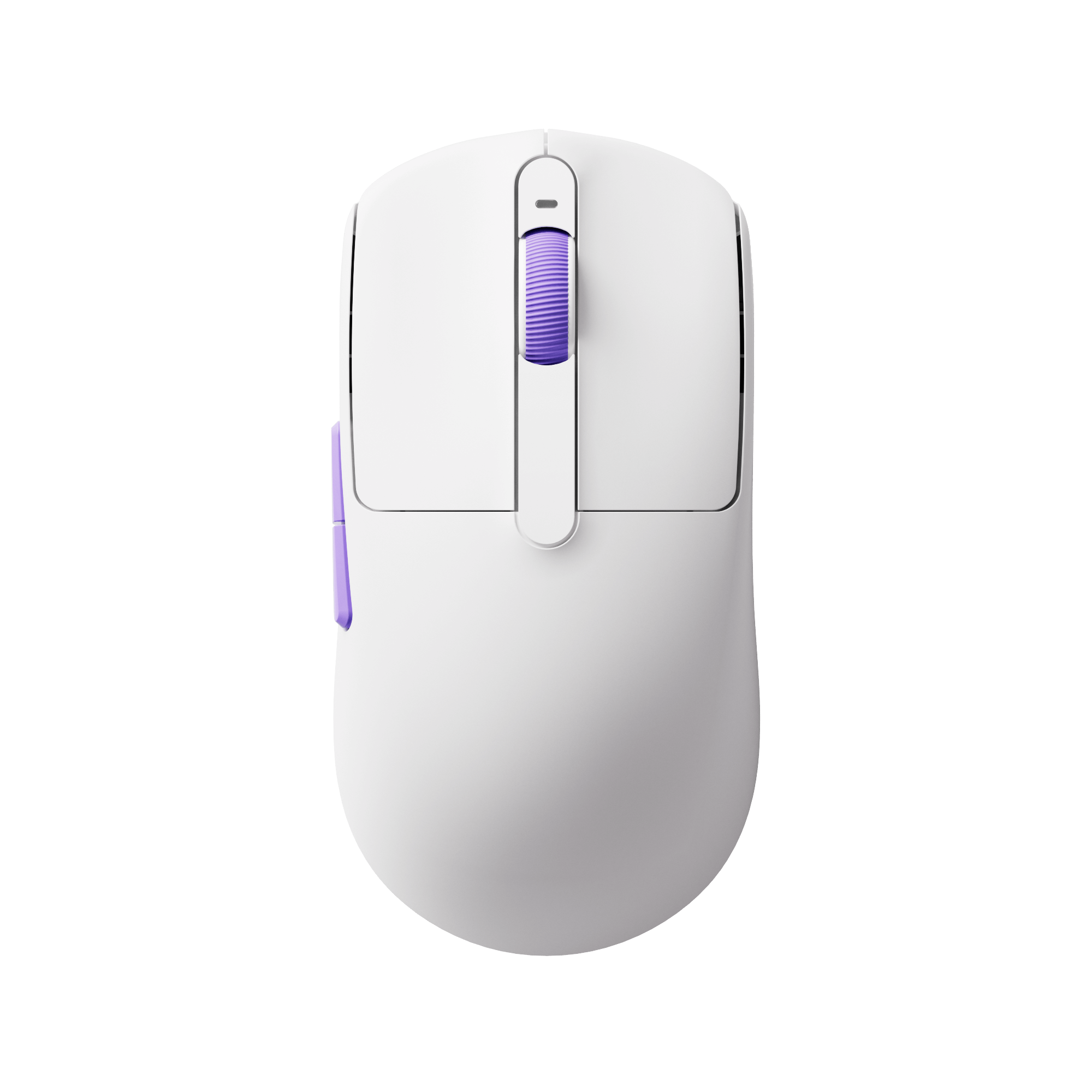
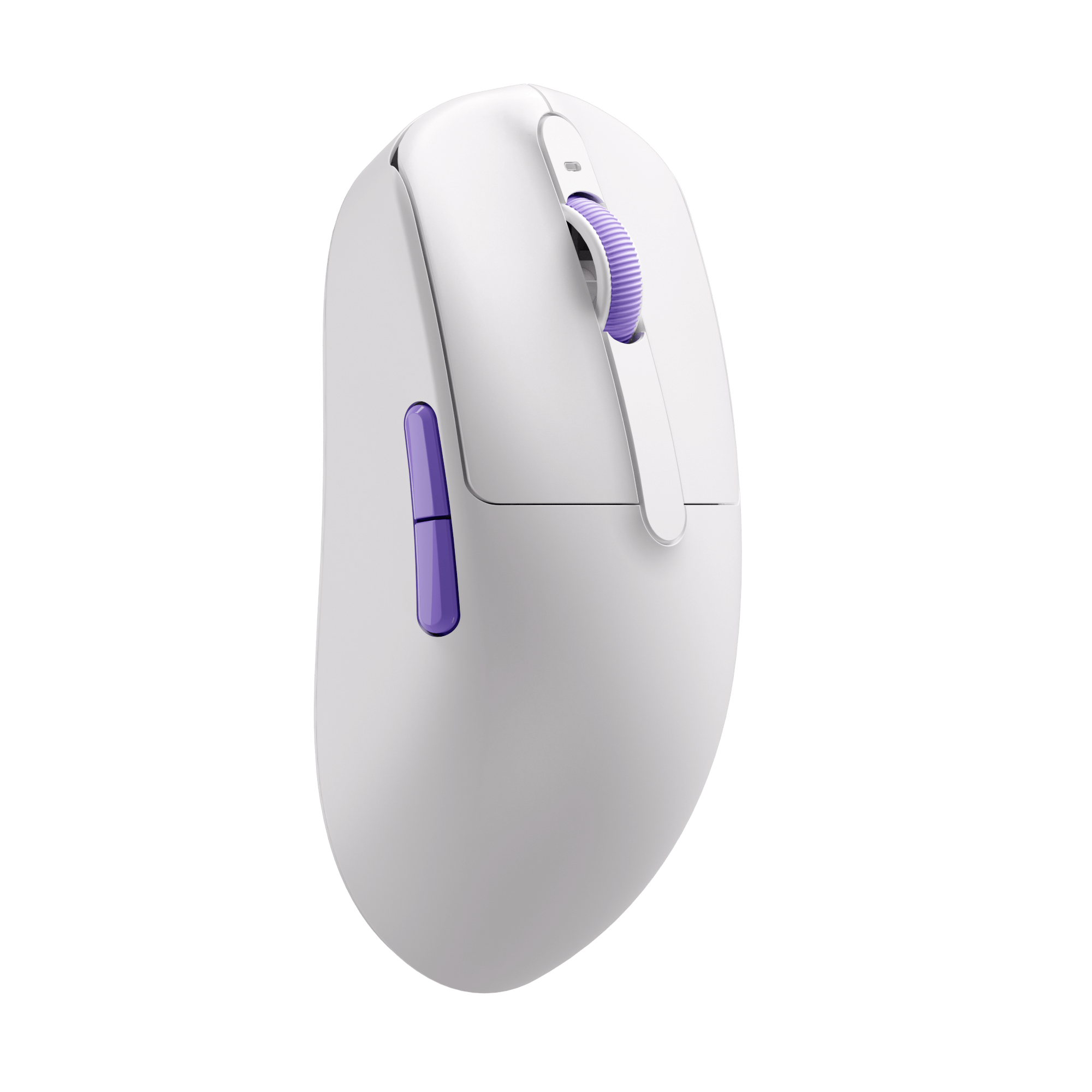
Akko Dash Gaming Mouse
- Ultra-responsive design with 8K Hz polling for near-instant input recognition
- Equipped with PAW3950 sensor and 8K Hz polling for ultimate precision
- Optimized for lightning-fast reactions and precise control in high-speed FPS scenarios
What is the Best Mouse Polling Rate for Gaming?
The majority of standard mice polling rate at 100, 125, or 250 Hz. A 0.1-second lag is insignificant for jobs that don't require rapid response, including working on documents or playing casual games. But even a small input lag from a low polling rate can have a big effect on gameplay and performance for esports players. So what is the best polling rate for games?
The best polling rate on a mouse should be based on your game types. Of course, higher polling rates greatly reduce input lag, which is beneficial for fast-paced esports titles. Games like RPGs and strategy games don't necessarily require such high rates.
- For fast-paced competitive gaming, esports, and professional gaming, a 1000 Hz polling rate will benefit a lot. Of course, if possible, an 8000 Hz polling rate will be better for fast speeds.
- For MOBA (e.g., League of Legends) and real-time strategy games, a 500 Hz polling rate offers a good mix of responsiveness and stability, but if you’re playing at a high level, a 1000 Hz rate can provide a slight edge in precision, helping with quick movements and fine control during intense moments.
- For less demanding games like RPGs, casual games, or single-player titles, a polling rate of 250Hz to 500Hz is usually sufficient. These games often don’t require split-second reactions, so the benefits of a higher polling rate might not be noticeable. A lower polling rate also puts less strain on the CPU, which can be beneficial for older systems.
And we don’t recommend the polling rate going below 500 Hz because input delays greater than 1 ms become perceptible to human senses. Furthermore, the majority of gaming monitors reduce input latency variations brought on by the mouse; thus, if the refresh rate of your monitor is higher than 120 Hz, it's advisable to stay away from polling at a rate lower than 500 Hz.
In conclusion, depending on your game, a mouse polling rate between 500 Hz and 1000 Hz is ideal.

Is a Higher Polling Rate Better?
As we have discussed above, a higher polling rate is beneficial for a gaming mouse. A higher polling rate is often considered better because it reduces input lag, especially when you factor in your monitor’s input delay and refresh rate. In this context, a higher polling rate can indeed make your gaming experience feel more responsive. The higher the polling rate, the quicker the response.
However, in fact, the difference in latency between a 500Hz and a 1000Hz polling rate is 1 ms—right at the edge of what most people can actually perceive. Maybe most people will not notice the significant difference between them.
Additionally, polling rates of 1000 Hz or higher can put more strain on your CPU. While this isn’t a problem for modern processors and won’t affect most systems, those using older CPUs might run into issues with ultra-high polling rates. In these cases, opting for a more moderate polling rate is often the better choice.
Keep your polling rate between 250 Hz and 500 Hz if your machine is older or has a less potent CPU to avoid putting undue stress on your hardware. This setting ensures seamless operation without taxing your system excessively by providing a fair balance between performance and responsiveness.

How Do I Know My Mouse Polling Rate?
There are several ways to check your mouse polling rate, depending on your needs:
1. Check the Manufacturer Specifications
Generally, you can know about the mouse polling rate from the product specifications provided by the brand. Most gaming mice support multiple options such as 125Hz, 500Hz, or 1000Hz.
2. Use Manufacturer Software
Many brands provide dedicated software that allows you to view and adjust your polling rate directly. This is the most reliable way to check your current setting.
3. Use an Online Polling Rate Tester (Recommended)
The easiest way to see your real-time polling rate is by using an online testing tool. Unlike specifications or software settings, a tester shows how your mouse actually performs in real usage.
Want to see your actual polling rate in real time?
Test Your Mouse Polling Rate →
4. Use Third-Party Software
You can also download tools like Mouse Rate Checker or Direct Input Mouse Rate. These programs measure your polling rate by tracking mouse input data in real time.
However, they usually require installation and may be less convenient compared to online tools.
How Do You Change the Polling Rate of a Gaming Mouse?
Polling rate is key to optimizing precision and responsiveness, making it a crucial factor in gaming performance. While higher polling rates can improve response times and accuracy, it's important to find the right balance to avoid unnecessary strain on your system. So adjusting the right polling rate for your mouse is important. If your mouse is from Akko, you can easily adjust your mouse polling rate from our cloud driver.
1. Firstly, you can download the Akko Cloud Driver or AG One NearLink Driver from our download page: https://akkogear.eu/pages/download-center
2. You can easily find the polling rate setting in Performance and then Apply changes (AG One NearLink Driver).

Wired vs Wireless: Does It Affect Polling Rate?
Yes — the connection type can affect polling rate, but the difference is smaller than many people think.
Wired Mice
Wired mice generally offer more stable and consistent polling rates. Since data is transmitted directly through a cable, there is minimal interference or signal loss.
This makes wired mice:
- More consistent during testing
- Less prone to fluctuations
- Ideal for competitive gaming setups
Wireless Mice
Modern wireless gaming mice have improved significantly and can now achieve 1000Hz or even higher polling rates.
However, wireless performance can still be affected by:
- Signal interference
- Distance from the receiver
- Battery level
- USB receiver placement
As a result, polling rate may fluctuate slightly more compared to wired connections.
Should You Use 8000Hz Polling Rate?
8000Hz polling rate is one of the highest settings available in modern gaming mice, offering extremely low input latency. However, it’s not necessary for most users.
While 8000Hz can reduce input delay slightly compared to 1000Hz, the real-world difference is very small and often difficult to notice during gameplay.
At the same time, higher polling rates can:
- Increase CPU usage
- Cause minor FPS drops in some games
- Lead to less stable performance on mid-range systems
For most gamers, 1000Hz already provides excellent responsiveness and stability.
8000Hz is only worth considering if you:
- Have a high-end PC
- Use a high refresh rate monitor (240Hz+)
- Play competitive esports titles
Otherwise, sticking with 1000Hz is the best choice.
Is 125Hz Polling Rate Good for Gaming?
No — 125Hz polling rate is generally not suitable for gaming, especially for fast-paced or competitive titles.
At 125Hz, your mouse reports its position every 8 milliseconds, which results in noticeably higher input latency compared to modern standards like 1000Hz (1ms). This can make movements feel less responsive and slightly delayed.
In practice, this means:
- Slower reaction time in fast gameplay
- Less precise tracking and aiming
- A less smooth overall experience
For competitive or FPS games, 125Hz is not recommended.
Conclusion
Particularly in fast-paced games, a high polling rate on the mouse will improve responsiveness and speed. It's not always required, though, in all situations. A moderate polling rate frequently offers an excellent compromise between system load and performance for everyday usage or light gaming. To guarantee the greatest experience, your decision should ultimately be in line with your game requirements, system capabilities, and personal preferences.


















1 comment
Ethan
Really useful breakdown — polling rate definitely affects precision more than most realize. I’ve noticed combining a stable polling rate with the right DPI gives the best results. I usually check mine with Mouse DPI Analyzers to fine-tune sensitivity for different games — makes a big difference in aim consistency.
Leave a comment
All comments are moderated before being published.
This site is protected by hCaptcha and the hCaptcha Privacy Policy and Terms of Service apply.