





“I’ve used both the PAW3311 and PAW3395, and honestly, they felt pretty much the same. As a casual gamer, I couldn’t notice any real difference.”
You’ll see comments like this everywhere. But you’ll also find people saying the PAW3395 is a huge upgrade and that there’s no going back. So who’s right? Probably both.
The difference between “good enough” and “better” doesn’t come down to the sensor alone. It depends on your playstyle, setup, and whether you’ll actually notice the extra performance.
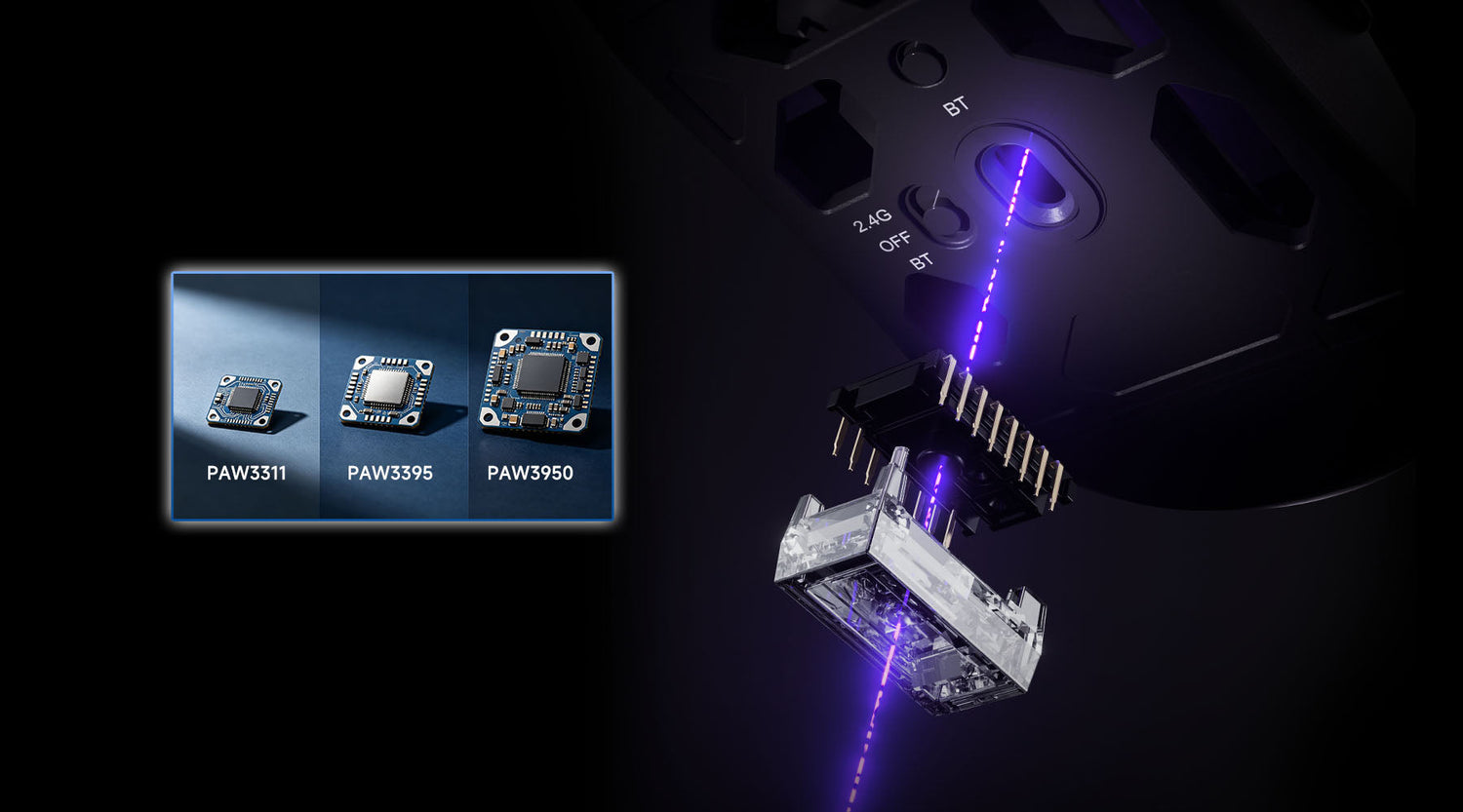
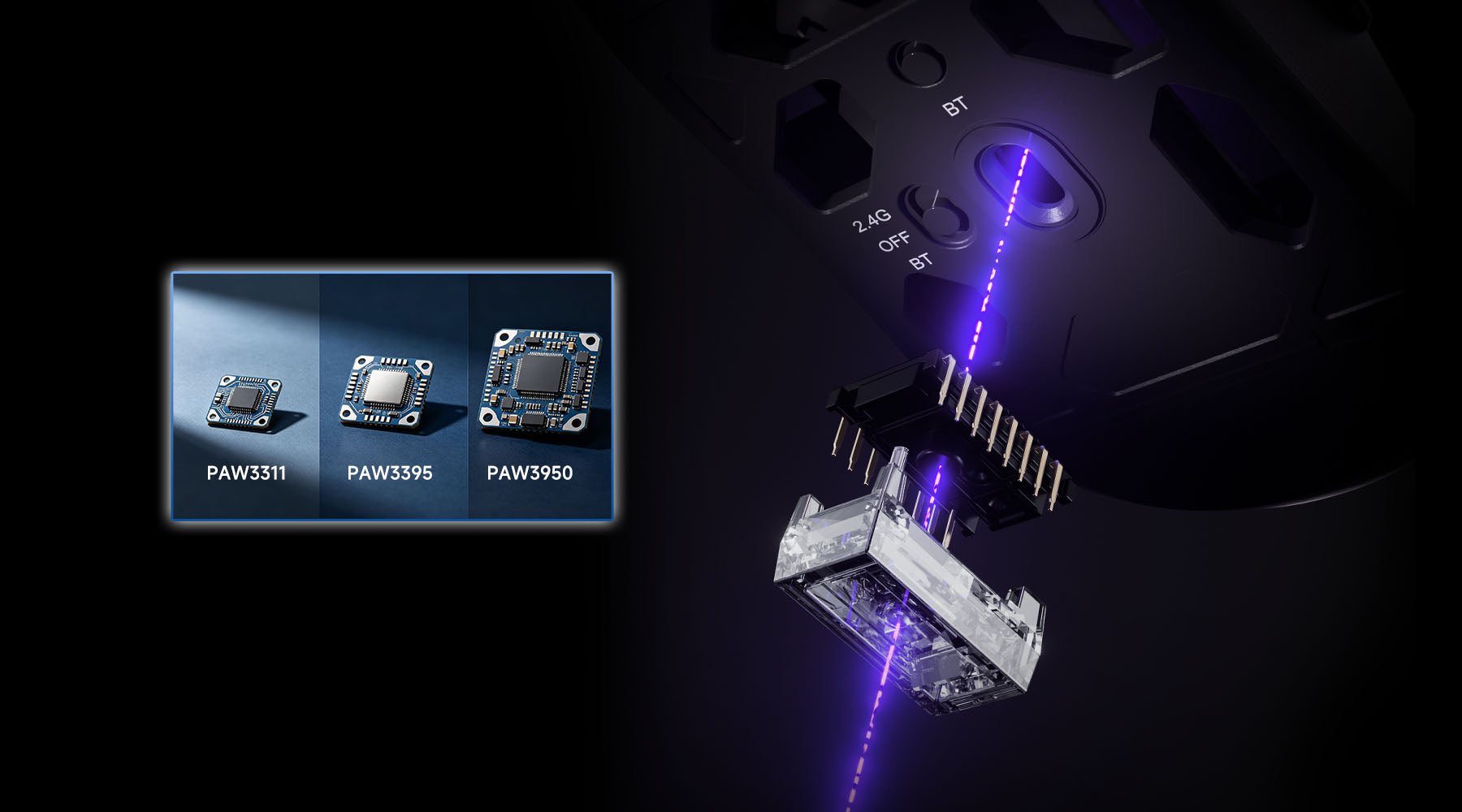
Most comparisons oversimplify it into something like: High-end sensors for FPS games, entry-level sensors for casual gaming. But that doesn’t really help you decide what’s worth your money. In this guide, we’ll break down what actually changes between PAW3311, PAW3395, and PAW3950—and help you decide which one is truly worth your money.
PAW3311 vs PAW3395 vs PAW3950: Specs & Reality
Spec Comparison
| Sensor | DPI | IPS | Acceleration |
|---|---|---|---|
| PAW3311 | 12K | 300 | 35G |
| PAW3395 | 26K | 650 | 50G |
| PAW3950 | 30K+ | 750 | 50G+ |
*Polling rate depends on the mouse implementation, not just the sensor itself.
Some brands highlight sub-1ms click latency, here we don't list it, because this is influenced by the entire mouse design—not just the sensor.
For the specification, the progression is clear: higher DPI and faster tracking. However, specs like these don’t automatically translate into a better in-game experience.
Reality Comparison
For most users, the jump between these sensors is much smaller than the numbers suggest.
- Tracking accuracy: Already near-perfect on all three. In normal gameplay, it’s extremely difficult to distinguish between them.
- Latency differences: While newer sensors and higher polling rates reduce latency on paper, the real-world difference is often less than a millisecond.
- High DPI values: Rarely used in practice. Most players stay far below the maximum range.
This is why many users report that switching from PAW3311 to PAW3395—or even to PAW3950—doesn’t feel dramatically different in actual gameplay.
Where Differences Actually Exist?
That said, improvements do exist—but mostly in specific scenarios:
- Lift-off Distance (LOD): One of the few aspects players can genuinely feel, especially at low sensitivity.
- Surface compatibility: Newer sensors like PAW3950 can track more reliably on difficult surfaces such as glass.
- Power efficiency: More efficient sensors enable lighter wireless designs and better battery life.
In this way, we can get a simple answer:
PAW3311: Already more than good enough for most users.
PAW3395: A well-balanced upgrade with better efficiency and modern features.
PAW3950: More powerful, but its benefits are only noticeable in specific high-performance scenarios.
PAW3311- Still Good Enough?
The PAW3311 is PixArt’s entry-level gaming sensor. But don’t let “entry-level” fool you — for most gamers, it already delivers solid performance.
What Do Real Users Say?
Who Should Use the PAW3311?
| Suitable for | Why |
|---|---|
| Casual FPS players | Sensor performance is already sufficient at this level. |
| MOBA, RPG, and AAA gamers | These games don’t require extreme tracking performance. |
| 165Hz or lower monitor users | Higher-end sensors offer limited real-world benefits here. |
| Wrist-aim players using high DPI | Less sensitive to lift-off distance (LOD). |
| Budget-focused buyers | Better to spend more on shape, weight, or build quality. |
| Cloth mousepad users | PAW3311 performs reliably on cloth pads. |
Who Should Avoid the PAW3311?
| Shouldn’t Buy | Why |
|---|---|
| Glass mousepad users | Tracking can become unstable on glass surfaces. |
| Low-DPI arm-aim players | Higher LOD may affect frequent mouse lifts. |
| 240Hz+ monitor users | Harder to fully benefit from high refresh setups. |
| Competitive ranked FPS players | A PAW3395-level sensor is a safer long-term choice. |
If you are using a glass mousepad or playing with low DPI and frequent mouse lifts — it’s worth considering a PAW3395 or even a PAW3950 instead.
PAW3395- Best Value Sensor?
The PAW3395 is PixArt’s second-tier flagship gaming sensor. The PAW3311 covers the basics, while the PAW3395 delivers extra performance margin. It already exceeds what most gamers actually need, without pushing the price into extreme territory.
For around 80% of gamers, the PAW3395 is the most balanced and practical choice.
What Do Real Users Say?
“The 3395 is a high-end sensor: 26,000 DPI, 650 IPS, 50G acceleration. More technology usually means higher cost — but does it automatically mean better performance? If you're skilled and have good aim, probably yes. If you're playing casual games like Tetris or Solitaire, then no.”
“I can't tell the difference between 3311 and 3395 in everyday use.”
“In casual gaming, both feel basically identical.”
Who Should Use the PAW3395?
| Suitable for | Why |
|---|---|
| Mainstream FPS players (Valorant, CS2, Apex, Overwatch) | Stable tracking in fast-paced competitive gameplay |
| 240Hz–360Hz monitor users | Better alignment with high refresh-rate setups |
| Value-focused users | Strong performance-to-price balance |
| Long-term users (1–2 years) | Won’t feel outdated quickly |
| Low-DPI arm/wrist hybrid players | Stable tracking with ~1mm LOD consistency |
Who Should Use the PAW3395?
| Can Skip (3311 is enough) | Why |
|---|---|
| Casual players (≤165Hz monitors) | Differences are barely noticeable in real use |
| Non-competitive / budget-limited users | Better to invest in mouse shape or mousepad instead |
| High-DPI wrist-aim cloth pad users | PAW3311 already performs sufficiently well |
The PAW3395 is currently the best all-around choice in its class.
It avoids the scenario limits of the PAW3311, while also not requiring the overkill level of the PAW3950.
In simple terms: you don’t need to justify choosing the 3395 — it already makes sense for most users.
Only consider stepping up to the PAW3950 if you fall into more specialized cases like glass mousepads, ultra-low DPI setups, or extreme 360Hz+ competitive environments.
PAW3950- Worth Paying More?
The PAW3950 is PixArt’s current top-tier flagship sensor, offering the highest specifications in the lineup. But the real question isn’t how powerful it is—it’s whether you actually need it.
Key Features of PAW3950
For around 90% of gamers, the difference versus the PAW3395 is not noticeable in daily use. Its advantages only show up in specific setups:
| Feature | Benefit | Who benefits |
|---|---|---|
| 0.7mm adjustable LOD | More precise lift-off and reset control | Low-DPI (≤1600) players who frequently lift the mouse |
| Glass surface optimization | Stable tracking without drift or frame drops | Glass mousepad users (key target group) |
| Native 8K support | Lowest theoretical latency | 360Hz+ monitors + high-end PC setups |
| Dynamic Sync optimization | More consistent end-to-end latency | Competitive players chasing maximum responsiveness |
What Do Real Users Say?
“The PAW3950 performs very consistently on glass, with noticeably improved tracking accuracy compared to older generations.”
“The 3950 feels like a tuned version of the 3395. Most people won’t notice a big difference.”
“For me, switching between glass and cloth pads makes the adjustable LOD genuinely useful.”
“With Dynamic Sync enabled, the 3950 supports 8K polling more efficiently and has slightly lower latency, but this comes with higher power consumption at increased polling rates.”
Who Should Use the PAW3395?
| Suitable for | Why |
|---|---|
| Glass mousepad users | The only fully reliable option; avoids drift and tracking issues seen on lower-tier sensors |
| 360Hz+ monitor + high-end CPU users | Can fully utilize 8K polling and top-end responsiveness |
| Ultra-low DPI players (400–800) | Better control during frequent lift-and-reset movements |
| Users who value 0.7mm LOD tuning | More precise lift-off behavior and improved consistency |
| “One-and-done” buyers | Want top-tier performance without worrying about upgrades or tuning |
| Competitive/pro-level players | Seeking every possible latency and tracking advantage |
Who Should Use the PAW3395?
| Not Need | Reason |
|---|---|
| Cloth pad + <240Hz users | PAW3395 already delivers full practical performance |
| High-DPI wrist-aim players | Rarely benefit from LOD or tracking refinements |
| Budget-conscious users | Better ROI from mouse shape, pad, or monitor upgrades |
| Casual gamers | PAW3311/3395 already fully sufficient |
The PAW3950 is a specialized flagship tool, not a universal upgrade. It becomes essential for glass pads, ultra-low DPI setups, and 360Hz+ competitive systems. For everything else, the PAW3395 is effectively the performance ceiling.
This is a debated topic in the mouse community: does better hardware improve performance, or is it all skill?
Real user feedback suggests the difference is often smaller than expected. Human reaction time is around 200 ms, while modern mouse latency is under 10 ms—well below what most people can consciously perceive. Many tracking inconsistencies are also influenced by factors like mouse shape, weight, or user expectation rather than the sensor itself.
That said, higher-end sensors do offer real advantages in consistency. They reduce issues like jitter, frame skipping, and unstable tracking on different surfaces. In that sense, they remove potential hardware limitations rather than directly improving aim.
Even at the professional level, sensor choice is rarely the priority. Many pro players still use older, proven sensors, focusing instead on shape, weight, and wireless stability. The general consensus is that a sensor only needs to be “good enough.”
A better sensor won’t make you a better player on its own. It mainly ensures your hardware isn’t holding you back.
Which Sensor Should You Choose?
We’ve already broken down each sensor in detail. If you’re still unsure which one fits your needs, here’s a simple guide to help you decide.
Step1. What mousepad do you use?
- Glass mousepad → Go with PAW3950: Best tracking stability on ultra-smooth surfaces, PAW3311 / some PAW3395 may show inconsistent tracking or frame skipping on glass.
- Cloth / hard pad → Move to Step 2
Step 2: What is your aiming style?
- Arm aim (low DPI ≤ 1600, frequent lift-offs, more sensitive to lift-off distance (LOD)) → Go to Step 3A
- Wrist aim (high DPI ≥ 1600, minimal lift-offs, less sensitive to LOD, more focused on stability and responsiveness) → Go to Step 3B
Step 3A: Arm aim users (LOD-sensitive)
Your budget:
- Higher budget → PAW3950: ~0.7mm LOD, cleaner lift-off / reset behavior for fast flicks and tracking
- Limited budget → PAW3395: ~1.0mm LOD, still excellent performance for most competitive scenarios
Step 3B: Wrist aim users (LOD-insensitive)
Your monitor refresh rate
- ≤ 165Hz → PAW3311: Fully sufficient for casual and semi-competitive gaming
- 240Hz – 360Hz → PAW3395: Best balance of performance and cost
- 360Hz+ → PAW3950: Fully leverages high refresh rate displays with maximum tracking consistency
Best Akko Mouse Picks
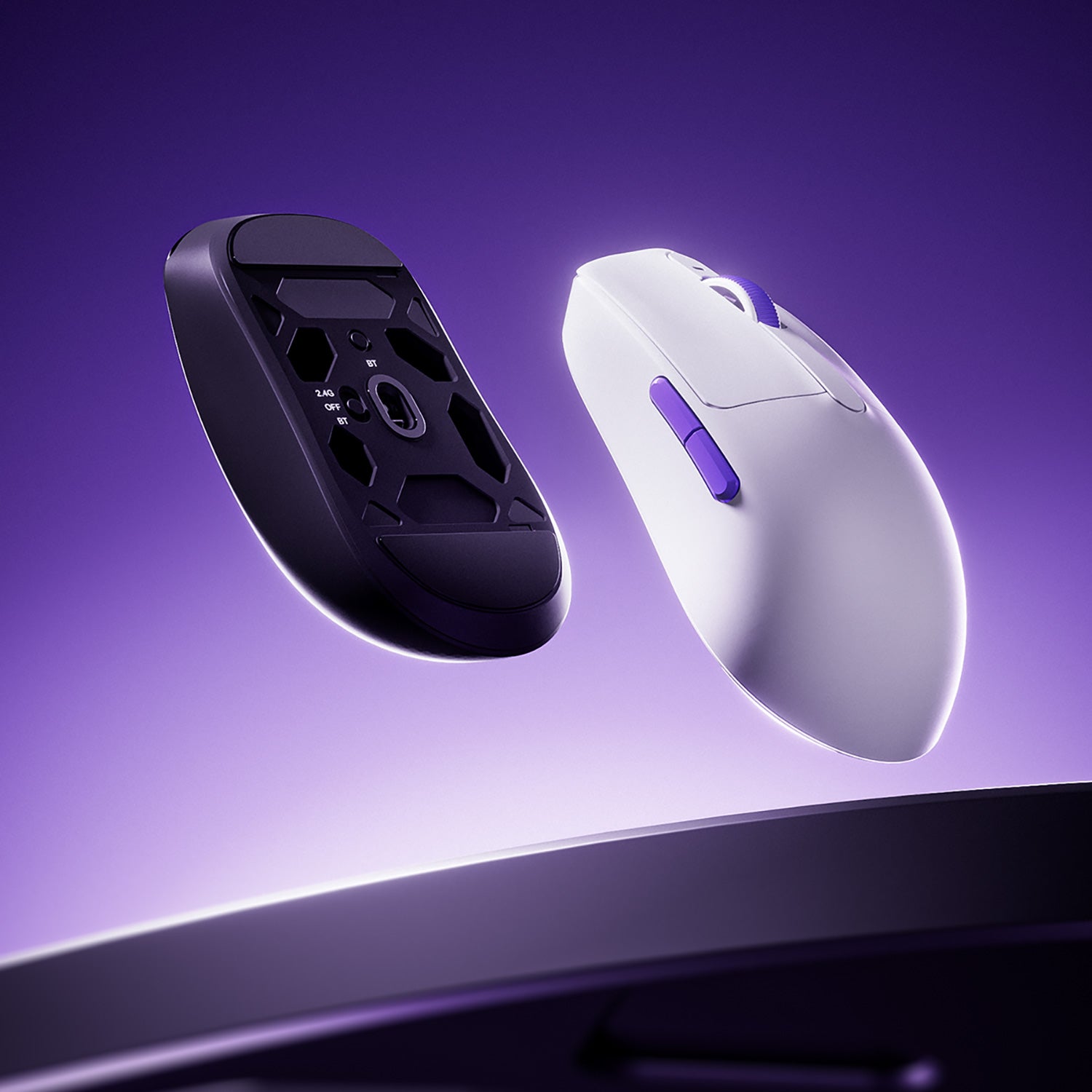
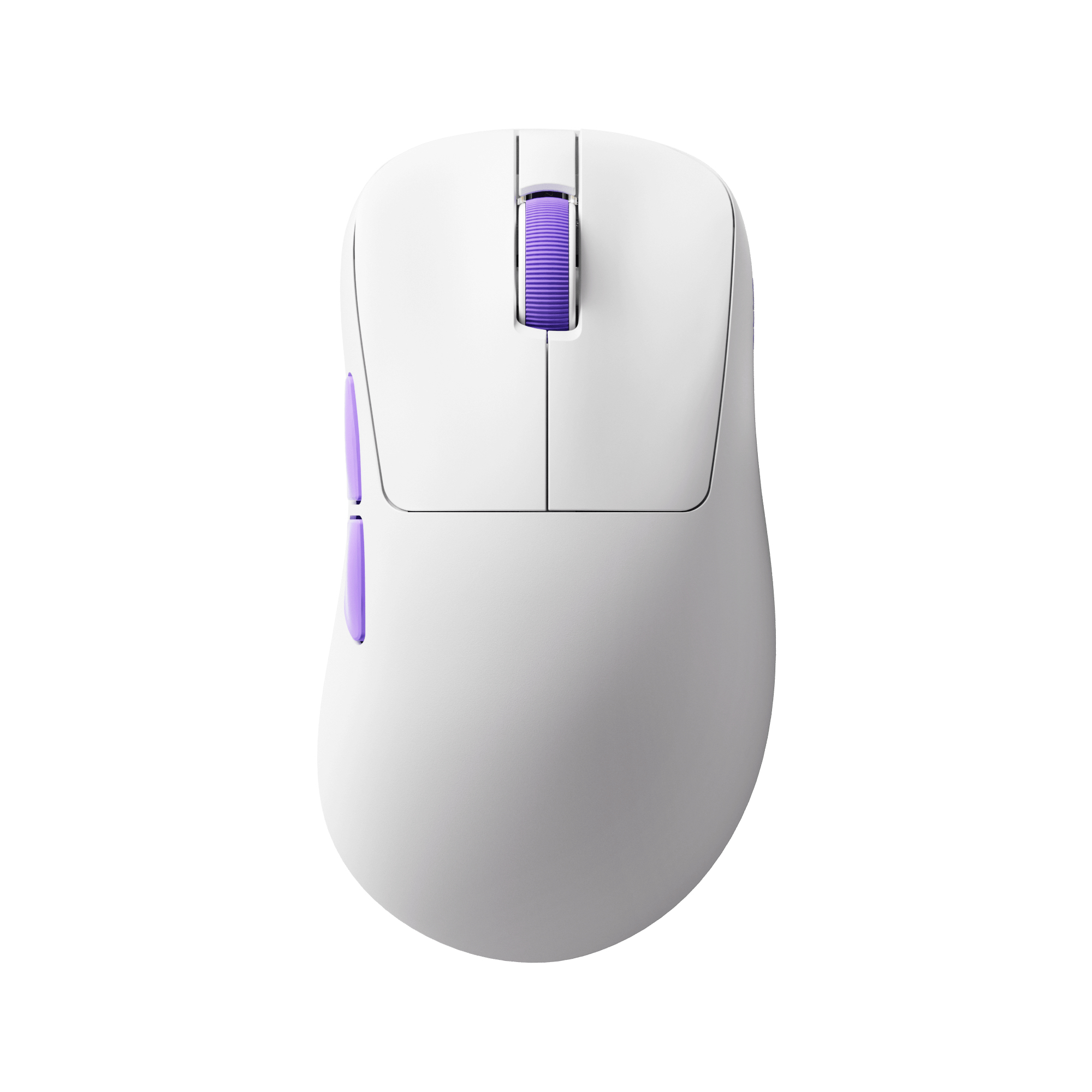
Dash Gaming Mouse
The Dash series is designed for users who prioritize speed, agility, and low weight, especially in FPS games.
It is best suited for small to medium hands and focuses on keeping the overall design as light and responsive as possible.
- Dash Max — PAW3395: A balanced competitive option with stable performance and proven tracking reliability.
- Dash Ultra — PAW3950: Designed for users who want higher-end tuning and improved performance consistency, especially in advanced setups.
- Dash Master — PAW3955: The top-tier configuration for users who want maximum performance headroom and the most refined sensor implementation.
Overall, the Dash series is ideal for FPS players who value speed, lightweight design, and competitive consistency.

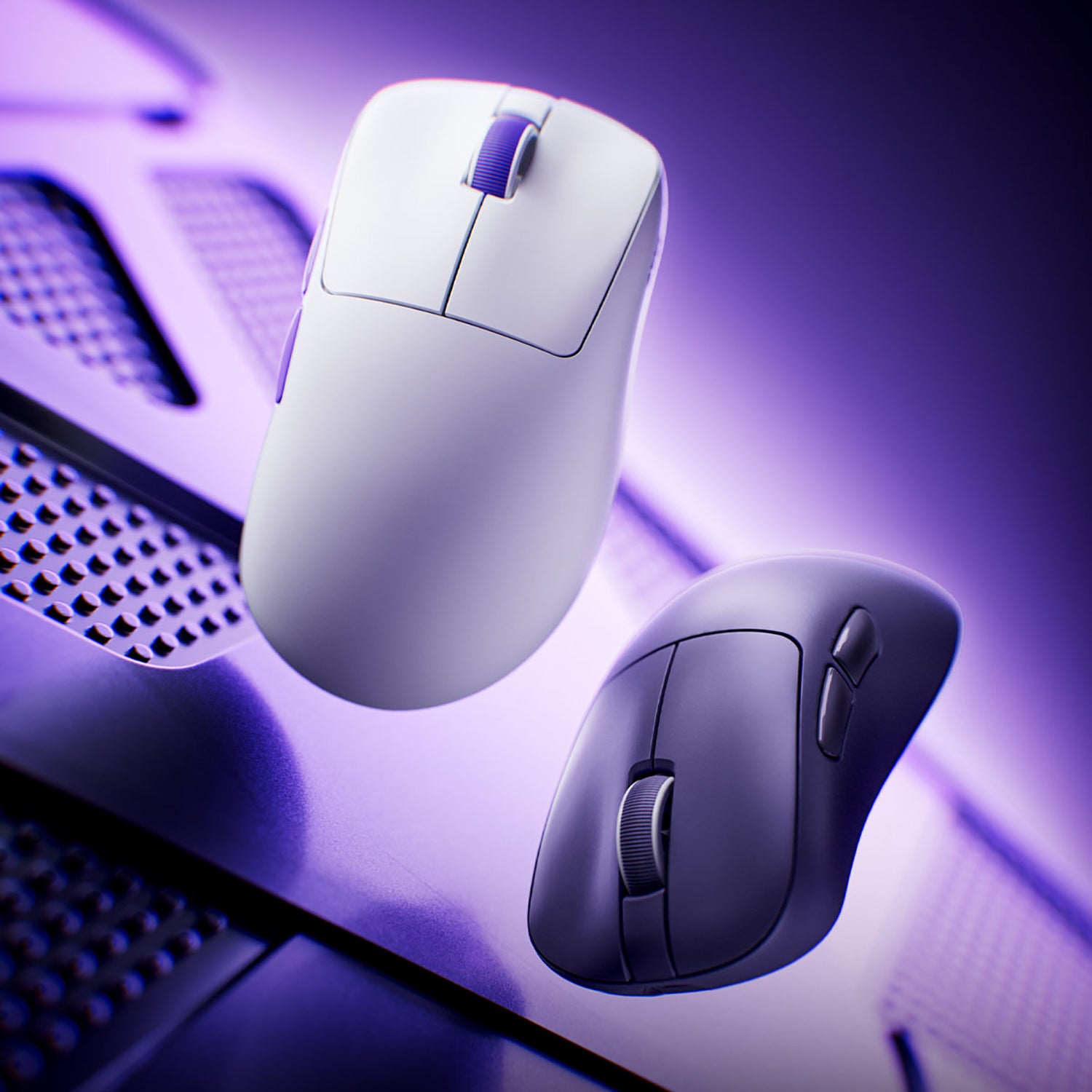
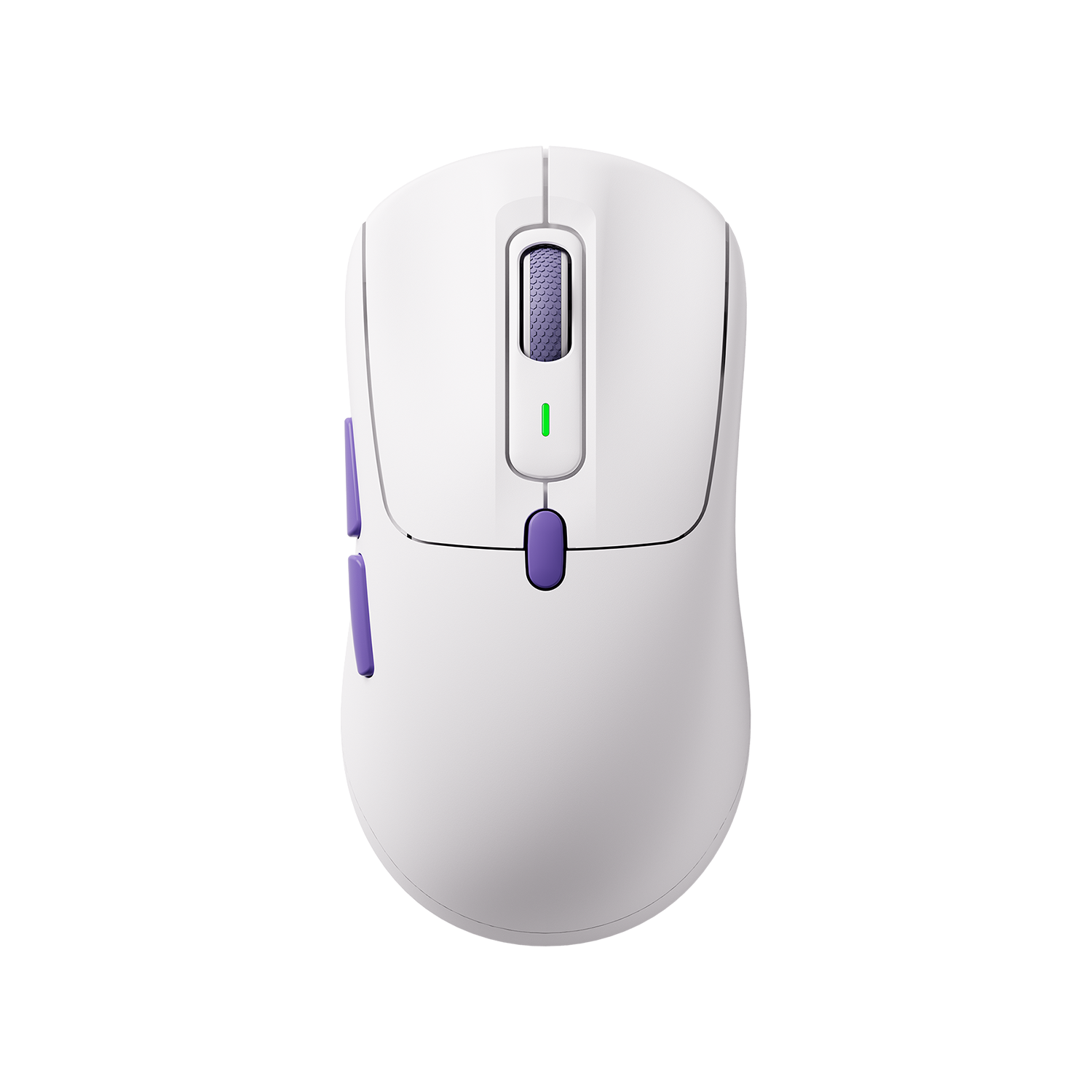
Framer Gaming Mouse
The Framer series is built around an asymmetrical ergonomic shape, offering more support for long sessions and improved comfort for palm or relaxed claw grip users.
The Framer is built around an asymmetrical ergonomic shape, offering more support for long sessions and improved comfort for palm or relaxed claw grip users.
- PAW3950 sensor: Focused on refined tracking accuracy and better control in varied environments.
- Asymmetrical ergonomic design: Designed to reduce fatigue and improve long-term comfort during extended use.
The Framer is better suited for users who prioritize comfort, stability, and controlled aiming over ultra-lightweight performance.

Final
Overall, PAW3311, PAW3395, and PAW3950 are all capable sensors for modern gaming. The real differences are much smaller in practice than on paper. Instead of focusing on specs alone, the better approach is to choose based on your playstyle, hand feel, and overall mouse design—because that’s what you’ll actually notice in daily use.
FAQ
Do You Need the PAW3950 for FPS Gaming?
Short answer: No.
For most FPS players—especially those on 240Hz or lower monitors, using cloth mousepads, and playing wrist-based—PAW3395 is already more than enough.
It can even be considered overkill in many cases.
When the PAW3950 actually makes sense:
- You use a glass mousepad
- You play low DPI (≤1600) with heavy arm movement
- You’re on a 360Hz+ setup
- You want top-tier consistency with no compromises and have the budget
Outside of these scenarios, the real-world difference is minimal.
Will the PAW3311 become outdated soon?
No.
For casual FPS players, non-competitive gaming, or setups below 165Hz, the PAW3311 will remain fully sufficient for the next 3–5 years.
Modern sensor performance has already entered a phase of diminishing returns. For example, the PAW3311’s tracking speed (~300 IPS) already exceeds what most players can physically achieve in real mouse movement (around 150–200 IPS).
Do You Really Need PAW3950 for Glass Mousepads?
Yes, in most cases.
Glass mousepads are a very different tracking environment compared to cloth pads, and not all sensors handle them reliably.
What users commonly report:
- PAW3311: frequent frame drops and occasional tracking drift
- PAW3395: mixed results—some units work fine, others show instability
- Higher-end sensors in general perform more consistently, but still vary by implementation
Why PAW3950 stands out
PAW3950 is currently the first widely adopted sensor with dedicated optimization for glass surfaces.





Leave a comment
All comments are moderated before being published.
This site is protected by hCaptcha and the hCaptcha Privacy Policy and Terms of Service apply.