



When you first step into the world of mechanical keyboards, the term “actuation force” will quickly become one of the most common specifications you see — 45g, 37g, 60g, and more. But what do these numbers actually mean? Is lighter always better? And how do you balance gaming performance with typing comfort?
This guide will help you understand actuation force in a structured way, so you can choose a keyboard that truly fits your needs.
What Does Actuation Force Mean?
The actuation force is the minimum force needed to activate a key switch and register a keystroke. It is typically measured in grams (g) or centinewtons (cN).
Actuation force directly affects how a key feels when pressed. Lower actuation force results in a lighter keystroke, reducing finger fatigue during long typing or gaming sessions. Higher actuation force creates a firmer, more resistant feel that requires more pressure to press, but it can also provide greater stability and help reduce accidental keystrokes.
Is Low Actuation Force Better?
The low actuation force is not necessarily better. It depends on your usage scenario and personal preference.
Generally, we think the actuation force ≤45g to be a low trigger pressure. Compared to high actuation force, each has its own distinct advantages and disadvantages.
Advantages of Low Actuation Force
- Reduced Fatigue During Long Typing Sessions: Lower actuation force places less strain on your fingers and hand muscles, making it ideal for programmers, writers, customer service agents, and anyone who types for extended periods.
- Faster Key Activation: Keys register with a lighter press, which is especially beneficial for gamers who need quick reactions in fast-paced FPS, MOBA, or RTS games that require rapid inputs and repeated keystrokes.
- Light and Smooth Typing Feel: The softer keypress creates a smoother and more effortless typing experience, helping reduce fatigue over time.
Potential Drawbacks of Low Actuation Force
- Higher Chance of Accidental Keystrokes: Because very little pressure is needed to activate the switch, even slight contact can trigger a keypress. Users who rest their fingers heavily on the keyboard may experience more unintended inputs.
- Reduced Tactile Feedback: Extremely light switches can sometimes feel overly soft or “floaty,” which may reduce typing confidence and increase typing errors for some users.
- May Not Suit Heavy Typists: Users accustomed to applying more force while typing or gaming may find light switches lacking in feedback or stability, which can feel unnatural and potentially lead to discomfort over time.
So we can't give you a directly answer- if the low actuation force better.
If you rarely experience finger fatigue while typing, or if you often make accidental keystrokes, a lighter actuation force may not be the ideal choice for you.
On the other hand, if your fingers tire easily or you want to maximize typing speed and responsiveness, low-actuation switches are definitely worth considering.
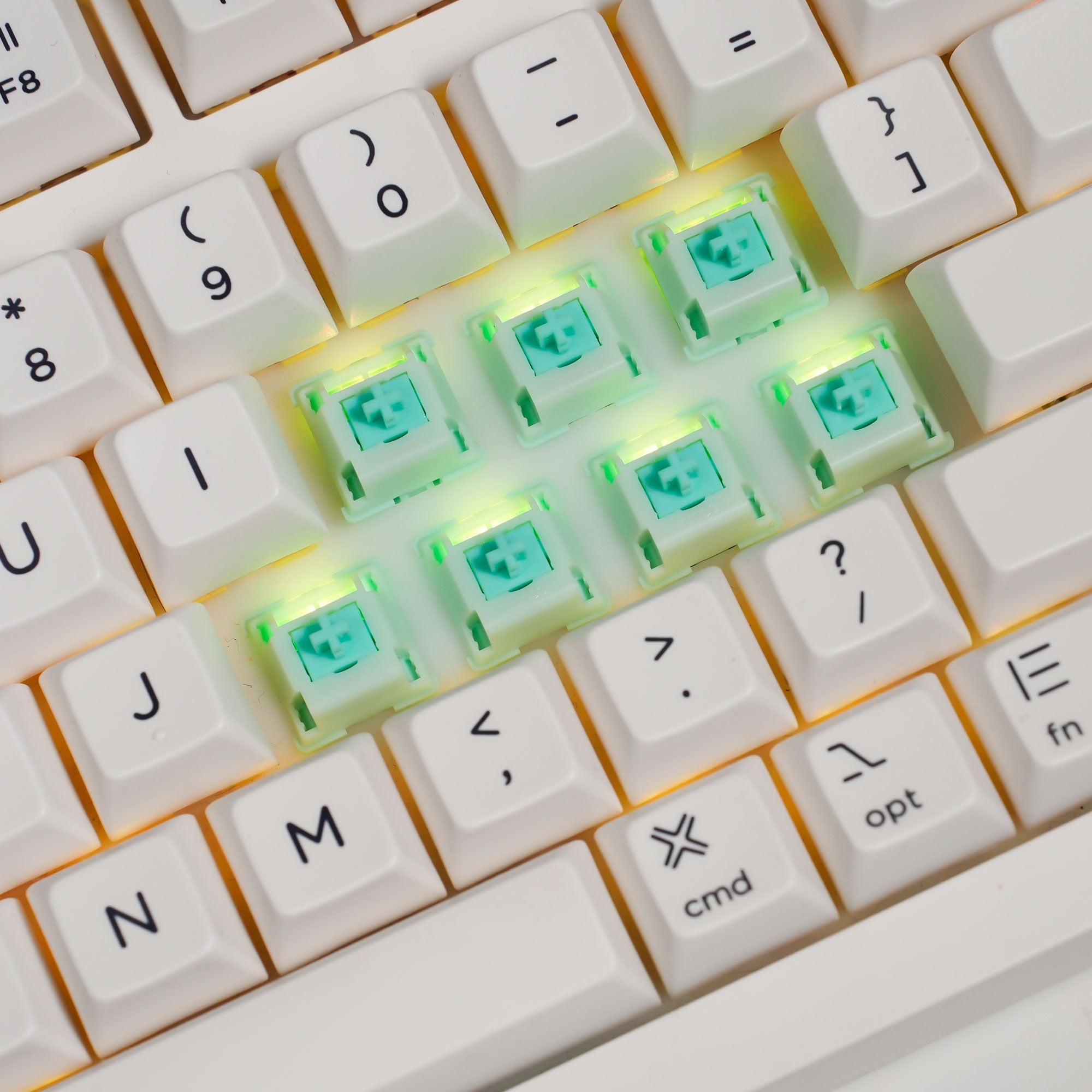
We recommenda you to use a switch tester that includes switches with different actuation forces, such as 35g, 45g, and 55g. In this way, you can better understand your personal preference before making a final decision. Keyboard feel is highly subjective, and technical specifications are only a starting point — real-world typing experience matters most.
What is the Best Actuation Force for Typing?
Actually there is no perfect actuation force. The best choice depends largely on your typing habits, finger strength, and personal preference.
Based on the most users feedback, generally we believe the ideal actuation force generally falls between 35–50g for long typing sessions.
1. Low-Effort Range: 35–45 g
This range is ideal for users who spend long hours typing, including programmers, writers, and customer service professionals.
Typing Experience: Keys feel exceptionally light and require minimal force to activate, reducing strain on the fingers during extended typing sessions. The overall typing feel is smooth, effortless, and well-suited for maintaining fast typing speeds comfortably.
Best For: Users who type large amounts of text daily or experience finger fatigue easily.
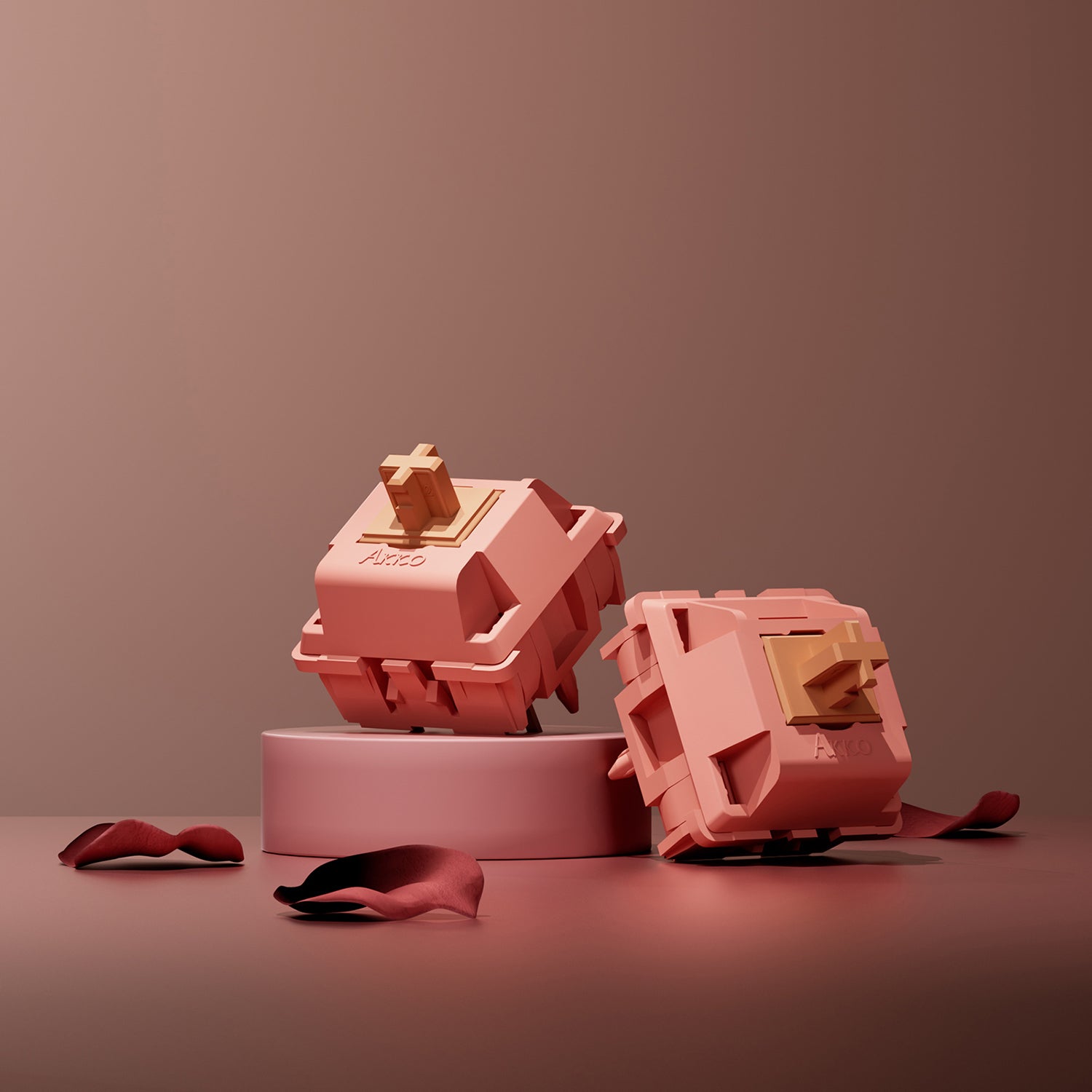
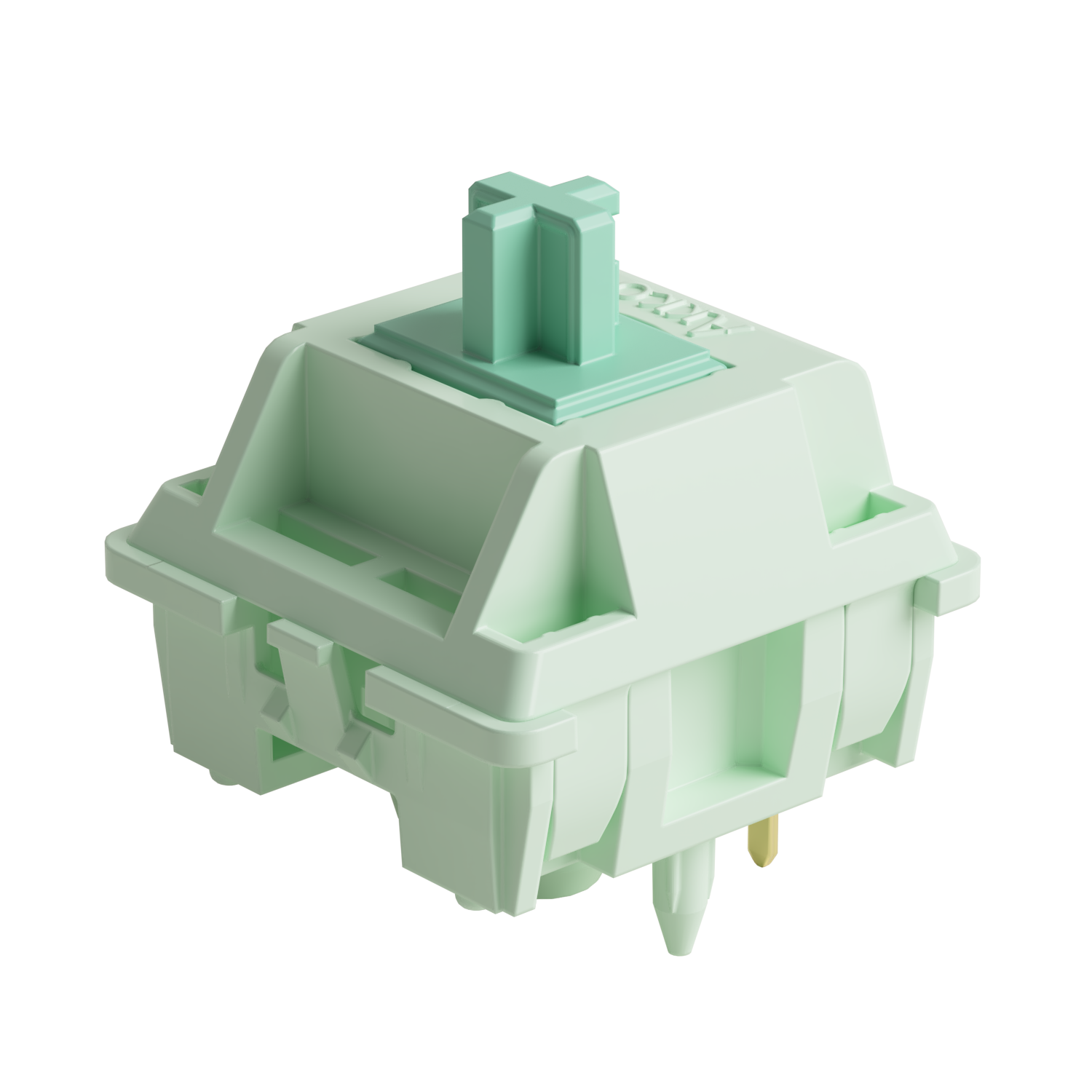
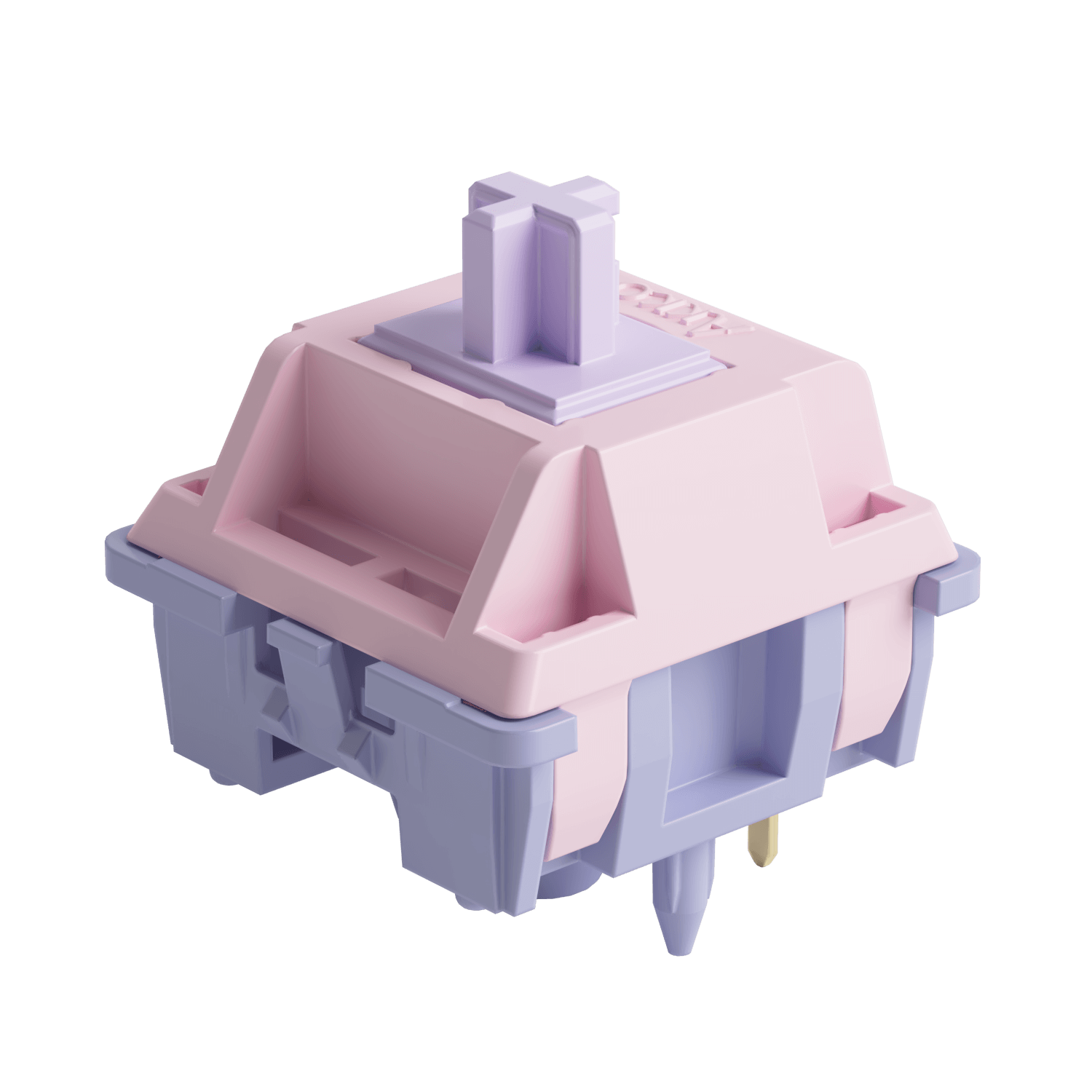
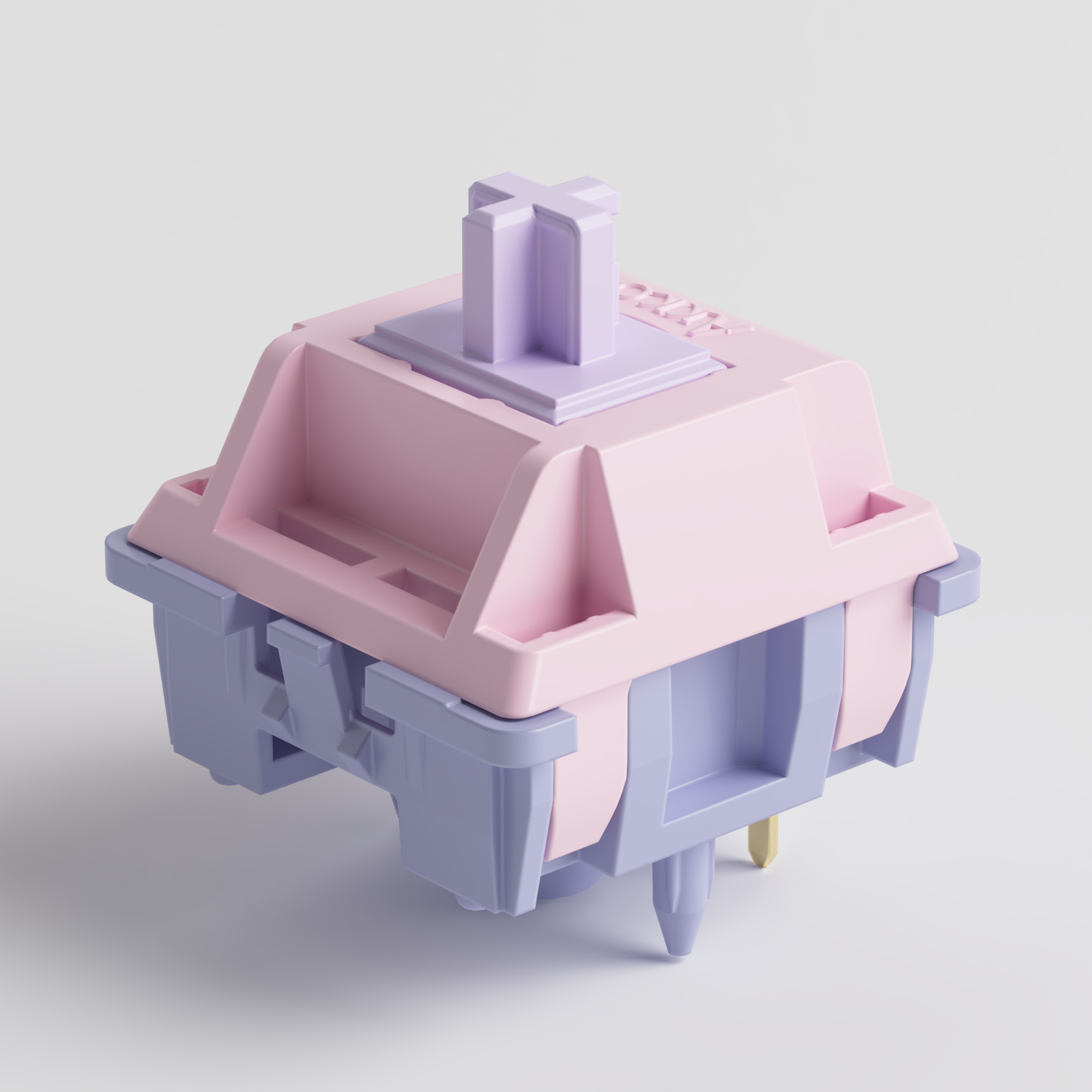
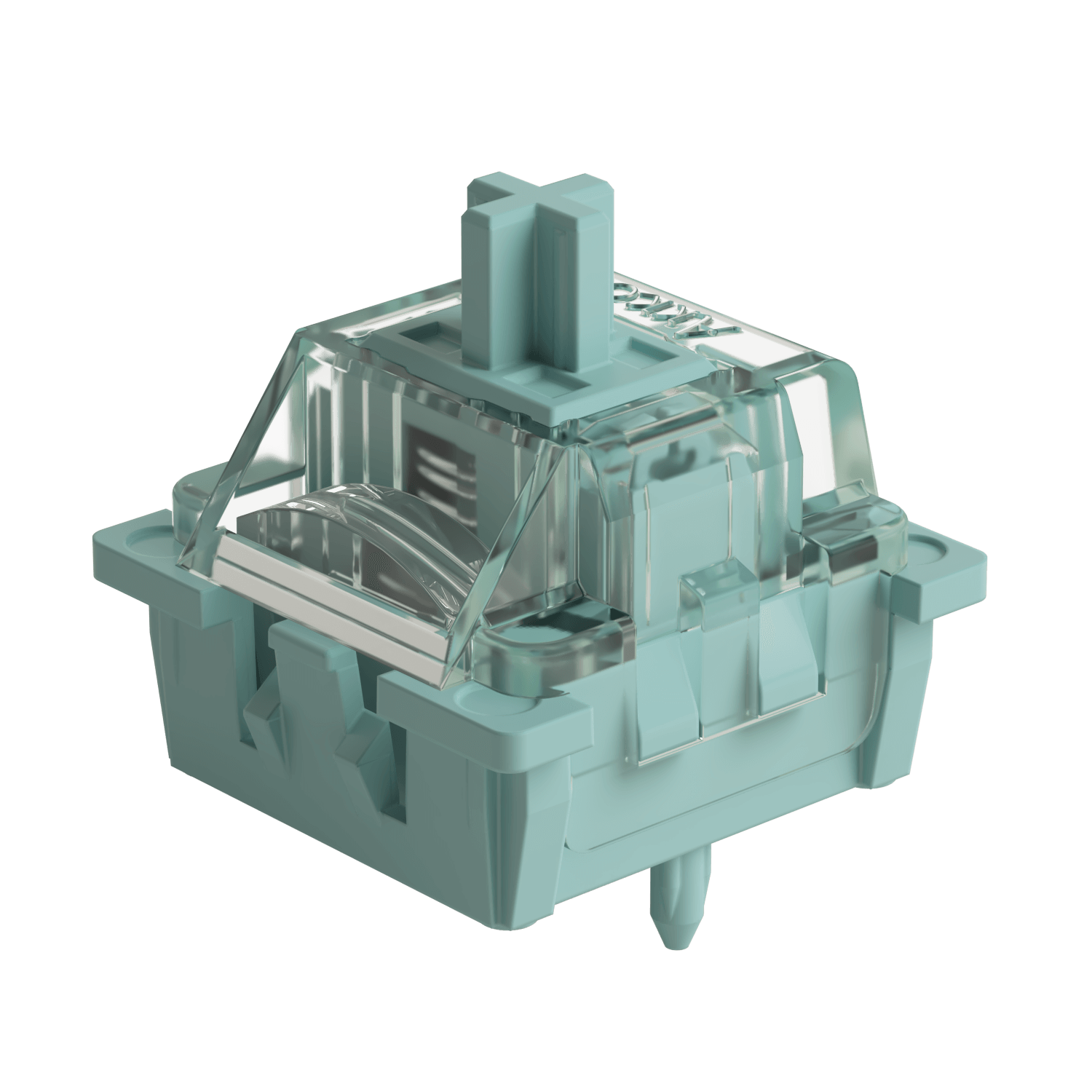
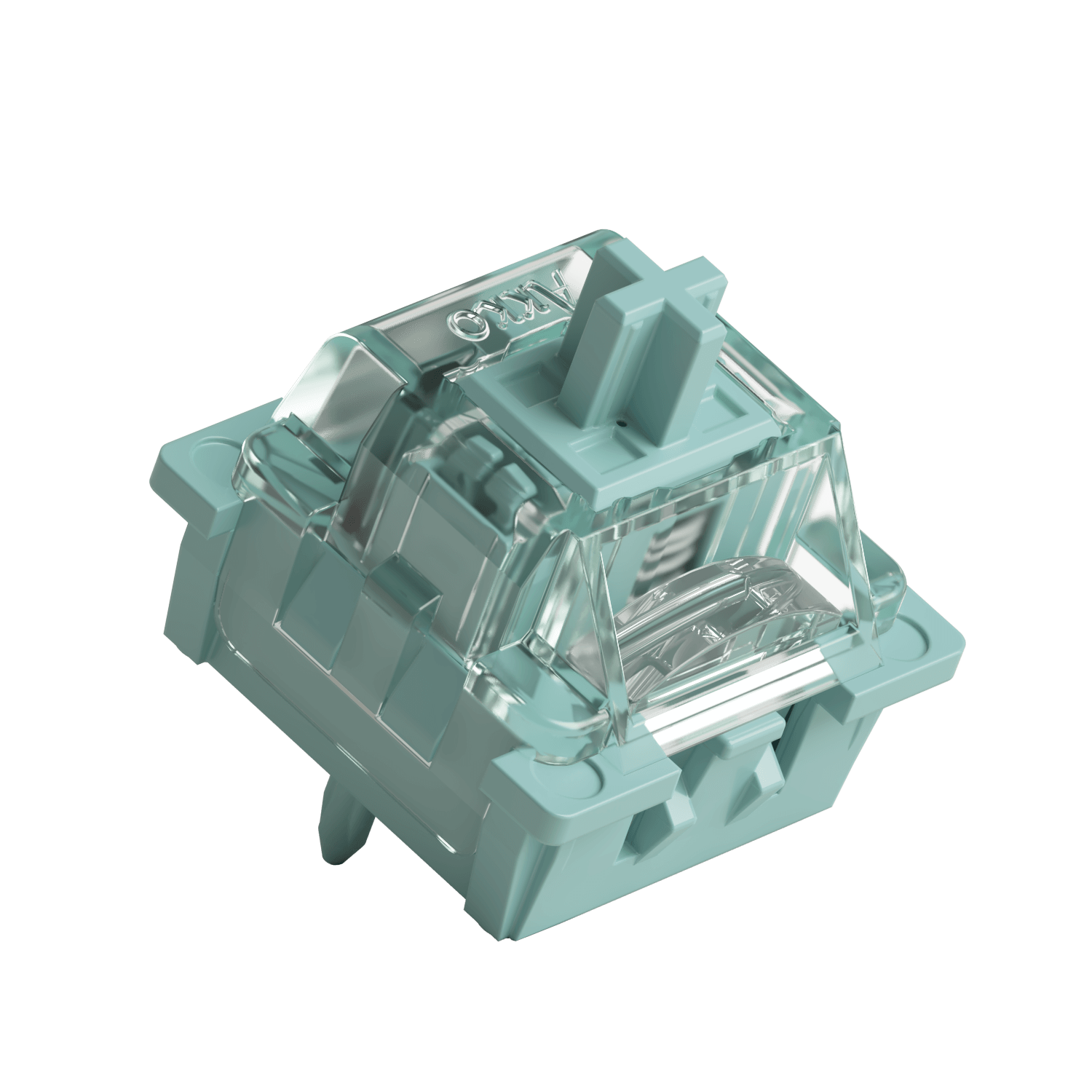
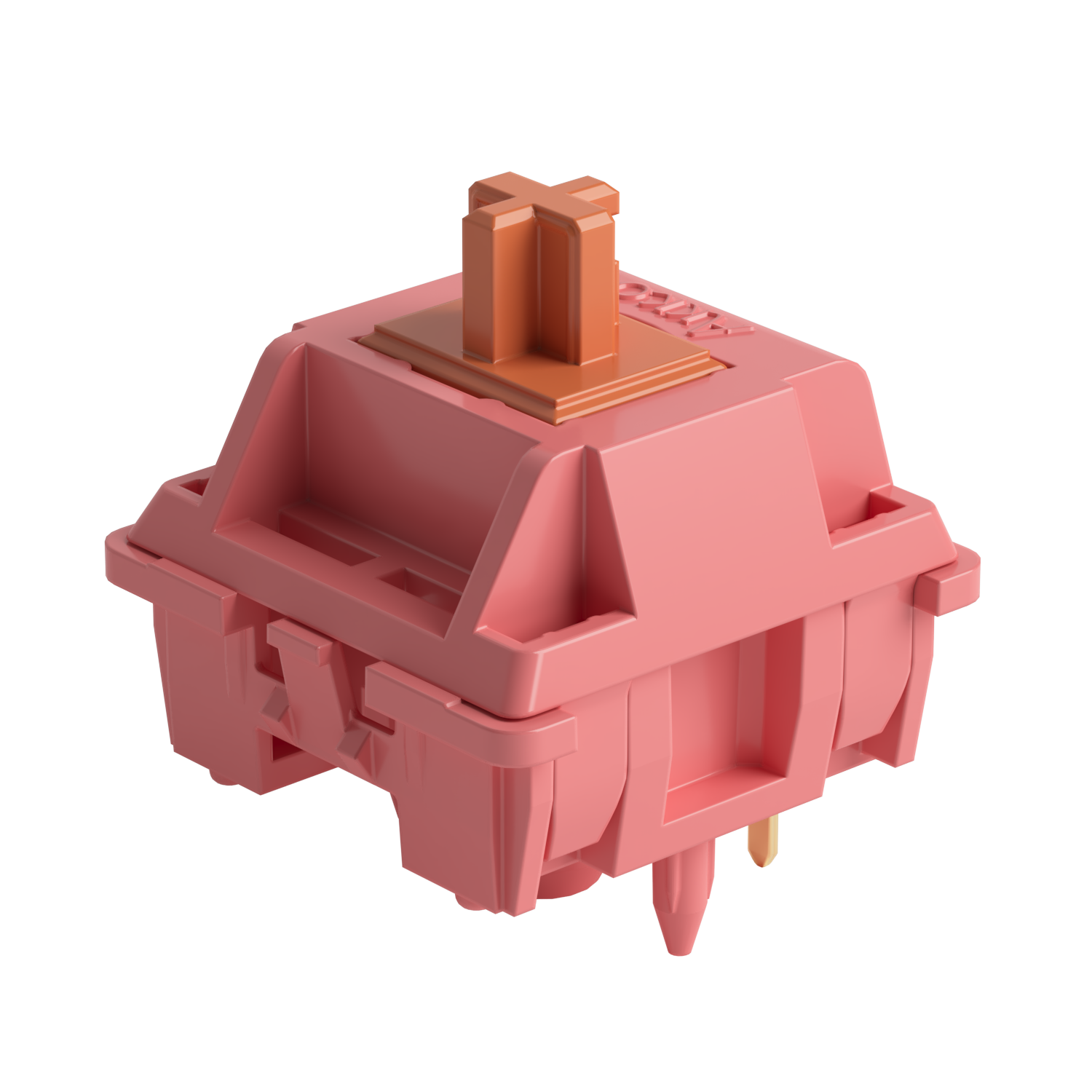
Switches: Akko Rosewood Switch, V3 Silver Pro Switch, Akko Cilantro Switch
2. Balanced Range: 45–50 g
If you naturally rest your fingers on the keycaps or tend to type with heavier force, this range may provide a more comfortable and controlled experience.
Typing Experience: This range offers an excellent balance between light actuation and typing stability. The switches remain comfortable for long-term use while providing enough resistance and feedback to reduce accidental keystrokes and unintended inputs.
Best For: Office users, mixed typing and gaming setups, and anyone seeking a balance between comfort and control.
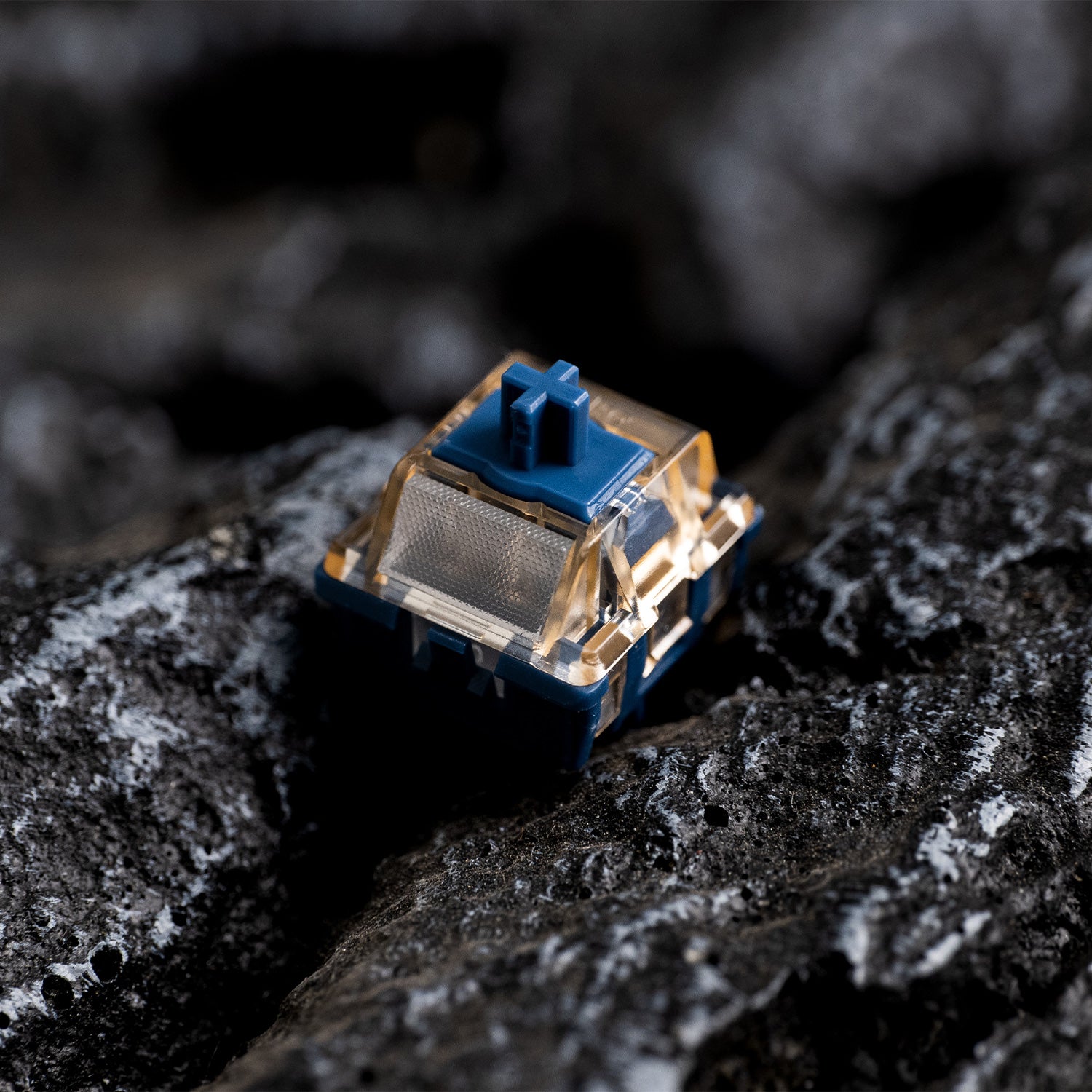
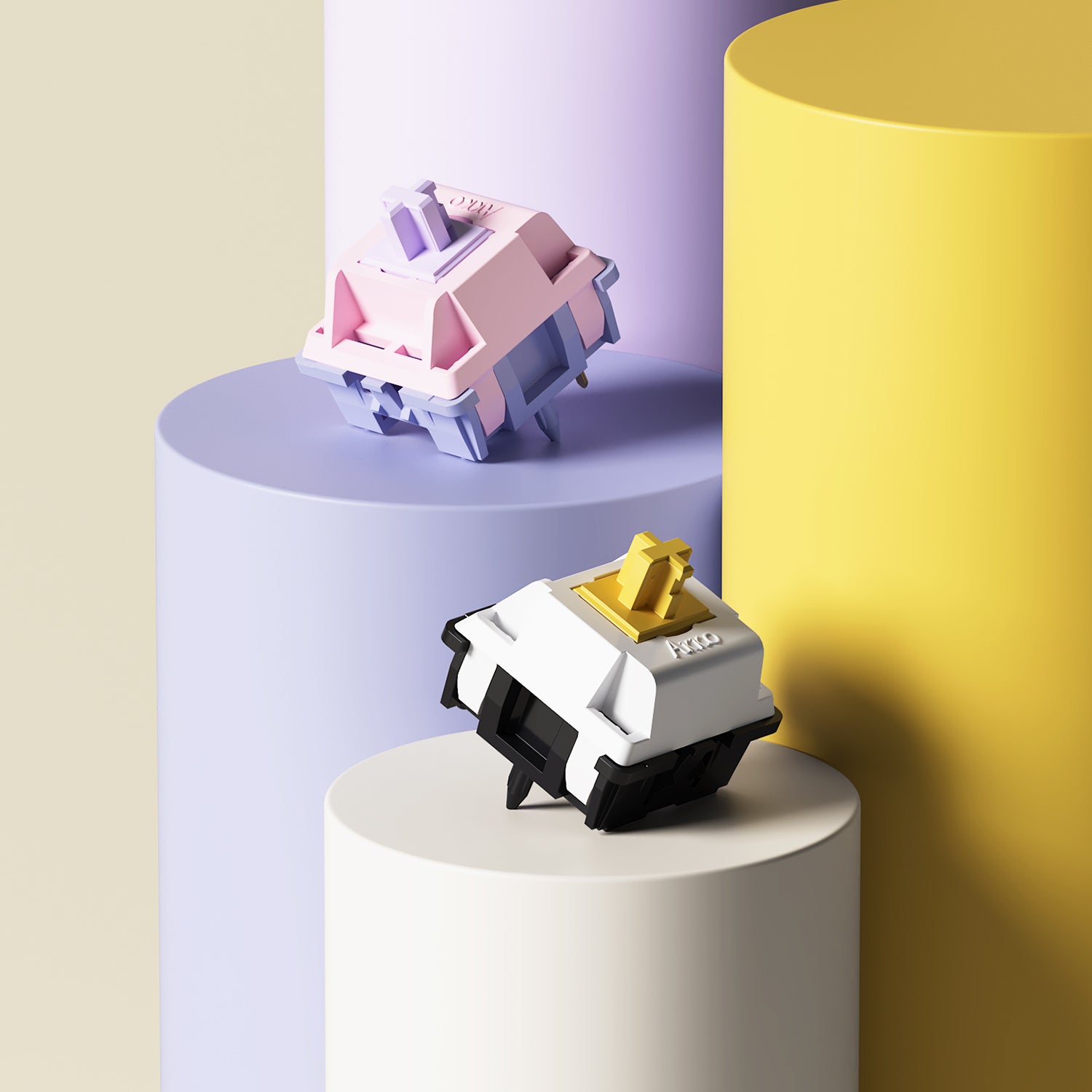
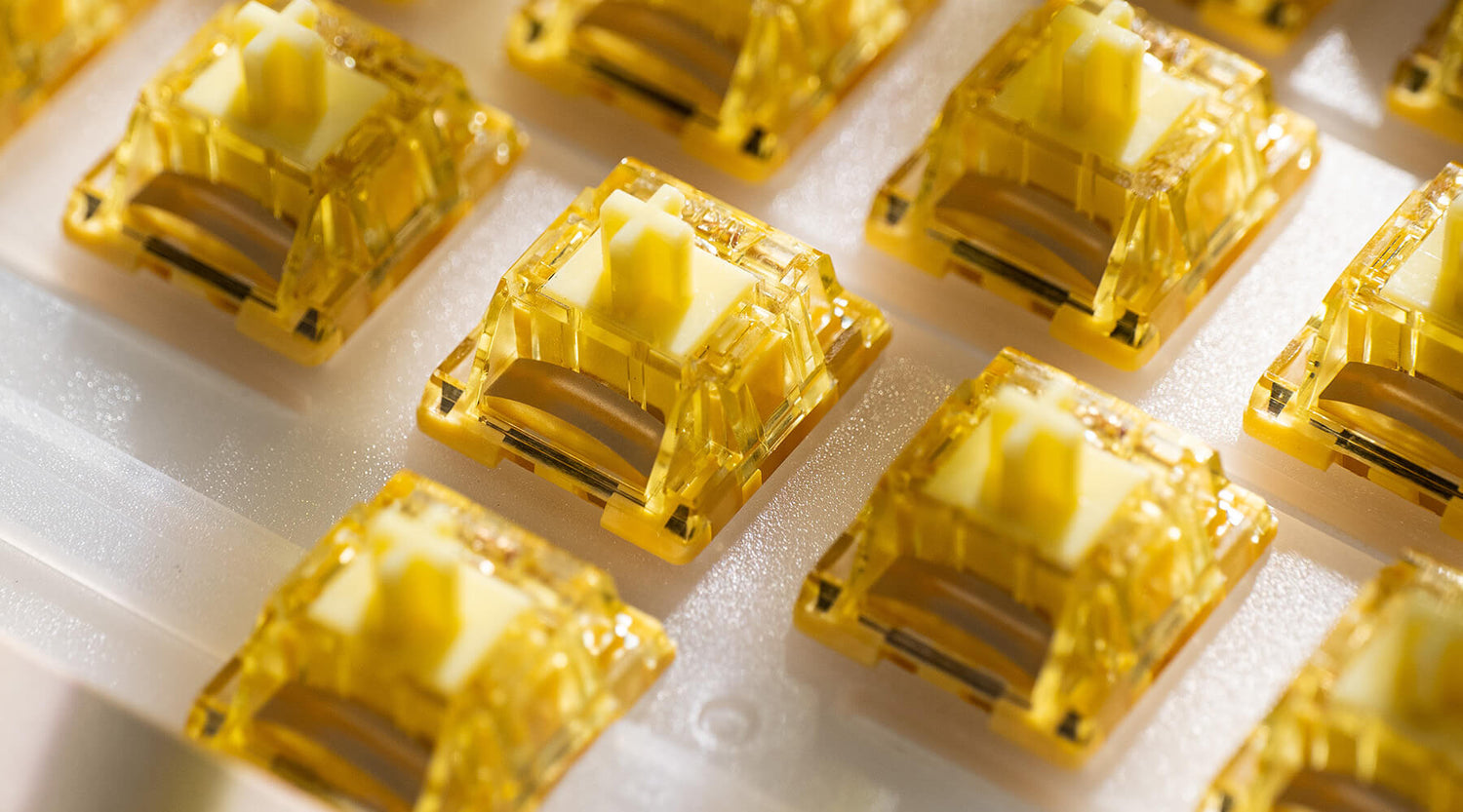
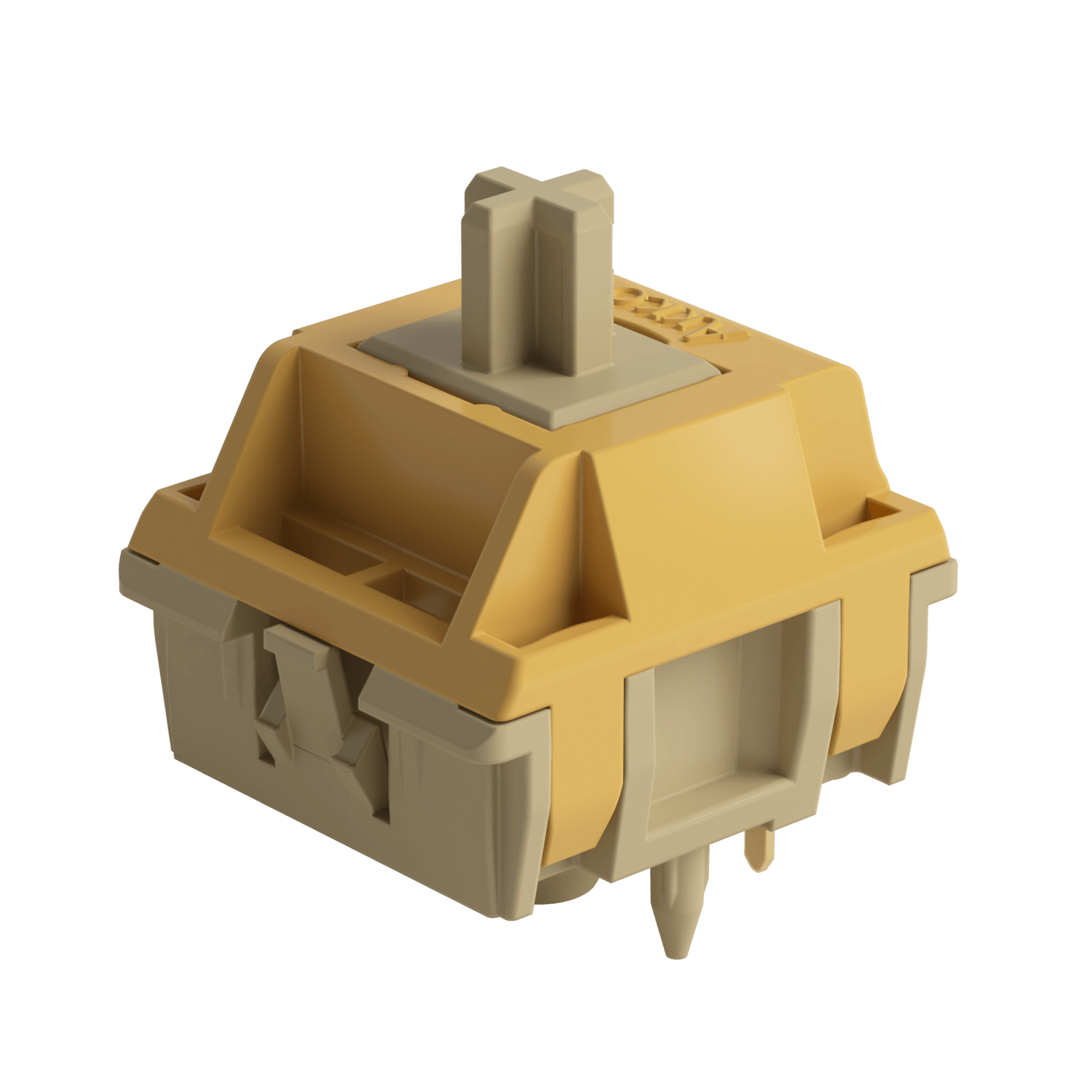
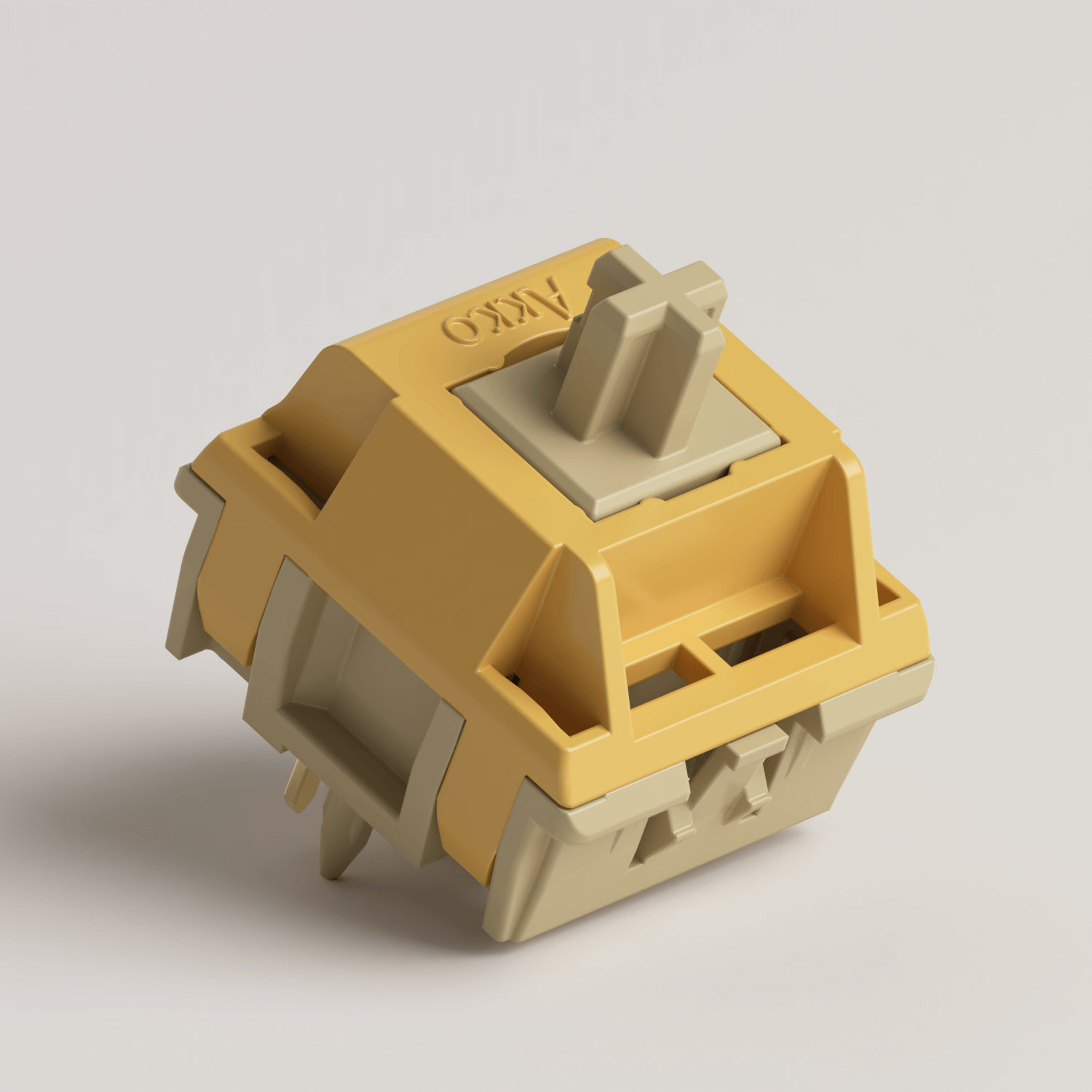
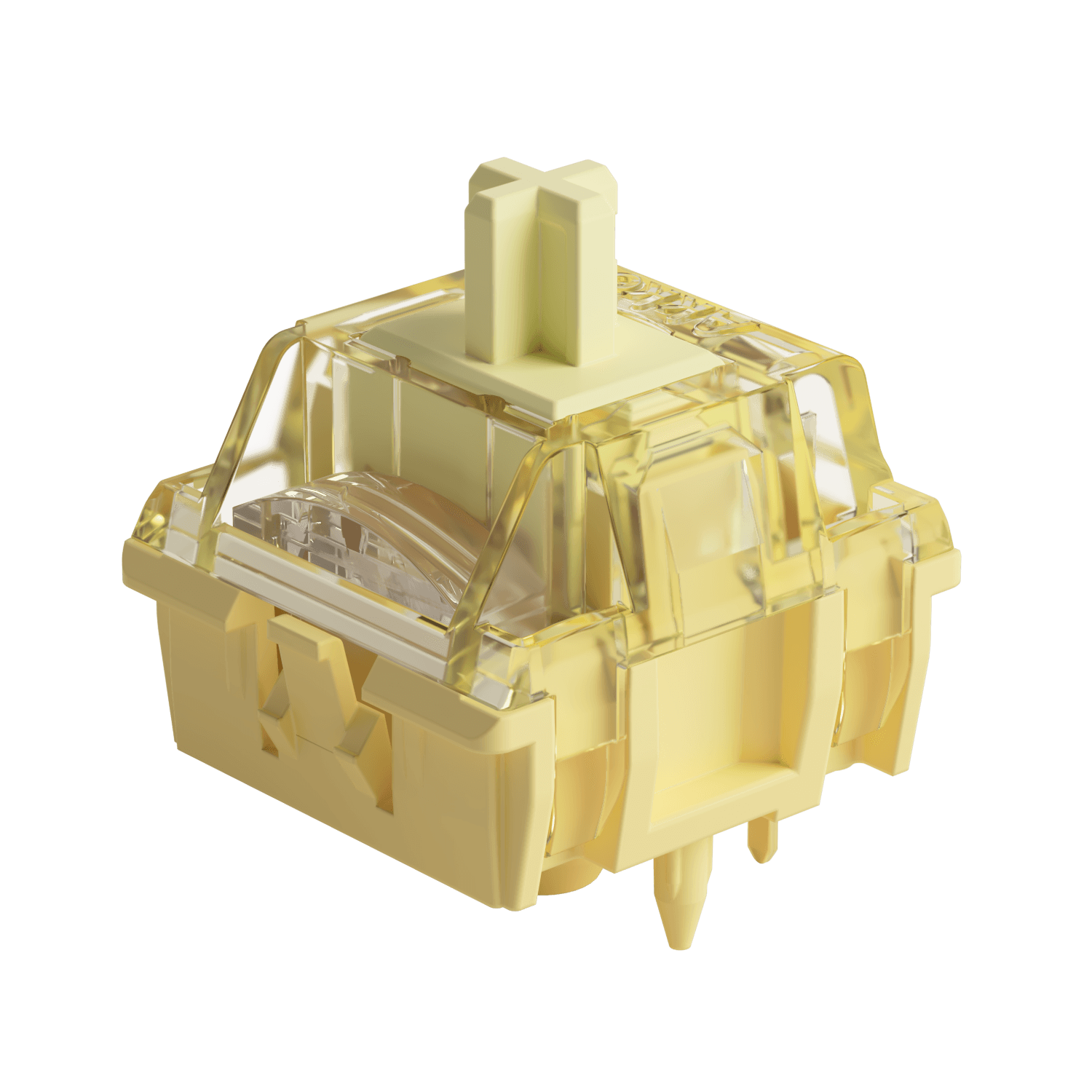
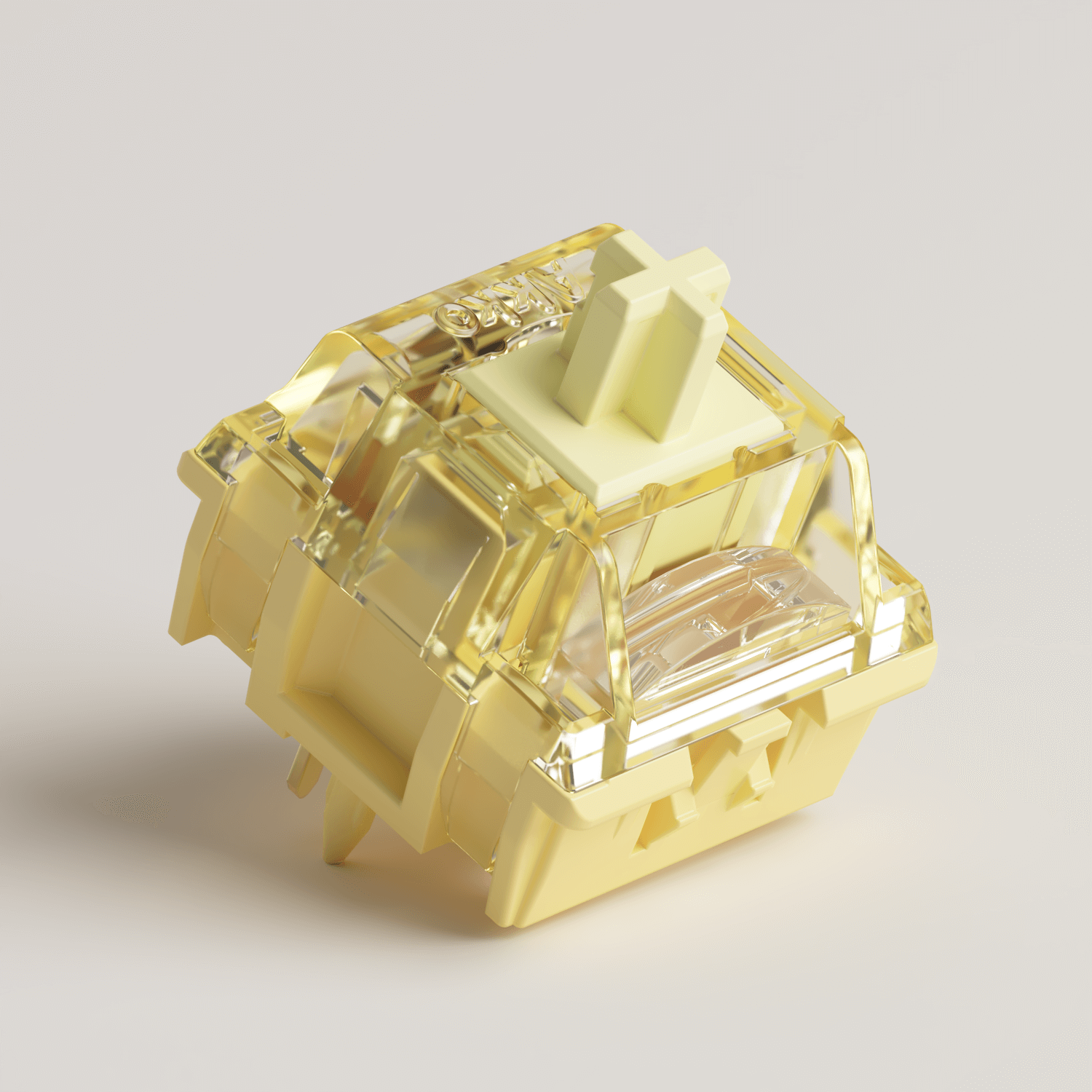
Switches: Akko Bittersweet, V5 Creamy Yellow Pro Switch, V5 Creamy Blue Pro

What is the Best Actuation Force for Gaming?
35–50g is generally considered the sweet spot for most gamers. Within this range, 45g is often regarded as the safest and most versatile option. However, the ideal actuation force can vary greatly depending on the type of games you play, as different genres place different demands on speed, precision, and control.
| Actuation Force | Best For | Less Suitable For | Characteristics |
|---|---|---|---|
| 30–35g (Ultra-Light) | FPS, Fighting, Rhythm Games | MOBA, MMORPG, Heavy Typing | Extremely fast and responsive with minimal key pressure. Ideal for competitive gaming, but accidental keystrokes are more common, especially for users who rest their fingers heavily on the keys. Requires precise finger control. |
| 35–45g (Light) | FPS, Fighting, Rhythm, MOBA | Some MMORPG Users | Widely considered the optimal gaming range. Offers fast actuation while maintaining better control. Around 40–45g works well for most gamers, while 35–40g is preferred by players seeking maximum speed and responsiveness. |
| 45–50g (Balanced) | MOBA, RTS, MMORPG, AAA Games | Competitive FPS Players Seeking Ultra-Light Feel | Delivers an excellent balance between speed and stability. Responsive enough for gaming while reducing accidental inputs, making it ideal for users who play multiple game genres or use the keyboard for both gaming and productivity. |
| 50–60g+ (Heavy) | MMORPG, RPG, General Productivity | FPS, MOBA, Fighting, Rhythm Games | Provides a firmer and more deliberate typing feel with strong feedback. However, extended high-speed gameplay can lead to finger fatigue. Best suited for users who prefer heavier switches or type with more force. |
If you prioritize maximum speed, switches with a 30–45g actuation force and short travel distance are ideal.
If you prefer a more balanced experience between speed, control, and comfort, a 45g switch is a great all-around choice.
In addtion, for competitive gaming, features like Rapid Trigger in magnetic keyboards are often more important. Traditional mechanical switches require the key to return to a fixed reset point before it can activate again. Rapid Trigger dynamically resets the key the moment it starts rising — even by just 0.05 mm — allowing much faster repeated inputs and more responsive movement.

Actuation Force vs Other Key Factors
When choosing a switch, you’ll notice specifications beyond just actuation force — such as operating force, bottom-out force, and actuation point. What do these terms actually mean? Let’s take a closer look.
Actuation Force vs Operating Force
- Operating Force ≈ Actuation Force
These two terms are often used interchangeably. More than Akko, most switch manufacturers — including Cherry and Gateron — use the term “operating force,” while some other brands prefer “actuation force.”
In industrial switch specifications, “operating force” refers to the amount of force required to activate the electrical contact, which is why we follow this terminology.
However, in some cases, operating force may also refer to the average force during the keypress.
Actuation Force vs Bottom Out Force
- Actuation Force: When the key register
- Bottom-Out Force: When the key is pressed all the way down
You don’t need to bottom out for a key to work, However, many people still press keys fully, which makes bottom-out force very important.
A small gap between actuation force and bottom-out force (e.g., 45g → 55g) creates a smoother, more linear typing feel with gentle force progression.
A larger gap (e.g., 45g → 70g) results in noticeably stronger resistance at the bottom, giving a more pronounced “impact” when the key is fully pressed.
Actuation Force vs Actuation Point
- Actuation Force: How hard you need to press
- Actuation Point: How deep you need to press
A keyboard can feel fast or slow depending on both.
- A low force + short actuation point = very fast and sensitive
- A higher force + deeper actuation point = more controlled and deliberate
For example, a 40g switch at 1.0mm will feel much faster than a 40g switch at 2.0mm
With magnetic (Hall Effect/TMR) keyboard, actuation point is no longer fixed. Features like Adjustable Actuation Distance allow users to customize exactly when a keypress registers.
How to Choose the Right Actuation Force?
Choosing the right actuation force isn’t just about the numbers — it also depends on your use case, finger strength, typing habits, and budget.
Here’s a simple selection framework to help guide your decision.
1. Based on Your Use Case
Different use cases place very different demands on actuation force — and this is the most important factor to consider when choosing a switch.
| Primary Scenario | Recommended Actuation Force | Why It Works |
|---|---|---|
| Pure Gaming (FPS / Fighting / Rhythm) | 35–45g | Prioritizes fast response and low finger fatigue for rapid inputs. |
| Pure Gaming (MOBA / RTS) | 40–50g | Balances speed with control for frequent but deliberate key presses. |
| Pure Gaming (MMORPG) | 45–55g | Reduces accidental presses while providing clearer input feedback for complex skill rotations. |
| Pure Typing (Office / Writing) | 35–45g | Minimizes effort and helps reduce fatigue during long typing sessions. |
| Mixed Use (Typing + Gaming) | ~45g | The most versatile “safe” option across different workloads. |
| Programming / Precision Work | 45–50g | Improves accuracy and reduces unintended key presses from light touches. |
2. Assess Your Finger Strength and Typing Habits
Even for the same gaming or typing scenario, the ideal actuation force can vary from person to person.
You can decide by the follwing ways:
Did your previous keyboard feel too stiff or too light?
Too stiff / fingers get tired easily: choose a lighter switch (about 5–10g lower)
Too light / frequent accidental keystrokes: choose a heavier switch (about 5–10g higher)
Feels just right → stay within a similar pressure range
How do your fingers usually rest on the keyboard?
Fingers lie on keycaps most of the time: choose a slightly heavier switch (45–55g) to reduce accidental inputs.
Light touch, fingers hover or press only when needed: choose a lighter switch (35–45g) for faster, easier actuation.
3. Understanding the Feel Differences Across Pressure Zones
| Pressure Zone | Feel Description | Best For | Potential Risk |
|---|---|---|---|
| 30–35g | Extremely light, like pressing cotton | Users with very light finger strength or high sensitivity | High chance of accidental key presses; requires precise finger control |
| 35–40g | Light, fast, and highly responsive | FPS/rhythm gamers and speed-focused users | Can trigger unintended inputs if fingers rest on keys |
| 40–45g | Light with good balance and control | Most gamers and general users | Very low risk; widely considered the safest all-round range |
| 45–50g | Moderately firm with solid feedback | Typing-focused users, MMO players, stronger finger users | May feel slightly tiring during long high-APM sessions |
| 50–60g+ | Noticeably heavier with strong resistance | Users who prefer firm feedback or have stronger typing force | Can cause fatigue over long periods; not ideal for most users |
4. Test Before You Commit
These parameters are only for reference — real typing feel can only be judged by your own hands.
A practical approach is to use a switch tester and press each switch 50–100 times in a row, simulating real usage. This helps you better understand long-term comfort and consistency, allowing you to identify the switch that truly feels most comfortable for you.
5. Advanced: Adjustable Actuation
If you’re aiming for the ultimate gaming performance, traditional fixed-force mechanical switches may no longer be the optimal choice. In recent years, magnetic switch technology has become a major breakthrough.
With software control, actuation distance can be customized per key, while Rapid Trigger further improves responsiveness by resetting the key the moment it begins to rise—even by as little as 0.1 mm—and allowing it to re-trigger instantly on the next press.
However, if you prefer to retain the familiar feel of mechanical switches, the M1 V5 TMR is a strong alternative. It supports per-key actuation tuning via software, includes Rapid Trigger functionality, and remains compatible with mechanical switches—offering a hybrid experience that combines magnetic-style responsiveness with the classic mechanical typing feel.
FAQ
Is 40g Actuation Force Good?
Yes, 40g is a great actuation force for many users, especially if you prefer a light, fast, and effortless typing experience. But whether it’s “good” depends on how you use your keyboard.
What is a good actuation force for beginners?
A good starting point is around 45g.
It offers a balanced experience:
- Not too light: avoids accidental presses
- Not too heavy: comfortable for long use
If you’re unsure, 45g is the safest “middle ground.”
Does higher actuation force improve typing accuracy?
Yes—to a degree.
Higher force:
- Requires more deliberate presses
- Reduces accidental keystrokes
But: Too heavy (>60g) can cause fatigue
The sweet spot for most users is 45–60g.
Why do switches with the same actuation force feel different?
Because actuation force is only one part of the equation.
Other factors include:
- Actuation point (travel distance)
- Switch type (linear, tactile, clicky)
- Force curve (how resistance changes)
Example: A 45g linear will feel smoother and lighter than a 45g tactile.

Leave a comment
All comments are moderated before being published.
This site is protected by hCaptcha and the hCaptcha Privacy Policy and Terms of Service apply.