





When people talk about 8000Hz polling rate keyboards, they usually think of magnetic keyboards first. But are they the only ones that support it? Not at all — mechanical and optical keyboards can also achieve an 8K polling rate.
Today, we’ll break down what the 8K polling rate is, why magnetic keyboards dominate it, the limits of traditional mechanical keyboards, and whether models like the Akko 5108 V5 mechanical keyboard can truly reach 8K performance.
What Does 8K Polling Rate Actually Mean?
The keyboard polling rate is the communication frequency between the keyboard and the computer.
A keyboard doesn’t actively send signals on its own—it reports its key status to the computer at regular intervals. For example, when you press the W key, the keyboard communicates that input so the computer can trigger a “move forward” action in a game. This reporting frequency is called the polling rate, measured in Hz, and it indicates how many times per second the keyboard updates the computer.
- 1K Polling Rate: 1000Hz, the keyboard reports 1000 times per second, with a 1 ms interval between each report.
- 4K Polling Rate: 4000Hz, the keyboard reports 4000 reports per second, with a 0.25 ms interval between each report.
- 8K Polling Rate: 8000Hz, the keyboard reports 8000 reports per second, with a 0.125 ms interval between each report.
Related Article: What is the Polling Rate on A Keyboard?
Are 8K Polling Rates Exclusive to Magnetic Keyboards?
An 8K polling rate is not a technology unique to magnetic keyboards.
Magnetic keyboards can achieve ultra-low trigger latency due to Hall effect / TMR sensing technology, making them a natural fit for the low-latency benefits of an 8K polling rate. Therefore, mainstream magnetic keyboards are generally equipped with an 8K polling rate. However, this is a matter of technological compatibility—not exclusivity.
Achieving an 8K polling rate mainly depends on strong hardware support:
High-performance controller: It must handle high-frequency data transmission smoothly, processing up to 8000 reports per second without signal backlog or latency spikes.
Sufficient interface bandwidth: Wired connections are the most common approach for 8K polling, as interfaces like USB need enough bandwidth to support such high data rates. Many products prioritize wired modes to ensure stability.
Firmware and driver optimization: Efficient firmware is required to precisely manage data transmission timing, preventing unnecessary system load and latency fluctuations. Paired with dedicated drivers, this helps maintain consistent 8K performance.

Why Magnetic Keyboards Dominate the 8K Space?
Magnetic keyboards' features can totally meet the 8K polling rate, and they can provide a better solution for the same user groups.
1. Ultra-low latency meets 8K polling for maximum responsiveness
An 8K polling rate increases how often the keyboard sends signals to the computer—but if the keyboard’s trigger latency is high, a higher polling rate alone won’t significantly reduce overall latency. The real advantage of magnetic keyboards is their ability to minimize trigger latency, which makes them especially well-suited for 8K performance.
- Magnetic keyboards use a Hall Effect/ TMR sensor to detect changes in a magnetic field, determining keypresses without any physical contact. Since the signal is generated through electromagnetic induction, trigger latency can be as low as 0.01 ms.
- At the same time, an 8K polling rate has an interval of just 0.125 ms. If a switch’s trigger latency exceeds this, the benefit of the higher polling rate is largely diminished.
Magnetic Keyboard, with its ultra-low latency, allows the advantages of 8K polling to be fully realized—creating a true low-latency loop of fast actuation and fast signal transmission.
2. Stable signals ensure reliable 8K transmission
An 8K polling rate demands an extremely stable and consistent signal output. Magnetic keyboards are well-suited for this thanks to their contactless design and precise sensing control.
Instead of physical contact, magnetic switches register keystrokes through changes in the magnetic field, ensuring highly consistent signal timing and strength for every press. This stability helps maintain smooth 8K high-frequency transmission while reducing the risk of signal drops or latency fluctuations.
In addition, actuation can be finely adjusted through magnetic field strength, allowing extremely accurate and consistent actuation points with minimal variation between keypresses.
3. Shared Focus: Competitive FPS Players
Magnetic keyboards and 8K polling are both aimed at the same users—competitive gamers.
Features like Rapid Trigger, adjustable actuation, and SOCD are especially valuable for FPS players.
While the 0.125 ms advantage of 8K polling is barely noticeable for casual or MOBA users, it can still matter in high-level FPS scenarios where split-second reactions decide outcomes. For hardcore players, even marginal gains in timing during flicks or stop-and-shoot moments can be meaningful.
Together, magnetic switches and 8K polling form a unified performance package—delivering a complete, optimized solution rather than isolated specs.
Can Mechanical Keyboards Support 8K Polling Rate?
Yes, the mechanical keyboards can support an 8K polling rate, just like the Akko 5108 V5 series.
Although the mechanical keyboards can now support 8K polling rates, this technology still comes with certain challenges. It depends heavily on hardware design and firmware optimization rather than switch type alone.
The challenges
Mechanical switches rely on physical contact between metal contacts to register a keystroke. When the contacts meet, they tend to bounce several times before settling. This is known as switch bounce.
To prevent false inputs, a debouncing delay is required, typically around 5–8 ms in standard mechanical keyboards. Over time, as switches wear or accumulate dust, this debounce window can increase to more than 20 ms.
Without proper debouncing, a single keypress could be mistakenly registered as multiple inputs by the system.
Mechanical Keyboards Optimization
Stronger control chips: 8K polling requires a more powerful MCU to handle high-frequency interrupt processing.
Optimized debouncing algorithms: Reduce latency while maintaining stability by carefully tuning the debouncing window, typically keeping it around 4–6 ms.
Deep firmware and driver optimization: The firmware algorithm is used to precisely schedule the signal transmission rhythm to achieve stable operation of an 8K polling rate and avoid latency fluctuations caused by excessive system resource consumption.
As a result, some mechanical keyboards can now operate at 8K with noticeably improved responsiveness.
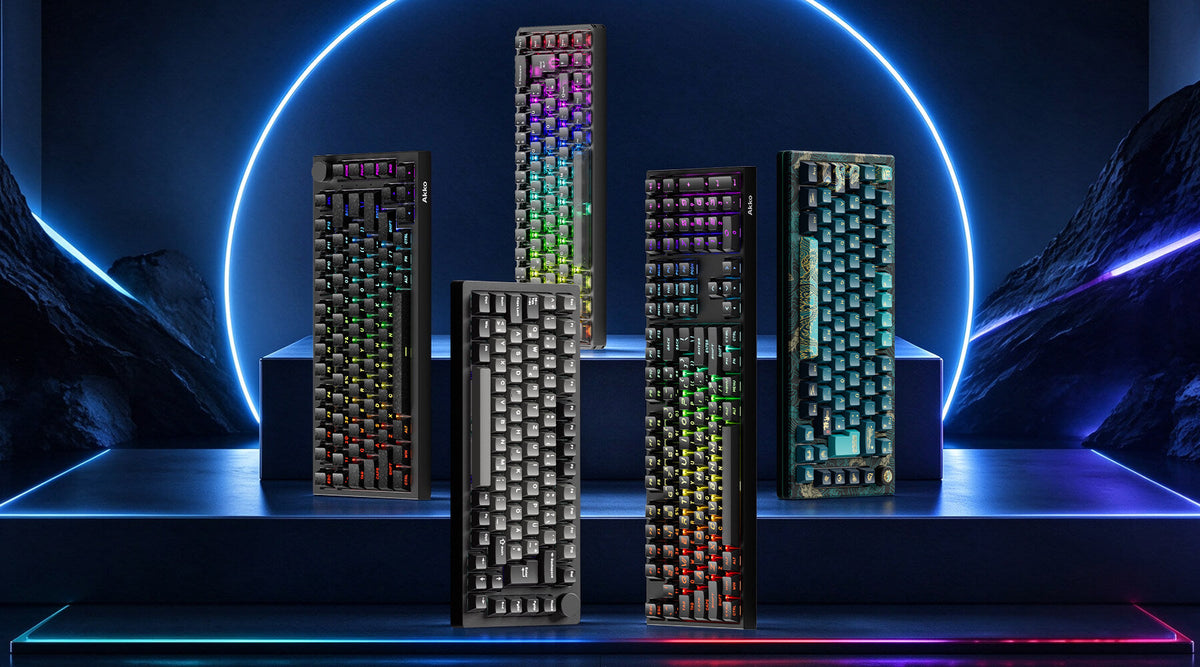
Akko 5108 V5 Series - High-Performance Mechanical Keyboard with 8K Polling Rate
5108 V5 series — a full-size mechanical keyboard designed to push performance beyond traditional limits.
If you prefer the feel of traditional mechanical switches but still want ultra-fast performance, the 5108 V5 series is a strong option worth considering.
Key Features of 5108 V5 Series:
- Dual 8K Polling Rate (Wired + 2.4G): Delivers ultra-fast input response comparable to high-end gaming keyboards.
- Gasket Mount: Provide a softer, more flexible typing feel.
- 10,000mAh Battery: Supports high polling without sacrificing usability.
- Optimized Mechanical Performance: Improved firmware and signal processing help reduce the typical limitations of mechanical switches.
- Full-Size, No-Compromise Layout: Combines productivity and gaming in a 108-key layout.
- Built for Everyday Use: Large battery capacity and versatile connectivity make it suitable beyond just gaming.
- Split PC Plate for Better Flexibility: Enhance overall typing comfort during long sessions.
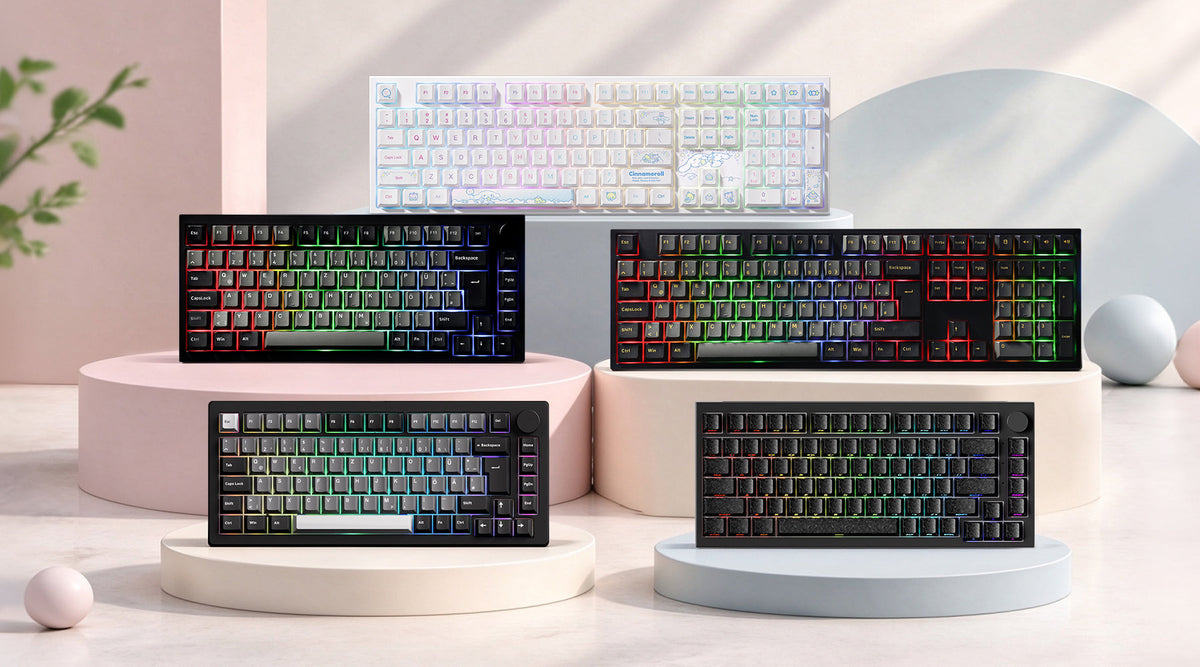
Besides the performance, visually, the 5108 V5 keeps a clean and modern look while still supporting themed editions, such as anime or IP collaborations.
The Akko 5108 V5 offers a compelling alternative—bringing 8K-level speed into a familiar mechanical experience.

Mechanical vs Magnetic: Which One Actually Performs Better?
| Category | Magnetic Keyboards | Mechanical Keyboards |
|---|---|---|
| Switch type | Non-contact (magnetic sensing) | Physical metal contact |
| Debounce delay | None | Required (typically 5–20ms) |
| 8K utilization efficiency | Fully optimized | Partially limited |
| Signal consistency | Very high | Medium (depends on switch/firmware) |
| Input latency at 8K | Extremely low & stable | Low, but less consistent |
| Response behavior | Instant detection | Slight filtering delay |
| Performance ceiling | Higher | Depends on tuning |
| Gaming advantage (FPS) | Strong & consistent | Good, but less optimal |
| Customization & feel | Limited switch feel variety | Wide switch ecosystem |
| Best use case | Competitive gaming / esports | Balanced gaming + typing |
Magnetic keyboards are optimized for extracting full 8K performance.
Mechanical keyboards are capable of 8K, but performance depends more on implementation.
Which One Should You Choose?
Magnetic keyboards deliver exceptional responsiveness and precision, but their tactile feel can be limited, especially for users who prefer the feedback of traditional mechanical switches.
Mechanical keyboards with 8K polling can reduce signal transmission latency to near millisecond levels, improving responsiveness while still offering the wide range of tactile options mechanical switches are known for.
Ultimately, the right choice depends on your specific use case and personal preference.
Choose a Mechanical Keybaord Support 8K Hz Polling Rate:
- If you like the traditional mechanical typing feel;
- If you play fast-paced games like FPS or MOBA and want strong real-time responsiveness while still enjoying the diverse tactile feel of a mechanical keyboard;
- If your work involves frequent high-speed input—such as programming, live streaming, or intensive data entry—you’ll benefit from a keyboard with faster signal response and low latency.
Choose a Magnetic Keyboard:
- If you’re a professional esports player or a dedicated FPS gamer who demands maximum responsiveness, precise control, and accurate stop timing;
- If you value durability and prefer a low-maintenance keyboard;
- If you want to fine-tune your typing or gaming experience with adjustable actuation points and key travel to match your playstyle.
Final
An 8,000 Hz polling rate is a communication technology, while magnetic switches are a sensing technology—both are completely independent from each other. Mechanical and optical switches can also support 8K polling, although such products are less common on the market.
When choosing a keyboard, the key is not to follow popular labels, but to focus on what actually fits your needs.
FAQ
Do all 8K keyboards use magnetic switches?
No, as we have talked about. While most 8K keyboards today are magnetic because they handle ultra-high polling more efficiently, mechanical keyboards can also support 8K with the right hardware and firmware design.
Is the 8K polling rate noticeable in real gameplay?
It can be, but only in specific cases. 8K is measurable and sometimes noticeable, but it’s more about competitive refinement than a dramatic gameplay change.
In real gameplay, the difference between 1000Hz, 4000Hz, and 8000Hz is very small and often subtle. Most players will not “feel” a dramatic change in everyday use.
However, an 8K polling rate may become noticeable when:
- You play fast-paced FPS games (e.g., Valorant, CS2, Apex Legends)
- You use a high-refresh monitor (240Hz / 360Hz)
- You are sensitive to very small input latency differences
In these conditions, 8K can provide slightly smoother and more responsive input tracking.
Does 8K increase CPU usage?
Yes, but only slightly. 8K does increase CPU usage, but not enough to matter on any reasonably modern system.
An 8K polling rate means the keyboard reports input 8000 times per second, which increases USB communication frequency compared to 1000Hz. This can lead to a small rise in CPU interrupt and processing activity.
However, in real-world use:
- On modern CPUs, the impact is negligible
- Even in gaming scenarios, it rarely affects performance or FPS
- The overhead is usually far smaller than background apps or the game itself




Laisser un commentaire
Tous les commentaires sont modérés avant d'être publiés.
Ce site est protégé par hCaptcha, et la Politique de confidentialité et les Conditions de service de hCaptcha s’appliquent.