






Gaming Headset Test
Test Your Headset Online
This free online Headset Test tool helps you verify audio quality, stereo positioning, surround sound performance, and headset latency in real time.
The tool works with gaming headsets, wireless earbuds, studio headphones, USB headsets, and laptop audio devices without requiring any software installation.
You can use the test to detect:
- Incorrect left-right audio channels
- Audio delay and wireless latency
- Weak surround sound positioning
- Distorted frequencies
- Inconsistent game audio playback
Akko Gaming Headset Test
Left-Right Audio Test
The Left-Right Audio Test checks whether your headset channels are positioned correctly.
When the test plays sound in the left ear, you should only hear audio from the left side. The same applies to the right channel.
This helps identify:
- Reversed stereo channels
- Cable connection issues
- Incorrect audio driver settings
- Crosstalk between channels
3D Surround Sound Test
The 3D Surround Sound Test simulates directional audio movement to evaluate your headset’s spatial positioning performance.
You can hear:
- Rotating sound effects
- Moving footsteps
- Aircraft flyover effects
- Positional gaming audio
This test is especially useful for FPS gaming headsets where directional awareness affects gameplay performance.
Headset Delay Test
The Delay Test measures synchronization between visual input and audio playback.
This can help identify latency issues commonly found in:
- Wireless gaming headsets
- Bluetooth earbuds
- USB audio adapters
- High-latency audio drivers
Lower audio delay is important for competitive gaming, rhythm games, and video playback synchronization.
Game Audio Test
The Game Audio Test simulates real gaming sound scenarios, including gunshots, explosions, footsteps, and teammate voice communication.
This helps you evaluate:
- Audio clarity
- Bass response
- Directional accuracy
- Voice separation
- Competitive gaming performance
Gaming headsets with accurate positional sound can improve awareness and reaction speed in FPS and battle royale games.
Frequency Generator & Audio Scanner
The Frequency Generator allows you to scan audio frequencies from 20Hz to 20kHz to evaluate headset frequency response.
You can use the scanner to:
- Detect distorted frequencies
- Identify weak bass or treble response
- Test driver consistency
- Compare different headsets
The manual frequency generator also helps advanced users perform custom audio testing and tuning.
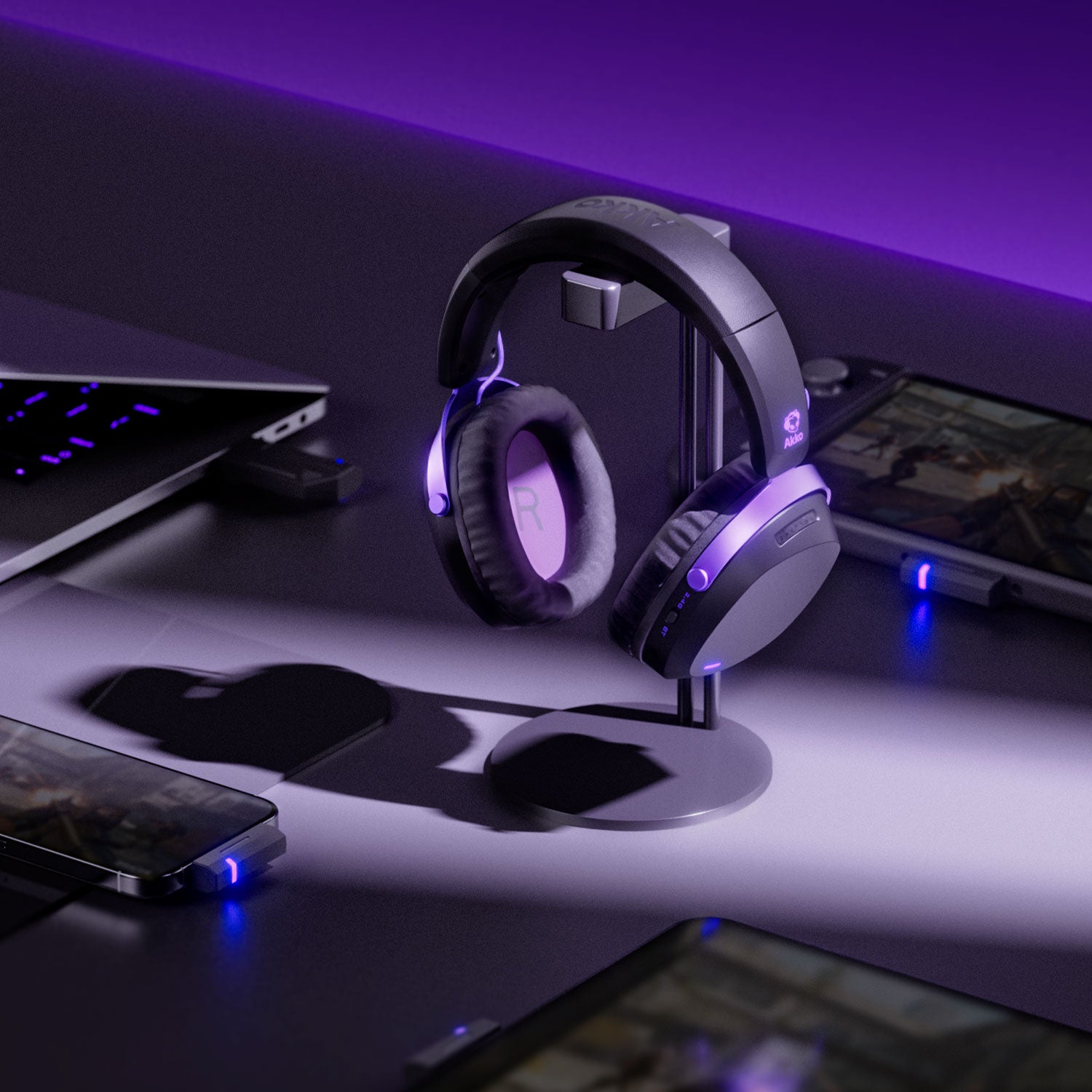
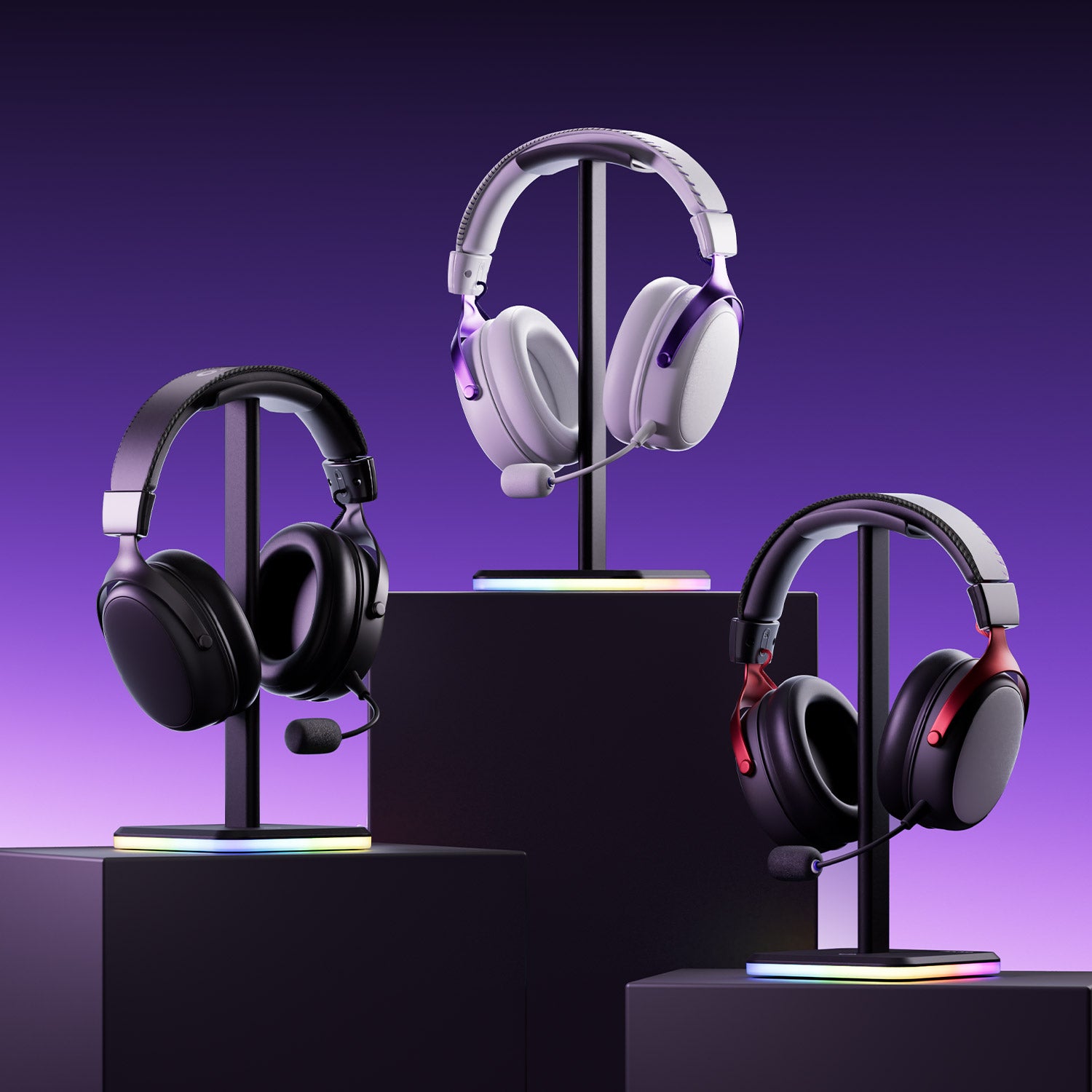
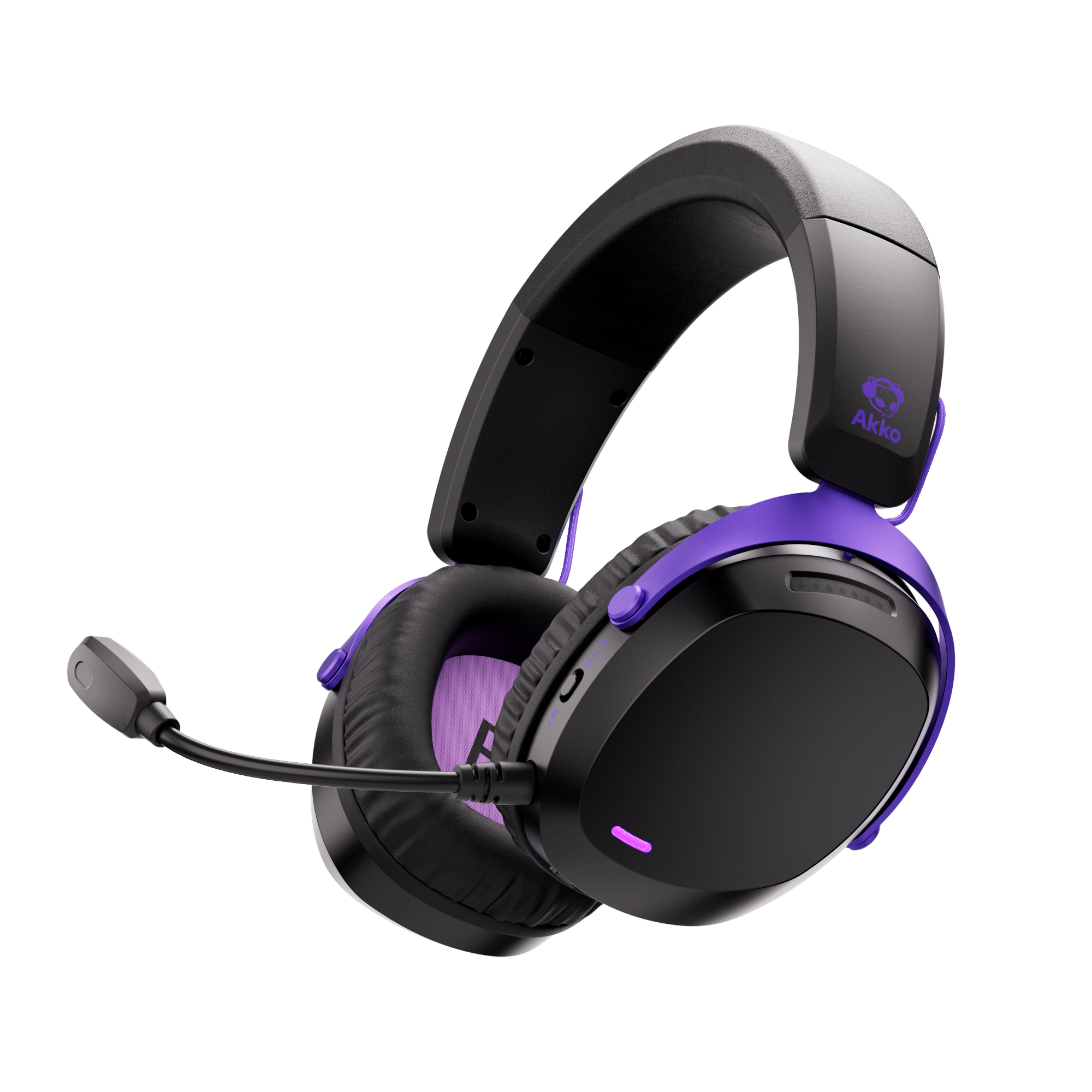
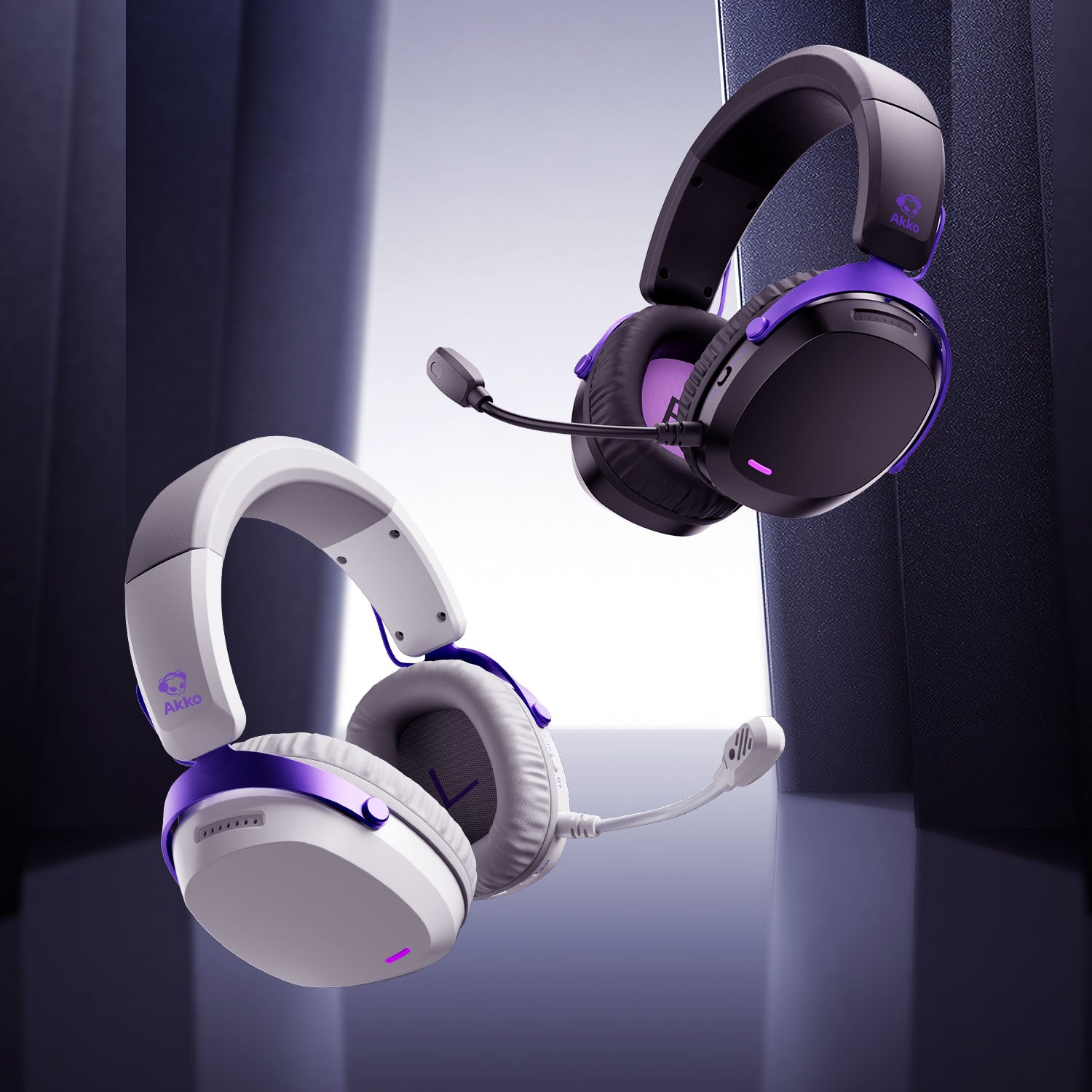
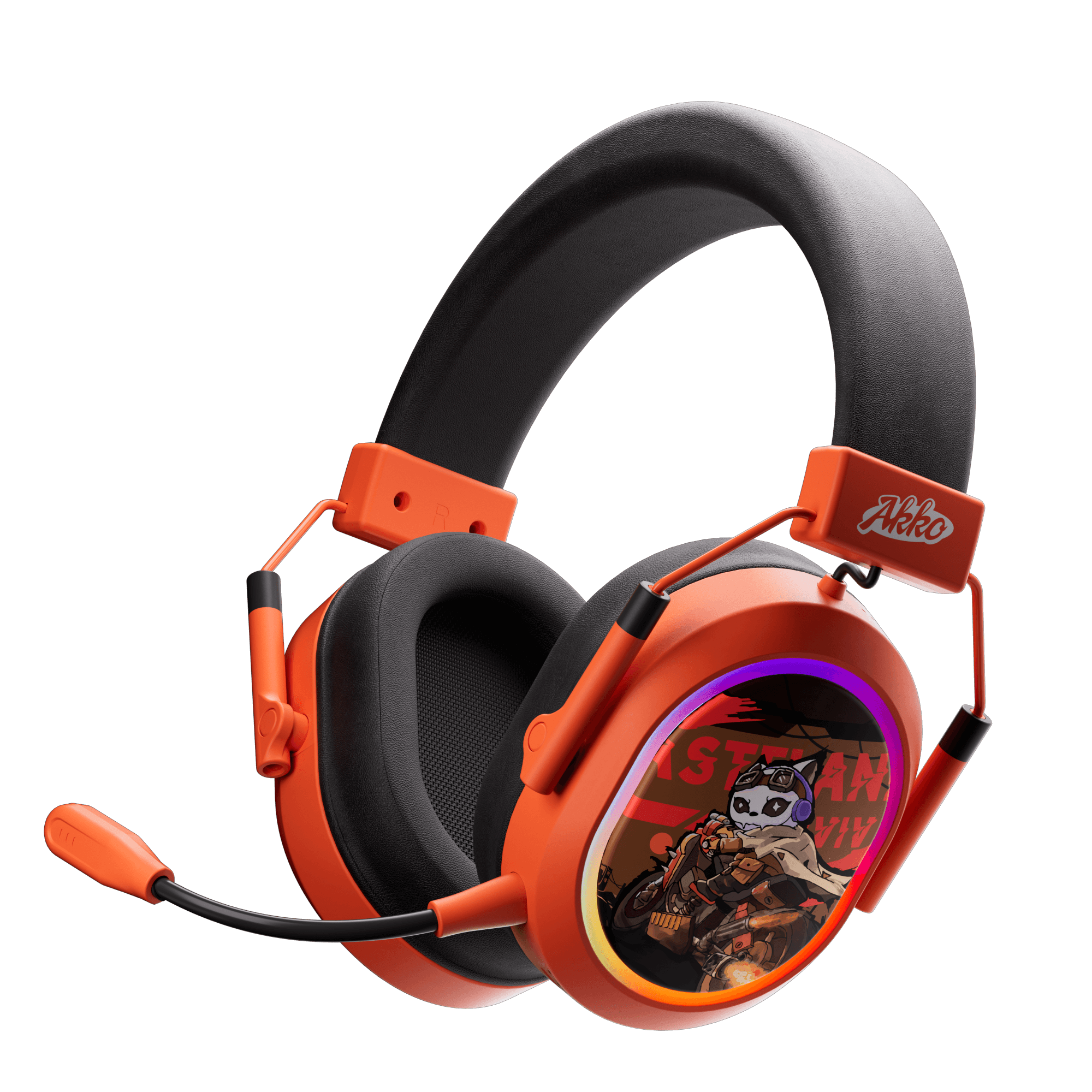
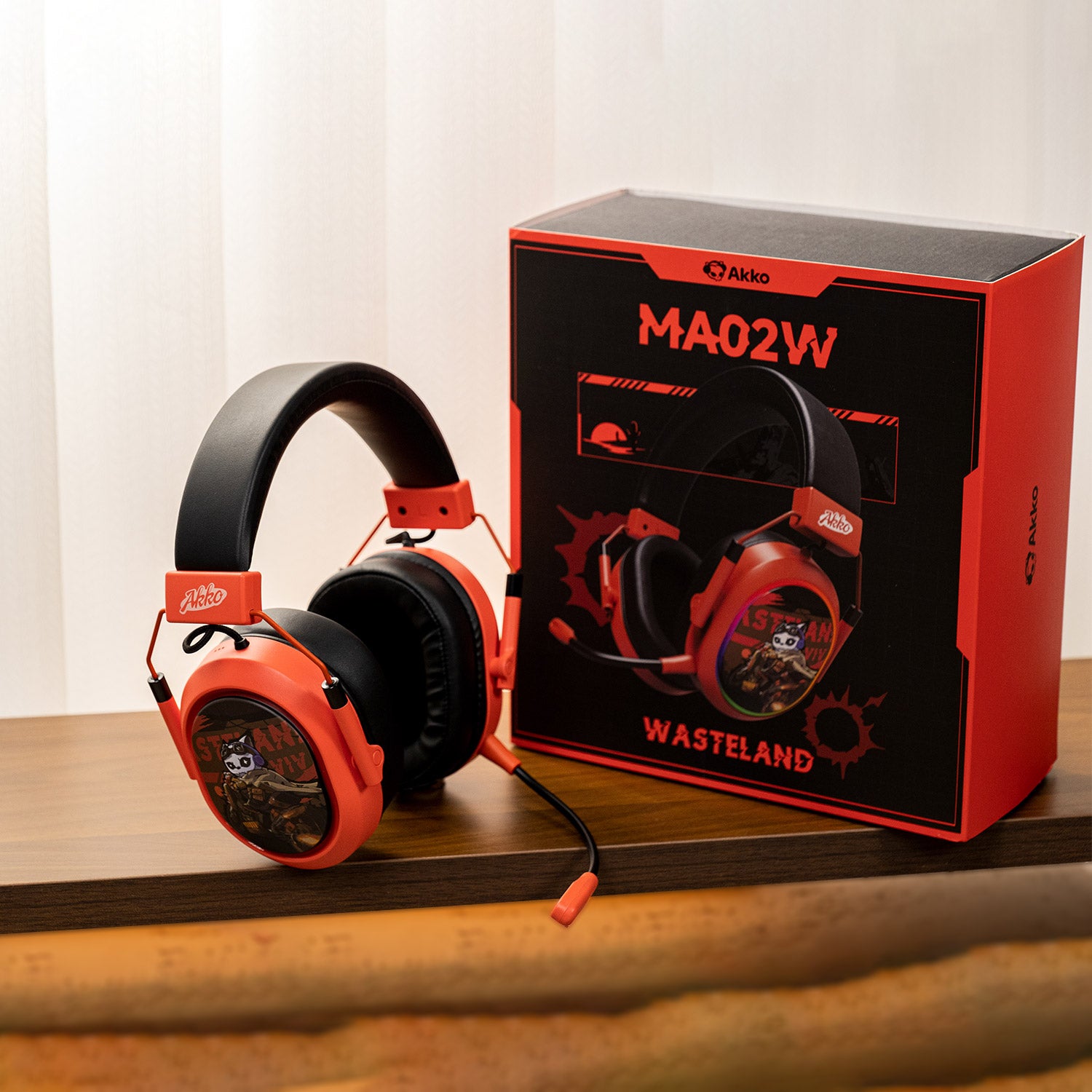
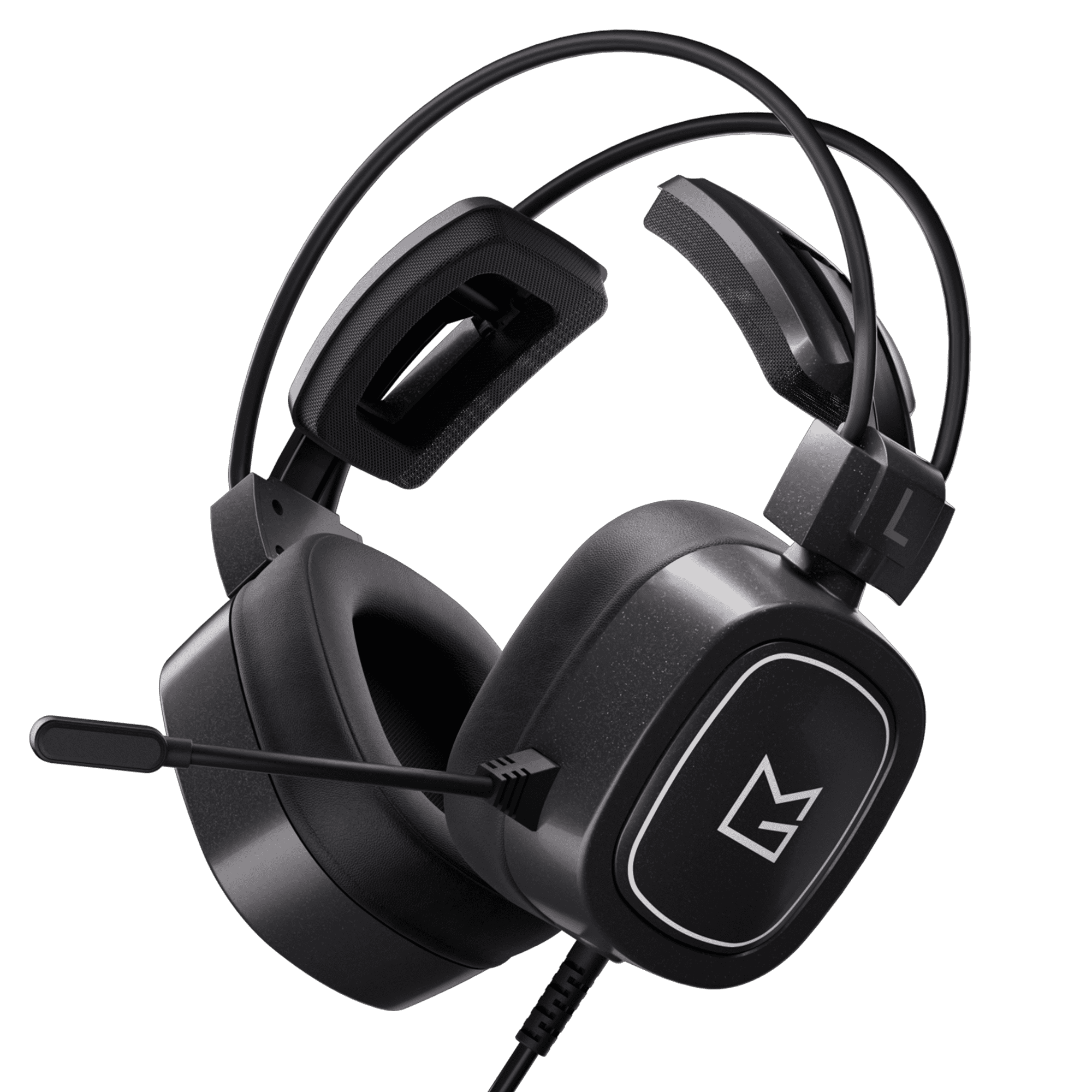
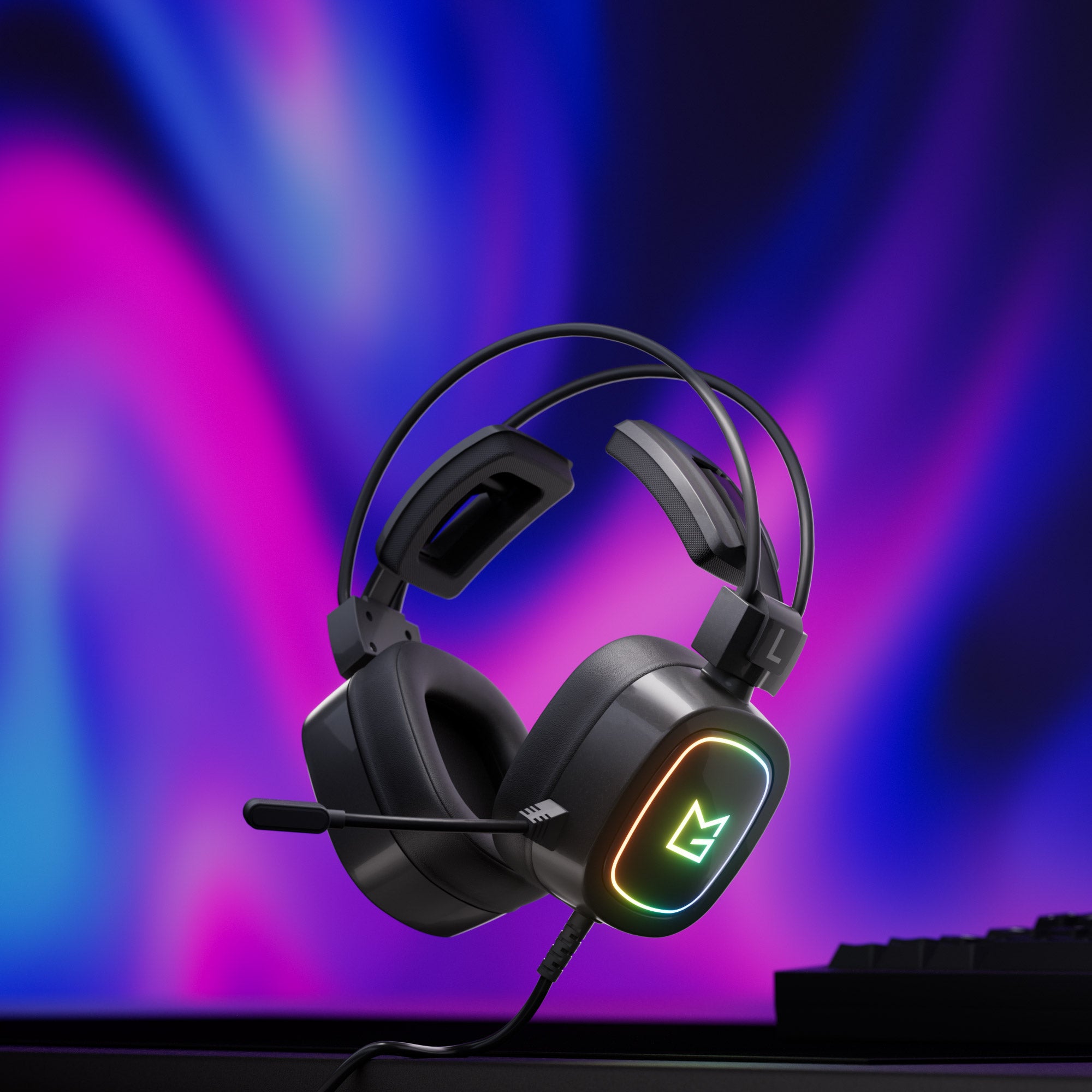
Recommended Headsets for Gaming & Music

Why Headset Testing Matters for Gamers
Audio positioning and latency can significantly affect gaming performance. A proper headset test helps ensure accurate directional sound, synchronized audio playback, and balanced stereo channels.
For competitive games, clear footsteps and precise surround positioning are essential for fast reactions and situational awareness.