




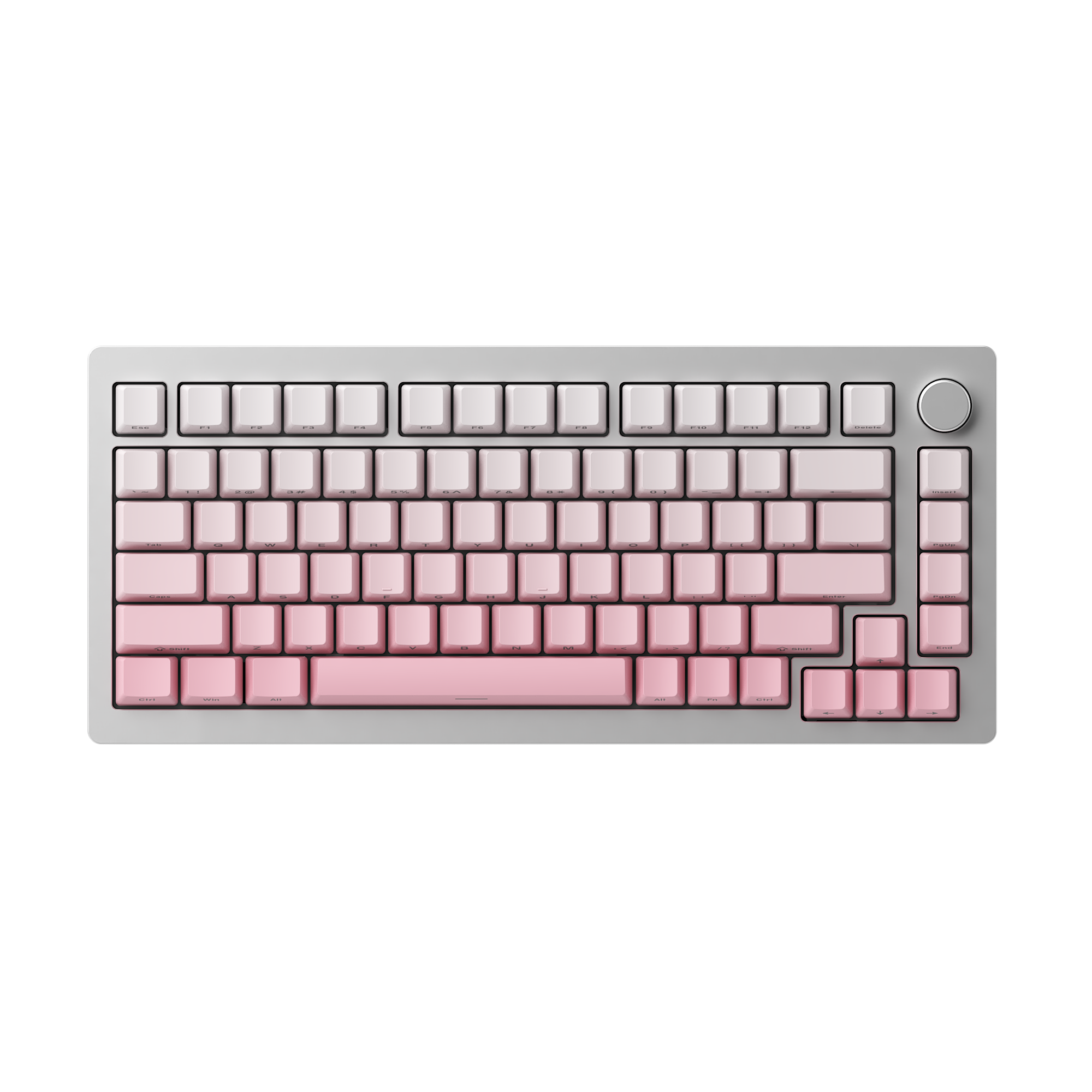
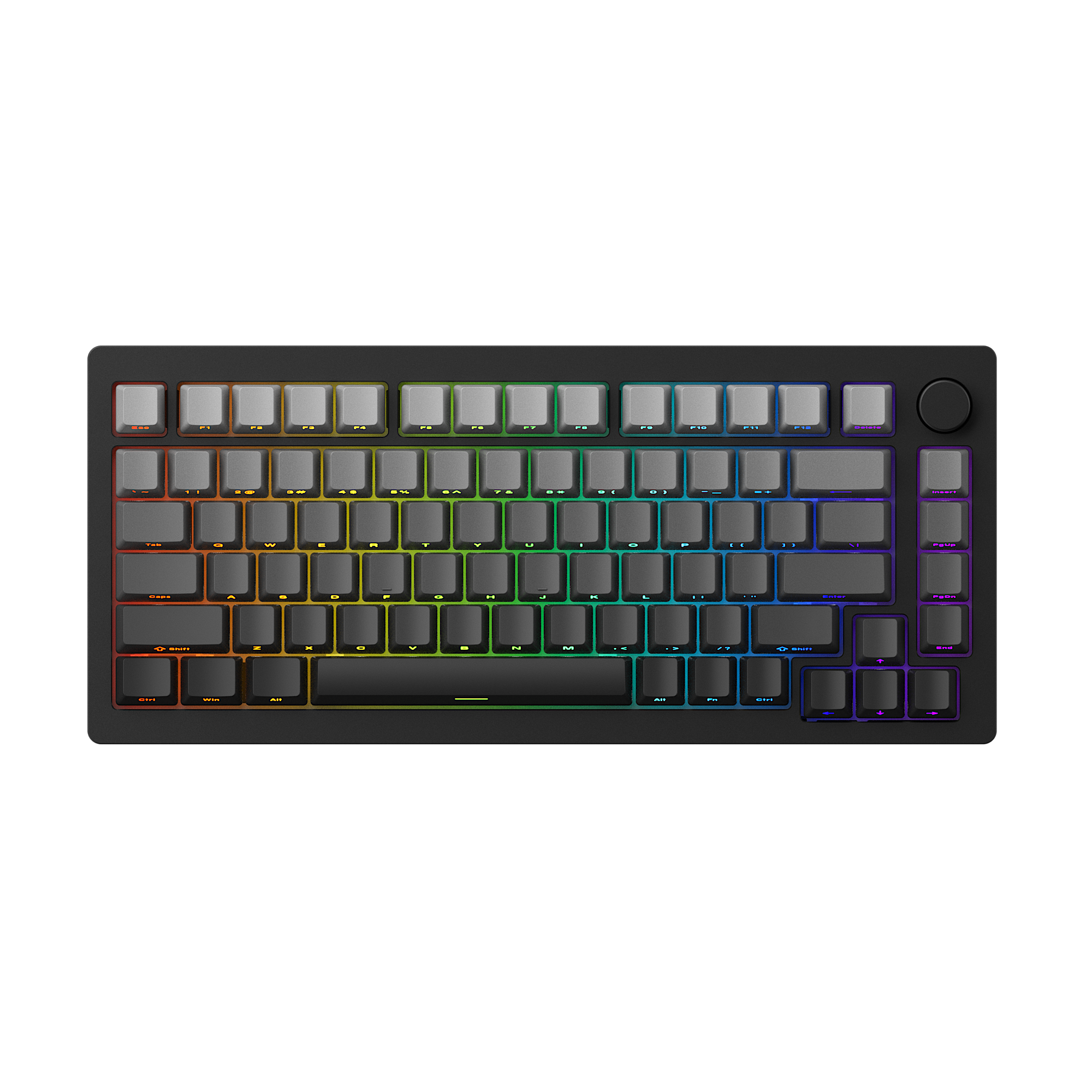
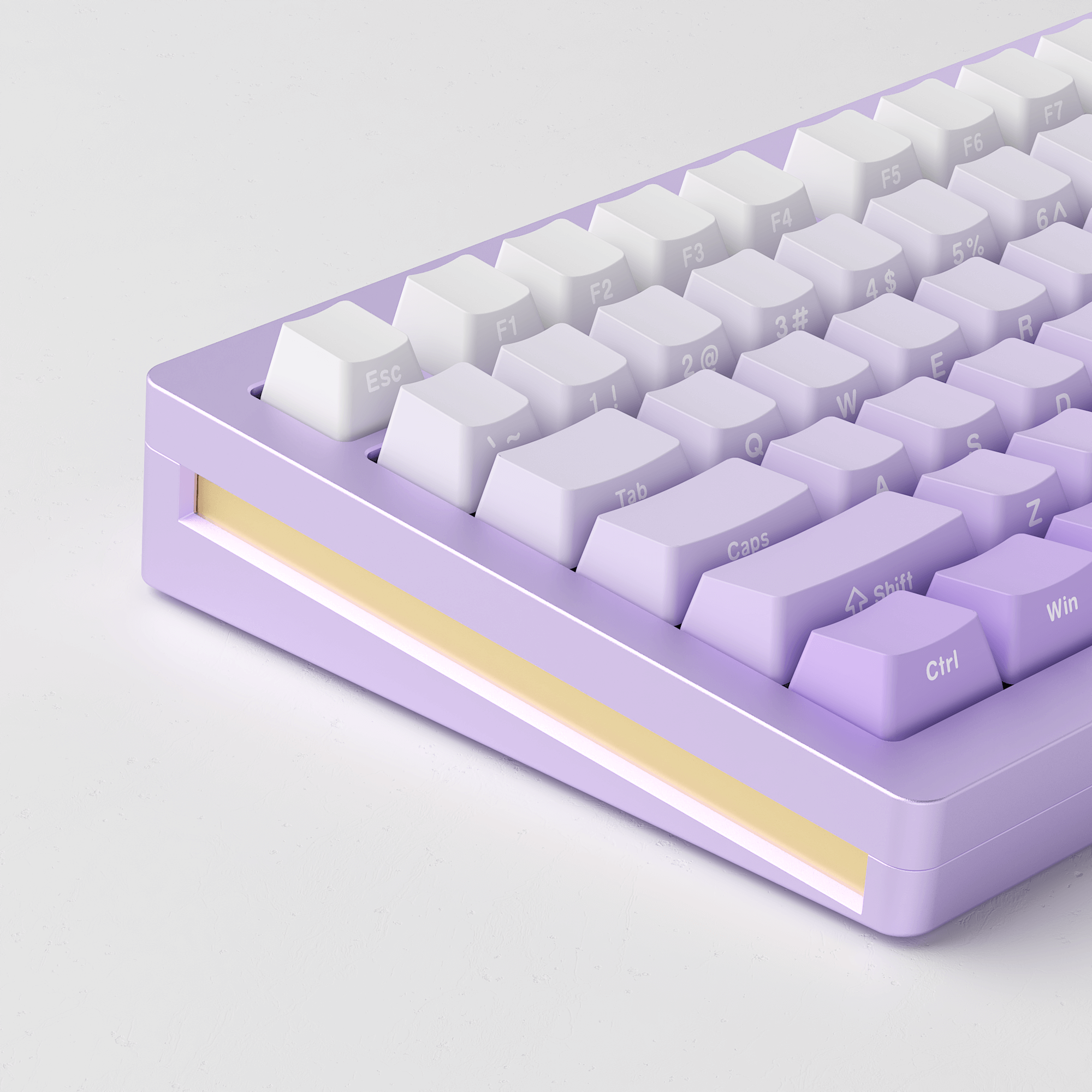
MonsGeek M1W HE-SP
Tax included. Shipping calculated at checkout
Restocking soon means that the item be pre-purchased only, or the dispatch will occur at the specified time for another reason.
We strive to provide you with services of the highest standard!
Default (CN) Warehouse
Products that are not specifically marked with an overseas warehouse option are generally shipped from our Default (CN) Warehouse.
The Default (CN) Warehouse currently supports shipping to the following countries and regions:
Australia, Austria, Belgium, Bulgaria, Canada, Colombia, Croatia, Cyprus, Czechia, Denmark, Estonia, Finland, France, Germany, Greece, Guatemala, Iceland, Indonesia, Ireland, Italy, Jamaica, Japan, Jersey, Kuwait, Latvia, Lithuania, Luxembourg, Mexico, Mongolia, Netherlands, New Zealand, Norway, Pakistan, Philippines, Poland, Portugal, Qatar, Romania, Russia, Serbia, Singapore, Slovakia, Slovenia, Spain (47 of 52 provinces), Spain (Ceuta), Sri Lanka, Sweden, Switzerland, Taiwan, Thailand, United Kingdom, United States (56 of 62 states), Uzbekistan, and Vietnam.
Most products sold on Akkogear.eu are shipped from China.
For most eligible EU destinations, the estimated delivery time from the Default (CN) Warehouse is approximately 10–20 working days.
This estimate refers to the expected delivery period and should not be interpreted as order processing time.
Germany (DE) Warehouse
The Germany (DE) Warehouse currently supports shipping to:
Austria, Belgium, Bulgaria, Croatia, Czechia, Denmark, Estonia, France, Germany, Greece, Hungary, Italy, Latvia, Lithuania, Luxembourg, Netherlands, Poland, Portugal (18 of 20 regions), Romania, Slovakia, Slovenia, Spain (47 of 52 provinces), and Sweden.
For Germany, the estimated delivery time is approximately 2–3 days by DHL fast delivery.
For other supported European destinations, the estimated delivery time is approximately 6–7 days.
The DE Warehouse does not currently support delivery to the United Kingdom, Ireland, Malta, Cyprus, Switzerland, or other destinations not listed above.
Click Here to View More Details.
Our support team is available to help you within 24 hours.
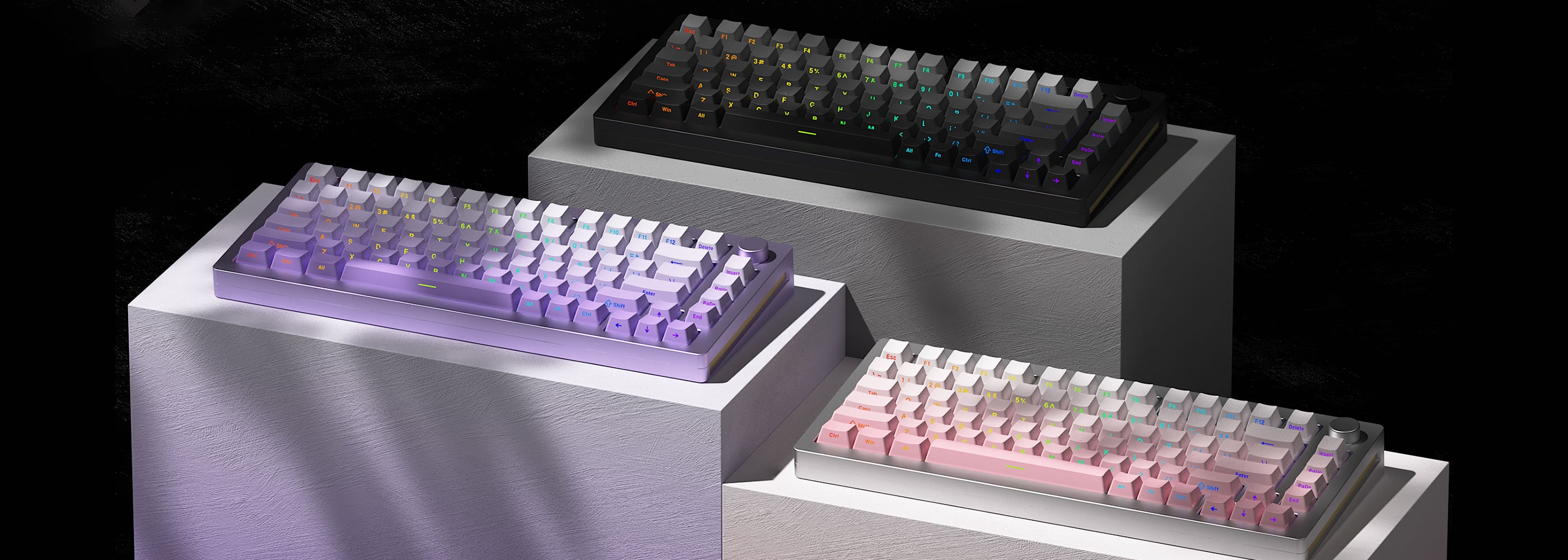
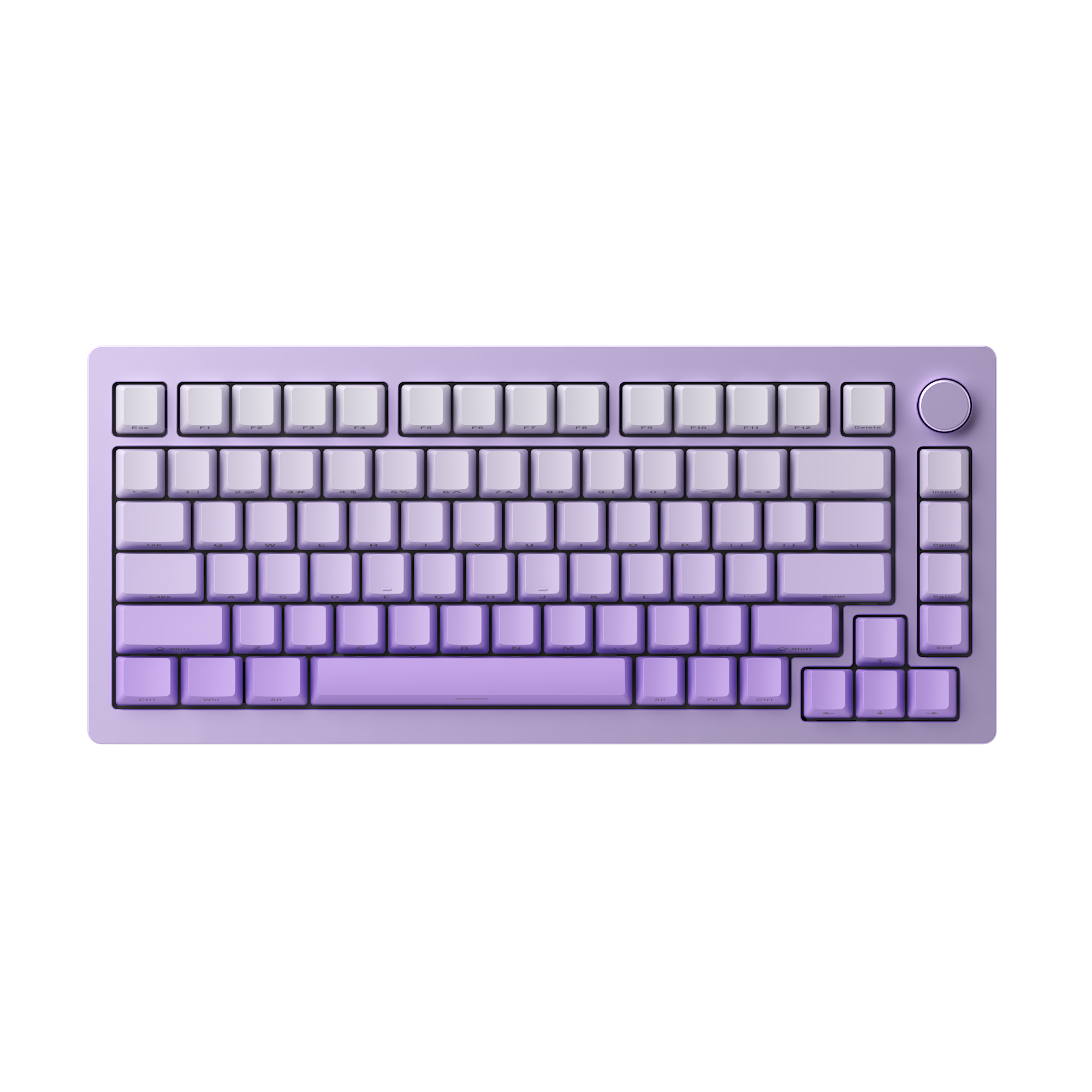
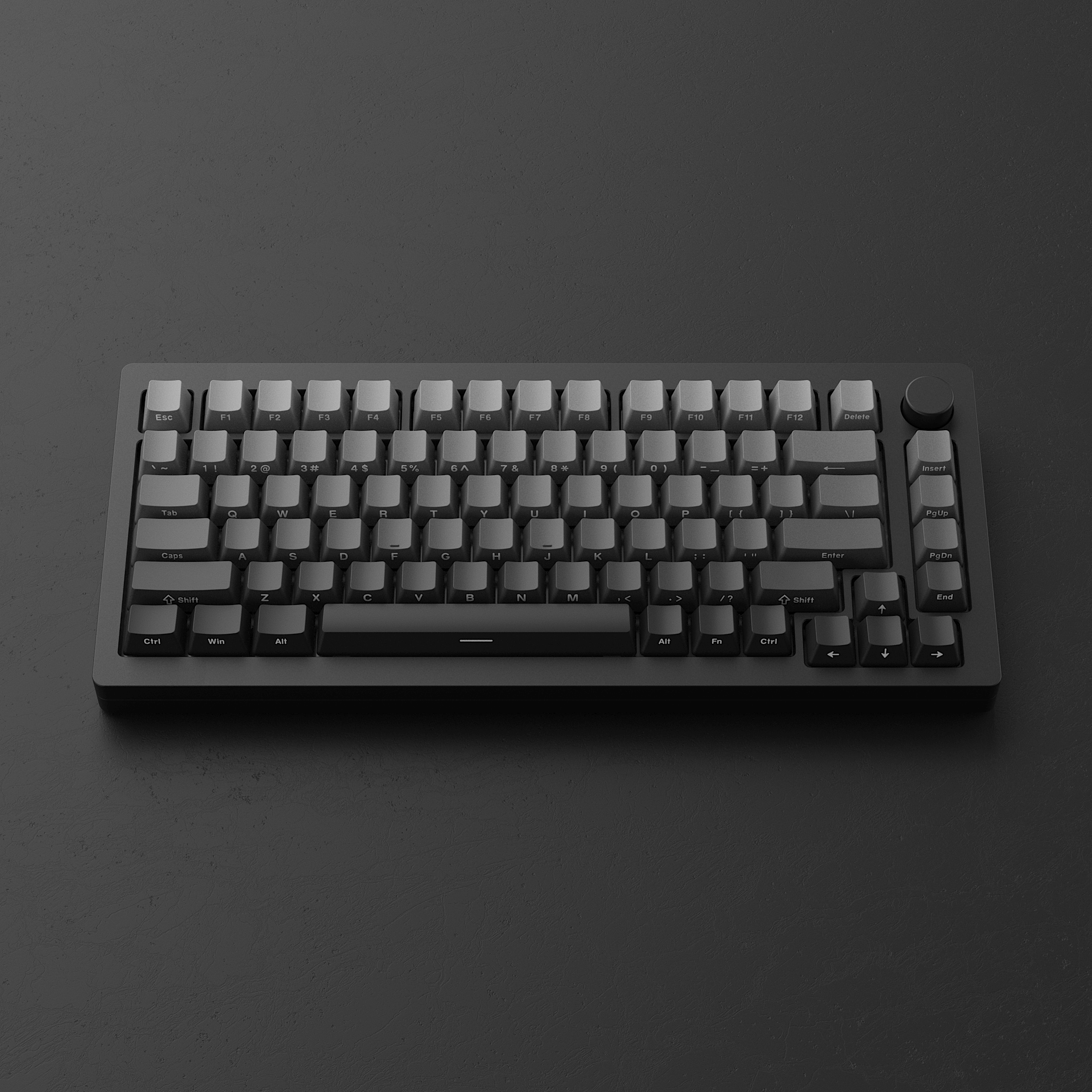
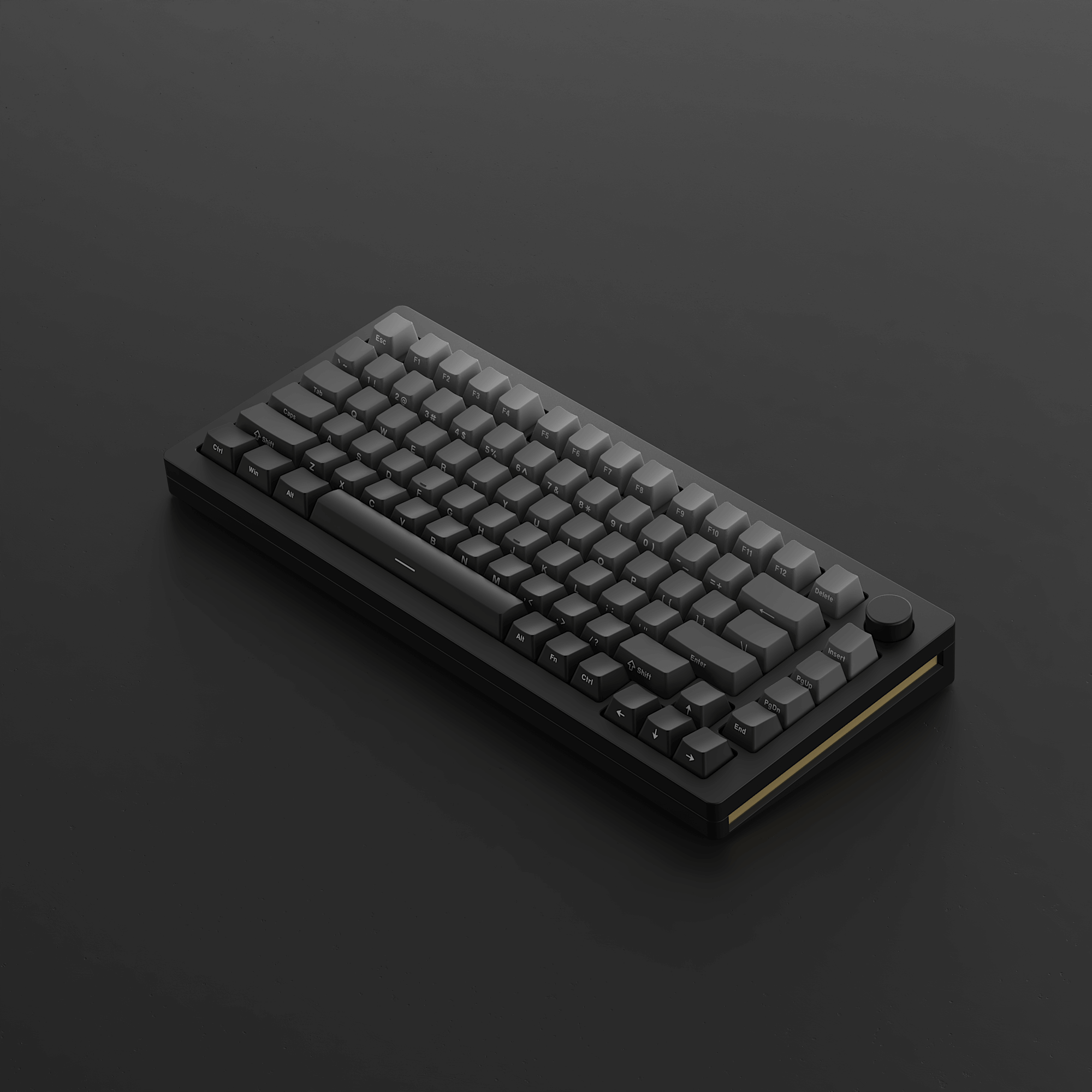
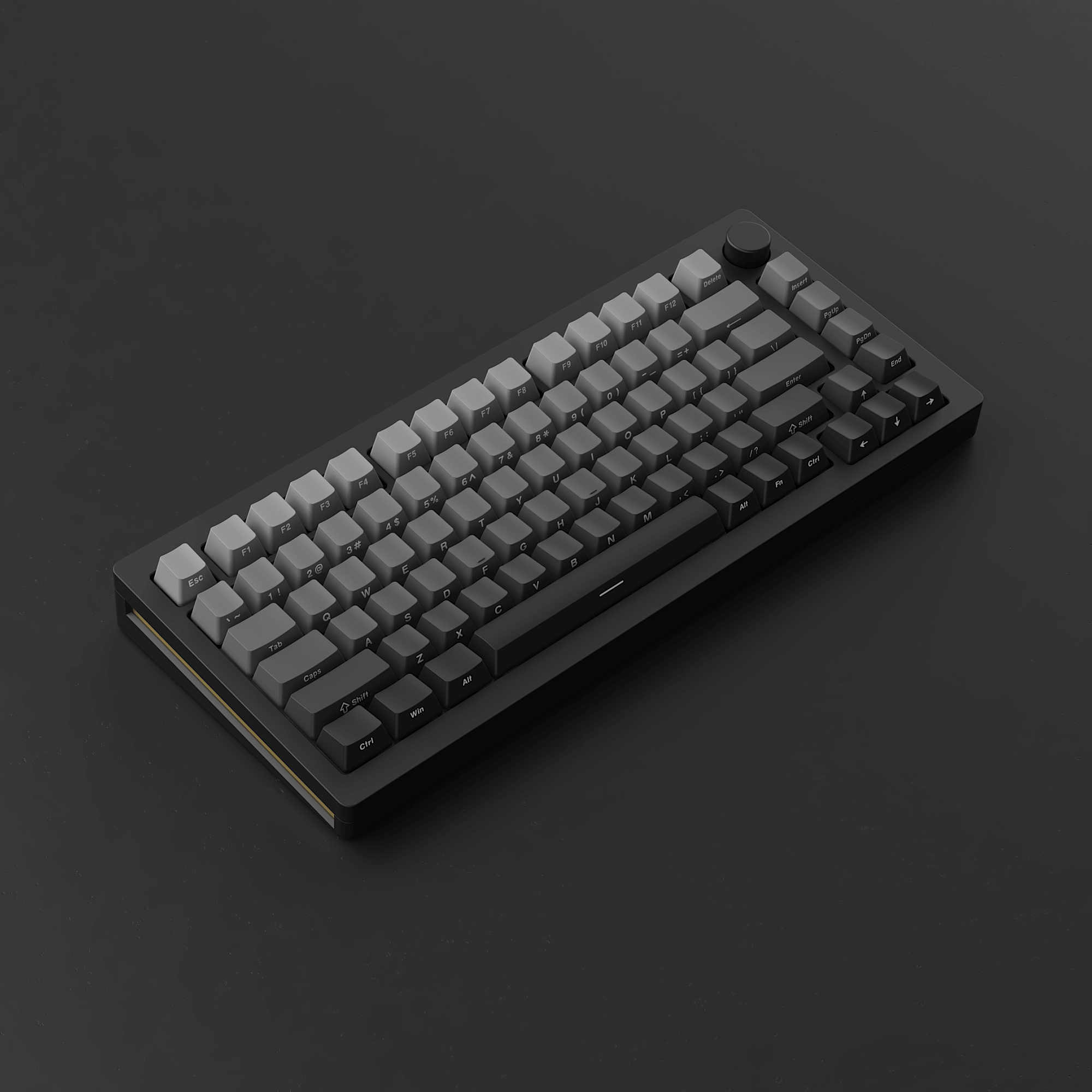
MonsGeek M1W HE-SP
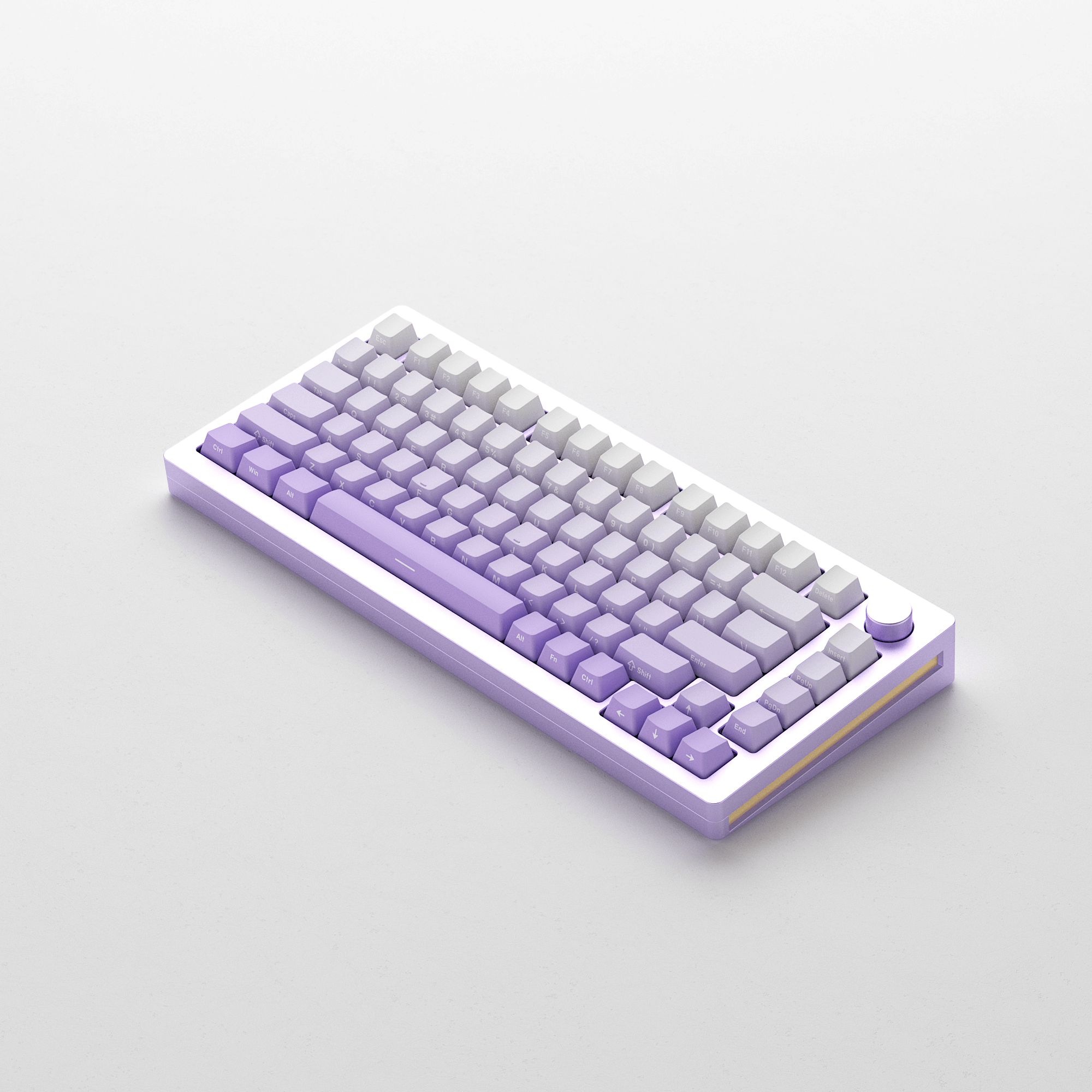
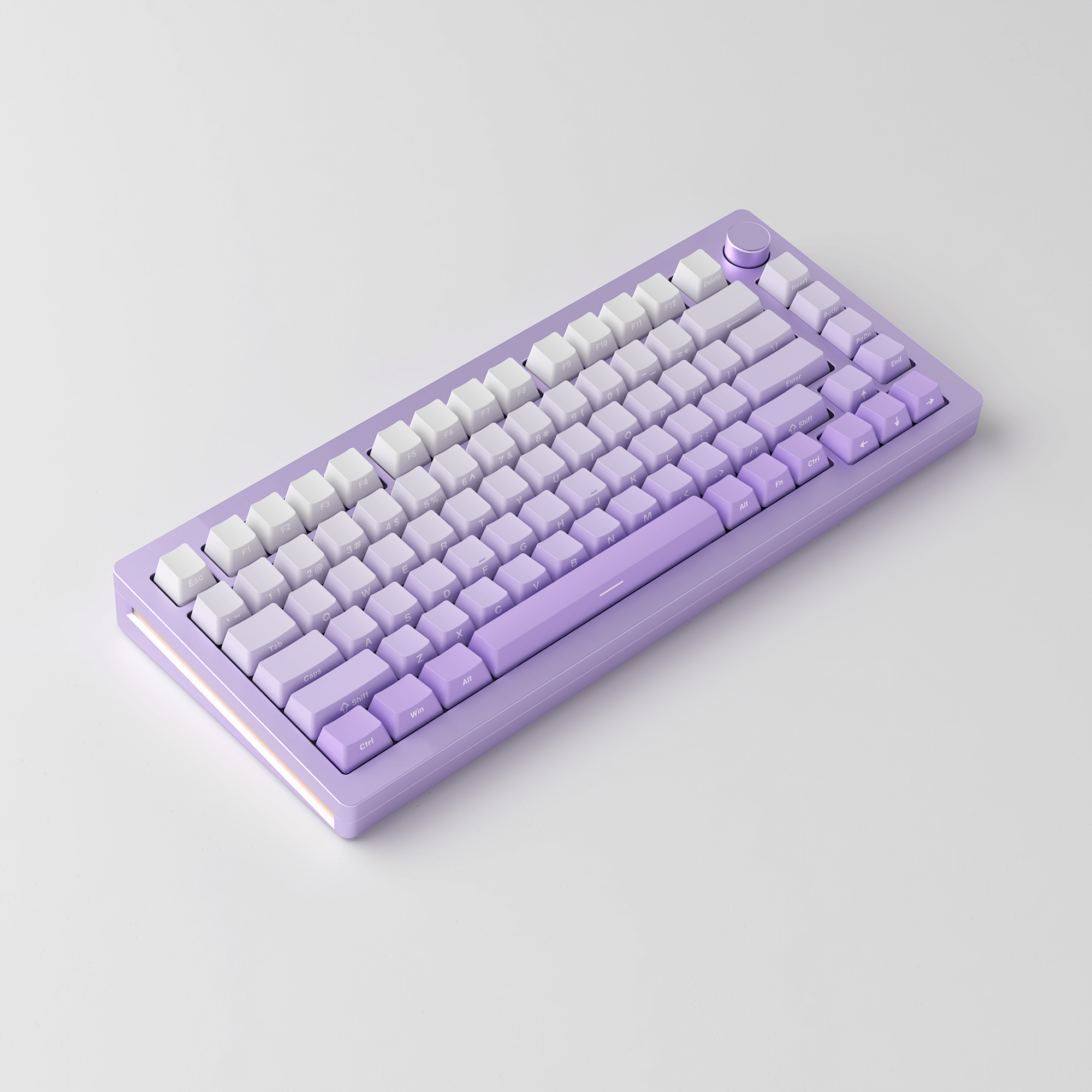
75% 82-key Aluminum Magnetic Switch Keyboard with Knob
MonsGeek M1W HE-SP Magnetic Switch Keyboard
MonsGeek’s first wireless aluminum keyboard features magnetic switches.
Additionally, with magnetic switches, users can easily customize the actuation distance, which is especially useful for gamers seeking rapid actions at their fingertips, particularly in FPS games, as demonstrated by the following functions: Rapid Trigger, Dynamic Keystrokes, Mod-Tap, Toggle Key and Deadzone Setting.
Note: The M1W HE-SP is not compatible with QMK/VIA, please perform the customizations through the MonsGeek Driver.




Reminder
The Hall sensors are highly susceptible to temperature fluctuations, which can lead to significant alterations in the magnetic field of the keyboard during transportation, as it is influenced by changes in temperature and the environment.
For an optimal typing experience, we suggest promptly updating the keyboard firmware as soon as you receive it. Additionally, you can manually calibrate the keyboard by gently pressing every key in the 'About - Maximum Key Travel Calibration - Start Calibration' section.'

8k Hz Polling Rate
Maximize your typing efficiency with Roar Mode to ensure rapid key responses. Please be advised that the backlight will be deactivated in Roar Mode for optimal performance. Additionally, Roar Mode might impact the input simulator.
*Click above to set up to four keys for Roar mode activation.
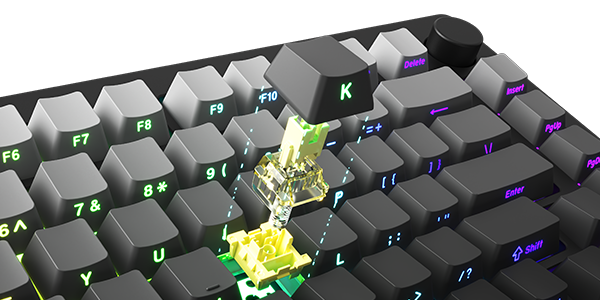
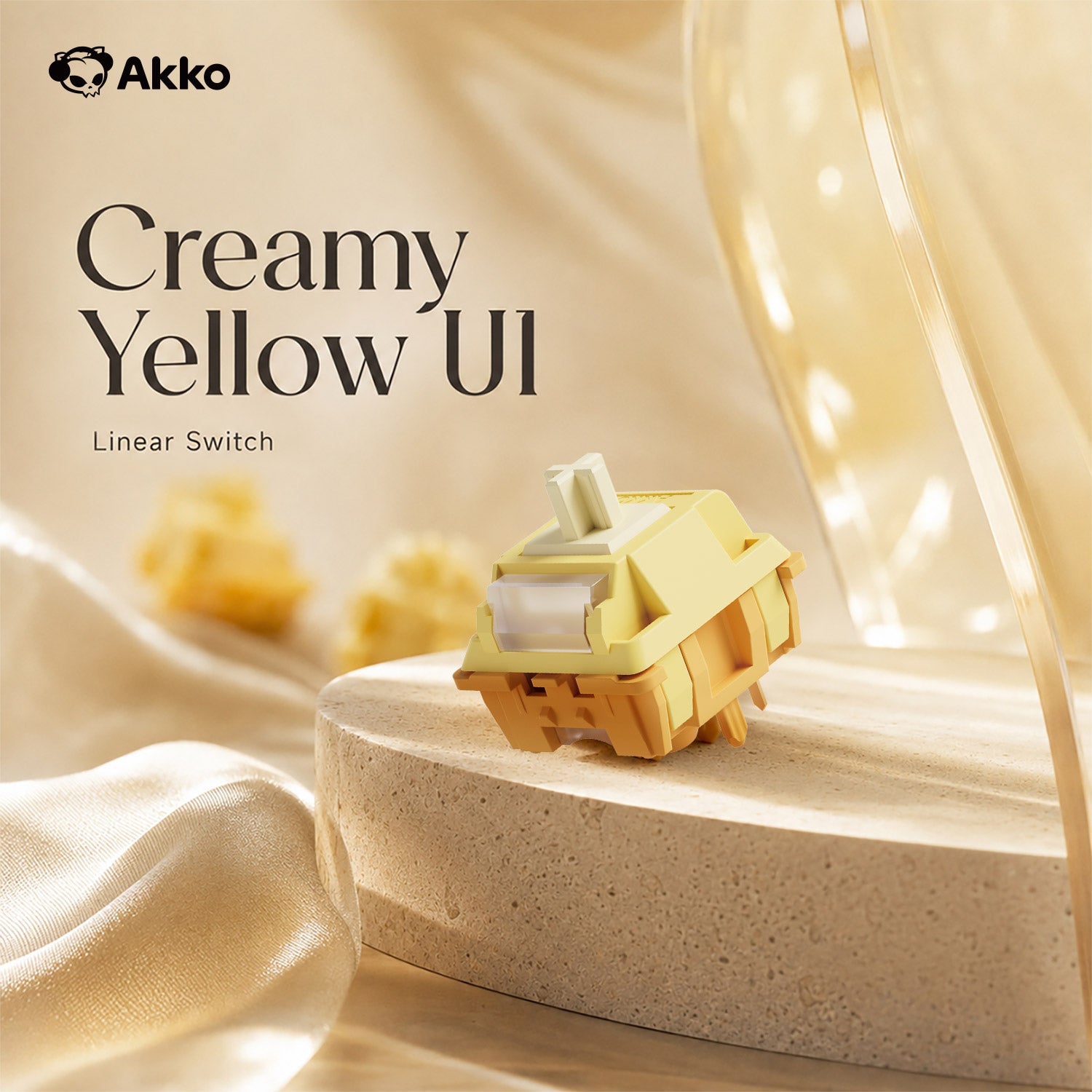
Akko Cream Yellow Magnetic Switch
- Type: Linear
- Operating Force: 50gf ± 10gf
- Total Travel: 4.0mm
- Pre-Travel: 2.0 ± 0.5mm
Ultra-accurate typing experiences adjustable in 0.1mm.
Applying for the electromagnetic principle, operated by Hall effect sensing.
Adjustable Actuation Distance
These magnetic switches allow users to adjust every key’s actuation point from 0.2mm to 3.8mm in 0.1mm increments, which offers different kinds of pressing for gaming or typing.
Rapid Trigger (RT)
Rapid Trigger dynamically changes the keys’ actuation and deactivation points. Through the MonsGeek Driver, users can choose “All Buttons” or “Per Button” customization modes, as well as activate “Non-stop Rapid Trigger” for near-instant key response. This gives FPS gamers a competitive edge in fast-paced gameplay.
For example, when gamers enable RT, they can achieve “Counter-Strafe“ in VALORANT games.
Dynamic Keystrokes (DKS)
Pressing a key can trigger four different key operations.
Depending on your keypress force: a light press triggers action 1, a deeper press activates action 2, and releasing the key also supports a two-stage key setting.
DKS Display
"CS:GO" and "Valorant" need to "emergency stop" to achieve for rapid strikes, you can through the dynamic key range function, set the W key to shallow press trigger W, lift the set trigger S, you can realize the "emergency stop" and "Running and hitting" operation after getting used to it.
Mod-Tap
Mod Tap is a design that provides convenience for gaming. It enables the creation of dedicated or dual-functional keys based on key press behavior.
A single keypress can achieve two functions: holding down the key for one function, and press the key for another.
Toggle Key (TGL)
Tap the key to continuously trigger the key or turn this mode off. Press and hold the key for a regular key press. Click to set the key you want to use as a toggle key.
Tapping the key can trigger it in two ways:
- Pess and hold to automatically trigger the key
- Press and bold to trigger in a predetermined rounds
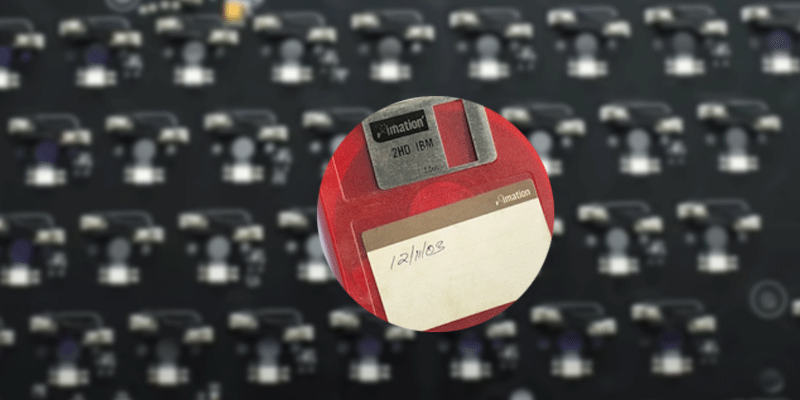
On-board Memory
With on-board memory, you can save your preferred settings without keeping the software or drivers on, ensuring easy access to your personalized configurations.


M1W HE-SP Multi-Mode
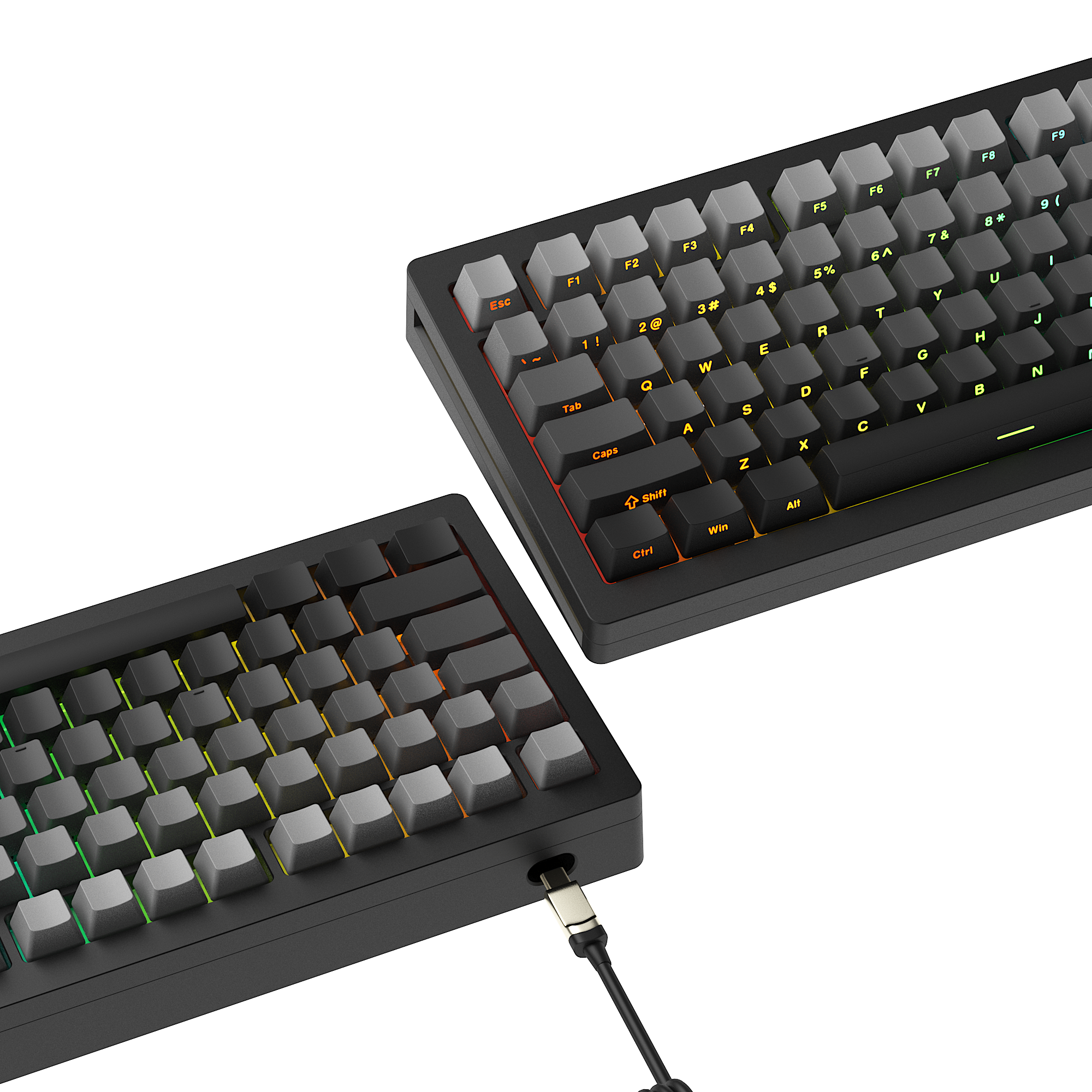
With its multi-mode connectivity options including 2.4GHz wireless, Bluetooth, and USB-C wired connection, you are no longer limited in how you can connect. Moreover, it supports storing up to 3 Bluetooth devices simultaneously.
2.4Ghz Wireless
M1W HE-SP is equipped with a receiver that allows users to utilize the 2.4GHz wireless mode, providing low latency suitable for gaming and typing purposes.
BT 5.0
M1W HE-SP makes it easy to connect up to 3 devices with a simple Fn+E/R/T combination, enabling seamless switching between tablets, computers, and phones.
USB-C Wired Mode
M1W HE-SP offers a choice for users who prefer a USB-C wired keyboard, ensuring consistent and rapid response times for FPS gaming and minimal input lag.
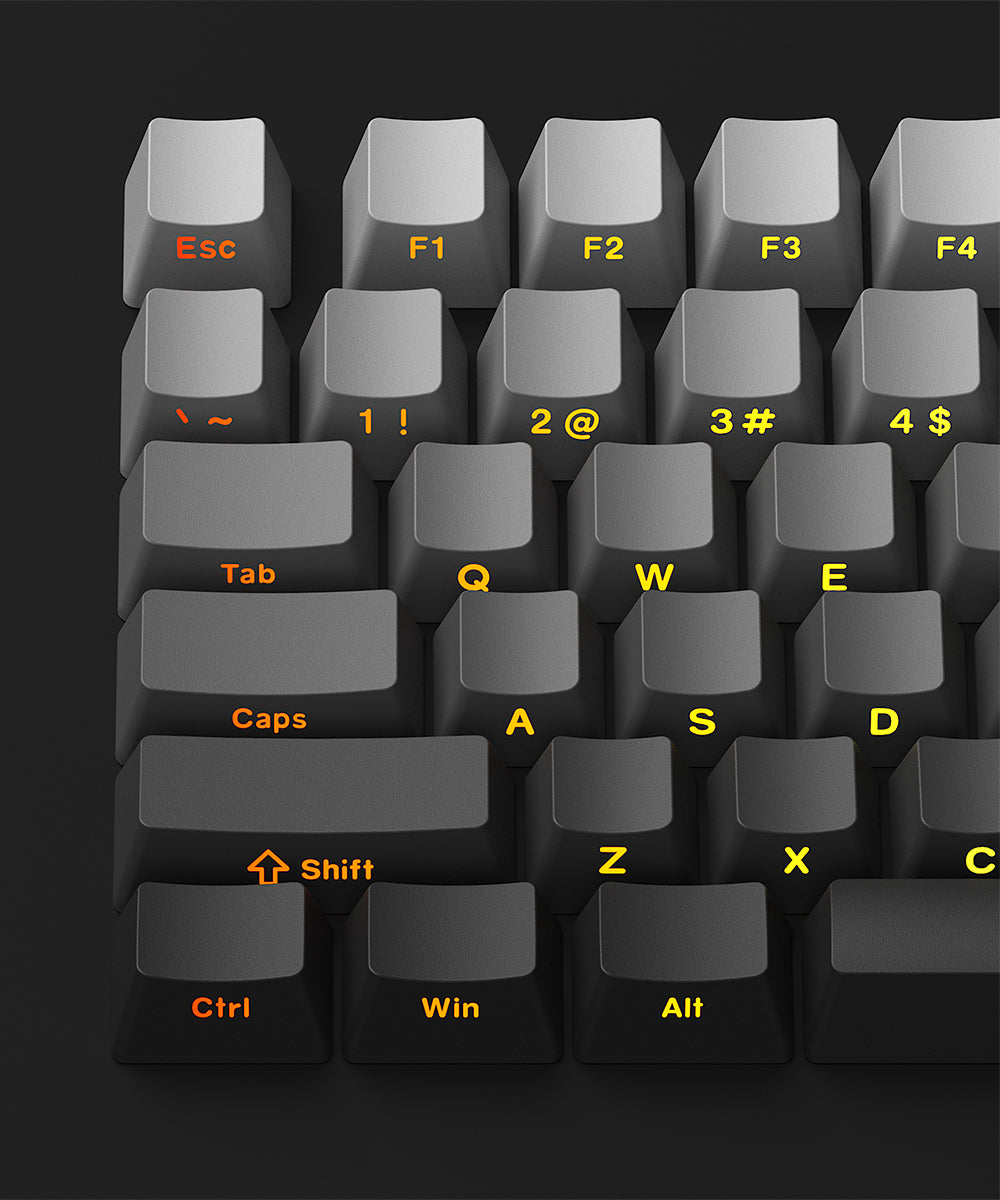
Side-printed Backlit Keycaps
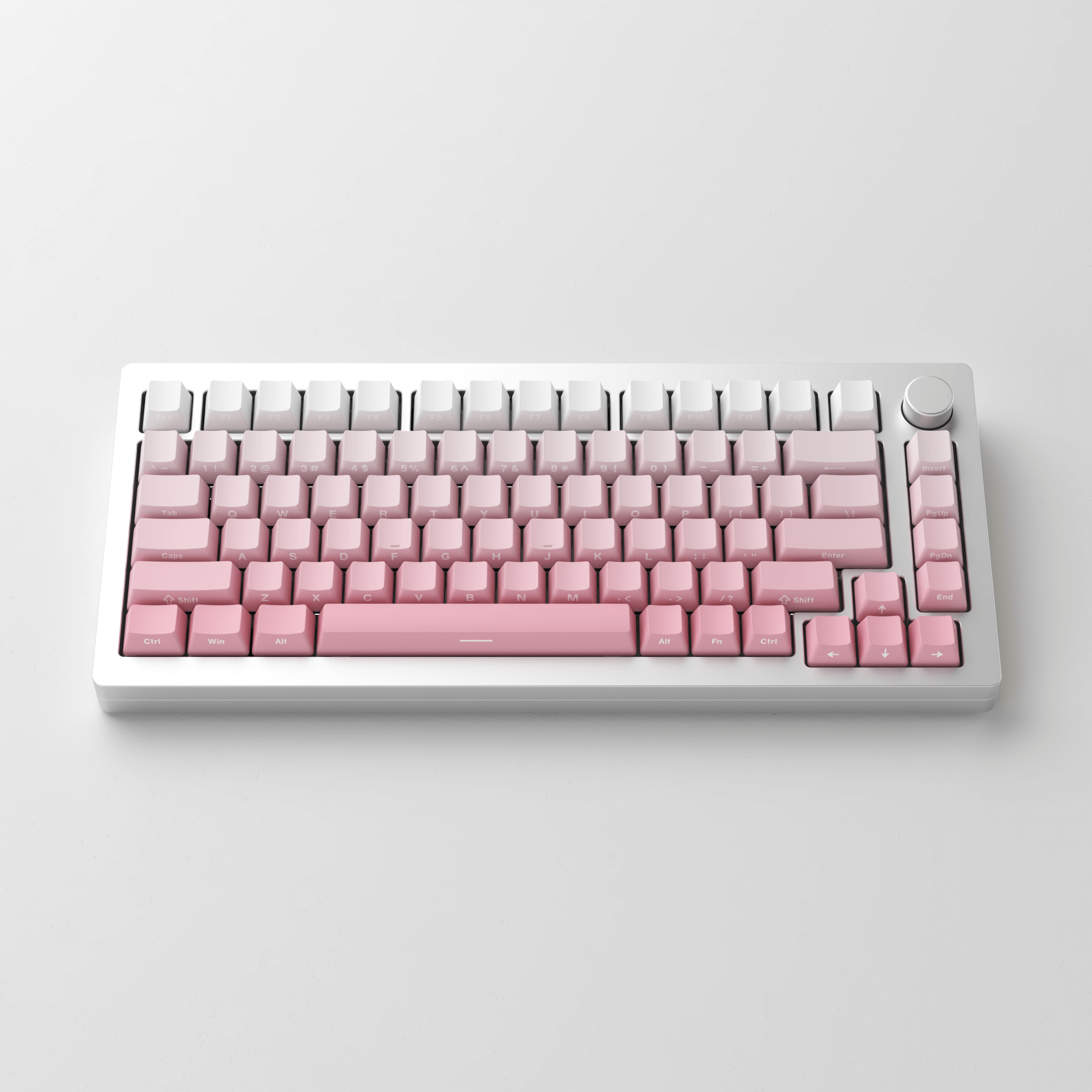
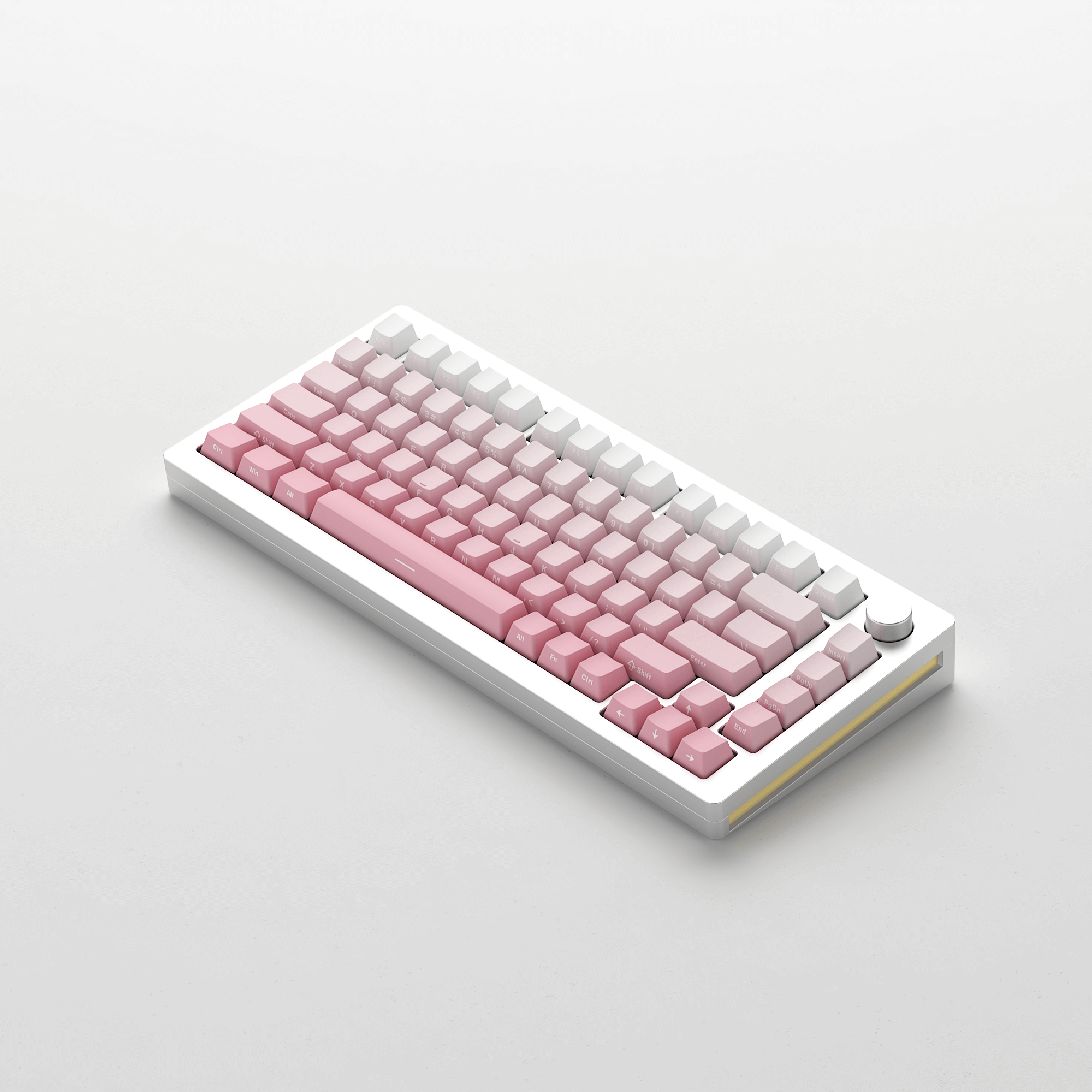
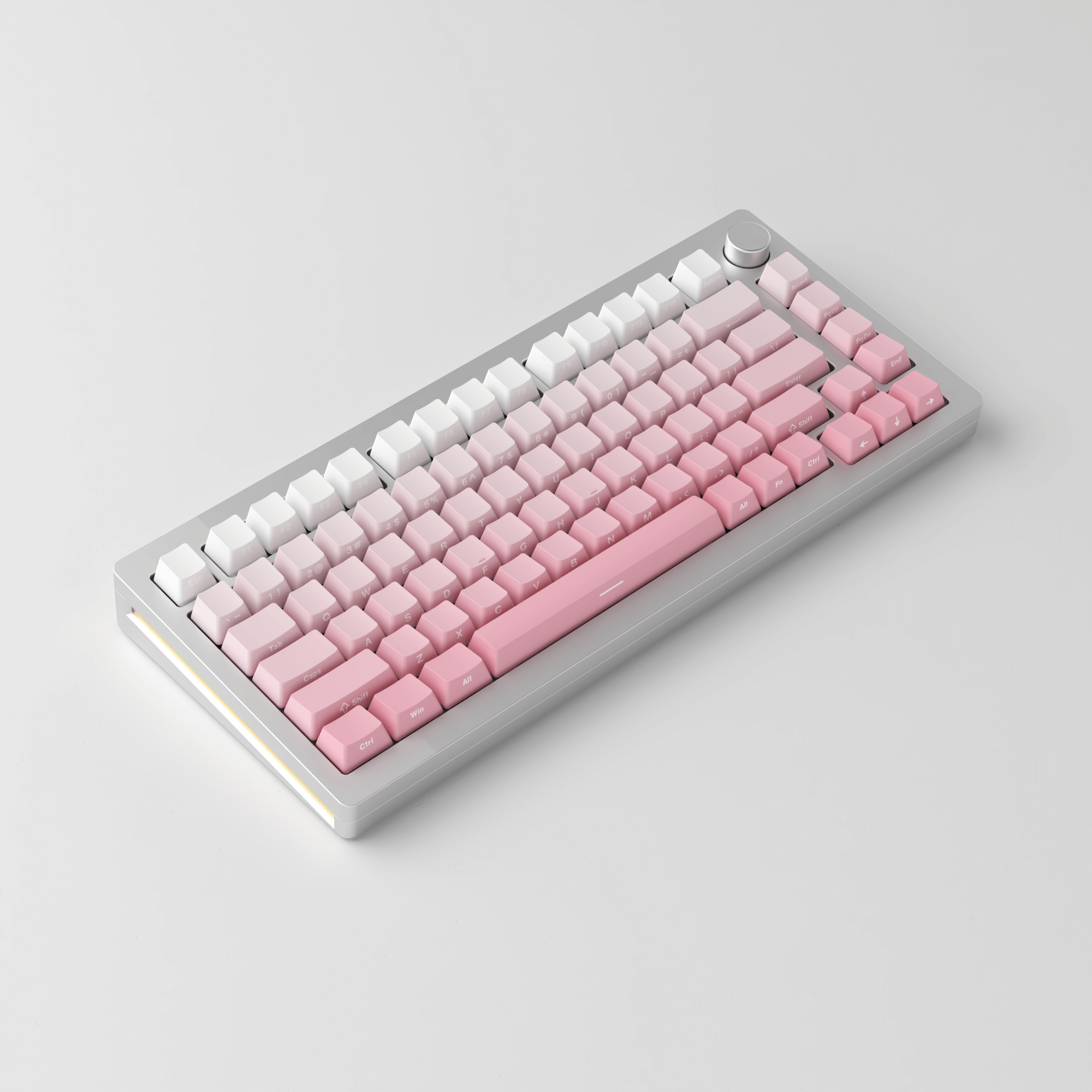
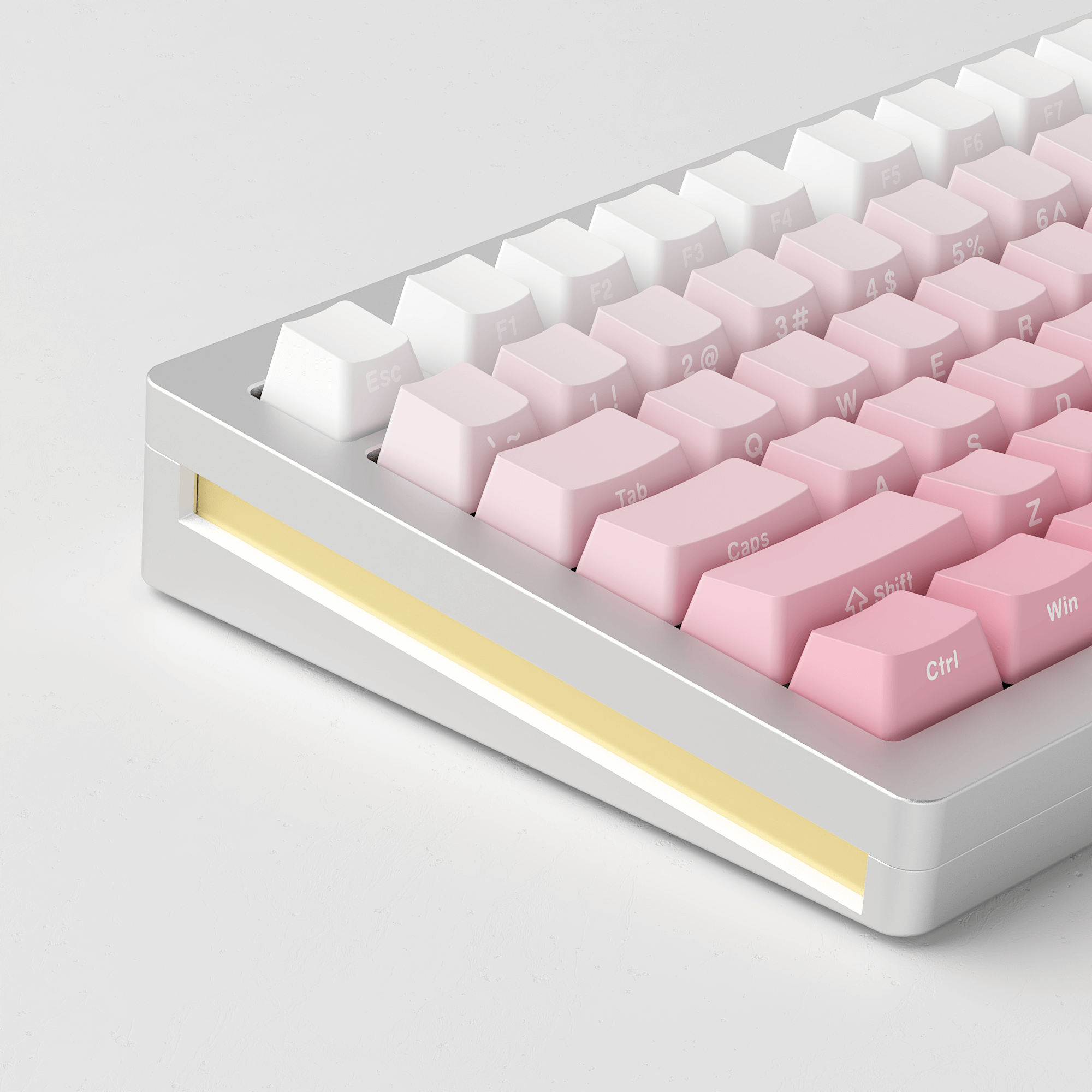
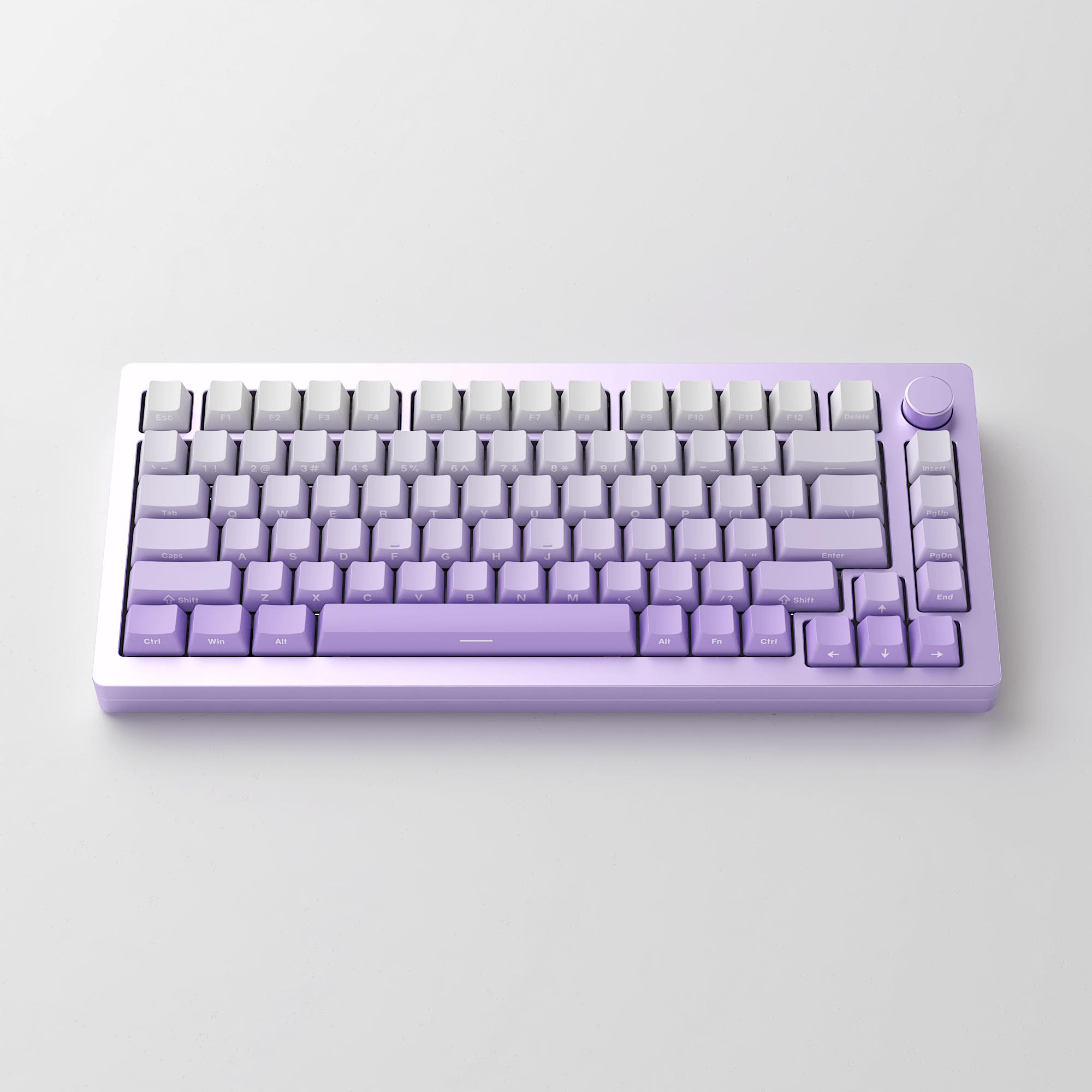
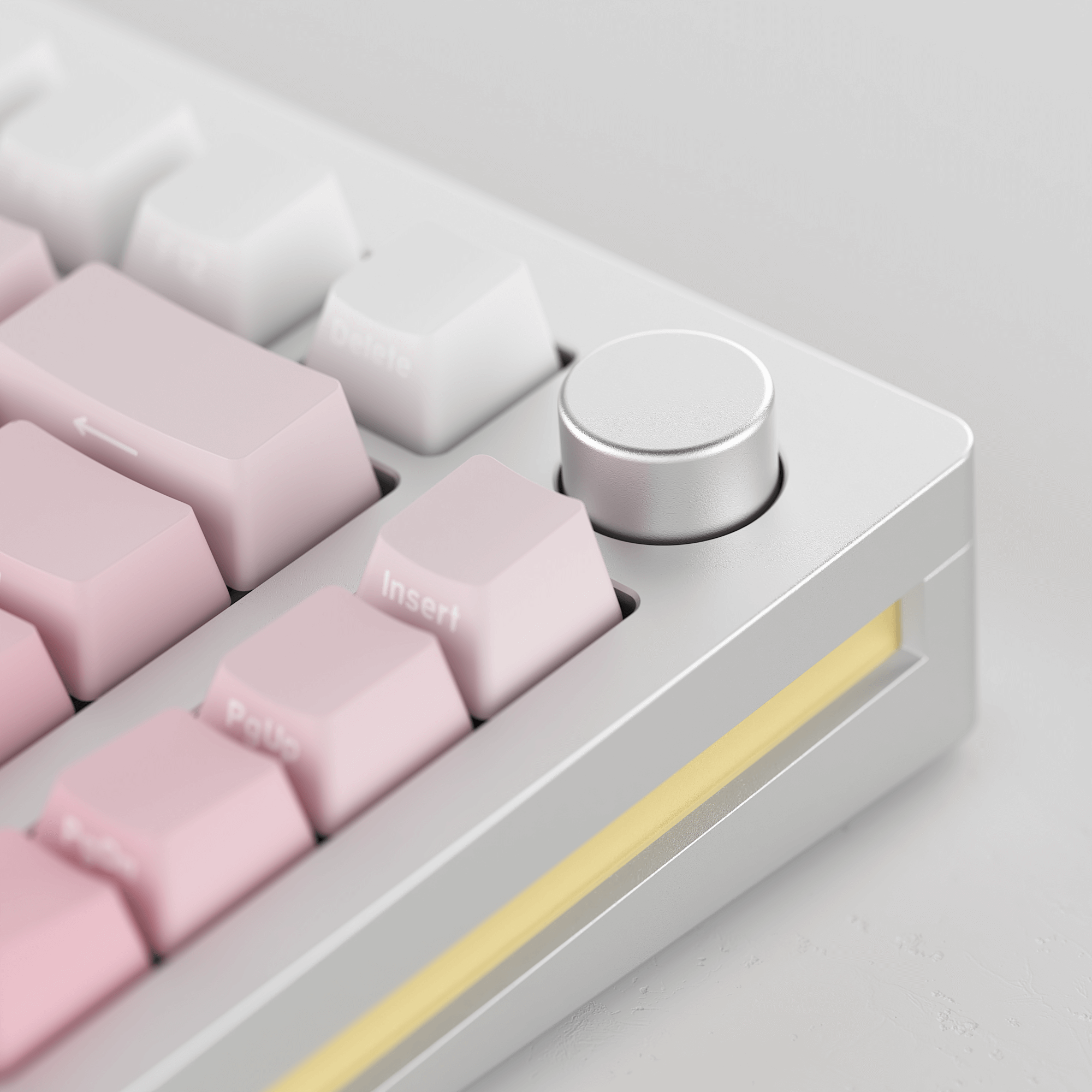
M1W HE-SP comes with gradient-effect shine-through keycaps and a side print design, creating a visually stunning effect while improving the visibility and legibility of individual keys.
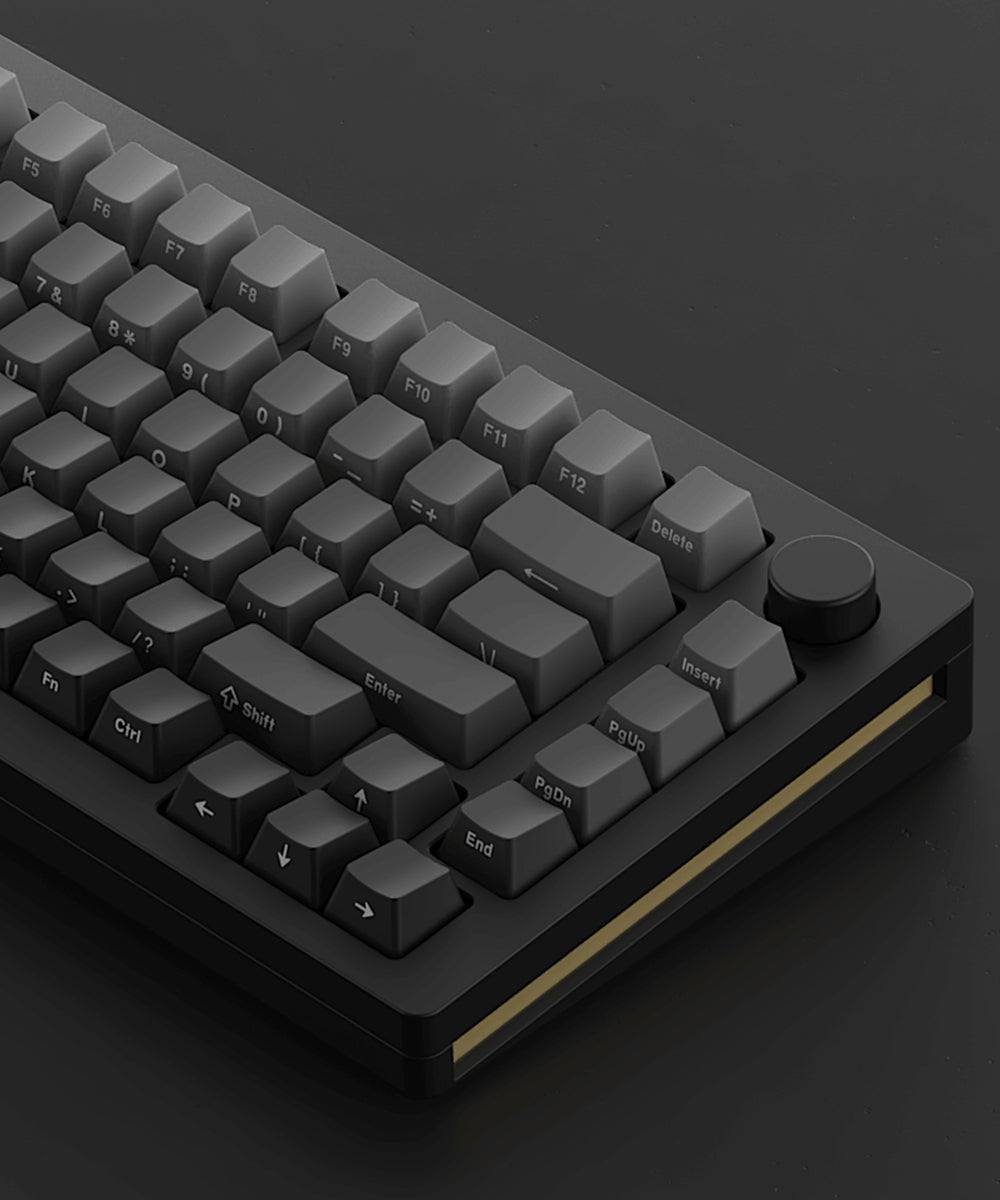
OEM Profile Keycaps
OEM profile keycaps are designed to bring maximum comfort, keeping hand in a natural state to minimize hand fatigue after long-time use and help users minimize typos.
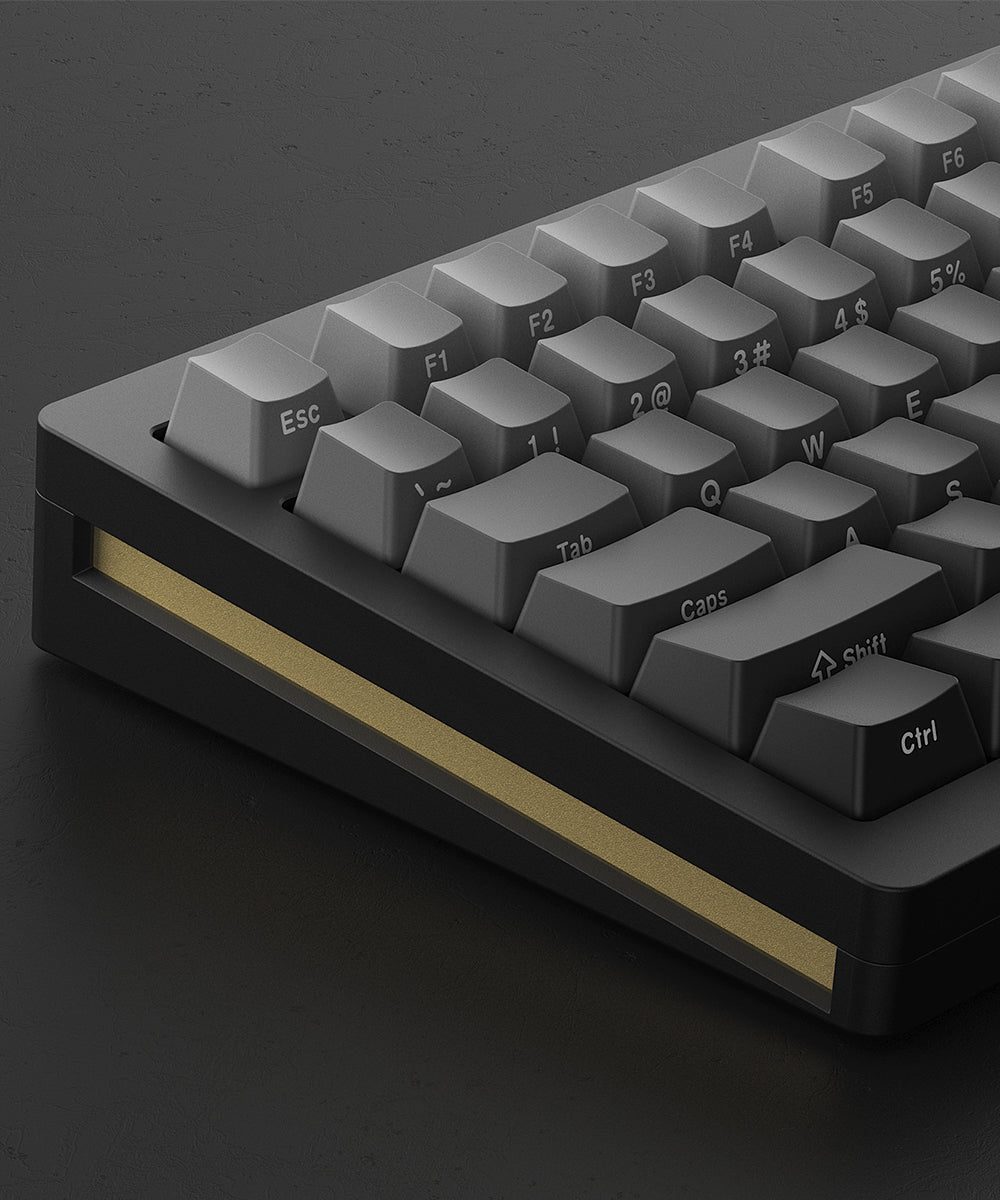
PBT Double-shot Keycaps
Keycaps from M1W HE-SP keyboard are made of durable PBT double-shot, which helps resist the shine that occurs from oils and sweat on the fingers.
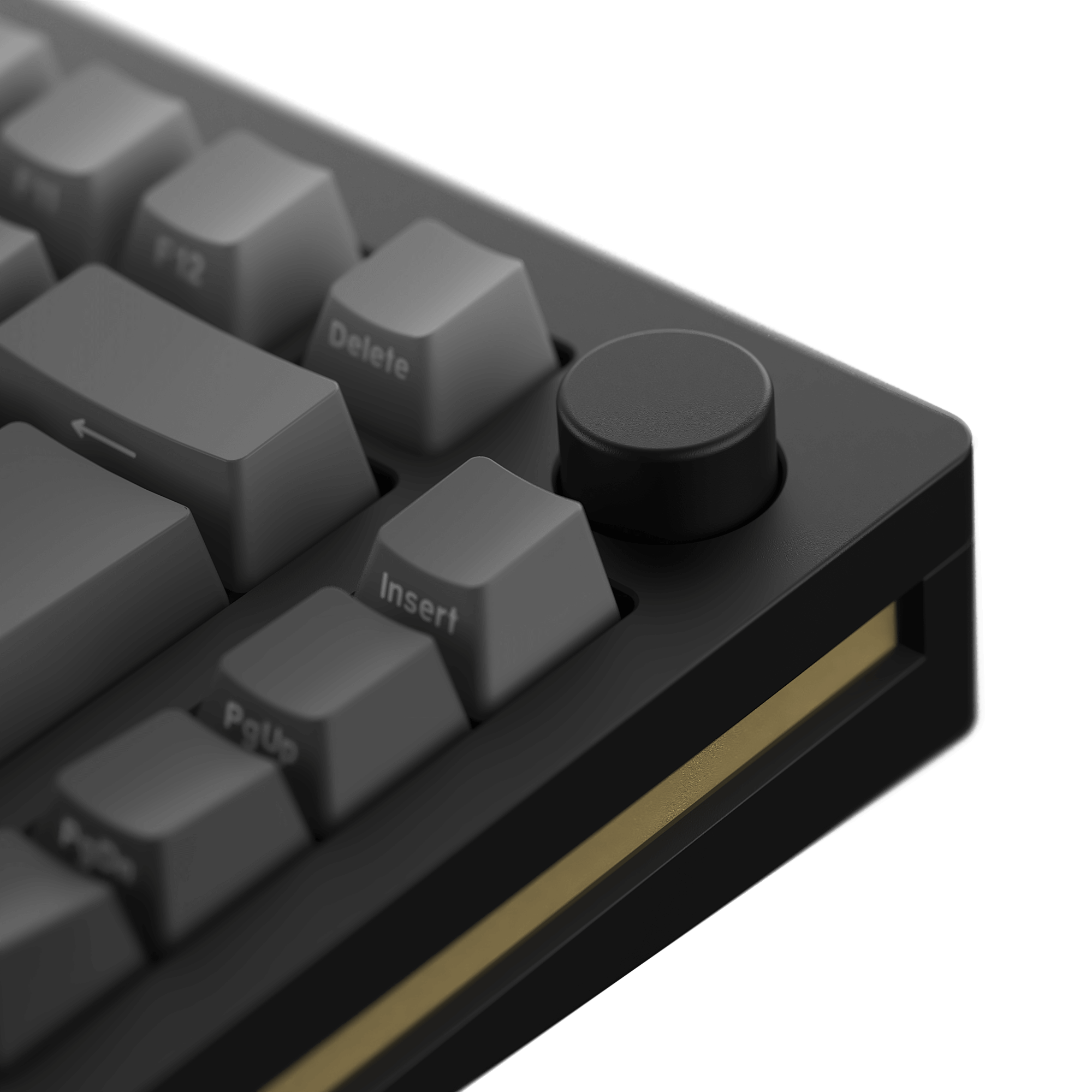
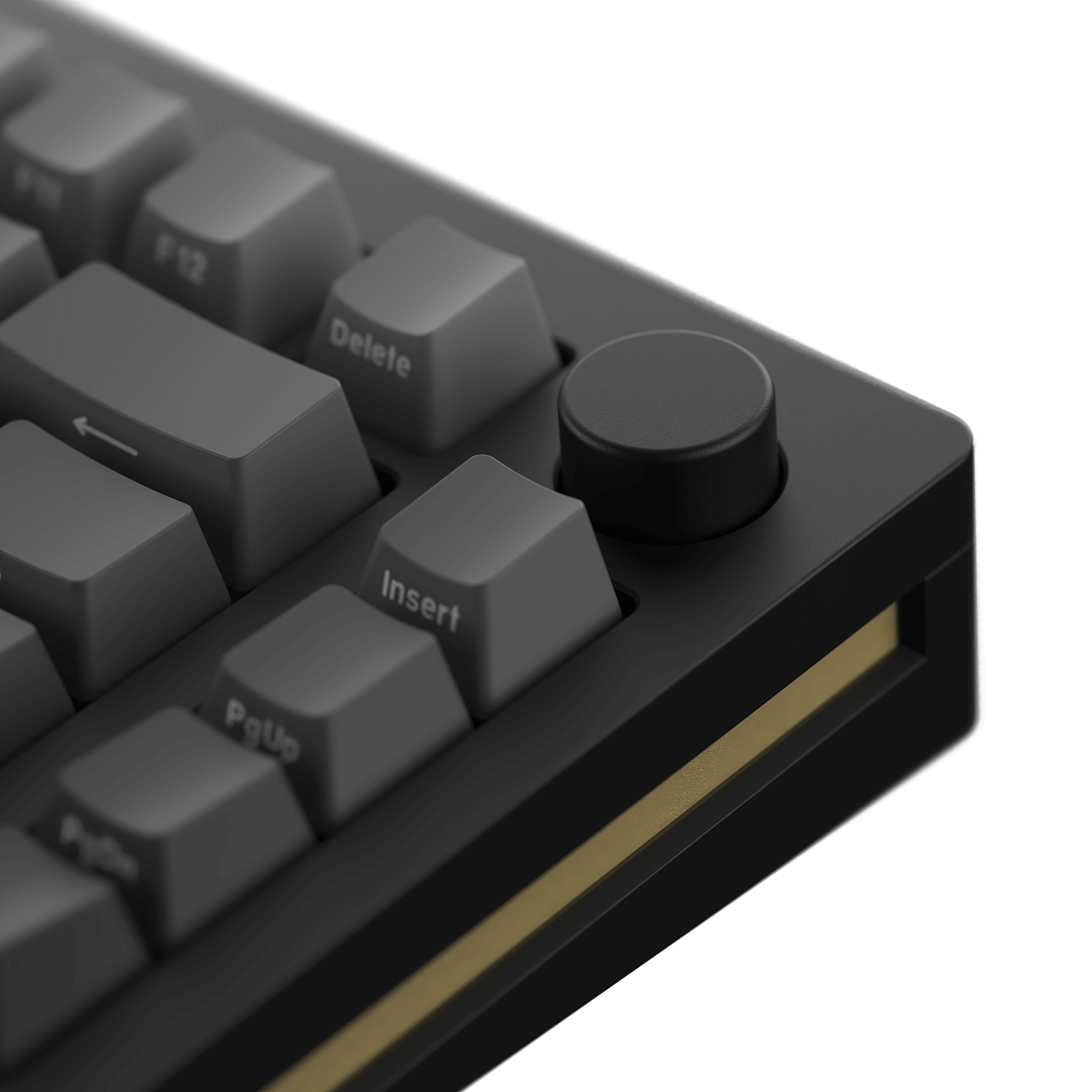
Upgraded Renovated Encoder
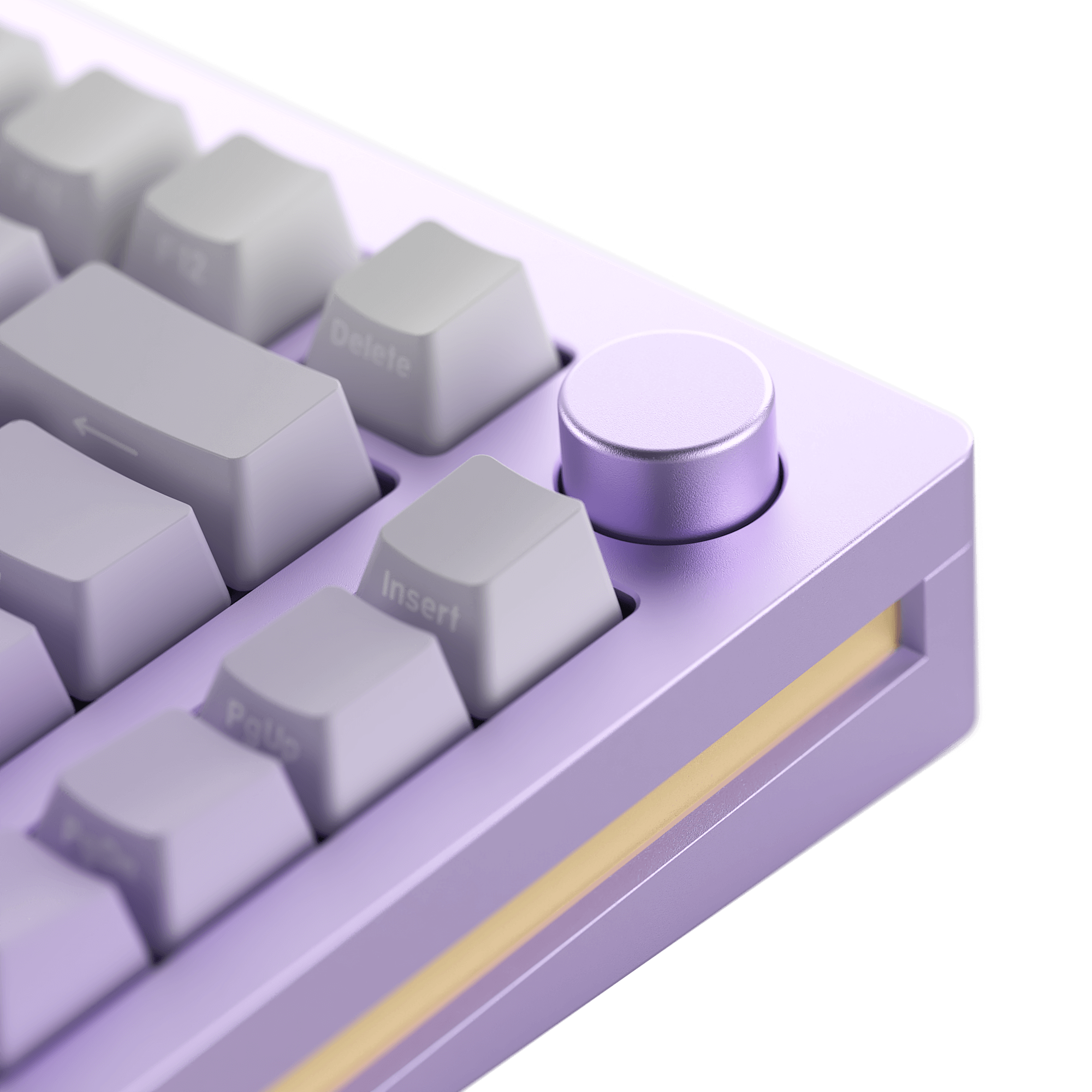
The encoder has been upgraded with changes in its height and the plastic inside the knob, resulting in a more stable structure.
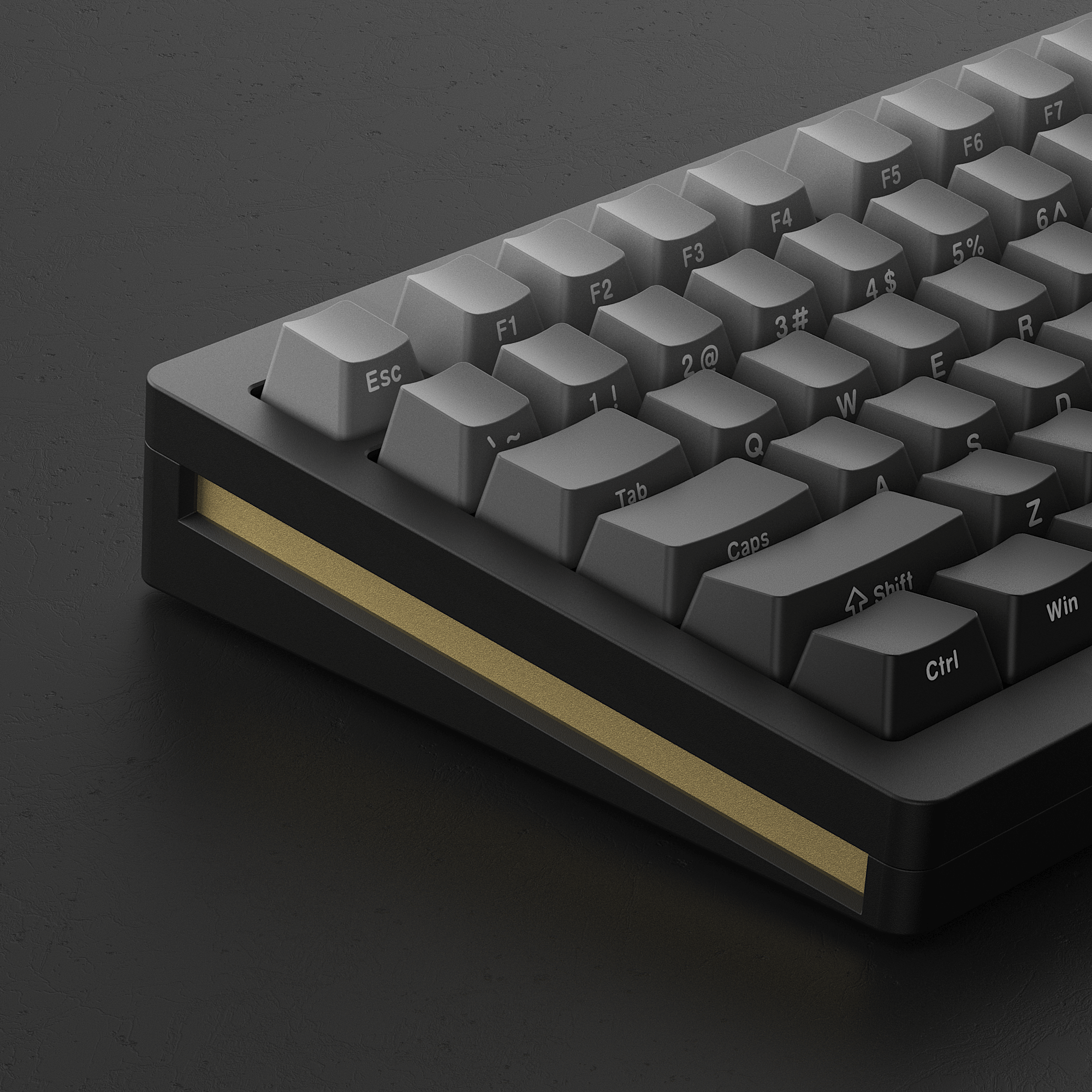
Golden Accent
Adding a touch of class and elegance, we opted to add a beautiful golden accent so that no matter which way you look at it, you’ll fall in love over and over again.
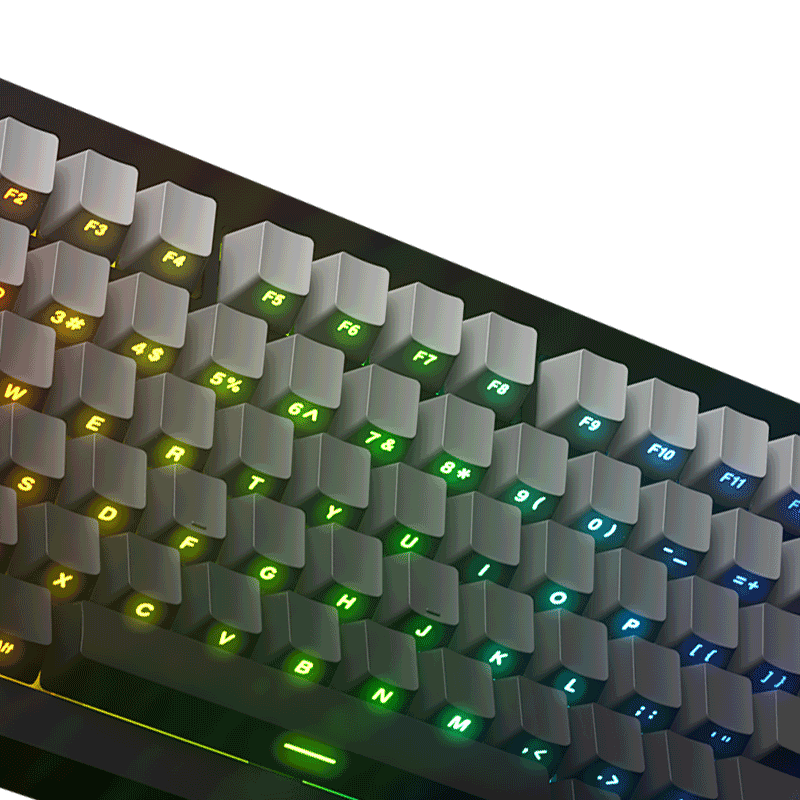
RGB Backlit
M1W HE-SP Aluminum mechanical keyboard can help you type in the dark with decent backlit. It has over 20 preset backlighting modes.
You can easily create and tailor your own lighting effects with the MonsGeek Driver, which offers over 16 million unique colors per key, as well as adjustable brightness and animation speed level.
The key/lighting effects customization can be programmed by MonsGeek driver in all three modes.In all three modes, the lighting effects can also achieve audio visualizer effects with MonsGeek driver.
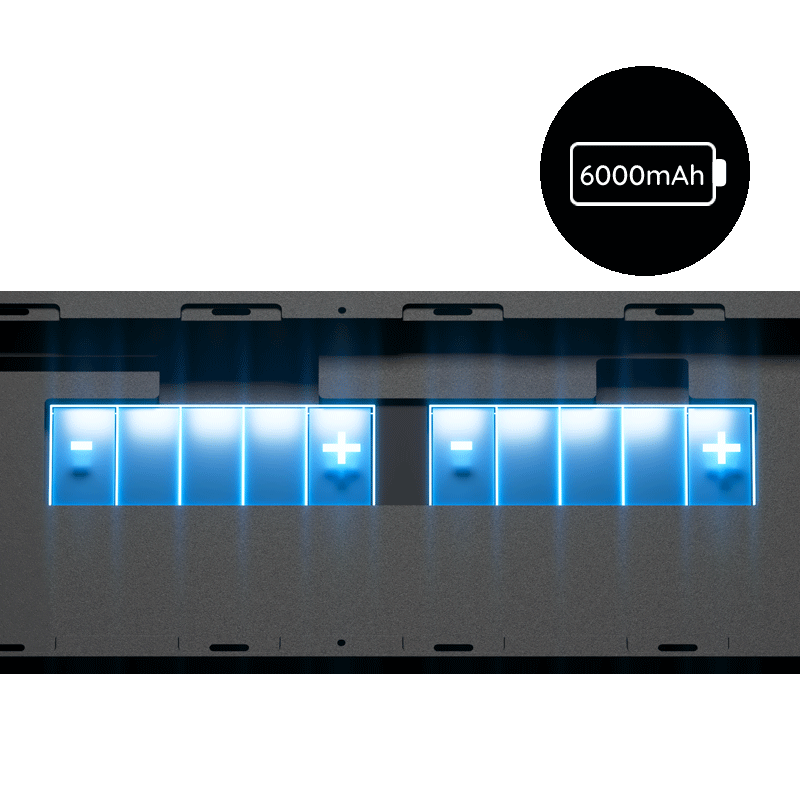
Built-in 6000mAh Battery
With a high-capacity battery of around 6000mAh, users can enjoy prolonged periods of uninterrupted typing, gaming, or productivity without the need for constant recharging.
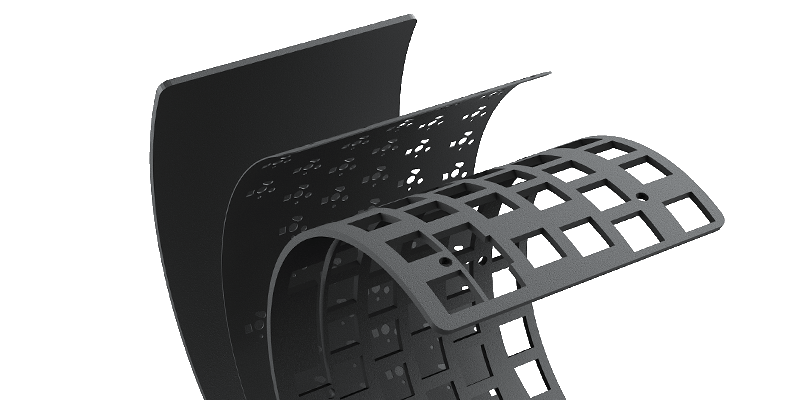
PORON Plate Foam
M1W HE-SP pre-built keyboard is equipped with PORON plate foam, effectively reducing the noise generated by key switches, ensuring a purer and more comfortable tactile sound experience for the keyboard.
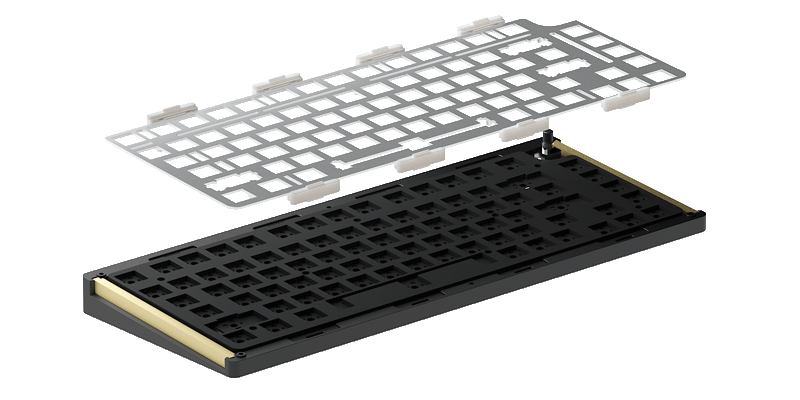
Aluminum Plate
M1W HE-SP utilizes an aluminum plate for a stiffer and higher-pitched sound profile, for those who want to be heard instead of pc plate.
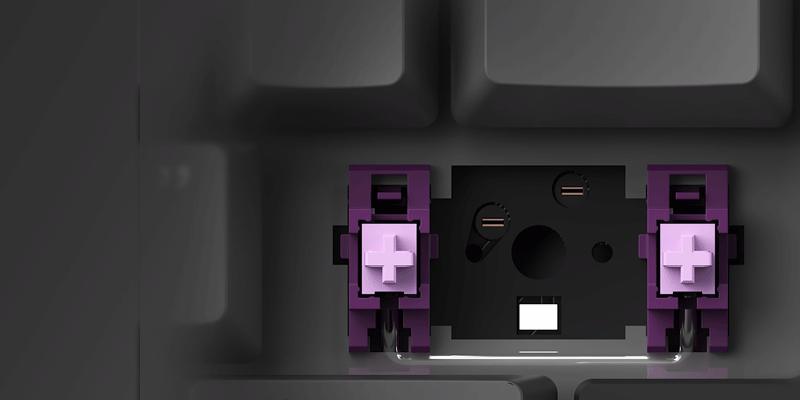
Plate-mounted Stabilizers
M1W HE-SP magnetic switches keyboard utilizes single-color plate-mounted stabilizers, which effectively minimizes keycap wobbling.
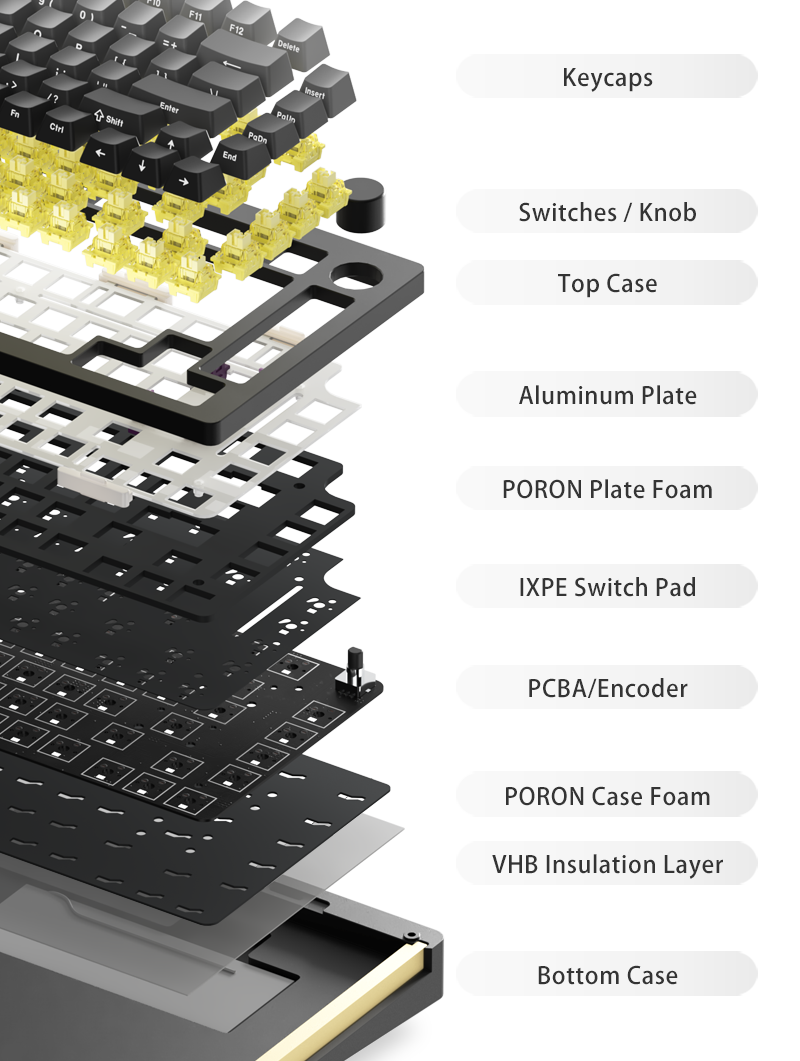
3mm PORON Case Foam
MonsGeek M1W HE-SP has undergone an upgrade, transitioning to Poron case foam with superior elasticity compared to M1.
*Disclaimer: Using thicker foam may reduce flex, whether to include it or not is down to your personal preference
VHB Insulation Layer
A VHB insulation layer has been added to the bottom case in order to prevent any short-circuit issues. It’s rare for these issues to occur but we want to add extra protection.
MonsGeek M Series QC DisclaimerAccessories to Play With

Extra teflon pads included for users who wish to perform a force break mod.
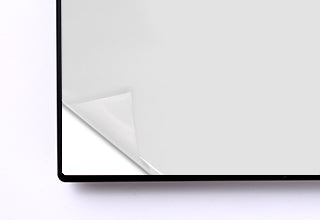
Extra tape for users who wish to perform a tape mod.
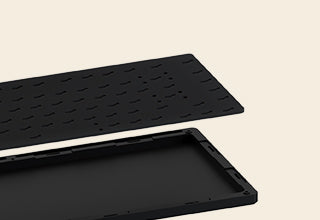
MonsGeek includes a 3mm PORON foam for a balanced feeling. Disclaimer: the foam will affect the overall sound profile and flex.
MonsGeek M1W HE-SP
Specs
MonsGeek’s first wireless aluminum keyboard features magnetic switches.
User ManualGasket Mount
Bluetooth5.0 / 2.4GHz / USB Type-C
South-facing RGB
N/A
Y
Y
Y
Y
Y
Y
6000mAh
8K Hz Polling Rate Wired USB-C Solution; 1K Hz Polling Rate 2.4G Wireless Solution
MonsGeek Driver
Akko Cream Yellow
Pre-installed Plate Mount Stabilizer
Aluminum
Double-shot Side-printed Gradient Shine-through
OEM
33.3cm*14.6cm*3.26cm
Around 2000g


