










Mouse Scroll Test





How to Use the Mouse Scroll Test
1. Choose a Test Mode
Select between Speed Mode for unlimited scrolling or One Shot Precision Mode to test your scrolling speed within a limited time.
2. Start Scrolling
Place your cursor inside the test area and scroll up or down using your mouse wheel.
3. Track Your Scroll Performance
The tool will record your scroll count, scrolling speed, direction, and responsiveness in real time.
4. Review Your Results
Check your final scrolling stats to identify issues such as skipped scrolling, inconsistent movement, or delayed response.
What Is a Mouse Scroll Test?
A Mouse Scroll Test is an online tool that checks whether your mouse wheel is working correctly. It measures scroll responsiveness, detects skipped scrolling steps, identifies reverse scrolling issues, and helps determine whether your scroll wheel is smooth and accurate.
This tool is useful for: Gamers, Office users, Designers, Programmers, Content creators
Whether you use a gaming mouse or a standard office mouse, scroll wheel accuracy affects daily productivity and gaming performance.
Common Mouse Scroll Wheel Problems
Scroll Wheel Skipping
The page jumps too far or misses scroll steps.
Reverse Scrolling
The page scrolls in the opposite direction unexpectedly.
Scroll Lag
There is a delay between wheel movement and screen response.
Inconsistent Scrolling
The wheel movement feels unstable or uneven.
Why Is My Mouse Scroll Wheel Not Working Properly?
Common causes include:
- Dust buildup inside the encoder
- Worn-out mechanical components
- Software driver conflicts
- Low battery on wireless mice
- Polling rate instability
- Firmware issues
For gaming mice, heavy usage can wear out the scroll encoder over time.
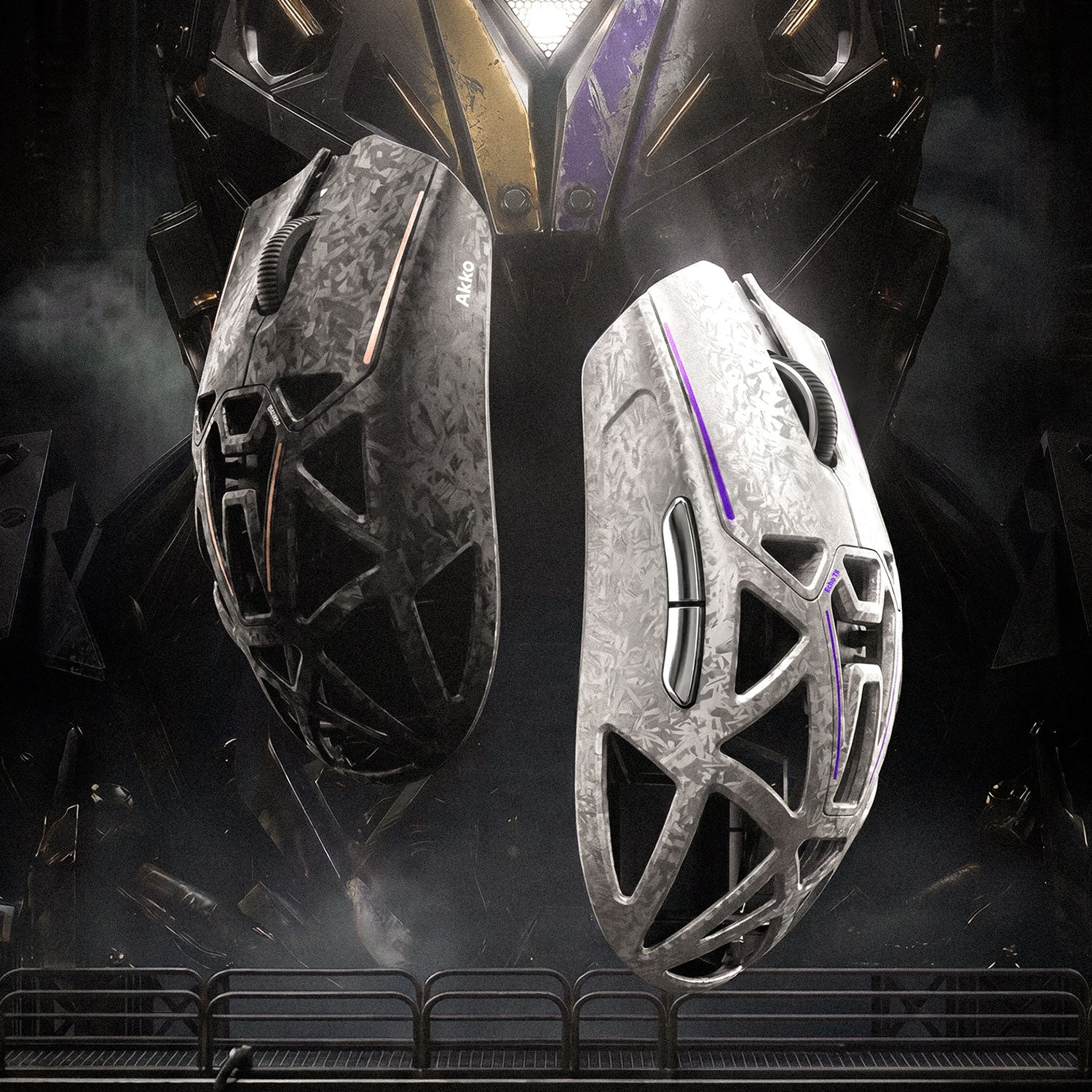
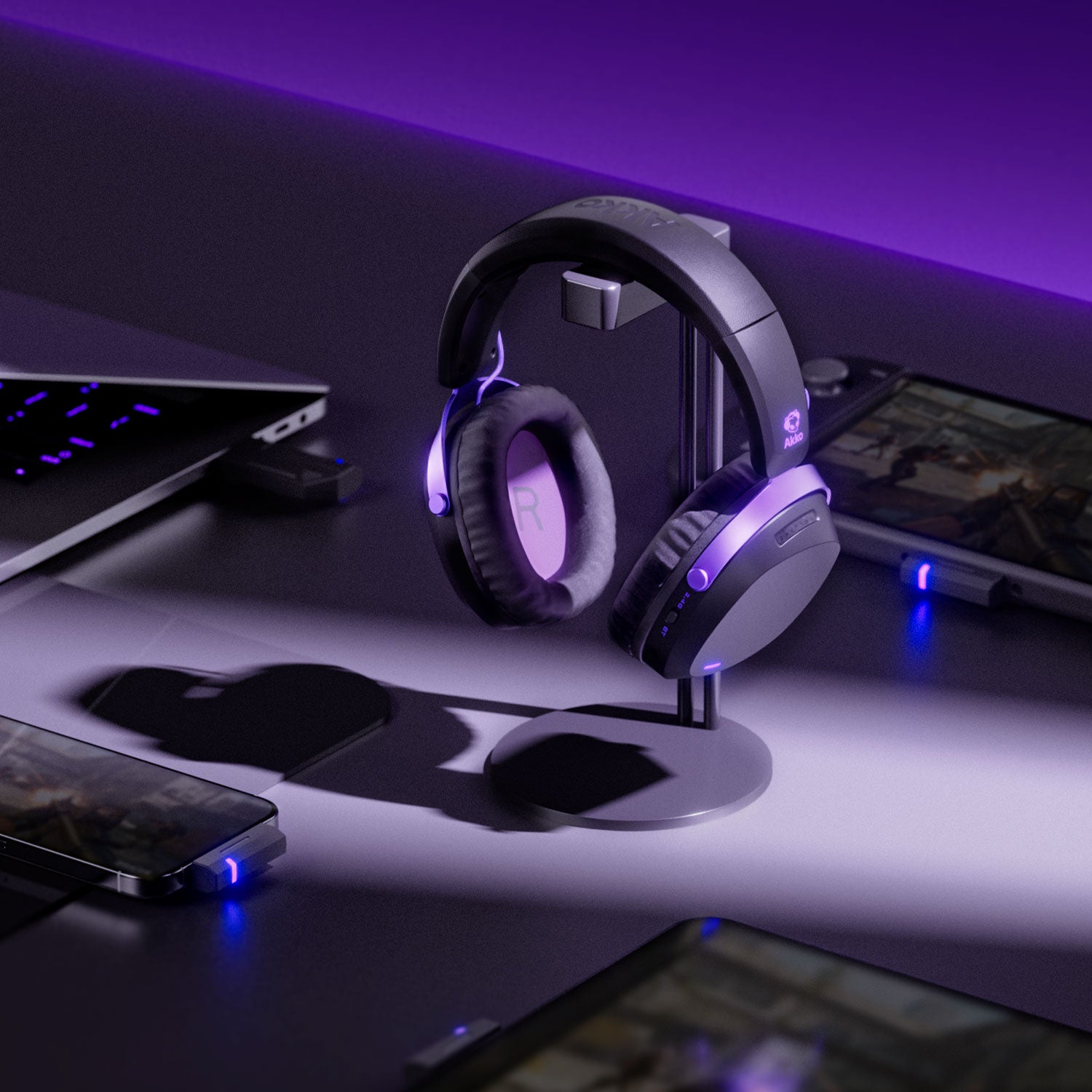
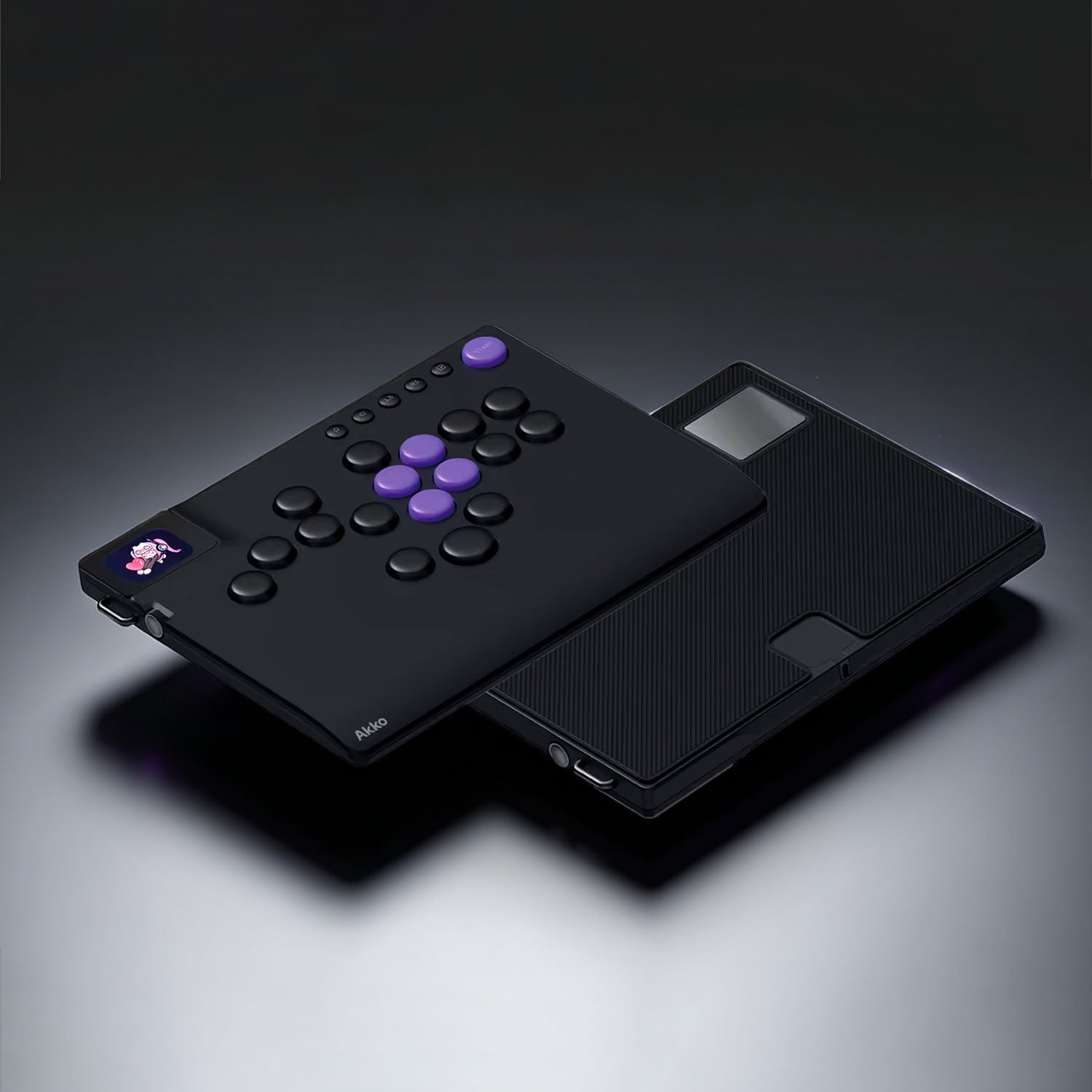
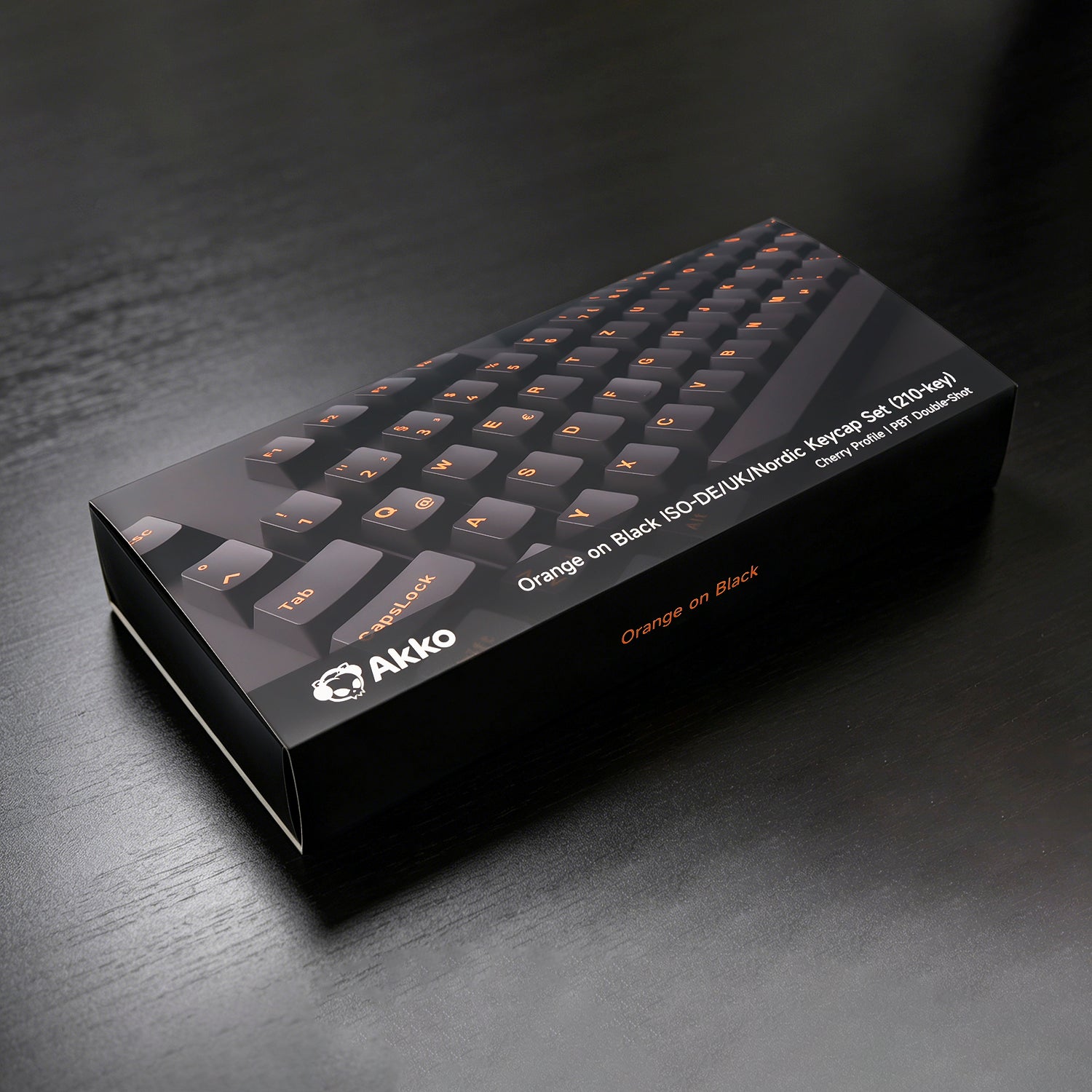
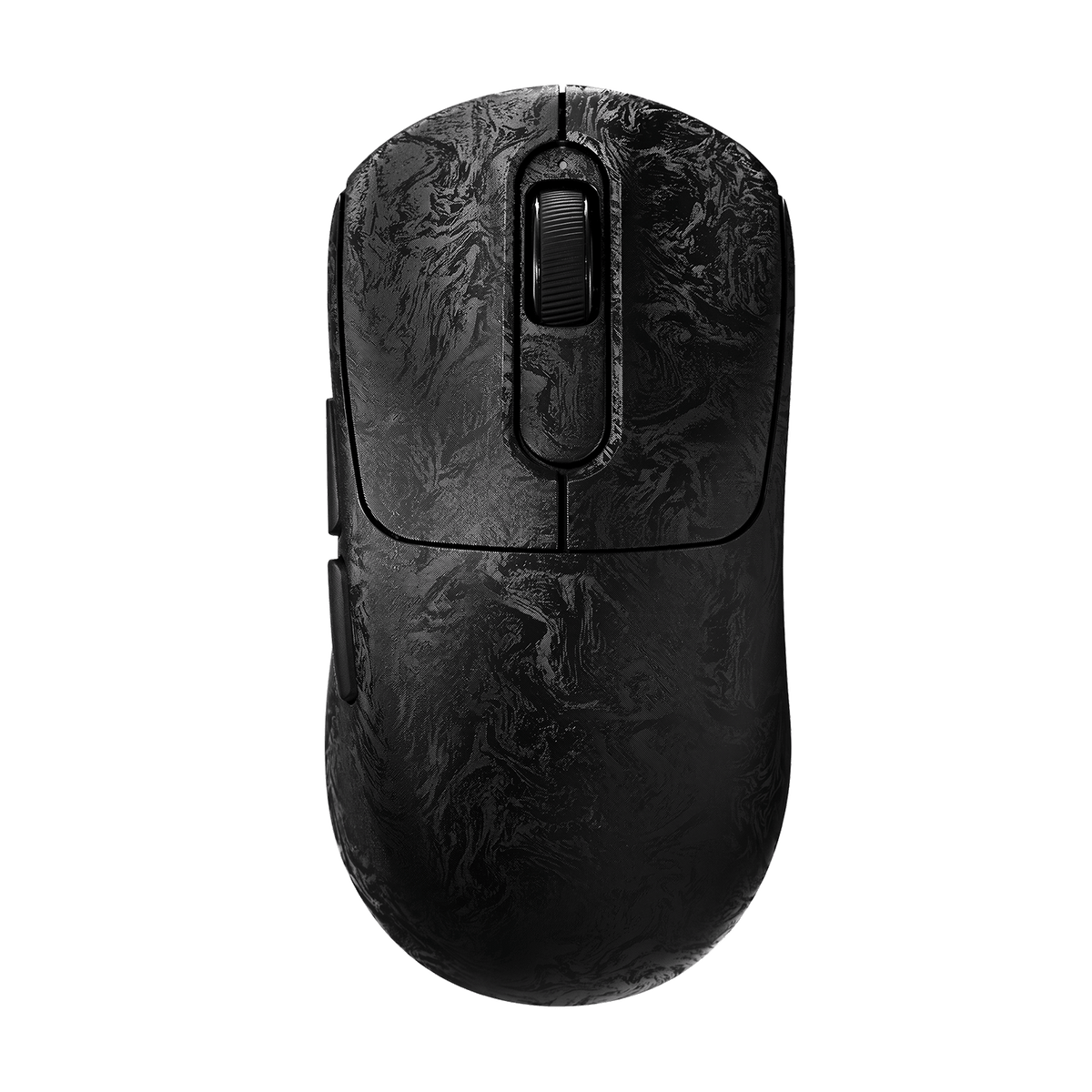
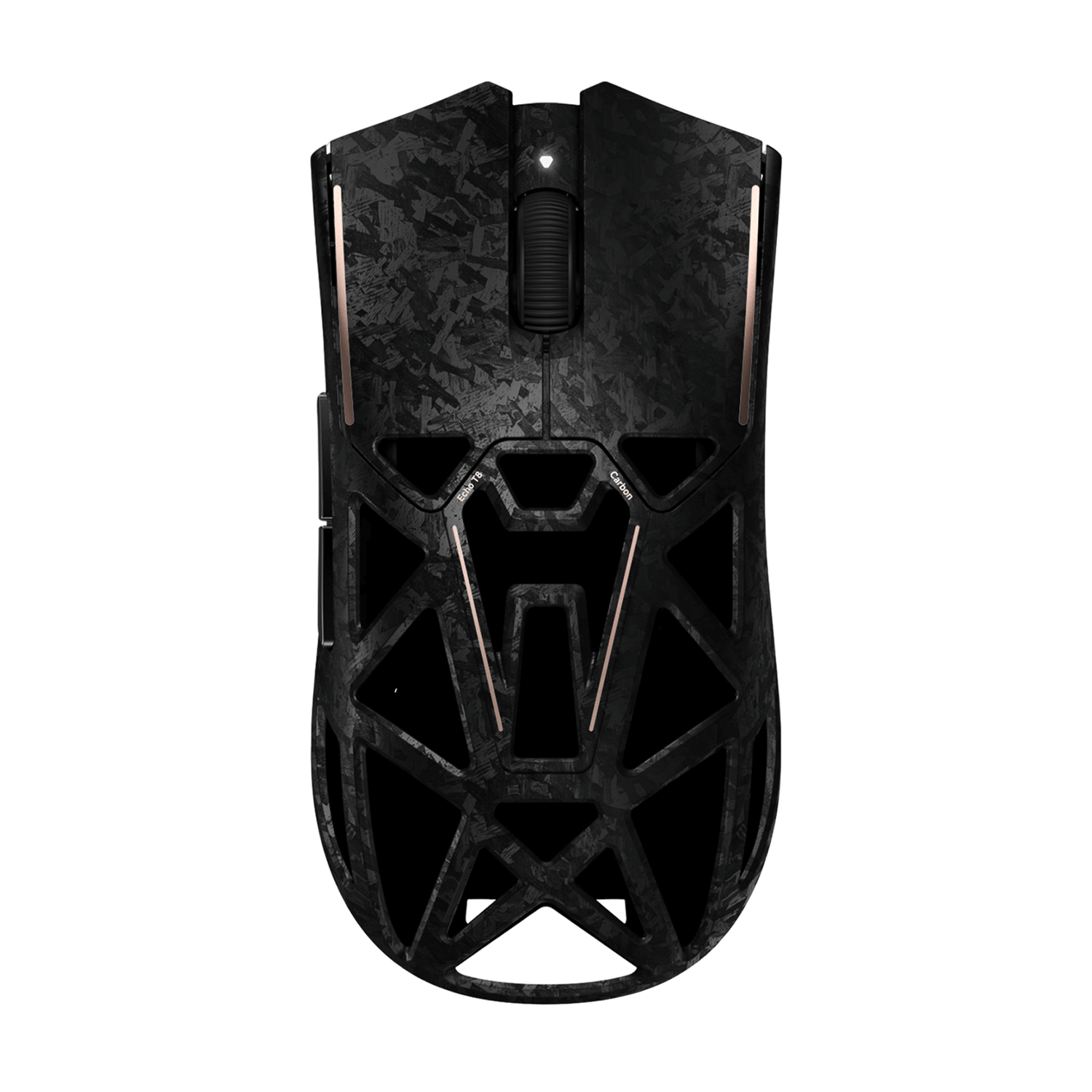
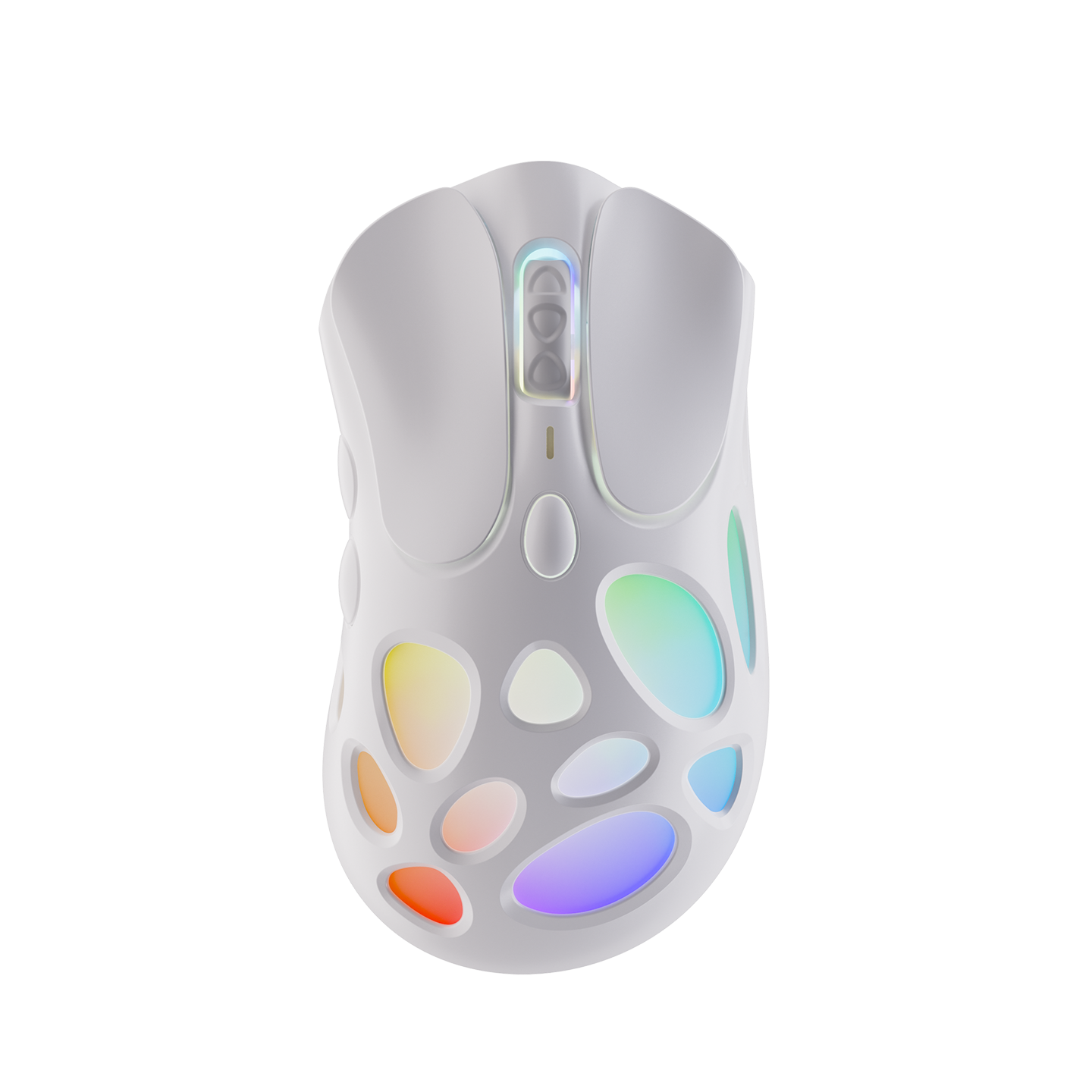
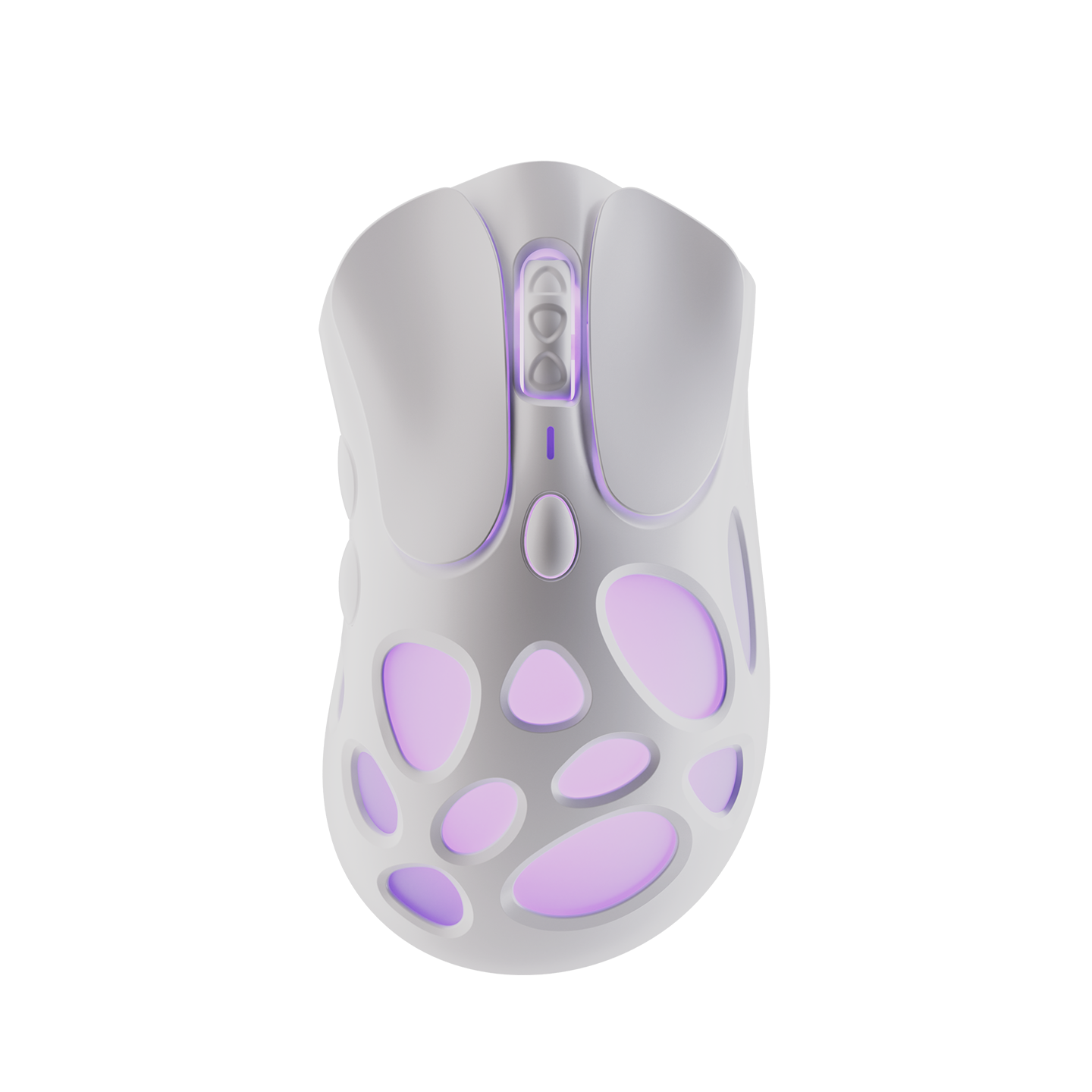
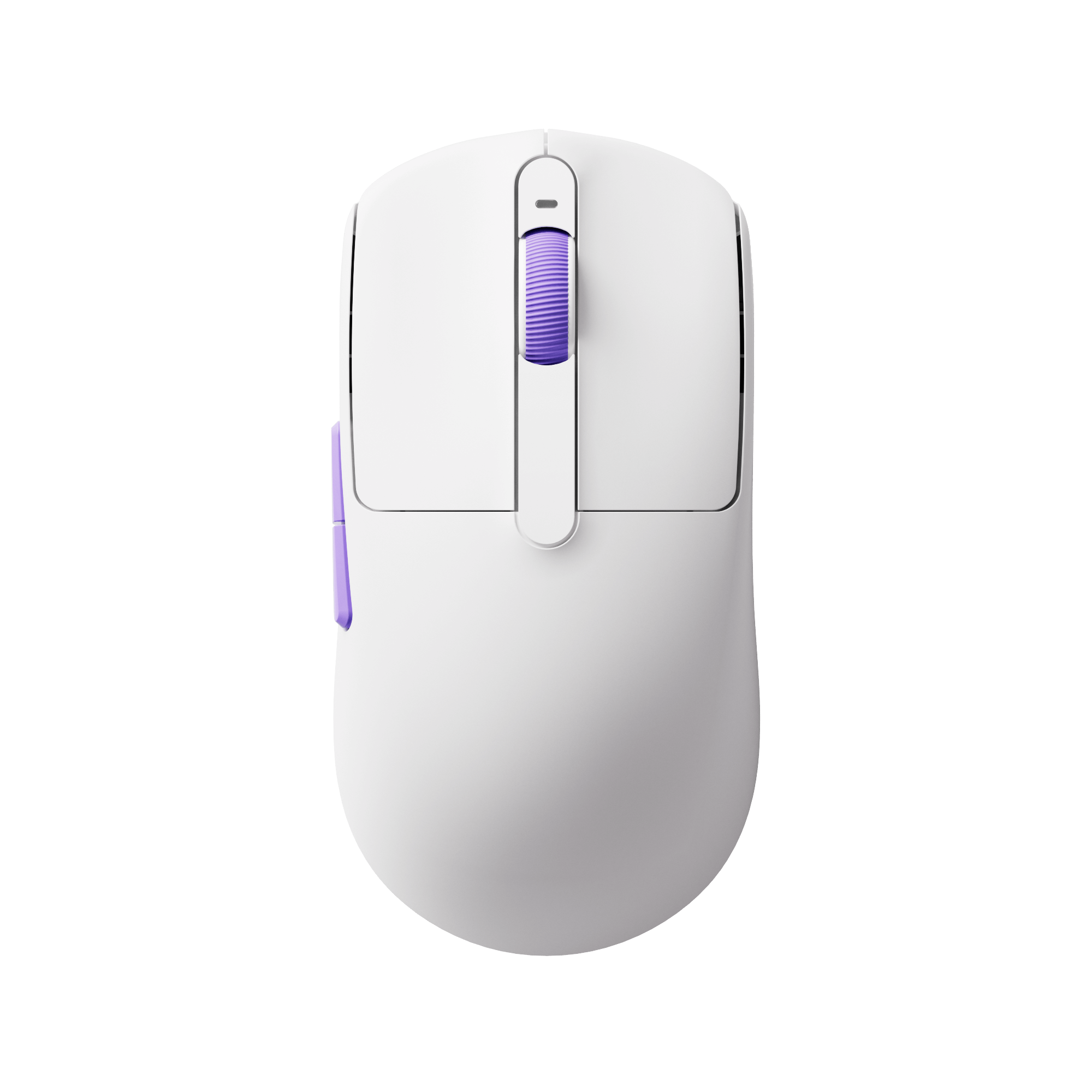
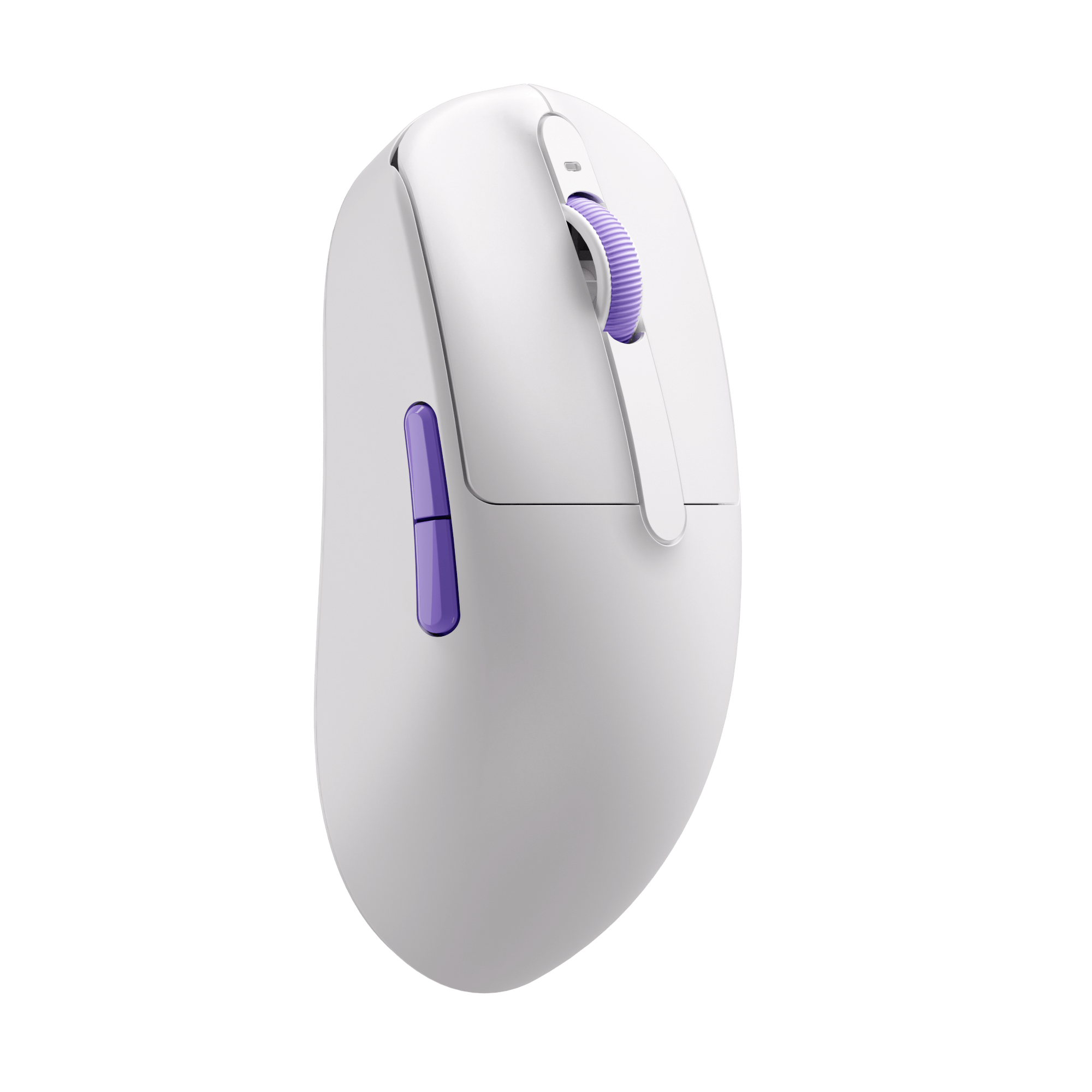
Recommended Gaming Gear


FAQ
Does Polling Rate Affect Scrolling?
Higher polling rates can improve responsiveness, especially on high-end gaming mice. However, most scrolling issues are caused by hardware wear rather than polling rate limitations.
You can also test your mouse polling rate using your related tools.
Why does my mouse scroll in the wrong direction?
This is usually caused by a worn scroll encoder or dust inside the wheel mechanism.
Can a scroll wheel be repaired?
In many cases, cleaning the encoder helps. Severe wear may require replacing the encoder or mouse.
Is this Mouse Scroll Test free?
Yes, the tool is completely free and works directly in your browser.
Does this tool work on Mac and Windows?
Yes, it works on Windows, macOS, Linux, and most modern browsers.
Why is my gaming mouse scrolling inconsistently?
Heavy gaming usage can wear down the scroll encoder over time, causing skipped or unstable scrolling.