








Mouse Button Test
Test mouse buttons, scroll wheel, double-click issues and click latency
How to Use
Test Buttons
Click each button on your mouse (left, right, middle, side buttons). The corresponding area on the mouse illustration will light up blue, and the counters on the right will increase.
Test Scroll Wheel
Scroll up and down. The arrows will flash orange, and the SCROLL UP / SCROLL DOWN counters will increase. Try both directions to fully test the scroll wheel encoder.
Check for Double-Click Issues
Click each button once and watch the event log. If a single physical click generates two entries with an interval under 30ms, the log will turn red and an alert will appear. This may indicate a faulty switch (double-click issue).
Read Diagnosis Result
The Smart Diagnosis card on the right will automatically give a conclusion based on your test results. Blue means normal, red means double-click detected. If you only scrolled one direction, you'll be prompted to try the other direction.



What Is a Mouse Button Test?
A mouse button test is an online tool that helps you check whether your mouse buttons are working properly. It can detect left clicks, right clicks, middle clicks, side buttons, scroll wheel input, double-click issues, and click latency directly in your browser.
This tool is useful for gamers, office users, designers, and anyone experiencing mouse click problems. Whether you are troubleshooting an unresponsive button or testing gaming mouse performance, the mouse button tester provides instant real-time feedback without requiring any software installation.
Common Mouse Button Problems
Mouse Double Clicking
A mouse may register two clicks when you only press once. This issue is commonly caused by worn-out switches, especially on heavily used gaming mice.
Mouse Buttons Not Responding
If a mouse button fails during testing, the problem may be related to damaged hardware, outdated drivers, or unstable USB connections.
Scroll Wheel Click Not Working
Dust buildup, switch wear, or internal hardware failure can prevent the middle mouse button from functioning properly.
High Click Latency
Delayed click response may affect gaming performance and productivity. High latency can be caused by low battery levels, unstable wireless connections, or system performance issues.
Side Buttons Not Detected
Some gaming mouse side buttons require dedicated software or driver support to work correctly in browsers.
Why Gamers Use Mouse Button Tests
Common causes include:
- Dust buildup inside the encoder
- Worn-out mechanical components
- Software driver conflicts
- Low battery on wireless mice
- Polling rate instability
- Firmware issues
For gaming mice, heavy usage can wear out the scroll encoder over time.
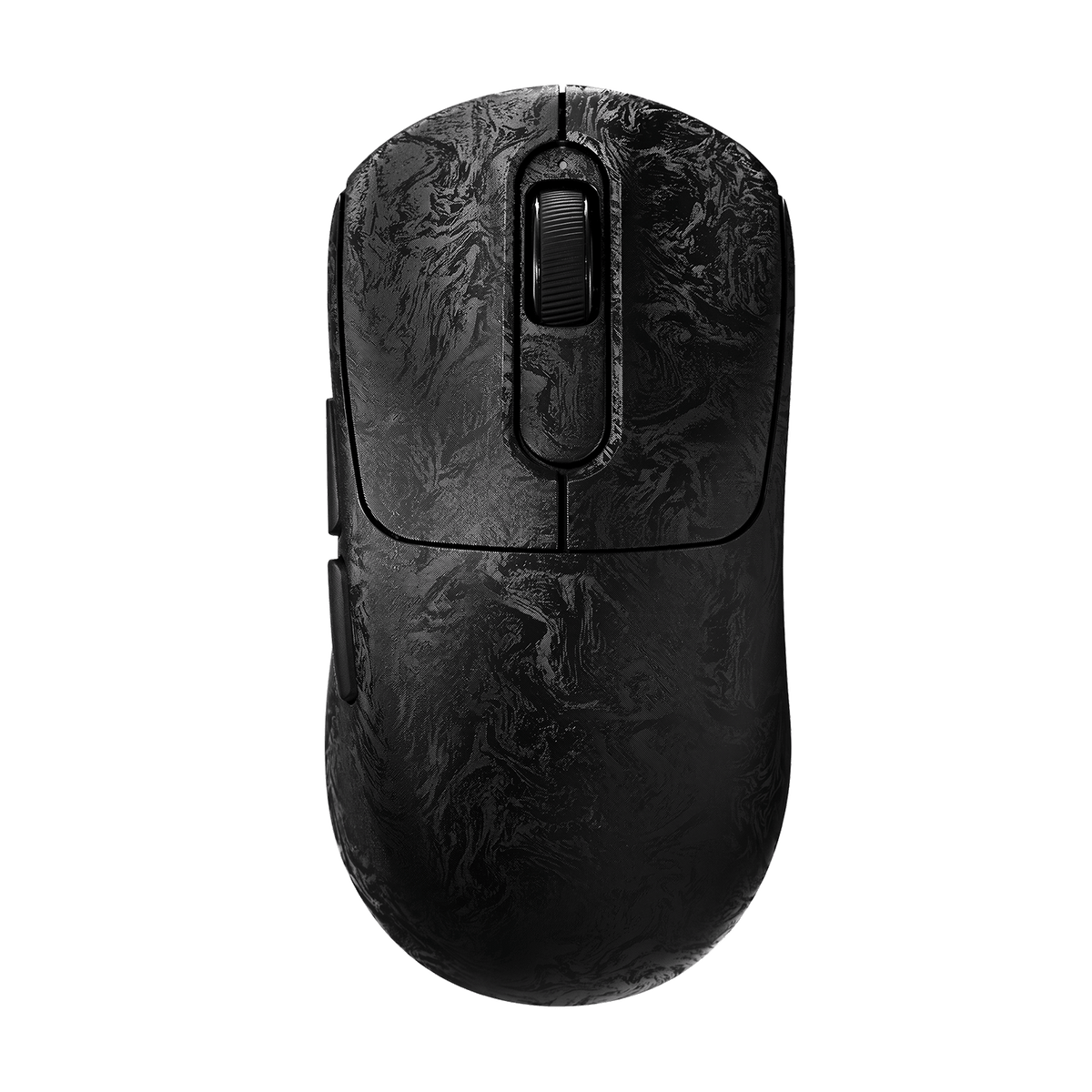
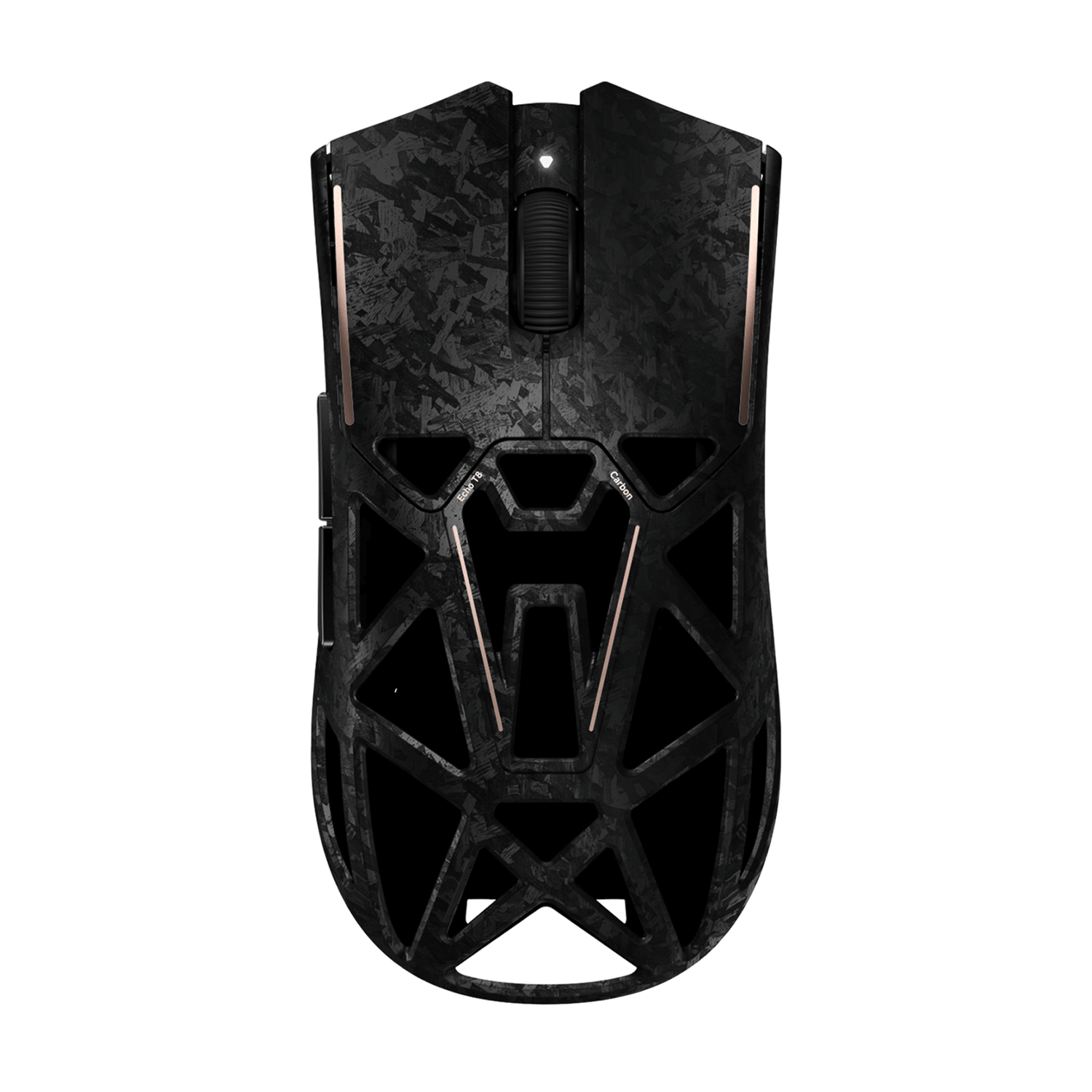
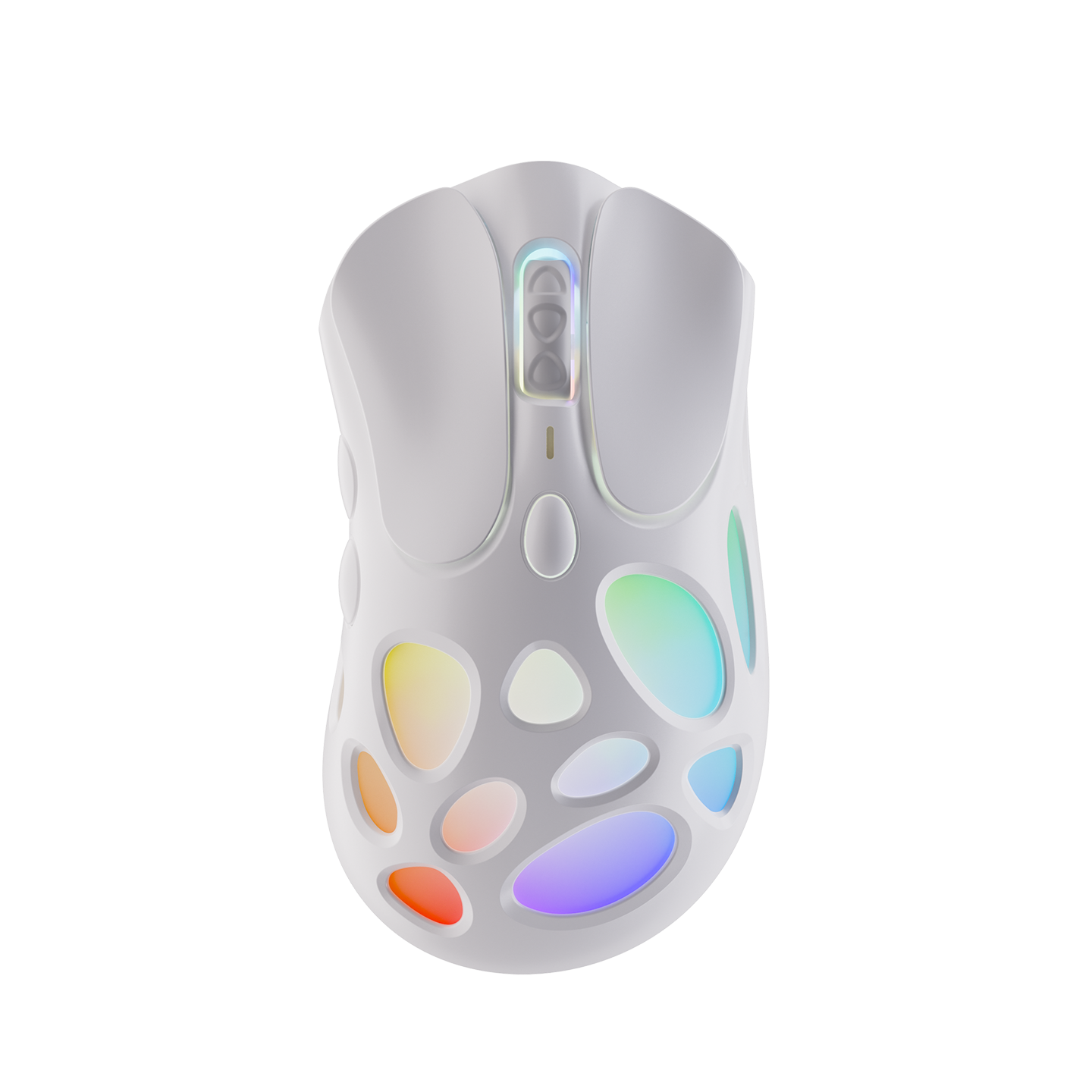
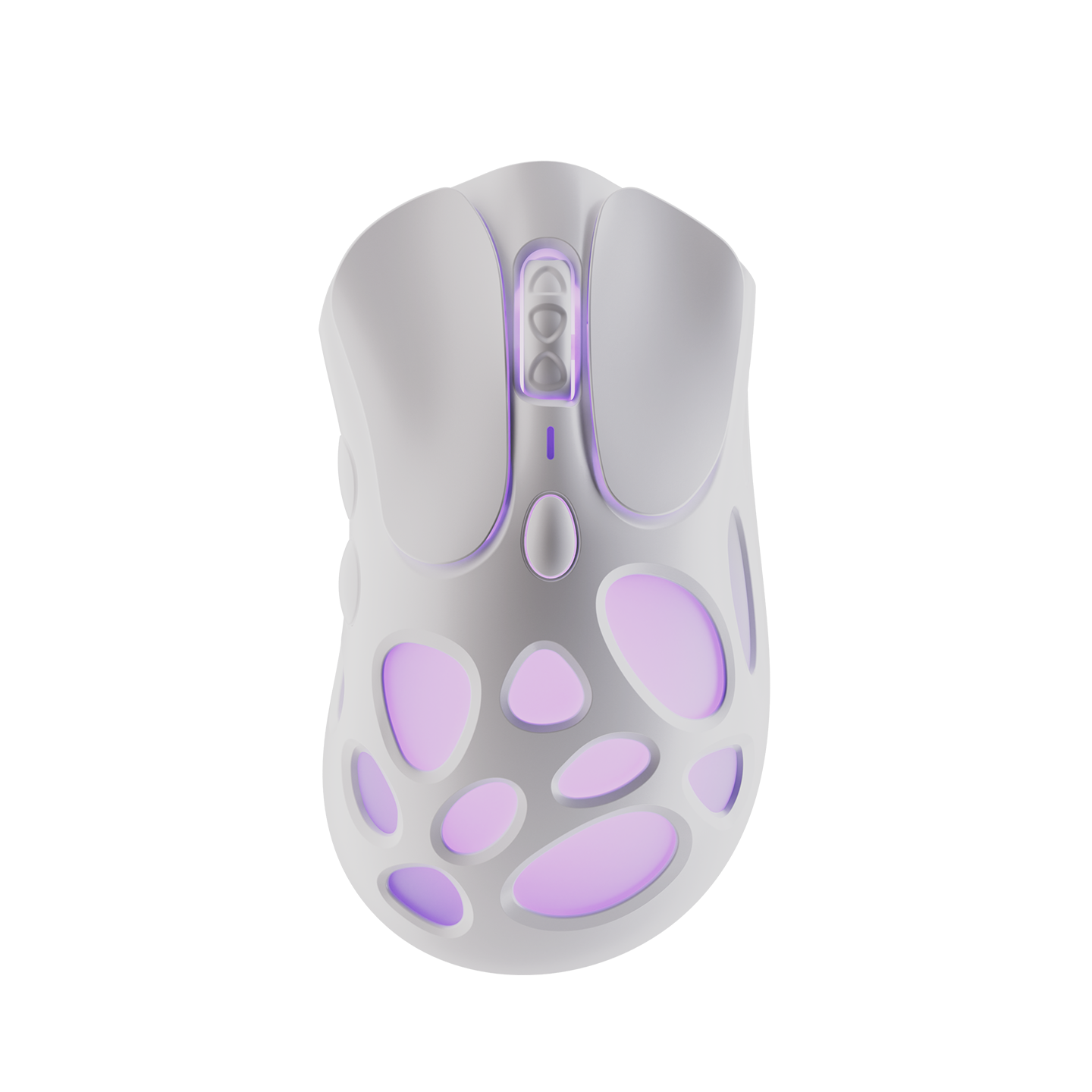
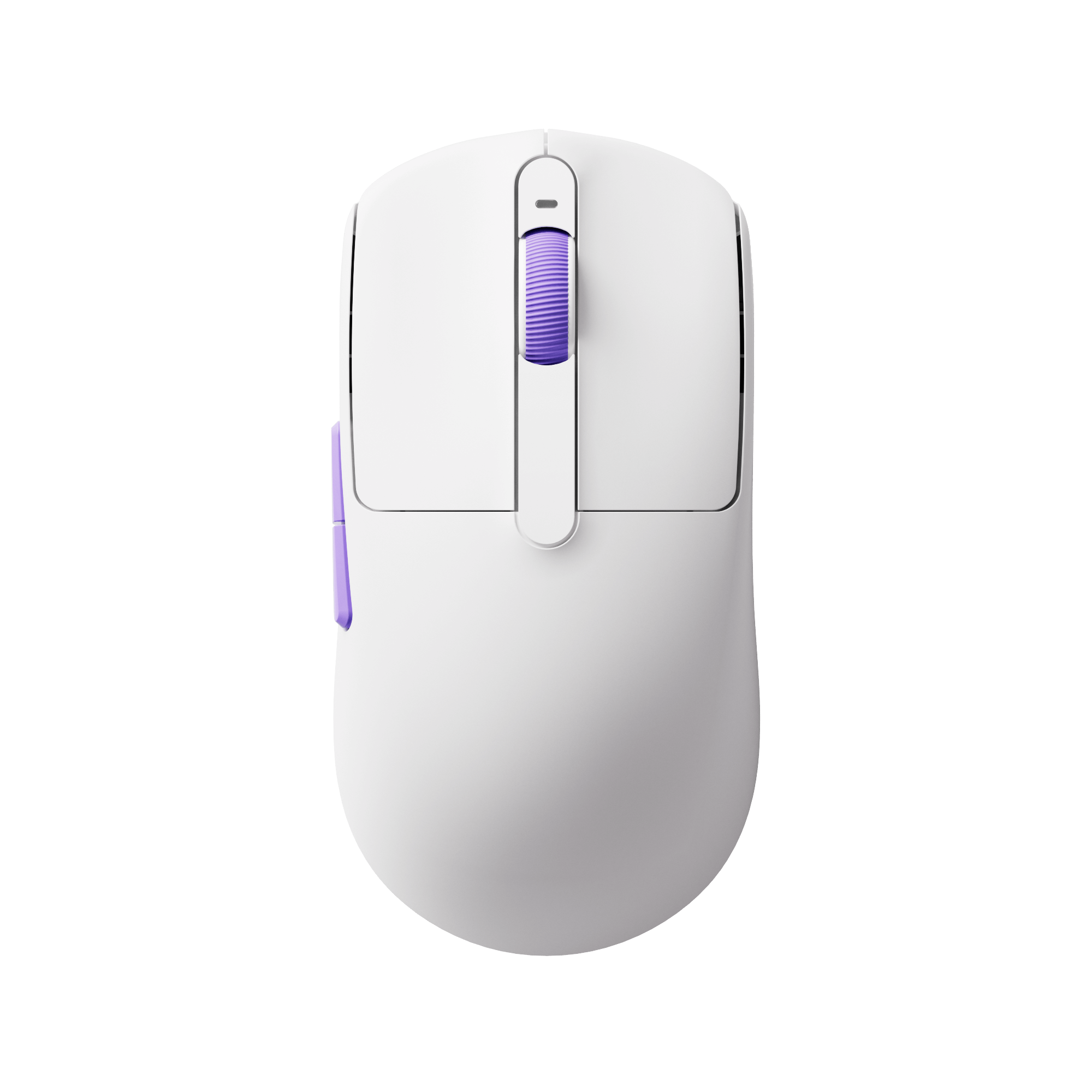
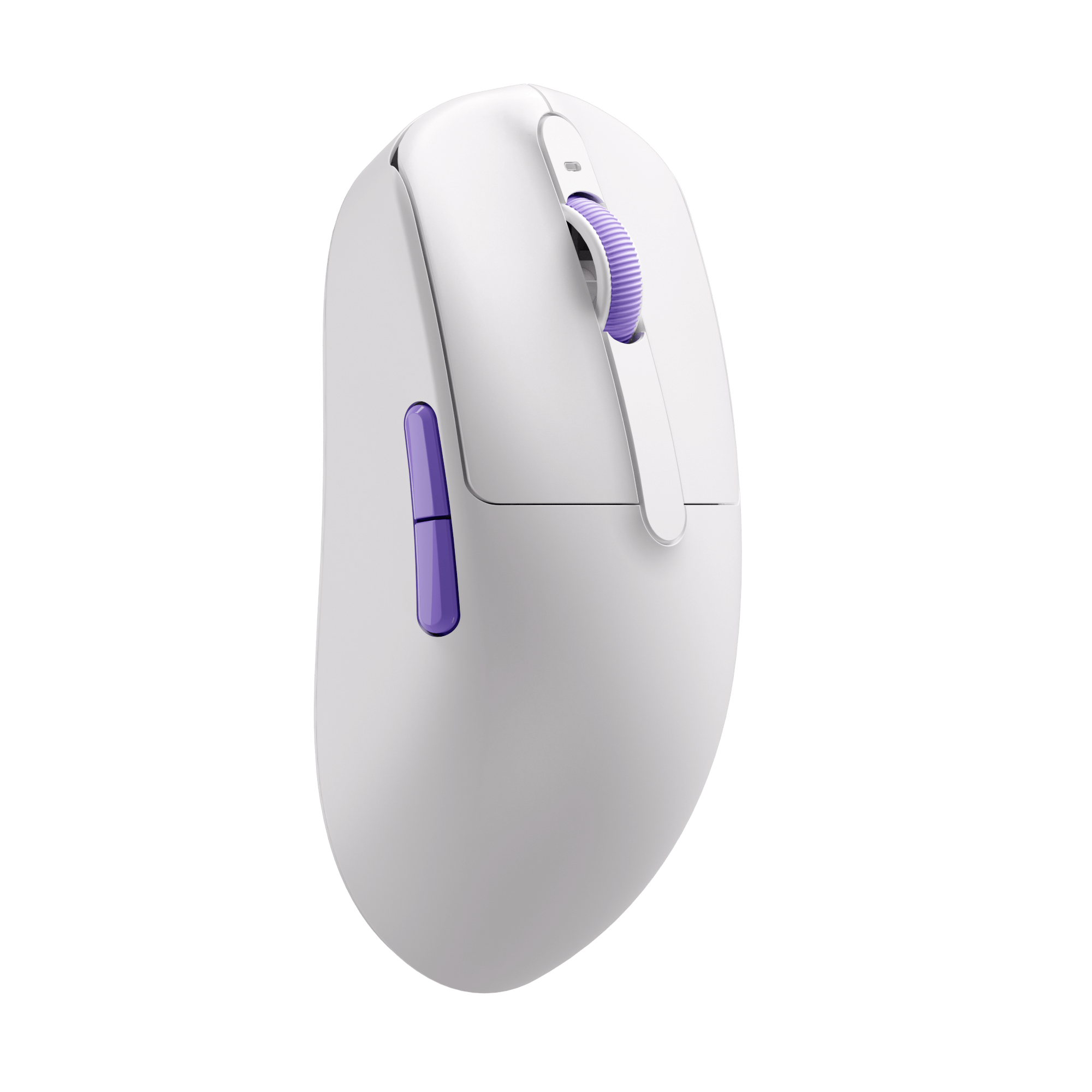
Recommended Gaming Gear


Mouse Button Test FAQ
How do I test my mouse buttons?
Click each mouse button inside the tester and check whether the tool responds correctly.
Can this tool detect gaming mouse side buttons?
Yes, most browser-supported gaming mouse side buttons can be detected.
Why is my mouse double clicking?
Double-clicking is usually caused by worn switches or incorrect mouse settings.
Does this tool work on Mac?
Yes, the mouse button tester works on Windows, macOS, Linux, and Chromebooks.
Can I test wireless mice?
Yes, both wired and wireless mice are supported.
Why is my middle mouse button not working?
The scroll wheel switch may be damaged or blocked by dust buildup