

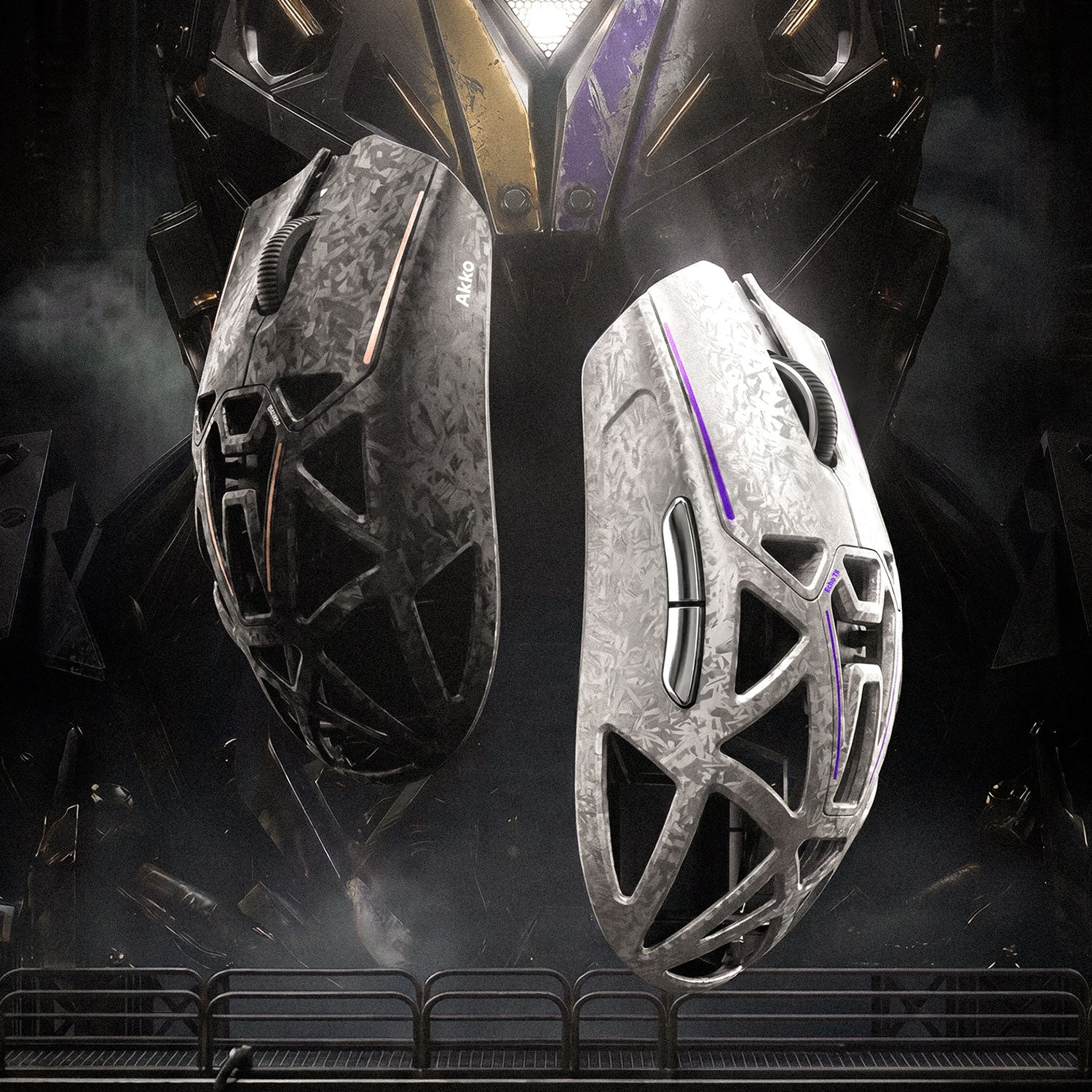
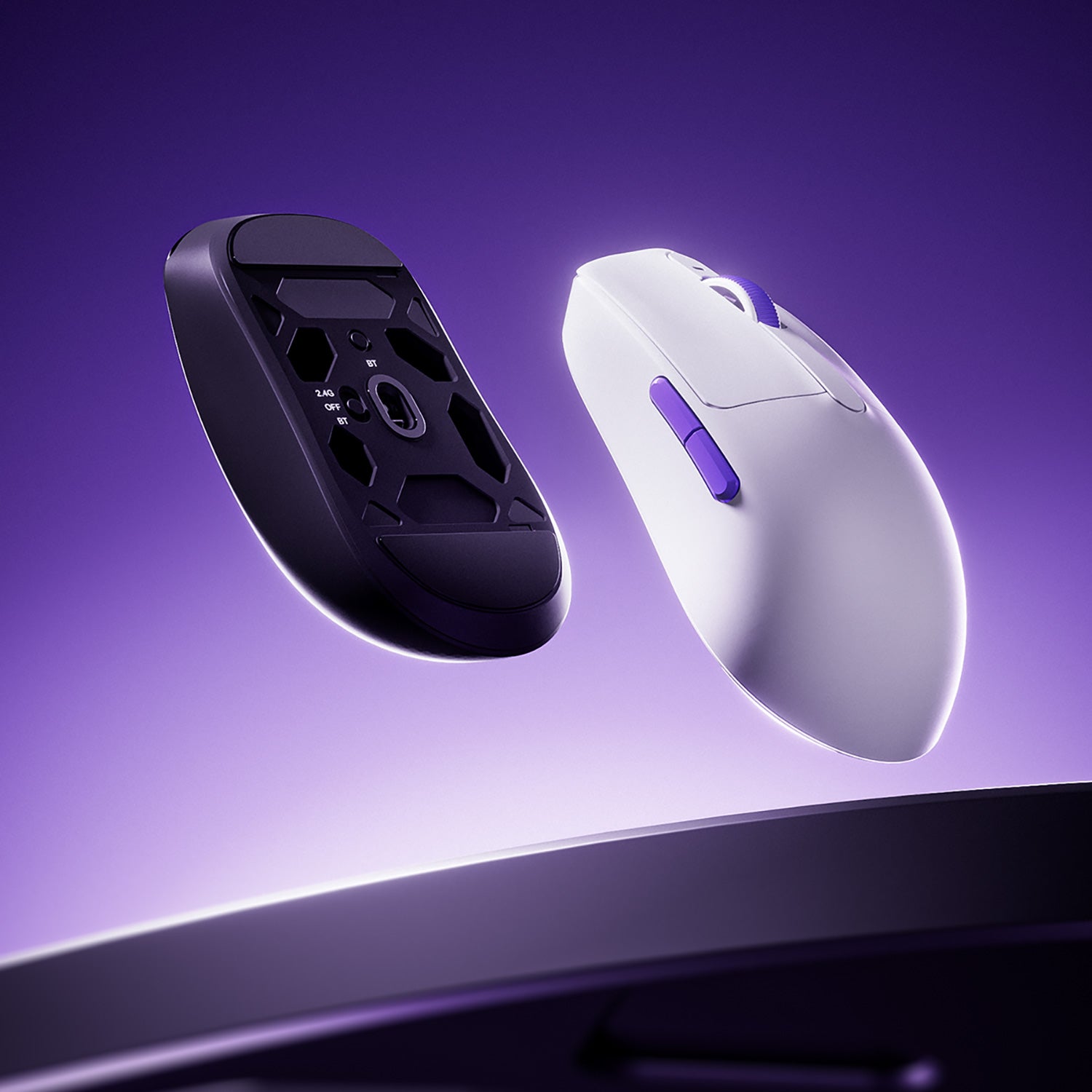





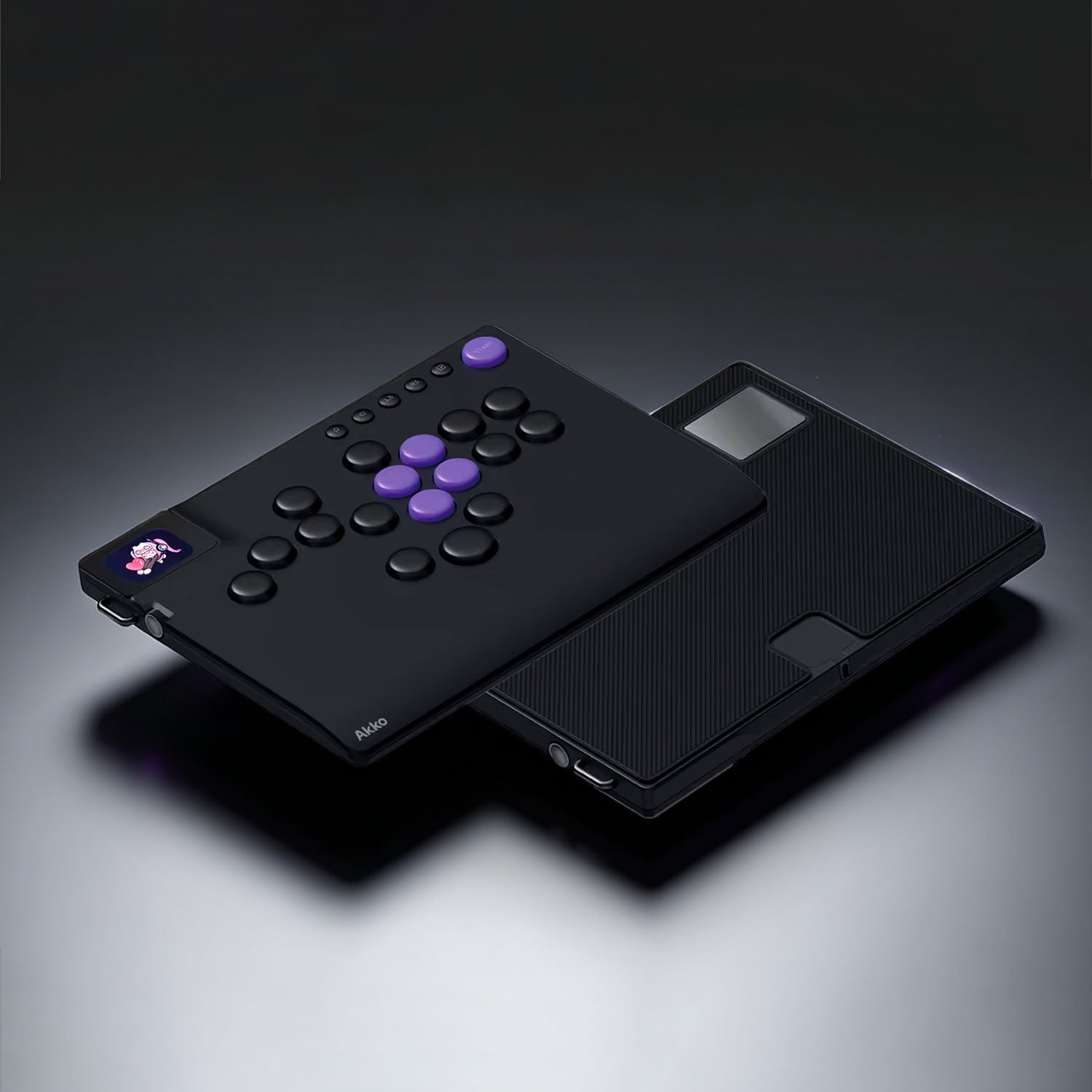


In FPS gaming, performance often comes down to milliseconds and millimeters. As the core device for players to interact with the virtual world, the mouse's design is important. In recent years, lightweight mice have become increasingly popular among FPS gamers. Today, we will delve into why lightweight mice are so important in FPS games and analyze their core advantages.
What is a Lightweight Mouse?
A Lightweight mouse is a gaming mouse specifically designed to reduce operational burden and improve movement flexibility. Generally, a mouse weighing under 70g can be called a lightweight mouse.
Common Mouse Weight Categories
- Heavy: 90g and above
- Mid-weight: 70–90g
- Lightweight: 50-70g
- Ultra-light: under 50g
The definition of a lightweight mouse has evolved as design, materials, and manufacturing technologies have improved. Not long ago, a mouse weighing around 80 g was already seen as lightweight. Today, lighter materials and smarter designs have pushed that number down.
How Mouse Weight Directly Affects FPS Performance?
At the heart of FPS gaming are precision, speed, and endurance—and the mouse directly influences all three. Among its physical characteristics, weight is one of the most critical factors. A lightweight mouse offers several advantages.
1. Faster Flick Shots and Quicker Direction Changes
A lightweight mouse enables instant cursor movement, allowing quick repositioning with just a flick of the wrist. This fast response is essential for fine-tuning headshot aim or reacting to enemies that appear without warning.
- 180°/360° turn: For 180- or even 360-degree turns, the reduced drag helps shorten movement time—an especially important advantage for low-DPI players.
- Multiple target switching: When facing multiple enemies, players need to snap the crosshair quickly from one target to another. A lightweight design reduces inertia, making these rapid stop-and-go movements faster and more efficient.
2. More Precise Micro-Adjustments and Smoother Tracking
In FPS games, aiming isn’t a single motion—it’s a continuous process of dynamic adjustments:
- Precision aiming: Holding angles with a sniper rifle in CS2 requires pixel-level fine control.
- Tracking: Staying locked onto fast-moving targets in Apex Legends or Overwatch.
- Flicking: In VALORANT, snapping the crosshair to an enemy’s expected position the moment you hear footsteps.
For these precise operations, a lightweight mouse enables:
- More precise fine-tuning: Small adjustments are easier to control, reducing the chance of overcorrection.
- Smoother aiming: With lower inertia, wrist or arm movements translate more linearly, minimizing jitter.
- More decisive movements: During fast turns, a lighter mouse accelerates and stops more quickly, landing closer to the intended target.
3. Reduced Fatigue During Extended FPS Sessions
FPS gaming often involves long sessions of repeated, high-frequency mouse movements. Over time, mouse weight contributes to physical strain—particularly in the wrist, forearm, and shoulder for low-sensitivity players.
A lightweight mouse provides:
- Longer play without fatigue: Heavy mice strain forearms and wrists during long matches. A lightweight mouse reduces this load, keeping your hands flexible and your focus sharp. Many pro players notice less soreness the next day.
- Better precision: Muscle tremors from fatigue cause heavier mice to drift. Lightweight mice, with lower inertia, stay steadier and easier to control.
- Less mental distraction: With a comfortable, responsive mouse, you can focus entirely on aiming and tactics instead of device fatigue.
4. Optimized View Turning & Information Gathering
- Proactive pre-aiming: A lightweight mouse lets you perform quick, frequent sweeps with minimal effort, spotting ambushes earlier and often giving you the first-shot advantage.
- Safer, more efficient peeking: Faster, smaller peeks reduce your exposure while letting you quickly reposition, making information gathering both safer and more effective.
5. Seamless DPI Switching Integration
Players often adjust DPI for different scenarios—high DPI for fast close-quarters movement, low DPI for precise long-range shots. A lightweight mouse ensures consistent, responsive performance at any setting, and its low inertia makes large camera movements at low DPI easier and more fluid.
Related Article: What Is Mouse DPI? A Guide to Precision
Does Lighter Always Mean Better?
The answer is not necessarily. While lightweight mice are a key trend—especially in esports—they represent a conditional optimization rather than an absolute goal.
A mouse that’s too light can be overly sensitive, with small tremors or vibrations causing cursor jumps. Users with a palm or firm grip may also feel it lacks solidity, which can hurt confidence and precision.
In addition, while reducing mouse weight offers clear advantages in FPS gaming, going lighter without proper engineering can introduce new issues — just like shell flex, Imbalanced weight distribution, and reduced sensor stability.
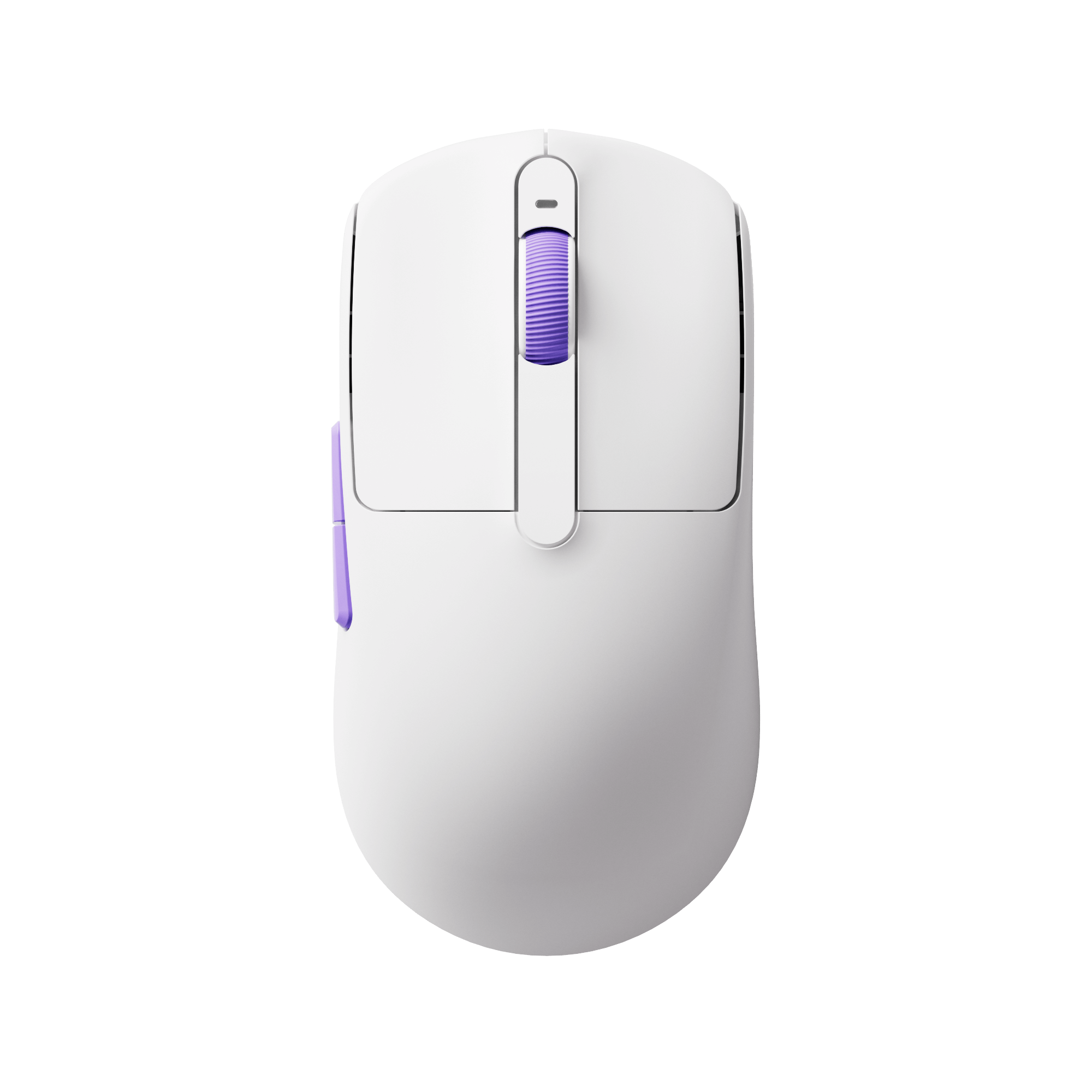
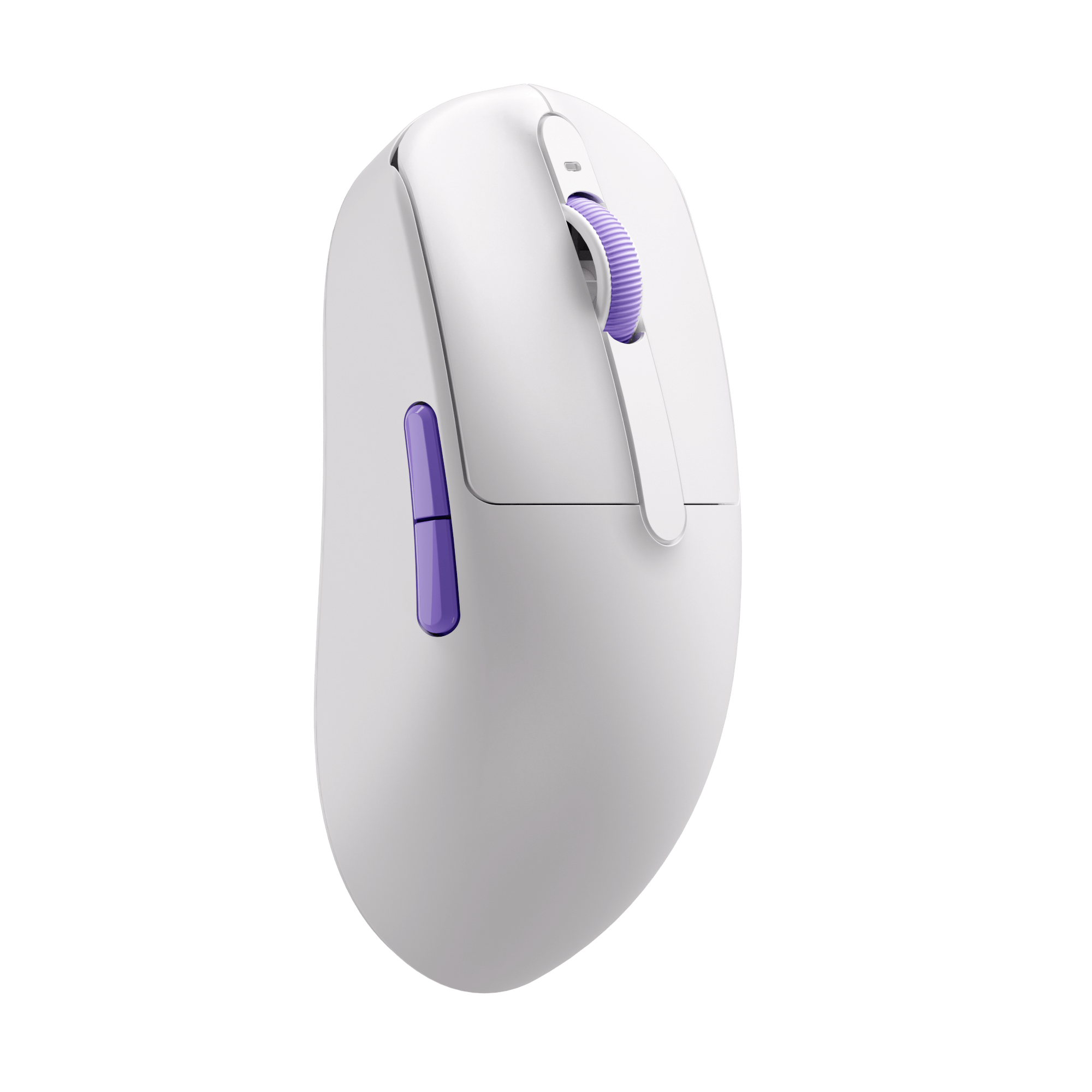
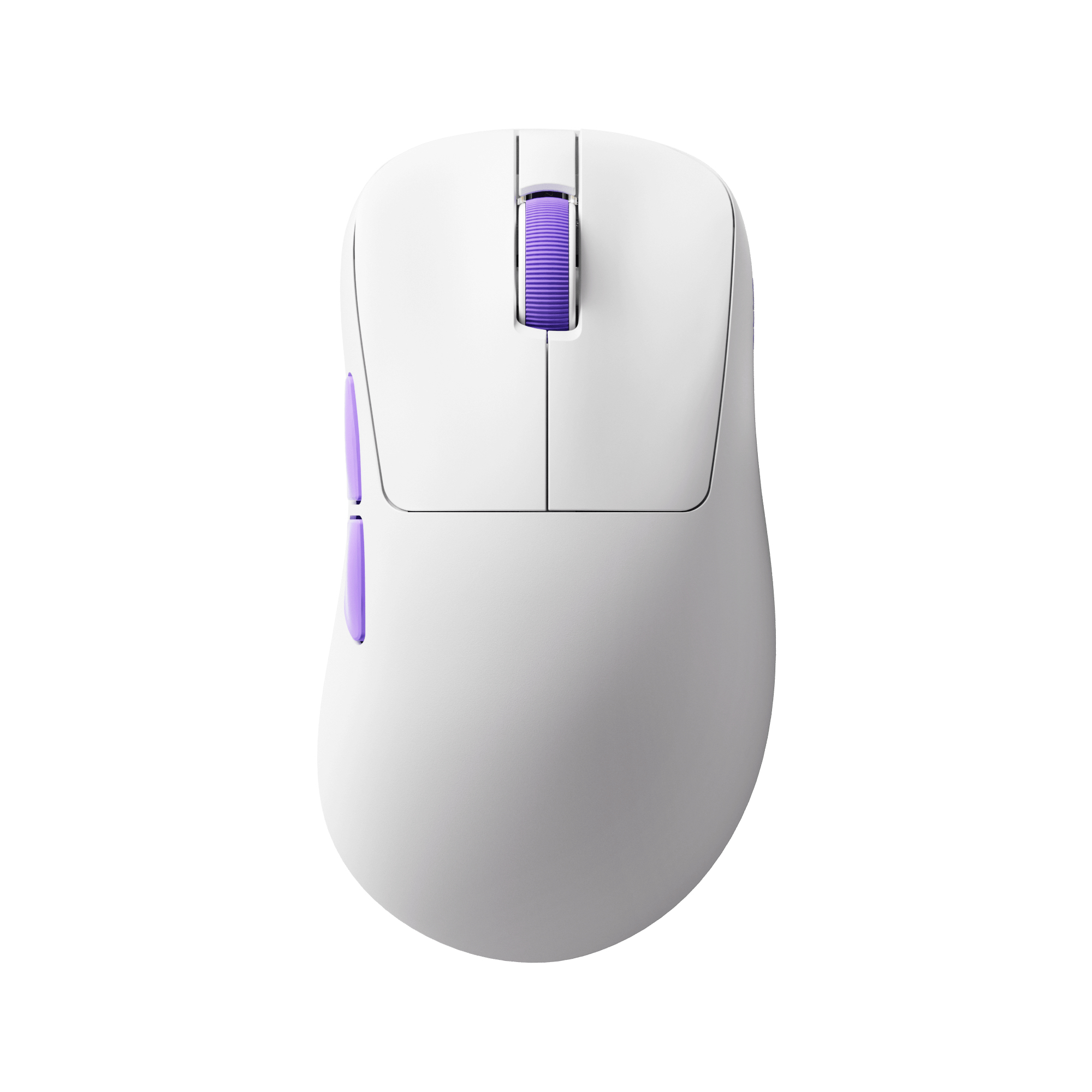
However, this doesn’t mean ultra-lightweight mice are a mistake. It means they are specialized tools. Just like the Dash gaming mouse, it is a 40g gaming mouse. Of course, a 40g gaming mouse is no longer designed for everyone, it is perfect for:
- Use a fingertip or claw grip
- Prefer fast, reactive aim styles
- Rely heavily on rapid flicks and frequent repositioning
- Want the lowest possible inertia without sacrificing responsiveness
- Small to medium hands
And the Nordic 54L15 and the PixArt PAW3950 sensor ensure a stable, high-performance, balanced weight distribution, providing better, consistent control.
For players looking to experience the advantages of ultra-lightweight FPS design in real gameplay:

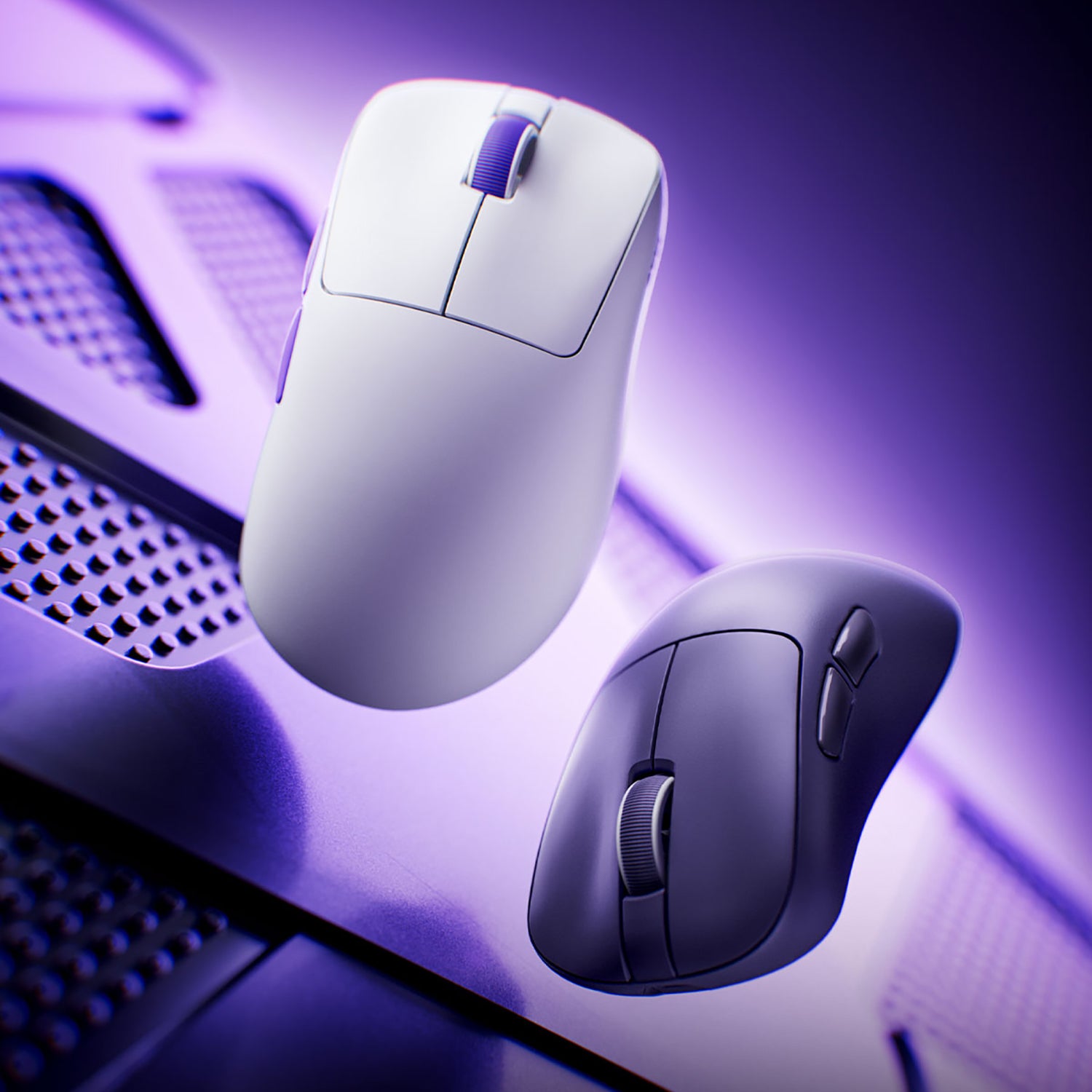
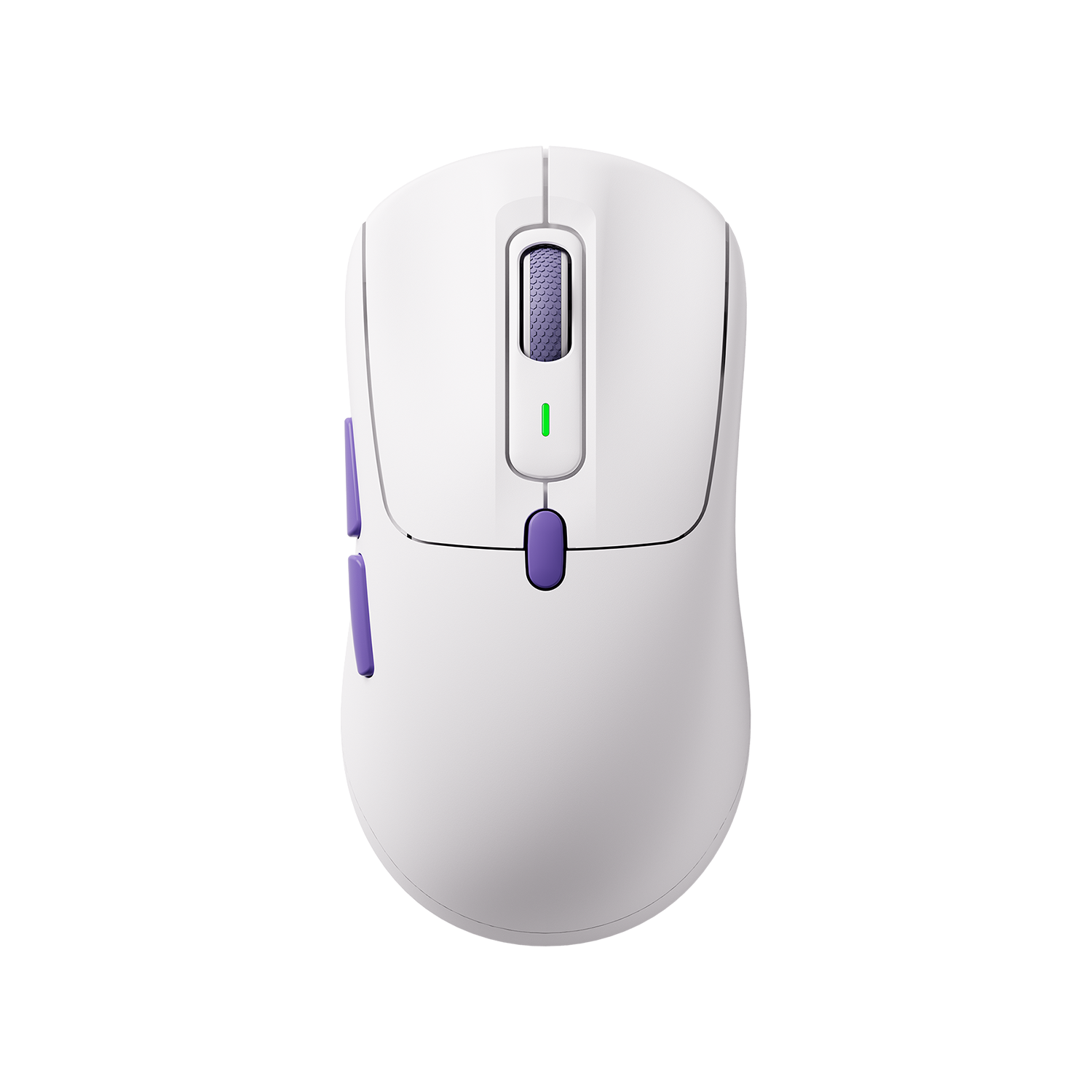
Akko Dash Gaming Mouse
- ~40g ultra-lightweight build focused on fast micro-adjustments
- High-end PAW3950 sensor with up to 8K polling rate
- Designed to balance speed and control for high-APM FPS play
How Modern Lightweight Gaming Mice Are Designed?
When evaluating a lightweight mouse, the goal isn’t to find the lightest number on paper—but to design a weight reduction that enhances control rather than compromises it. The method for the lightweight gaming mice generally
Material Innovation: Modern shells use thinner, stronger plastics or composite materials that provide the same durability as thicker shells at a lower weight. The result is a solid feel without flex or creaking.
Sensor Technology Upgrades: PixArt PAW3950 increases tracking speed by 88% and offers ultra-low latency, and reduces power consumption.
Efficient Component Layout: By optimizing the PCB, button mechanisms, scroll wheel assemblies, and battery placement, remove excess material rather than cutting corners.
Balanced Weight Distribution: A well-designed lightweight mouse doesn’t just weigh less—it feels stable. Proper weight distribution prevents a “back-heavy” or “front-heavy” feel, which is critical for precise FPS control.
How to Choose a Lightweight Mouse that Suits Your Needs?
Choosing the right lightweight mouse isn’t just picking from a list—it’s about matching hand size, grip, and play style to find your perfect fit.
1. Identify Usage Scenario and Needs
Tactical FPS (CS2, VALORANT): Focus on precise, stable positioning. Medium-weight, palm-friendly mice with good stability work best.
Fast-paced tracking FPS (Apex, Overwatch): Emphasizes large movements and quick turns. Ultra-light, low-profile, agile mice offer an advantage.
MOBA/RTS/Office Use: Involves frequent clicks and movements. Lightweight mice reduce fatigue, but extreme precision isn’t critical. A wider weight range is fine, while side-button feel and scroll comfort matter more.
2. Measure Hand Size and Determine Grip Style
You can choose the right shape by locating your hand size and your grip style.
Measure from your wrist to the tip of your middle finger—this is key for choosing the right mouse size:
- < 17 cm: Small hands → choose small to medium mice
- 17–19 cm: Medium hands → most sizes fit
- > 19 cm: Large hands → medium to large mice work best
Based on your grip style, choose the right mouse
- Palm grip: Palm rests fully on the mouse for stable control, ideal for long sessions. Works best with medium to large mice with a higher back.
- Claw grip: Palm heel touches the mouse while fingers arch, balancing stability and flexibility. Requires some back support.
- Fingertip grip: Only fingertips and sides of the thumb/ring finger touch the mouse, offering maximum agility. Best for small to medium, low-back, symmetrical mice.

Related Article: Claw Grip vs Palm Grip vs Tip Grip: Which is the Best for You?
3. Clarify Performance Priorities
Sensor: No need to overthink it, just make sure it's a current flagship-level sensor, such as the PixArt PAW3950 or 3395.
Polling rate: 4K-8KHz is recommended for esports needs, and 1K-2KHz is sufficient for general users to balance battery life.
Microswitches and scroll wheel: Optical microswitches offer lower latency, and a Kailh custom scroll wheel with anti-slip texture improves control precision.
4. Balance Weight with Battery Life
Besides weight, factors like wired or wireless connection and battery life should also be considered to find a mouse that truly suits your gaming style.
5. In‑depth Reviews and Real‑World Testing
Watch detailed comparison videos that cover multiple mice and how they feel with different grips.
Try the mouse yourself, paying attention to comfort, smoothness in play, and how quickly your muscle memory adapts.
Final
In FPS gaming, improvement often comes from stacking small advantages. Mouse weight may seem like a minor detail, but its influence is constant—affecting every flick, every correction, and every tracking movement. Lightweight mice aren’t just about reducing weight—they combine materials, ergonomics, and smart design. For gamers seeking peak performance, choosing the right lightweight mouse can be the quickest path to a competitive edge.






Laisser un commentaire
Tous les commentaires sont modérés avant d'être publiés.
Ce site est protégé par hCaptcha, et la Politique de confidentialité et les Conditions de service de hCaptcha s’appliquent.