





CPS Test
How fast can you click? Challenge yourself.
Test History
| # | Clicks | CPS | Duration |
|---|
How to Use the CPS Test
Choose a Duration
Select 1s, 5s, 10s, or 15s depending on whether you want a burst or endurance test.
Click to Start
Hit the big button to begin. The timer starts the moment you click — no countdown.
Click Like Crazy
Keep clicking as fast as you can until time runs out. Your CPS and CPM update in real time.
See Your Score
Get your final CPS score and a performance rating. Your personal best is highlighted in red.
Beat Your Record
Hit "New Test" and try to improve. Share your score with friends using the Copy button.




What is CPS Test?
A Mouse CPS Test (Clicks Per Second Test) measures how fast you can click your mouse within a given time period.
It records every mouse click and calculates your clicking speed in clicks per second (CPS).
This test is commonly used to evaluate mouse clicking speed, reaction ability, and performance in competitive gaming such as Minecraft PvP and FPS games.
How We Calculate Mouse CPS?
Akko CPS Test tool records your mouse clicks during a selected time period and calculates CPS using the formula:
Total Clicks ÷ Time (seconds) = CPS
Your result reflects both clicking speed and consistency, especially under fast clicking conditions.
What Affects Your Mouse CPS?
Mouse hardware
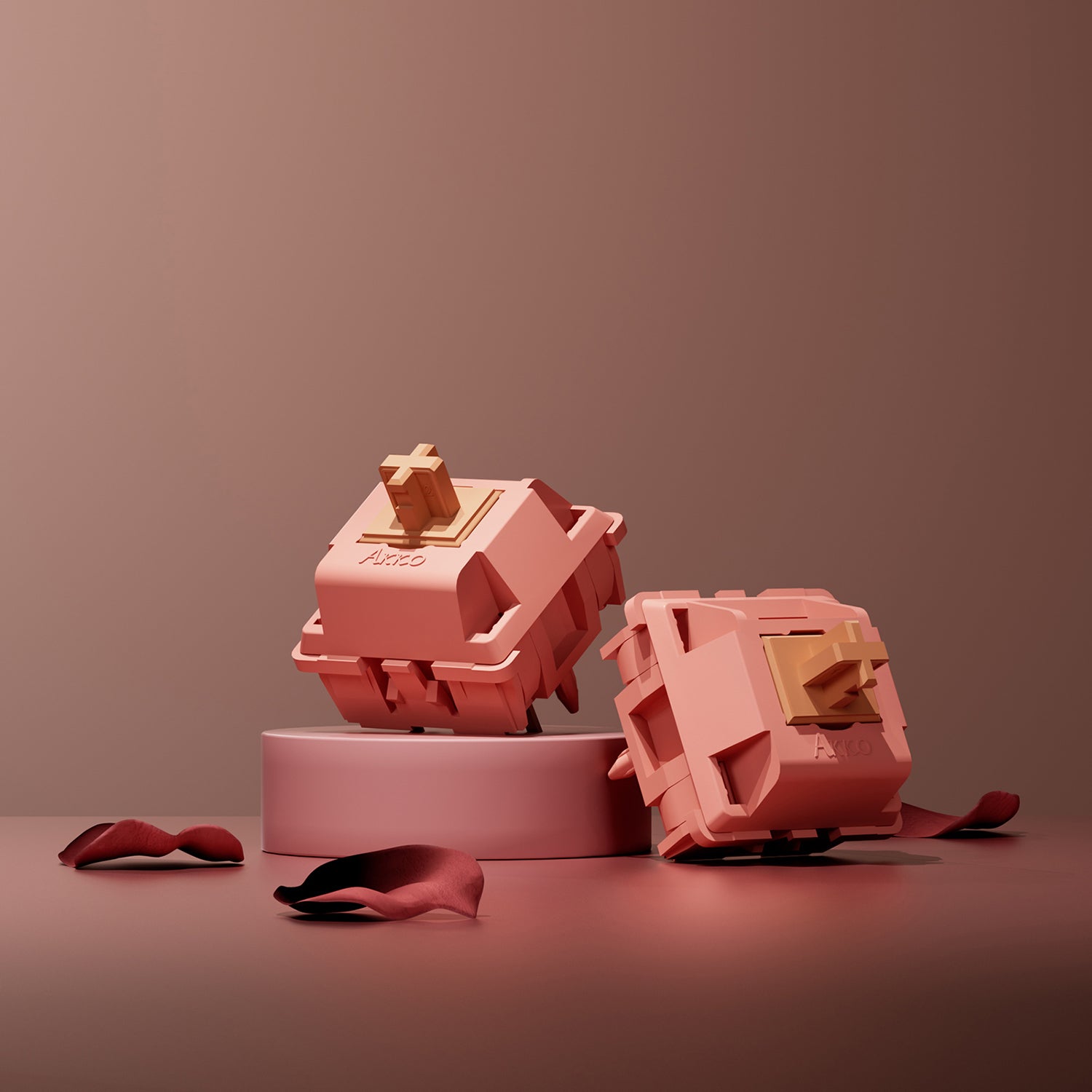
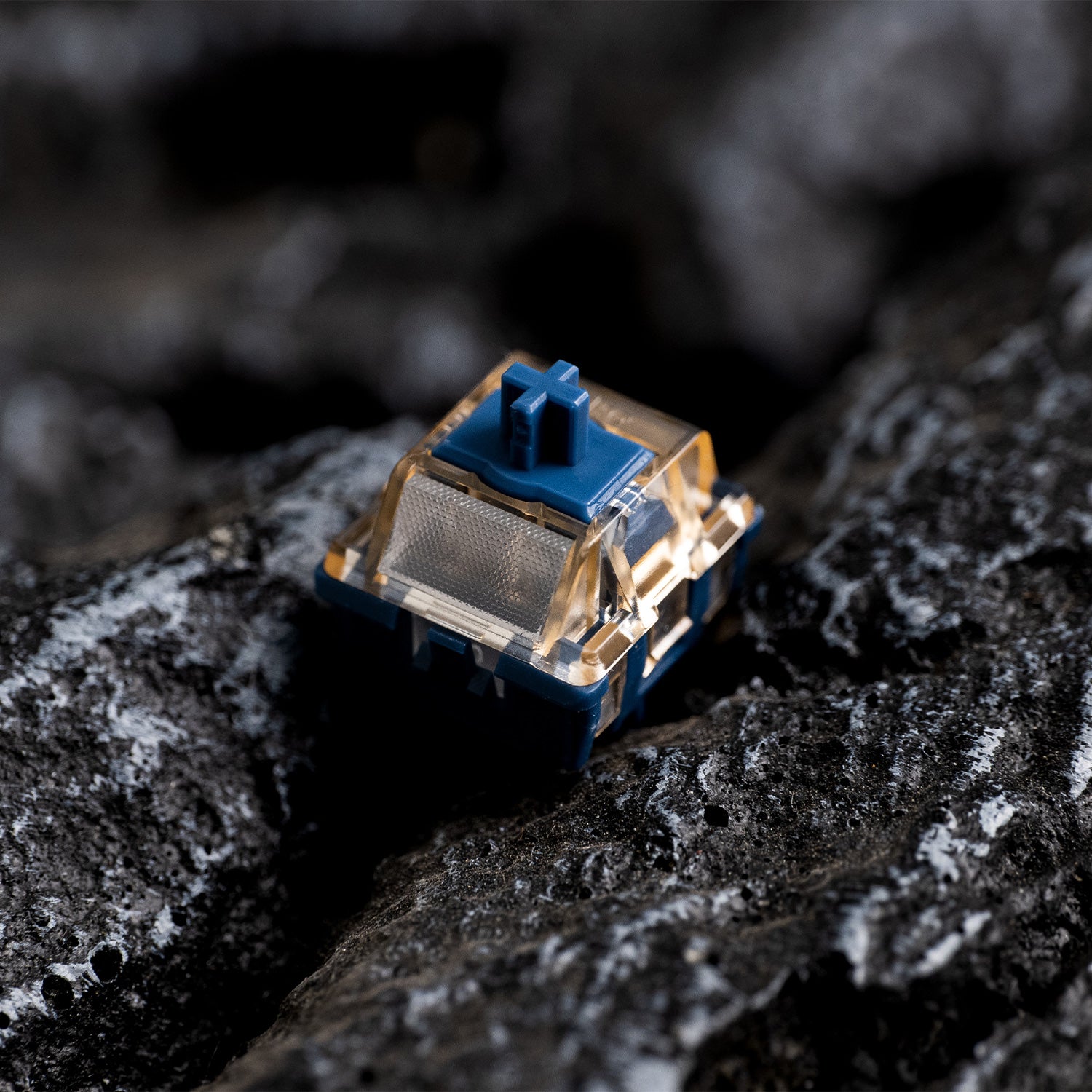
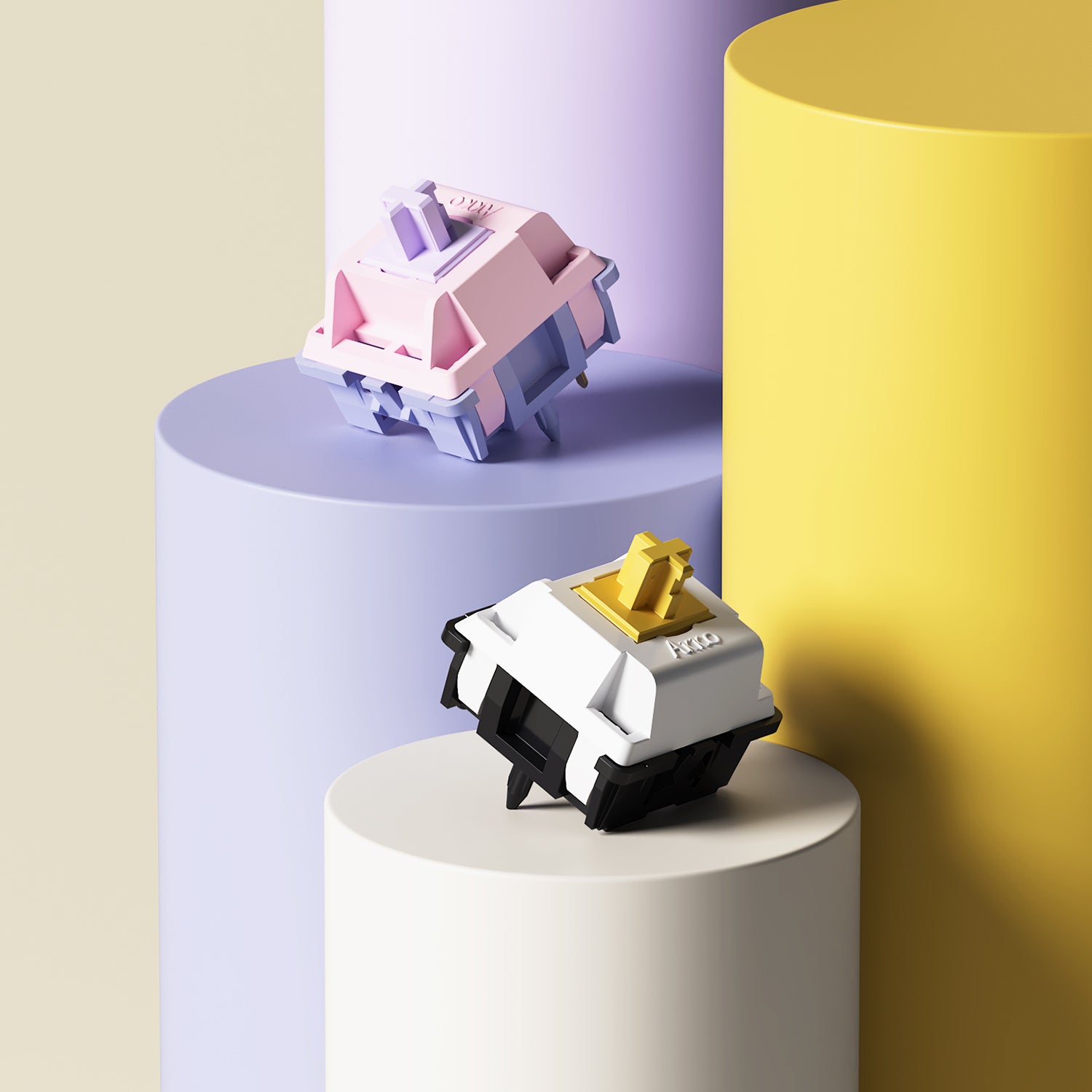
Switch type and response time directly affect clicking speed and stability.
Clicking technique
Jitter, butterfly, and drag clicking methods can significantly increase CPS.
Hand control
Fatigue, grip style, and muscle tension influence consistency.
Practice level
Regular training improves speed, rhythm, and endurance.
Popular Clicking Techniques
Jitter Clicking
Jitter clicking uses rapid muscle vibration in your hand and arm to trigger very fast mouse clicks. It can significantly increase CPS, but requires control to avoid losing accuracy.
Butterfly Clicking
Butterfly clicking alternates between two fingers on the mouse button to double clicking speed. It is widely used in Minecraft PvP for achieving high CPS in short bursts.
Drag Clicking
Drag clicking creates friction between your finger and the mouse surface to generate multiple rapid clicks. It can achieve extremely high CPS, depending on mouse surface and build quality.
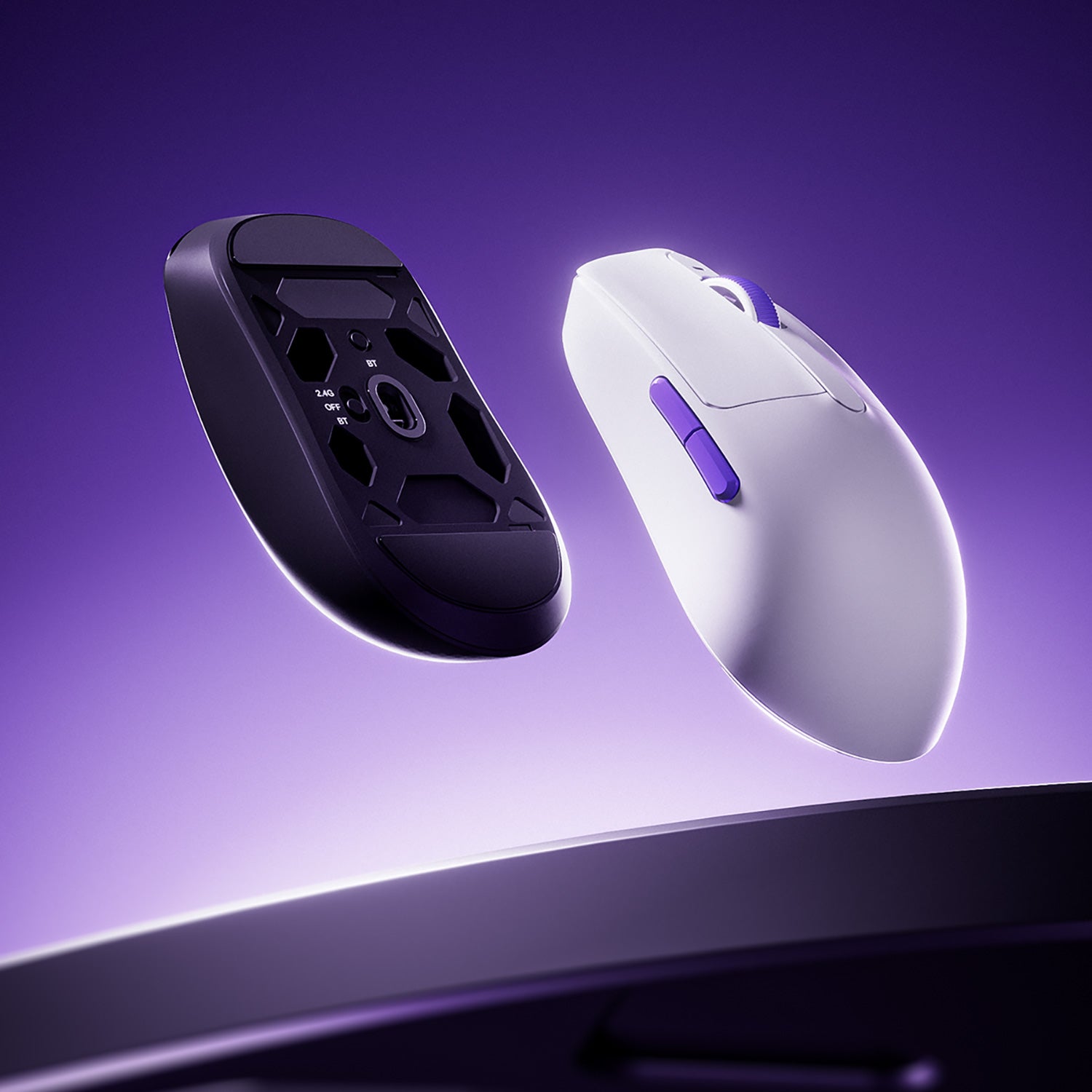
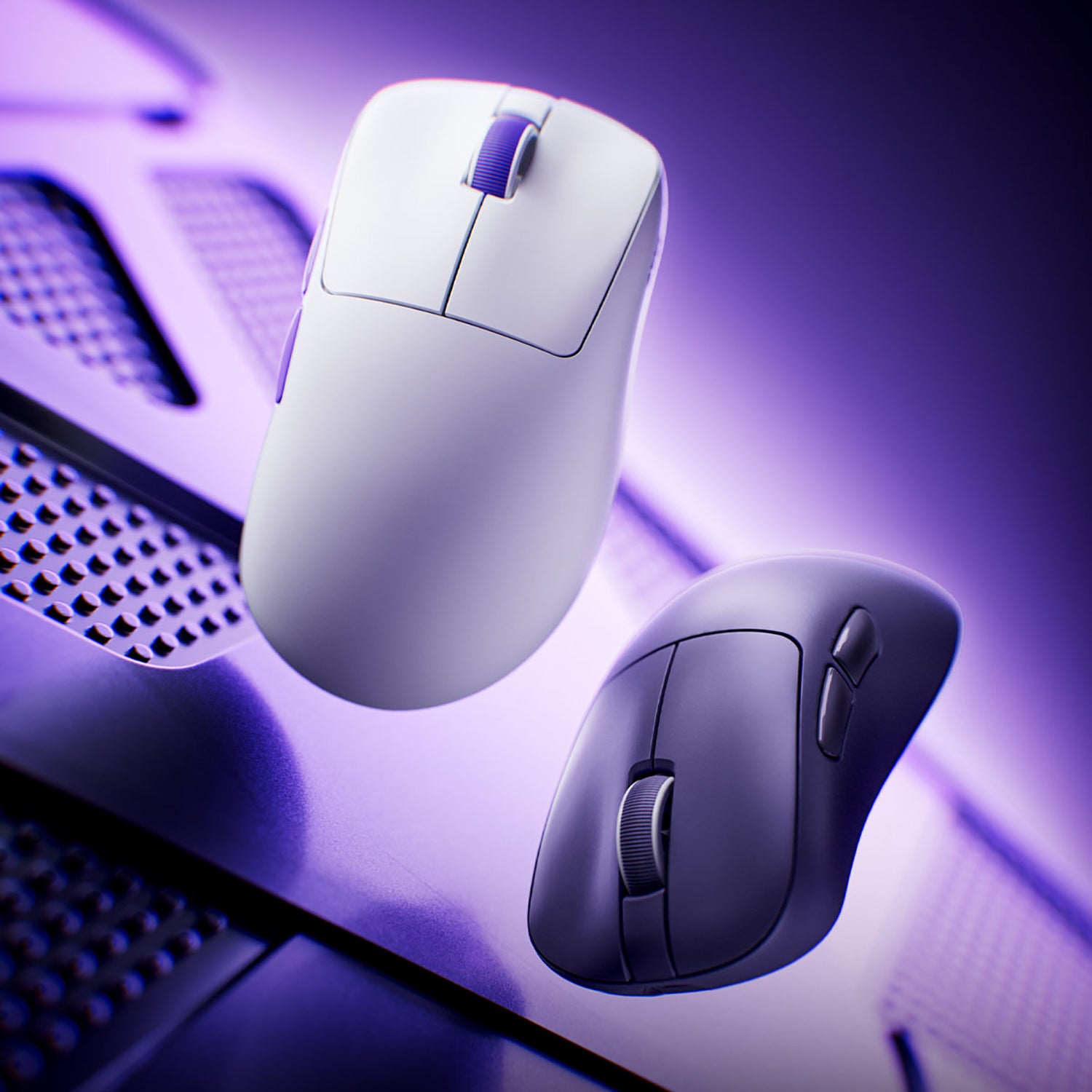
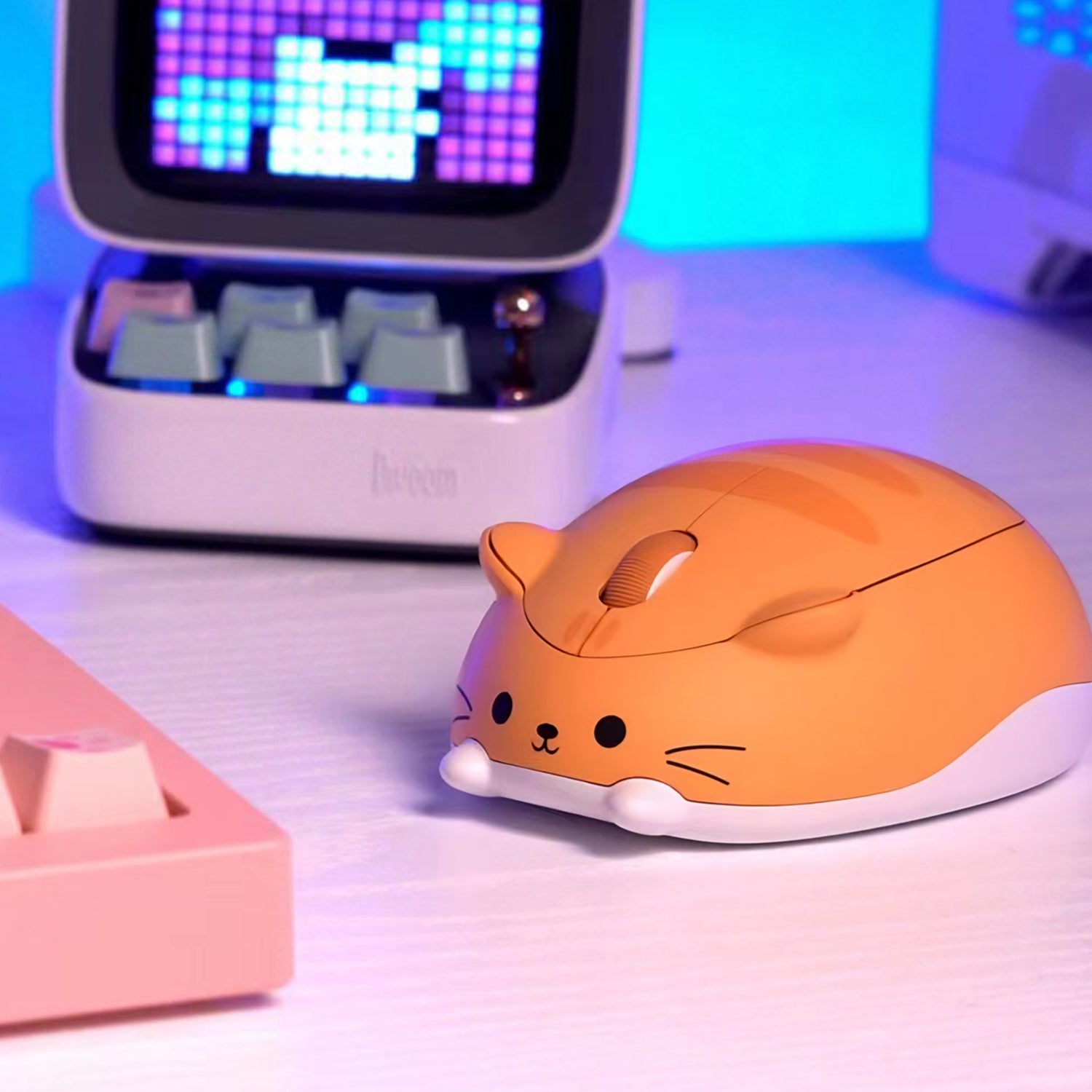
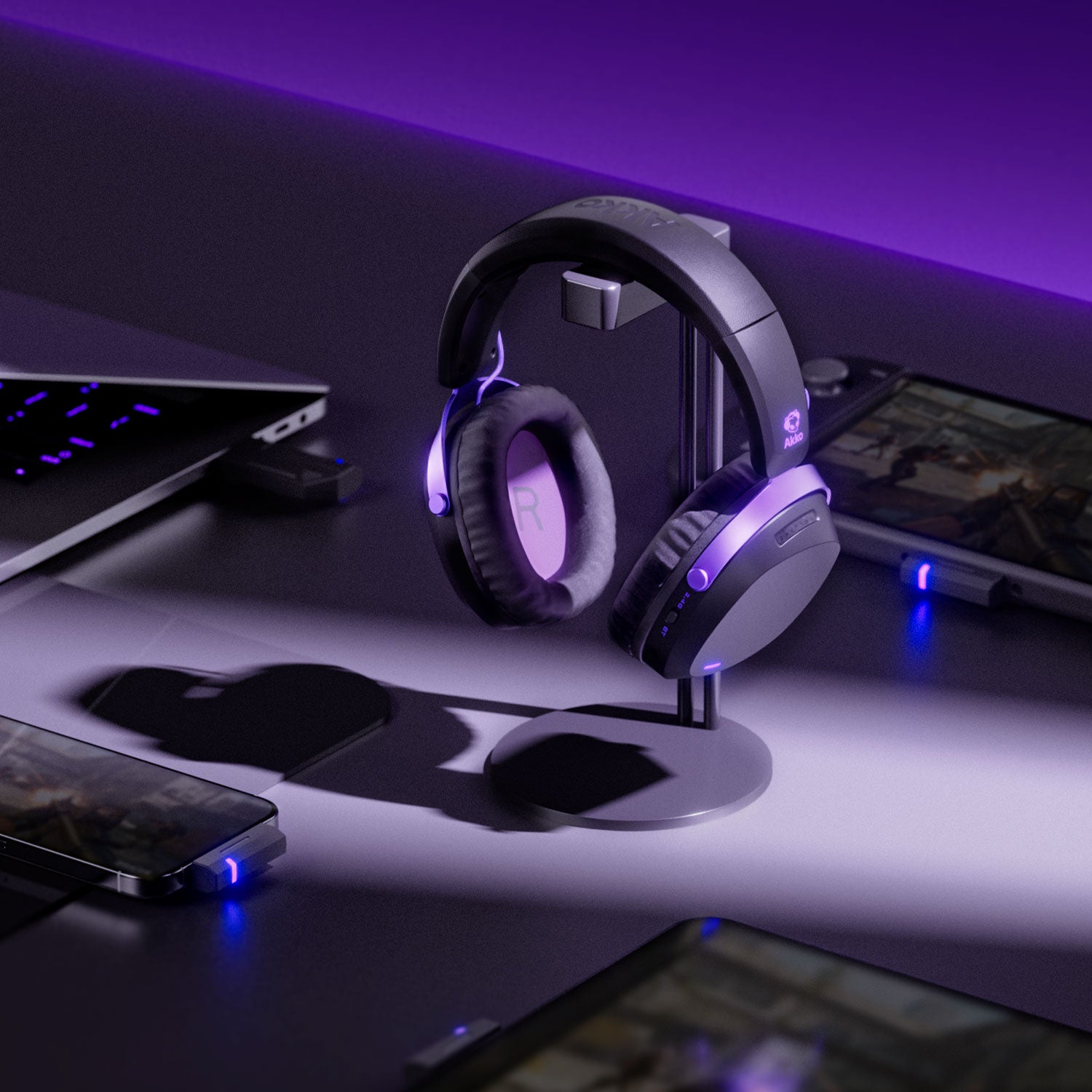
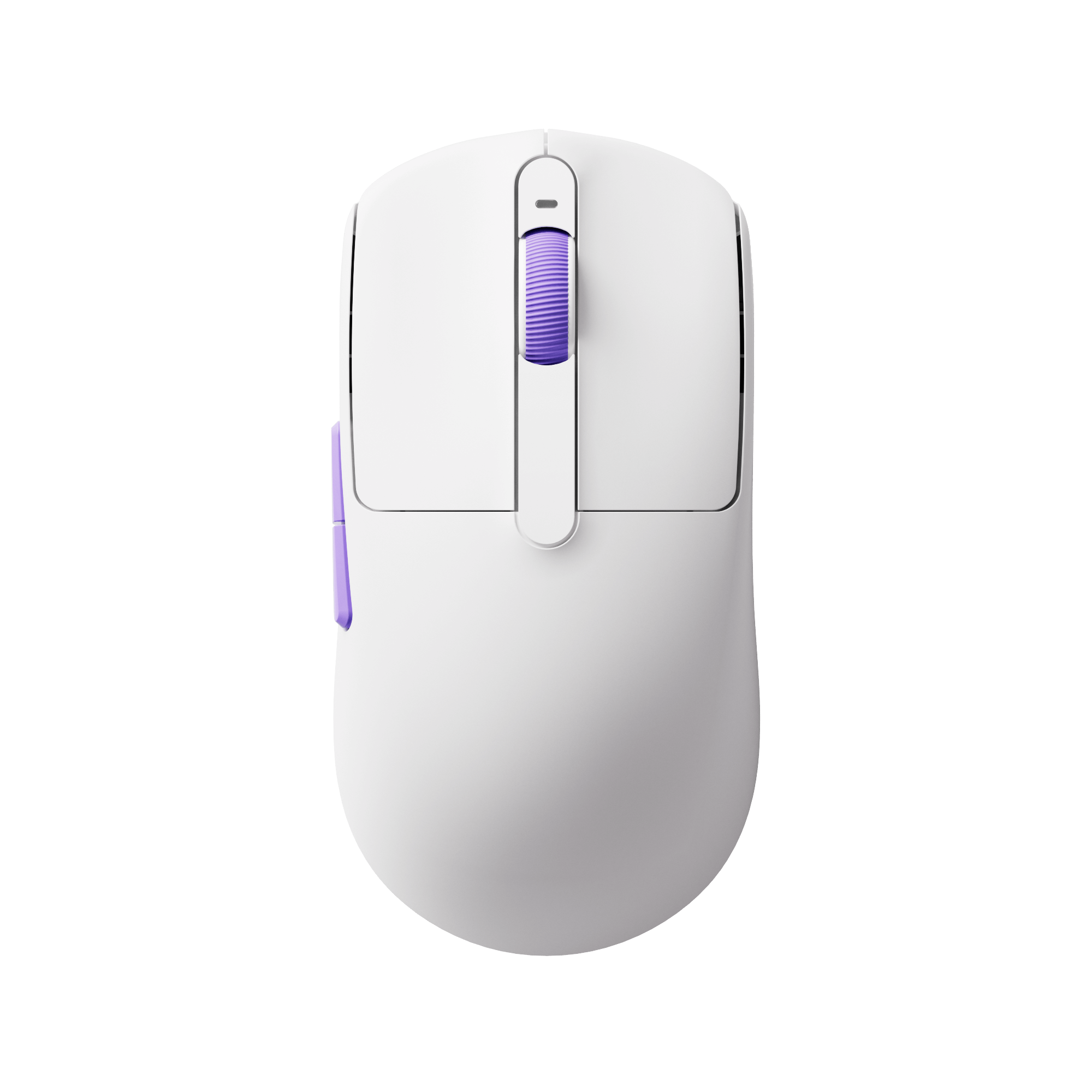
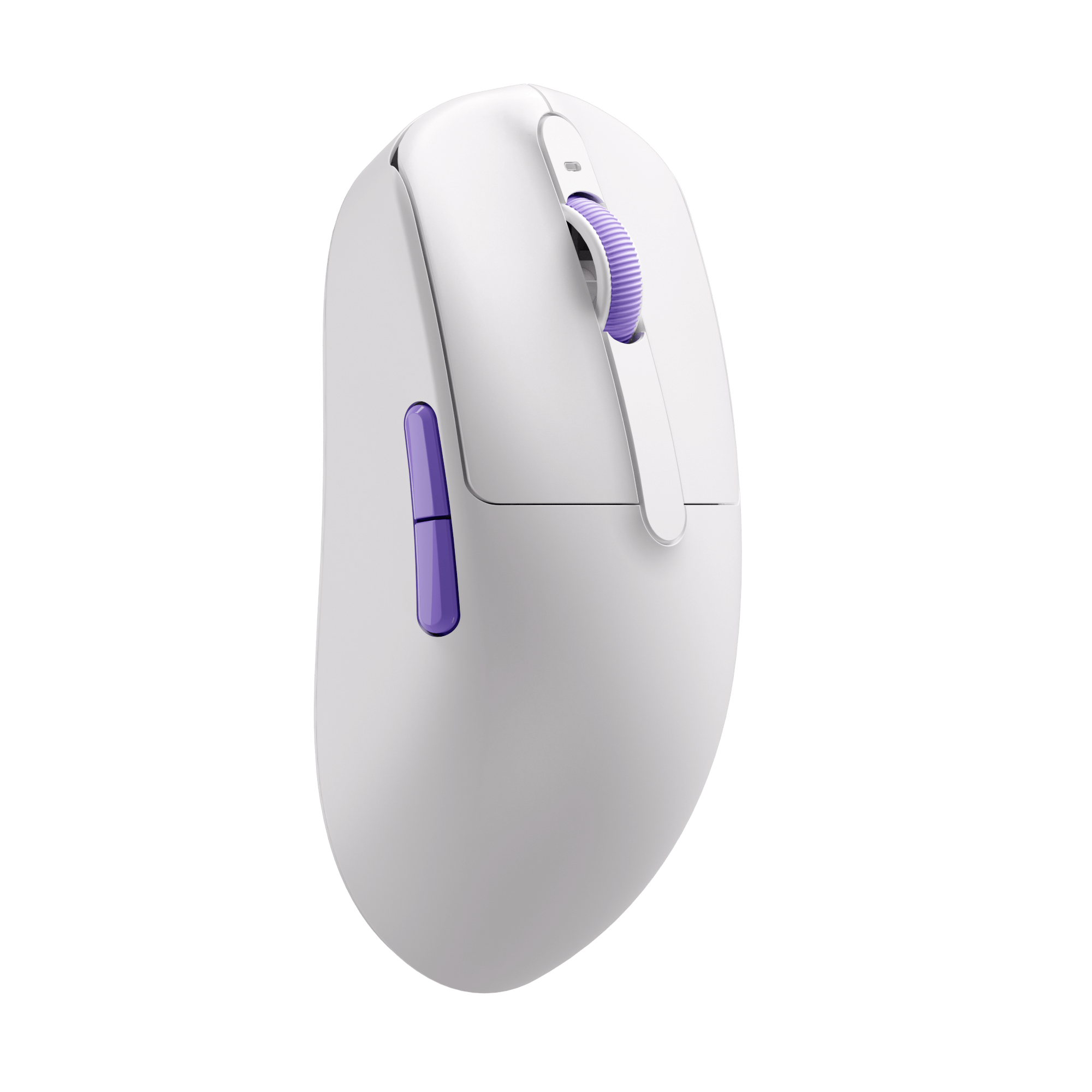
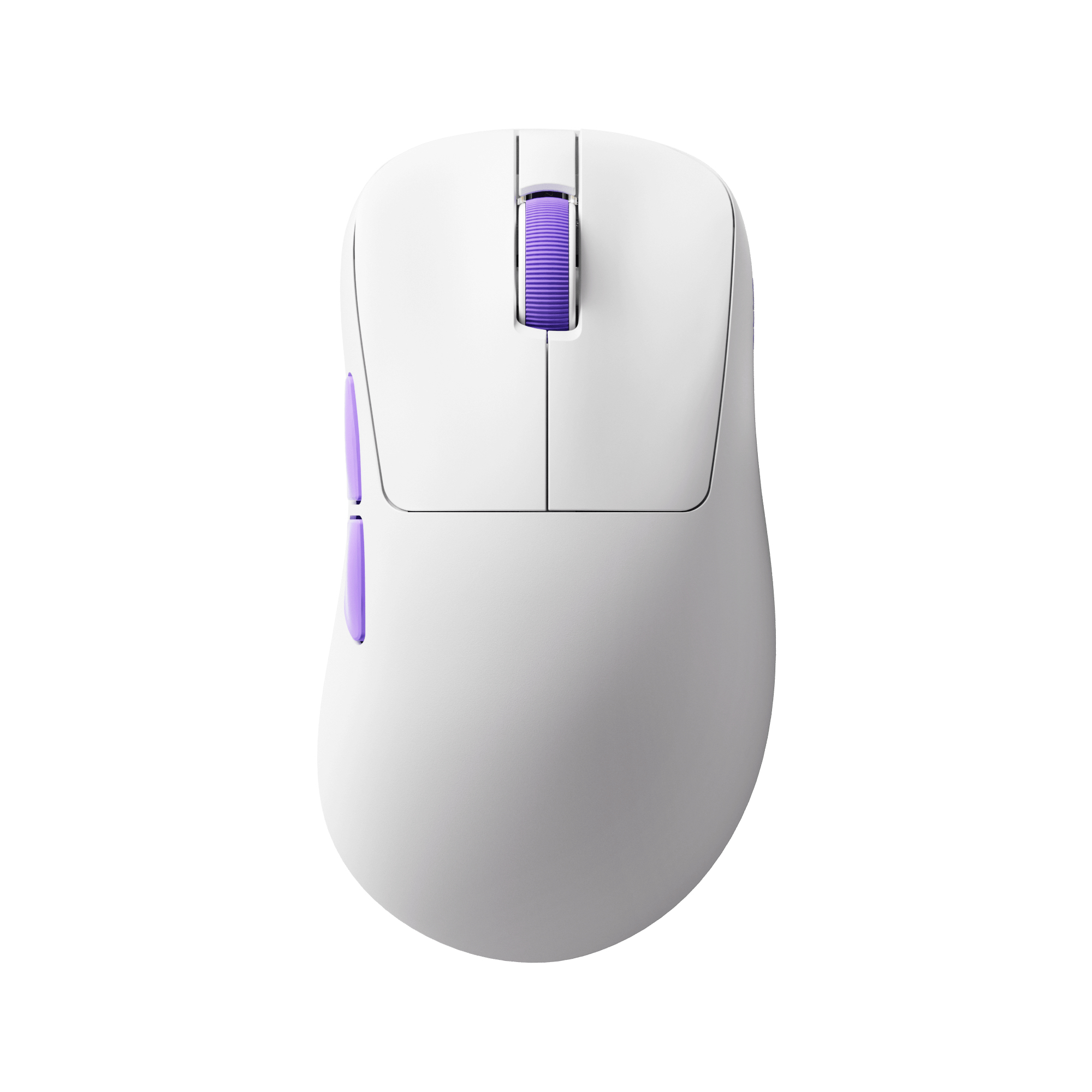
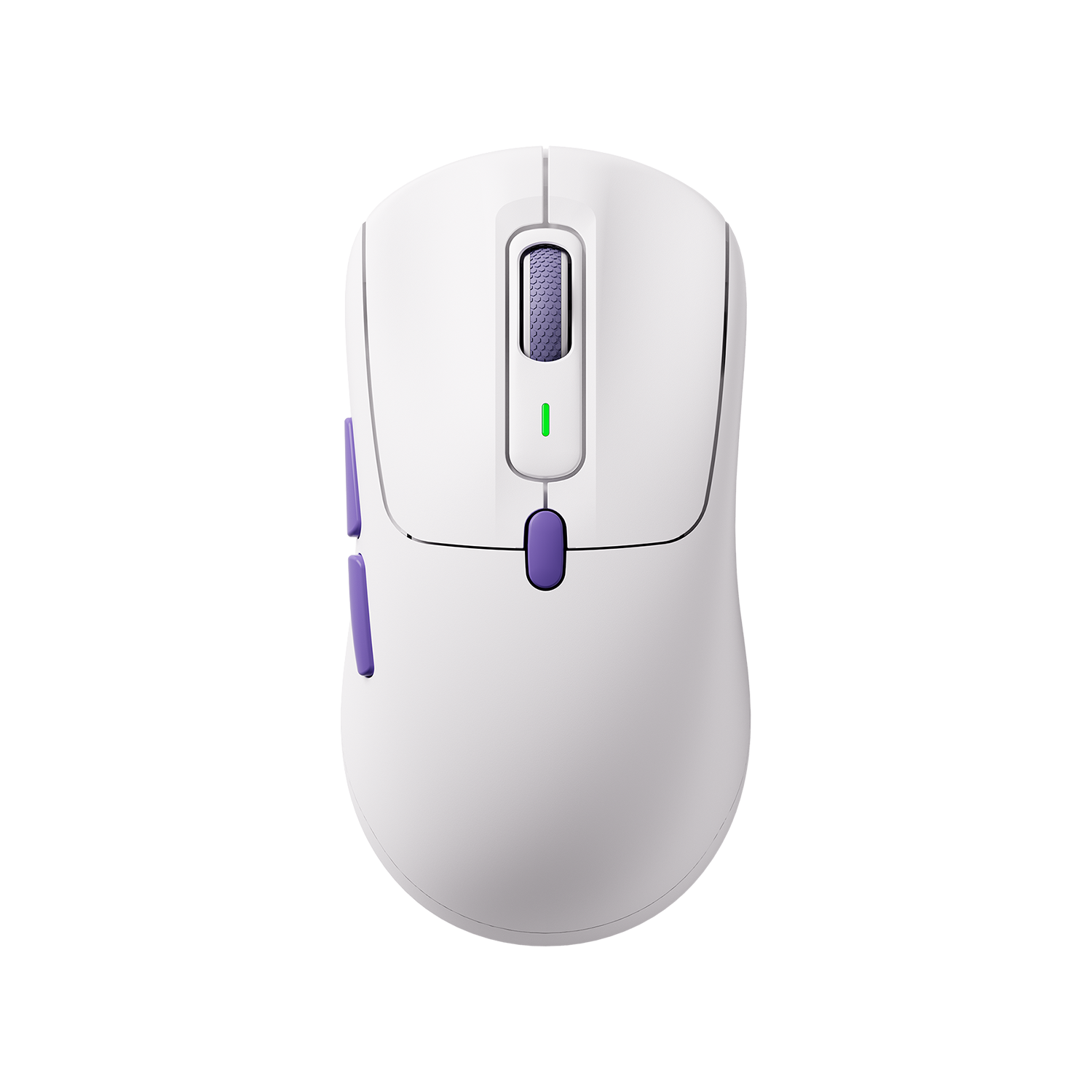
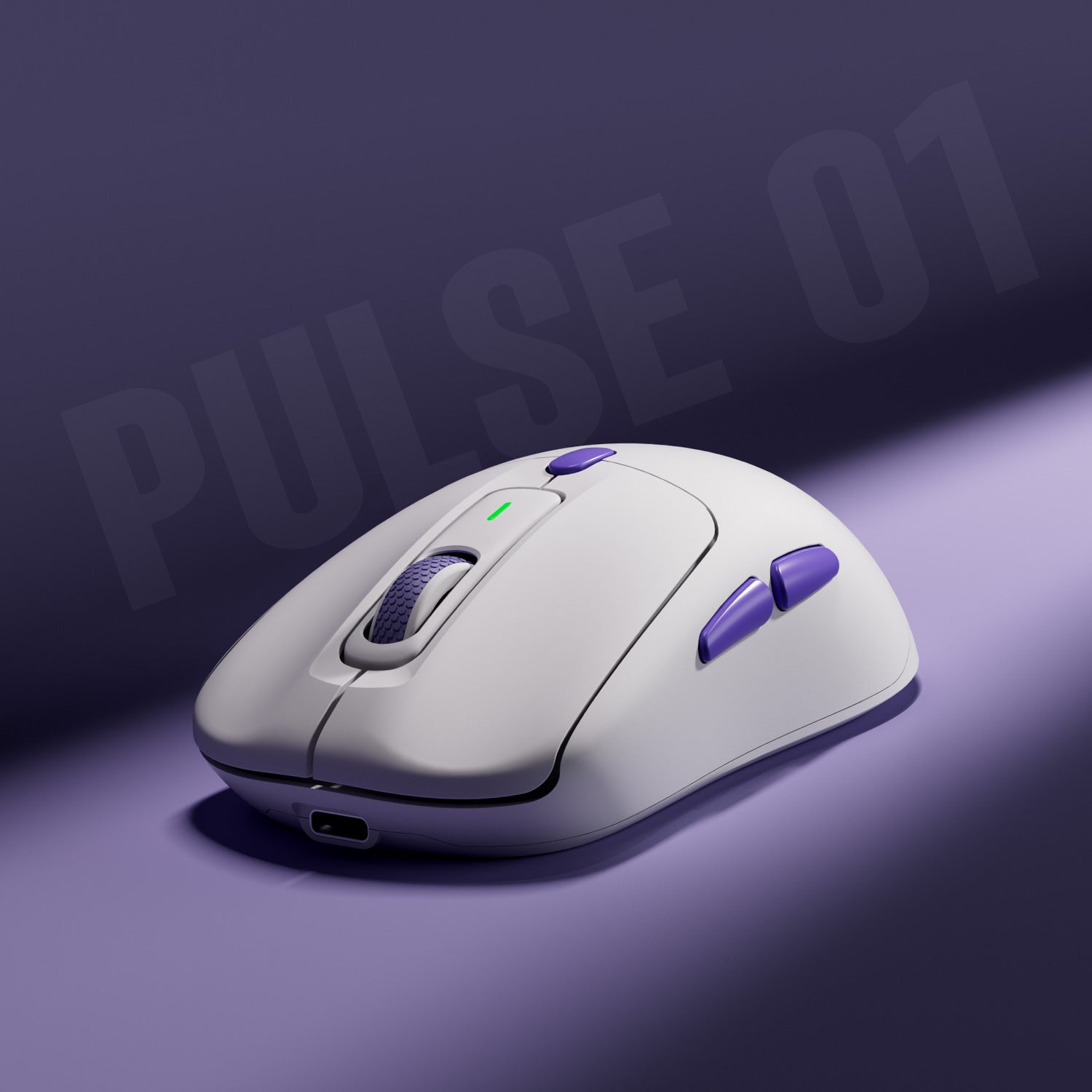
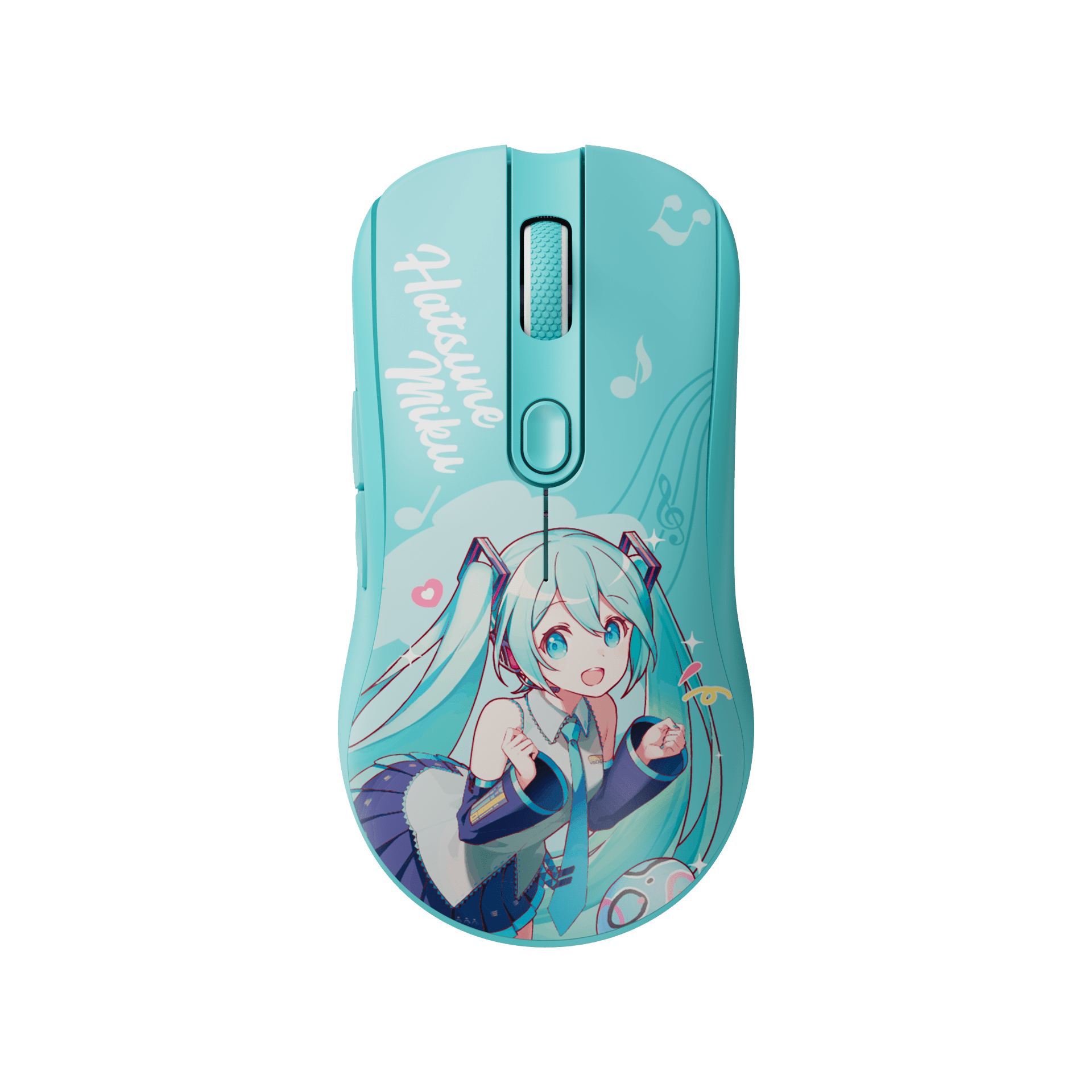
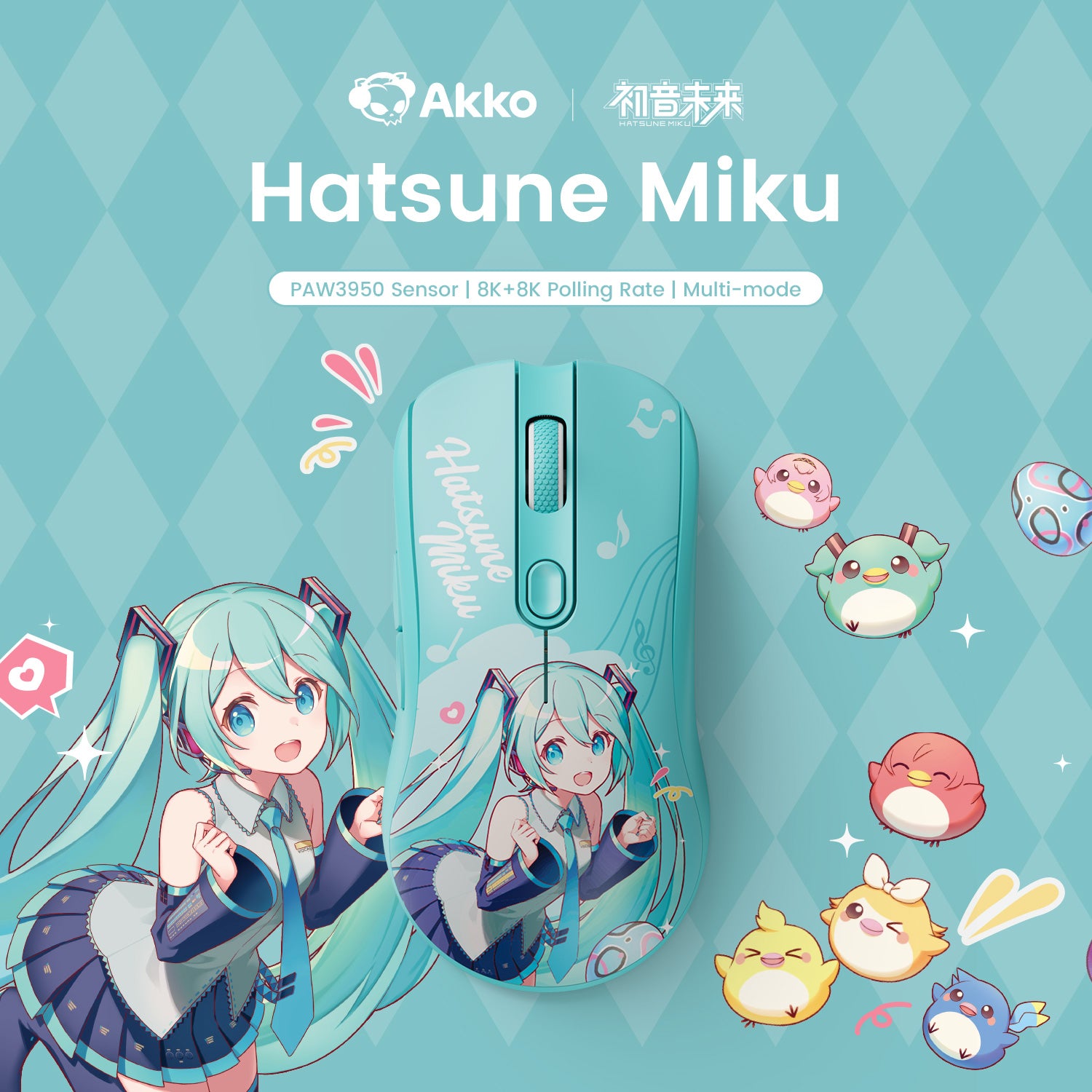
Recommended Mouse Gear for Higher CPS


FAQ – Mouse CPS Test
What is a good CPS score in the CPS test?
A good CPS score depends on skill level. Most average users achieve 5–7 CPS, while advanced players can reach 8–12 CPS. Competitive gamers may exceed 12 CPS using advanced clicking techniques.
How to improve your CPS score?
You can improve your CPS by practicing regularly, using a lightweight gaming mouse, and optimizing your grip style. Advanced techniques such as jitter clicking, butterfly clicking, and drag clicking can also significantly increase CPS.
What is the world record for most clicks per second?
There is no official standardized world record for CPS, but extremely skilled users using advanced techniques can exceed 20+ CPS in short bursts. Results vary depending on mouse type, technique, and test duration.
Does mouse affect CPS results?
Yes, mouse hardware plays a major role in CPS performance. Lightweight mice with fast, responsive switches can significantly improve clicking speed and consistency.
What is the average CPS for normal users?
The average CPS for most users is around 5–7 clicks per second. Beginners may be lower, while trained gamers often achieve higher results.
Is higher CPS always better in gaming?
Not always. While higher CPS can help in PvP combat and fast-clicking scenarios, overall gaming performance also depends on aim, strategy, and reaction time.