






Keyboard Polling Rate Test
This test estimates keyboard input timing using browser events. Results may differ from the actual hardware polling rate, especially for high-performance keyboards (1000Hz+ and above).
⚡ Test Method (Pro Recommended)
📊 Polling Rate Timeline (Hz over time)
📊 Frequency Distribution Histogram (stability insight)
How to Use
Click Start Test to begin the 10-second measurement. The test will automatically end after the timer finishes.
In Pro mode: rapidly alternate A and S keys. In Simple mode: tap a single key quickly. Do NOT hold keys down.
View average, peak, minimum rate and stability. A stable flat line means excellent performance.




What is Keyboard Polling Rate?
Keyboard polling rate refers to how often your keyboard sends input data to your computer every second. It is measured in Hertz (Hz).
For example:
- 125Hz = reports every 8ms
- 1000Hz = reports every 1ms
- 4000Hz = reports every 0.25ms
- 8000Hz = reports every 0.125ms
A higher polling rate can reduce input latency and improve responsiveness, especially for competitive gaming and rapid typing scenarios.
125Hz vs 1000Hz vs 4000Hz vs 8000Hz
125Hz
8ms Response Interval
Common on standard office keyboards. Suitable for daily typing and office use, but input latency can become noticeable during fast-paced gaming.
- Lower CPU usage
- Basic responsiveness
- Not ideal for competitive gaming
1000Hz
1ms Response Interval
The standard polling rate for most modern gaming keyboards. Offers excellent responsiveness and stable low-latency performance.
- Great gaming experience
- Low input delay
- Best balance for most users
4000Hz
0.25ms Response Interval
Designed for competitive gaming and fast input scenarios. Provides more frequent input updates and improved consistency.
- Faster input reporting
- Lower latency spikes
- Higher CPU demand
8000Hz
0.125ms Response Interval
Ultra-high polling rate for esports and enthusiast setups. Delivers extremely fast communication between keyboard and PC.
- Maximum responsiveness
- Ultra-low latency
- Best for high-end gaming setups
Is Higher Polling Rate Always Better?
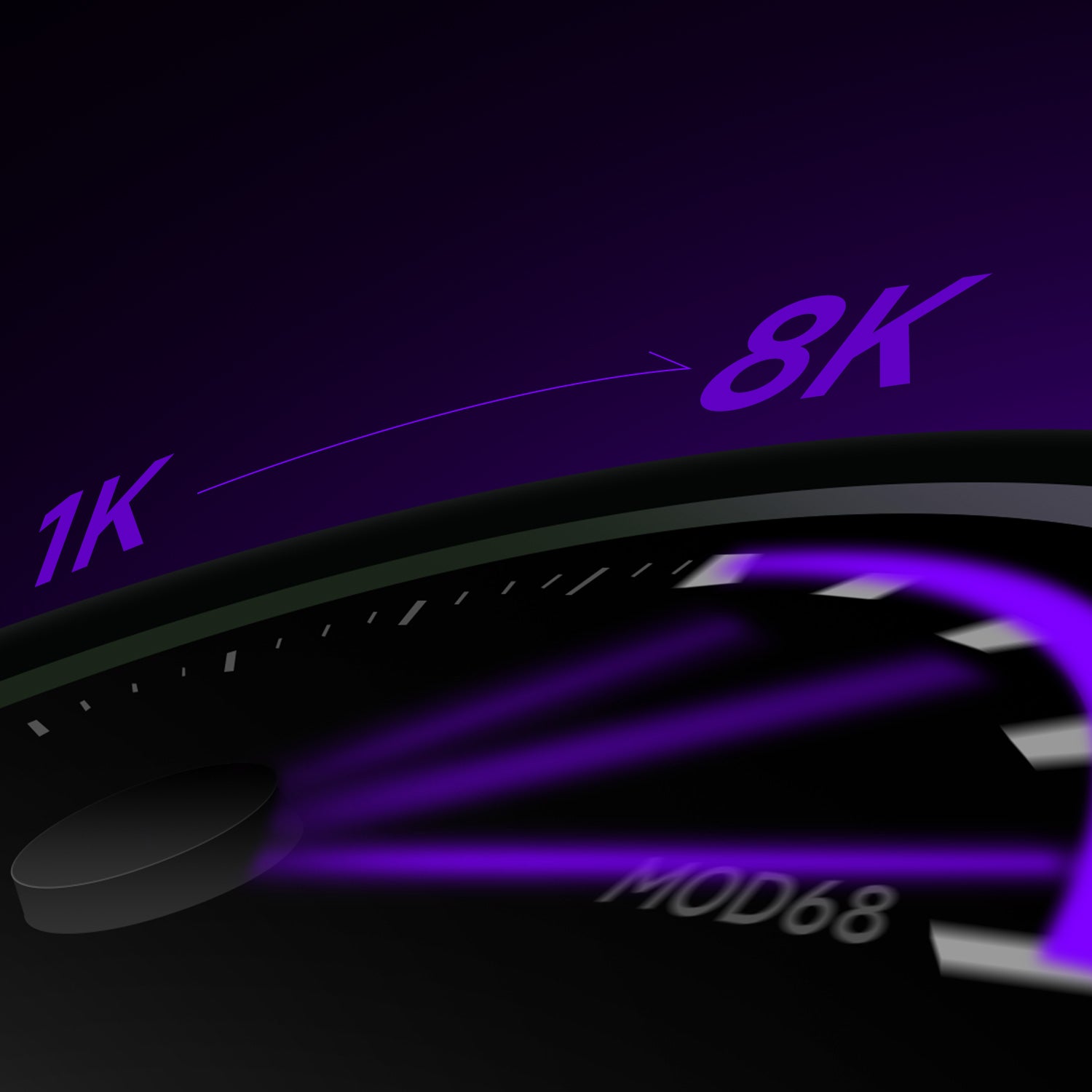
Not always. While higher polling rates reduce theoretical latency, the real-world improvement becomes smaller as polling rates increase.
For example:
- 125Hz → 1000Hz produces a major improvement
- 1000Hz → 4000Hz provides smaller gains
- 4000Hz → 8000Hz offers very subtle differences for most users
Other factors often have a larger impact on responsiveness, including: Keyboard scan rate, Switch technology, Debounce algorithm, Game engine optimization, System latency, Display refresh rate
For most gamers, 1000Hz is already excellent. Higher polling rates mainly benefit competitive players seeking the lowest possible latency and the most consistent input performance.
Does Polling Rate Matter for Gaming?
Higher polling rates can improve input consistency and reduce delay between your keypress and on-screen action. This is especially beneficial for:
- FPS games
- Rhythm games
- Competitive esports
- Fast reaction gameplay
While 1000Hz is already considered excellent for most users, some competitive players prefer 4000Hz or 8000Hz keyboards for lower latency and smoother input reporting.
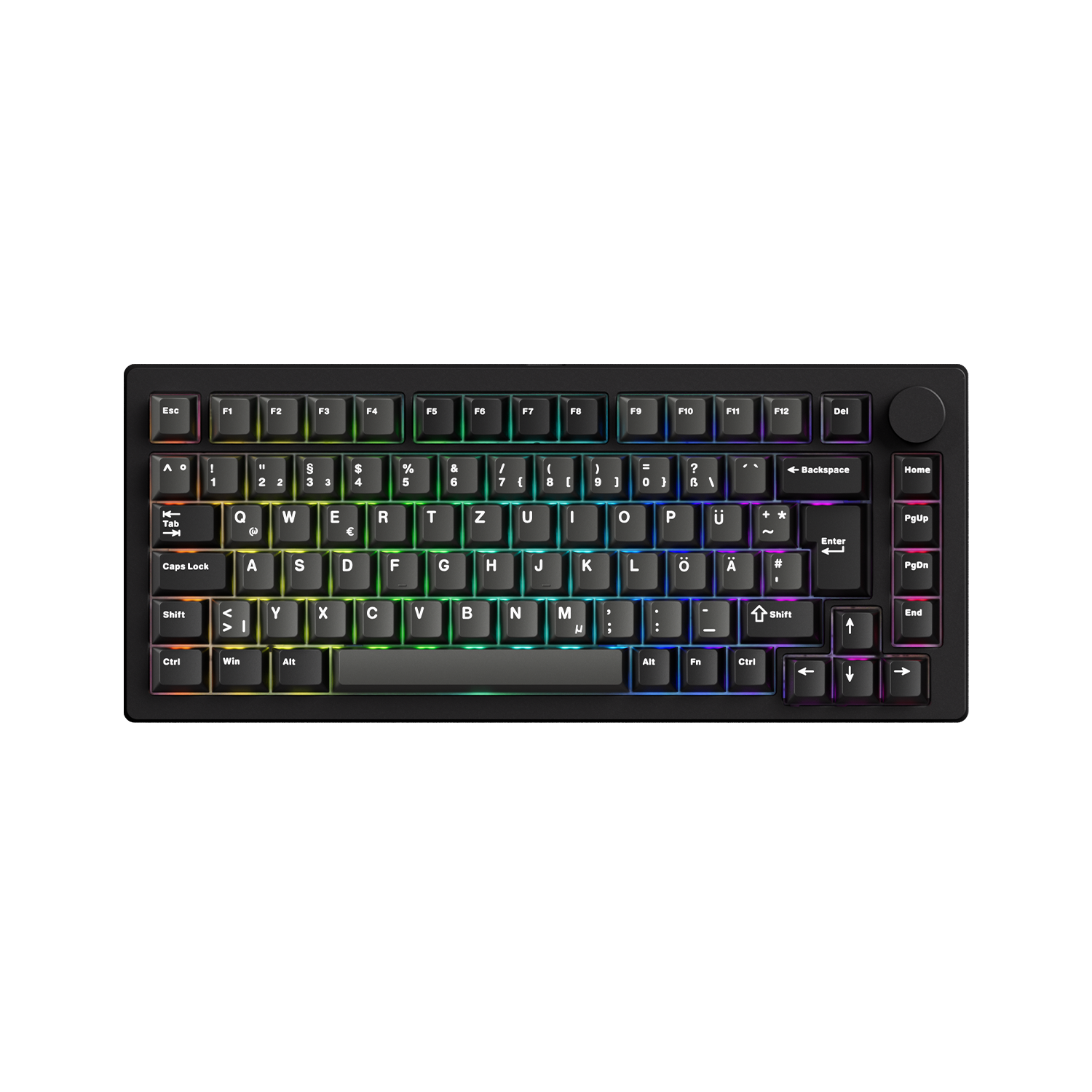
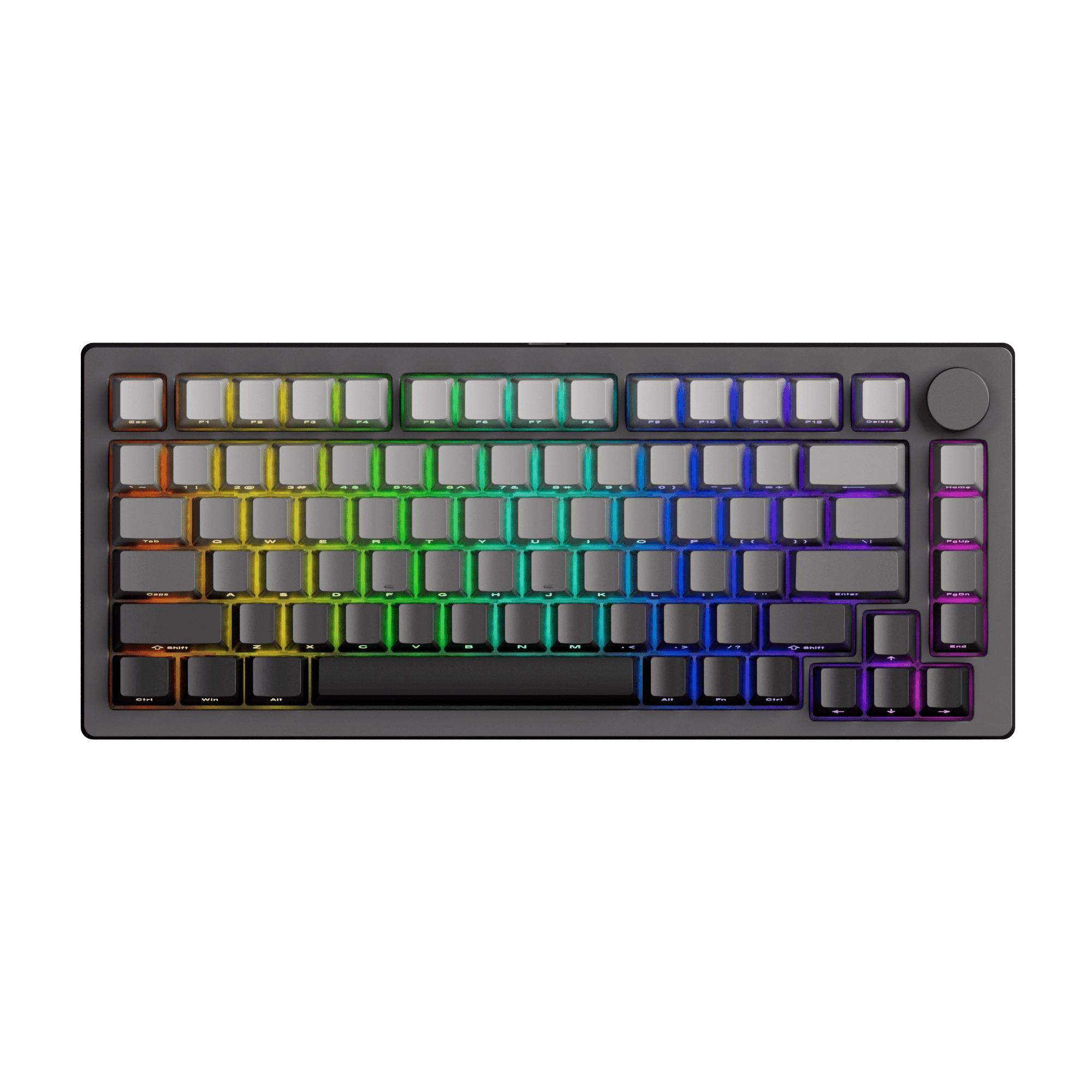
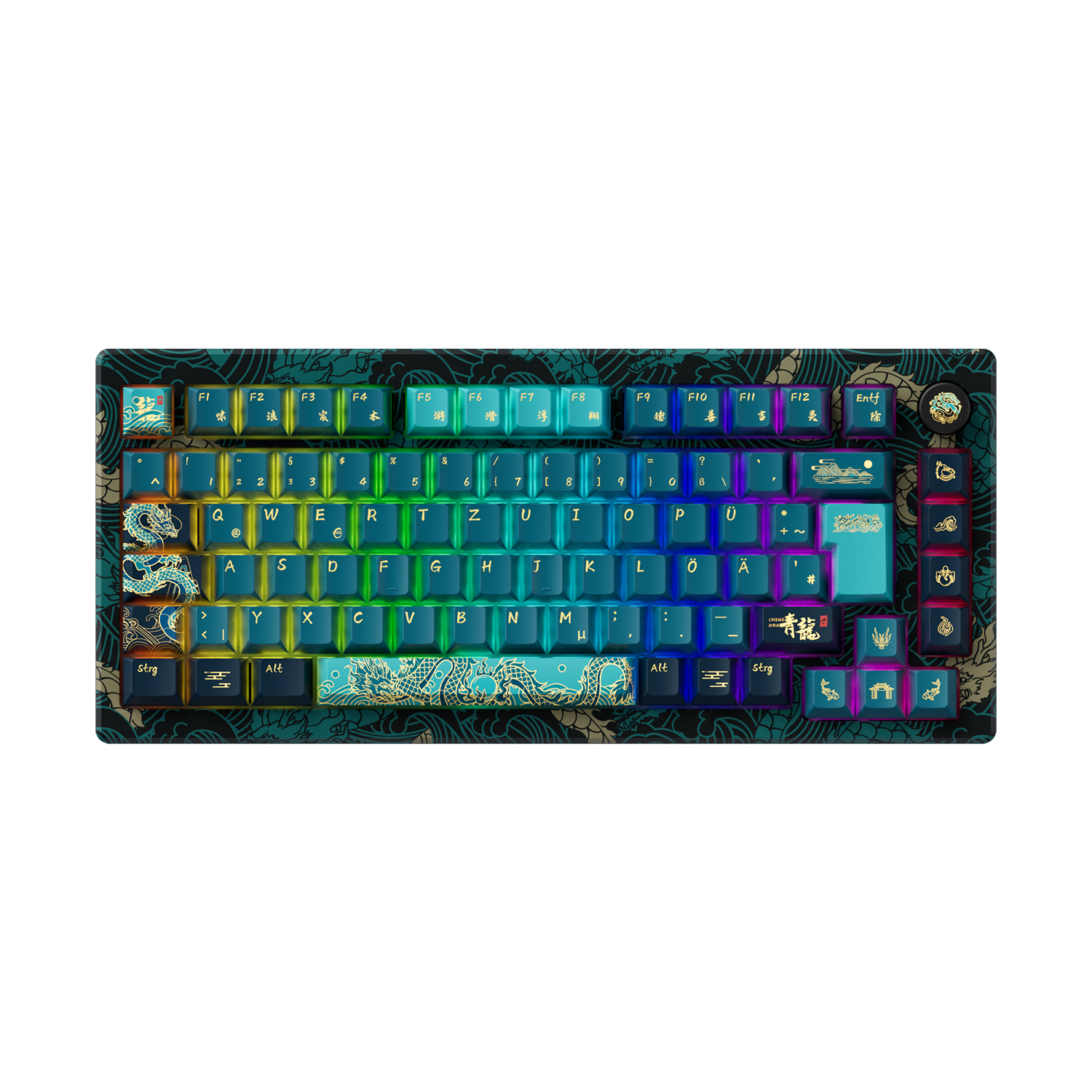
Recommended Low-Latency Gaming Keyboards




FAQ – Keyboard Polling Rate
Is 1000Hz or 8000Hz Better for Gaming?
8000Hz provides lower theoretical input latency than 1000Hz. However, the real-world difference may be small for casual users. Competitive gamers and low-latency enthusiasts may benefit more from higher polling rates.
How Do I Accurately Test My Keyboard Polling Rate?
For more accurate testing:
- Connect the keyboard directly to the motherboard USB port
- Avoid USB hubs
- Close unnecessary background applications
- Update keyboard firmware and drivers
- Use a modern browser
- Test in Safe Mode when checking 8000Hz polling rate
Does Polling Rate Affect CPU Usage?
Yes. Higher polling rates increase how frequently the system processes USB input data.
For example:
- 125Hz → very low CPU usage
- 1000Hz → low CPU usage
- 8000Hz → noticeably higher CPU usage
Modern systems generally handle 1000Hz easily, while 8000Hz may increase CPU overhead during gaming.
Why Does the Test Result Show Less Than Expected?
Several factors can affect polling rate test results:
- Browser limitations
- USB bandwidth
- Background software
- CPU load
- Power-saving settings
- Wireless interference
- Keyboard firmware configuration
Some browsers may also limit how accurately very high polling rates are detected.
Is Wireless Keyboard Polling Rate Lower Than Wired?
Not necessarily.
Modern 2.4GHz wireless gaming keyboards commonly support 1000Hz polling rates, and some advanced models support 4000Hz or higher.
Bluetooth keyboards typically have higher latency and lower polling rates compared to wired or 2.4GHz wireless gaming keyboards.
Scan Rate vs Polling Rate
Keyboard scan rate and polling rate are often confused, but they refer to different processes.
- Scan Rate: How quickly the keyboard scans its switches internally
- Polling Rate: How frequently the keyboard reports input data to the PC
A keyboard may have a high internal scan rate while still being limited by a lower USB polling rate.
For gaming keyboards and Hall Effect keyboards, both scan rate and polling rate contribute to lower input latency and faster response times.