





Mouse Polling Rate Test
Note: This test estimates mouse polling rate based on browser input events. Results may differ from the actual hardware polling rate due to system and browser limitations, especially at higher polling rates (1000Hz and above).
Click Resume to continue
How to Use
Start Testing
Click the START button to begin. This will activate the full-screen tracking mode. The button will become disabled while the test is running.
Move Your Mouse
Move your mouse continuously in circles or side-to-side. The faster and more consistent your movement, the more accurate the polling rate reading will be.
Analyze Graph
The line represents your real-time polling rate (Hz). A flat, stable line indicates a consistent sensor performance. Drops indicate instability.




What Is Mouse Polling Rate?
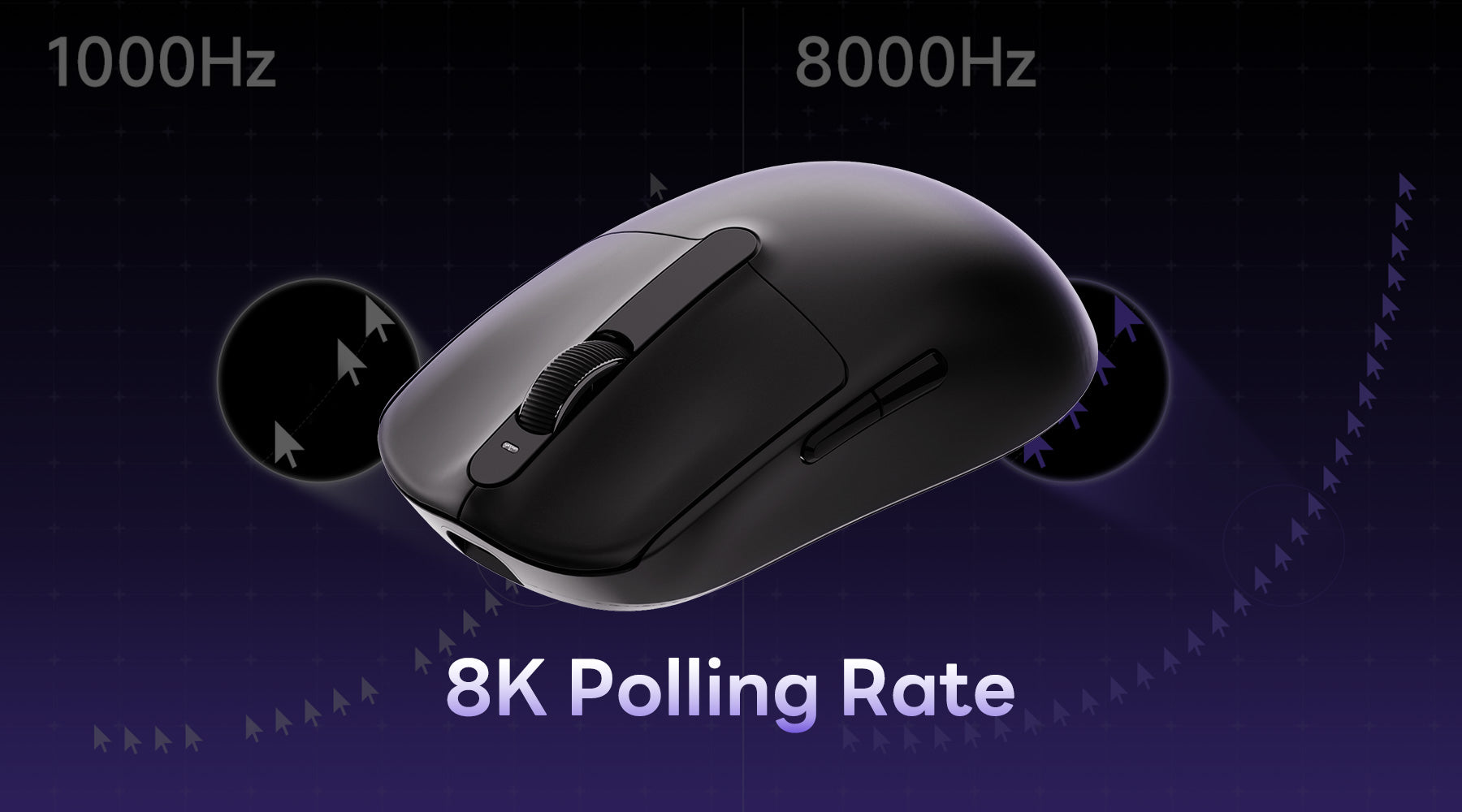
Your mouse polling rate shows how often your mouse reports its position to your computer per second.
Here’s how to interpret your result:
- 125Hz – Basic performance, suitable for office use
- 250Hz–500Hz – Decent for casual gaming
- 1000Hz – Standard for most gaming mice (recommended)
- 2000Hz–8000Hz – High-performance range for competitive gaming
If your result is close to your rated polling rate, your mouse is performing correctly. Large fluctuations may indicate stability issues.
Why Is My Polling Rate Unstable?
- CPU usage too high
- Wireless interference
- USB limitations
- Mouse hardware limits
How to Improve Polling Rate Stability
System Load
Close background apps and reduce CPU usage for more stable polling performance.
USB Connection
Use a direct motherboard USB port and avoid hubs or extensions.
Wireless Signal
Keep the receiver close and avoid interference from other devices.
Drivers & Firmware
Update mouse software and firmware to fix potential stability issues.
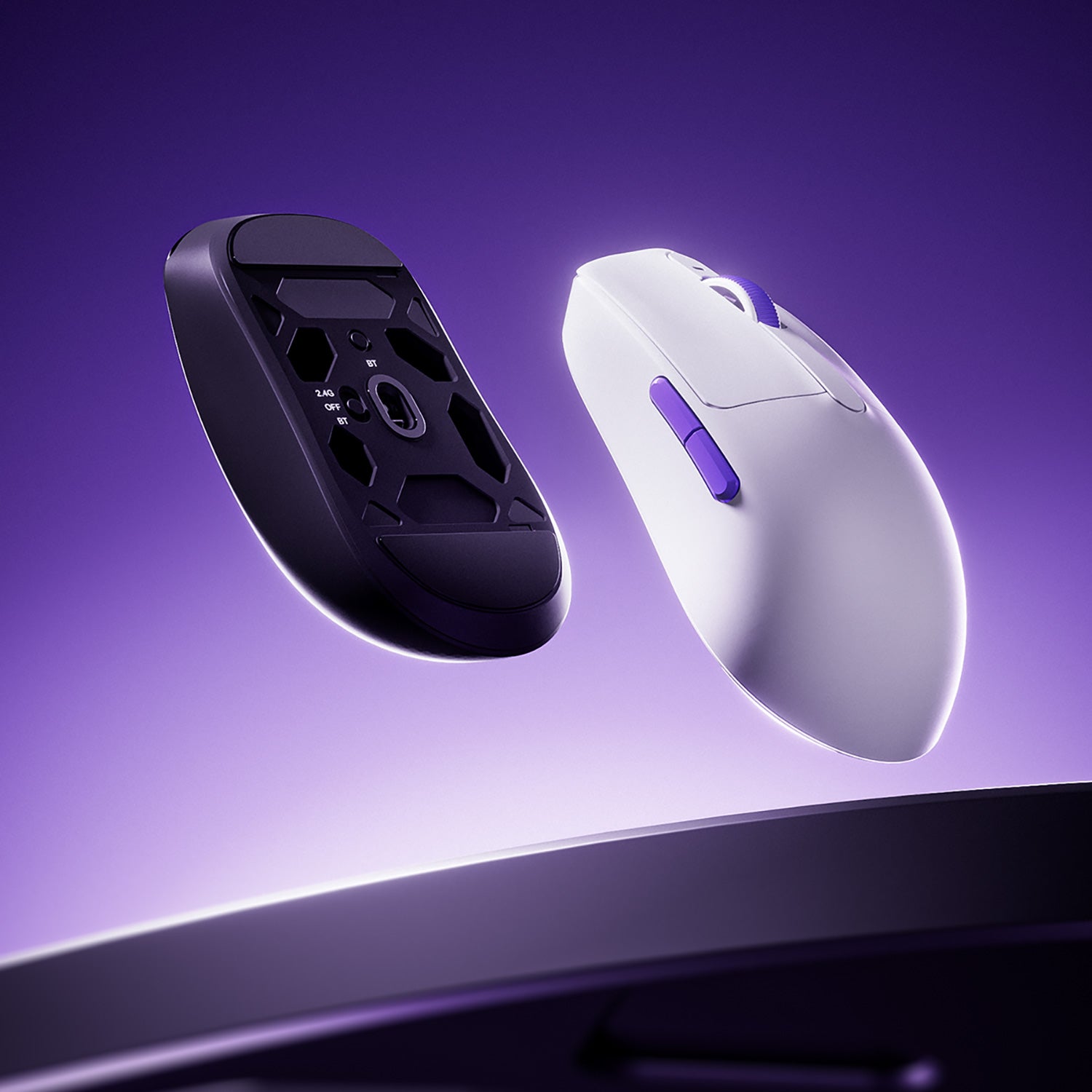
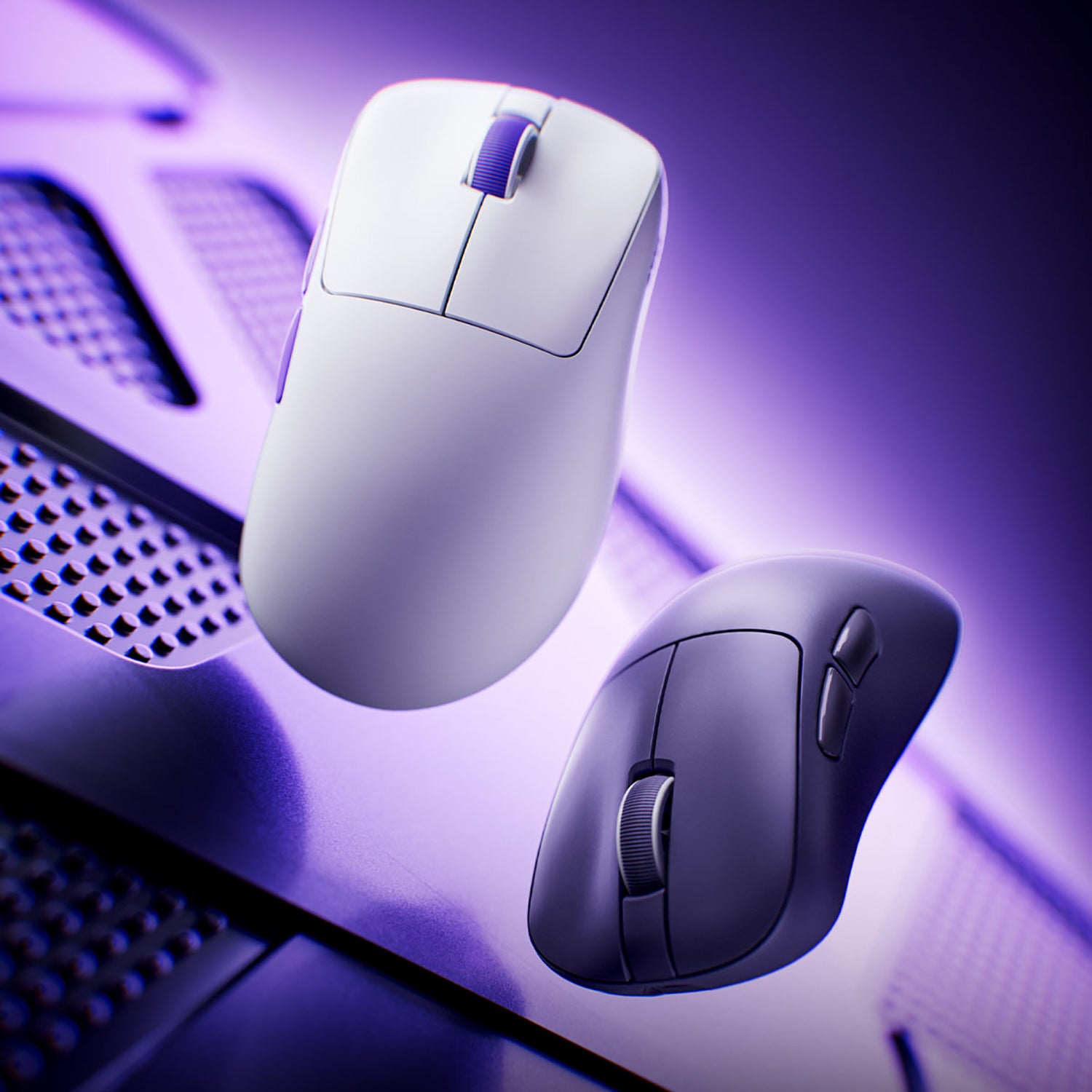
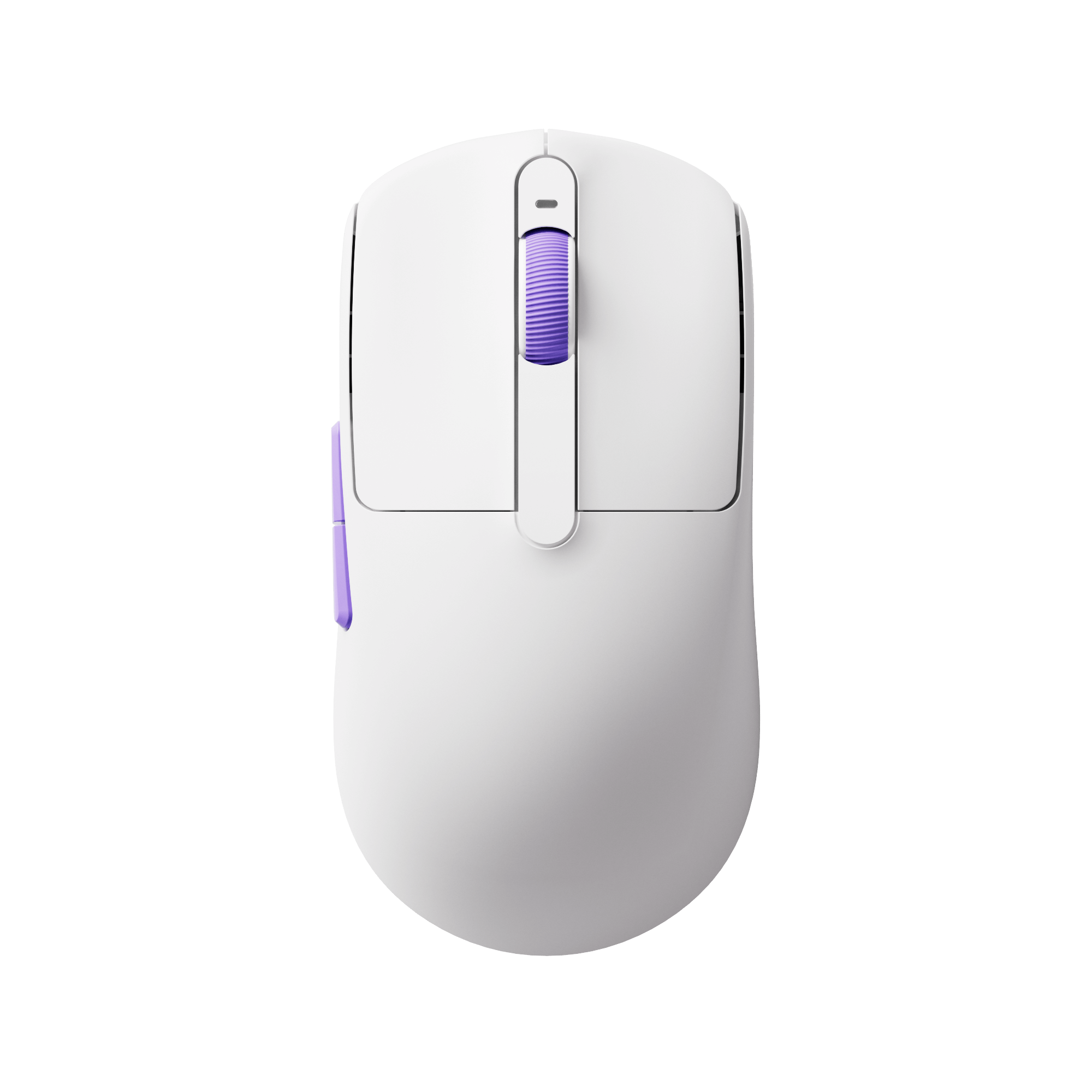
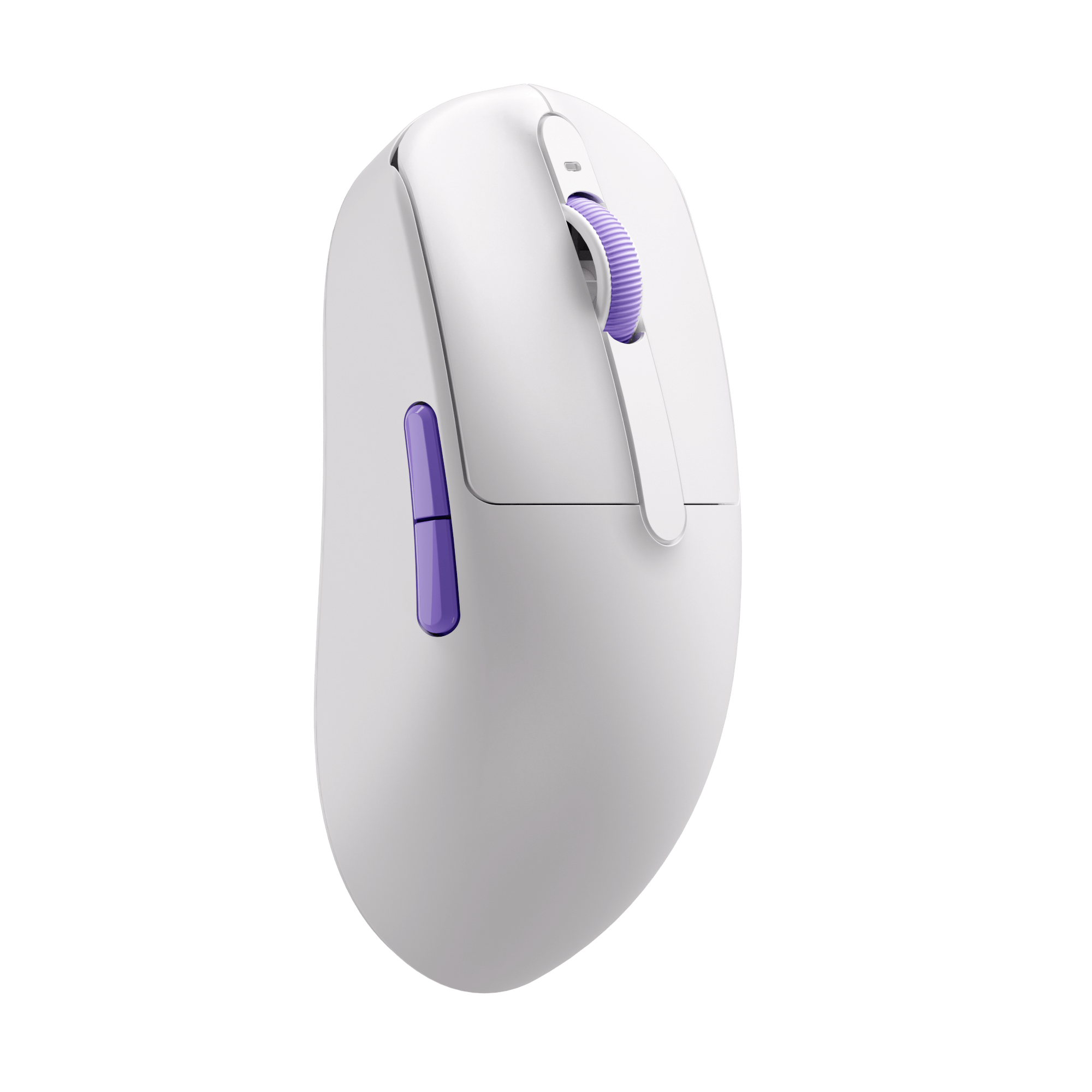
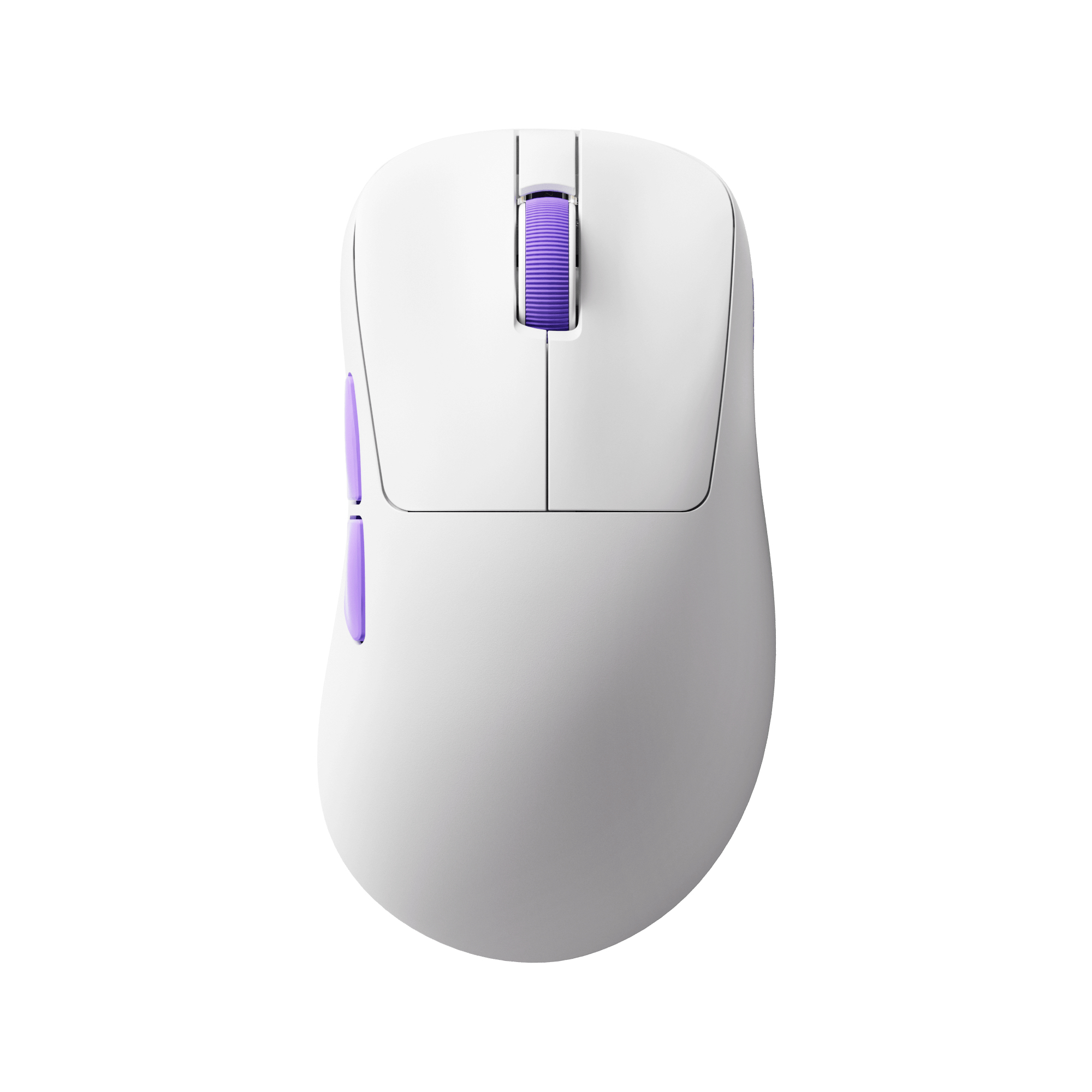
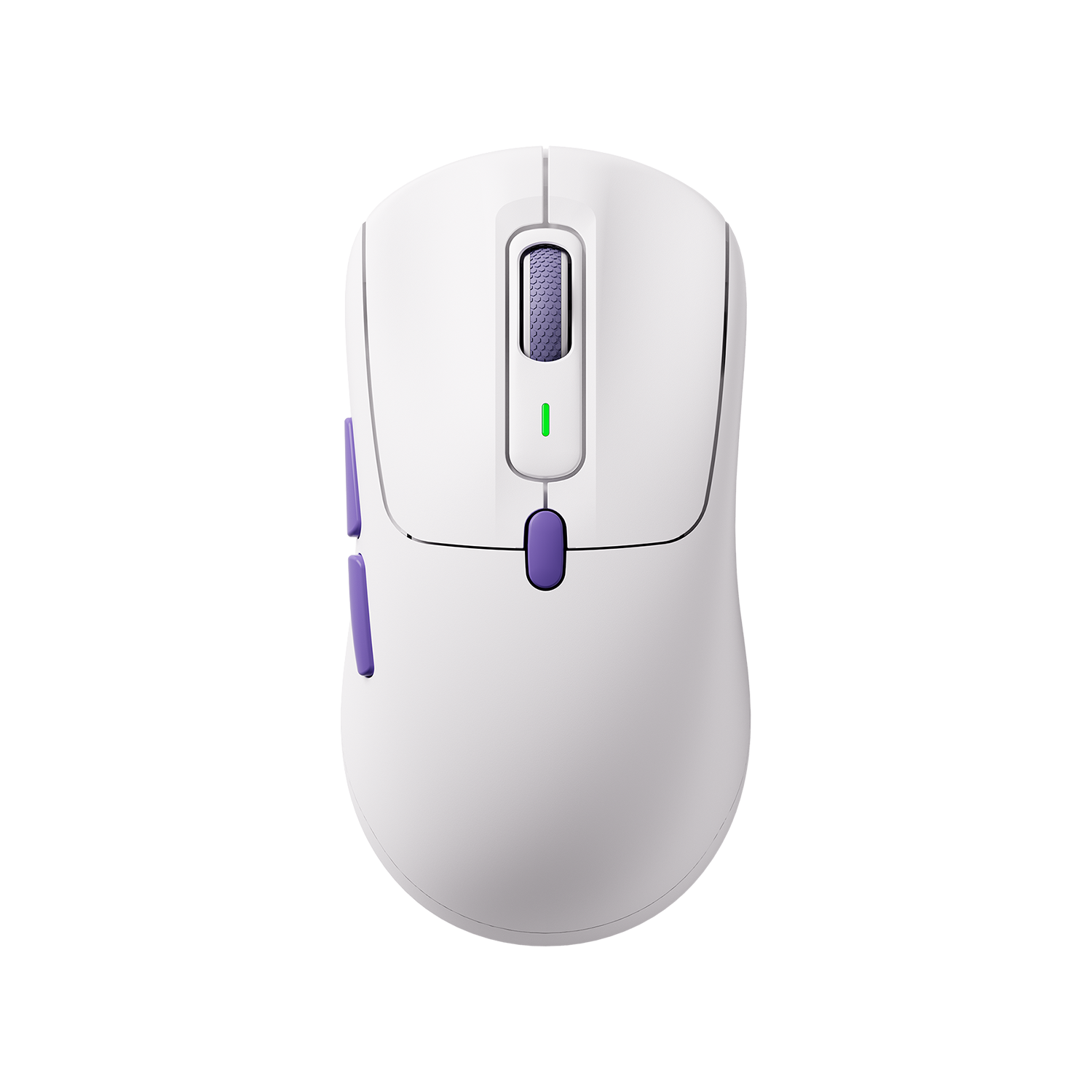
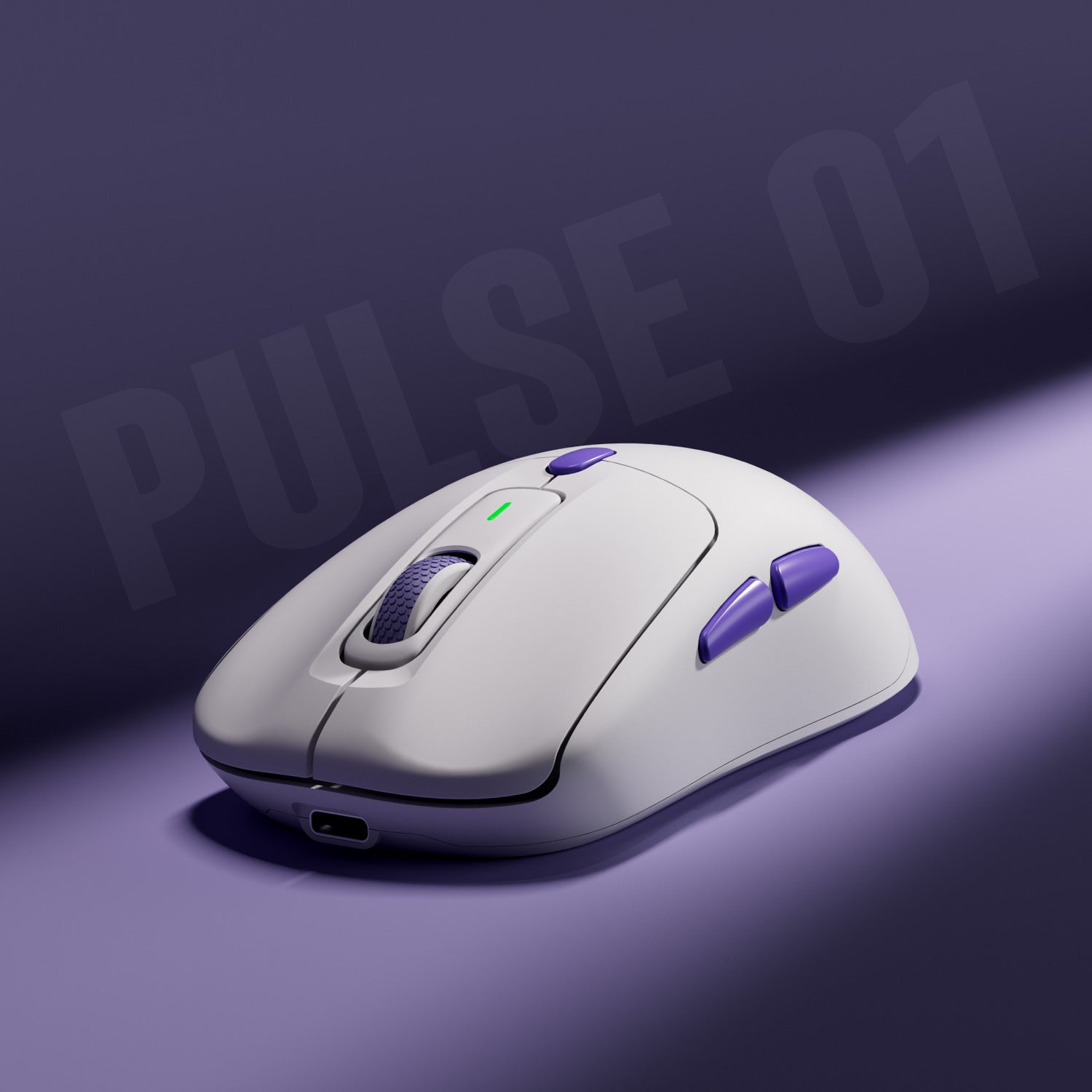
Gaming Mice for High Polling Rate




FAQ
Why is my mouse polling rate fluctuating?
A fluctuating polling rate is usually caused by system load, USB connection issues, or wireless interference.
Try closing background apps or switching to a direct USB port to improve stability.
What is a good polling rate for gaming?
For most gamers, 1000Hz is the ideal balance between performance and stability.
Higher values like 2000Hz or 8000Hz are mainly for competitive or high-end setups.
Does polling rate affect FPS?
Polling rate has minimal impact on FPS in most cases.
However, very high polling rates (4000Hz–8000Hz) may slightly increase CPU usage in some systems.
Why is my polling rate lower than expected?
This can happen due to:
- USB port limitations
- Background CPU usage
- Wireless interference
- Mouse hardware restrictions
Try testing again with a direct connection.
Wired vs wireless: which has better polling rate stability?
Wired mice generally provide more stable polling rates.
Wireless mice can still perform well, but may show slight fluctuations depending on interference and battery level.
How can I improve my mouse polling rate?
To improve stability:
- Use a direct USB port
- Close background applications
- Update mouse drivers
- Reduce wireless interference
- Avoid USB hubs